Best Small Business ERP Software in 2026: 7 Tools Compared
WLWPLegible EditorsLast verified 22 Nov 2026How we rank6 min read
★ Short answer
Odoo is the top small business ERP pick, offering a free one-app plan and paid Standard plans starting at $31.10 per user per month on Odoo Online. For service agencies, Scoro starts at $17 per user per month (minimum 5 users), while Zoho Inventory starts at $29 per organization per month.
How we make this list: we compare pricing pages, product documentation and public user reviews, then re-check every price before each update. No product paid for a place. Disclosure.
Odoo holds a 4.2/5 rating across 374 G2 reviews with a free one-app tier and Standard from $31.10/user/mo.
Microsoft Dynamics 365 Business Central is rated 4/5 across 918 G2 reviews with Essentials starting at $80/user/mo billed annually.
Scoro earns 4.5/5 across 509 G2 reviews with plans starting at $17/user/mo for at least 5 users.
Zoho Inventory rates 4.4/5 across 93 G2 reviews with a free plan up to 50 orders/mo and paid Standard from $29/mo billed annually.
Katana Cloud Inventory scores 4.4/5 across 132 G2 reviews with a free tier up to 30 SKUs and custom annual Advantage pricing.
What to look for in small business ERP software
Small businesses adopt ERP software when spreadsheets, standalone accounting tools, and disconnected inventory lists start creating stockouts, billing errors, or slow month-end closes. For most small teams, a practical ERP unifies accounting, purchasing, order management, and customer records without requiring months of custom engineering.
Pricing structure shapes total cost far more than headline per-user rates. Some platforms charge per user seat, others charge per organization with order or warehouse caps, and open-source tools waive license fees while shifting costs to hosting, upgrades, and implementation.
Check how each platform handles multi-location stock, recurring billing, and accounting integrations before committing. A light order-and-stock system often fits product sellers better than a heavy financial suite, while service firms need quoting, time tracking, and project margins in one place.
Odoo is a modular business suite covering accounting, inventory, sales, manufacturing, and CRM on a shared database. Its One App Free tier includes one app with unlimited users on Odoo Online, while Standard starts at $31.10 per user per month ($38.90 list).
The trade off is that adding a second app moves the whole workspace onto paid per-user pricing at $373.20 per user per year on Standard, and complex rollouts can require paid implementation hours. It suits growing small businesses that want one platform across operations and accounting.
What we like
Free plan covers one app with unlimited users
Broad catalog of tightly connected operational apps
Transparent public per-user tiers on Odoo Online
Watch out for
Multi-app setups require paid licenses for every user
First-year pricing increases after 12 months
Implementation and custom setup can add notable cost
Paid Standard plans unlock all apps on Odoo Online for $31.10/user/mo ($38.90 regular).Visit odoo.com
02
Microsoft Dynamics 365 Business Central
4/5on G2 (918 reviews, checked Nov 2026)
Starts at$960/yr per user
Best for Microsoft-centric teams
Entry planEssentials ($80/user/mo)
Annual cost$960/yr per full user
Light licenseTeam Members ($8/user/mo)
AI includedMicrosoft Copilot included
microsoft.com
Microsoft Dynamics 365 Business Central homepage, captured Nov 2026.
Microsoft Dynamics 365 Business Central is a cloud ERP platform built for financial management, supply chain, purchasing, and sales operations. Essentials is listed at $80 per user per month paid yearly ($960 per year), with Team Members licenses at $8 per user per month.
The trade off is a higher per-seat price at $960 per year plus potential partner setup fees and a steeper learning curve for small teams. It suits established small businesses already standardized on Microsoft 365 and Teams.
What we like
Strong financial controls, reporting, and inventory depth
Native alignment with Microsoft office and cloud tools
Lower-cost Team Members tier for light read/approval users
Watch out for
Higher annual per-user cost than entry SMB suites
Setup and configuration often involve a implementation partner
Steeper learning curve for non-ERP staff
Paid Essentials licenses start at $80/user/mo billed annually ($960/yr) and include Microsoft Copilot.Visit microsoft.com
03
Scoro
4.5/5on G2 (509 reviews, checked Nov 2026)
Starts at$204/yr per user
Best for agencies and consultancies
Starting rate$17/user/mo (5-user min)
Annual floor$204/yr per user
Core workflowQuotes, projects, time, billing
Trial14-day free trial
scoro.com
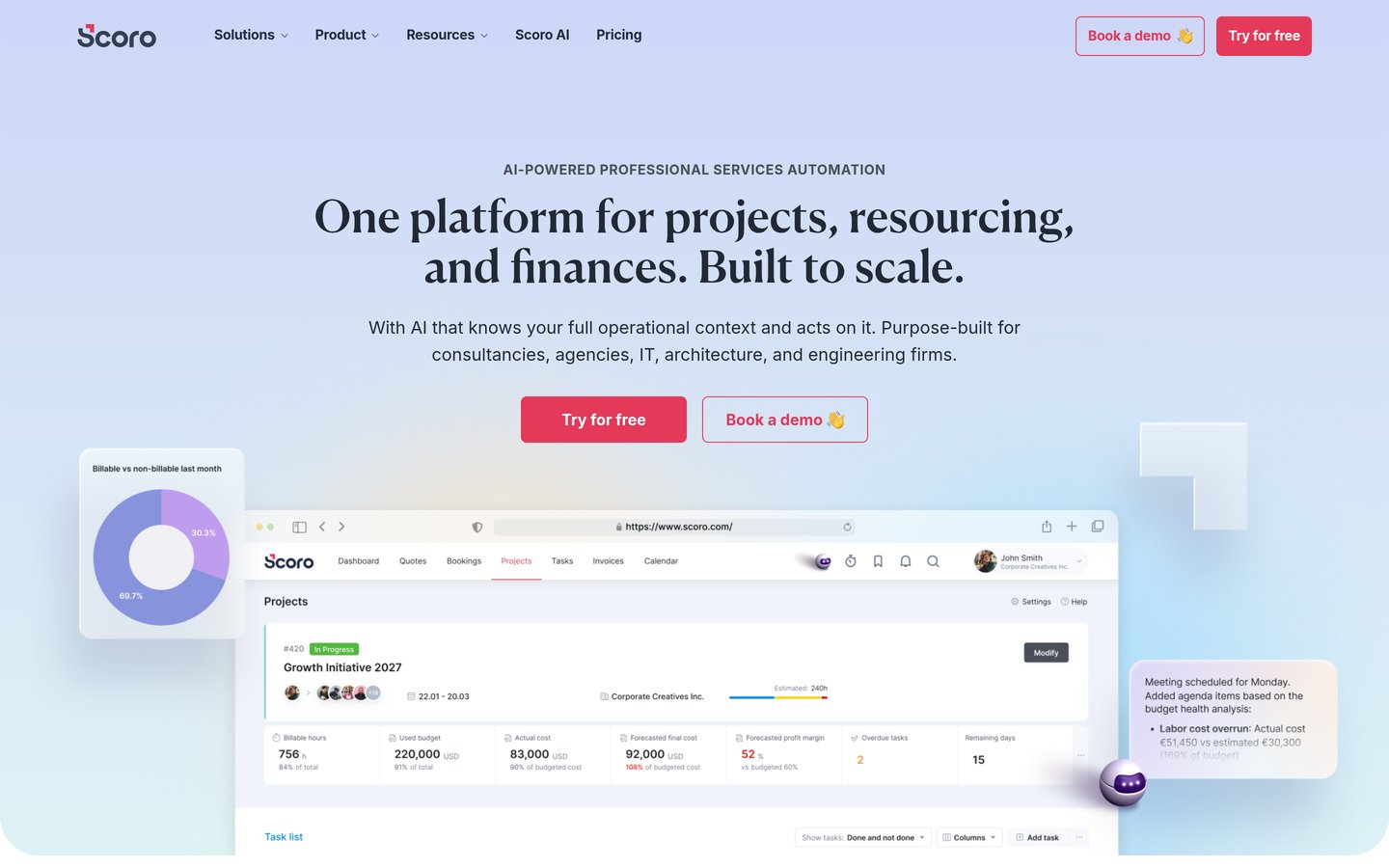
Scoro homepage, captured Nov 2026.
Scoro is an end-to-end work and financial management platform designed for service firms, agencies, and consultancies. Plan combinations start at $17 per user per month ($204 per year per user) with a 5-user minimum.
The trade off is the 5-user minimum and higher per-user tiers as you add modules or seats, starting at $204 per user per year. It suits client-service businesses that bill by project, milestone, or retainer rather than shipping physical goods.
What we like
Connects quoting, budget tracking, time logs, and invoicing
Clear resource planning and utilization visibility for teams
High user satisfaction rating across service organizations
Watch out for
Requires a 5-user minimum to get started
Per-seat costs rise as headcount and selected apps expand
Less suited to physical warehouse or manufacturing inventory
Paid plans start at $17/user/mo ($204/yr per user, 5-user minimum) for modular quote-to-cash workflows.Visit scoro.com
04
Zoho Inventory
4.4/5on G2 (93 reviews, checked Nov 2026)
Paid from$348/yr per org
Best budget inventory and order hub
Free plan50 orders/mo, 1 user, 1 warehouse
Entry paid tierStandard ($29/mo annual)
Annual org cost$348/yr (500 orders/mo)
Batch/serialStarts on Premium ($79/mo)
zoho.com
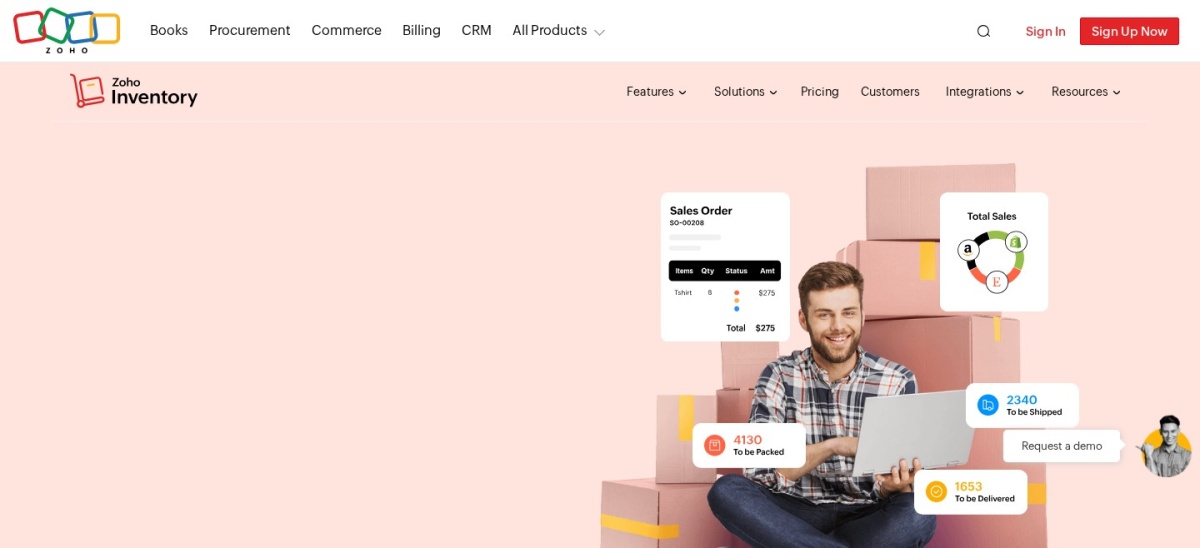
Zoho Inventory homepage, captured Nov 2026.
Zoho Inventory is an order and stock management platform built for small retailers, wholesalers, and e-commerce sellers. It offers a free plan for up to 50 orders and 50 invoices per month for 1 user, while Standard costs $29 per month billed annually ($348 per year).
The trade off is strict monthly order, user, and warehouse caps, with batch and serial tracking gated behind higher plans starting at $348 per year on Standard. It suits lean product businesses that want low entry pricing and Zoho app integrations.
What we like
Low entry cost per organization rather than heavy per-seat fees
Free plan lets small sellers test workflows up to 50 orders/mo
Integrates directly with Zoho Books, CRM, and storefronts
Watch out for
Standard caps out at 500 monthly orders, 3 users, and 2 locations
Serial numbers, batches, and barcode generation require Premium
Add-on users, locations, and order packs increase monthly spend
Paid Standard plans cost $29/mo billed annually ($348/yr) for up to 500 orders/mo, 3 users, and 2 locations.Visit zoho.com
05
Katana Cloud Inventory
4.4/5on G2 (132 reviews, checked Nov 2026)
PriceFree
Best for makers and light manufacturers
Free planUp to 30 SKUs, unlimited users
Paid planAdvantage (custom annual)
Core focusManufacturing, BOMs, stock
Trial15-day unlimited SKU trial
katanamrp.com
Katana Cloud Inventory homepage, captured Nov 2026.
Katana Cloud Inventory is an inventory and manufacturing platform focused on bills of materials, raw stock, and order fulfillment. Its free plan includes up to 30 SKUs with unlimited users and integrations, while Advantage uses custom annual pricing.
The trade off is that moving past 30 SKUs requires a custom annual Advantage quote rather than a self-serve checkout tier. It suits small makers and product brands that need live production and material planning.
What we like
Free tier supports unlimited users and locations within 30 SKUs
Built specifically around raw materials, assemblies, and sales orders
Clear, modern interface praised by small operations teams
Watch out for
Paid Advantage pricing requires a sales quote
30-SKU limit counts product variants and raw materials
Requires separate accounting software for full ledger management
Paid Advantage plans use custom annual contracts with guided implementation and live support.Visit katanamrp.com
06
ERPNext
4.2/5on G2 (52 reviews, checked Nov 2026)
Paid from$60/yr hosting
Best open-source ERP for technical teams
Software licenseFree and open-source
Cloud hostingFrom $5/mo on Frappe Cloud
Annual floor$60/yr hosting baseline
ModulesAccounting, inventory, CRM, HR
erpnext.com
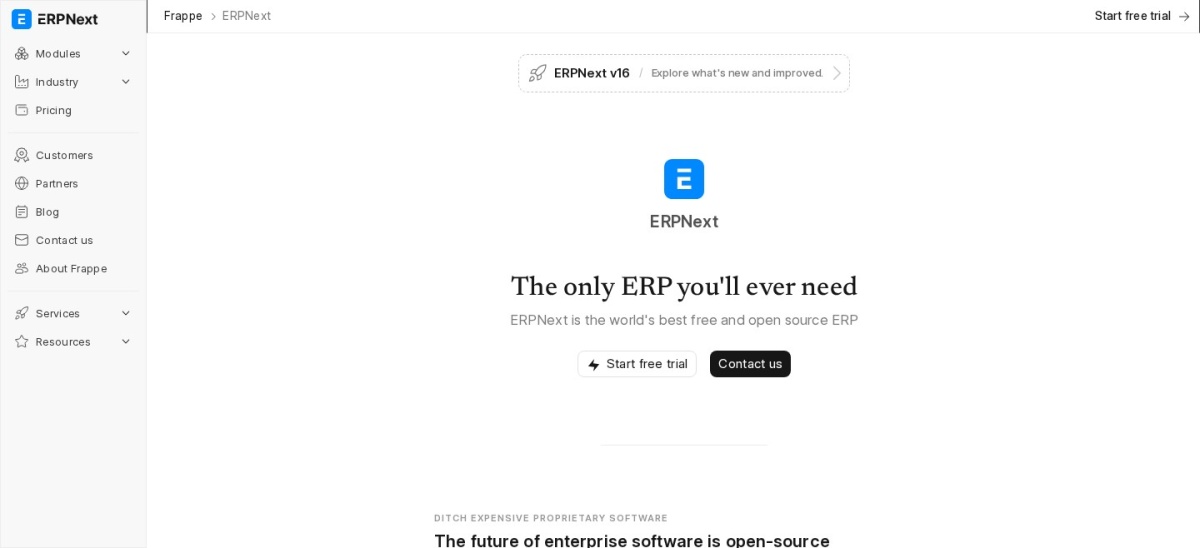
ERPNext homepage, captured Nov 2026.
ERPNext is a free, open-source ERP platform covering accounting, inventory, manufacturing, HR, and CRM in one system. The software is free to self-host, while hosted sites on Frappe Cloud start at $5 per month ($60 per year).
The trade off is that $60 per year covers only entry site hosting, and self-hosting or custom workflows demand technical administration or partner help. It suits small businesses with technical staff that want zero per-user license fees.
What we like
No per-seat software license fees on open-source builds
Wide functional coverage across finance, stock, and operations
High customizability without proprietary vendor lock-in
Watch out for
Initial configuration and maintenance take technical effort
Entry hosting excludes dedicated support SLAs
Steeper learning curve for non-technical staff
Paid Frappe Cloud hosting starts at $5/mo ($60/yr) for a single site without per-user seat fees.Visit erpnext.com
07
Dolibarr
4.5/5on Capterra (108 reviews, checked Nov 2026)
Paid from$192/yr hosting
Best lightweight open-source ERP and CRM
Software licenseFree open-source (self-host)
Managed start$16/mo via Elestio
Annual floor$192/yr managed hosting
Setup styleEnable only needed modules
dolibarr.org
Dolibarr homepage, captured Nov 2026.
Dolibarr is a modular open-source ERP and CRM system for invoicing, proposals, inventory, and basic accounting. You can self-host the open-source software for free or run a managed instance starting at $16 per month ($192 per year) on Elestio.
The trade off is a simpler interface and reliance on add-on modules or self-management once you pass $192 per year in managed hosting. It suits small businesses and freelancers wanting lightweight, module-by-module control.
What we like
Free open-source core with no mandatory license fee
Lets small teams turn on only the modules they use
Straightforward enough for small offices to adopt quickly
Watch out for
Interface feels dated compared to newer cloud suites
Specialized workflows may need third-party modules
Less depth for complex multi-plant manufacturing
Managed hosting starts at $16/mo ($192/yr) via Elestio with automated backups and updates included.Visit dolibarr.org
How we chose
This list starts from established ERP and business-operations platforms actively used by small businesses across retail, manufacturing, services, and multi-channel commerce. We prioritized tools with clear public pricing or documented tiers so small buyers can estimate baseline costs without guesswork.
All pricing figures, plan limits, and review ratings were checked on 22 Nov 2026 from vendor pricing pages and public software review directories. Where vendors publish discounted first-year or annual rates, we note the entry figure and highlight renewals or add-on terms.
We excluded enterprise suites that rely strictly on custom quotes without transparent small-business entry tiers, as well as abandoned tools with outdated releases. No vendor paid for a place, and we do not claim testing for this list.
How to choose a small business ERP
Follow four practical steps to narrow down a system that fits how your team works today and next year.
Map your core bottlenecks first. List whether your biggest headaches are stock accuracy, purchase orders, client billing, or project margins before comparing feature checklists.
Model costs by headcount and order volume. Compare per-seat subscriptions against organization plans, order caps, extra locations, and implementation fees over a full year.
Check accounting and storefront sync. Confirm how cleanly the ERP connects with your existing accounting ledger, payment tools, and sales channels to avoid duplicate entry.
Test real workflows with your team. Run a trial or sandbox using real items, invoices, and orders so non-technical staff can verify daily speed and clarity.
FAQ
When does a small business outgrow spreadsheets and basic accounting?
Most small businesses look at ERP when inventory counts drift across locations, purchase orders lack approval trails, or sales and fulfillment live in separate tools. If manual reconciliation takes hours every week, a unified system usually pays back time.
Do small businesses need a full enterprise ERP or a lighter ops suite?
Many small teams do better with modular or focused operational tools rather than heavy enterprise software. A product seller may only need order and inventory control connected to accounting, while an agency needs quoting, time tracking, and invoicing.
Is open-source ERP really free for a small business?
The source code and self-hosted software for tools like ERPNext and Dolibarr are free, so there is no per-user license bill. However, you still pay for server hosting, backups, security maintenance, and any developer time needed for setup.
What hidden costs should buyers watch for after signing up?
Watch for per-user seat additions, extra warehouse locations, order-volume overages, payment or shipping add-ons, and renewal price changes. Data cleanup and staff training can also add up during the first few months.
How long does it take a small business to implement ERP software?
Simple cloud inventory or billing setups can go live in a couple of weeks if your data is clean. Multi-module rollouts with custom workflows, historical stock migration, or manufacturing routings often take several weeks to a few months.
Should we pick a per-user plan or an organization-based plan?
Organization-based plans with order or warehouse limits often favor small teams with several staff members who only look up stock or print labels. Per-user plans work better when seat counts stay small and most users actively manage records.