Best SaaS Spend Management Software in 2026: 7 Tools Compared
WLWPLegible EditorsLast verified 22 Nov 2026How we rank12 min read
★ Short answer
SpendHound is our top SaaS spend management pick for tracking subscriptions, comparing vendor prices, and managing renewals. Its free Pro plan is available to organizations with fewer than 1,000 employees, and G2 rates it 4.7/5 from 240 reviews. NachoNacho suits card-based spending controls, while Substly focuses on software discovery and renewals.
How we make this list: we compare pricing pages, product documentation and public user reviews, then re-check every price before each update. No product paid for a place. Disclosure.
SpendHound is free for organizations with fewer than 1,000 employees, and its G2 rating is 4.7/5 from 240 reviews.
NachoNacho Premium costs $199 annually plus $10 per user monthly and provides subscription payment controls.
Substly Monitor starts at $105 monthly with annual billing, or $1,260 per year, and includes SaaS discovery and renewal alerts.
Ramp offers free vendor tracking and corporate cards. Plus lists $15 per user monthly before its annual discount and additional platform fee.
Nudge Security Essential costs $750 monthly with annual billing for up to 150 users, combining SaaS discovery with security governance.
Binadox Starter costs $99 monthly for 3 cloud accounts, 5 applications, and 3 team seats. Its public review sample is much smaller than those of established alternatives.
What to look for in SaaS spend management software
SaaS spend management software helps businesses identify software subscriptions, track recurring expenses, manage renewals, and reduce spending on unused applications. It replaces disconnected spreadsheets with a central view of software purchases, contracts, and ownership.
The first requirement is software discovery. Employees can purchase applications without involving IT or finance, creating hidden subscriptions and duplicate tools. Look for integrations with identity systems, accounting software, payment data, and application usage records.
Next, consider renewal management. Contract expiration dates, cancellation windows, automatic renewal clauses, and assigned owners should be easy to find. Early alerts give teams time to review usage and negotiate before an agreement renews.
License optimization is another important distinction. Some platforms show what the business pays, while others identify employees who no longer use purchased seats. The second approach can help teams reduce unnecessary licenses without disrupting active users.
Finally, compare pricing models and implementation requirements. Some tools charge fixed subscriptions, some use per-user pricing, and others depend on managed spend. Evaluate the cost of integrating existing systems and maintaining accurate contract information.
List prices in each vendor's currency, checked Nov 2026
RampFREE$180
NachoNachoFREE$199
Cledara£750
Binadox$1,188
Substly$1,260
Nudge$9,000
SpendHoundFREE$10,000
The 7 best SaaS spend management software tools
01
SpendHound
4.7/5on G2 (240 reviews, checked Nov 2026)
Paid from$10,000/yr
Best for SaaS spend visibility and vendor benchmarking
Free eligibilityUnder 1,000 employees
Vendor benchmarks10,000+ products
Renewal alerts30, 60 and 90 days
Paid planPlus, $10,000/yr
spendhound.com
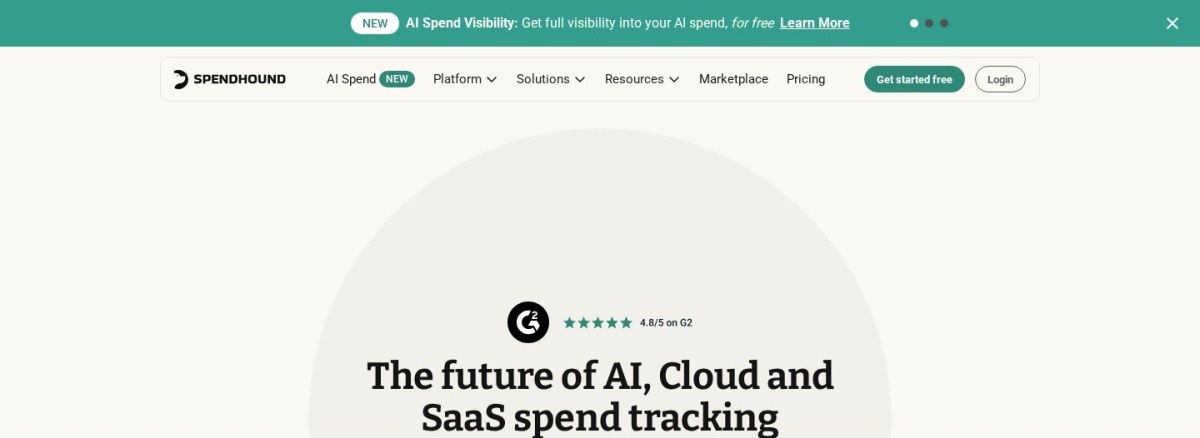
SpendHound homepage, captured Nov 2026.
SpendHound is a SaaS spend management and procurement platform for tracking subscriptions, contracts, renewals, and vendor pricing. Its Pro offering is free for organizations with fewer than 1,000 employees and includes spend visibility, pricing benchmarks across 10,000+ products, procurement support, and renewal tracking. The platform connects financial records with software usage information.
The trade off is its give-to-get model, which uses contributed, de-identified spend information to support benchmarking. Plus costs $10,000 annually for eligible larger organizations and adds dedicated procurement services and enhanced support. It suits finance and procurement teams that prioritize renewal savings and pricing intelligence.
What we like
Free Pro offering for eligible organizations
Pricing benchmarks covering 10,000+ products
Tracks contracts, renewals and software ownership
Includes procurement expert guidance
G2 rating of 4.7/5 from 240 reviews
Watch out for
Free access depends on organization size
Give-to-get model requires spend-data contribution
Larger organizations face substantially higher paid costs
Not primarily designed for issuing payment cards
Plus adds dedicated procurement services, enhanced support and enterprise onboardingVisit spendhound.com
02
NachoNacho
4.3/5on G2 (29 reviews, checked Nov 2026)
Paid from$199/yr
Best for controlling subscription payments with cards
NachoNacho is a SaaS subscription management and software marketplace platform for tracking purchases and controlling recurring payments. Basic is free, while Basic+ costs $199 annually and adds marketplace discounts. Premium combines subscription visibility with virtual and physical spend cards, vendor budgets, and payment controls.
The trade off is that Basic+ focuses on purchasing discounts rather than full spend administration. Premium adds $10 per user monthly to its $199 annual base fee, making costs dependent on team size. It suits smaller businesses seeking direct control over software payments and vendor-specific budgets.
What we like
Free Basic plan
Virtual cards and vendor spending controls on Premium
Centralized subscription and transaction dashboard
Access to software marketplace discounts
Premium supports vendor and employee budgets
Watch out for
Basic+ does not include the complete spend management package
Premium has an additional per-user charge
Smaller review sample than leading enterprise platforms
Substly is a SaaS management platform that helps businesses discover applications, track contracts, monitor software costs, and manage renewals. Monitor starts at $105 monthly with annual billing and includes multi-source SaaS discovery, shadow IT monitoring, contract management, and renewal alerts. It provides a central inventory of company applications.
The trade off is that detailed license optimization and employee offboarding require the higher Optimize plan, starting at $210 monthly with annual billing. Monitor starts at $1,260 annually. It suits businesses that want to identify software subscriptions and renewal obligations before investing in deeper usage management.
What we like
Automated SaaS discovery
Contract and renewal tracking
Shadow IT monitoring
Published pricing in USD
G2 rating of 4.8/5
Watch out for
License optimization requires a higher plan
Pricing starts at $105 monthly with annual billing
Public review sample is relatively small
Not a dedicated corporate card platform
Optimize adds unused-license detection, employee offboarding and license optimizationVisit substly.com
04
Ramp
4.8/5on G2 (2,583 reviews, checked Nov 2026)
Paid from$15/mo
Best for combining SaaS purchases with expense management
Free planAvailable
Vendor trackingAutomated
Free cardsUnlimited
Paid planPlus, $15/user/mo + platform fee
ramp.com
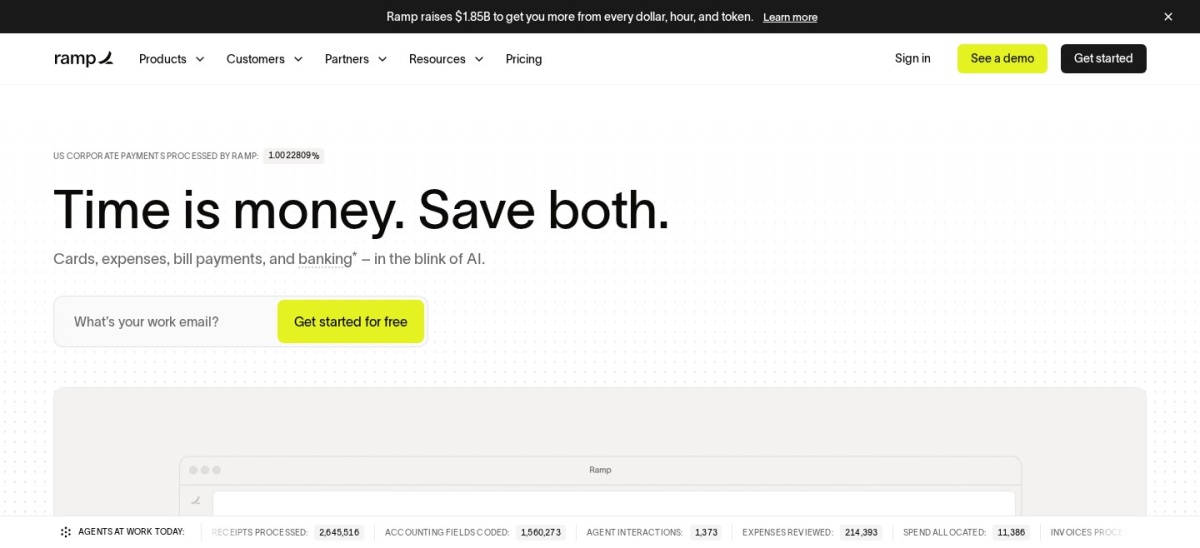
Ramp homepage, captured Nov 2026.
Ramp is a business spend management platform covering payments, corporate cards, vendor tracking, and expense controls. Its free plan includes unlimited cards, automated vendor tracking, contract extraction, price intelligence, and reporting. Businesses can monitor software purchases alongside other operational expenses and manage payment approvals.
The trade off is that Ramp is a broader finance platform rather than a dedicated SaaS license optimization tool. Plus lists $15 per user monthly before its advertised annual discount and adds a platform fee based on team size. It suits finance teams that want software spending integrated with wider purchasing and accounting workflows.
What we like
Free plan includes vendor tracking
Unlimited corporate cards on the free plan
Contract extraction and price intelligence
Accounting and approval workflows
Large public G2 review sample
Watch out for
Not dedicated to SaaS license utilization
Plus charges an additional platform fee
Some advanced procurement capabilities are add-ons
Financial services and eligibility requirements apply
Plus adds advanced accounting automation, reporting, approvals and user controlsVisit ramp.com
05
Nudge Security
4.6/5on G2 (32 reviews, checked Nov 2026)
Starts at$750/mo
Best for SaaS spend visibility and shadow IT security
Entry planEssential
Essential usersUp to 150
DiscoverySaaS and AI applications
Paid planEssential, $750/mo annually
nudgesecurity.com
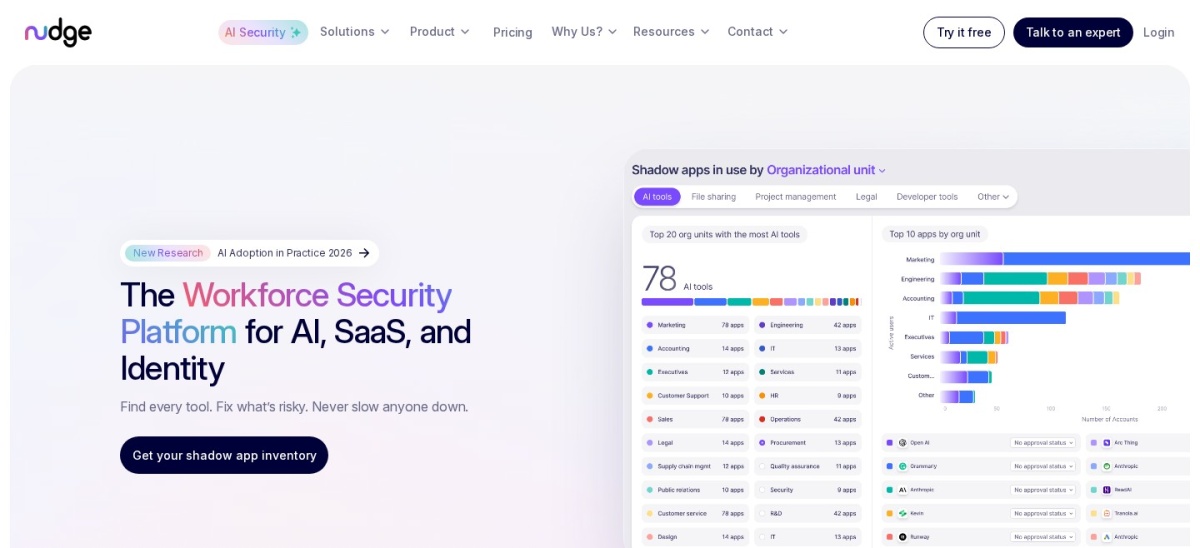
Nudge Security homepage, captured Nov 2026.
Nudge Security is a SaaS and AI application discovery platform that connects software visibility with identity governance and risk management. Essential costs $750 monthly with annual billing for up to 150 users and includes continuous application discovery, SaaS cost optimization, access reviews, and security workflows. Teams can identify unauthorized applications and investigate risky accounts.
The trade off is its security-first approach and comparatively high entry cost. Essential costs $9,000 annually, while Growth uses per-user pricing for larger organizations. It suits IT and security teams that need software spend visibility alongside shadow IT discovery, access governance, and risk reduction.
What we like
Continuous SaaS and AI application discovery
Connects application visibility with security risks
Includes access reviews and identity governance
Essential covers up to 150 users
Published pricing for Essential and Growth
Watch out for
Higher entry cost than basic subscription trackers
Security-focused rather than finance-first
Does not replace a complete procurement management system
Cledara is a software purchasing and subscription management platform for organizing SaaS payments, renewals, and budgets. Basic costs £750 annually with annual billing and supports up to 20 applications. It includes virtual cards, spending limits, renewal alerts, a software directory, and accounting integrations.
The trade off is the application limit on Basic and the extra cost of advanced spend optimization modules. The official entry price is £750 annually, with no verified USD list price available. It suits finance teams that want to control SaaS purchasing, centralize payments, and reduce missed renewals.
What we like
Centralized SaaS purchasing and payment management
Virtual cards and spending limits included
Renewal alerts and software inventory
Accounting integrations
G2 rating of 4.6/5 from 251 reviews
Watch out for
Basic supports only 20 applications
Advanced optimization features cost extra
Official published pricing is in GBP rather than USD
More expensive plans may be necessary as the software stack grows
Premium expands application capacity, approvals, invoice management and reportingVisit cledara.com
07
Binadox
4.5/5on Capterra (2 reviews, checked Nov 2026)
Starts at$99/mo
Best for combining SaaS and cloud cost monitoring
Starter cloud accounts3
Starter applications5
Starter seats3
Paid planStarter, $99/mo
binadox.com
Binadox homepage, captured Nov 2026.
Binadox is a cloud and SaaS cost management platform that helps organizations track software expenses, monitor subscriptions, and identify unused services. Starter costs $99 monthly and supports 3 cloud accounts, 5 applications, and 3 team seats. It offers a 7-day trial with access to platform features.
The trade off is the Starter plan's limited application capacity and the very small independent review sample. The published $99 monthly rate equals $1,188 annually before any additional services. It suits organizations that want to monitor both cloud spending and a relatively small SaaS portfolio.
What we like
Combines cloud and SaaS expense monitoring
Published pricing with clear account limits
Provides software cost visibility
7-day trial available
Monthly and annual billing options
Watch out for
Starter supports only 5 applications
Only 2 Capterra reviews
Limited independent evidence of customer satisfaction
Higher tiers are required for larger SaaS inventories
Professional increases cloud accounts, applications and team seatsVisit binadox.com
SaaS spend management vs SaaS procurement software
SaaS spend management focuses on understanding existing software costs. Typical features include subscription discovery, contract records, renewals, budgets, license usage, and recommendations for reducing unnecessary spending.
SaaS procurement software focuses more on acquiring and renewing software. It helps teams manage purchasing requests, vendor evaluations, approvals, negotiations, and contract workflows.
The categories overlap. SpendHound combines spend monitoring with negotiation assistance, while Cledara connects software purchasing with payment controls. Businesses primarily concerned about unused licenses should prioritize application usage data rather than procurement features alone.
How SaaS spend management software helps reduce costs
Find unused subscriptions. Software discovery and usage information can identify applications with low adoption or redundant capabilities. Finance and IT teams can review whether these subscriptions should remain active.
Review upcoming renewals. Centralized contract records make it easier to identify cancellation deadlines and negotiate before subscriptions renew. Assigning an owner to each contract helps reduce missed decisions.
Right-size licenses. Detailed usage reports can reveal purchased seats assigned to inactive employees or accounts. Reclaiming those seats may reduce future charges without removing services from active users.
Control new purchases. Vendor budgets, approval workflows, and payment card limits can help prevent unauthorized purchases and improve visibility into new subscriptions.
How we chose
We shortlisted SaaS spend management platforms that provide subscription tracking, software discovery, vendor management, renewal monitoring, payment controls, or license optimization. The selection covers specialized SaaS management products alongside broader finance and cloud cost tools.
The article uses an editorial date of 22 Nov 2026. Official pricing pages and public review profiles were checked during research on 23 Nov 2026. Published entry-level prices are reported with their applicable billing terms, while variable fees and higher-tier limitations are identified separately.
We excluded quote-only SaaS management products when no verified published starting price was available. Cledara's official price is retained in GBP because a USD list price could not be confirmed; Binadox is included with its limited public review sample clearly disclosed. No vendor paid for a place, and we do not claim testing for this list.
How to choose the right SaaS spend management software
Identify your software spending problems, then compare discovery methods, renewal management, cost controls, and total subscription costs.
Identify where SaaS spending is currently hidden. Review whether your organization struggles with employee purchases, duplicate subscriptions, inactive licenses, missed renewals, or unclear vendor ownership. Choose a platform whose core features address the largest problem.
Compare application discovery and data integrations. Check whether the platform connects to accounting systems, corporate cards, identity providers, and software applications. Multiple discovery sources can produce a more complete inventory than manual tracking alone.
Review renewal alerts and optimization features. Look for contract records, renewal notifications, assigned application owners, license activity information, and budget reporting. Confirm which features are included in the cheapest paid plan.
Calculate costs using your actual software portfolio. Check application limits, managed spend thresholds, employee counts, payment charges, and optional modules. A lower starting price may become less attractive as your software inventory and team size increase.
FAQ
What is the best SaaS spend management software in 2026?
SpendHound is our top pick for organizations that want centralized subscription tracking, pricing benchmarks, and renewal support. Its free Pro offering is available to eligible organizations with fewer than 1,000 employees. NachoNacho is better for payment card controls, while Substly is useful for software discovery.
Is there free SaaS spend management software?
Yes. SpendHound provides a free Pro offering for eligible organizations, while NachoNacho has a free Basic plan focused on marketplace access. Ramp also offers free vendor tracking and expense management features. Free plans vary substantially in software discovery, license optimization, and renewal capabilities.
What is the difference between SaaS management and SaaS spend management?
SaaS management covers the broader software lifecycle, including application discovery, access, security, user onboarding, and offboarding. SaaS spend management focuses specifically on subscriptions, contracts, costs, renewals, and optimization. Many platforms combine these functions, but their primary strengths differ.
How can businesses reduce unnecessary SaaS spending?
Businesses can begin by identifying every active subscription, reviewing application usage, comparing overlapping tools, and tracking upcoming contract renewals. SaaS spend management software helps organize this information and prioritize savings opportunities. Actual savings depend on contracts, user requirements, and whether unnecessary subscriptions can be changed or canceled.
What is shadow IT in SaaS management?
Shadow IT refers to applications adopted without formal approval or visibility from the organization's IT team. These tools can create duplicate expenses, unmanaged access, and security concerns. SaaS discovery platforms help identify applications through identity systems, financial records, browser activity, and other authorized integrations.
Which software is best for tracking SaaS renewals?
SpendHound, Substly, and Cledara provide contract and renewal tracking capabilities. SpendHound includes scheduled alerts and procurement guidance, Substly connects renewal dates with application inventory, and Cledara combines renewals with payment management. The right option depends on whether your team prioritizes negotiations, inventory visibility, or purchasing controls.
Can SaaS spend management software detect unused licenses?
Some platforms can. License optimization tools collect usage and identity information to identify inactive or underused seats. Substly offers this functionality in its Optimize tier, while other products concentrate on payment records or vendor contracts. Check integration coverage before assuming usage information will be available.
How much does SaaS spend management software cost?
Prices vary from free plans to enterprise subscriptions. NachoNacho Basic+ costs $199 annually, Substly Monitor starts at $1,260 annually, and Nudge Security Essential costs $9,000 annually. Some platforms also charge per user or sell optional modules. Compare total costs for your actual organization rather than entry prices alone.
Is SaaS spend management software worth paying for?
It can be worthwhile when software purchases are difficult to track, renewals are frequently missed, or inactive licenses create unnecessary expenses. Compare the expected savings and administrative time reduction against platform fees, implementation effort, and ongoing management requirements before committing to a paid product.