Best Restaurant POS Systems in 2026: 7 Tools Compared
WLWPLegible EditorsLast verified 22 Nov 2026How we rank13 min read
★ Short answer
Square is the best restaurant POS system for smaller operators, offering a free plan and a $49-per-location monthly Plus upgrade with restaurant reporting and inventory tools. Toast is better for dedicated restaurant operations with its $69 monthly POS plan, while SpotOn offers an alternative with flexible software and payment processing options.
How we make this list: we compare pricing pages, product documentation and public user reviews, then re-check every price before each update. No product paid for a place. Disclosure.
Square offers free restaurant POS software, while Plus costs $49/location/month with 2.5% plus 15 cents in-person processing. Capterra rates Square for Restaurants 4.4/5 from 58 reviews.
Toast offers a $0 Starter Kit option and a paid Point of Sale plan starting at $69/month. Its Capterra rating is 4.1/5 from 555 reviews.
SpotOn POS Essentials costs $55/station/month with 2.45% plus 15 cents standard card-present processing, excluding its higher Amex rate. It earns 4.2/5 from 370 Capterra reviews.
Loyverse provides free POS, kitchen displays and loyalty tools. Its cheapest paid add-on is Unlimited Sales History at $70/year, and Capterra rates it 4.8/5 from 458 reviews.
TouchBistro starts at $69/month for restaurant POS software, with menu, floor-plan, table and staff management. Its Capterra rating is 3.8/5 from 414 reviews.
Clover's quick-service Starter package costs $89.95/month plus $849 upfront, or $135/month over 36 months with bundled hardware. Capterra rates Clover 3.8/5 from 617 reviews.
What makes a good restaurant POS system?
A restaurant point-of-sale system connects orders, payments, staff and sales records. Unlike a basic card terminal, restaurant POS software can organize menus, route orders to the kitchen, manage tables and track performance throughout service.
Start with your service model. Counter-service restaurants need fast checkout, menu modifiers and reliable payments. Full-service restaurants often need table layouts, split bills, coursing, handheld ordering and kitchen coordination.
Payment processing is a major cost consideration. Some vendors bundle payment services with their software, while others offer different processing arrangements. Compare the percentage and fixed fee for each transaction rather than focusing only on the monthly subscription.
Hardware also affects your budget. A tablet-based system may work with existing compatible devices, while another platform may require proprietary terminals, handhelds and kitchen displays. Installation and implementation charges can significantly change the initial cost.
Finally, evaluate reporting and integrations. Sales by menu item, labor performance, inventory, accounting exports and multi-location reporting become increasingly important as restaurant operations grow.
Square is a restaurant POS platform combining order entry, payments, menu management and sales reporting. Its Free plan has no monthly software subscription, while Plus costs $49 per location monthly. Plus includes restaurant-oriented tools such as integrated inventory tracking and close-of-day reporting, with standard in-person processing at 2.5% plus 15 cents.
The trade off is that specialized restaurant tools can require paid upgrades. The kitchen display app costs $30 per device monthly, and additional kiosk functionality also carries fees. Plus costs $588 annually before processing, hardware and add-ons. It suits cafes, counter-service restaurants and smaller dining businesses seeking a flexible starting point.
What we like
Free software plan
Transparent subscription and processing prices
Restaurant menus and order management
Flexible hardware and mobile payment options
Additional inventory and reporting tools on Plus
Watch out for
Kitchen display software costs extra
Processing fees apply to every card transaction
Advanced features require paid plans or add-ons
Monthly fees increase with additional locations
Plus adds expanded restaurant reporting and inventory tools; Premium adds further business features.Visit squareup.com
02
Toast
4.1/5on Capterra (555 reviews, checked Nov 2026)
Paid from$69/mo
Best for full-service restaurant operations
Entry optionStarter Kit, from $0/month
Paid POS planFrom $69/month
HardwareToast-compatible devices
Customer support24/7 availability
pos.toasttab.com
Toast homepage, captured Nov 2026.
Toast is a restaurant POS and operations platform offering ordering, payments, hardware and management tools. Its eligible Starter Kit option begins at $0 monthly through a pay-as-you-go arrangement, while the standard Point of Sale subscription starts at $69 per month. The paid plan includes cloud POS software, custom hardware configuration and Toast IQ assistance.
The trade off is that payment processing, hardware arrangements and optional restaurant modules affect the final cost. The published paid entry rate equals $828 annually before additional charges. It suits full-service restaurants and operators seeking an integrated restaurant-specific system for daily service and business administration.
What we like
Built specifically for restaurant workflows
Starter Kit option with no monthly software fee
Dedicated restaurant hardware
Ordering and back-office management tools
24/7 customer support
Watch out for
Processing costs depend on the agreement
Some features are separate paid add-ons
Custom hardware configurations affect total cost
Contract requirements need careful review
The paid Point of Sale plan adds customizable hardware arrangements and standard subscription pricing.Visit pos.toasttab.com
03
SpotOn
4.2/5on Capterra (370 reviews, checked Nov 2026)
Paid from$55/mo
Best for flexible restaurant POS and payment pricing
Entry optionAll-In, $0/station/month
Paid plan$55/station/month
Essentials card-present fee2.45% + 15 cents
Support24/7
spoton.com
SpotOn homepage, captured Nov 2026.
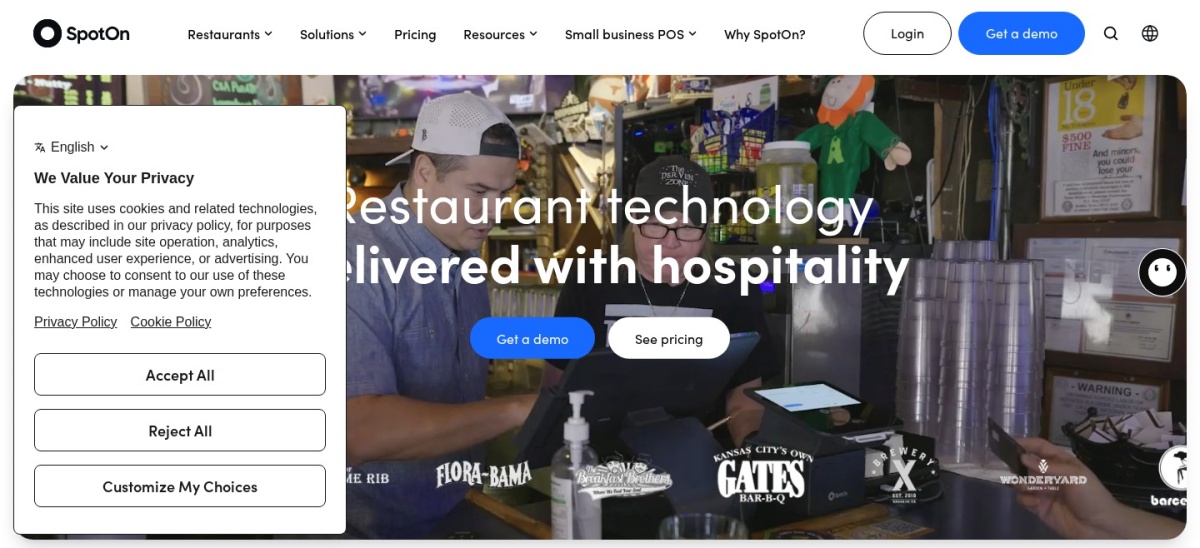
SpotOn is a restaurant POS platform covering payments, ordering, table layouts, menus and reporting. Its All-In plan charges $0 per station monthly but requires a higher processing rate and a minimum 2-year term. POS Essentials costs $55 per station monthly with lower standard card-present processing of 2.45% plus 15 cents.
The trade off is that Essentials requires separate hardware and implementation spending. Its standard station hardware is listed at $995, with a lower displayed offer price, and the software costs $660 annually per station. It suits restaurants comparing lower subscription commitments against transaction rates and upfront equipment costs.
What we like
Choice between All-In and paid subscription models
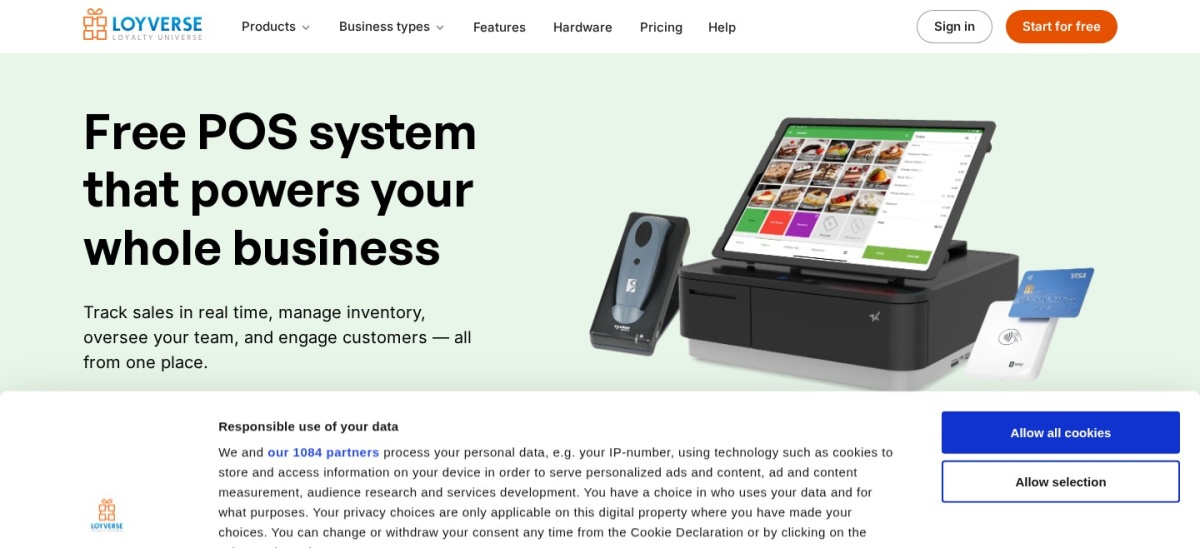
Loyverse is a mobile POS system for cafes, restaurants and retailers, with free checkout, essential inventory, loyalty and kitchen display tools. It includes sales analytics for the most recent 31 days. Its cheapest paid add-on is Unlimited Sales History at $70 annually per store, while employee management and advanced inventory cost $250 annually each.
The trade off is that staff permissions, extended reporting and advanced inventory need separate subscriptions. The free platform is also less specialized for complex full-service dining than dedicated restaurant POS systems. It suits cafes, food stalls and small operators that need affordable checkout and kitchen coordination.
What we like
Free POS and kitchen display software
Free customer loyalty functionality
Supports compatible phones and tablets
Optional add-ons rather than mandatory bundles
No minimum monthly software commitment
Watch out for
Free sales history is limited
Employee management requires a paid add-on
Advanced inventory costs extra
Fewer dedicated full-service restaurant features
Unlimited Sales History unlocks older reports; other add-ons provide staff management and advanced inventory.Visit loyverse.com
05
TouchBistro
3.8/5on Capterra (414 reviews, checked Nov 2026)
Starts at$69/mo
Best for table service and floor-plan management
Entry productPoint of Sale
Starting price$69/month
Table managementIncluded
HardwareRequired separately
touchbistro.com
TouchBistro homepage, captured Nov 2026.
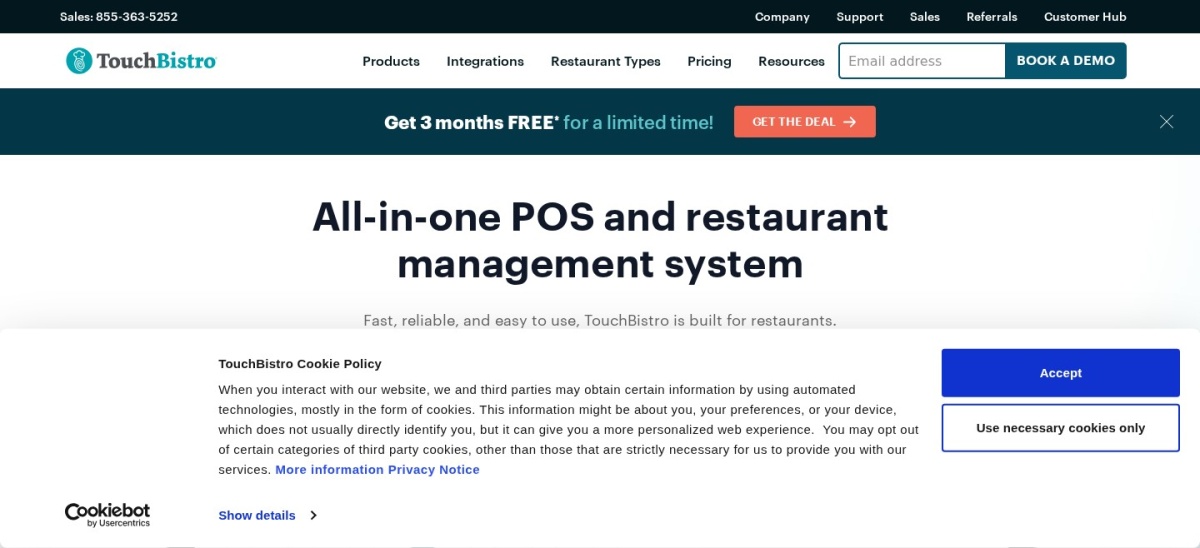
TouchBistro is restaurant POS software designed for table service, ordering and daily dining operations. Its Point of Sale offering starts at $69 monthly and includes menu management, floor plans, table management, staff controls, tableside ordering, reporting and 24/7 support. Compatible hardware is required.
The trade off is that kitchen displays, inventory management, online ordering, loyalty and reservations are additional paid solutions. The core software starts at $828 annually before hardware and optional modules. It suits sit-down restaurants that prioritize table layouts, server workflows and menu management.
Clover is an integrated restaurant POS system combining payment hardware, menu management, ordering and business reporting. Its quick-service Starter package costs $849 upfront plus $89.95 monthly, or $135 monthly over 36 months through its bundled payment option. Standard tapped, swiped and inserted card processing costs 2.3% plus 10 cents.
The trade off is hardware investment and a more involved purchasing arrangement than software-only subscriptions. Its $1,079.40 annualized software cost excludes the $849 upfront package cost and transaction fees. It suits restaurants seeking a dedicated POS terminal with integrated payments, ordering and business administration.
What we like
Integrated POS and payment hardware
Menu and order management
Online ordering included
Real-time sales and tax reporting
Additional restaurant devices available
Watch out for
Hardware requires an upfront purchase or financing
Monthly software costs are comparatively high
Processing fees remain separate
Some restaurant features require larger hardware packages
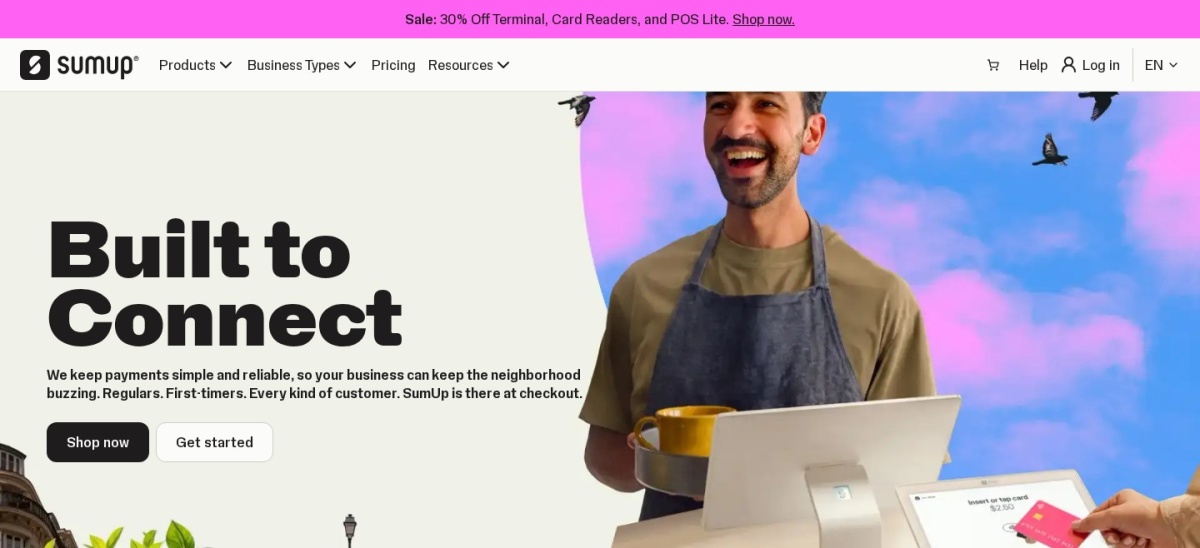
SumUp is a payment and POS platform offering card acceptance, transaction reporting and business management tools. Its free tier has no monthly software charge, while POS Plus costs $49 monthly. Plus adds restaurant-relevant features including floor-plan setup, cash drawer management, profit tracking, multiple-device synchronization and ticket printer connections.
The trade off is that larger restaurant operations may need the full SumUp POS subscription starting at $99 monthly. The $588 annual POS Plus subscription excludes processing and hardware purchases. It suits smaller cafes and quick-service operators wanting payment tools and basic restaurant administration without a complex system.
What we like
Free payment software entry option
Transparent POS Plus subscription
Floor-plan management on Plus
Cash drawer and profit tracking
No long-term POS Plus commitment
Watch out for
Advanced POS features require higher plans
Separate hardware costs may apply
Card processing charges remain
Limited product-specific Capterra review sample
POS Plus adds floor plans and device synchronization; full SumUp POS expands management and loyalty tools.Visit sumup.com
What does a restaurant POS system really cost?
Restaurant POS pricing includes more than the software subscription. A complete budget should account for payment processing, terminals, receipt printers, kitchen displays, implementation and optional modules.
Square Free and Loyverse provide entry options without recurring core software charges. Toast and SpotOn also offer qualifying zero-monthly-fee arrangements, but payment processing and contractual terms affect the overall expense.
Per-location and per-station billing can increase spending as a restaurant grows. Square Plus costs $49 per location monthly, while SpotOn Essentials costs $55 per station monthly.
Hardware arrangements vary. Clover offers restaurant bundles with an upfront purchase or monthly financing, while TouchBistro requires compatible hardware that is not included in its basic software price.
A useful comparison calculates the cost of the complete setup over the expected contract period. Include both fixed subscriptions and payment processing estimates.
Which POS features matter for different restaurants?
Quick-service restaurants prioritize fast checkout, efficient menu selection, modifiers and accurate order routing. Square, Loyverse and SumUp offer accessible starting points for simpler service models.
Full-service restaurants often require table maps, seat-based ordering, split checks and kitchen coordination. Toast and TouchBistro place greater emphasis on restaurant workflows, while SpotOn also includes table layouts and ordering.
Restaurants with multiple locations need centralized menu changes, consolidated reporting and consistent permissions. Confirm that these capabilities are included in the plan rather than assuming every POS subscription supports centralized operations.
Kitchen display systems help move orders from the front of house to preparation stations. Loyverse includes a free kitchen display, while Square prices its kitchen display application separately.
Select the system that matches how orders move through your restaurant. Extra features have little value if the core checkout and kitchen workflow becomes slower or more difficult for employees.
How we chose
We shortlisted established restaurant POS systems covering order entry, payments, menu management, reporting and restaurant operations. We considered dedicated restaurant platforms alongside simpler POS products used by cafes and quick-service businesses. Public Capterra ratings were used for every included product.
Official pricing pages and public review profiles were checked on November 23, 2026, using November 22, 2026 as the requested editorial reference date. Annual software figures reflect the cheapest verified regular paid option, excluding processing and hardware. We separately identify free plans, financing arrangements and required additional equipment.
We excluded products whose current official starting price could not be opened and verified. We also distinguished restaurant-specific review profiles from general POS reviews, and included SumUp despite its smaller product-specific review sample because its published restaurant-relevant pricing is independently verifiable. No vendor paid for a place, and we do not claim testing for this list.
How to choose a restaurant POS system
Map your restaurant's ordering, payment and kitchen workflow before choosing software or purchasing hardware.
Match the POS to your service model. Identify whether your business needs counter checkout, table management, handheld ordering or kitchen displays. Make sure the core workflow is included in the selected plan rather than relying on unspecified add-ons.
Calculate software and processing expenses. Compare monthly subscriptions, per-location or per-station charges and card processing rates. Include the expected number of transactions and average payment size when estimating ongoing costs.
Check hardware and contract requirements. Confirm compatibility with existing terminals, printers and tablets. Ask about equipment purchase prices, financing, implementation charges, replacement arrangements and contract cancellation terms before committing.
Review reporting, integrations and support. Look for menu performance, sales reporting, staff controls, accounting connections and reliable support. For growing restaurants, confirm that additional locations and devices can be managed without replacing the entire POS system.
FAQ
What is the best restaurant POS system in 2026?
Square is our top choice for smaller restaurants because it offers free entry software, transparent processing fees and a $49 monthly Plus plan. Toast suits restaurants needing more dedicated operational tools, while SpotOn offers different software and payment pricing arrangements.
Are there free restaurant POS systems?
Yes. Square and Loyverse offer free core POS software, while Toast and SpotOn provide qualifying zero-monthly-fee arrangements. SumUp also offers a free payment software tier. Transaction processing, equipment, optional modules or contractual commitments can still create costs.
How much does restaurant POS software cost?
Published paid entry prices include $49 monthly for Square Plus, $55 per station monthly for SpotOn Essentials, and $69 monthly for Toast and TouchBistro. Clover's quick-service package combines a monthly software charge with hardware costs. Payment processing is usually separate.
What is the difference between restaurant POS and retail POS software?
Restaurant POS software emphasizes menus, order modifiers, kitchen routing, tables, tips and dining workflows. Retail POS software generally focuses more on product catalogs, barcode scanning and stock management. Some platforms support both, but the included restaurant features vary by plan.
Which POS is best for a small cafe?
Square and Loyverse are strong starting points for cafes because they offer free core POS functionality. SumUp is another option for businesses prioritizing compact payment setups. Compare receipt printers, menu modifiers, transaction rates and kitchen order routing before choosing.
Which restaurant POS is best for table service?
TouchBistro provides table layouts, tableside ordering and staff controls in its core POS offering. Toast and SpotOn also support restaurant-specific ordering workflows. The best fit depends on whether you need additional handheld devices, kitchen displays, reservation tools or integrated payment processing.
Do restaurant POS systems charge payment processing fees?
Most systems charge fees on electronic transactions. Square Plus lists 2.5% plus 15 cents for standard in-person payments, while SpotOn Essentials lists 2.45% plus 15 cents for standard card-present transactions, with separate rates for certain cards. Processing terms vary by platform and agreement.
Can a restaurant POS work without internet?
Some restaurant POS systems provide offline functionality for selected tasks, but capabilities vary. Payments, synchronization and online services may be restricted during an outage. Ask vendors to demonstrate exactly what happens when connectivity fails and how pending transactions are handled.
Do I need dedicated POS hardware for my restaurant?
Not always. Loyverse can run on compatible mobile devices, while other systems offer or require dedicated terminals and accessories. TouchBistro requires compatible hardware, and Clover sells integrated equipment bundles. Hardware suitability depends on your restaurant layout and payment workflow.