Best Futures Charting Software in 2026: 7 Tools Compared
WLWPLegible EditorsLast verified 23 Nov 2026How we rank12 min read
★ Short answer
Quantower is the best futures charting software for most traders, with a free limited version and the All-in-One plan at $70 a month, rated 4.6 out of 5 from 368 Trustpilot reviews. Pick TradingView for the best free charts and TradeStation for a free platform with a broker.
How we make this list: we compare pricing pages, product documentation and public user reviews, then re-check every price before each update. No product paid for a place. Disclosure.
Quantower is the highest rated at 4.6, with a free limited version and deep order-flow tools.
TradingView has the best free charts, with a free Basic plan and the widest indicator library.
TradeStation and thinkorswim are free with a brokerage account, with no platform fee.
NinjaTrader is the most popular futures platform, with a free plan and a $99 a month paid tier.
Tradovate is the lowest rated at 1.5, with many reviewers reporting crashes and downtime.
What futures charting software should cover
Futures charting software should show clean candlestick charts, volume and order flow, with fast data that keeps up during volatile sessions.
The free limit matters most. Some platforms are free with a broker account, others offer a free tier with limited indicators. Match the free plan to how often you trade.
Order flow is where paid plans differ most. Quantower and similar tools show footprint charts and volume profiles, while free charts cover price and volume only.
Our day trading platforms list covers the brokers that sit behind these charting tools.
4.6/5on Trustpilot (368 reviews, checked Nov 2026)
Paid from$70/mo
Best futures charting software overall
Free planLimited version
Paid planAll-in-One, $70/mo
Order flowYes
Footprint chartsYes
quantower.com
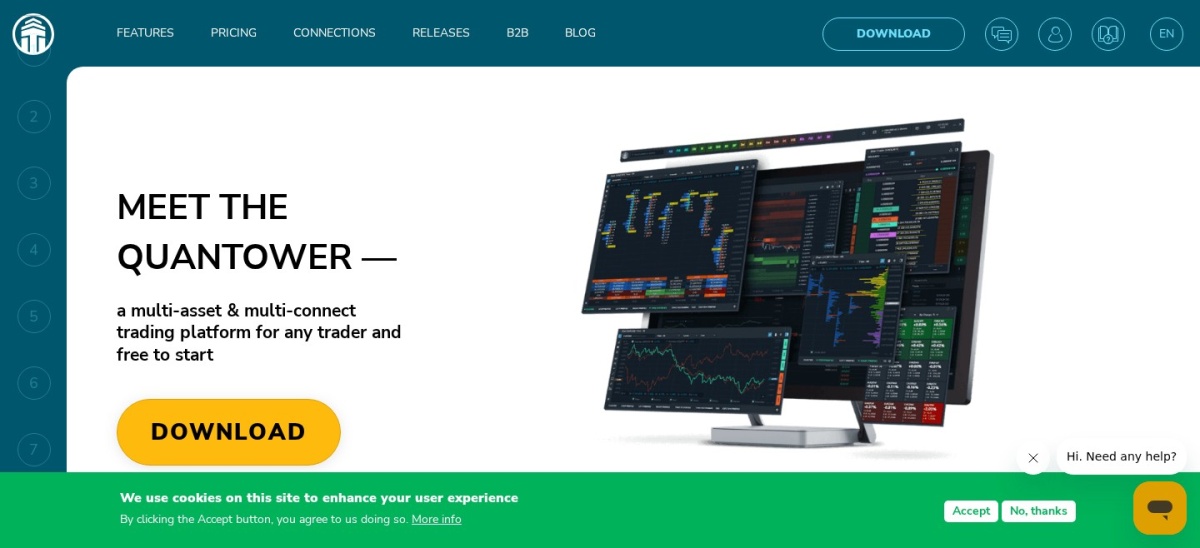
Quantower homepage, captured Nov 2026.
Quantower is a trading and charting platform built for order-flow traders, with footprint charts, volume profiles and depth-of-market tools. The free version covers basic charting, and the All-in-One plan costs $70 a month.
The trade off is learning curve. Order-flow tools take time to learn, and the free version is limited. It suits futures traders who read volume and want deep charting in one platform.
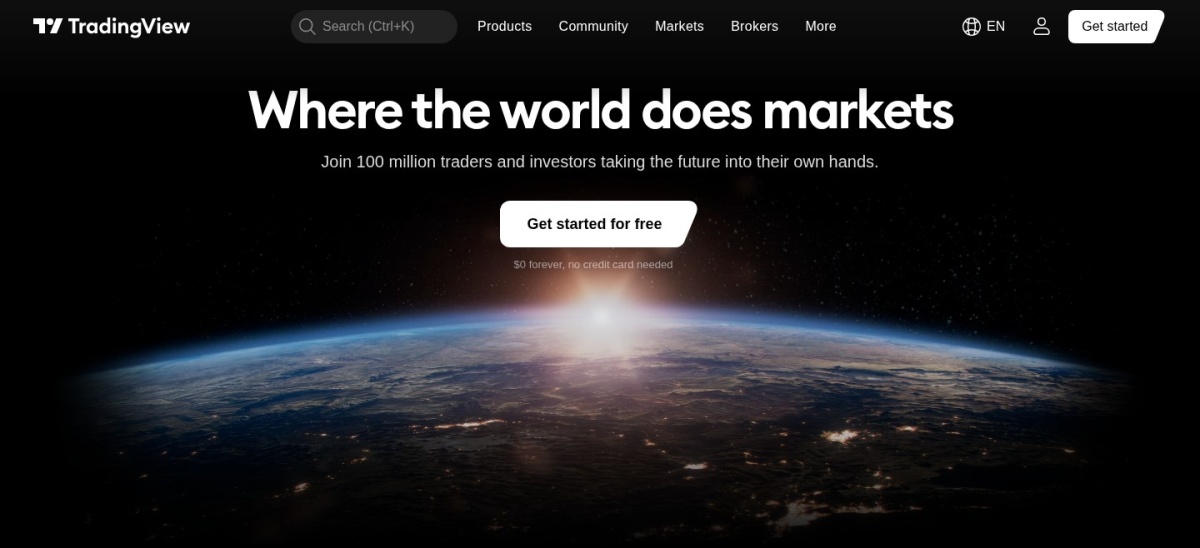
TradingView is the most popular charting platform in this list, with a free Basic plan and the widest library of indicators and scripts. It covers futures, stocks, crypto and forex in one browser-based charting tool.
The trade off is the free limit. Basic covers 1 chart per tab and 2 indicators, so heavy users need Essential at $12.95 a month billed yearly. It suits traders who want the best free charts.
4.5/5on Trustpilot (1,484 reviews, checked Nov 2026)
PriceFree
Best free with a broker
Free plan$0 platform fee
Paid planCommissions only
IndicatorsYes
Strategy replayYes
tradestation.com
TradeStation homepage, captured Nov 2026.
TradeStation is a broker and charting platform with no platform fee, so the desktop platform is free with a brokerage account. It covers futures charting, strategy replay and automated strategies in one place.
The trade off is commissions. The platform is free, but futures trades carry commissions and exchange fees. It suits traders who want a free platform tied to a broker account.
thinkorswim is the trading platform from Charles Schwab, free for Schwab clients with no platform fee. It covers futures charting, options analysis and paper trading in one desktop and mobile app.
The trade off is the broker tie-in. It is free only with a Schwab account, and its futures tools are lighter than Quantower or NinjaTrader. It suits Schwab clients who want free charting.
3.8/5on Trustpilot (1,270 reviews, checked Nov 2026)
Paid from$99/mo
Best for active futures traders
Free planCharting and sim
Paid planMonthly, $99/mo
Strategy replayYes
Broker supportWide
ninjatrader.com
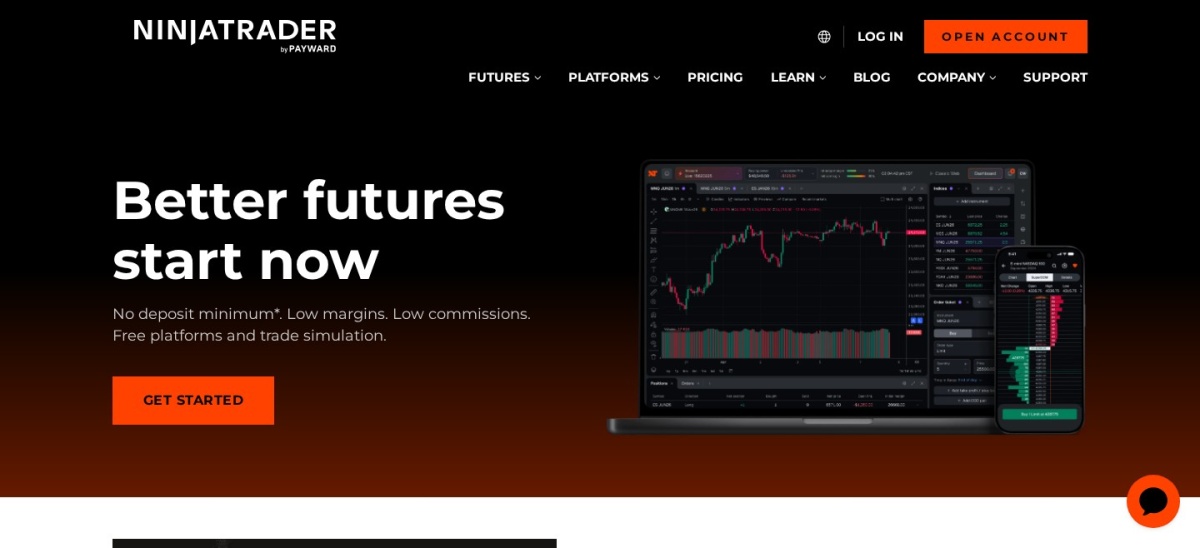
NinjaTrader homepage, captured Nov 2026.
NinjaTrader is the most popular futures trading platform, with a free plan for charting and sim trading. It covers advanced charting, strategy replay and automated strategies, and it connects to many brokers and data feeds.
The trade off is cost. The Monthly plan costs $99 a month, and the Lifetime license is $1,499. It suits active futures traders who want a deep platform with wide broker support.
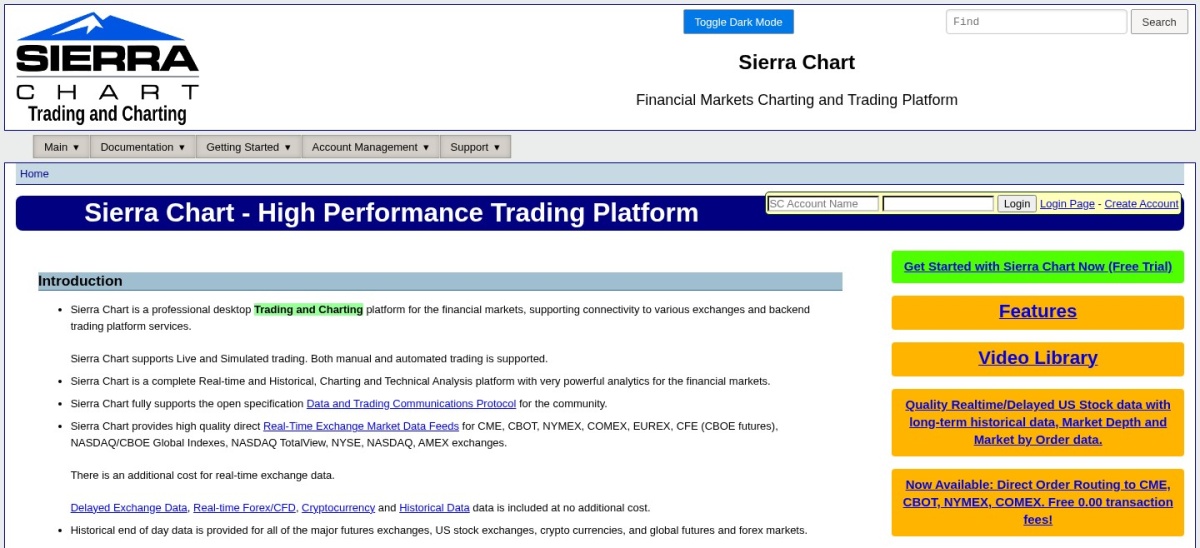
Sierra Chart is a fast, lightweight charting platform for futures traders, known for speed and stability on older machines. The base package costs $26 a month, with higher tiers adding order-flow and market-depth tools.
The trade off is the free plan. Sierra Chart has no free plan, only a trial, and the interface looks dated beside TradingView. It suits traders who value speed and stability over looks.
1.5/5on Trustpilot (1,912 reviews, checked Nov 2026)
Paid from$99/mo
Best for cloud trading
Free planYes
Paid plan$99/mo
Order flowNo
Mobile appYes
tradovate.com
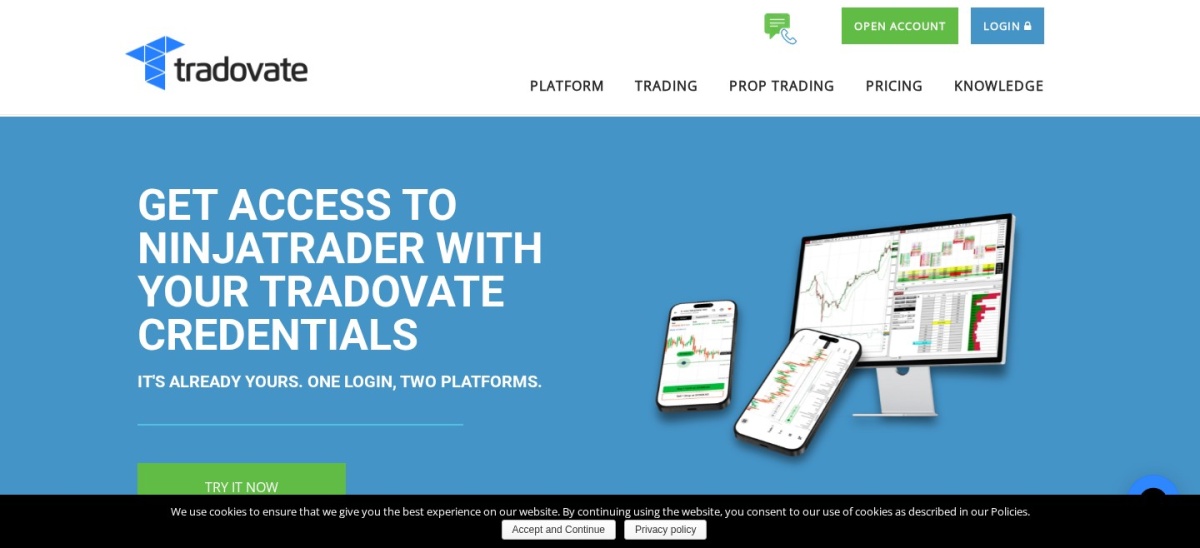
Tradovate homepage, captured Nov 2026.
Tradovate is a cloud-based futures trading platform with a free plan and a $99 a month paid tier. It covers charting, order entry and a mobile app, with no desktop install needed.
The trade off is reliability. Tradovate scores 1.5 out of 5 from 1,912 Trustpilot reviews, with many reviewers reporting crashes and downtime. It suits traders who want a cloud platform and can accept the risk.
Free plans cover basic charting well. Most include candlestick charts, indicators and a paper account.
Paid plans mostly add order flow and indicators. You get footprint charts, volume profiles and more charts per tab.
If you trade with a broker, TradeStation and thinkorswim are free with an account. Our day trading platforms list covers the brokers behind these tools.
For a trader who charts every day, a paid plan costs less than one bad fill.
How we chose
We started from the futures charting platforms with the most G2 and Trustpilot reviews, then kept those with a free plan or a free tier.
Prices come from each vendor's pricing page or G2 pricing data, checked on 23 November 2026. Ratings and review counts come from G2 or Trustpilot on the same day. Where a vendor shows a sale, the list shows the regular price.
We left out tools with no G2 or Trustpilot rating and no free way to chart. No vendor paid for a place, and this list is based on pricing, docs and reviews, not on using the tools ourselves.
How to choose futures charting software
Start with whether you trade with a broker, then check the free limit.
Check your broker. TradeStation and thinkorswim are free with a broker account. See the day trading platforms list for broker options.
Count your indicators. Free plans cap indicators. TradingView Basic covers 2, so heavy users need Essential.
Decide on order flow. Quantower and Sierra Chart cover footprint charts and volume profiles for order-flow traders.
Plan for growth. If you trade daily, the cheapest paid upgrade matters. TradingView Essential costs $12.95 a month.
FAQ
What is the best futures charting software?
Quantower is the strongest pick for most traders. It is rated 4.6 out of 5 from 368 Trustpilot reviews, with a free limited version and deep order-flow tools.
Is TradingView free for futures?
Yes, for basic charting. The free Basic plan covers 1 chart per tab and 2 indicators, with futures data included.
Which futures charting software is free with a broker?
TradeStation and thinkorswim are both free with a brokerage account, with no platform fee.
Do free plans include order flow?
Most do not. Quantower's free version covers basic charting, while footprint charts and volume profiles need the $70 a month All-in-One plan.
What is the best futures charting software for beginners?
TradingView is the easiest to learn, with the widest indicator library and a free Basic plan.
Why is Tradovate rated so low?
Tradovate scores 1.5 out of 5 from 1,912 Trustpilot reviews, with many reviewers reporting crashes, freezing and downtime.