Best Scheduling Software for Cleaning Business in 2026: 7 Tools Compared
WLWPLegible EditorsLast verified 22 Nov 2026How we rank6 min read
★ Short answer
ZenMaid is the top pick for cleaning scheduling, starting at $19/month for up to 40 appointments with calendar, dispatch, and map views. Jobber suits growing multi-crew teams needing quotes and invoicing in one place, while Maidily fits solo cleaners and small crews starting with a free 10-job tier.
How we make this list: we compare pricing pages, product documentation and public user reviews, then re-check every price before each update. No product paid for a place. Disclosure.
ZenMaid starts at $19/month on Starter for up to 40 monthly appointments and holds a 4.7 rating from 205 Capterra reviews.
Jobber starts at $29/month billed annually on Core and holds a 4.6 rating across 1,500 Capterra reviews.
Housecall Pro starts at $59/month billed annually on Basic with a 4.7 rating from 2,749 Capterra reviews.
BookingKoala starts at $27/month on Starter with a 4.9 rating across 44 Capterra reviews.
Maidily offers a free tier for up to 10 jobs/month and a $29/month Start plan for 50 jobs/month, rated 4.8 from 33 Capterra reviews.
What to look for in cleaning business scheduling software
Cleaning businesses rarely run on simple one-off calendar slots. Weekly, biweekly, and monthly recurring cleans require easy rescheduling, crew assignments, and clear client access notes so cleaners know entry codes, pet details, and surface rules before arriving.
Pricing structure matters as soon as you hire your first cleaner or contractor. Some platforms charge a flat base fee plus per-user seats, while others meter by monthly job volume or facility count, which can change your bill sharply as your team grows.
Residential maid services usually prioritize online booking forms, bedroom-and-bathroom pricing calculators, and card-on-file billing. Commercial and janitorial teams often need mobile clock-in, inspection checklists, and location tracking across multiple buildings.
Check what comes standard versus what costs extra before committing. SMS reminders, custom booking domains, payroll tools, and accounting syncs are frequently separated by tier or billed as add-ons.
The 7 best scheduling software for cleaning business
01
ZenMaid
4.7/5on Capterra (205 reviews, checked Nov 2026)
Starts at$19/mo
Best for recurring residential maid scheduling
Entry planStarter ($19/mo)
Monthly cap40 appointments
PaymentsStripe & Square
Trial14-day free trial
zenmaid.com
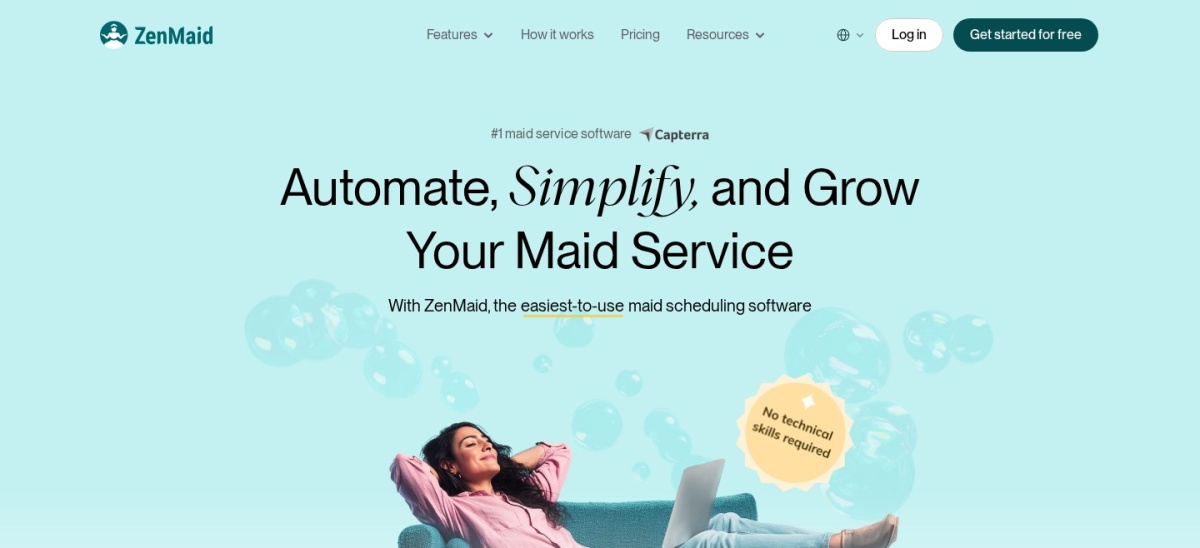
ZenMaid homepage, captured Nov 2026.
ZenMaid is scheduling software built for residential cleaning and maid services, starting on Starter at $19/month for up to 40 appointments per month. It includes calendar, dispatch, and map views, Stripe and Square invoicing, and a mobile app for cleaners.
The trade off is that Starter caps monthly appointments at 40 and excludes cleaner GPS tracking, while additional team seats and SMS bundles cost extra at $19/month base pricing. It suits owner-operators and residential maid teams running repeat weekly or biweekly home cleans.
What we like
Workflows designed around recurring maid appointments and dispatch views
Supports both Stripe and Square for invoicing and card storage
Includes a cleaner mobile app with SOS alerts on Starter
Watch out for
Starter plan limits you to 40 appointments per month
Extra users and SMS message bundles add to the base cost
Higher tiers remove the 40-appointment cap and add digital checklists and cleaner GPS tracking.Visit zenmaid.com
02
Jobber
4.6/5on Capterra (1,500 reviews, checked Nov 2026)
Starts at$29/mo
Best for quoting, scheduling, and invoicing together
Entry planCore ($29/mo yr)
BillingAnnual or monthly
Core toolsQuotes, jobs, invoices
TrialFree trial available
getjobber.com
Jobber homepage, captured Nov 2026.
Jobber is field service management software for home and commercial service companies, starting on Core at $29/month billed annually for quoting, scheduling, client communication, and invoicing. It helps crews move estimates into scheduled jobs and collect payments online.
The trade off is that adding multiple staff members and unlocking higher-tier tools raises costs past the $29/month entry rate, and it is not exclusive to cleaning. It suits cleaning businesses that rely on formal estimates, invoices, and multi-crew dispatch.
What we like
Combines estimates, job scheduling, client messaging, and invoicing
Covers both residential and commercial service workflows
Widely reviewed with 1,500 ratings on Capterra
Watch out for
Entry price reflects annual billing and expands as you add team seats
General field-service setup rather than cleaning-only templates
Upper tiers add broader team plans, automated reminders, and extra workflow and marketing tools.Visit getjobber.com
03
Housecall Pro
4.7/5on Capterra (2,749 reviews, checked Nov 2026)
Starts at$59/mo
Best for multi-person home service teams
Entry planBasic ($59/mo yr)
Booking24/7 online booking
Mobile appiOS & Android
Trial14-day free trial
housecallpro.com
Housecall Pro homepage, captured Nov 2026.
Housecall Pro is field service software for home service businesses, starting on Basic at $59/month billed annually for online booking, scheduling, dispatching, invoicing, and review management. Note that Housecall Pro also runs a 50% off first 3 months promotion.
The trade off is a higher starting price than cleaning-focused schedulers at $59/month billed annually, with route tools, employee GPS tracking, and QuickBooks sync sitting on higher tiers. It suits home cleaning teams that want polished customer booking and room to scale.
What we like
Includes 24/7 online booking, dispatching, invoicing, and review tools on Basic
Includes iOS and Android apps plus live phone and chat support
Strong track record with 2,749 Capterra reviews
Watch out for
Higher starting cost than several cleaning-specific schedulers
GPS tracking, routes, and QuickBooks sync require upgrading past Basic
BookingKoala is booking and scheduling software built for service businesses including cleaning companies, starting on Starter at $27/month for up to 5 providers or 5 GB. It lets clients pick services, calculate pricing by unit or square footage, and book online.
The trade off is that initial setup of custom forms can take extra effort, and SMS notifications and GPS clock-in require higher plans starting at $27/month. It suits cleaning owners who want custom web booking forms and automated pricing quotes.
What we like
Customizable one-step and two-step online booking forms
Supports unit-based pricing such as square footage on booking forms
Includes client, provider, and admin dashboards
Watch out for
Building custom booking flows can take longer during setup
SMS alerts and GPS clock-in/out are not on the entry Starter tier
Higher plans expand provider limits and add SMS notifications, GPS clock-in/out, and advanced reports.Visit bookingkoala.com
05
Maidily
4.8/5on Capterra (33 reviews, checked Nov 2026)
Paid from$29/mo
Best for starting free with job-based pricing
Free tierUp to 10 jobs/mo
Entry paidStart ($29/mo)
UsersUnlimited users
Pricing modelBilled by job volume
maidily.com
Maidily homepage, captured Nov 2026.
Maidily is cleaning business software with a free plan for up to 10 jobs per month and a Start paid plan at $29/month for up to 50 jobs per month. It includes unlimited users, online booking, customer management, recurring scheduling, and a mobile app.
The trade off is that monthly job caps apply—10 jobs on free and 50 jobs on the $29/month Start plan—and its review count is smaller than legacy tools. It suits new or lean cleaning businesses that want unlimited user logins without per-seat fees.
What we like
Includes a free forever tier for up to 10 jobs per month
Includes unlimited users rather than charging per cleaner seat
Supports room, square-footage, and flat-rate quoting workflows
Watch out for
Monthly job limits require upgrading as booking volume rises
Smaller user review footprint than longer-established competitors
Paid plans raise monthly job capacity and add invoicing, recurring scheduling, and two-way messaging.Visit maidily.com
06
Swept
4.3/5on Capterra (79 reviews, checked Nov 2026)
Starts at$120/mo
Best for multi-location commercial cleaning
Annual rateFrom $120/mo yr
Monthly rate$150/mo standard
CapacityUp to 15 locations
Field toolsClock-in & inspections
sweptworks.com
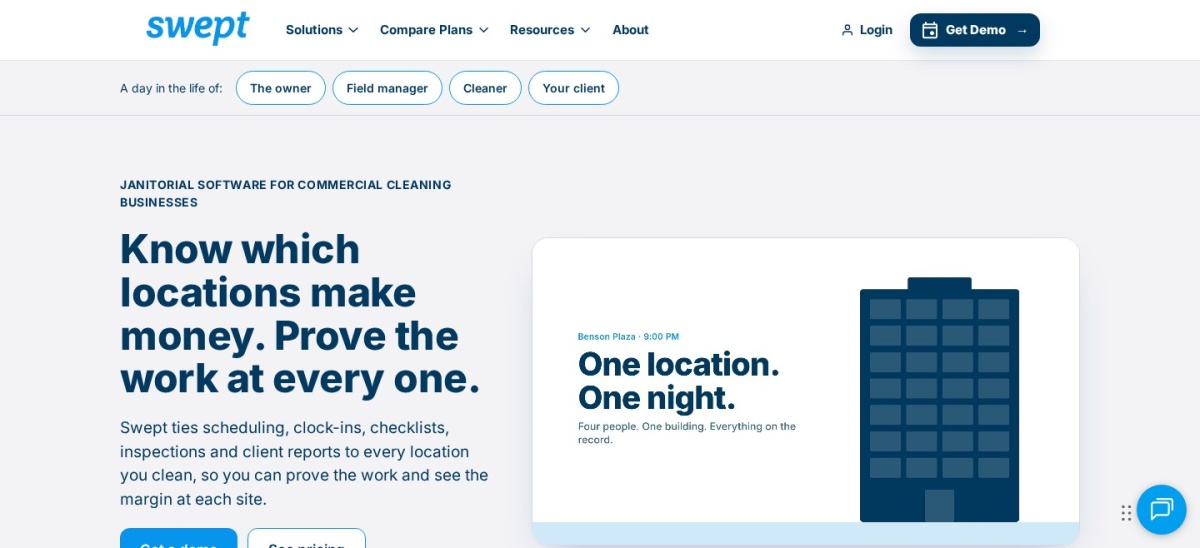
Swept homepage, captured Nov 2026.
Swept is janitorial and commercial cleaning software that starts at $150/month standard or $120/month billed annually for up to 15 locations. It covers shift scheduling, mobile clock-in and clock-out, and photo-backed site inspections.
The trade off is higher location-based pricing at $150/month standard ($120/month billed annually) and a focus on commercial facilities rather than residential maid booking. It suits commercial cleaning companies managing multi-site crews and quality inspections.
What we like
Built around commercial cleaning shifts, mobile clock-in, and inspections
Supports multilingual teams across multiple facility locations
Offers photo proof during site inspections
Watch out for
Costs more per month than small residential cleaning schedulers
Less suited to self-serve residential home-cleaning booking forms
Higher plans add client portals, direct and group messaging channels, and account profitability tracking.Visit sweptworks.com
07
Zoho Bookings
4.4/5on Capterra (47 reviews, checked Nov 2026)
Paid from$6/mo
Best for teams already using Zoho apps
Free tier1 user basic plan
Paid entryBasic ($6/user/mo yr)
Monthly rate$8/user/mo standard
CalendarsGoogle, Outlook & Zoho
zoho.com
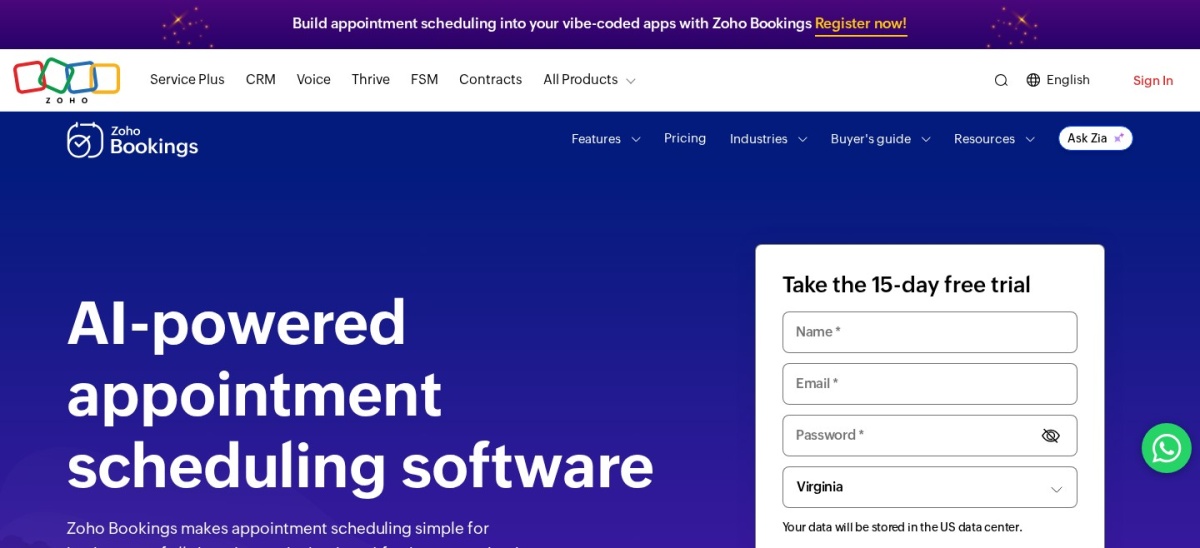
Zoho Bookings homepage, captured Nov 2026.
Zoho Bookings is appointment scheduling software that offers a free plan for one user and a Basic plan at $8/user/month or $6/user/month billed annually. It supports customizable booking pages, email and SMS reminders, and calendar sync with Google, Outlook, and Zoho.
The trade off is per-user pricing at $8/user/month ($6/user/month billed annually) and fewer cleaning-specific dispatch tools than dedicated maid software, while online payments sit on Premium. It suits solo cleaners or small teams already using Zoho apps who want low-cost booking links.
What we like
Low entry cost starting with a free single-user plan and $6/user/month annual Basic tier
Syncs with Google Calendar, Outlook, and Zoho tools
Supports email, SMS, and WhatsApp notifications
Watch out for
Per-user pricing adds up as you add cleaners or staff
Lacks specialized cleaning route and maid-checklist workflows
Higher tiers expand team scheduling, resource booking, and online payment collection options.Visit zoho.com
How cleaning scheduling pricing models compare
Per-seat plans charge for each cleaner, contractor, or office user added to your account. That structure can be predictable for a small crew, but total monthly costs rise quickly if you hire part-time cleaners or seasonal staff.
Job-volume and location-based plans tie costs to completed jobs or managed sites instead of headcount. They work well when crew sizes fluctuate, provided your monthly booking count or building count stays within the plan's range.
How we chose
We selected established scheduling and operations platforms used by residential maid services, commercial janitorial teams, and general home-service businesses that support cleaning workflows.
All pricing tiers, free plan limits, and Capterra ratings and review counts were checked on 22 Nov 2026 from each vendor's pricing or product page and Capterra's public review listings.
We excluded tools without verifiable public pricing or active review profiles on our checked sources, as well as software focused strictly on unrelated trades. No vendor paid for a place, and we do not claim testing for this list.
How to choose the right cleaning scheduling tool
Follow four practical steps to match a scheduler to how your cleaning business books and runs jobs.
Map your cleaning workflow first. Decide whether you mostly handle repeat residential home cleans with online booking or commercial sites needing shift clock-ins and checklists.
Model your team and job growth. Compare flat-rate or job-based plans against per-user pricing using your current cleaner count plus likely hires over the next year.
Check booking and payment mechanics. Verify whether you need custom website booking forms, bedroom-and-bathroom or square-footage pricing, card-on-file storage, or invoice workflows.
Account for add-on communication fees. Check if SMS reminders, custom domains, or accounting integrations are included in the base price or billed separately.
FAQ
What is the best scheduling software for a small cleaning business?
ZenMaid is a strong fit for residential maid businesses starting at $19/month for up to 40 appointments, while Maidily offers a free tier up to 10 jobs/month and a $29/month Start plan for 50 jobs/month.
Is there free scheduling software for cleaning businesses?
Yes, Maidily includes a free plan for up to 10 jobs/month and Zoho Bookings offers a free single-user plan, while ZenMaid, Jobber, Housecall Pro, and BookingKoala offer free trials rather than permanent free plans.
Should I pick cleaning-specific software or general field service software?
Cleaning-specific tools like ZenMaid, BookingKoala, and Maidily focus on recurring cleans, room or square-footage booking forms, and cleaner workflows. General tools like Jobber and Housecall Pro suit broader home-service operations and quote-to-invoice workflows.
Do cleaning scheduling tools charge extra for SMS reminders?
Some platforms separate SMS charges or gate certain messaging features by tier, such as ZenMaid where SMS bundles are separate from the base subscription. Always check whether text reminders are bundled or billed per message before signing up.
How do cleaning businesses handle recurring appointments in scheduling software?
Most cleaning schedulers let you set weekly, biweekly, or monthly repeat schedules tied to a client profile and cleaner assignment. Look for tools that preserve client access notes and let you adjust individual dates without breaking the series.
What features matter most for commercial and janitorial scheduling?
Commercial cleaning teams typically prioritize shift scheduling, mobile clock-in and clock-out, site checklists, and location or inspection tracking. Swept focuses on multi-location commercial shifts and inspections starting at $120/month billed annually.