ClickUp is the best project management software with time tracking for most teams, earning a 4.6/5 G2 rating from 15,921 reviews and including native time tracking on its Core plan. Choose Teamwork.com for client projects and billable hours or Paymo for freelancer invoicing and project management.
How we make this list: we compare pricing pages, product documentation and public user reviews, then re-check every price before each update. No product paid for a place. Disclosure.
ClickUp Core has a regular annual billing rate of $12 per user monthly.
Teamwork.com Basics costs $9.99 per user monthly with annual billing.
Paymo offers unlimited time tracking and invoicing on its single-user free plan.
ProofHub Essential costs $45 monthly for unlimited users and 40 projects.
ActiveCollab Plus costs $12.50 monthly with annual billing for up to 3 users.
Wrike has a 4.2/5 G2 rating from 4,650 reviews.
What to look for in project management software with time tracking
Project management software with time tracking connects work schedules, task assignments and recorded hours within the same application. This helps managers understand how much effort projects require and whether delivery remains within budget.
Look for native timers, manual time entries and task-level tracking. These capabilities allow employees to record work without switching between separate applications or maintaining disconnected spreadsheets.
Marketing agencies and professional services businesses should prioritize billable-hour classification, client reporting and invoicing. Internal project teams may benefit more from workload analysis, time estimates and resource allocation.
Compare subscription tiers carefully because some platforms reserve advanced timesheets, financial reporting and billing functionality for higher plans. Evaluate the cheapest subscription that actually satisfies your time management requirements.
The 7 best project management software tools with time tracking
01
ClickUp
4.6/5on G2 (15,921 reviews, checked Nov 2026)
Paid from$12/mo
Best overall project management with time tracking
Entry paid planCore
Free time trackingTrial access
Core monthly automations1,000
Paid storageUnlimited
clickup.com
ClickUp homepage, captured Nov 2026.
ClickUp is a customizable work management platform combining tasks, documents, project timelines and native time tracking. Its Core subscription includes unlimited Gantt charts, custom fields, time tracking and 1,000 monthly automations, while Free Forever offers trial access to time tracking.
The trade off is that advanced time tracking and more granular reporting require higher subscriptions. Core has a regular price of $12 per user monthly with annual billing, although a $9 promotional rate was displayed. It suits teams managing diverse projects and workflows.
What we like
Native task-level time tracking
Multiple customizable project views
Unlimited storage on Core
Integrated documents and collaboration
Permanent free project management plan
Watch out for
Advanced time tracking requires higher plans
Extensive configuration can complicate onboarding
Free time tracking is limited to trial access
Core unlocks ongoing time tracking, unlimited storage and additional project customization.Visit clickup.com
02
Teamwork.com
4.4/5on G2 (1,226 reviews, checked Nov 2026)
Paid from$9.99/mo
Best for marketing agencies and client projects
Entry paid planBasics
Free users5
Free projects5
Accelerate pricing$24.99/user/month
teamwork.com
Teamwork.com homepage, captured Nov 2026.
Teamwork.com is a project management and professional services platform built around client work, employee capacity and project delivery. Its free plan supports 5 users and 5 projects, while Basics costs $9.99 per user monthly with annual billing.
The trade off is that time budgets, retainer management and invoicing from logged hours require Accelerate at $24.99 per user monthly with annual billing. It suits marketing agencies, consultancies and service businesses that need to connect project delivery with client profitability.
What we like
Dedicated client project organization
Integrated time tracking
Billable-hour and profitability workflows
Free plan for small teams
Resource planning on higher subscriptions
Watch out for
Invoicing requires Accelerate
Advanced financial reporting increases costs
Free project allowance is limited
Accelerate adds time budgets, retainers, capacity planning and invoicing.Visit teamwork.com
03
Paymo
4.6/5on G2 (594 reviews, checked Nov 2026)
Paid from$9.90/mo
Best for freelancers and small service businesses
Entry paid planSolo
Free project allowance2
Solo project allowance5
Solo client allowance3
paymoapp.com
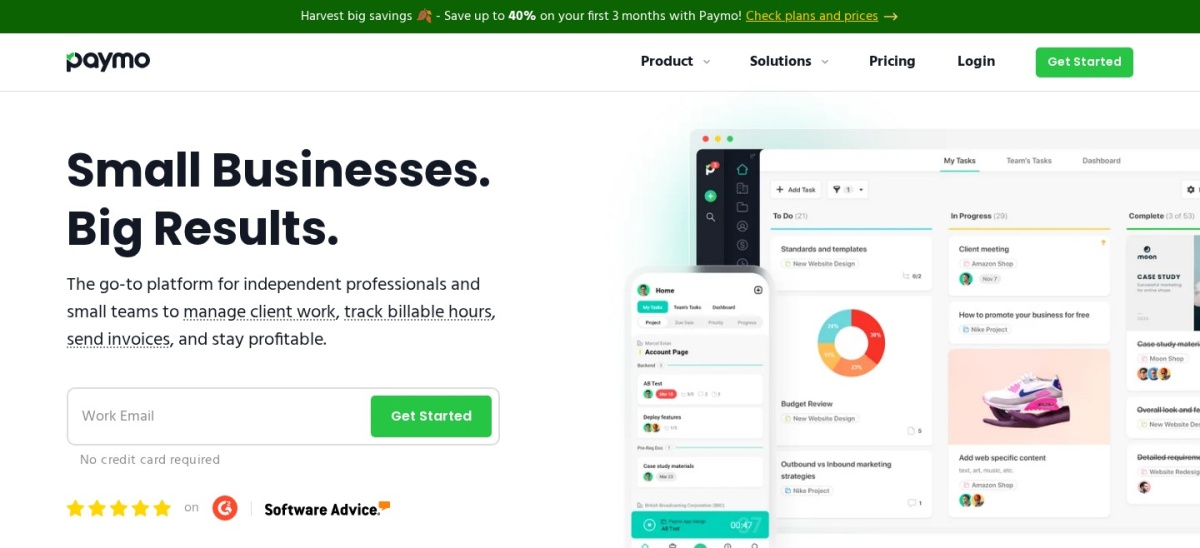
Paymo homepage, captured Nov 2026.
Paymo is a project management platform combining tasks, time tracking, timesheets and client invoicing. Its single-user free plan includes unlimited time tracking and invoices, with support for 2 projects and 1 client.
The trade off is that Solo remains restricted to a single user and supports only 5 projects and 3 clients. Its regular monthly price is $9.90, following an advertised introductory rate of $5.90 for the first 3 months. It suits freelancers managing client assignments and invoices.
What we like
Unlimited time tracking on the free plan
Integrated invoicing functionality
Supports fixed-price and retainer projects
Desktop and mobile time tracking applications
Suitable for independent professionals
Watch out for
Solo supports only one user
Limited projects on entry subscriptions
Growing teams require higher plans
Solo adds more projects, clients, calendar views and retainer management.Visit paymoapp.com
04
ProofHub
4.6/5on G2 (121 reviews, checked Nov 2026)
Starts at$45/mo
Best for flat-rate team pricing
Entry planEssential
Included usersUnlimited
Project allowance40
Included storage15GB
proofhub.com
ProofHub homepage, captured Nov 2026.
ProofHub is a collaborative project management application combining task boards, Gantt charts, discussions and time tracking. Essential costs $45 monthly with annual billing and supports unlimited users, 40 projects and 15GB of storage.
The trade off is that custom workflows, project reporting and resource reports require Ultimate Control at a regular $135 monthly annual billing rate. A temporary introductory discount is available for that higher plan. It suits teams seeking predictable subscription costs without per-user fees.
What we like
Unlimited users on paid subscriptions
Integrated project time tracking
Predictable flat-rate pricing
Project discussions and collaboration tools
Multiple task management views
Watch out for
No permanent free plan
Essential is limited to 40 projects
Advanced reporting requires Ultimate Control
Ultimate Control adds advanced reporting, custom workflows and expanded administrative controls.Visit proofhub.com
05
ActiveCollab
4.2/5on G2 (97 reviews, checked Nov 2026)
Starts at$12.50/mo
Best for small collaborative project teams
Entry planPlus
Included members3
Projects and tasksUnlimited
Plus storage10GB
activecollab.com
ActiveCollab homepage, captured Nov 2026.
ActiveCollab is a project management application that combines task assignments, team collaboration and project time tracking. Its Plus subscription costs $12.50 monthly with annual billing and includes 3 members, unlimited projects, integrated timers and personal timesheets.
The trade off is that growing teams and organizations requiring consolidated time reports or expense tracking need Pro at $10 per user monthly with annual billing. It suits small creative teams and agencies that need straightforward project organization and accurate work-hour records.
What we like
Integrated project and task timers
Unlimited projects on Plus
Affordable subscription for small teams
Supports list, Kanban and Gantt views
Manual time entry and personal timesheets
Watch out for
Plus supports only 3 members
Advanced time reporting requires Pro
Smaller public review sample than leading competitors
Pro adds expanded team capacity, time reporting and expense management.Visit activecollab.com
06
Scoro
4.5/5on G2 (509 reviews, checked Nov 2026)
Starts at$17/mo
Best for project profitability and professional services
Pricing structureModular subscriptions
Minimum users5
Core applications8
Free trial14 days
scoro.com
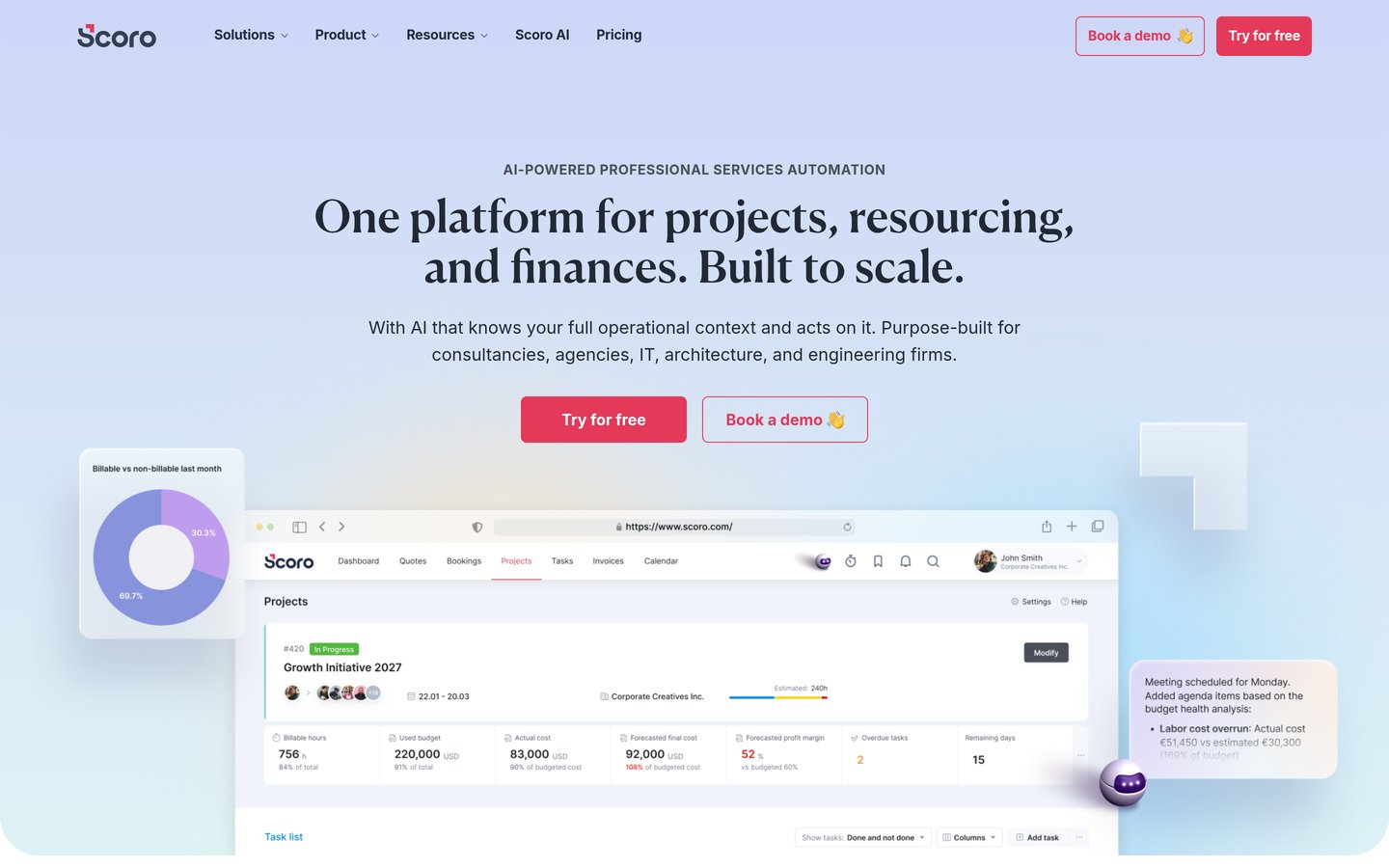
Scoro homepage, captured Nov 2026.
Scoro is a professional services automation platform combining project delivery, resource management, financial administration and time tracking. Its modular product combinations start at $17 per user monthly, require at least 5 users and provide access to selected applications within its 8-app ecosystem.
The trade off is that combining project management, time tracking and billing applications can increase the subscription cost beyond the advertised $17 starting rate. It suits agencies and consultancies that need to connect recorded work hours with project costs, revenue and profitability.
What we like
Connects project delivery with financial management
Integrated time and cost tracking capabilities
Resource and capacity planning
Modular application selection
Designed for professional services businesses
Watch out for
Minimum subscription of 5 users
Required application combinations can increase costs
Wrike is a collaborative work management platform designed for project planning, campaign coordination and complex organizational workflows. Its Team subscription starts at $10 per user monthly for teams of 2 to 15 users, with project views and task management functionality.
The trade off is that native time tracking and more advanced resource management capabilities require higher-tier licensing rather than the cheapest Team plan. Business costs $25 per user monthly. It suits larger organizations coordinating marketing campaigns, approvals and interconnected projects.
What we like
Advanced project management workflows
Customizable request and approval processes
Time tracking on qualifying subscriptions
Suitable for cross-department collaboration
Extensive public review base
Watch out for
Entry subscription does not cover advanced time management
Higher subscriptions increase per-user costs
Seat-group purchasing can affect total expenses
Higher subscriptions expand time tracking, workflow customization and resource management.Visit wrike.com
How much does project management software with time tracking cost?
ClickUp Core has a regular annual subscription cost of $144 per user, while Teamwork.com Basics costs $119.88 per user annually. Paymo Solo costs $118.80 when annualized from its regular monthly subscription.
ActiveCollab Plus costs $150 annually for 3 members, while ProofHub Essential costs $540 annually for unlimited users. Flat-rate subscriptions can offer better value for growing teams than individually priced employee licenses.
The price ladder compares entry subscriptions rather than guaranteeing that every required feature is included. Scoro uses modular pricing, while Wrike reserves native time tracking for higher subscriptions. Compare the complete feature package before calculating your final budget.
Why tracking billable and nonbillable hours matters
Billable hours represent work that can be charged to clients under the applicable service agreement. Nonbillable hours include internal administration, business development, training and other activities that do not directly generate client revenue.
Separating these categories helps managers estimate future project costs, understand employee utilization and identify unprofitable service arrangements. Teamwork.com, Paymo and Scoro are particularly relevant when recorded hours need to connect with client financial workflows.
How we chose
We compared established project management platforms based on native time tracking, task organization, timesheets, team collaboration, client billing and relevance to marketing and professional services workflows.
Official pricing pages and G2 product reviews were checked on 25 Nov 2026. Regular prices replace temporary introductory discounts. Paymo uses its confirmed regular monthly rate, while Scoro uses its advertised modular starting price. Neither figure necessarily represents the lowest annual cost for every required feature combination.
We excluded standalone employee monitoring applications, basic timers without project management and products without sufficient public review evidence. No vendor paid for a place, and we do not claim testing for this list.
How to choose the best project management software with time tracking
Evaluate each platform against your project workflows, employee reporting requirements, billing arrangements and available software budget.
Identify your time tracking requirements. Determine whether employees need live task timers, manual time entries, shared timesheets, billable-hour classifications or automated time reporting.
Compare project management capabilities. Check support for task dependencies, project timelines, recurring assignments, workload planning and the collaboration features your team uses regularly.
Review billing and reporting integrations. Confirm whether recorded hours can generate invoices, support project profitability calculations or synchronize with your existing accounting and reporting applications.
Calculate the full subscription cost. Include employee licenses, minimum seat requirements, advanced time tracking subscriptions and financial management add-ons. Compare equivalent feature packages rather than entry prices alone.
FAQ
What is the best project management software with time tracking?
ClickUp is our overall pick because it combines customizable project management, native time tracking and collaboration capabilities. Its Core subscription has a regular annual billing rate of $12 per user monthly, with advanced time tracking available on higher plans.
What is the best free project management software with time tracking?
Paymo is a strong free choice for individual users because its free subscription includes unlimited time tracking, unlimited invoices and support for 2 projects. ClickUp also provides free project management, although its time tracking functionality is limited to trial access.
Which project management software is best for tracking billable hours?
Teamwork.com and Paymo are particularly suitable for tracking billable work and connecting recorded hours with client financial workflows. Scoro is another option for professional services businesses that need more extensive profitability analysis and resource management.
Which project management software offers unlimited users?
ProofHub offers unlimited users on its paid subscriptions without individual employee license charges. Its Essential plan costs $45 monthly with annual billing and supports up to 40 projects, making it attractive for teams seeking predictable subscription expenses.
Can project management software generate invoices from tracked time?
Yes. Paymo includes invoicing alongside time tracking, while Teamwork.com supports invoicing from logged hours on its Accelerate subscription. Scoro also connects time records with financial workflows through its modular application ecosystem.
Is built-in time tracking better than a separate time tracking application?
Built-in time tracking reduces application switching and connects recorded hours directly with project tasks and budgets. Separate time tracking applications may be preferable when organizations need specialized payroll integrations, advanced time collection or reporting across several disconnected project platforms.
SaaS SEO and WordPress specialist with about 8 years of experience. Rakib compares WordPress plugins, themes, hosting and software using public pricing, documentation and user reviews. See how we rank.