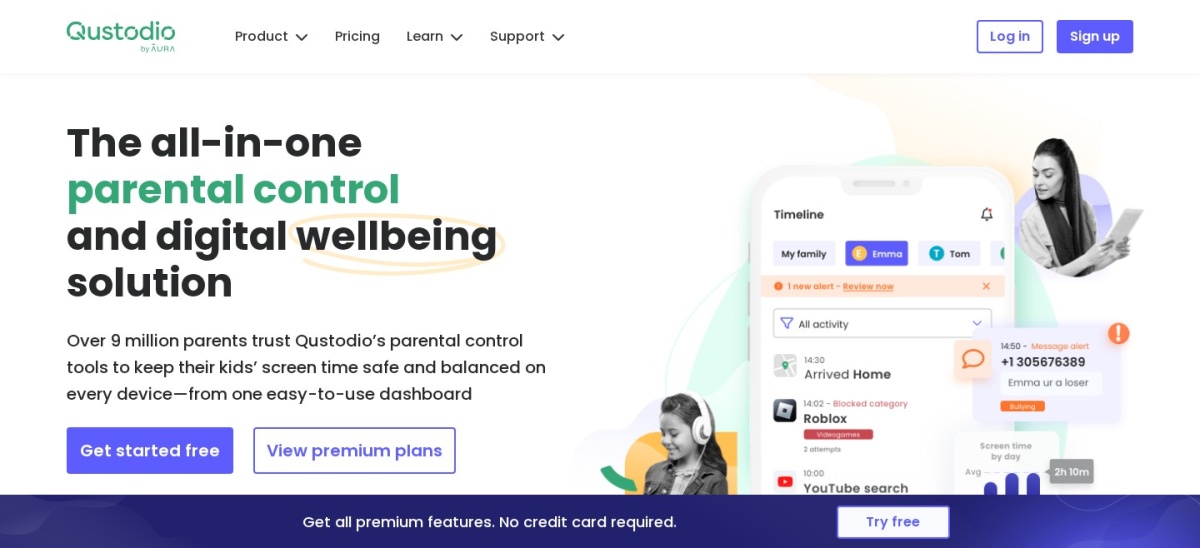
Qustodio is the best cross-platform parental control app for most families, covering Windows, Mac, Chromebook, Android, iOS and Kindle from one dashboard, with Basic at $59.95 a year for up to 5 devices. Pick Bark for the deepest message monitoring and Google Family Link for free Android controls.
How we make this list: we compare pricing pages, product documentation and public user reviews, then re-check every price before each update. No product paid for a place. Disclosure.
Qustodio covers the widest mix of platforms: Windows, Mac, Chromebook, Android, iOS and Kindle from one dashboard.
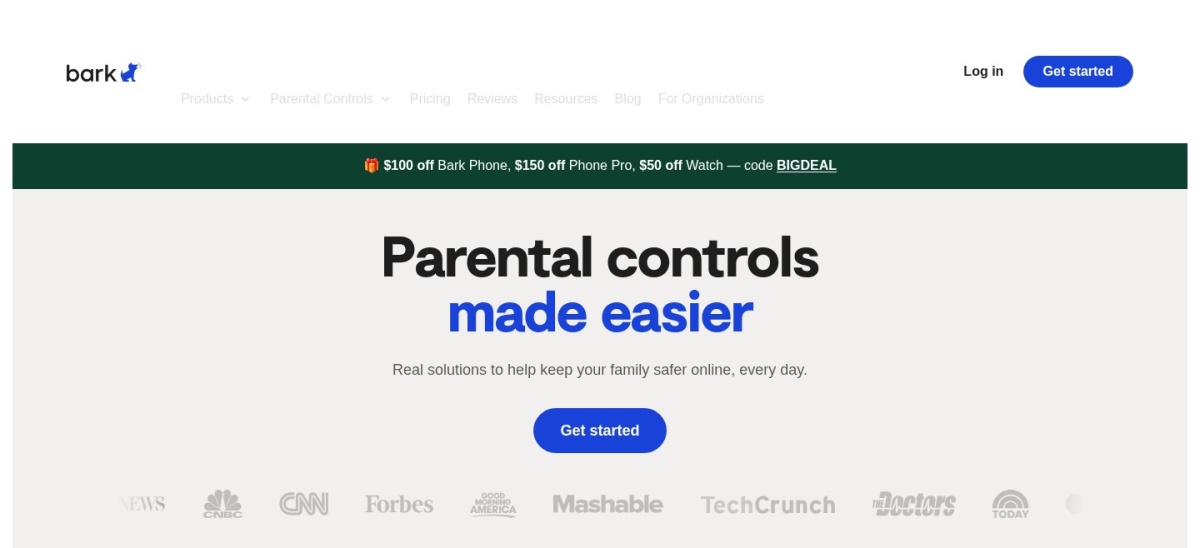
Bark has the deepest message monitoring in this list, scanning texts, email and more than 30 apps for risky content.
Google Family Link is free and rated 4.7 out of 5 from 299,000 App Store ratings, but full controls apply to Android child devices.
Mobicip is the cheapest paid plan here at $35.88 a year for up to 5 devices, and it also covers Chromebook and Kindle Fire.
Net Nanny lists its 1-desktop plan at $49.99 a year, but the site currently shows it at a limited-time $39.99, so check the renewal price.
Aura costs the most at $120 a year for parental controls alone, and it runs on iOS and Android only.
What cross-platform really means here
Cross-platform means one set of rules that follows your child across a phone, a tablet and a computer, not a separate app with separate settings on each device. The tools in this list all manage more than one operating system from a single parent dashboard.
Start by listing the devices your children actually use. A tool that covers Chromebook and Kindle Fire matters if your child has a school Chromebook, while a tool with no Android app is the wrong pick for an Android household.
Filtering and monitoring are different jobs. A filter blocks harmful sites and images, while monitoring watches messages and searches and alerts you to a risk. Bark and MMGuardian monitor messages; Net Nanny and Canopy focus on filtering.
Price is usually charged per year, per device count, or per child, so compare the yearly total for your household rather than the monthly figure. Protect the parent account too: our guide on adding two-factor authentication to WordPress shows the same habit that keeps any family dashboard safer.
Qustodio is a parental control app that covers Windows, Mac, Chromebook, Android, iOS and Kindle from one dashboard. The free plan protects one device, while Basic at $59.95 a year adds app blocking, daily time limits, web filtering and location monitoring for up to 5 devices.
The trade off is that the full set needs the top plan. Per-app time limits, custom routines and calls and messages monitoring come with Complete at $104.95 a year. It suits families with a mix of phones, tablets and computers who want one set of rules everywhere.
Bark is a monitoring-first parental control app that scans texts, email and more than 30 apps for signs of bullying, predatory contact and self-harm, and sends an alert instead of showing parents every message. Bark Jr at $49 a year covers screen time, filtering and location for unlimited kids and devices.
The trade off is price for full monitoring. Premium costs $14 a month or $99 a year, and the app itself works in the US, Guam, South Africa and Australia only. It suits parents of older children who want alerts about risky messages rather than full activity logs.
What we like
Deepest message monitoring in this list
Unlimited kids and devices on every plan
Alerts protect a child's privacy
7-day free trial
Watch out for
Full monitoring costs $99 a year
Only sold in four markets
Some monitoring is missing on iOS
Premium adds monitoring of texts, email and 30+ appsVisit bark.us
03
Aura
4.7/5on Apple App Store (109,800 reviews, checked Nov 2026)
Starts at$10/mo
Best for iPhone families
PlatformsiOS and Android
PriceKids, $10/mo billed annually
DevicesUnlimited children
Free trial14 days
aura.com
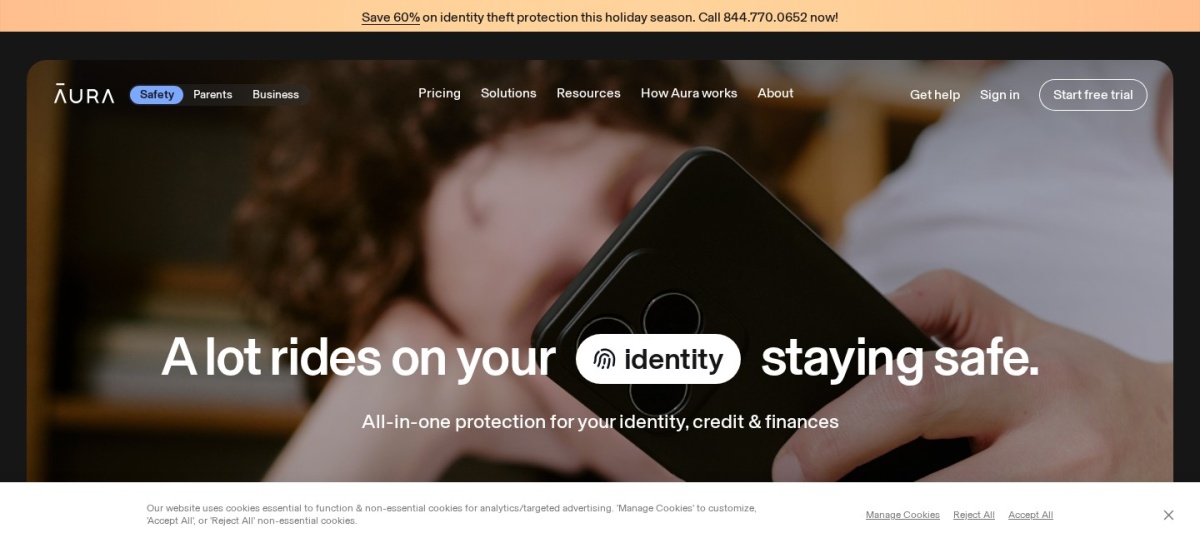
Aura homepage, captured Nov 2026.
Aura is a family safety app whose Kids plan covers parental controls for unlimited children and devices. The $10 a month plan, billed annually, includes content filtering, screen time limits, a pause button and gaming alerts for cyberbullying and predators.
The trade off is scope and price. Parental controls run on iOS and Android only, so Windows and Mac computers are not covered, and $120 a year costs more than most single-purpose apps here. It suits iPhone and Android families who also want the wider Aura safety bundle.
What we like
4.7 App Store rating
Gaming voice and text alerts
Pause-the-internet button
60-day money-back on annual plans
Watch out for
No Windows or Mac child coverage
Dearest parental-controls plan here
Identity features need the $32/mo Family plan
Family plan adds identity theft protection for $32/moVisit aura.com
04
Google Family Link
4.7/5on Apple App Store (299,000 reviews, checked Nov 2026)
PriceFree
Best free parental control app for Android
PlatformsAndroid, Chromebook (parent app on iOS)
PriceFree
DevicesUnlimited
App approvalYes, per app
families.google
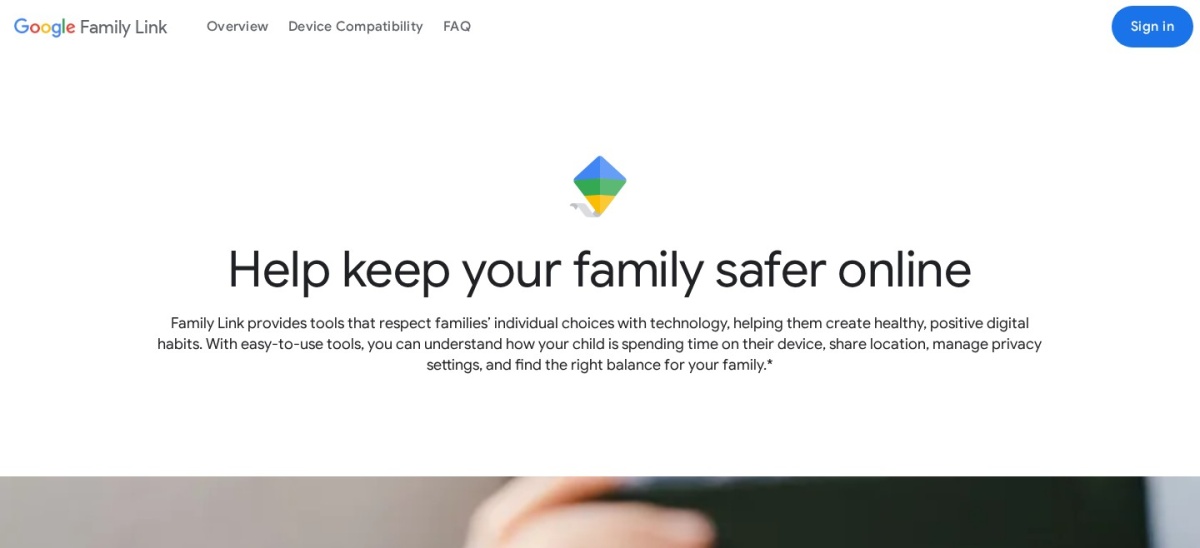
Google Family Link homepage, captured Nov 2026.
Google Family Link is a free parental control app from Google for Android phones, tablets and Chromebooks. It sets daily limits, bedtime schedules and per-app limits, approves app downloads and shows location, all at no cost.
The trade off is platform reach. Full controls apply to a child's Android device or Chromebook, while an iPhone child device gets only limited supervision. It suits Android-first families who want solid basic controls without paying anything.
3.9/5on Apple App Store (1,300 reviews, checked Nov 2026)
Starts at$49.99/yr
Best for web and search supervision
PlatformsWindows, Android, iOS
Price$49.99/yr
ChildrenUp to 15
Free trial30 days
norton.com
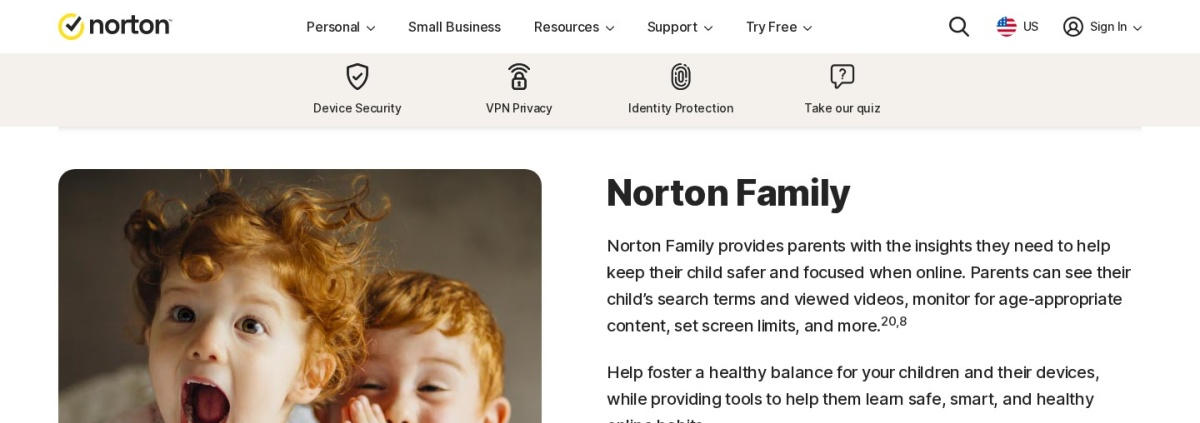
Norton Family homepage, captured Nov 2026.
Norton Family is a parental control app from Norton that covers Windows, Android and iOS for $49.99 a year. It filters websites, tracks search terms and YouTube videos, sets screen time schedules and maps location with a 30-day history.
The trade off is depth. It does not monitor texts, social messages or email, and app supervision is not available on iOS. It suits families who already use Norton and want web and search supervision for up to 15 children.
4.3/5on Apple App Store (1,100 reviews, checked Nov 2026)
Starts at$49.98/yr
Best for message alerts on one phone
PlatformsAndroid, iOS
PriceSingle, $49.98/yr
Devices1 phone (Family: 5)
Free trial14 days
mmguardian.com
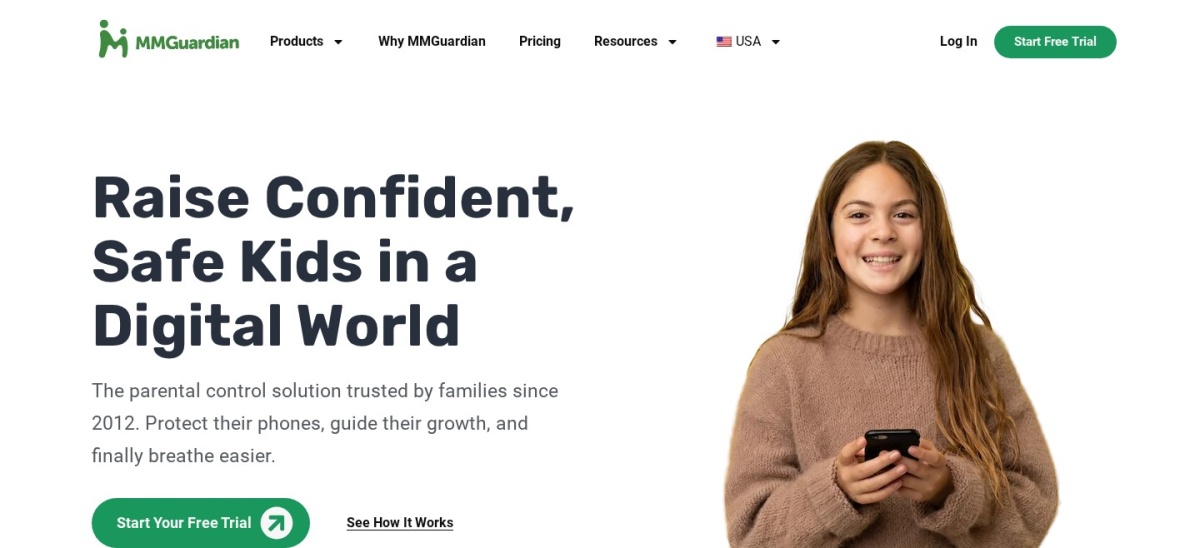
MMGuardian homepage, captured Nov 2026.
MMGuardian is a parental control app that watches texts and social messages for signs of bullying, drugs, predators and self-harm, and alerts parents when it finds a risk. The Single Phone plan costs $49.98 a year for one child phone, with a 14-day free trial.
The trade off is price per phone. A family plan for up to 5 child devices costs $99.98 a year, and the child-side app is rated far lower than the parent app in the stores. It suits Android and iPhone families who want message alerts at a low single-phone price.
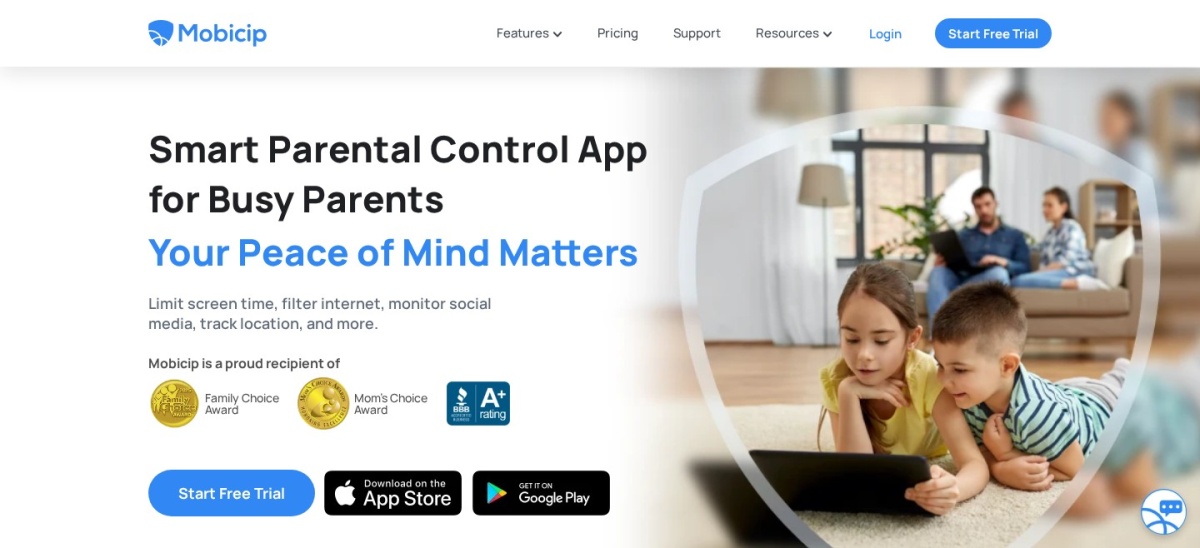
Mobicip is a parental control app that covers iOS, Android, Windows, Mac, Chromebook and Kindle Fire from one dashboard. The free Basic plan covers one device, while Lite at $2.99 a month billed annually covers up to 5 devices with blocking, schedules and a family locator.
The trade off is monitoring depth. Social media monitoring is limited, and the App Store rating of 3.3 from 1,900 ratings is the lowest among the paid picks here. It suits mixed-device households that want schedules and blocking at the lowest paid price in this list.
3.9/5on Apple App Store (1,700 reviews, checked Nov 2026)
Starts at$8.33/mo
Best for filtering explicit images
PlatformsiOS, Android, Windows, macOS, Chrome
PriceEssential, $8.33/mo billed annually
Devices1 (Essential)
Free trial7 days
canopy.us
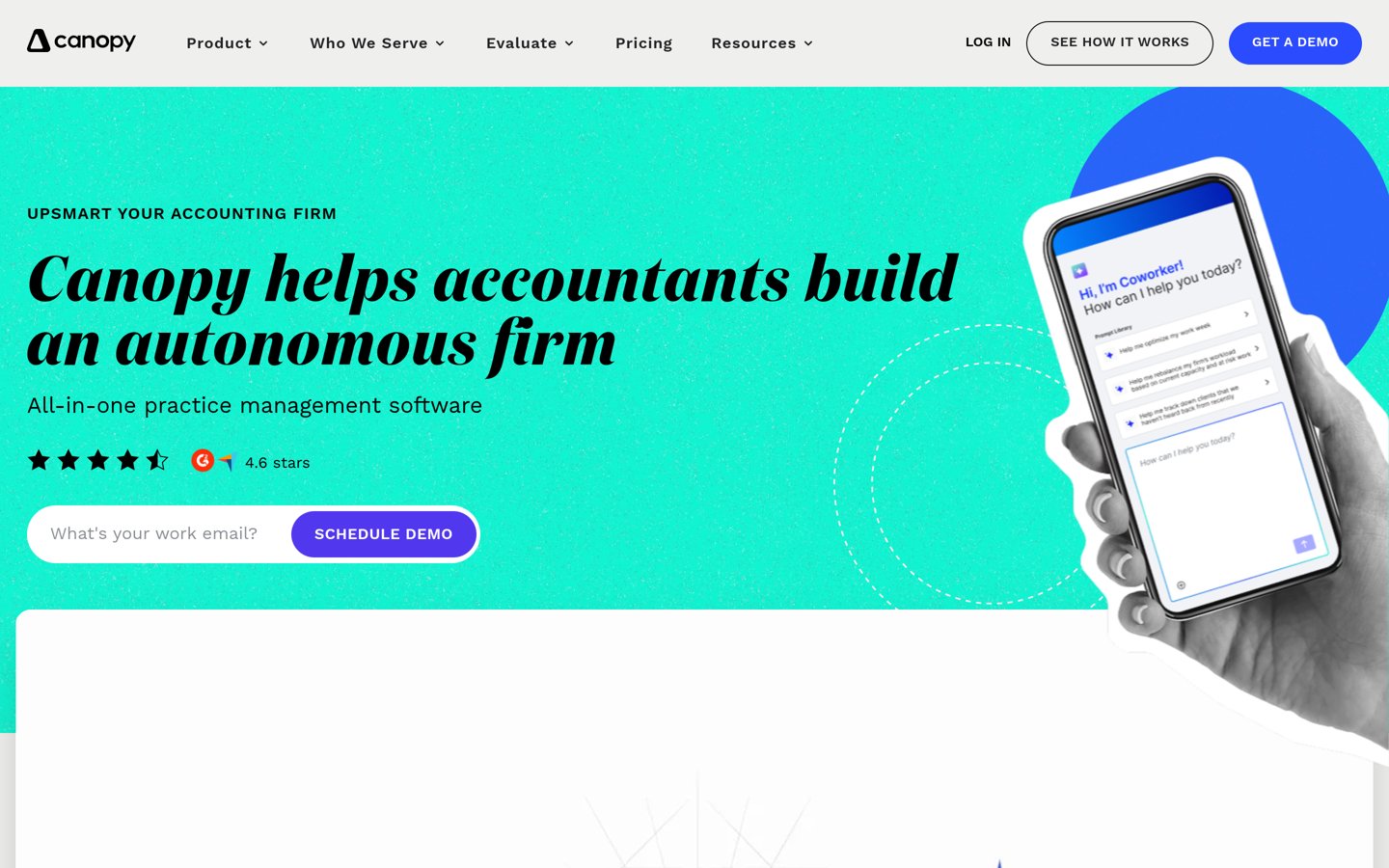
Canopy homepage, captured Nov 2026.
Canopy is a content filter that scans images, video and text as a page loads and removes explicit material before a child sees it. Essential costs $8.33 a month billed annually for one device, and every plan includes the same features, with sexting alerts and screen time tools.
The trade off is device count and price. Essential covers a single device, so a family pays $9.99 a month for 3 devices or $12.50 for up to 10, and the App Store rating is 3.9 from about 1,700 ratings. It suits parents whose main worry is explicit images reaching a young child.
2.5/5on Apple App Store (364 reviews, checked Nov 2026)
Starts at$49.99/yr
Best for real-time web filtering
PlatformsWindows, macOS, iOS
Price1 desktop, $49.99/yr
Devices1 desktop (Pass: 5 or 20)
Free trial14 days
netnanny.com
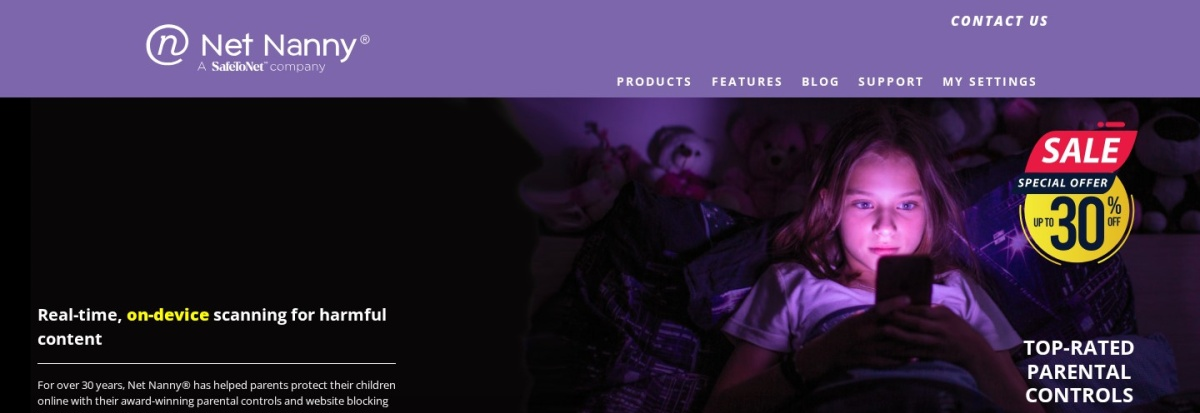
Net Nanny homepage, captured Nov 2026.
Net Nanny is a long-running web filter that scans each page as it loads and blocks harmful content in real time. The 1-desktop plan lists at $49.99 a year, with a 5-device Family Protection Pass listed at $79.99 a year, and the site currently shows both at a limited-time discount.
The trade off is coverage and reputation. It works on Windows, macOS and iOS only, with no Android app, and its App Store parent-app rating is 2.5 from 364 ratings. It suits Windows, Mac and iPhone households that mainly want real-time web filtering.
What we like
Real-time page scanning
14 content categories to allow or block
Family Feed reports searches instantly
20-device pass costs under $5 per device
Watch out for
No Android support
App Store rating of 2.5
Sale prices renew at the higher list price
Family Protection Pass covers 5 devices, listed at $79.99/yrVisit netnanny.com
Free vs paid: what you give up
Free plans cover the basics well. Google Family Link sets limits, approves apps and shows location at no cost, and Qustodio and Mobicip both protect one device free.
Paid plans mostly add monitoring and device count. Message alerts, per-app limits and coverage for every device in the house sit behind the paywall in most of these apps.
Watch the renewal price, not the headline price. Net Nanny and Qustodio both show a lower figure beside a struck-through list price, and the renewal is charged at the list price.
If your children use only Android devices, start with the free option and pay only if you need message monitoring. For a mixed iPhone and Android house, a paid plan is usually the only way to cover every device.
How we chose
We started from the parental control apps with a parent app on the Apple App Store and a published price, then kept the nine that cover more than one platform from a single dashboard.
Prices come from each vendor's pricing page, checked on 25 November 2026. Ratings and review counts come from the Apple App Store parent app on the same day. Where a vendor shows a sale, the list shows the regular price.
We left out Kaspersky Safe Kids because it cannot be bought in the US, and Apple Screen Time because it only works on Apple devices. No vendor paid for a place, and we do not claim to have used these tools ourselves.
How to choose a cross-platform parental control app
Start with your children's devices, then match the app to that list before you compare prices.
List every device your children use. Write down each phone, tablet, computer and Chromebook. Drop any app that does not cover the full list.
Decide between filtering and monitoring. Pick a filter such as Net Nanny or Canopy if blocking harmful content is the main job. Pick Bark or MMGuardian if you want alerts about risky messages.
Try the free plan or trial first. Google Family Link is free, and most paid apps in this list offer a 7-day or 14-day trial. Check that limits and blocks hold on each device before you pay.
Check the yearly total, not the monthly figure. Most plans bill annually, so multiply the monthly figure by 12 and check the renewal price before you subscribe.
FAQ
What is the best cross-platform parental control app?
Qustodio is the best cross-platform parental control app for most families. It covers Windows, Mac, Chromebook, Android, iOS and Kindle from one dashboard, with a free plan for one device and Basic at $59.95 a year for up to 5 devices.
Is there a good free parental control app?
Yes. Google Family Link is free and rated 4.7 out of 5 from 299,000 App Store ratings. It sets daily limits, bedtime schedules and per-app limits, approves app downloads and shows location, but full controls apply only to Android child devices.
Which app is best for monitoring texts and social media?
Bark is the best pick for monitoring texts and social media. Its Premium plan scans texts, email and more than 30 apps for signs of bullying, predatory contact and self-harm, and sends an alert instead of showing parents every message.
Do these apps work on both iPhone and Android?
Most of them do, but the details differ. Qustodio, Bark, Aura, MMGuardian, Mobicip and Canopy all run on iPhone and Android, while Net Nanny has no Android app and Google Family Link gives only limited supervision on an iPhone child device.
How much does a parental control app cost?
Prices in this list run from free to $120 a year. Google Family Link costs nothing, Mobicip Lite costs $35.88 a year for up to 5 devices, and Aura Kids costs $120 a year. Most paid plans sit between $49 and $100 a year.
Can my child remove the parental control app?
No app in this list is fully tamper-proof on every platform. Mobicip lists uninstall protection, and the paid apps send alerts when a device goes quiet or a rule changes, so pick one with those guards and talk with your child about why the rules exist.
SaaS SEO and WordPress specialist with about 8 years of experience. Rakib compares WordPress plugins, themes, hosting and software using public pricing, documentation and user reviews. See how we rank.