WhatsApp is the best cross-platform messaging app for most people. It is free, works on iOS, Android, Windows, macOS and the web, and is rated 4.6 out of 5 from 248 million Google Play ratings. Pick Telegram for huge groups and channels, or Signal for the strongest privacy.
How we make this list: we compare pricing pages, product documentation and public user reviews, then re-check every price before each update. No product paid for a place. Disclosure.
WhatsApp is free on every major platform, with end-to-end encryption and group video calls for up to 32 people.
Telegram's free plan covers groups of up to 200,000 members, and Premium costs $4.99 a month for 4GB uploads.
Signal is the only pick run by a nonprofit, with no ads and encryption on by default.
Slack Pro costs $7.25 per user a month billed annually, while Teams Essentials costs $4, the cheapest paid team chat here.
Five of the nine apps are completely free, and the dearest paid plan here is Slack Pro at $87 a year per user.
What makes a messaging app truly cross-platform
A cross-platform messaging app runs on iOS, Android, Windows, macOS and the web, with chats that stay in sync when you switch devices. Every app in this list does that, so the choice comes down to who you talk to, how private you need it to be, and what the free plan leaves out.
Check three things before you settle: whether chats are end-to-end encrypted by default, how large groups can grow, and what the paid plan adds. Most of these apps are free for personal use, so the paid plans mainly matter for teams and heavy file sharing.
If you run a site and want visitors to message you there, our guide on adding an AI chatbot to WordPress shows how to add chat to a page instead of sending people to another app.
Team chat is a different job from personal chat. Slack, Teams, Discord and Google Chat are built for groups that work together, while WhatsApp, Telegram, Signal, Messenger and Viber are built for friends and family first.
4.6/5on Google Play (248,473,921 reviews, checked Nov 2026)
PriceFree
Best cross-platform messaging app overall
Free planYes, free
EncryptionEnd-to-end, default
Group video callsUp to 32 people
Paid planNone, free
whatsapp.com
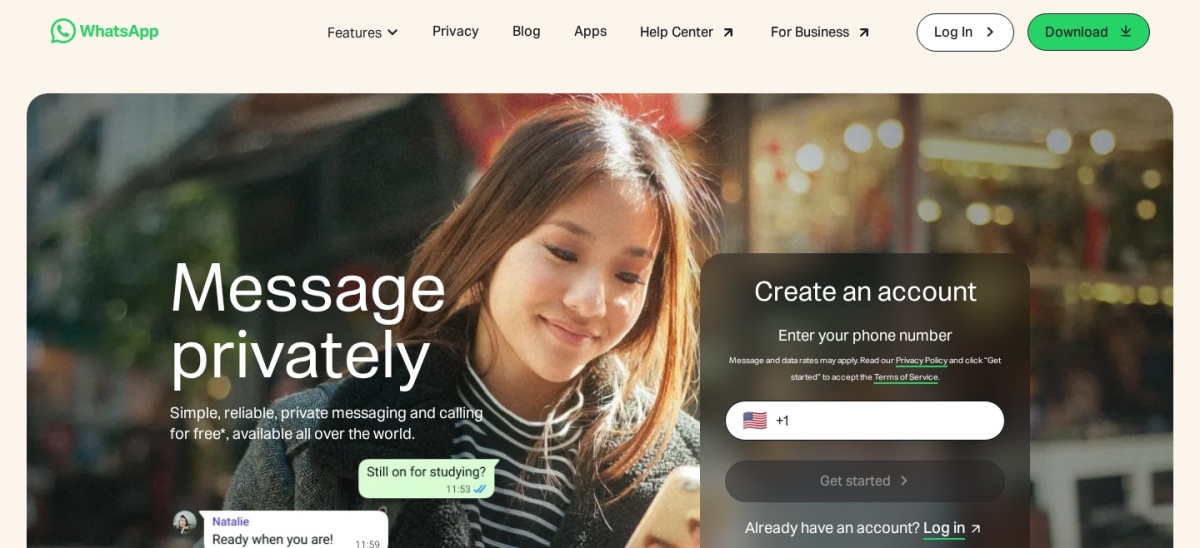
WhatsApp homepage, captured Nov 2026.
WhatsApp is the most widely used messaging app in this list, with more than 2 billion people using it in over 180 countries. The free app covers end-to-end encrypted chats, voice and video calls, group chats and group video calls for up to 32 people, on iOS, Android, Windows, macOS and the web.
The trade off is that WhatsApp ties your account to a phone number, and some features work best when your phone is nearby. It suits almost anyone whose friends and family already use it, which is most people.
4.7/5on Capterra (6,440 reviews, checked Nov 2026)
Paid from$4.99/mo
Best for huge groups and channels
Free planYes, free
EncryptionSecret Chats only
Largest group200,000 members
Paid planPremium, $4.99/mo
telegram.org
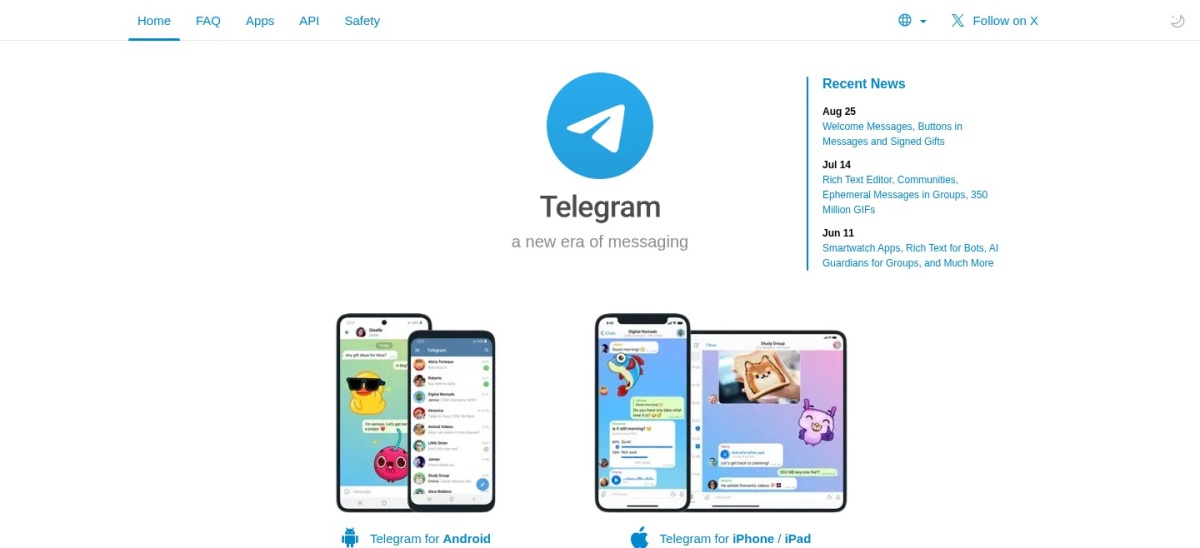
Telegram homepage, captured Nov 2026.
Telegram is a cloud-based messaging app that syncs chats across phones, tablets and computers. The free plan covers unlimited messages, groups of up to 200,000 members, channels, bots and file sharing, with 2GB per file.
The trade off is encryption. End-to-end encryption only applies to Secret Chats, not regular chats, and Premium costs $4.99 a month for 4GB uploads and faster downloads. It suits large groups, channels and communities.
4.5/5on Google Play (2,949,103 reviews, checked Nov 2026)
PriceFree
Best for privacy
Free planYes, free
EncryptionEnd-to-end, default
Largest group1,000 members
Paid planNone, donations
signal.org
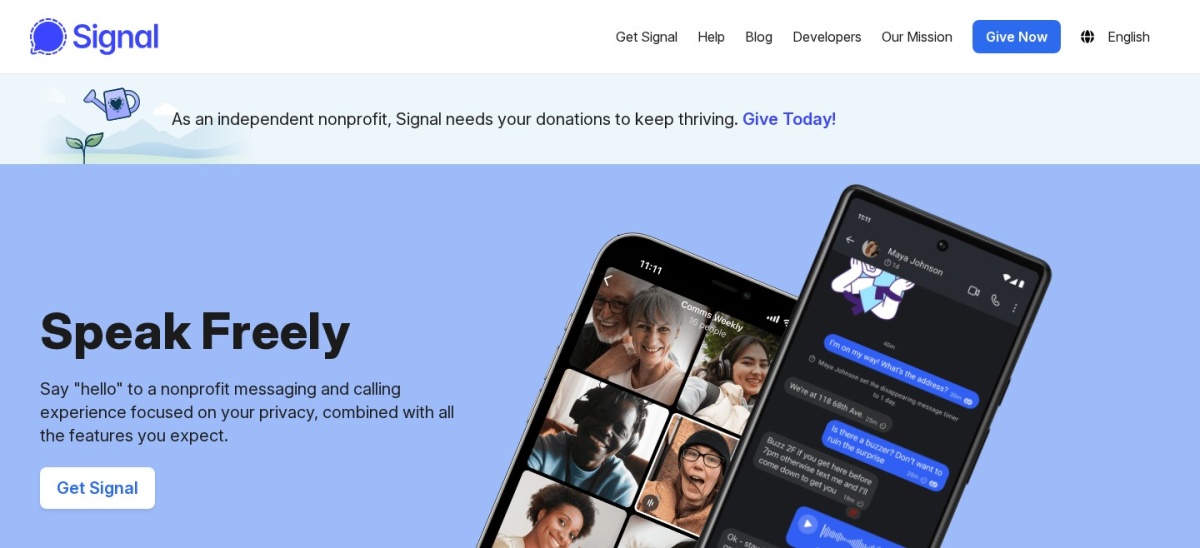
Signal homepage, captured Nov 2026.
Signal is a nonprofit messaging app built around privacy, with no ads and no data collection. The free app covers end-to-end encrypted chats, voice and video calls, group chats of up to 1,000 people and group calls for up to 50, on iOS, Android, Windows, macOS and Linux.
The trade off is reach. Fewer of your contacts are likely to use Signal than WhatsApp or Messenger, so you may still need a second app. It suits anyone who wants the strongest privacy by default.
4.7/5on Google Play (115,172,191 reviews, checked Nov 2026)
PriceFree
Best for reaching Facebook friends
Free planYes, free
Phone numberNot needed
File sharingUp to 100MB
Paid planNone, free
messenger.com
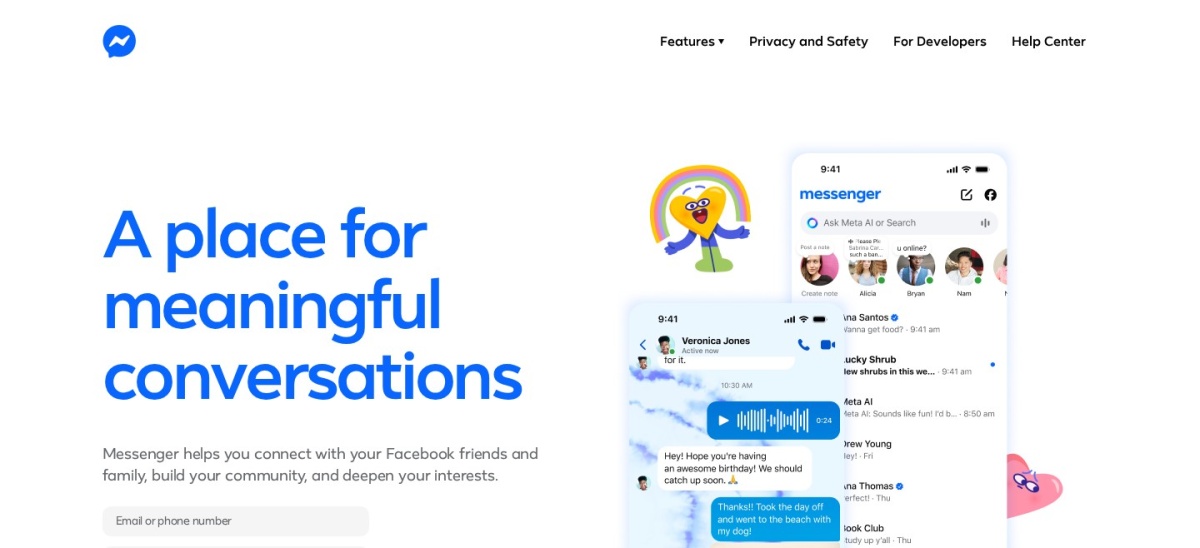
Facebook Messenger homepage, captured Nov 2026.
Facebook Messenger is Meta's free messaging app, and it needs no phone number to sign up. It covers chats, voice and video calls, file sharing up to 100MB, disappearing messages and shared albums, on iOS, Android, Windows, macOS and the web.
The trade off is privacy. Chats are not end-to-end encrypted by default in every conversation, and the app is funded by advertising. It suits people whose friends are already on Facebook.
4.7/5on Capterra (24,243 reviews, checked Nov 2026)
Paid from$7.25/mo
Best team chat for work
Free planYes, 90-day history
Paid planPro, $7.25/user/mo
Apps2,600+
Message history90 days free
slack.com
Slack homepage, captured Nov 2026.
Slack is a channel-based team chat tool where work is organised by topic, project or team. The free plan keeps 90 days of message history, allows 10 apps and one-to-one huddles, while Pro adds unlimited history, unlimited apps and group huddles.
The trade off is price. Pro costs $7.25 per user a month billed annually, so a 20-person team pays $1,740 a year, and single sign-on needs Business+ at $15. It suits teams that live in chat and want the widest choice of apps.
What we like
Unlimited history and apps on Pro
Slack Connect shares channels with outside partners
Largest app directory in team chat
Strong search across all messages
Watch out for
Free plan keeps only 90 days of history
Per-user price adds up fast for large teams
Single sign-on needs the $15 Business+ plan
Pro adds unlimited history, apps and group huddlesVisit slack.com
06
Microsoft Teams
4.5/5on Capterra (11,180 reviews, checked Nov 2026)
Paid from$4/mo
Best for Microsoft 365 workplaces
Free planYes
Paid planEssentials, $4/user/mo
Video meetingsYes
Works withMicrosoft 365
microsoft.com
Microsoft Teams homepage, captured Nov 2026.
Microsoft Teams is Microsoft's chat and meeting tool for workplaces that use Microsoft 365. The free plan covers chat, video meetings and file sharing, and the paid Essentials plan starts at $4 per user a month.
The trade off is that Teams is at its best inside Microsoft 365, and it feels heavy if you only need simple chat. It suits workplaces that already pay for Microsoft 365.
Discord is a chat and voice app built around servers, where each server holds text channels and voice rooms. The free plan covers unlimited messages, voice and video calls and screen sharing, on iOS, Android, Windows, macOS, Linux and the web.
The trade off is focus. Discord is built for communities and gaming, so work teams may find its servers noisy and its threads thin. Nitro Basic costs $2.99 a month for 50MB uploads and custom emoji, while full Nitro is $9.99. It suits communities, clubs and gaming groups.
4.4/5on Google Play (377,164 reviews, checked Nov 2026)
Paid from$7/mo
Best for Google Workspace teams
Free planYes, with Google account
Paid planWorkspace, $7/user/mo
AI summariesGemini, paid plans
Desktop appWeb only
google.com
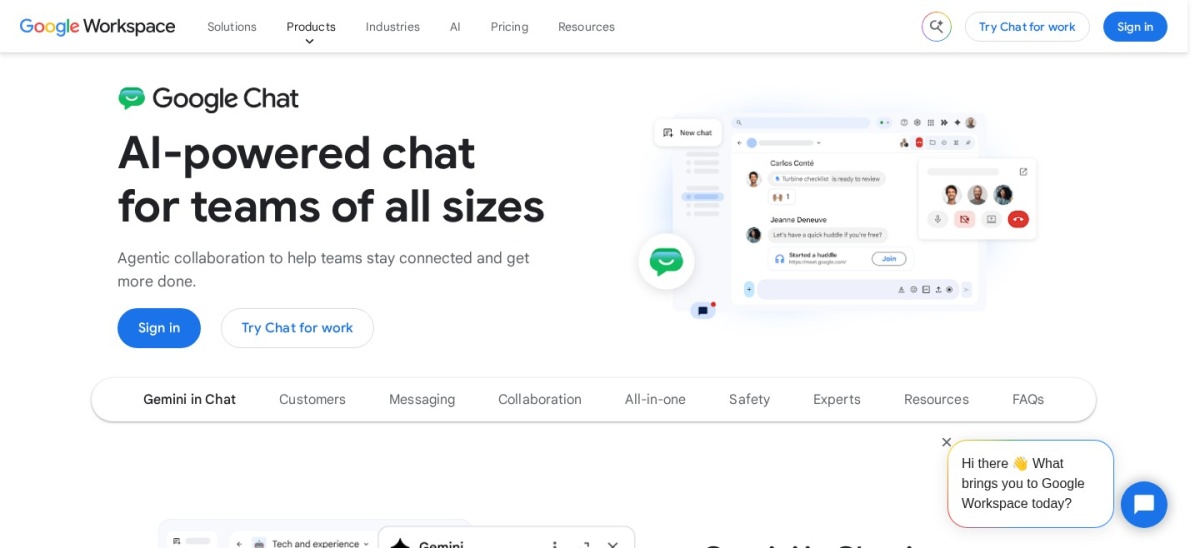
Google Chat homepage, captured Nov 2026.
Google Chat is Google's team messaging app, included with every Google account and with Google Workspace. The free version covers direct messages, group spaces, file sharing from Drive and huddles, on iOS, Android and the web, with Gemini summaries on paid Workspace plans.
The trade off is that the best features need Workspace. Business Starter costs $7 per user a month, and Chat has no desktop app of its own. It suits teams that already live in Gmail, Drive and Meet.
4.2/5on Google Play (16M reviews, checked Nov 2026)
PriceFree
Best for cheap international calls
Free planYes, free
EncryptionEnd-to-end, default
Largest group250 members
Paid planViber Out calls
viber.com
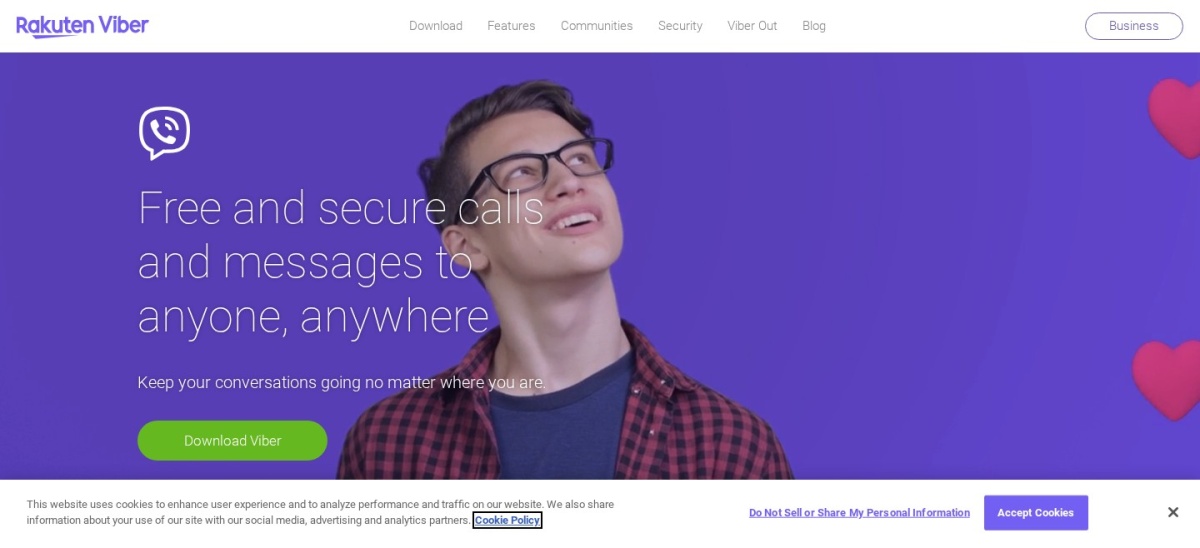
Viber homepage, captured Nov 2026.
Viber is a free messaging and calling app from Rakuten, used by more than a billion people. It covers end-to-end encrypted chats and calls, group chats of up to 250 members, disappearing messages and low-cost Viber Out calls to landlines and mobiles.
The trade off is ads and reach. Free users see ads in the app, and Viber is less common than WhatsApp in many places. It suits people who call landlines abroad and want cheap international calls.
Five of the nine apps are free with no paid plan at all: WhatsApp, Signal, Messenger, Viber and the core of Telegram. For personal chat, you may never need to pay anything.
Paid plans buy team features, not better chat. Slack Pro adds unlimited history, Teams Essentials adds meeting time, and Google Chat's best AI features need Workspace.
The only personal paid plan here is Telegram Premium at $4.99 a month, which buys bigger uploads and faster downloads. Discord Nitro Basic at $2.99 a month is the cheapest paid upgrade in the list.
How we chose
We started from the most-installed messaging apps on iOS, Android, Windows and macOS, then kept those with a real desktop app or web version and a free plan.
Prices come from each vendor's pricing page, checked on 25 November 2026. Ratings come from Google Play and Capterra on the same day. Where a vendor shows a sale, the list shows the regular price.
We left out apps that only work on one platform, such as iMessage, and apps with no public numeric rating. No vendor paid for a place, and we do not claim to have used these tools ourselves.
How to choose a cross-platform messaging app
Start with where your contacts already are, then check privacy and price.
Go where your contacts are. The best app is the one your friends, family or team already use. WhatsApp wins for most people on reach alone.
Check encryption by default. WhatsApp, Signal and Viber encrypt every chat by default. Telegram only encrypts Secret Chats, so check before sharing anything sensitive.
Try the desktop and web apps. Open the desktop or web version before you commit. Some apps need your phone nearby, while Telegram and Slack work on their own.
Add up the paid cost per person. Team plans charge per user per month. Slack Pro at $7.25 a user costs $1,740 a year for 20 people, while Teams Essentials costs $960.
FAQ
What is the best cross-platform messaging app?
WhatsApp is the best pick for most people. It is free, works on iOS, Android, Windows, macOS and the web, and is rated 4.6 out of 5 from 248 million Google Play ratings. Telegram and Signal are strong alternatives.
Which cross-platform messaging app is best for privacy?
Signal is the best pick for privacy. It is run by a nonprofit, collects no data, shows no ads, and every chat is end-to-end encrypted by default. WhatsApp also encrypts every chat by default.
Is there a completely free cross-platform messaging app?
Yes. WhatsApp, Signal, Messenger and Viber are free with no paid plan at all. Telegram is also free for nearly everything, with an optional Premium plan at $4.99 a month.
What is the best cross-platform messaging app for teams?
Slack is the best team chat here, with channels, huddles and 2,600 apps, and Pro costs $7.25 per user a month billed annually. Microsoft Teams is the cheaper pick at $4 per user a month.
Does Telegram cost money?
No, the core app is free, with unlimited messages, groups of up to 200,000 members and channels. Telegram Premium costs $4.99 a month and adds 4GB file uploads, faster downloads and voice-to-text.
Can I use these apps on my computer?
Yes, all nine apps in this list run on Windows and macOS as well as iOS and Android. Telegram, Slack, Discord and Google Chat also run in a web browser.
SaaS SEO and WordPress specialist with about 8 years of experience. Rakib compares WordPress plugins, themes, hosting and software using public pricing, documentation and user reviews. See how we rank.