Flutter is the best cross-platform mobile app development tool for most teams. It is free and open source, rated 4.6 out of 5 on G2, and ships one Dart codebase to iOS, Android, web and desktop. Pick React Native for JavaScript teams, Ionic for web teams, or FlutterFlow to build without writing code.
How we make this list: we compare pricing pages, product documentation and public user reviews, then re-check every price before each update. No product paid for a place. Disclosure.
Flutter is the top pick: free, rated 4.6 out of 5 on G2 from 73 reviews, and one Dart codebase covers iOS, Android, web and desktop.
React Native is the best choice for JavaScript teams, rated 4.5 out of 5 on G2 from 144 reviews, with truly native interface components.
Ionic is free and works with Angular, React or Vue, but new sales of its paid Appflow cloud service ended in February 2025.
FlutterFlow is the only no-code builder here that hands you real Flutter source code, from $29 a month billed yearly.
Six of the nine tools are completely free, so the cheapest paid plan in this list is $0 and the dearest is Adalo at $624 a year.
Kotlin Multiplatform shares logic, not interfaces, so teams still build two native interfaces and need Xcode skills for iOS.
What to look for in a cross-platform tool
Cross-platform tools let one team ship an app to iOS and Android from a single codebase. The choice comes down to language, interface quality and how much native work you accept.
Frameworks such as Flutter, React Native and Ionic are free and open source. You pay with learning time and native setup, not a licence fee, and you keep full control of the code.
No-code builders such as FlutterFlow and Adalo trade control for speed. They suit founders testing an idea, but check code export and pricing before you commit.
Performance matters most on older phones. Our guide on optimizing WordPress for mobile speed shows the same rule: a fast app keeps users, and a slow one loses them.
Check the paid layer, not just the framework. Cloud builds, live updates and store publishing are where the bills appear, and some vendors have wound those services down.
The 9 best cross-platform mobile app development tools
01
Flutter
4.6/5on G2 (73 reviews, checked Nov 2026)
PriceFree
Best cross-platform tool overall
LanguageDart
PlatformsiOS, Android, web, desktop
Hot reloadYes
Paid planNone, free
flutter.dev
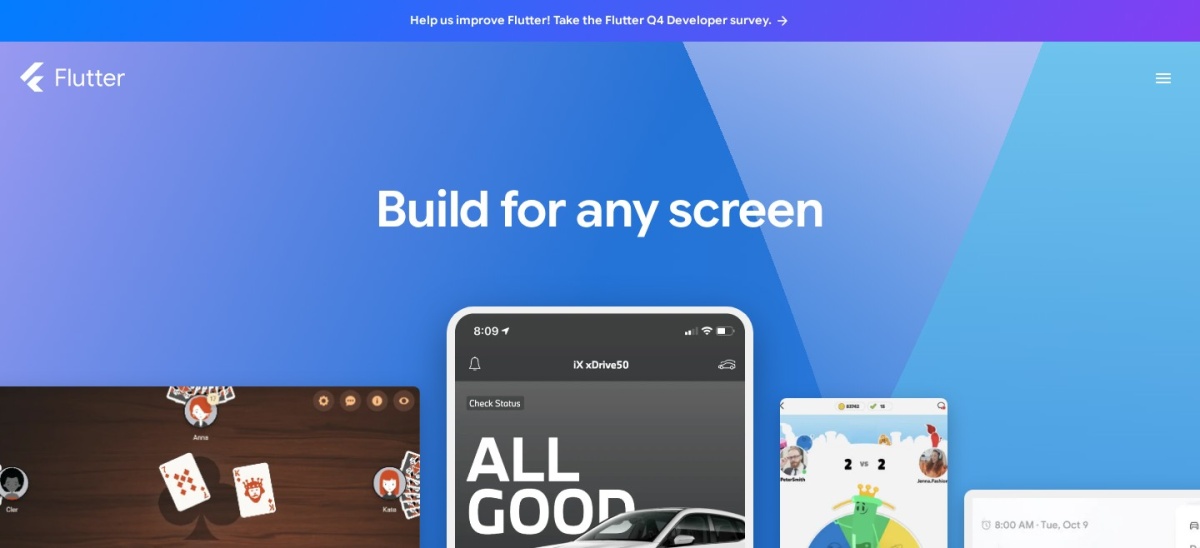
Flutter homepage, captured Nov 2026.
Flutter is Google's free, open-source framework for building apps from one Dart codebase. It ships to iOS, Android, web, Windows, macOS and Linux, with hot reload for fast iteration and a large widget library for custom interfaces. There is no licence fee, and Google backs the framework.
The trade off is app size and Dart. Flutter apps carry their own rendering engine, so downloads run larger than native apps, and teams must learn Dart if they do not know it already. It suits teams that want one codebase, a custom interface and strong performance on both stores.
What we like
One codebase reaches iOS, Android, web and desktop
Rated 4.6 out of 5 on G2 from 73 reviews
Hot reload and a large widget library
Free and open source, with no licence fee
Watch out for
Apps are larger than native apps
Teams must learn Dart
Custom interface work can take longer than native UI
No paid plan; costs come from hosting and store fees onlyVisit flutter.dev
02
React Native
4.5/5on G2 (144 reviews, checked Nov 2026)
PriceFree
Best for JavaScript teams
LanguageJavaScript, TypeScript
PlatformsiOS, Android
InterfaceTruly native components
Paid planNone, free
reactnative.dev
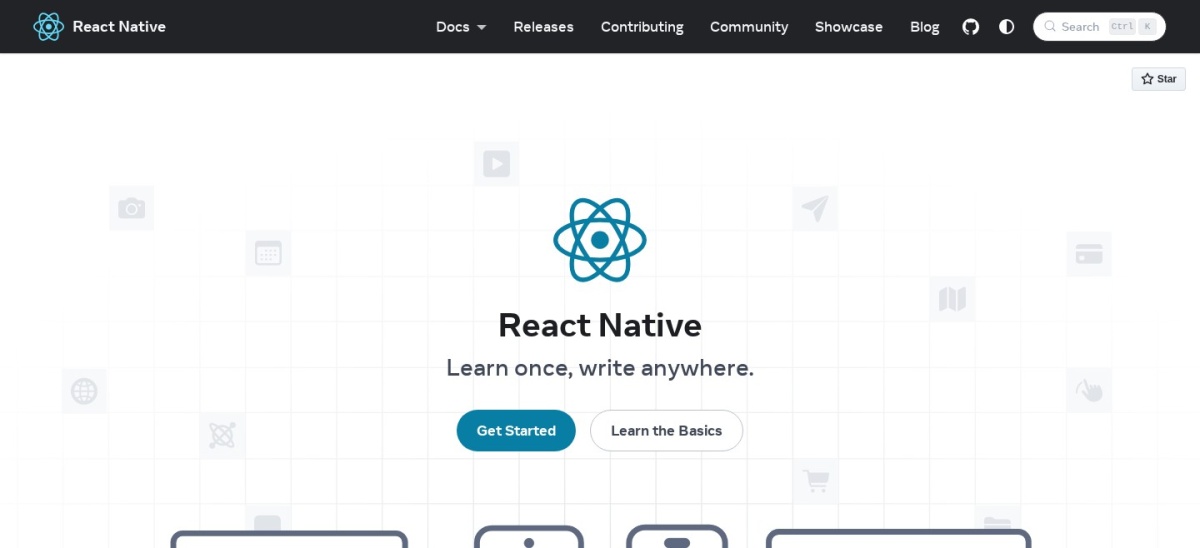
React Native homepage, captured Nov 2026.
React Native is Meta's free, open-source framework for building mobile apps with JavaScript and React. It renders truly native interface components, shares most code between iOS and Android, and offers Fast Refresh to see edits at once. A large community and many libraries support it.
The trade off is native work. Complex features, upgrades and some libraries still need Swift, Kotlin or Java, and version upgrades can take effort. It suits JavaScript teams that want native performance without learning a second language.
What we like
Largest review base here: 4.5 out of 5 on G2 from 144 reviews
Truly native interface components
Huge community and library ecosystem
Free and open source, from Meta
Watch out for
Some features still need native Swift or Kotlin code
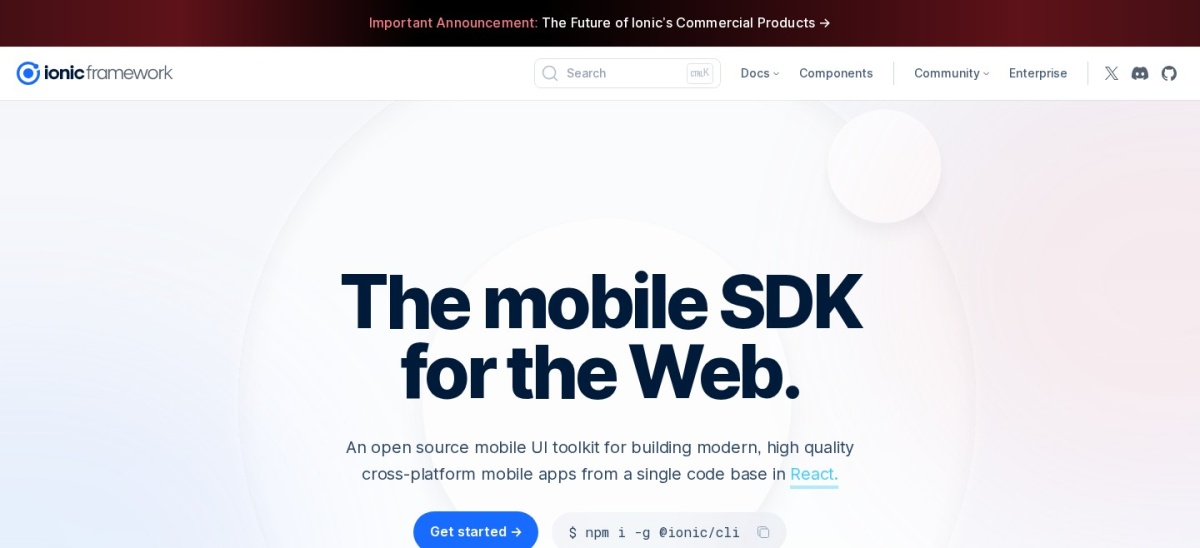
Ionic is a free, open-source framework that builds mobile, desktop and web apps from web technology. It works with Angular, React or Vue, uses Capacitor to reach native device features, and ships one codebase to the App Store, Google Play and the web. The framework itself costs nothing.
The trade off is the paid cloud layer. Ionic stopped selling Appflow to new customers in February 2025, and existing customers keep access only until 31 December 2027, so teams must plan their own builds. It suits web teams that already know HTML, CSS and JavaScript.
What we like
Rated 4.4 out of 5 on G2 from 154 reviews
One codebase covers mobile, desktop and web
Works with Angular, React or Vue
Free framework with a large component library
Watch out for
Appflow cloud service is winding down
Web-based apps can feel less native than Flutter
Plugin updates can introduce build bugs
Framework is free; Appflow is closed to new customersVisit ionic.io
04
FlutterFlow
4.5/5on G2 (30 reviews, checked Nov 2026)
Paid from$29/mo
Best no-code builder with code export
BuilderVisual, no-code plus code
OutputFlutter and Dart code
Free plan2 projects
Paid planBasic, $29/mo billed yearly
flutterflow.io
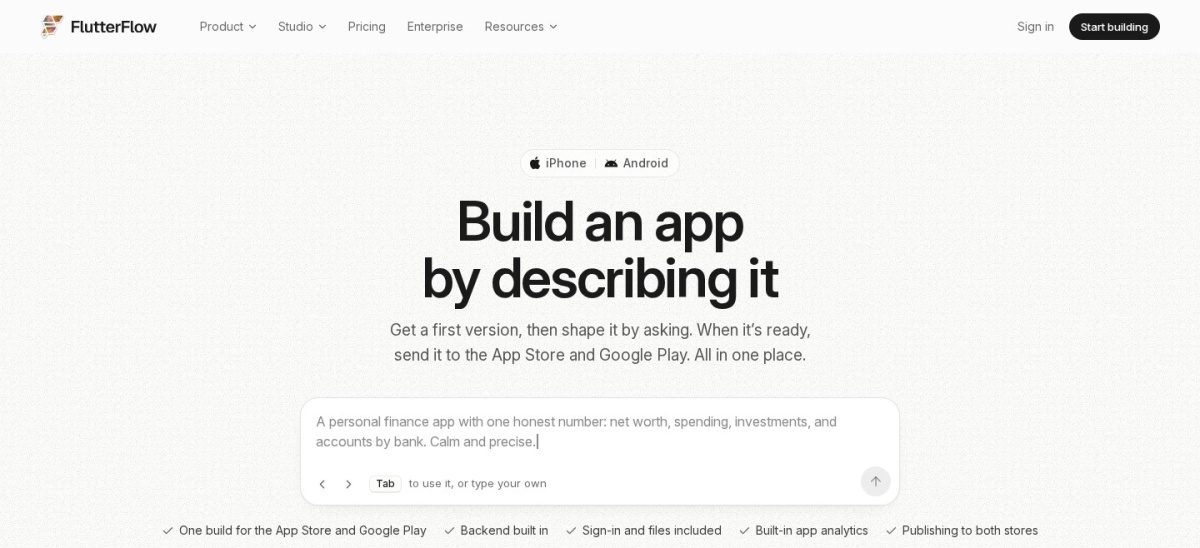
FlutterFlow homepage, captured Nov 2026.
FlutterFlow is a visual builder that creates real Flutter apps without writing code line by line. It offers a drag-and-drop canvas, Firebase and Supabase connections, and code download on paid plans. The free plan covers 2 projects with a free AI allowance.
The trade off is price. Basic costs $29 a month billed yearly, or $39 month to month, and full features such as code download and store deployment need a paid plan. It suits founders and small teams that want a working app fast.
What we like
Generates real Flutter source code you can keep
Rated 4.5 out of 5 on G2 from 30 reviews
Firebase and Supabase built in
One-click deployment to both stores on paid plans
Watch out for
Code download needs a paid plan
Pricing changed recently, so older $30 quotes are stale
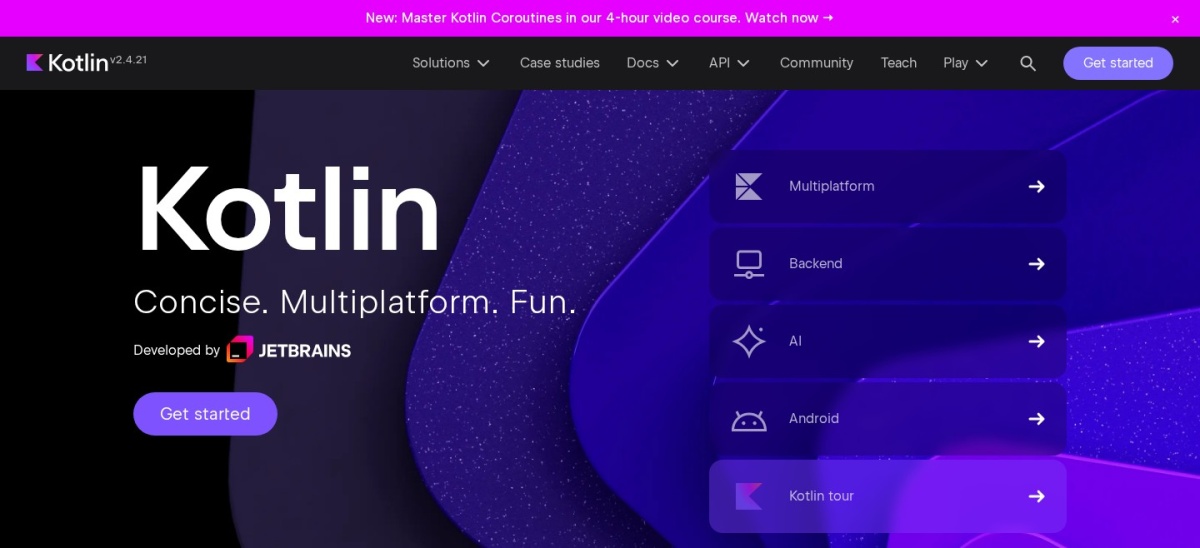
Kotlin Multiplatform is JetBrains' free, open-source way to share code across platforms. It shares business logic, networking and data code in Kotlin, while each platform keeps its own native interface. Compose Multiplatform adds shared interface code for teams that want it.
The trade off is double interface work. Teams still build separate iOS and Android interfaces, and the iOS side needs comfort with Xcode and Swift interop. It suits Android-first teams and firms that refuse to compromise on native interface quality.
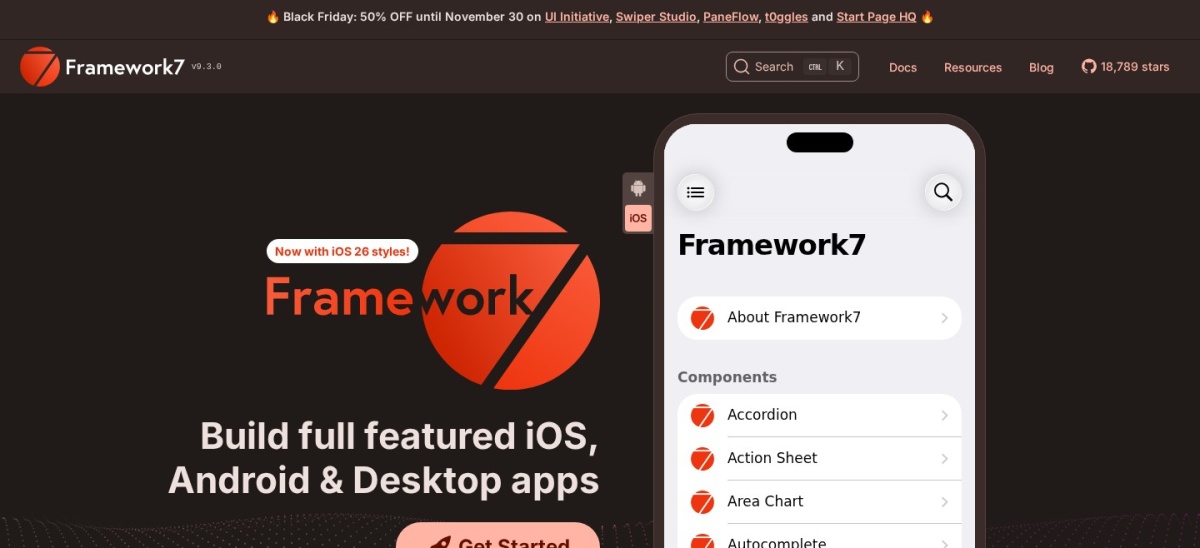
Framework7 is a free, open-source HTML framework for building iOS, Android and desktop apps. It ships ready-made interface components in iOS and Material styles, works with plain JavaScript or Vue and React, and pairs with Capacitor or Cordova for store builds. Version 9.3.0 is current.
The trade off is scope. Framework7 covers the interface only, so teams must add their own build, packaging and native plugin layer. It suits web developers who want a polished, native-looking interface without learning a new language.
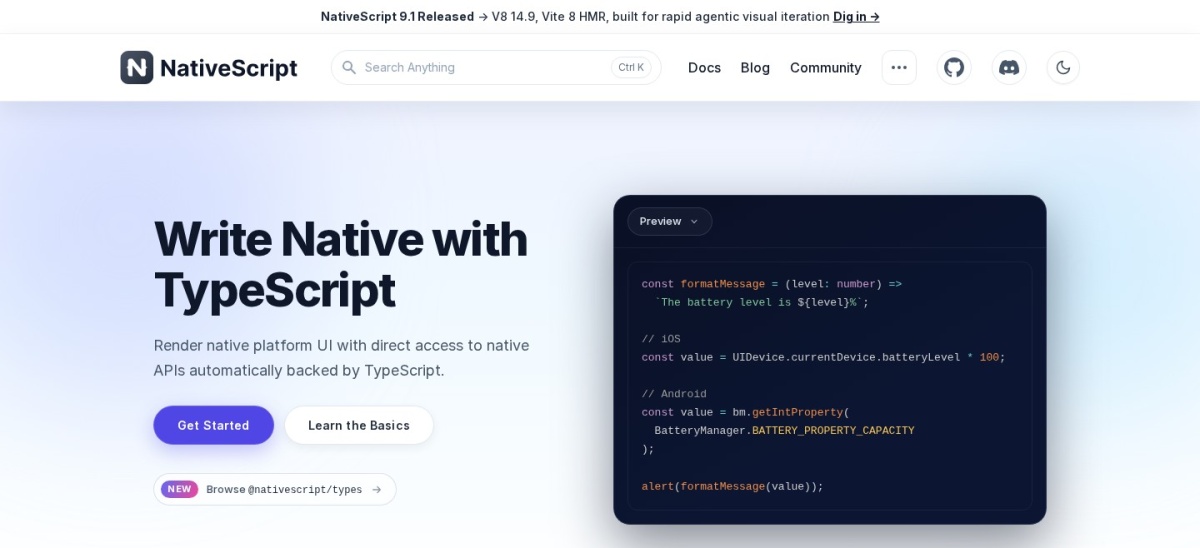
NativeScript is a free, open-source framework for building native mobile apps with JavaScript or TypeScript. It renders native interface elements, gives direct access to native platform APIs without plugins, and version 9.1 adds Vite 8 hot module replacement. There is no licence fee.
The trade off is a smaller community. NativeScript has far fewer reviews and plugins than Flutter or React Native, so answers and ready-made pieces can be harder to find. It suits TypeScript teams that want direct native API access.
What we like
Direct access to native APIs without plugins
Truly native interface elements
TypeScript-first development
Free and open source
Watch out for
Only 17 G2 reviews, the thinnest sample here except Adalo
Apache Cordova is a free, open-source framework that wraps HTML, CSS and JavaScript apps in a native container. It targets iOS, Android and more from one codebase and reaches device features through a large plugin system. Cordova is the oldest tool in this list.
The trade off is age. Cordova is mature and little changed, plugin maintenance varies, and newer frameworks offer better performance and tooling. It suits simple apps and teams with existing web code that need a quick store presence.
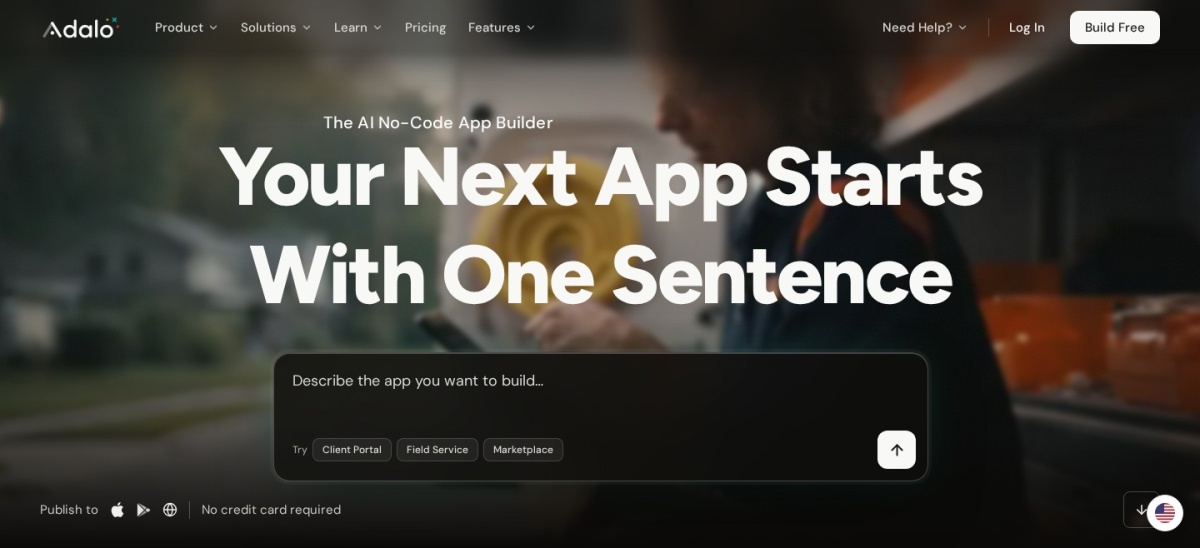
Adalo is a no-code builder for database-driven apps on iOS, Android and the web. It offers a drag-and-drop canvas, an AI assistant that drafts apps from a sentence, and built-in data, payments and push. The free plan allows test apps with 500 records each.
The trade off is lock-in and scale. Adalo does not export source code, and G2 reviewers warn that large or fast-growing apps can outgrow it. Builder costs $52 a month billed yearly. It suits founders testing a simple app idea.
What we like
Easiest builder in this list to start with
Rated 4.4 out of 5 on G2 from 7 reviews
Built-in database, payments and push
Publishes to both stores without code
Watch out for
No source code export, so you cannot leave easily
Only 7 G2 reviews, a very small sample
Scaling past a few thousand users is hard
Builder adds store publishing, custom domains and pushVisit adalo.com
Free frameworks vs paid builders: what you give up
Free frameworks give you the code and the control. Flutter, React Native, Ionic, Kotlin Multiplatform, Framework7, NativeScript and Cordova all cost $0, and you own everything you build.
Paid builders give you speed. FlutterFlow and Adalo let non-developers ship an app in days, but the monthly bill starts at $29 and $52, and Adalo keeps your code.
The hidden cost is the build layer. Cloud builds, live updates and store submission are where money appears, so check those prices before you pick a framework.
For a first app, start free. Pick a framework that matches the language your team already knows, and only pay when the app earns money or needs store publishing.
How we chose
We started from the frameworks and builders most often named for cross-platform mobile development, then kept those with a public rating on G2 and a pricing page or free licence we could check.
Prices come from each vendor's pricing page, checked on 25 November 2026. Ratings and review counts come from G2 on the same day. Where a vendor shows a sale, the list shows the regular price.
We left out Expo because it has no G2 rating for its developer platform, and Capacitor because its G2 page holds a single review. No vendor paid for a place, and we do not claim to have used these tools ourselves.
How to choose a cross-platform mobile app development tool
Start with the language your team already knows, then check the interface and the paid layer.
Match the language to your team. Dart points to Flutter, JavaScript points to React Native or Ionic, Kotlin points to Kotlin Multiplatform, and no-code points to FlutterFlow or Adalo.
Decide how native the interface must feel. Flutter and React Native render close to native, while Ionic and Framework7 wrap web views. Test on a real phone before you commit.
Check the paid layer, not just the framework. Cloud builds, live updates and store publishing carry the real cost. Ionic's Appflow, for example, is closed to new customers.
Plan your exit before you build. FlutterFlow exports Flutter code, but Adalo does not export code at all. If you may outgrow a builder, pick one that lets you leave.
FAQ
What is the best cross-platform mobile app development tool?
Flutter is the best pick for most teams. It is free, rated 4.6 out of 5 on G2 from 73 reviews, and one Dart codebase ships to iOS, Android, web and desktop. React Native is the best choice for JavaScript teams.
Is Flutter really free?
Yes. Flutter is free and open source, with no licence fee. Your costs are hosting, third-party services and the app-store developer accounts.
Is React Native better than Flutter?
It depends on your team. React Native suits JavaScript teams and renders truly native components, while Flutter suits teams that want one custom interface everywhere. Both are free, and both have large communities.
Can I build an app without coding?
Yes. FlutterFlow and Adalo are visual builders that publish to iOS and Android without code. FlutterFlow exports real Flutter code on paid plans, while Adalo does not export code at all.
What happened to Ionic Appflow?
Ionic stopped selling Appflow to new customers in February 2025. Existing customers keep access until 31 December 2027. The Ionic Framework and Capacitor stay free and open source.
Is Apache Cordova still a good choice?
Only for simple apps. Cordova is free and still works, but it is the oldest tool here, plugin maintenance varies, and Flutter or React Native offer better performance. Capacitor is the modern successor for web-based apps.
Do I still need a Mac to publish to iOS?
Yes, in most cases. Apple requires Xcode for iOS builds, which runs on a Mac, or a cloud build service. Cloud builders such as Expo and FlutterFlow can build for iOS without a Mac of your own.
SaaS SEO and WordPress specialist with about 8 years of experience. Rakib compares WordPress plugins, themes, hosting and software using public pricing, documentation and user reviews. See how we rank.