Visual Studio Code is the best productivity tool for most software developers: free, fast and extended by thousands of plugins. GitHub Copilot is the best AI add-on, at $10 a month.
How we make this list: we compare pricing pages, product documentation and public user reviews, then re-check every price before each update. No product paid for a place. Disclosure.
Visual Studio Code is free and holds a 4.7 G2 rating from 2,759 reviews, the joint highest here.
GitHub Copilot is the cheapest AI add-on at $10 a month, with a free tier of 2,000 completions.
Cursor Plus lists at $8 a month, cheaper than Copilot, with a 4.6 G2 rating from 334 reviews.
Jira holds the largest review base here at 4.3 out of 5 from 7,357 G2 reviews.
Claude Code is the highest-rated AI tool here at 4.7 out of 5, but from only 125 G2 reviews.
What developer productivity tools should cover
Developer productivity tools cover the whole working day: writing code, getting AI help, storing it, running it, testing APIs and tracking the work. No single tool does all of it, so the list mixes editors, AI assistants and workflow tools.
The AI assistants are the newest part of the stack. Copilot, Cursor and Claude Code all write and refactor code, but they differ in price, editor and how much autonomy they take.
The classic tools are the base. VS Code and IntelliJ IDEA are where code is written, GitHub is where it lives, Docker is where it runs, Postman is where APIs are tested, and Jira is where the work is tracked.
Every tool here has a free plan or free tier except Claude Code, which needs a Claude Pro subscription, so a solo developer can start this whole stack for nothing.
The 9 best productivity tools for software developers
01
Visual Studio Code
4.7/5on G2 (2,759 reviews, checked Nov 2026)
PriceFree
Best productivity tool for developers overall
Free planYes, free and open source
Entry paid plan$0
PlatformsWindows, Mac, Linux
G2 rating4.7/5, 2,759 reviews
code.visualstudio.com
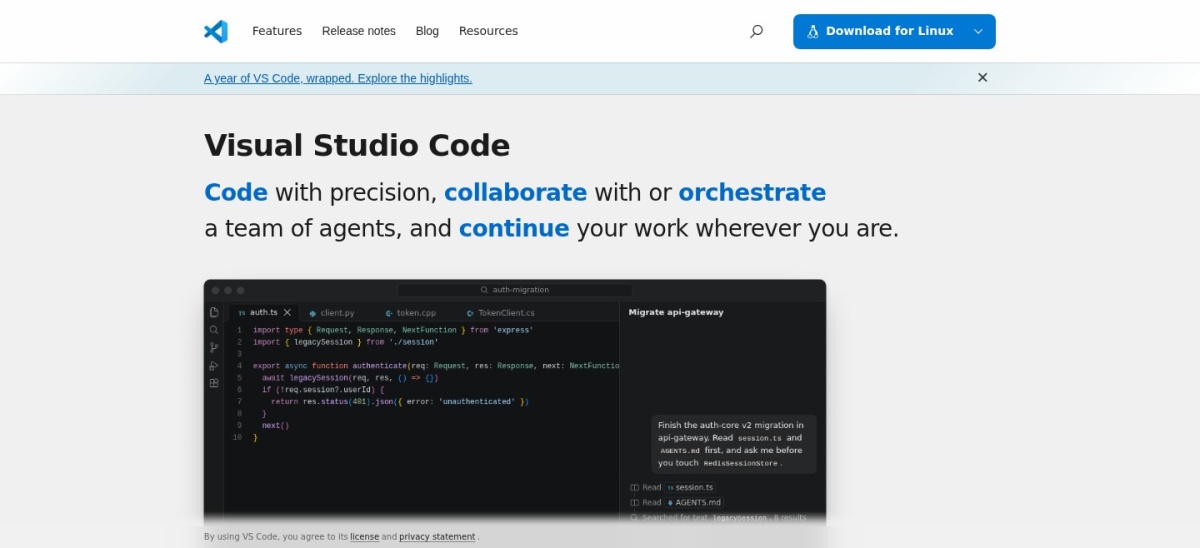
Visual Studio Code homepage, captured Nov 2026.
Visual Studio Code is the free editor most developers start from, and the one most keep. It is lightweight, fast and extended by thousands of plugins for every language, debugger and AI assistant, and it holds a 4.7 out of 5 G2 rating from 2,759 reviews, the joint highest here.
The trade off is that it is only an editor. VS Code does not track issues, host code or run containers on its own, so it needs GitHub, Docker, Postman and Jira around it. It suits almost every developer as the base tool.
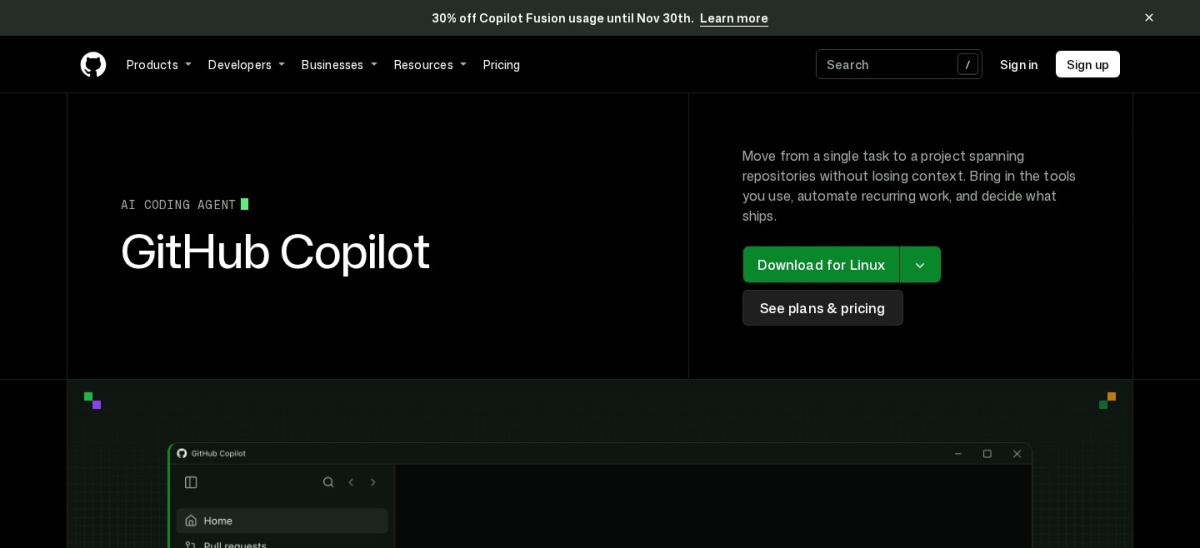
GitHub Copilot is the AI assistant that lives inside the editor developers already use, completing code, explaining it and refactoring it, with agent mode for multi-file work. Pro costs $10 a month with unlimited completions and $15 in monthly AI credits, and a free tier gives 2,000 completions a month.
The trade off is depth. Copilot is strongest at completions and chat, while Cursor and Claude Code go further on multi-file agent work, and GitHub moved Copilot to usage-based billing in June 2026. It suits teams that want AI without switching editors.
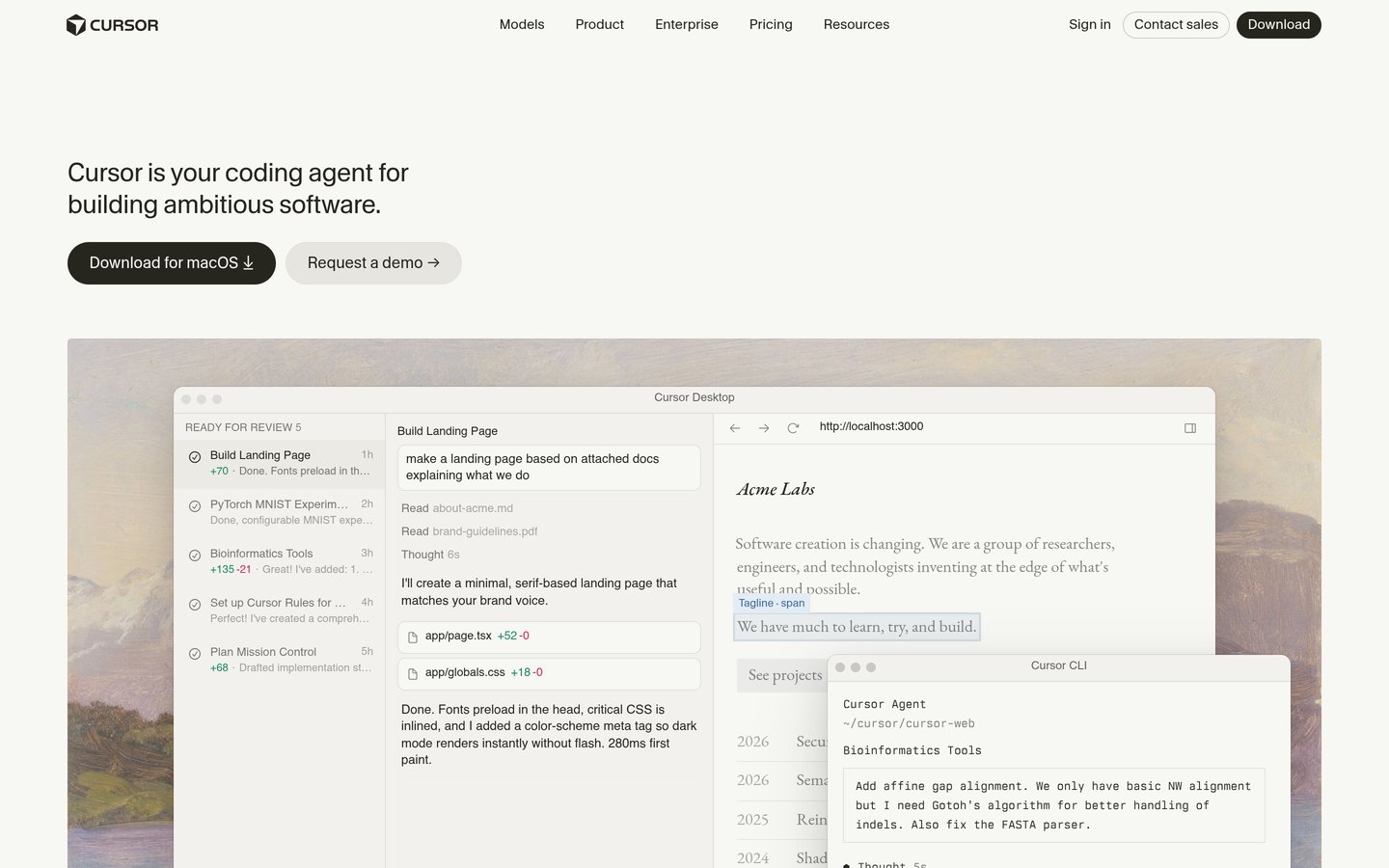
Cursor is the AI-first code editor built around multi-file agent editing, where Composer plans and executes changes across files from a single prompt and Cmd+K edits selected code inline. Plus lists at $8 a month, or $80 a year billed annually, for Cursor models, with a free Hobby tier to start.
The trade off is price churn. Cursor has restructured its plans twice in the last year, and older guides still quote Pro at $20 a month, so confirm the plan at checkout. It suits developers who want the editor rebuilt around AI.
Claude Code is Anthropic's terminal-first coding agent, and it is the pick for large refactors. It reads the codebase, plans multi-step changes, executes them and iterates, spawning parallel subagents for independent parts, and it works over SSH with Unix tools. It is included with Claude Pro at $20 a month.
The trade off is the interface and the price. Claude Code has no free tier, it lives in the terminal rather than a GUI, and its G2 base is thin at 125 reviews. It suits senior engineers doing hard refactors.
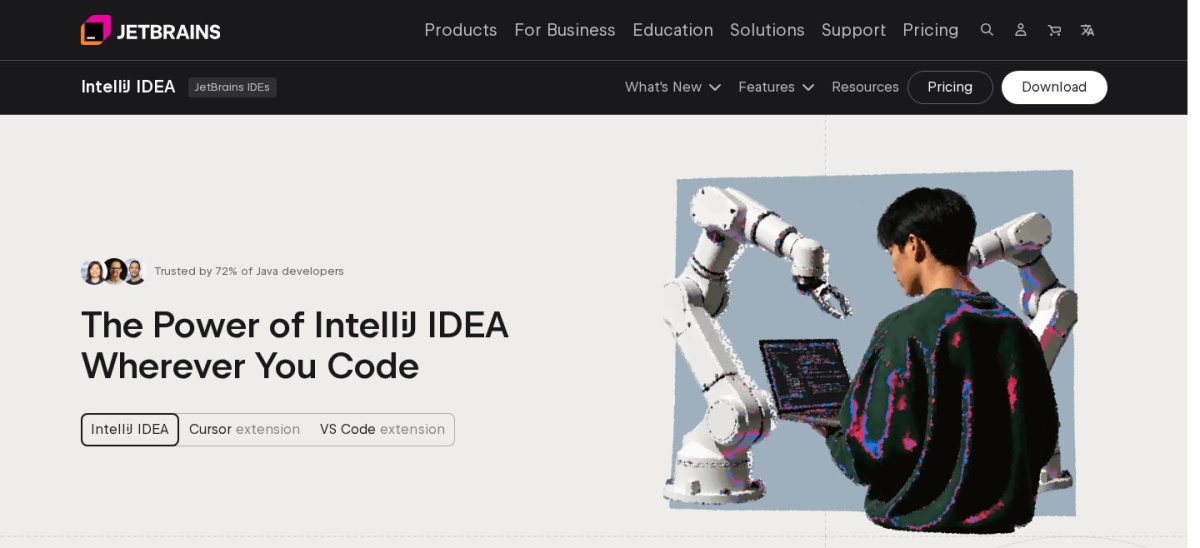
IntelliJ IDEA is the IDE Java and Kotlin teams measure everything else against. Its static analysis understands types, frameworks and dependencies across a project, which makes refactoring, navigation and error detection more reliable than in a plain editor, with Spring, database tools and profiling inside.
The trade off is price and weight. Ultimate lists at $719 per user a year, and the IDE is demanding on machine resources for very large projects. It suits Java and Kotlin teams on large, typed codebases.
GitHub is where the world builds software, and it is the default code host for most teams. It covers version control, pull requests, code review and automation in one place, with a free plan for individuals and small teams and Team at $4 per user a month.
The trade off is that it is only the host. GitHub does not edit code, run containers or test APIs, so it needs VS Code, Docker and Postman beside it. It suits almost every team as the collaboration layer.
Docker is the tool that makes apps run the same on every machine, and it is the standard for consistent development environments. Personal is free for individual developers, Pro costs $9 per user a month billed annually, and Docker Desktop, the engine and Hub access come with it.
The trade off is resources. Docker Desktop can be heavy on a laptop, and the free tier limits Hub pull rates. It suits teams that want every developer running the same stack.
Postman is the standard tool for working with APIs. You send requests, save them in collections, set variables and environments, and share them with a team, while mock servers let front-end work start before an API exists and tests catch regressions in live endpoints.
The trade off is scope. Postman is specialised for API work and does not replace an IDE or a tracker, and AI credits are metered on top of the plan. It suits teams that build and consume APIs daily.
Jira is the planning and tracking layer for development teams, with boards, sprints, backlogs and reporting that scale from small teams to large programs. It is free for up to 10 users, Standard lists at $7.91 per user a month, and it connects to over 2,500 integrations.
The trade off is complexity and price confusion. Configuration can grow complex, and Atlassian's pricing page has shown conflicting figures in 2026, so confirm the figure at checkout. It suits teams past five people.
The AI assistants in this list change the shape of a working day more than any other tool here. Copilot completes code inside the editor you already use, Cursor rebuilds the editor around multi-file agent work, and Claude Code runs in the terminal and handles large refactors on its own.
The classic tools still do the jobs AI cannot. No AI assistant replaces version control, containers, API testing or issue tracking, and the highest-rated tools in this list are still the free editor and the code host.
The practical stack is one editor, one AI assistant, GitHub, Docker, Postman and Jira. Start with the free tiers, add Copilot or Cursor when the free completions run out, and add Claude Code when refactors get large.
How we chose
We started from the tools developers name most for daily productivity, then kept the nine with a verifiable G2 rating and a real job in the development workflow, from writing code to tracking it.
Prices come from each vendor's pricing page or from pricing pages read in October and November 2026, checked on 26 November 2026. Ratings come from G2 on the same day. Where a vendor shows a sale, the list shows the regular price.
We left out newer AI tools with no usable G2 rating, such as Zencoder and CodeRabbit, and workflow tools whose ratings rest on thin bases. No vendor paid for a place, and we do not claim hands-on testing for this list.
How to choose productivity tools as a developer
Start with the editor, then add one tool per job.
Pick the editor first. VS Code is free and suits most languages, while IntelliJ IDEA suits Java and Kotlin teams that want deep refactoring.
Add one AI assistant. Copilot fits teams that stay in their editor, Cursor fits developers who want an AI-native editor, and Claude Code fits terminal-first refactors.
Keep code, containers and APIs together. GitHub, Docker and Postman cover version control, runtime and API testing, and all three have free tiers.
Track the work in Jira only when the team grows. Solo developers can track work in GitHub Issues, while teams past five people benefit from Jira's boards and reporting.
FAQ
What is the best productivity tool for software developers?
Visual Studio Code is the best base tool: free, fast, with a 4.7 out of 5 G2 rating from 2,759 reviews and an extension for almost everything. GitHub Copilot is the best AI add-on at $10 a month.
Is GitHub Copilot worth $10 a month?
For most developers, yes. Copilot Pro costs $10 a month with unlimited completions and $15 in monthly AI credits, and it works in VS Code, JetBrains, Xcode and the CLI. The free tier gives 2,000 completions a month to try first.
What is the difference between Cursor and GitHub Copilot?
Cursor is an AI-first editor rebuilt around multi-file agent editing, while Copilot is an assistant that lives inside the editor you already use. Cursor Plus lists at $8 a month and Copilot Pro at $10 a month.
Is Visual Studio Code really free?
Yes. Visual Studio Code is free and open source from Microsoft, with no paid tier. Paid tools in this list, such as Copilot and IntelliJ IDEA Ultimate, plug into it rather than replace it.
How much does Jira cost?
Jira is free for up to 10 users, and Standard lists at $7.91 per user a month, though Atlassian's pricing page has shown conflicting figures in 2026, so confirm the figure at checkout.
Do I need Claude Code if I have Copilot?
Not necessarily. Copilot covers completions and chat inside the editor, while Claude Code suits terminal-first developers doing large, multi-step refactors. Many developers run Copilot daily and Claude Code for big refactors.
SaaS SEO and WordPress specialist with about 8 years of experience. Rakib compares WordPress plugins, themes, hosting and software using public pricing, documentation and user reviews. See how we rank.