Best AI Coding Platforms in 2026: 7 Tools Compared
WLWPLegible EditorsLast verified 22 Nov 2026How we rank5 min read
★ Short answer
GitHub Copilot leads for broad editor support and a $10/mo Pro entry plan with unlimited completions and $15 in monthly AI credits. Cursor fits multi-file agent work in a dedicated editor, while Replit suits browser-based app building and hosting.
How we make this list: we compare pricing pages, product documentation and public user reviews, then re-check every price before each update. No product paid for a place. Disclosure.
GitHub Copilot Pro starts at $10/mo with unlimited completions and $15 in monthly AI credits after a 2,000-completion free tier.
Cursor Plus lists at $8/mo ($80/yr billed annually) for Cursor models, while Premium is $30/mo for cloud agents and third-party model access.
Claude Pro costs $20/mo ($17/mo billed annually) and includes Claude Code across terminal, IDE, desktop, and web workflows.
Replit Core is $20/mo ($18/mo billed annually) with up to 30 hours of Free Mode chat and $20 toward more powerful models.
Lovable Pro starts at $25/mo ($250/yr) for 100 monthly build credits after a free tier capped at 5 daily credits and 30 per month.
What to look for in an AI coding platform
AI coding platforms now split across three main shapes: extensions inside an existing code editor, standalone AI-first editors or terminal agents, and browser app builders with hosting attached. Choosing the right category matters as much as model quality because switching editors or managing cloud deployments changes daily habits.
Pricing models also vary sharply across vendors. Many plans bundle a base allowance of credits or usage windows and bill extra agent runs, heavy reasoning models, or overages on top. Checking what happens when you hit a cap prevents surprise bills during long debugging or refactoring sessions.
Repository context and team controls separate hobby tools from production setups. Some platforms index repositories or connect to cloud infrastructure, while others read files on demand or restrict admin policies and training opt-outs to team and enterprise tiers.
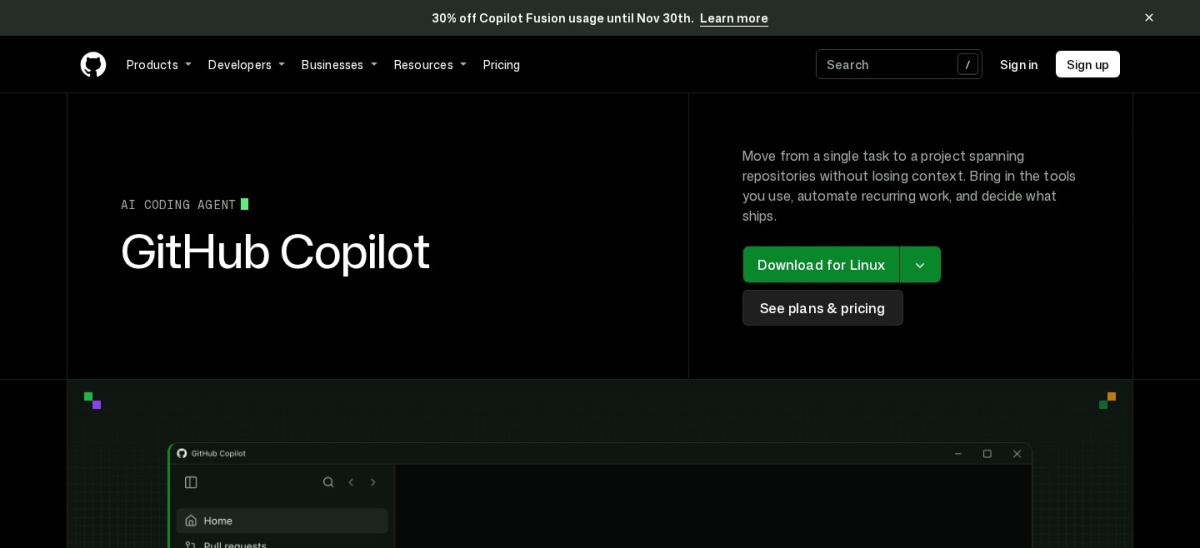
GitHub Copilot is a coding assistant built into major editors, GitHub, and the CLI, with a Free tier offering 2,000 completions per month. Copilot Pro costs $10 per month and includes unlimited code completions, cloud agent access, pull request code review, and $15 in monthly AI credits.
The trade off is that heavy agentic work consumes AI credits metered at $0.01 each, and Pro+ jumps to $39 per month for higher credit pools and premium models. It suits developers who want reliable inline completions inside an existing IDE without switching editors.
What we like
Works across VS Code, Visual Studio, JetBrains IDEs, Eclipse, and Xcode
Unlimited code completions on Pro do not draw down monthly AI credits
Includes pull request reviews, CLI support, and third-party agent options on Pro
Watch out for
Agent mode and chat draw from metered AI credits that can run out on heavy tasks
Higher tiers climb to $39/mo for Pro+ and $100/mo for Max
Paid plans add unlimited completions, cloud agents, code review, and monthly AI credit allowances.Visit github.com
02
Cursor
4.6/5on G2 (334 reviews, checked Nov 2026)
Paid from$8/mo
Best for multi-file agent workflows
Entry paid plan$8/mo Plus ($80/yr)
Free tierLimited Agent & Chat
Cloud agentsStarts on $30/mo Premium
Billing windowWeekly usage pool
cursor.com
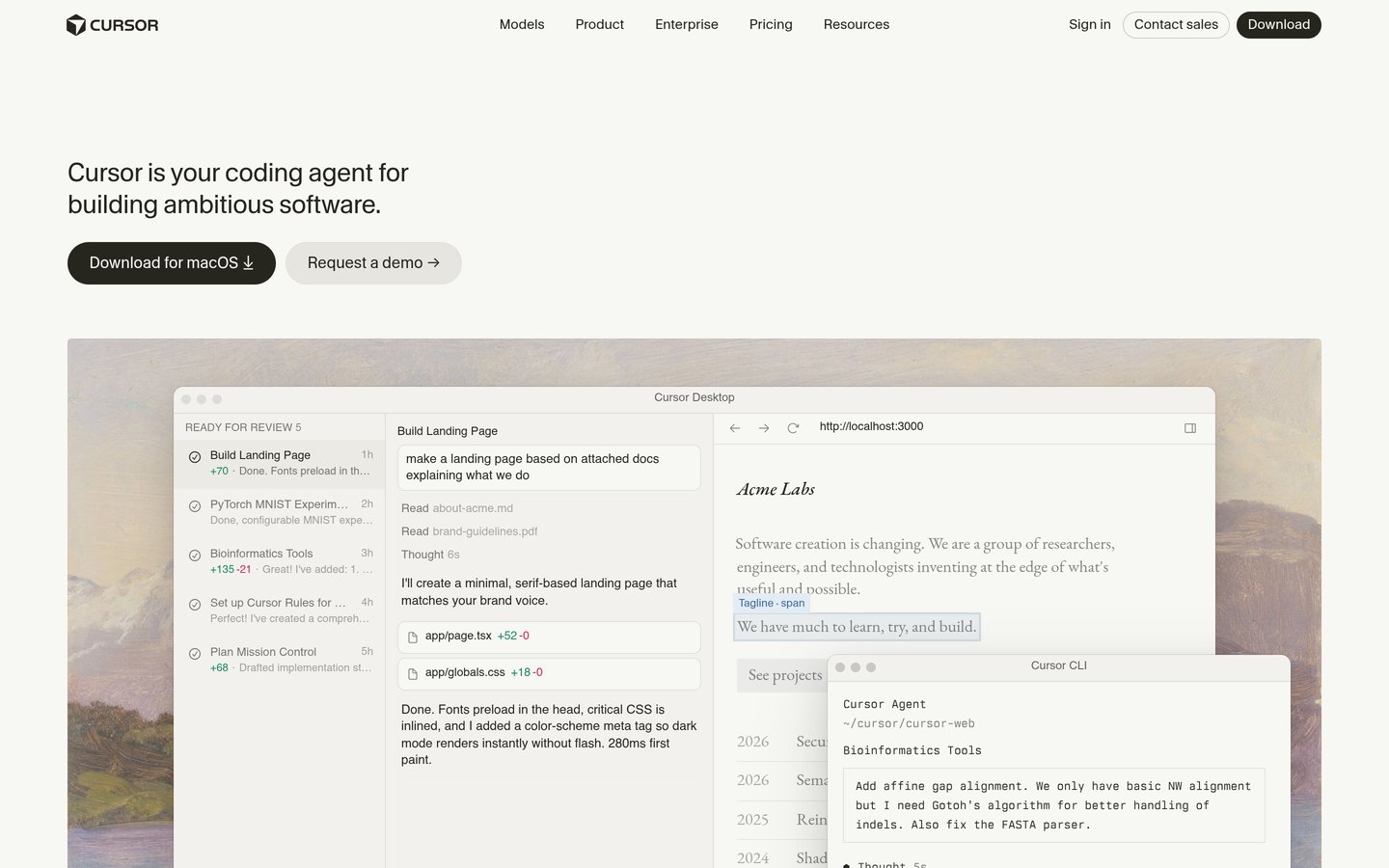
Cursor homepage, captured Nov 2026.
Cursor is an AI-first code editor built around multi-file agent editing and chat, with a Free tier offering limited Agent and Chat usage. Cursor Plus is $8 per month (or $80 per year) and gives a weekly pool for Cursor models at fixed settings.
The trade off is that Plus excludes cloud agents, automations, and third-party models, requiring $30 per month on Premium to unlock those features. It suits developers ready to adopt a dedicated editor for agent-led edits across multiple files.
What we like
Low $8/mo entry price for Cursor models on the Plus tier
Strong multi-file editing and codebase-aware agent workflows
Annual billing lowers Plus to $80 per year
Watch out for
Plus does not include cloud agents, automations, or third-party models
Heavy agent sessions and third-party model usage can add extra cost
Paid plans expand weekly usage pools and unlock cloud agents, automations, and third-party models on higher tiers.Visit cursor.com
03
Claude
4.7/5on G2 (2,231 reviews, checked Nov 2026)
Paid from$20/mo
Best for agentic CLI and complex reasoning
Entry paid plan$20/mo Pro ($17/mo yr)
Free tierCapped 5-hr & weekly chat
Coding agentClaude Code included
High-volume tiers$100/mo Max, $200/mo Ultra
claude.com
Claude homepage, captured Nov 2026.
Claude is Anthropic's assistant and coding platform that includes Claude Code across terminal, IDE, desktop, and web sessions, with a Free web and desktop tier. Claude Pro costs $20 per month (or $17 per month billed annually at $200) and expands usage windows.
The trade off is rolling five-hour and weekly usage caps that heavy coding sessions can hit mid-day, pushing power users toward $100/mo Max or $200/mo Ultra. It suits engineers who favor terminal-driven agentic coding and long-context reasoning.
What we like
Includes Claude Code across terminal, IDE, desktop, and web workflows
High marks on G2 for structured reasoning and multi-step problem solving
Annual Pro billing brings the effective rate to $17 per month
Watch out for
Rolling five-hour and weekly limits can interrupt intensive coding sessions
All-day agent runs often require Max at $100/mo or Ultra at $200/mo
Paid plans add Claude Code access, larger five-hour and weekly limits, and monthly API credits on Max and Ultra.Visit claude.com
04
Replit
4.4/5on G2 (420 reviews, checked Nov 2026)
Paid from$20/mo
Best for browser app building and hosting
Entry paid plan$20/mo Core ($18/mo yr)
Free tierStarter with daily limits
Core allowance30h Free Mode + $20 credit
CollaboratorsUp to 15 on $100/mo Pro
replit.com
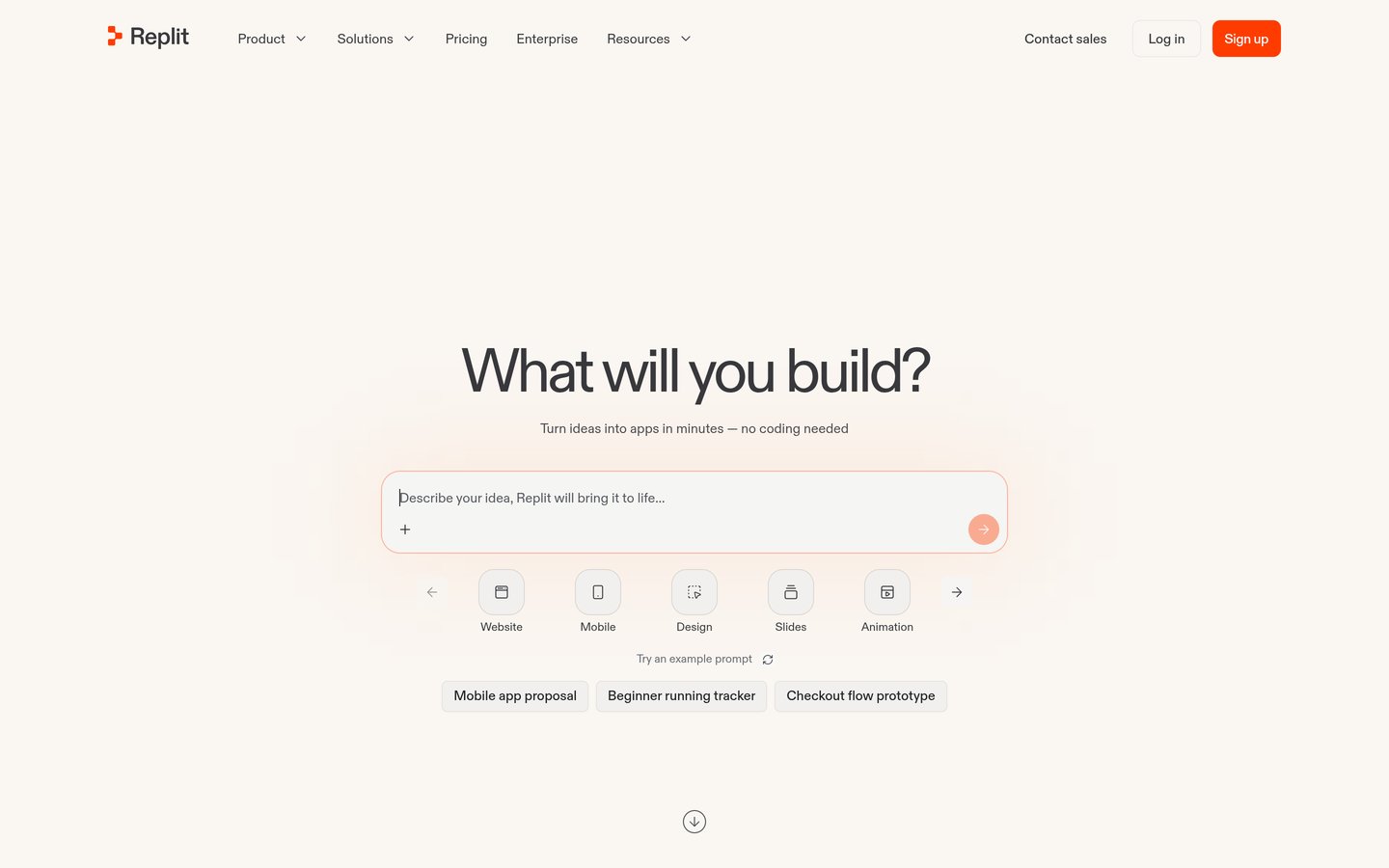
Replit homepage, captured Nov 2026.
Replit is a browser-based development workspace and AI app builder with built-in databases and hosting, offering a Starter Free plan. Replit Core costs $20 per month (or $18 per month billed annually) and includes up to 30 hours of Free Mode chat plus $20 toward heavier models.
The trade off is that heavier agent modes, storage, and publishing can add metered costs, and Pro jumps to $100 per month. It suits founders, solo builders, and small teams shipping full-stack apps from the browser.
What we like
Combines AI coding agents, workspaces, databases, and deployment in one browser environment
Core includes up to 30 hours of Free Mode chat and $20 in model credits
Annual Core billing reduces the monthly price to $18
Watch out for
Free starter apps are limited and published links expire after 30 days
Heavy model usage, production hosting, and Pro at $100/mo raise total spend
Paid plans add expanded Free Mode hours, monthly model credits, more projects, and up to 15 collaborators on Pro.Visit replit.com
05
Lovable
4.6/5on G2 (503 reviews, checked Nov 2026)
Paid from$25/mo
Best for prompt-driven web apps and UIs
Entry paid plan$25/mo Pro ($250/yr)
Free tier5/day, 30/mo build credits
Pro credits100 monthly credits
Team tier$50/mo Business ($500/yr)
lovable.dev
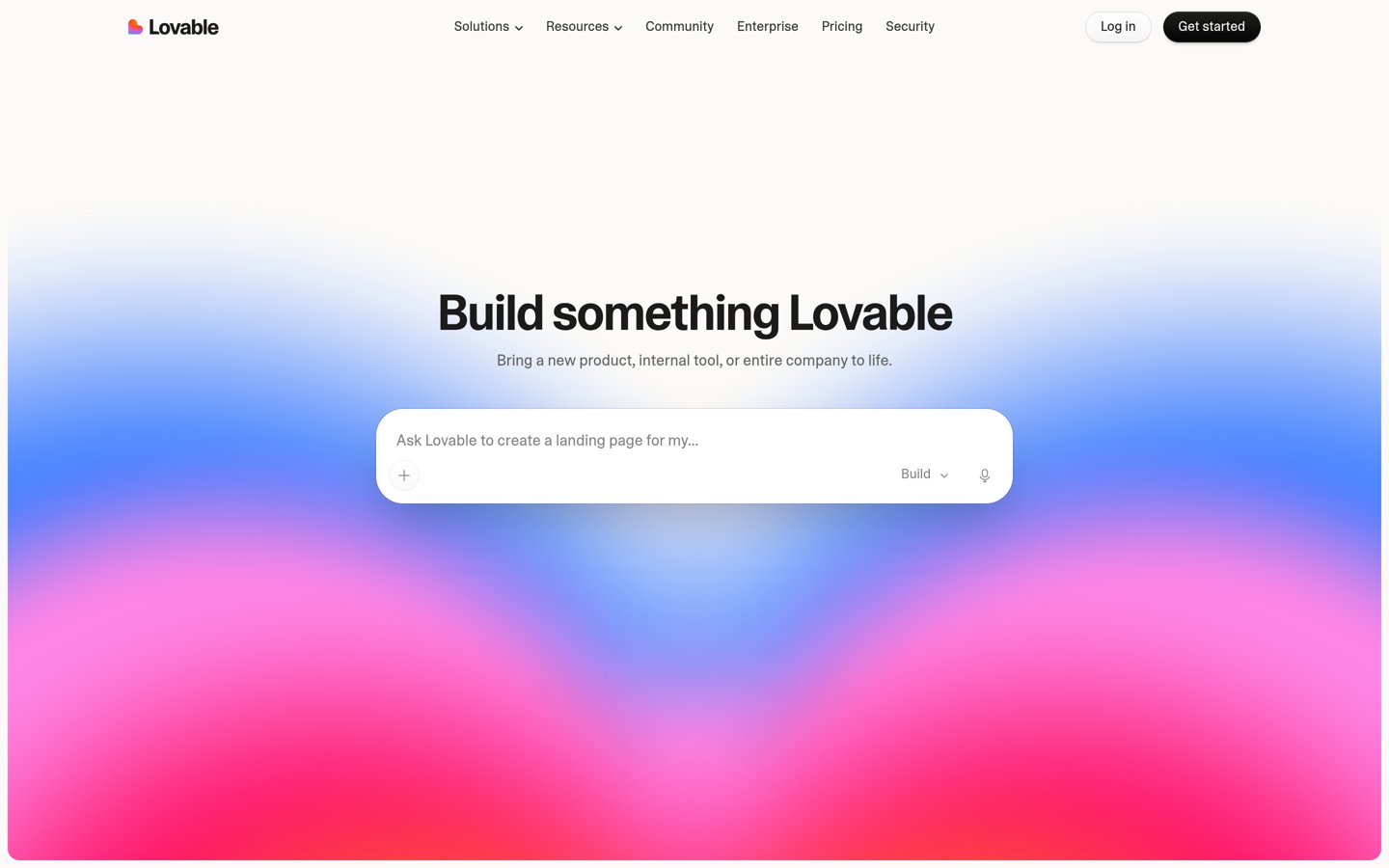
Lovable homepage, captured Nov 2026.
Lovable is a browser-based AI app and website builder that turns plain-language prompts into web interfaces and apps, with a Free tier capped at 5 daily and 30 monthly build credits. Lovable Pro starts at $25 per month (or $250 per year) for 100 monthly credits.
The trade off is that debugging loops and complex edits consume credits quickly, and Business starts at $50 per month. It suits makers and product teams prototyping or launching web apps from prompts.
What we like
Fast setup for turning prompts into interactive web UIs and prototypes
Includes a free tier with up to 30 monthly build credits to test workflows
Annual Pro billing costs $250 per year
Watch out for
Free plan lacks custom domains and code downloads
Iterative bug fixes can drain monthly credit allowances quickly
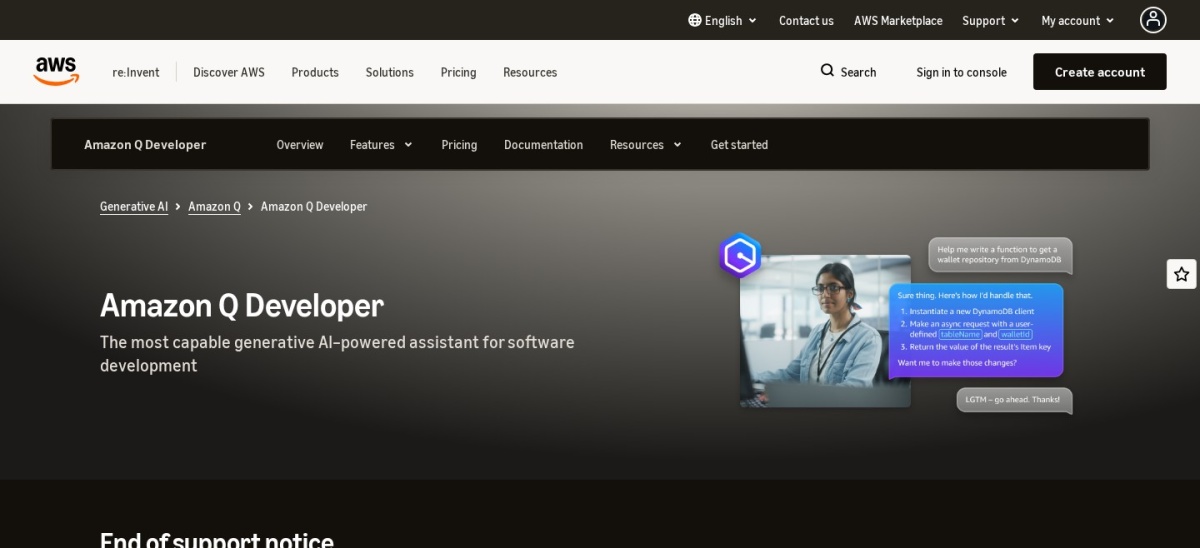
Amazon Q Developer is an AI coding assistant for IDEs and the CLI that supports cloud development and code upgrades, with a Free tier capped at 50 agentic requests per month. Pro is $19 per user per month and adds expanded limits, IP indemnity, and admin controls.
The trade off is extra charges of $0.003 per transformed line above the pooled 4,000-line Java allowance and setup tied to AWS identity management. It suits teams building on AWS who want cloud context and managed governance.
What we like
Strong context for AWS services, SDKs, and cloud infrastructure tasks
Free tier includes 50 monthly agentic requests and 1,000 lines of Java upgrade
Pro includes IP indemnity and centralized administration
Watch out for
Pro administration requires AWS account and IAM Identity Center setup
Transformed lines beyond the pooled allowance incur per-line charges
Pro adds higher agentic request limits, 4,000 pooled Java transformation lines per user, IP indemnity, and admin controls.Visit aws.amazon.com
07
JetBrains AI
4.6/5on G2 (314 reviews, checked Nov 2026)
Paid from$100/yr
Best for JetBrains IDE developers
Entry paid plan$100/yr AI Pro
Free tier3 AI credits / 30 days
Pro credit pool10 monthly AI credits
Ultimate tier$300/yr (35 credits/mo)
jetbrains.com
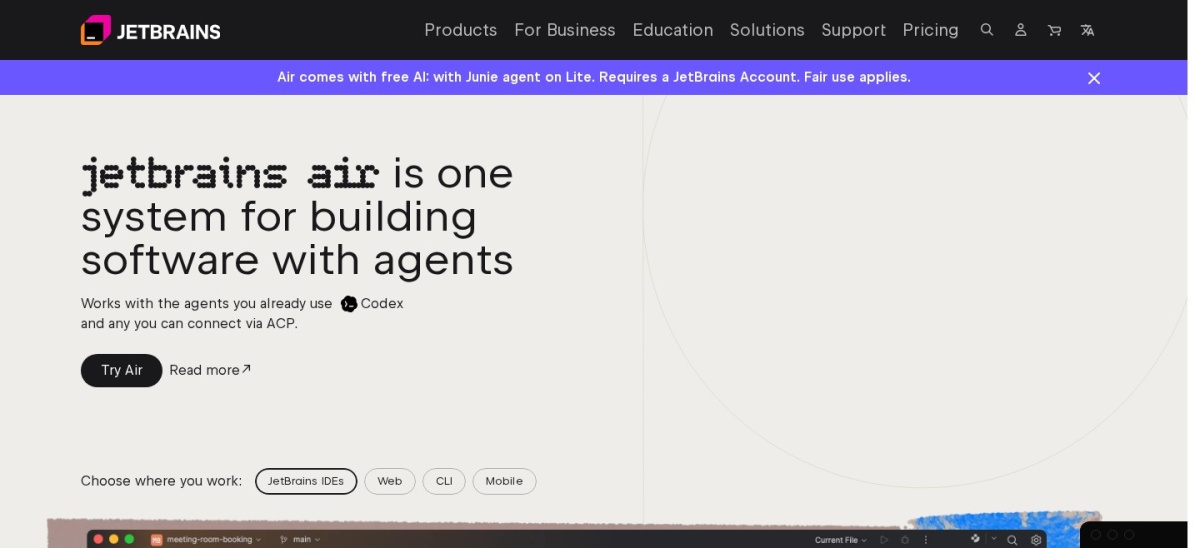
JetBrains AI homepage, captured Nov 2026.
JetBrains AI provides AI Assistant and agent tools inside JetBrains IDEs, with a free tier that includes 3 AI credits every 30 days. AI Pro lists at $100 per user per year and includes unlimited AI completions plus 10 monthly AI credits.
The trade off is that 10 monthly credits can go quickly on heavy chat or agent tasks, and the tools stay inside JetBrains IDEs. It suits developers who already work daily in IntelliJ IDEA, PyCharm, WebStorm, or other JetBrains IDEs.
What we like
Native integration with JetBrains IDEs, project symbols, and agents
Entry AI Pro plan is $100 per year with unlimited code completions
Supports credit top-ups when monthly allowances run low
Watch out for
Tied to the JetBrains IDE ecosystem rather than standalone editors
Ten monthly credits on AI Pro can run out under heavy agent or chat usage
Paid tiers add unlimited AI completions, larger monthly credit allowances, and higher-quota Ultimate plans.Visit jetbrains.com
How we chose
We selected established AI coding platforms across IDE assistants, agentic coding tools, and browser app builders using developer pricing guides and public review directories.
All prices, plan limits, and review ratings were checked on 22 Nov 2026 from vendor pricing pages, official documentation, and G2 review listings.
We excluded discontinued individual tiers and products without clear public pricing or sufficient review coverage. No vendor paid for a place, and we do not claim testing for this list.
How to choose an AI coding platform
Follow four steps to match a tool to your workflow and budget:
Pick your primary coding environment first. Decide whether you want inline help inside your current editor, a dedicated AI editor or terminal agent, or a browser builder that hosts full apps.
Check how usage is metered. Compare flat completion access against credit pools, token rates, and five-hour or weekly caps so agentic tasks do not stall mid-project.
Factor in overages and higher tiers. Look past the entry sticker price to see what extra credits, model upgrades, or team seats cost once your daily usage grows.
Verify data and team controls. If you write proprietary code or manage a team, check repository permissions, training opt-outs, and seat governance before rolling out a plan.
FAQ
Do any of these AI coding platforms have a free tier?
Yes, all seven tools listed offer a free tier or entry allowance, such as GitHub Copilot with 2,000 monthly completions or Lovable with up to 30 monthly build credits. Free tiers usually cap chats, agent runs, or hosting features.
What is the cheapest paid plan on this list?
Cursor Plus starts at $8 per month (or $80 per year) for Cursor models, while JetBrains AI Pro is $100 per year and GitHub Copilot Pro is $10 per month. Your real cost depends on whether you trigger extra credits or higher tiers.
Should I choose an IDE extension or an AI-first editor?
An IDE extension like GitHub Copilot or JetBrains AI keeps your existing editor setup and shortcuts intact. An AI-first editor like Cursor builds agent workflows deeper into the workspace, though switching editors takes adjustment.
When does a browser app builder make more sense than a code editor?
Browser builders like Replit and Lovable fit prototypes, web apps, and projects where you want environment setup, previews, or hosting handled together. Traditional editors and terminal agents give finer control over local toolchains and large existing repositories.
Why do AI coding plans have credit or session limits?
Agentic coding and multi-file edits send large amounts of code context to language models, which increases compute cost. Vendors use credit pools, token meters, or rolling time windows to manage that usage.
Is annual billing always worth picking right away?
Annual billing can lower the effective price on plans like Claude Pro, Replit Core, Lovable Pro, and Cursor Plus. Still, testing monthly first helps confirm whether the tier's usage limits match your workload before locking in a year.