WLWPLegible EditorsLast verified 22 Nov 2026How we rank6 min read
★ Short answer
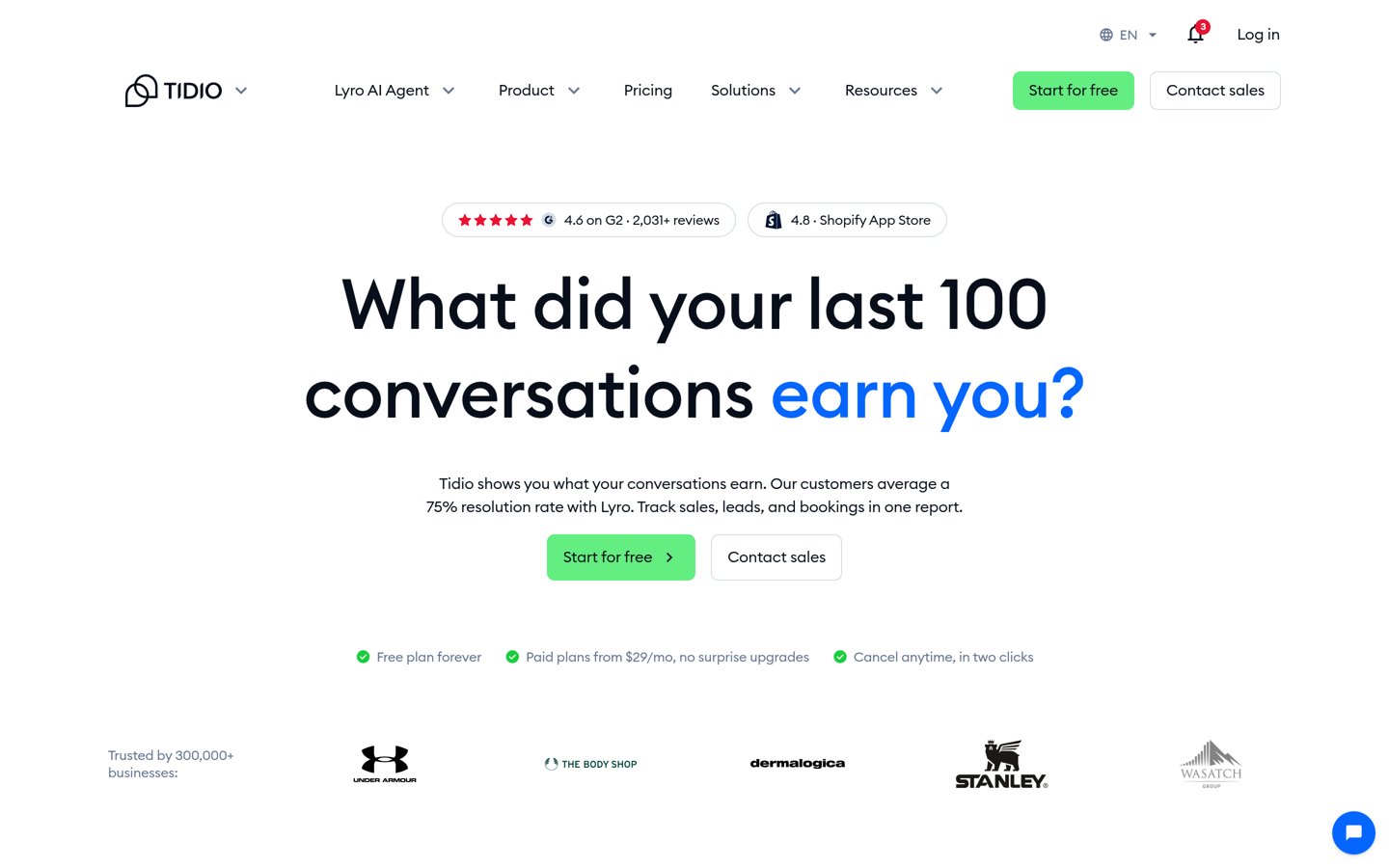
Tidio leads for small businesses and online stores with a 4.6/5 rating across 2,164 G2 reviews and a permanent free plan covering 50 billable conversations a month. Crisp fits workspace teams wanting flat per-workspace pricing from $45/mo, while Manychat suits social messaging on Instagram and WhatsApp from $14/mo billed annually.
How we make this list: we compare pricing pages, product documentation and public user reviews, then re-check every price before each update. No product paid for a place. Disclosure.
Tidio holds a 4.6/5 rating across 2,164 G2 reviews and includes a free tier with 50 billable conversations a month.
Manychat starts at $14/mo billed annually ($168/yr) for 250 active contacts across social channels like Instagram and WhatsApp.
Crisp charges $45/mo on its Mini workspace plan for up to 4 seats and $5 of monthly Hugo AI credits.
Zoho SalesIQ offers a free tier for up to 3 operators and paid plans starting at $7/user/mo on annual billing.
Chatbase prices its entry Basic plan at $120/mo billed yearly for 4,000 monthly message credits and unlimited workspace seats.
Botpress starts at $150/mo billed annually and shifted to per-conversation billing with unlimited bots on paid plans.
What to look for in an AI chat platform
AI chat platforms range from lightweight website widgets and shared inboxes to workflow builders that connect external APIs and messaging apps. Choosing the right option starts with where your visitors already talk to you, whether that is a storefront chat widget, WhatsApp, Instagram DMs, or an internal help desk.
Pricing meters vary sharply across vendors. Some tools bill per conversation, message credit, or automated resolution, while others bill per agent seat or flat workspace. A low entry price can rise quickly if AI credits or per-resolution fees apply on top of a base subscription.
Check how smoothly a bot hands off to a human agent when an answer falls outside your documentation. Look for clear transcript context, configurable triggers, and support for your existing help desk or CRM so your team does not lose time repeating questions.
Finally, verify data controls and knowledge-base maintenance. Bots trained on stale pages or unverified files can give outdated answers, so review tools and content sync options matter just as much as model choice.
Tidio is a customer messaging platform combining live chat, visual automation flows, and the Lyro AI agent. Its free plan includes 50 billable conversations per month, up to 10 seats, a shared inbox, and one-time Lyro trial credits.
The trade off is that Starter at $29/mo ($348/yr at monthly list rates; $290/yr billed annually) covers 100 conversations while Lyro AI and Flows add-ons cost extra. It suits small businesses and online stores that want quick setup and guided handoffs.
What we like
Permanent free tier with live chat and shared inbox for up to 10 seats.
Straightforward visual flow builder for lead capture and basic routing.
Strong fit for online stores needing quick website chat setup.
Watch out for
Lyro AI conversations are metered separately from base live chat plans.
Higher conversation volumes increase monthly costs across tiers.
Paid plans raise conversation limits and unlock separate Lyro AI and Flows add-ons.Visit tidio.com
02
Manychat
4.5/5on G2 (165 reviews, checked Nov 2026)
Paid from$14/mo
Best for Instagram, WhatsApp, and social DMs
Free tier25 active contacts/mo
Entry paid plan$14/mo Essential (annual)
ChannelsIG, WhatsApp, FB, TikTok
Rating4.5/5 (165)
manychat.com
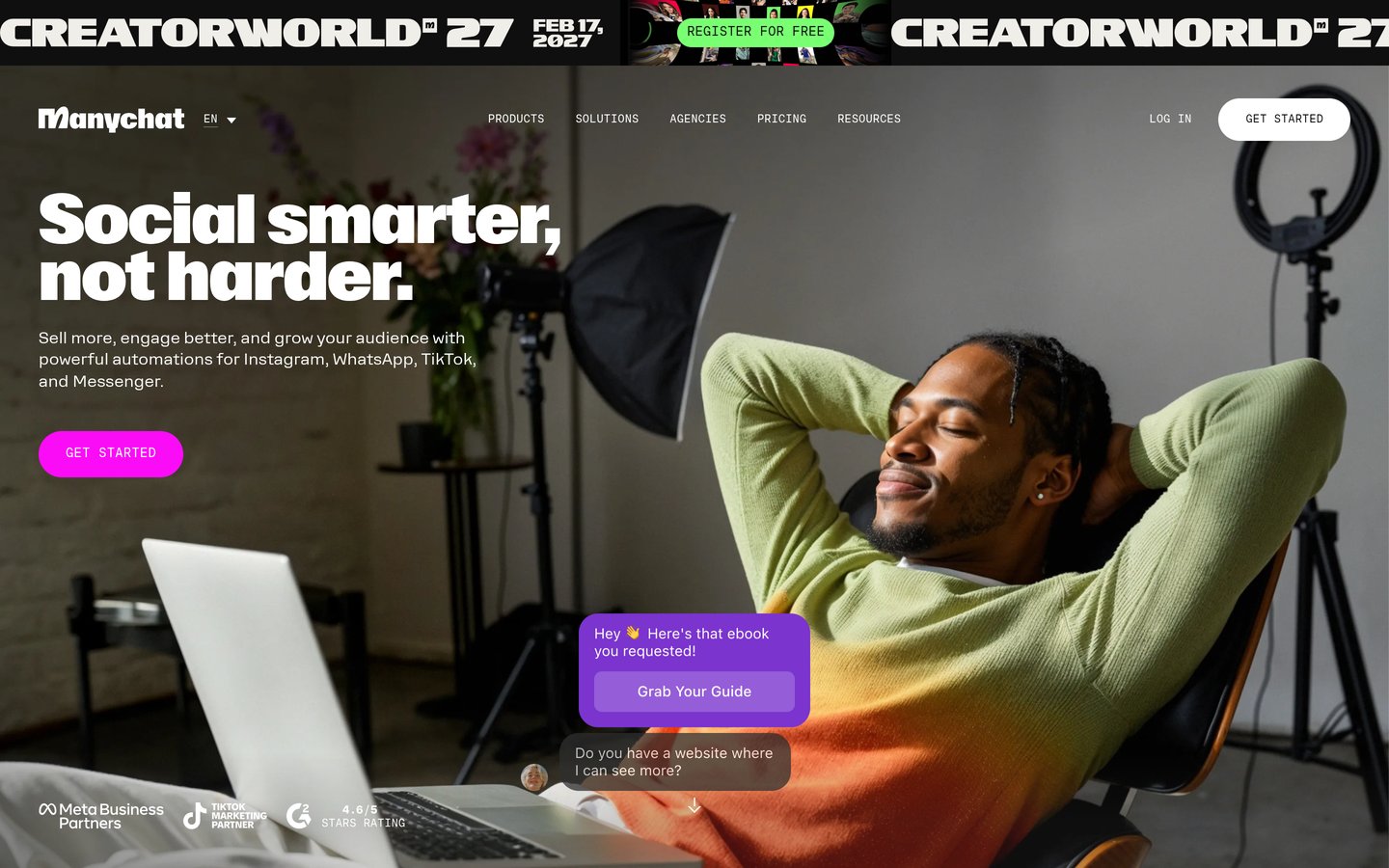
Manychat homepage, captured Nov 2026.
Manychat is a chat marketing and messaging automation platform built around Instagram, WhatsApp, Facebook Messenger, and TikTok. Its free plan includes up to 25 active contacts per month, two eligible channels, and up to four live basic automations.
The trade off is that Essential starts at $14/mo billed annually ($168/yr; $17/mo monthly) for 250 active contacts, and AI-powered conversations sit on Pro from $29/mo annually. It suits creators and brands automating social DMs and comment replies.
What we like
Low entry pricing for automating Instagram DMs, comments, and messaging flows.
Billing centers on monthly active contacts rather than total stored list size.
Connects social messaging channels alongside broadcasts and inbox workflows.
Watch out for
Free plan is tightly capped at 25 active contacts per month.
AI-powered conversations and broadcasts require upgrading past Essential.
Paid plans increase active contact allowances, remove branding, and unlock AI and broadcasts.Visit manychat.com
03
Crisp
4.5/5on G2 (207 reviews, checked Nov 2026)
Paid from$45/mo
Best for flat per-workspace shared inbox teams
Free tier2 seats, 100 profiles
Entry paid plan$45/mo Mini (4 seats)
AI agentHugo ($5 credit on Mini)
Rating4.5/5 (207)
crisp.chat
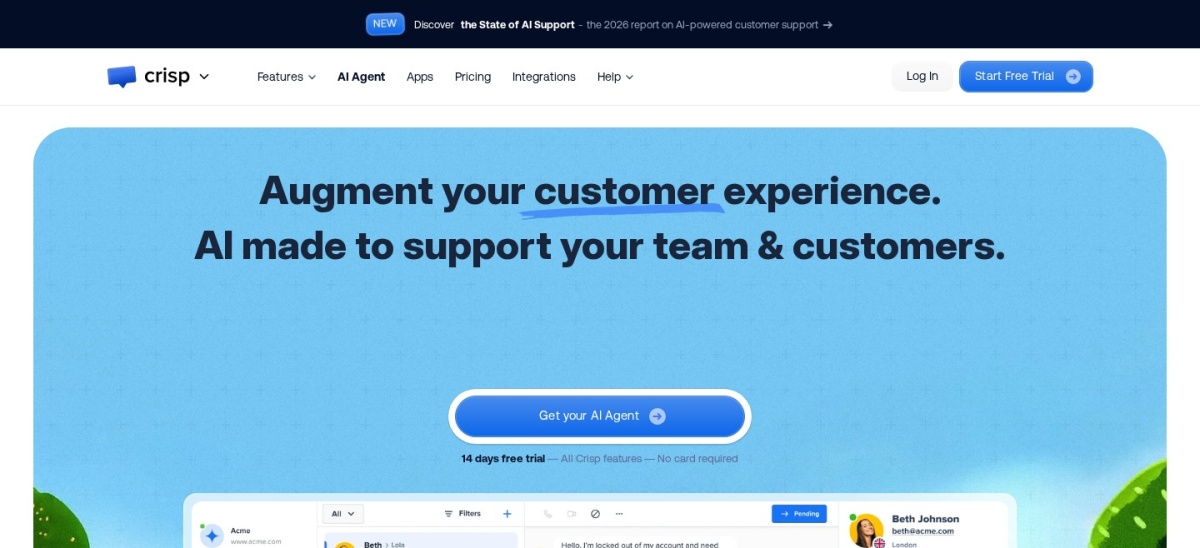
Crisp homepage, captured Nov 2026.
Crisp is a shared inbox and customer messaging platform that pairs a website chat widget with the Hugo AI agent. Its free tier supports 2 seats and 100 customer profiles with a website chat widget and mobile apps.
The trade off is that Mini costs $45/mo ($540/yr) with $5 of Hugo AI credit and a 4-seat cap, pushing 5-seat teams to Essentials at $95/mo. It suits small support teams that prefer workspace pricing over per-seat billing.
What we like
Flat workspace pricing avoids per-agent seat fees on small teams.
Free plan runs indefinitely for testing the chat widget and mobile inbox.
Hugo AI agent is bundled into paid plans with token-based usage credits.
Watch out for
Free tier caps stored customer profiles at 100 and excludes AI credits.
Crossing seat or profile limits requires jumping to higher workspace tiers.
Paid plans add custom email domains, more seats and profiles, and Hugo AI credits.Visit crisp.chat
04
Zoho SalesIQ
4.4/5on G2 (257 reviews, checked Nov 2026)
Paid from$7/mo
Best for Zoho users and visitor tracking teams
Free tierUp to 3 operators
Entry paid plan$7/user/mo Basic (annual)
Bot builderZobot / Zia Agent
Rating4.4/5 (257)
zoho.com
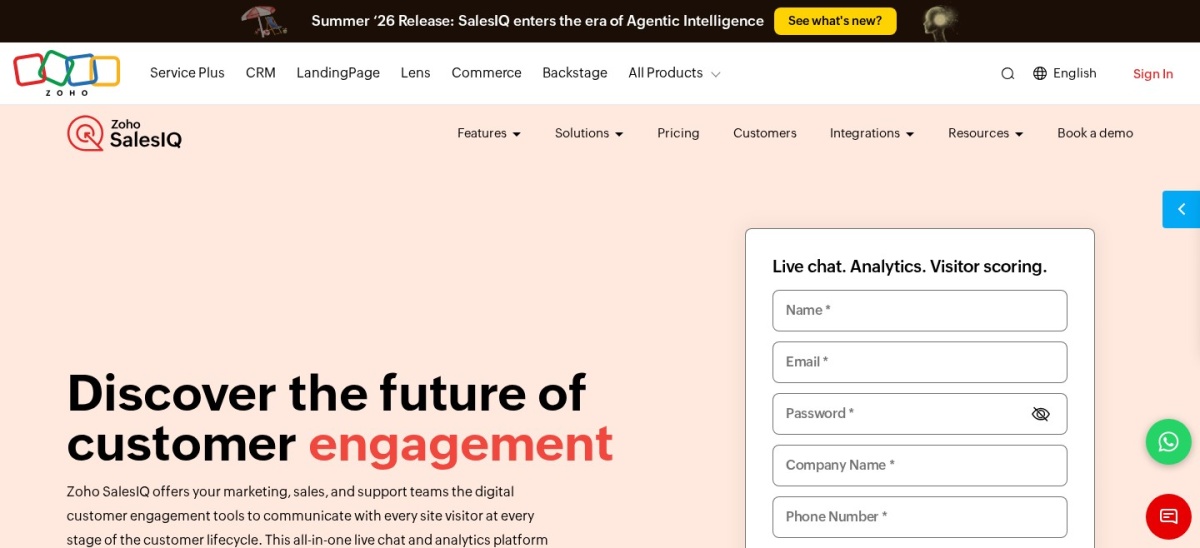
Zoho SalesIQ homepage, captured Nov 2026.
Zoho SalesIQ is a live chat and visitor engagement platform with bot automation and real-time site tracking. Its free plan covers up to 3 operator licenses, 10,000 tracked visitors per month, and 100 operator chat sessions per month.
The trade off is that Basic costs $7/user/mo billed annually ($84/yr per user) and scales with seat count and visitor tiers. It suits teams already inside the Zoho ecosystem that combine live chat with visitor tracking.
What we like
Low per-user starting price on annual billing with a free tier for up to 3 operators.
Real-time visitor tracking helps sales and support teams spot active browsers.
Integrates smoothly with Zoho apps and custom bot workflows.
Watch out for
Per-user pricing increases total cost as operator headcount grows.
Free plan limits chat history to 30 days and caps monthly chat sessions.
Paid plans raise visitor and session limits and unlock custom chatbots and AI routing.Visit zoho.com
05
Freshchat
4.4/5on G2 (511 reviews, checked Nov 2026)
Paid from$19/mo
Best for multi-agent support teams on Freshworks
Free tierUp to 10 agents
Entry paid plan$19/agent/mo Growth (annual)
AI agentFreddy AI Agent
Rating4.4/5 (511)
freshworks.com
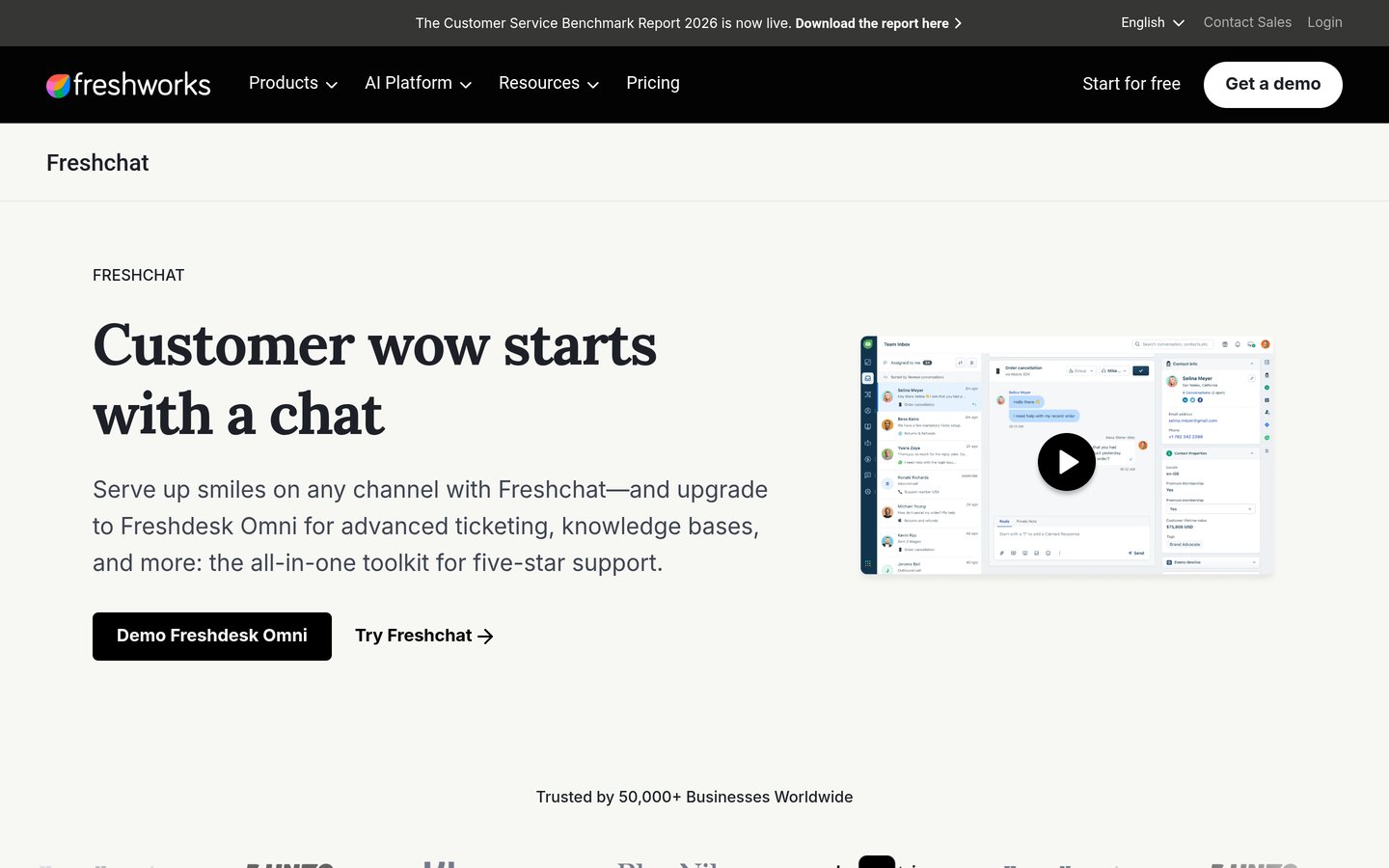
Freshchat homepage, captured Nov 2026.
Freshchat is Freshworks' messaging and live chat platform for web, mobile, email, and social channels. Its free plan supports up to 10 agents with a chat widget, shared inbox, email connection, and role permissions.
The trade off is that Growth costs $19/agent/mo billed annually ($228/yr per agent) and Freddy AI Agent sessions cost $49 per 100 sessions after initial trial credits. It suits support teams that want Freshworks messaging plus session-metered AI.
What we like
Generous free plan includes up to 10 agents for basic web chat and shared inbox work.
Unifies web, email, SMS, WhatsApp, and social messengers in one workspace.
Clear separation between seat pricing and Freddy AI session usage.
Watch out for
Per-agent billing adds up quickly for larger support rosters.
Steady-state Freddy AI sessions carry extra usage charges past initial credits.
Paid plans add social and SMS channels, reporting, and Freddy AI Agent access.Visit freshworks.com
06
Chatbase
4.7/5on G2 (41 reviews, checked Nov 2026)
Starts at$120/mo
Best for knowledge-trained AI agents and helpdesk
Free tier7-day trial only
Entry paid plan$120/mo Basic (annual)
Usage allowance4,000 credits/mo
Rating4.7/5 (41)
chatbase.co
Chatbase homepage, captured Nov 2026.
Chatbase is a platform for building AI support agents trained on websites, documents, and connected helpdesk tools. It offers a 7-day trial rather than a permanent free tier, with Basic starting at $120/mo billed yearly ($1,440/yr; $150/mo monthly) for 4,000 message credits.
The trade off is a higher starting price and message-credit consumption that varies by model choice. It suits teams that want multi-model AI agents and unlimited workspace members without per-seat fees.
What we like
Includes unlimited workspace members with no per-seat fees on paid plans.
Supports switching across multiple LLM providers and connecting external channels.
Combines AI agents with a shared inbox, ticketing, and voice capabilities.
Watch out for
No permanent free plan beyond a 7-day trial.
Message credits and branding removal add-ons raise costs as usage grows.
Paid plans supply monthly message credits, AI actions, helpdesk tools, and model options.Visit chatbase.co
07
Botpress
4.5/5on G2 (516 reviews, checked Nov 2026)
Starts at$150/mo
Best for custom conversational flows and developers
Free tier25 convs/mo cap
Entry paid plan$150/mo (annual)
Billing unitPer conversation
Rating4.5/5 (516)
botpress.com
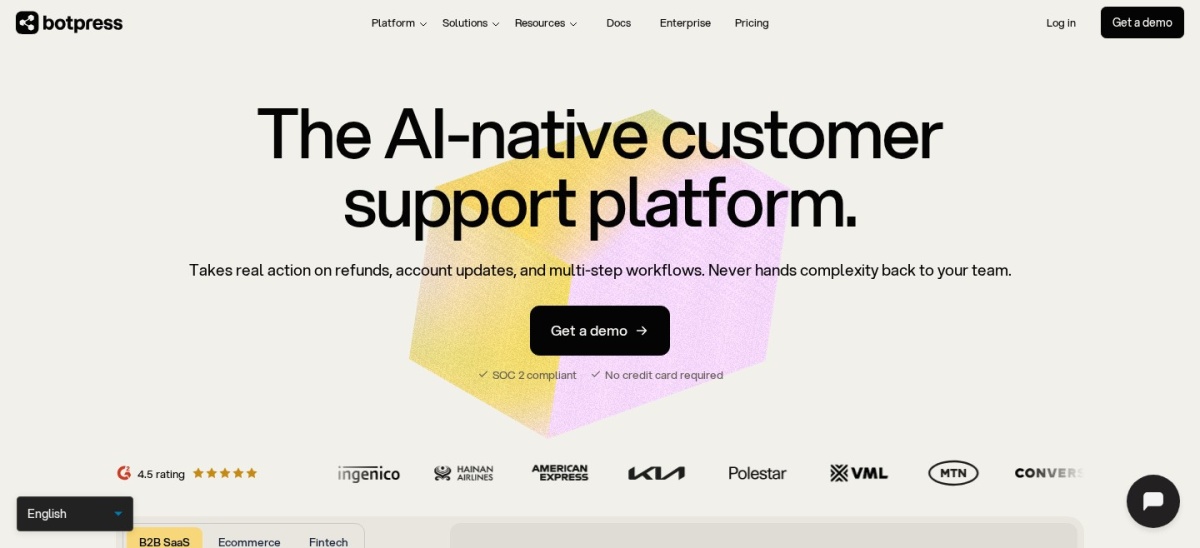
Botpress homepage, captured Nov 2026.
Botpress is a conversational AI builder combining a visual workflow canvas with autonomous LLM nodes and integrations. Its free tier is tightly capped at 25 conversations per month, while paid plans start at $150/mo billed annually ($1,800/yr) with unlimited bots.
The trade off is a steeper entry price, a learning curve for complex flows, and overage billing as conversation volume climbs. It suits technical teams and agencies building custom multi-step chat or voice agents.
What we like
Flexible visual flow builder plus autonomous nodes and webhook integrations.
Unlimited bots on paid plans with unified conversation-based billing.
Mature ecosystem with extensive templates and documentation.
Watch out for
Free allowance of 25 conversations per month is strictly for evaluation.
Complex multi-branch workflows and overages require active monitoring.
Two tools with similar entry prices can behave very differently once real traffic arrives. Seat-based tools charge per human agent, which works well when a bot handles routine questions for a small roster but becomes costly as your team expands.
Conversation, credit, and resolution meters scale with volume instead. Check whether a single multi-turn chat counts as one conversation or multiple message credits, and confirm what happens if you hit your monthly cap.
How we chose
We compiled this list from established AI chat and messaging platforms across customer support, social messaging, and custom agent builders using vendor documentation and G2 review listings.
All prices, plan tiers, ratings, and review counts were checked on 22 Nov 2026 using regular list pricing and notes on annual versus monthly billing where published.
We excluded products without verified public pricing or active review coverage, as well as tools requiring custom sales quotes for entry access. No vendor paid for a place, and we do not claim testing for this list.
How to choose the right AI chat platform
Follow four practical steps to narrow down a platform that matches your channels and budget.
Map your primary chat channels first. List where customers reach out most—such as your website widget, WhatsApp, Instagram, or email—and verify native support before comparing extras.
Model your real monthly volume. Estimate monthly conversations, active contacts, or agent seats so you can compare flat workspace tiers against metered AI credits or per-resolution fees.
Check human handoff and helpdesk fit. Confirm that unanswered or complex chats pass full context to your team's inbox, ticketing system, or mobile apps.
Review knowledge sources and controls. Make sure the platform lets you connect current pages or documents and control tone, escalations, and data handling.
FAQ
Which AI chat platform has the best free plan?
Tidio, Crisp, Manychat, Zoho SalesIQ, and Freshchat all offer free plans, though limits vary widely. Freshchat covers up to 10 agents for basic web chat and inbox work, while Tidio includes 50 billable conversations a month.
Why do some AI chat tools charge extra for AI replies?
Many platforms separate human live-chat plans from AI agent usage because model inference and automated resolutions carry variable compute costs. Always check whether AI replies are bundled or billed by credit, conversation, or resolution.
Should small teams pick per-seat or flat workspace pricing?
Flat workspace pricing such as Crisp's Mini plan can be easier to budget for small teams with fixed seat counts. Per-seat pricing works well for lean rosters but grows as you add agents.
Are annual plans cheaper than monthly billing on AI chat tools?
Several vendors offer lower effective monthly rates when billed annually, such as Tidio, Manychat, Chatbase, and Botpress. Annual billing lowers unit cost, though monthly billing gives flexibility if your volume fluctuates.
Can AI chat platforms hand conversations off to human agents?
Yes, most support-focused chat platforms include live agent takeover, shared inboxes, or routing rules when a bot cannot resolve a request. Check whether handoffs preserve the full chat transcript for your team.
What is the difference between a social DM bot and a website support bot?
Social DM tools like Manychat focus on automating Instagram, WhatsApp, and Messenger interactions, while website chat tools focus on site visitors, help centers, and support tickets. Pick based on where your audience initiates contact.