Riverside is the best podcast editing software for beginners who interview guests, with clean separate tracks and text-based editing. Beginners on a budget should start free with Audacity or GarageBand, then move to Descript when they want to edit by transcript.
How we make this list: we compare pricing pages, product documentation and public user reviews, then re-check every price before each update. No product paid for a place. Disclosure.
Riverside is the best pick for interview shows: local recording, separate tracks and text-based editing from 24 dollars a month.
Audacity and GarageBand cost nothing and cover the basics, so most beginners should start free and upgrade only when they hit a limit.
Descript edits by transcript, which is the fastest way for a beginner to cut filler words and mistakes.
Adobe Podcast rescues a bad recording free for an hour a day, but Premium now needs the 19 dollar 99 Firefly Pro plan.
Alitu and Auphonic rest on very thin G2 bases of 2 and 10 reviews, so treat their ratings with care.
What a beginner podcast editor should cover
A beginner podcast editor should do three things: record cleanly, cut mistakes easily and make the finished audio loud enough. Everything else is optional until the show grows.
Free tools cover the basics well. Audacity and GarageBand record, trim and export a finished episode at no cost, and both run on a laptop with no subscription.
Transcript editing is the biggest shortcut for new editors. Descript, Riverside and Podcastle let you delete a sentence in the text to delete it in the audio, which is far easier than cutting waveforms by ear.
This list ranks tools by G2 rating, then by how easy they are for a first-time editor. Prices are the cheapest paid plan in US dollars, checked in November 2026.
The 9 best podcast editing software tools for beginners
01
Riverside
4.8/5on G2 (1,758 reviews, checked Nov 2026)
Starts at$24/mo
Best for remote recording and AI editing
Paid planPro, $24/mo
Free planNo, 14-day trial
RecordingUp to 4K, 48 kHz
EditingText-based, Magic Clips
riverside.com
Riverside homepage, captured Nov 2026.
Riverside is a browser-based studio that records each guest locally on their own device, then uploads separate tracks in up to 4K video and 48 kHz audio. Its text-based editor, Magic Audio cleanup and Magic Clips for social cuts cover the whole beginner workflow. Pro costs $24 a month billed yearly and includes 15 hours of separate-track downloads a month.
The trade off is that the free plan is gone. Since September 2026 new accounts get a 14-day trial instead, and the separate-track download cap means long shows can hit a wall mid-month. Monthly billing jumps to $29. It suits interview shows with remote guests who need clean, separate tracks every episode.
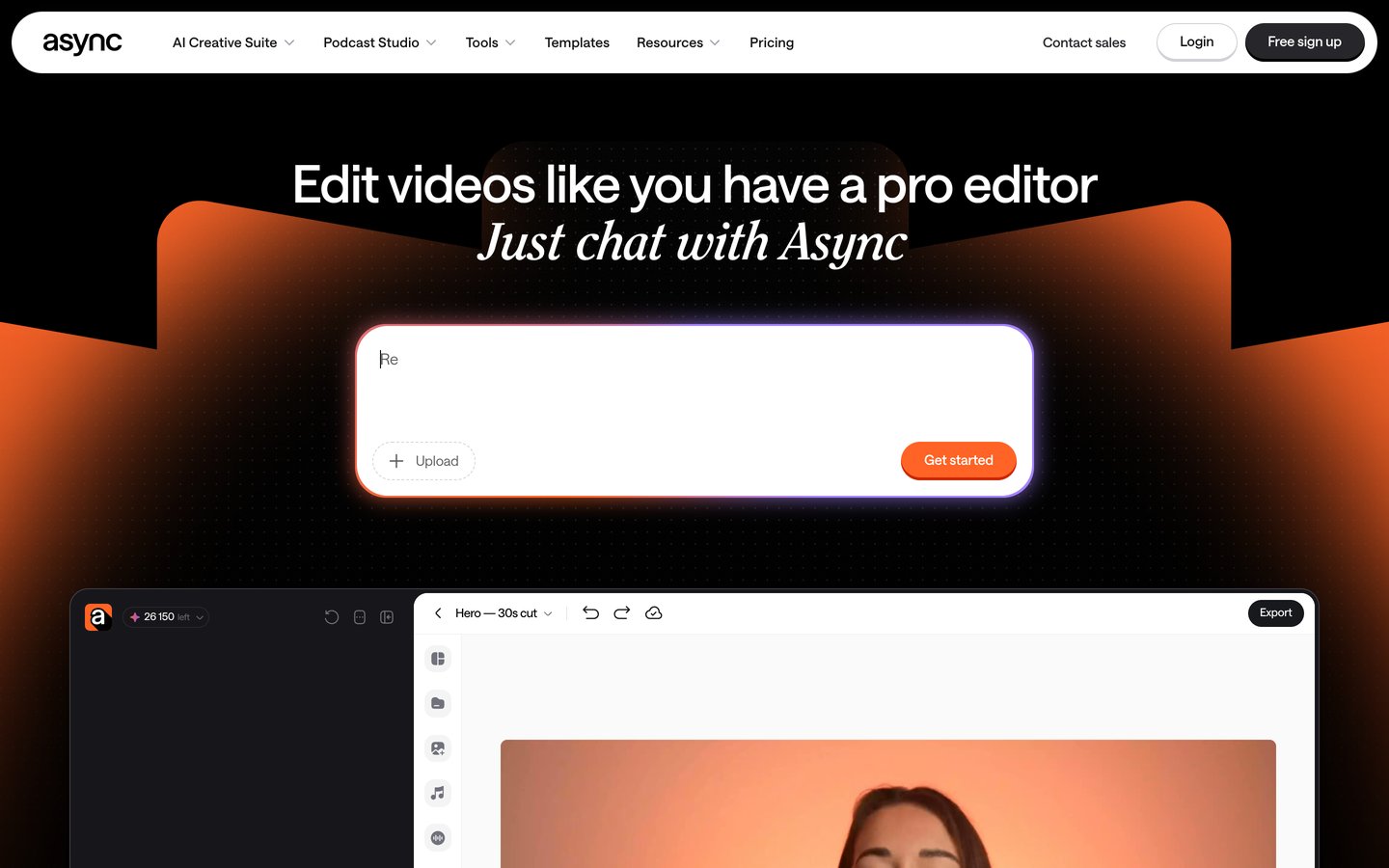
Podcastle is a browser-based studio, now also branded Async, that covers remote recording, AI editing, transcription and publishing in one place. Its Magic Dust tool removes noise and echo in one click, and the editor supports text-based cuts and silence removal. Essentials costs $11.99 a month, and the free plan includes unlimited audio recording.
The trade off is the rebrand and the billing complaints. The company became Async in January 2026, and recent G2 reviews report rigid annual billing and slow refunds. Browser recording is also less robust than local capture. It suits solo podcasters who want one subscription for recording, editing and hosting instead of three separate tools.
What we like
Recording, editing and hosting in one place
Magic Dust cleanup in a single click
Free plan with unlimited audio recording
Watch out for
Recent reviews report inflexible billing
Browser recording is less robust than local capture
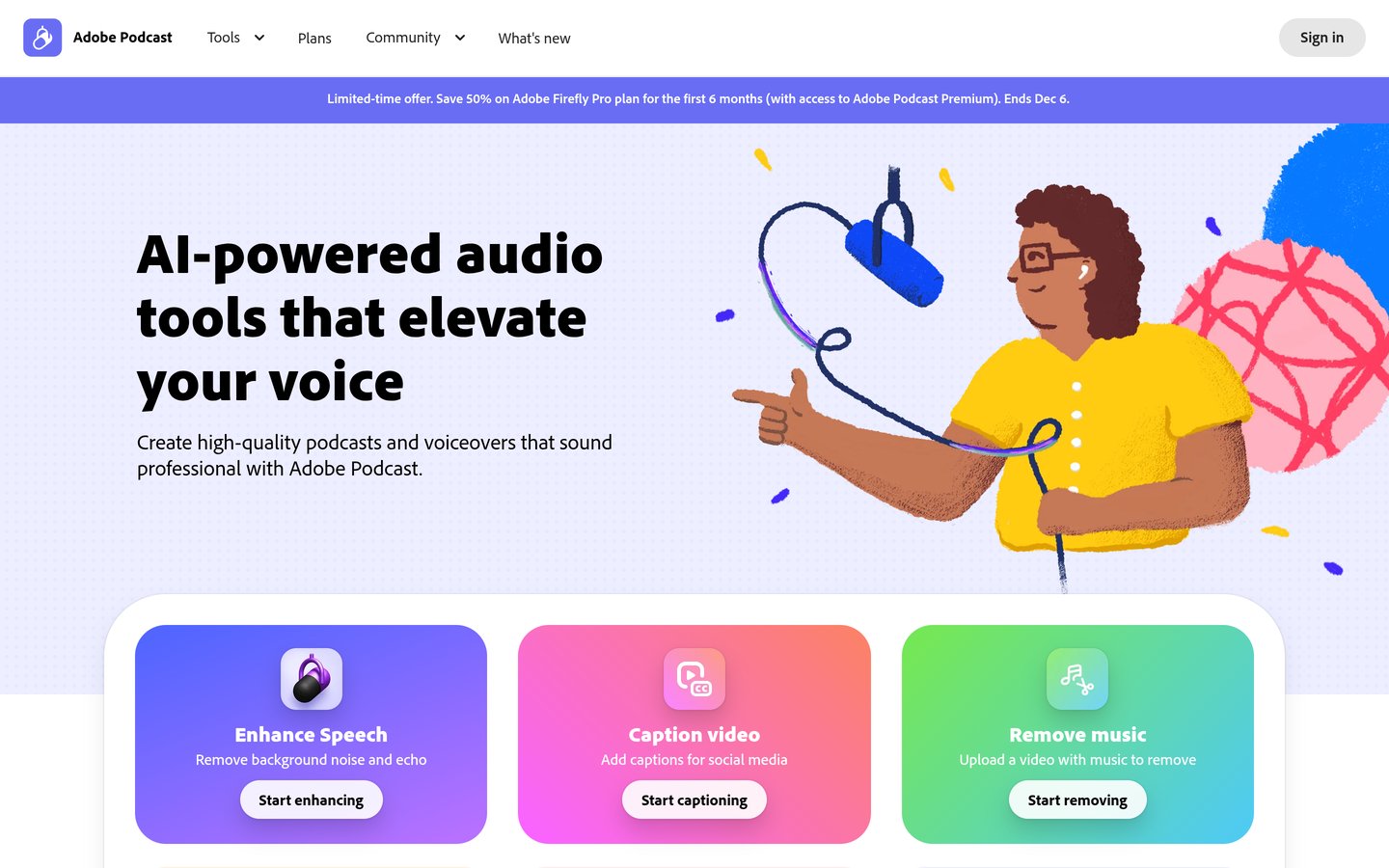
Adobe Podcast is a free browser tool built around Enhance Speech, an AI filter that removes room echo and background noise from spoken recordings. The free plan enhances up to 1 hour of audio a day in files up to 30 minutes, and its Studio records remote guests and edits by transcript. Mic Check analyses your microphone setup before you record.
The trade off is the new price of Premium. Since 30 August 2026 Adobe no longer sells Podcast Premium on its own, so new users need the Firefly Pro plan at $19.99 a month for 4 hours a day, video files and bulk upload. The G2 base is thin at 16 reviews. It suits anyone with a finished recording that sounds bad and needs rescuing.
Descript is a transcript-led audio and video editor used by more than 6 million creators and teams. You edit by deleting words in the transcript, and its Studio Sound tool cleans up noisy audio, while Remove Filler Words handles the routine passes. The free plan includes 1 media hour a month, and Hobbyist costs $16 a month billed yearly.
The trade off is the meter. Hobbyist caps you at 10 media hours and 400 AI credits a month, so heavy shows pay for top-ups or a higher tier. The $12 price seen in older guides is out of date. It suits podcasters who want one editor for audio and video, from first cut to captions.
Audacity is a free, open-source multitrack audio editor for Windows, macOS and Linux, and the best starting point for beginners who want to pay nothing. It records, trims, applies noise reduction and exports a finished episode, with no watermarks or export limits. Audacity 4 adds a redesigned interface, live effects and resizable clips.
The trade off is the learning curve and the lack of hand-holding. There is no AI cleanup, no transcript editing and no hosting, and support is community-based. Noise reduction can sound watery on echoey rooms. It suits first-time editors and solo podcasters who need solid basics at no cost.
Adobe Audition is a professional audio workstation for recording, mixing, editing and restoring audio on Windows and macOS. It pairs a multitrack timeline with waveform and spectral views, plus noise reduction, de-clicking and loudness tools aimed at broadcast and podcast work. It costs $22.99 a month on an annual plan, with a 7-day free trial.
The trade off is that it is a professional tool, not a beginner one. There is no free plan and no perpetual licence, so the subscription keeps running, and beginners face a steep learning curve with no AI editing. It suits podcasters who need manual repair work and broadcast standards, not first episodes.
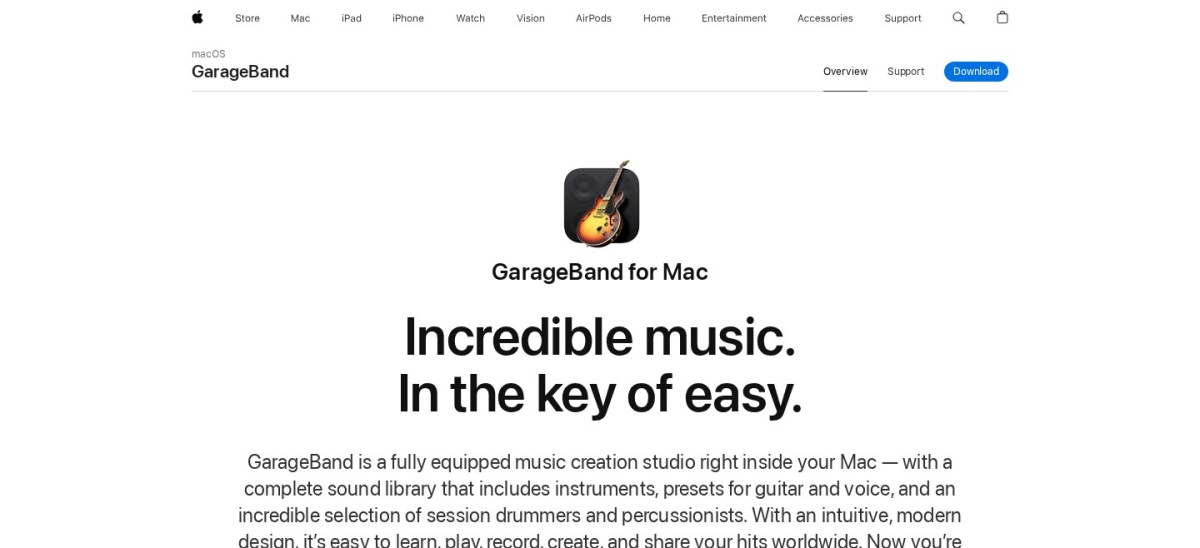
GarageBand is a free music and audio app that comes with every Mac, iPhone and iPad, and the friendliest free editor in this list. It records one or more tracks, trims and arranges regions visually, applies EQ and compression presets, and exports a finished MP3. Projects sync through iCloud between phone and Mac.
The trade off is the ceiling. There is no Windows or Android version, and it is a music app first, so it lacks podcast-specific features like loudness normalisation to podcast specs. Shows with heavy production eventually migrate to Logic Pro. It suits Mac owners starting their first show.
Alitu is a browser-based podcast maker that records, cleans, edits and publishes an episode in one guided workflow. Its automatic processing removes background noise and levels the audio, then a drag-and-drop builder assembles the episode, with transcripts, AI show notes and hosting for up to 1,000 downloads a month included. There is one plan at $38 a month.
The trade off is control and cost. There are no tiers to step down to, exports are MP3 only, and $38 a month is the highest flat rate in this list for a single show. The G2 rating rests on only 2 reviews. It suits first-time podcasters who want the episode built for them and never want to open a timeline.
Auphonic is an automatic post-production service, not an editor. Upload a finished recording and it levels voices, removes noise and hum, hits loudness targets and adds transcripts, chapters and shownotes. The free plan processes 2 hours of audio a month, and the S plan costs $11 a month billed yearly for 9 hours.
The trade off is that you cannot cut or rearrange audio here. It is a finishing step, so you still need an editor for the rough cut, and the per-hour meter means long episodes burn credits fast. The G2 base is thin at 10 reviews. It suits producers who already edit elsewhere and want consistent, broadcast-ready loudness.
We started from the podcast editors most often named in 2026 roundups for beginners, then kept those with a verifiable rating on G2 or Capterra and a published price or a clear free tier.
Prices come from each vendor's pricing page as reported in comparisons checked in November 2026, with the top three checked against vendor pricing pages on 26 November 2026. Ratings and review counts come from G2 on the same day. Where a vendor shows a sale, the list shows the regular price.
We left out Hindenburg, which has no reviews on G2 or Capterra. No vendor paid for a place, and we do not claim hands-on testing for this list.
How to choose podcast editing software as a beginner
Start with the show you actually record, then pick the editor that fits that format.
Record with a decent mic in a quiet room. No editor fixes a bad recording as well as a quiet room and a mic close to your mouth. Test your setup before you record a full episode.
Pick one editor and learn its basics. Choose the tool that fits your show, then learn trimming, noise reduction and loudness in that one app. Switching editors mid-season wastes time.
Edit by transcript if you hate waveforms. Descript, Riverside and Podcastle let you cut filler words and mistakes in the text. See our guide to the best AI podcast editing software for the transcript-led options.
Publish and check your loudness. Export at a consistent loudness, then listen on earbuds and a car speaker before you publish. Auphonic can level a finished episode for you.
FAQ
What is the best podcast editing software for beginners?
Riverside is the best pick for interview shows, with clean separate tracks and text-based editing. Solo beginners on a budget should start with Audacity or GarageBand, both free, and move to Descript when they want to edit by transcript.
Can I edit a podcast for free?
Yes. Audacity is free on Windows, Mac and Linux, GarageBand is free on every Mac and iPhone, and Descript and Podcastle have free plans. Free plans usually cap hours or exports, so check the limits before you record a long episode.
Is Descript good for beginners?
Yes, Descript is one of the easiest editors for beginners because you edit by deleting words in a transcript instead of cutting waveforms. The free plan covers one media hour a month, and Hobbyist costs 16 dollars a month billed yearly.
Do I need Adobe Audition to start a podcast?
No. Audition is a professional workstation with spectral repair and broadcast tools that most beginners never use. Start with a free or cheaper editor, and move to Audition only when you need manual repair work or broadcast loudness standards.
What is the cheapest podcast editing software?
Audacity and GarageBand cost nothing, and Auphonic processes two hours a month free. Among paid tools, Podcastle starts at 11 dollars 99 cents a month and Auphonic at 11 dollars a month, both cheaper than Descript or Riverside.
Can I edit a podcast on my phone?
Podcastle and Riverside run in the browser and work on mobile, and GarageBand runs on iPhone and iPad. Phone editing suits quick trims and publishing, but most beginners do their main edit on a laptop with a bigger screen.
SaaS SEO and WordPress specialist with about 8 years of experience. Rakib compares WordPress plugins, themes, hosting and software using public pricing, documentation and user reviews. See how we rank.