Best AI Podcast Editing Software in 2026: 9 Tools Compared
WLWPLegible EditorsLast verified 22 Nov 2026How we rank14 min read
★ Short answer
Descript is the best AI podcast editing software for most podcasters, with a transcript editor, Studio Sound cleanup and a free plan, rated 4.6 out of 5 on G2; pick Riverside for remote video interviews and Adobe Podcast when a noisy recording needs rescuing for free.
How we make this list: we compare pricing pages, product documentation and public user reviews, then re-check every price before each update. No product paid for a place. Disclosure.
Descript leads with transcript-based editing, Studio Sound cleanup and a free plan, from $16 a month.
Riverside records remote guests in up to 4K with separate tracks, then edits by transcript, from $24 a month.
Podcastle and Alitu cover recording, editing and publishing in one browser tab, from $11.99 and $38 a month.
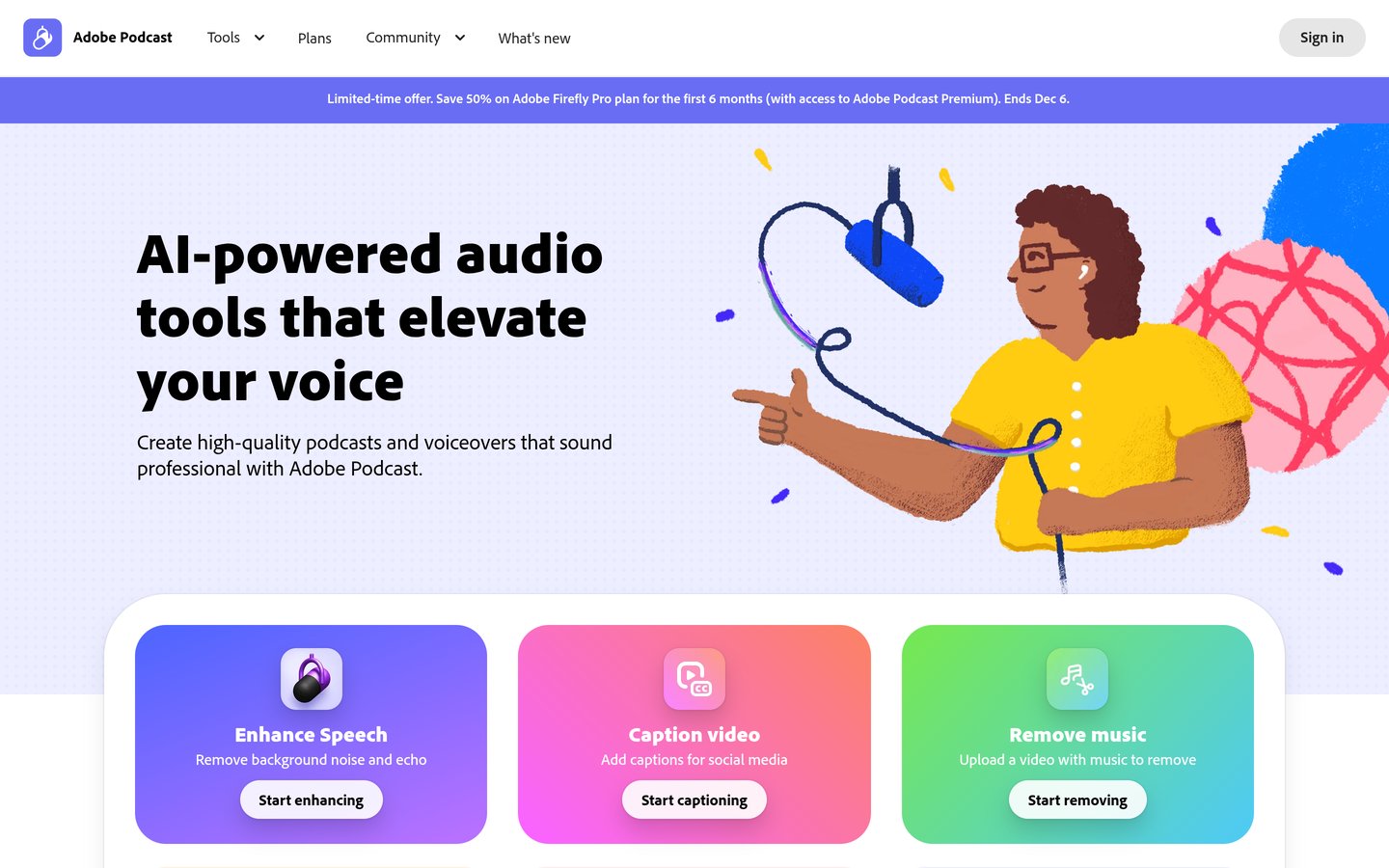
Adobe Podcast rescues noisy recordings free for an hour a day; Premium now comes through Firefly Pro at $19.99 a month.
Auphonic and Cleanvoice are the cheapest finishers, from $11 a month, but they clean audio rather than edit it.
Ratings run from 4.8/5 for Riverside to 2.1/5 for Wondercraft, and five tools rest on fewer than 20 reviews.
What AI podcast editing actually does
AI podcast editing covers three different jobs, and most tools only do one or two well. Some edit by transcript, some record remote guests cleanly, and some only polish finished audio.
Transcript editing is the biggest time saver. Deleting a sentence in the text deletes the matching audio, and filler words can be removed in one pass.
Recording quality matters more than any filter. A tool that records each guest on a separate track, like Riverside, gives the editor far more to work with than a mixed call recording.
Cleanup tools such as Adobe Podcast, Auphonic and Cleanvoice fix recordings that already exist. Our guide to the best WordPress podcast plugins covers the publishing side once the episode is finished.
Watch the meter, not just the monthly price. Several tools in this list charge by media hours, processed hours or credits, so a weekly show can cost far more than the headline rate.
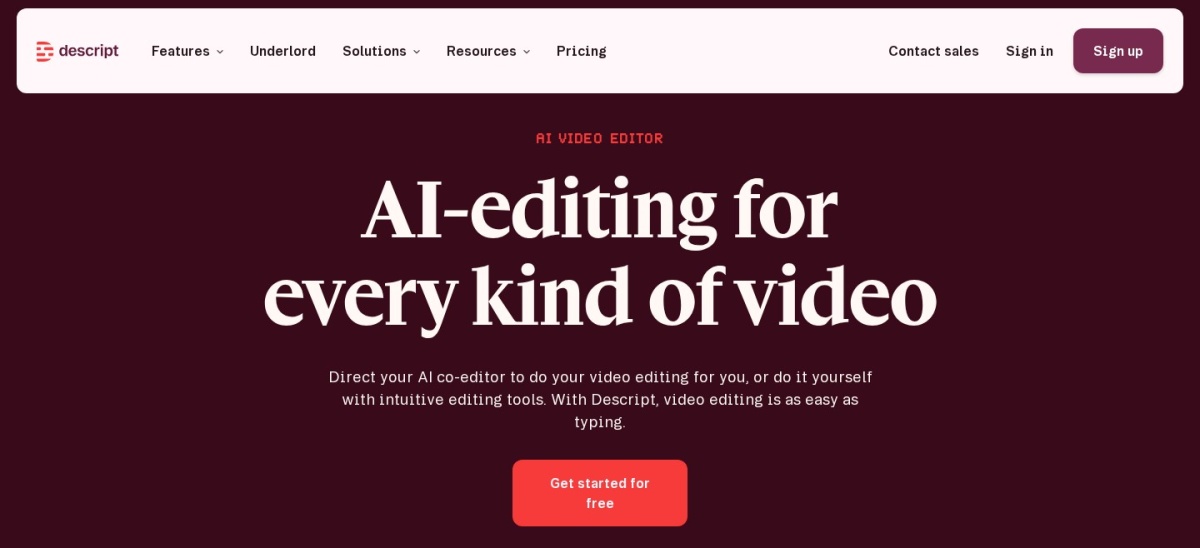
Descript is a transcript-led audio and video editor used by more than 6 million creators and teams. You edit by deleting words in the transcript, and its Studio Sound tool cleans up noisy audio, while Remove Filler Words and Underlord, its AI co-editor, handle the routine passes. The free plan includes 1 media hour a month and 100 one-time AI credits.
The trade off is the meter. Hobbyist costs $16 a month billed yearly and caps you at 10 media hours and 400 AI credits a month, so heavy shows pay for top-ups or a higher tier. It suits podcasters who want one editor for audio and video, from first cut to captions.
What we like
Edit audio by editing the transcript
Studio Sound rescue for noisy recordings
Free plan to learn the workflow
4K export and stock media on higher tiers
Watch out for
Media hours and AI credits cap monthly output
Per-person pricing adds up for teams
Hobbyist adds 10 media hours and watermark-free 1080p exportVisit descript.com
02
Riverside
4.8/5on G2 (1,758 reviews, checked Nov 2026)
Starts at$24/mo
Best for remote recording and AI editing
Recording qualityUp to 4K, 48 kHz
Separate-track downloads15 hrs/mo on Pro
AI editingText-based, Magic Clips
Paid planPro, $24/mo
riverside.fm
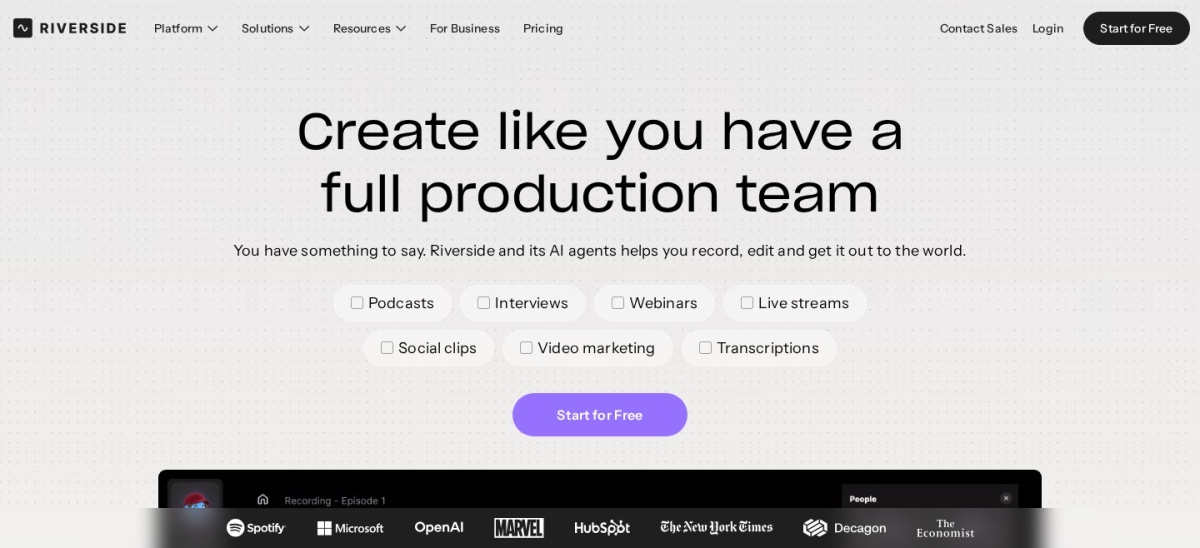
Riverside homepage, captured Nov 2026.
Riverside is a browser-based studio that records each guest locally on their own device, then uploads separate tracks in up to 4K video and 48 kHz audio. Its AI tools include text-based editing, Magic Audio cleanup, Magic Clips for social cuts and an AI Co-Creator for show notes. Pro costs $24 a month billed yearly and includes 15 hours of separate-track downloads a month.
The trade off is that the free plan is gone. Since September 2026 new accounts get a 14-day trial instead, and the separate-track download cap means long shows can hit a wall mid-month. It suits interview shows with remote guests who need clean, separate tracks every episode.
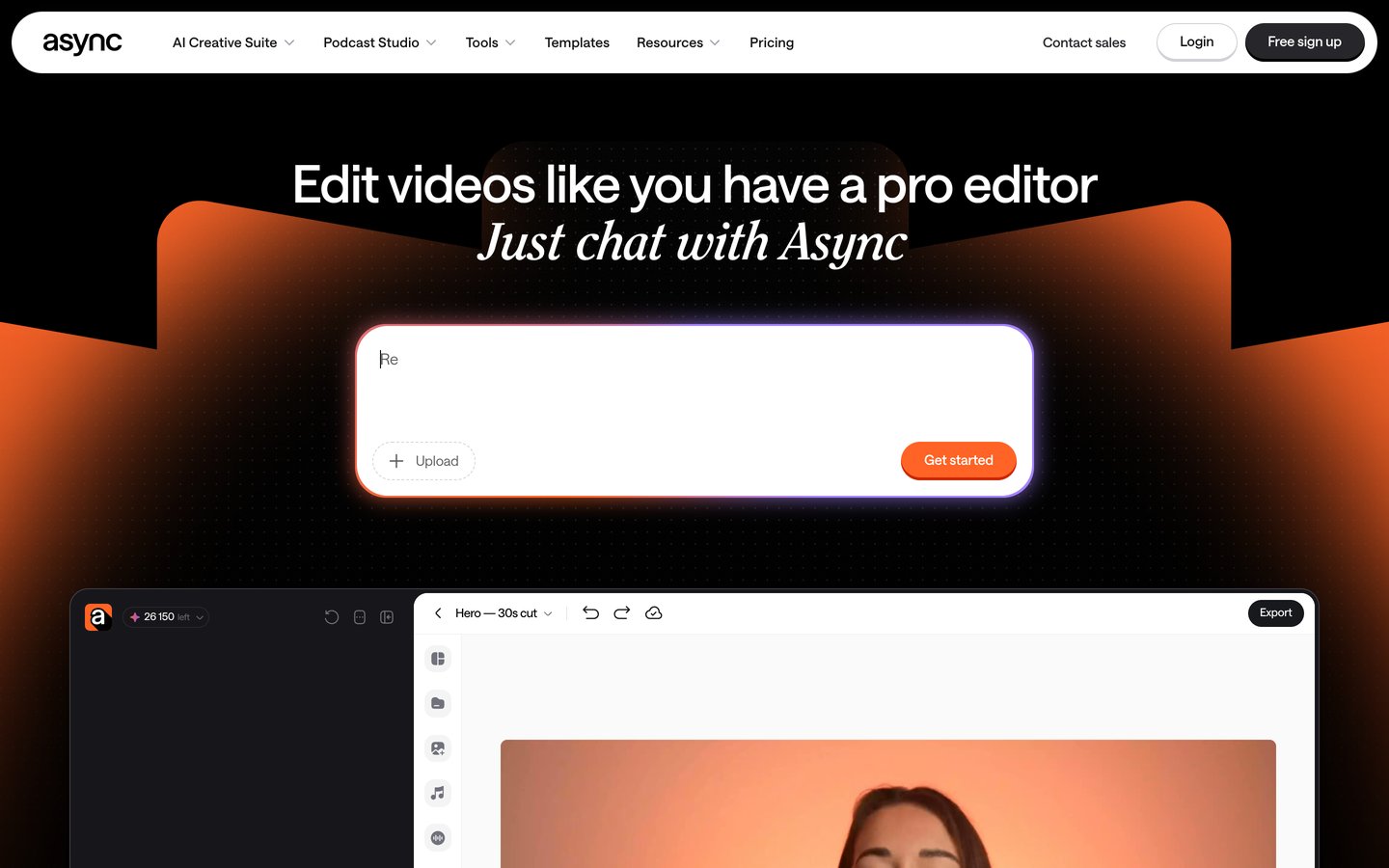
Podcastle is a browser-based studio, now also branded Async, that covers remote recording, AI editing, transcription and publishing in one place. Its Magic Dust tool removes noise and echo in one click, and the editor supports text-based cuts, silence removal and Revoice voice cloning on higher tiers. The free plan includes unlimited audio recording with 3 hours of video and 2 GB of storage.
The trade off is the rebrand and the billing complaints. The company became Async in January 2026, and recent G2 reviews report rigid annual billing and slow refunds. It suits solo podcasters who want one subscription for recording, editing and hosting instead of three separate tools.
What we like
Recording, editing and hosting in one place
Magic Dust cleanup in a single click
Lowest paid price among full studios
Free plan with unlimited audio recording
Watch out for
Recent reviews report inflexible billing
Browser recording is less robust than local capture
Adobe Podcast is a free browser tool built around Enhance Speech, an AI filter that removes room echo and background noise from spoken recordings. The free plan enhances up to 1 hour of audio a day in files up to 30 minutes, and its Studio records remote guests and edits by transcript. Mic Check analyses your microphone setup before you record.
The trade off is the new price of Premium. Since 30 August 2026 Adobe no longer sells Podcast Premium on its own, so new users need the Firefly Pro plan at $19.99 a month for 4 hours a day, video files and bulk upload. It suits anyone with a finished recording that sounds bad and needs rescuing.
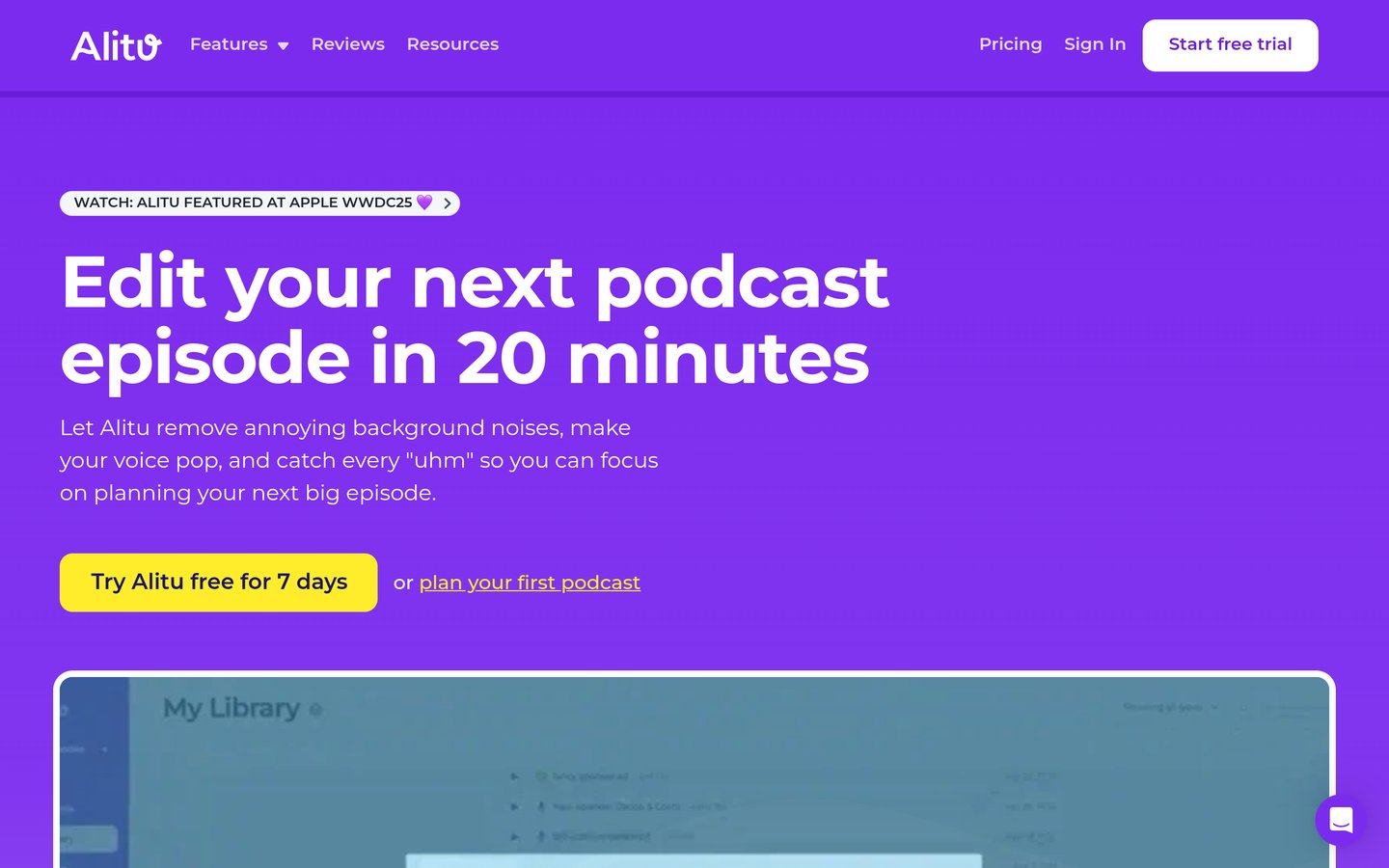
Alitu is a browser-based podcast maker that records, cleans, edits and publishes an episode in one guided workflow. Its automatic processing removes background noise and levels the audio, then a drag-and-drop builder assembles the episode, with transcripts, AI show notes and hosting for up to 1,000 downloads a month included. There is one plan at $38 a month, or about $32 a month billed yearly.
The trade off is control and cost. There are no tiers to step down to, exports are MP3 only, and $38 a month is the highest flat rate in this list for a single show. It suits first-time podcasters who want the episode built for them and never want to open a timeline.
What we like
One plan with every feature included
Recording, editing and hosting together
Guided workflow, no audio skill needed
7-day trial with no card required
Watch out for
No free plan, only a 7-day trial
Highest flat monthly price in this list
MP3-only export, little fine control
Annual billing is about $380 a year, two months freeVisit alitu.com
06
Auphonic
4.2/5on G2 (10 reviews, checked Nov 2026)
Paid from$11/mo
Best for automatic finishing and mastering
Free allowance2 hrs/mo
LevellingAutomatic, multitrack
TranscriptionIncluded
Paid planS, $11/mo, 9 hrs
auphonic.com
Auphonic homepage, captured Nov 2026.
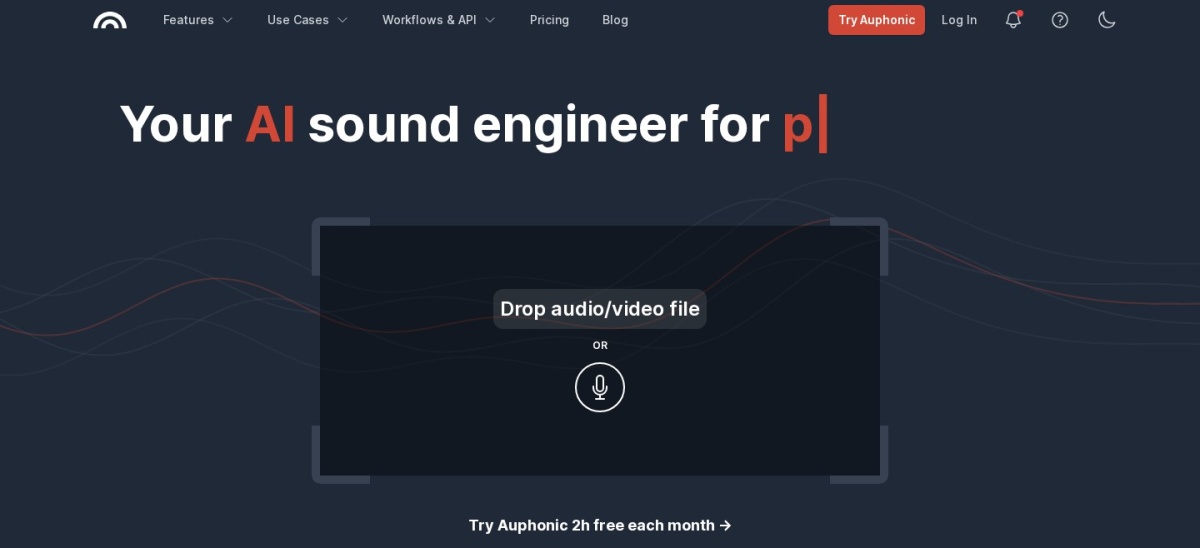
Auphonic is an automatic post-production service, not an editor. Upload a finished recording and it levels voices, removes noise and hum, hits loudness targets and adds transcripts, chapters and shownotes. The free plan processes 2 hours of audio a month, and the S plan costs $11 a month billed yearly for 9 hours, with one-time credit packs from $12 for 5 hours.
The trade off is that you cannot cut or rearrange audio here. It is a finishing step, so you still need an editor for the rough cut, and the per-hour meter means long episodes burn credits fast. It suits producers who already edit elsewhere and want consistent, broadcast-ready loudness without touching a mixer.
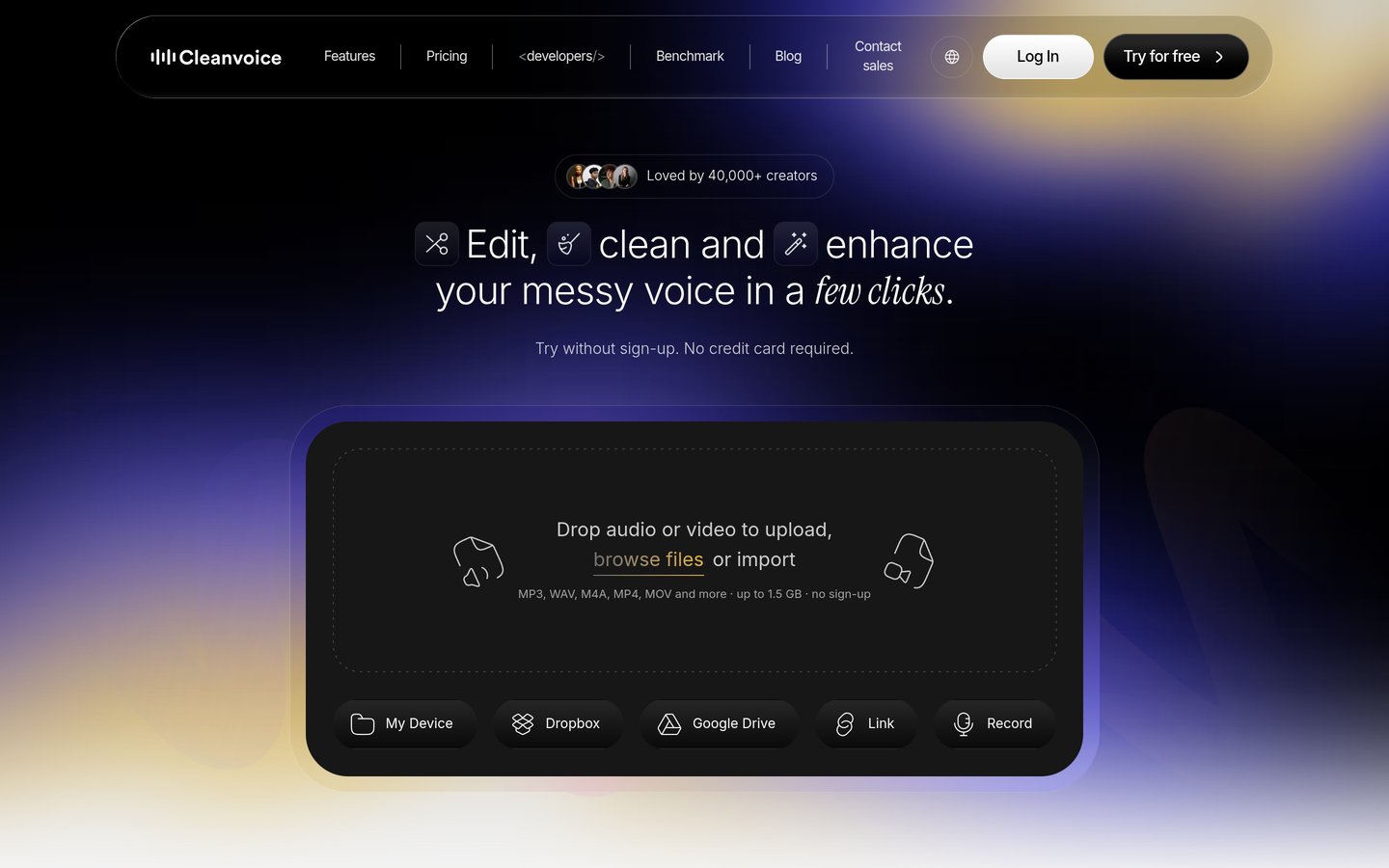
Cleanvoice AI is a single-purpose cleanup tool that removes filler words, long silences, stutters and mouth sounds from a recording, then lets you edit the result on a multitrack timeline. The cheapest subscription costs $11 a month for 10 hours of processed audio, or $110 billed yearly, and unused hours roll over up to three times the monthly allowance. Pay-as-you-go credits start at $11 for 5 hours and stay valid for two years.
The trade off is trust. It scores 3.2/5 on Trustpilot from 14 reviews, with complaints about output quality and file size, and there is no ongoing free plan beyond a 30-minute trial. It suits podcasters who edit elsewhere and want the cheapest way to strip ums and dead air before the real edit.
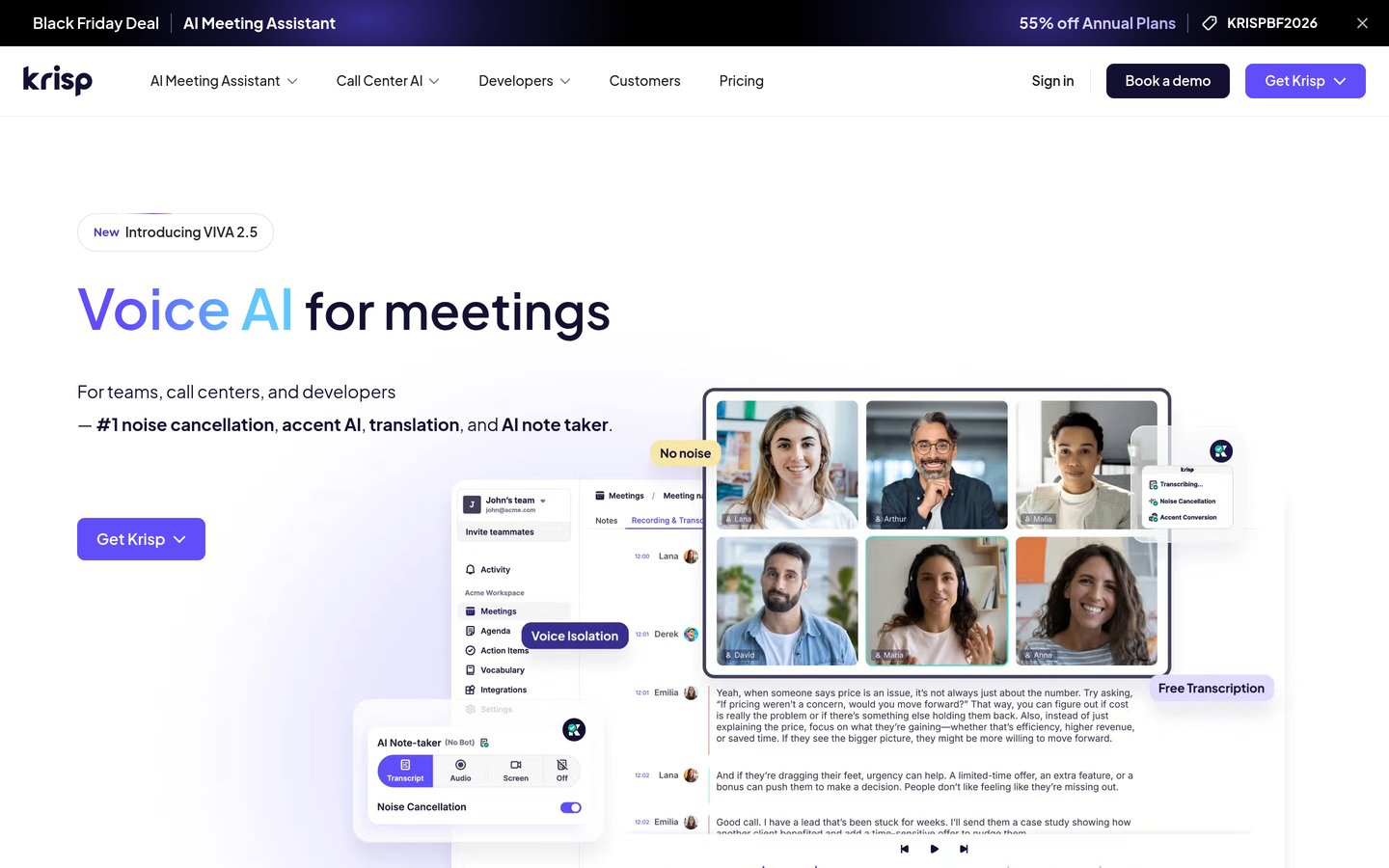
Krisp is a real-time noise cancellation app that sits between your microphone and any calling app, removing background noise from your voice and from your callers before it reaches the recording. Core costs $8 a month per user billed yearly and adds unlimited transcription, AI meeting notes and 10 GB of storage. It also powers the noise cancellation inside Discord's own voice pipeline.
The trade off is that it works live, not after the fact. It cannot rescue a recording that is already noisy, and the old free tier is gone, leaving only a 7-day trial. It suits podcasters who record in noisy rooms or with guests on loud connections and want the audio clean at the source.
What we like
Cleans your mic and your callers live
Works with any calling or recording app
Cheapest paid plan in this list
AI notes and transcription bundled in
Watch out for
No free plan, only a 7-day trial
Cannot fix recordings made without it
Trustpilot reviews report billing complaints
Core adds unlimited noise cancellation and AI notesVisit krisp.ai
09
Wondercraft
2.1/5on Trustpilot (18 reviews, checked Nov 2026)
Paid from$21/mo
Best for turning scripts into podcasts
AI voices50+ languages
Free plan150 credits
Video studioNow video-first
Paid planCreator, $21/mo
wondercraft.ai
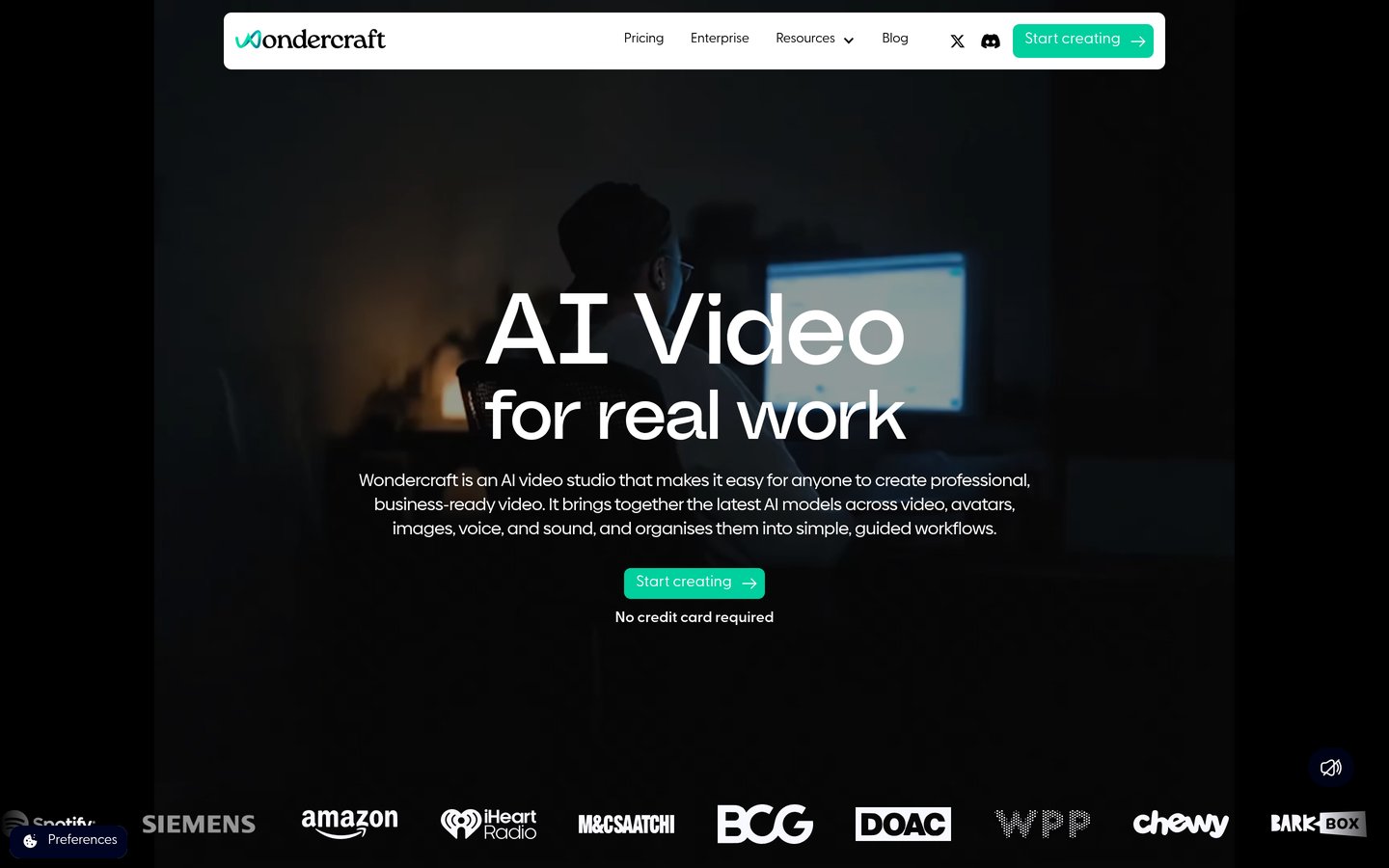
Wondercraft homepage, captured Nov 2026.
Wondercraft is an AI studio that turns scripts, documents or a URL into a finished podcast episode with AI voices, music and sound, in more than 50 languages. The free plan includes 150 credits, and Creator costs $21 a month billed yearly for 1,000 credits, full commercial rights, a custom AI character and API access. It still supports audio-first formats alongside its newer video studio.
The trade off is that it generates rather than edits. You cannot cut a real recording here, the credit cost per finished minute is not published, and it scores 2.1/5 on Trustpilot from 18 reviews, mostly about billing. It suits teams that need scripted audio fast and never record a human voice.
Full editors such as Descript, Riverside, Podcastle and Alitu change the recording itself. They cut, rearrange and publish, so one of them should be the centre of your workflow.
Cleaners such as Adobe Podcast, Auphonic and Cleanvoice only polish audio that already exists. They are cheap, but they cannot fix a bad edit or a missing segment.
Krisp is a third kind: it works live while you record. Pair it with any editor if your room or your guests are noisy.
Wondercraft is a fourth kind again. It generates audio from text, so it fits scripted shows and internal updates, not interviews with real guests.
How we chose
We started from the podcast tools most often named in 2026 roundups, then kept nine with a live product, a published price and a verifiable rating on G2 or Trustpilot.
Prices come from each vendor's pricing page, checked on 22 November 2026, with secondaries used only where the vendor page renders no figures. Ratings and review counts come from G2 or Trustpilot on the same day. Where a vendor shows a sale, the list shows the regular price.
We left out Resound, which has no verifiable rating on G2, Capterra or Trustpilot. No vendor paid for a place, and we do not claim hands-on testing for this list.
How to choose AI podcast editing software
Start from how your episodes are made, then match the tool to that workflow.
Decide whether you record guests remotely. If you do, a local recorder such as Riverside matters more than any filter, because separate tracks fix problems no cleanup tool can.
Pick an editor or a cleaner, not both at first. A transcript editor such as Descript replaces your old workflow. A cleaner such as Auphonic only finishes audio you already edited.
Check the meter against your episode length. Media hours, processed hours and credits all cap monthly output, so multiply your weekly episode length by four before comparing prices.
Use the free plan or trial on a real episode. Run one full episode through before paying, and check the export sounds right on headphones and a phone speaker.
FAQ
What is the best AI podcast editing software?
Descript is the best overall pick for most podcasters. Its transcript editor, Studio Sound cleanup and free plan cover recording to finished episode, and it is rated 4.6 out of 5 on G2 from 915 reviews.
Is there a free AI podcast editor?
Yes. Descript, Podcastle, Adobe Podcast, Auphonic and Wondercraft all have free plans, though each caps hours, credits or exports. Adobe Podcast is the most generous for cleanup, with 1 hour of Enhance Speech a day.
What is the cheapest AI podcast editing software?
Krisp is the cheapest paid plan in this list at $8 a month billed yearly, but it only removes noise live. Among full editors, Podcastle Essentials is cheapest at $11.99 a month billed yearly.
Can AI remove filler words from a podcast?
Yes. Descript, Podcastle, Auphonic and Cleanvoice all detect ums, ahs and silences automatically. Descript and Podcastle remove them inside the editor, while Auphonic and Cleanvoice do it as a finishing pass.
Do I still need a human editor with AI tools?
For most shows, no. AI handles the rough cut, filler removal and levelling, but a human should still listen once for crosstalk, misheard words and jokes the transcript editor may have cut.
Is Adobe Podcast really free?
The core tool is free, with 1 hour of Enhance Speech a day and Studio recording included. Since August 2026, the Premium features are only sold through the Firefly Pro plan at $19.99 a month.
What is the difference between Descript and Riverside?
Descript is mainly an editor that works from a transcript, while Riverside is mainly a recorder that captures remote guests in up to 4K with separate tracks. Many shows use Riverside to record and Descript to edit.