Convertio is the best free PNG to SVG tool for most people, converting files in the browser without an account for small jobs. Vectorize suits users who want clean vector output, while CloudConvert fits anyone converting many formats in one place.
How we make this list: we compare pricing pages, product documentation and public user reviews, then re-check every price before each update. No product paid for a place. Disclosure.
Convertio is the best free PNG to SVG tool for most people, with a 4.9 out of 5 Trustpilot rating from more than 10,000 reviews.
Vectorize dot io is a dedicated tracer with a 4.9 out of 5 G2 rating, priced by credits rather than a monthly plan.
CloudConvert converts many formats in one place, with 25 free conversions a day and subscriptions from 8 dollars a month.
Adobe Illustrator offers the deepest tracing control at 22 dollars 99 cents a month, while Adobe Express costs 9 dollars 99 cents.
SVGator and Vectorizer dot ai have thin review bases of 13 and 2 reviews, so treat their ratings with caution.
A true vectorizer traces clean paths, while a cheap converter may just wrap the PNG inside an SVG shell.
What a PNG to SVG tool should do
PNG to SVG conversion turns a raster image into a scalable vector, which a logo or icon needs for print and responsive design. The quality gap is real: a dedicated vectorizer traces clean paths, while a plain file converter often wraps the PNG inside an SVG shell.
Free tiers differ sharply. Convertio and CloudConvert give a set number of free conversions a day, Vectorizer dot ai gives a few free credits, and the Adobe tools only convert as part of a paid subscription after a trial.
The best free tool depends on the image. A simple logo with flat colours vectorizes cleanly in a free tool, while a photo or detailed illustration needs a dedicated tracer and a human cleanup pass.
A converted SVG still needs checking. Open it at several sizes, look for jagged edges and missing details, and compare it with the original PNG before shipping it.
4.9/5on Trustpilot (10,690 reviews, checked Nov 2026)
Paid from$11.99/mo
Best free PNG to SVG tool
Free conversionsYes, daily limit
Dedicated tracerNo, general converter
Account neededNo, for small jobs
PricingLite, 11 dollars 99 cents a month
convertio.co
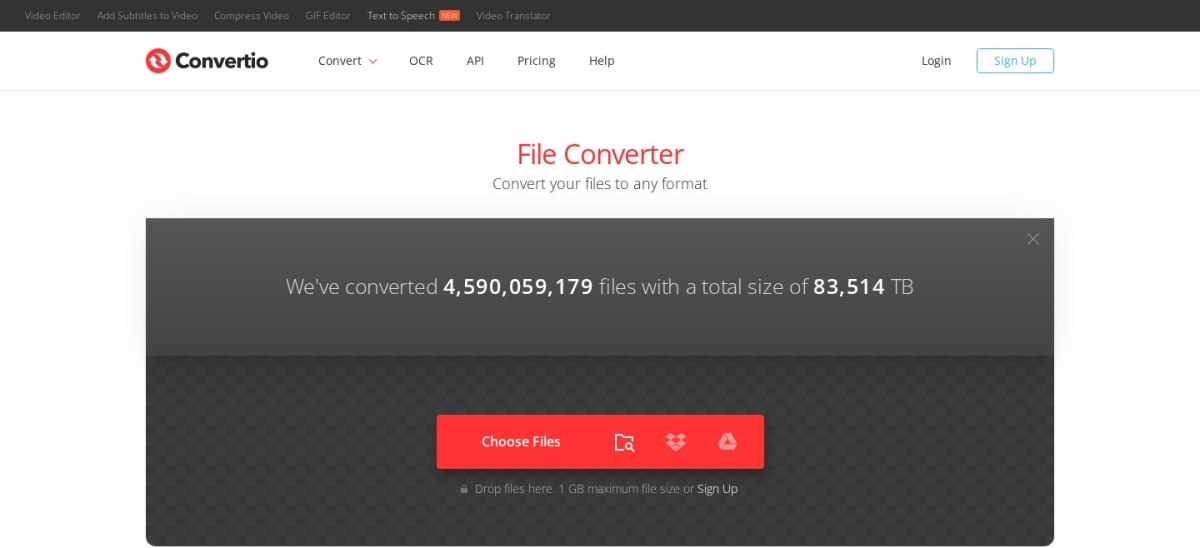
Convertio homepage, captured Nov 2026.
Convertio is a browser-based file converter that turns PNG images into SVG without installing software or creating an account for small jobs. Lite costs 11 dollars 99 cents a month, and it holds 4.9 out of 5 on Trustpilot from more than 10,000 reviews, the largest base in this list.
The trade off is output quality. Convertio is a general converter, not a dedicated tracer, so complex images may convert as an embedded bitmap rather than clean paths. It suits quick one-off conversions of simple images.
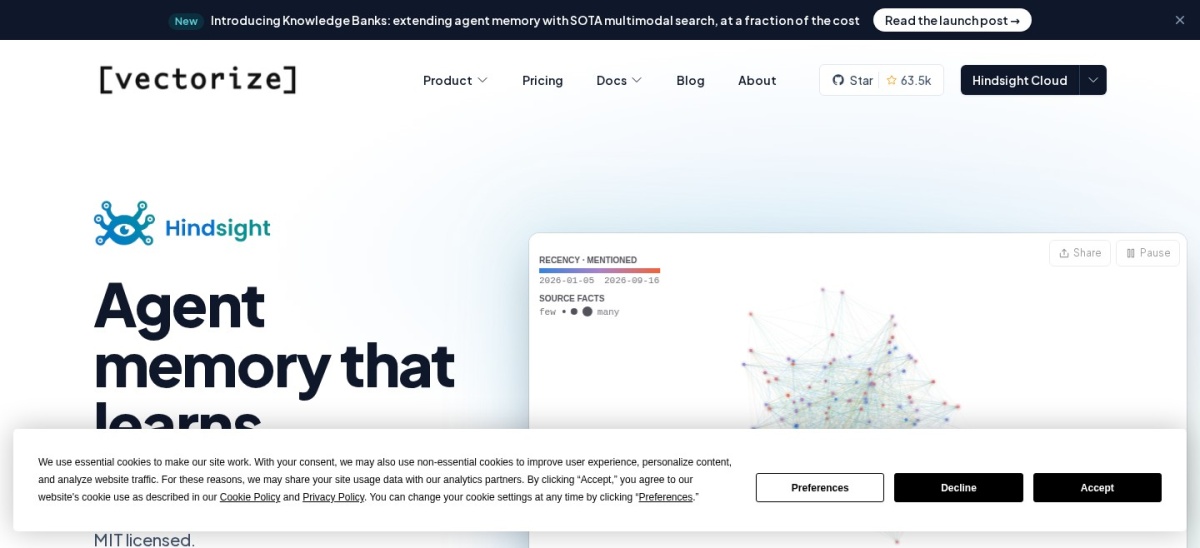
Vectorize.io is a dedicated vectorizer that traces PNG images into clean SVG paths, with options for colour count, smoothing and detail. It holds 4.9 out of 5 on G2 from 12 reviews, and it sells conversion credits rather than a monthly subscription.
The trade off is the thin evidence base. Twelve G2 reviews is too few to judge by, and the credit pricing makes the real cost per image hard to compare with monthly plans. It suits designers who need clean vector output for logos and icons.
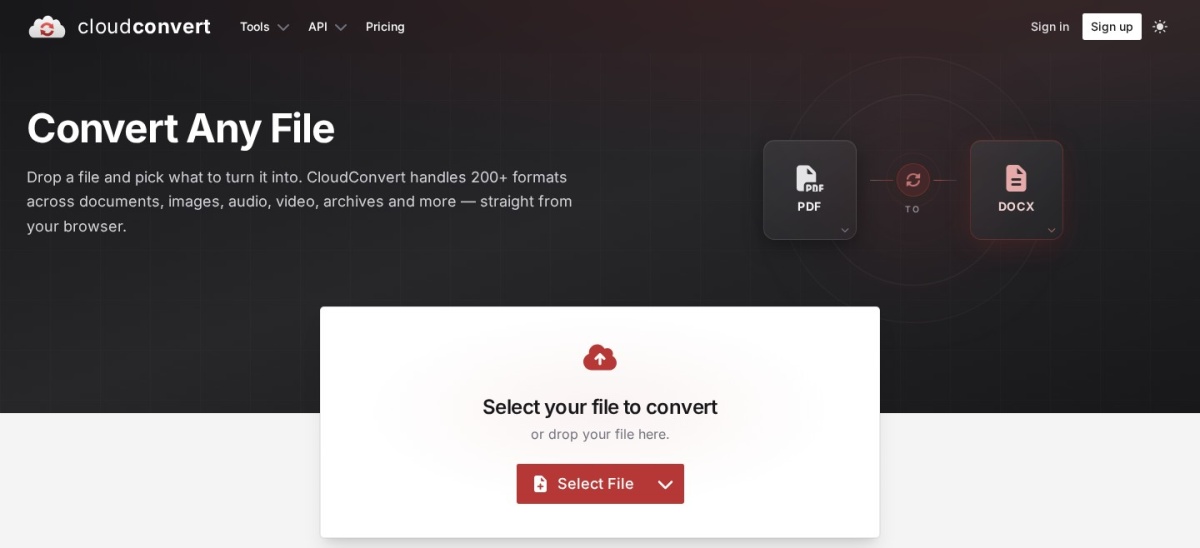
CloudConvert is a cloud file converter that handles PNG to SVG alongside more than 200 other formats, with an API for automated workflows. Subscriptions start at 8 dollars a month, and the free tier covers 25 conversions a day, with a 4.7 out of 5 G2 rating from 21 reviews.
The trade off is that it is a general converter. Like Convertio, it is not a dedicated tracer, so vector quality on complex images may disappoint. It suits teams that convert many formats and want one tool and one API.
Adobe Illustrator is the professional vector editor, and its Image Trace tool converts PNG images to SVG with full control over paths, colours and cleanup. It costs 22 dollars 99 cents a month, and it holds 4.6 out of 5 on G2 from 6,190 reviews.
The trade off is price and complexity. Illustrator is the most expensive tool in this list and the hardest to learn, with only a 7-day trial before paying. It suits designers who already use Illustrator and want manual control over every path.
Adobe Express is a browser-based design tool with image conversion, background removal and templates for social posts and marketing. Premium costs 9 dollars 99 cents a month, and it holds 4.4 out of 5 on G2 from 1,078 reviews, with a free plan for basic design work.
The trade off is conversion depth. Express converts PNG to SVG as one feature among many, not as a dedicated tracer, so output quality trails Vectorize dot io. It suits marketers who convert an image and then design with it in the same tool.
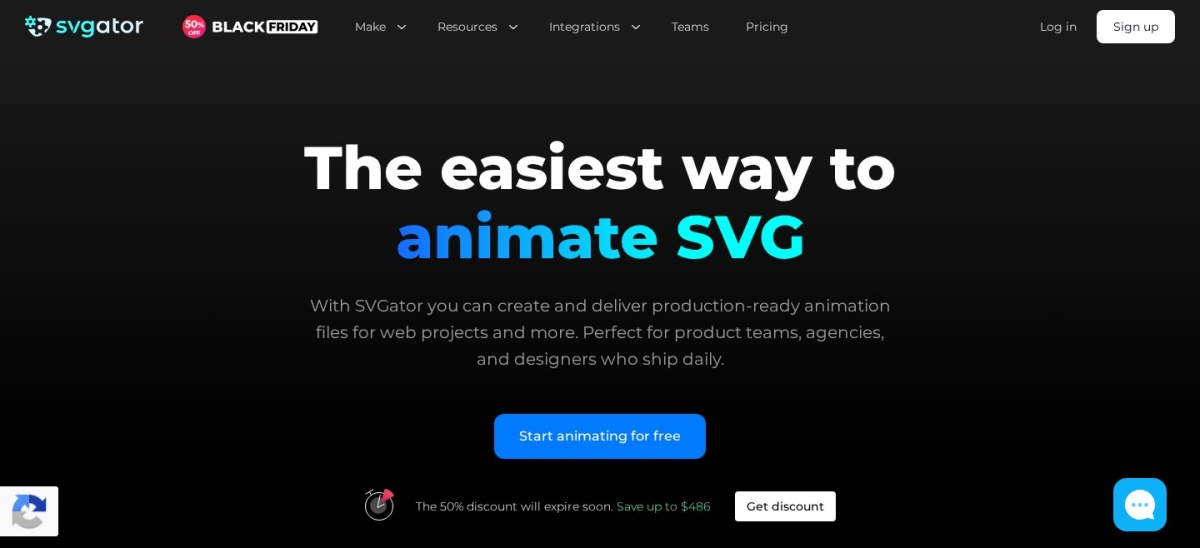
SVGator is an animation tool that creates and animates SVG graphics in the browser, with PNG to SVG conversion as part of its workflow. It holds 4.3 out of 5 on Trustpilot from 13 reviews, and a free plan covers basic animation and conversion.
The trade off is evidence and price clarity. Thirteen Trustpilot reviews is a thin base, and the pricing page shows only the free plan in readable text, so the paid price is unclear. It suits designers who want an animated SVG, not just a static conversion.
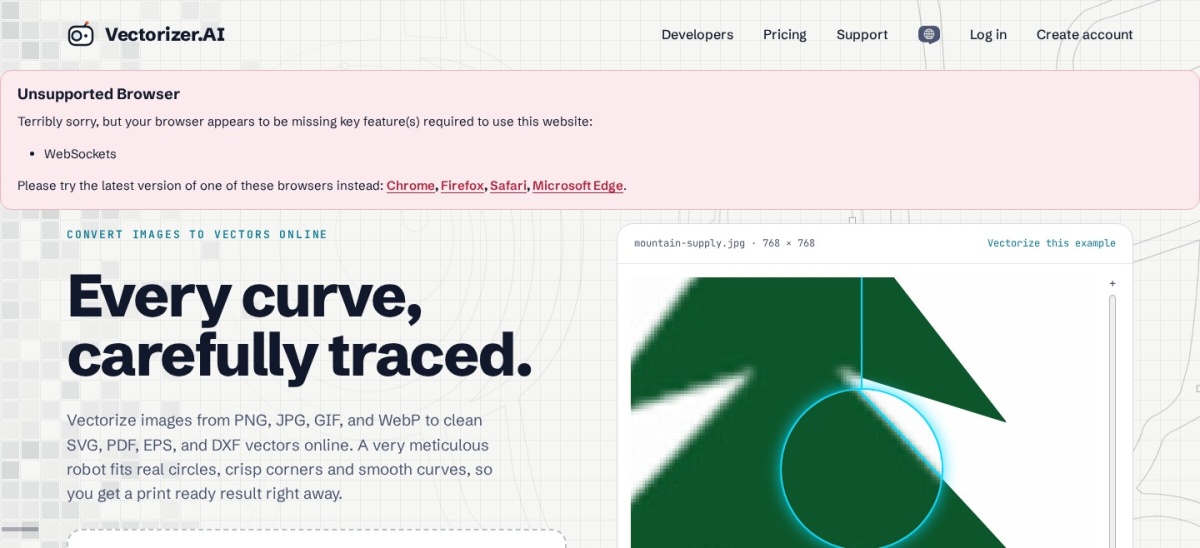
Vectorizer.ai is a dedicated AI vectorizer that traces PNG images into SVG with automatic colour and path detection. It costs 9 dollars 99 cents a month, and it holds 5.0 out of 5 on G2 from only 2 reviews, with a 3.1 out of 5 Trustpilot rating from 2 reviews.
The trade off is the evidence. Two reviews on each platform is far too few to judge by, and the Trustpilot score contradicts the G2 score, so a free test matters more here than anywhere else in this list. It suits users who want a dedicated AI tracer at a low monthly price.
A true vectorizer traces the edges of your image into paths, so the result scales cleanly at any size. A cheap converter embeds the PNG bitmap inside an SVG wrapper, which looks identical at first but stays pixelated when enlarged.
Vectorize dot io and Vectorizer dot ai are dedicated tracers built for this job, which is why they score higher on output quality than general converters. Adobe Illustrator offers the most control, with manual tracing and cleanup tools.
The practical test is simple. Convert a logo, zoom to 400 percent, and look at the edges. Smooth curves mean a real trace, while blocky edges mean the converter just wrapped your bitmap.
How we chose
We started from PNG to SVG tools named in 2026 buying guides, then kept those with a verifiable G2 or Trustpilot rating, favouring dedicated vectorizers over general converters.
Prices come from each vendor pricing page and from guides that read them, checked on 26 November 2026. Ratings and review counts come from G2 or Trustpilot on the same day. Where a vendor publishes no clear monthly price, the list shows Custom.
We left out tools with no verifiable rating on any of the three sources. Several tools here have thin review bases, which the notes flag. No vendor paid for a place, and we do not claim hands-on testing for this list.
How to choose a PNG to SVG tool
Start with whether the tool truly traces or just wraps, then check the free limit.
Check whether the tool truly traces. Convert a simple logo and zoom to 400 percent. Smooth curves mean a real trace, while blocky edges mean the converter wrapped your bitmap.
Count your free conversions. Free tiers cap daily conversions or credits, so check whether your real volume fits before you build a workflow around a tool.
Test with your own images. A flat logo and a detailed illustration vectorize very differently, so try the exact files you plan to convert before paying.
Inspect the SVG before shipping. Open the result at several sizes and compare it with the original PNG, looking for jagged edges and missing details.
FAQ
What is the best free PNG to SVG tool?
Convertio is the best free PNG to SVG tool for most people. It converts in the browser without an account for small jobs, and it holds 4.9 out of 5 on Trustpilot from more than 10,000 reviews.
Is there a completely free PNG to SVG converter?
Yes, for small jobs. Convertio, CloudConvert and Vectorizer dot ai all convert free within daily limits, and Vectorize dot io offers free credits. Heavy use needs a paid plan, starting at 8 dollars a month.
Does converting PNG to SVG lose quality?
It can. A dedicated vectorizer traces clean paths and keeps quality high for simple logos, while a general converter may wrap the bitmap, which stays pixelated when enlarged. Check the output at several sizes before using it.
Can Adobe Express convert PNG to SVG?
Yes, Adobe Express can convert images to SVG as part of its design toolkit, and Premium costs 9 dollars 99 cents a month. Illustrator offers deeper tracing control at 22 dollars 99 cents a month.
What is the difference between Vectorize and Vectorizer?
Vectorize dot io is a credit-based vectorizer with a 4.9 out of 5 G2 rating from 12 reviews, while Vectorizer dot ai is a subscription tracer at 9 dollars 99 cents a month with a 5.0 out of 5 G2 rating from only 2 reviews.
Which PNG to SVG tool is best for logos?
A dedicated tracer is best for logos. Vectorize dot io and Vectorizer dot ai trace flat colours into clean paths, while Convertio suits quick one-off conversions where the logo is simple.
SaaS SEO and WordPress specialist with about 8 years of experience. Rakib compares WordPress plugins, themes, hosting and software using public pricing, documentation and user reviews. See how we rank.