Zoom Webinars is the best platform to host webinars for most teams, with rooms up to 100,000 people and the most familiar join flow. Pick Demio for simple marketing webinars and GoTo Webinar for recurring training sessions.
How we make this list: we compare pricing pages, product documentation and public user reviews, then re-check every price before each update. No product paid for a place. Disclosure.
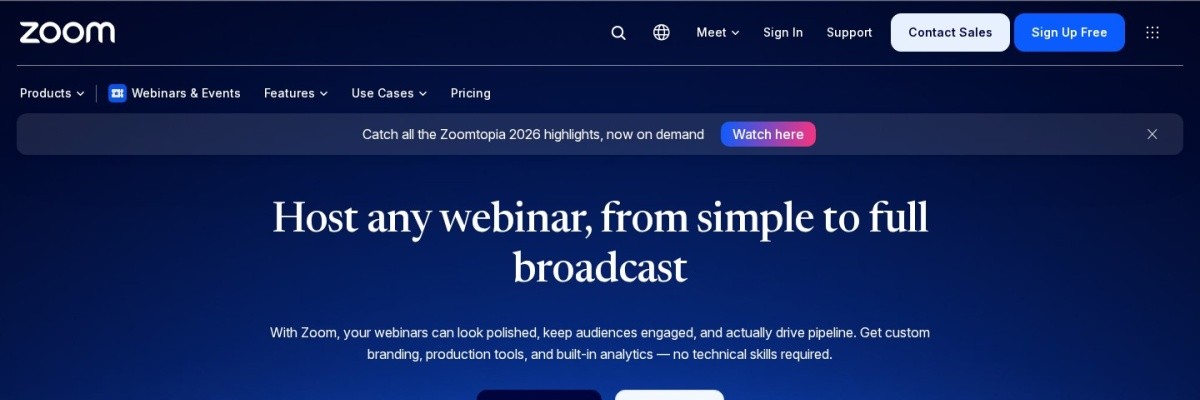
Zoom Webinars handles the largest rooms here, up to 100,000 attendees, but it is an add-on to a paid Zoom Workplace plan.
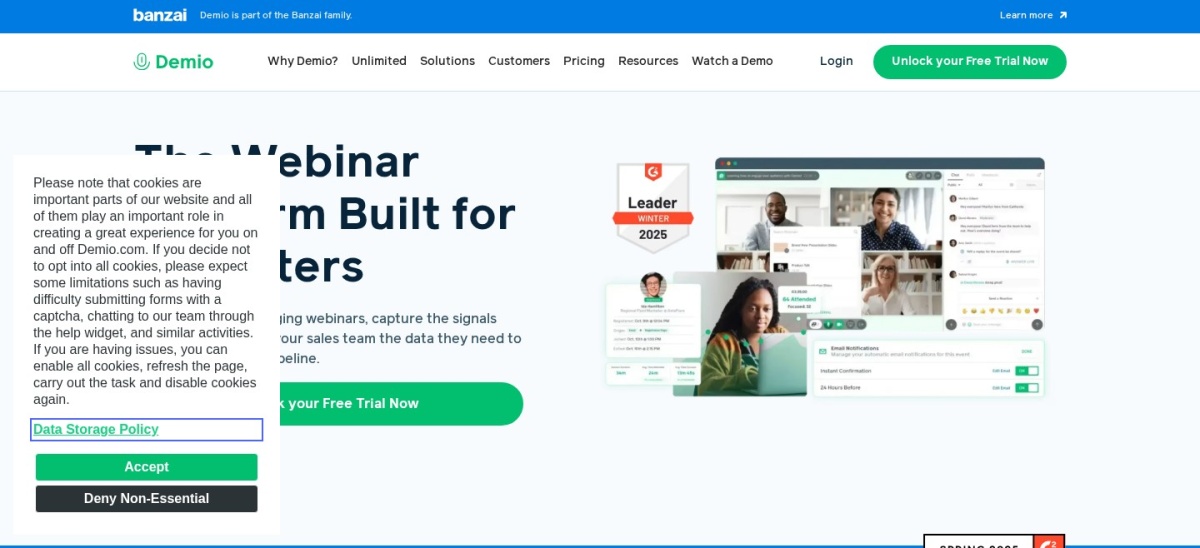
Demio is the simplest browser-based option, with Starter at $45 a month billed annually for 50 attendees.
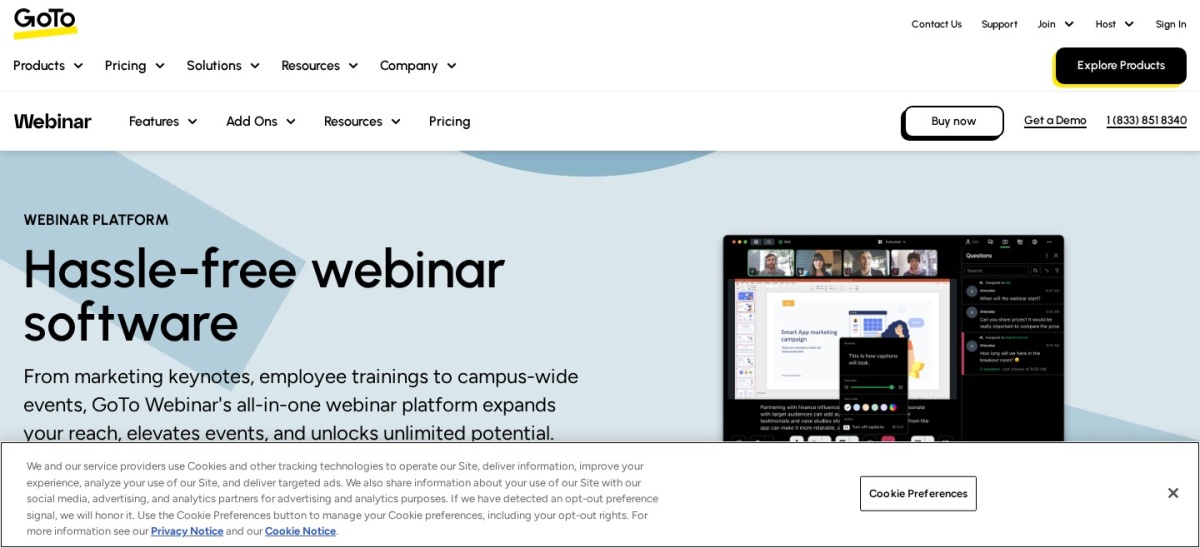
GoTo Webinar suits recurring programs, with Reach at $59 a month billed annually for 500 participants.
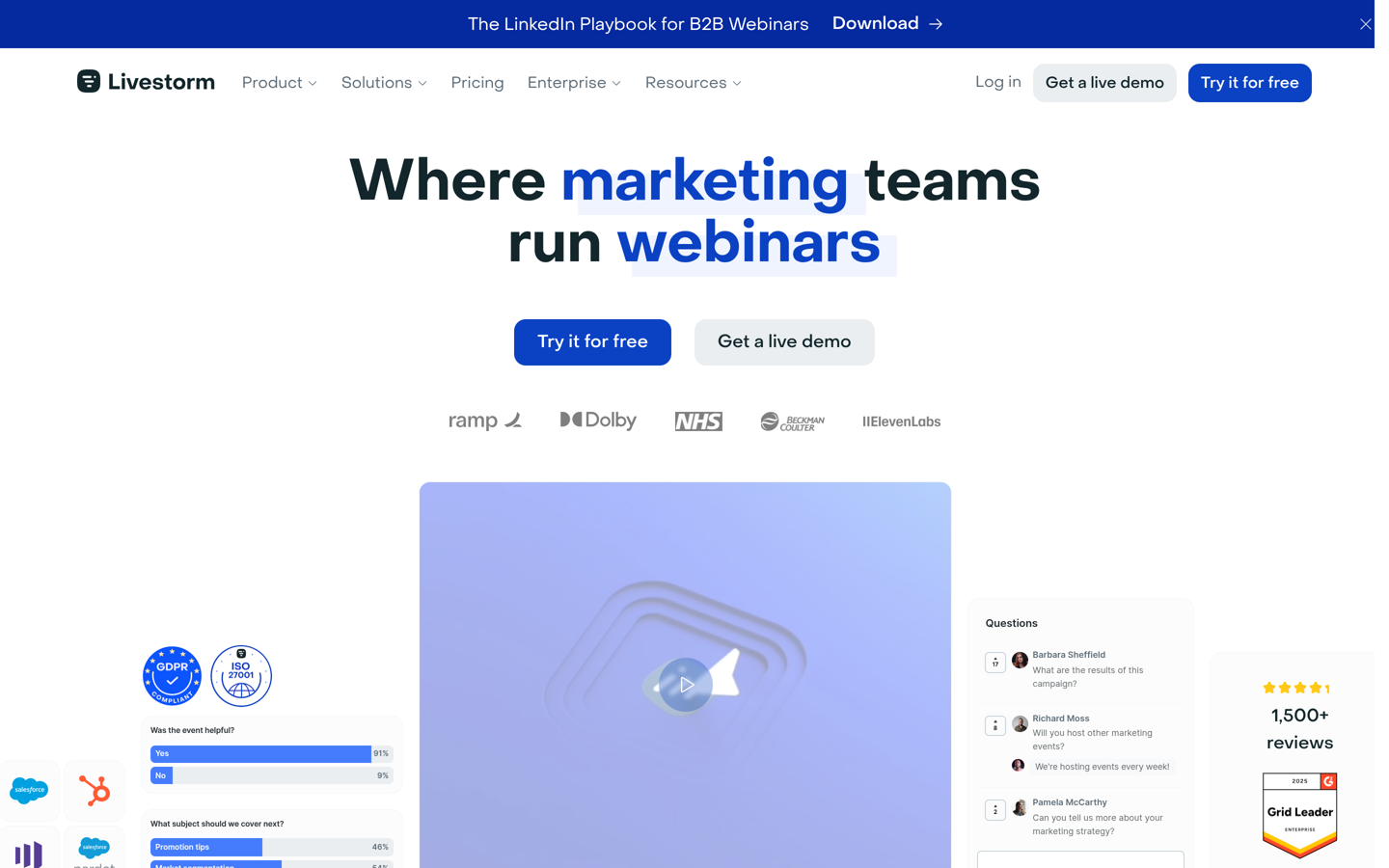
Livestorm charges per attendee who joins, so a free plan covers 30 credits a year and Pro starts at $100 a month.
BigMarker is quote-only, so budget for a sales conversation if you need large virtual events.
What to look for in a webinar platform
A webinar platform has one job: get a live audience into a room, keep them there, and hand you a list of who showed up. The best tools make registration, reminders and replays boring.
Room size drives the price more than features do. A 50-person room can cost under $50 a month, while a 500-person room on the same tool can cost twice as much, so check the attendee cap on the plan you would actually buy.
Browser-based rooms matter if your audience joins from locked-down work computers. Zoom and GoTo Webinar ask attendees to install an app or join from a browser, while Demio and Livestorm run fully in the browser with no download.
Automation separates marketing webinars from training sessions. Tools such as eWebinar run recorded sessions on a schedule with live chat, while sales-led tools add polls, offers and CRM sync. Our guide on video conferencing software covers the meeting tools these platforms sit beside.
Zoom Webinars is the webinar add-on to Zoom Workplace, built for large live broadcasts with registration pages, Q and A, polls and breakout rooms. The entry plan covers 500 attendees with sessions up to 30 hours, and larger rooms scale to 100,000 attendees on enterprise plans.
The trade off is that it is an add-on, not a standalone product. You need a paid Zoom Workplace plan underneath, and the webinar price rises with each attendee tier. It suits teams already on Zoom that run large company broadcasts or customer events.
What we like
Largest rooms in this list, up to 100,000 attendees
Attendees already know the join flow
Strong registration, polls and Q and A tools
Watch out for
Needs a paid Zoom Workplace plan underneath
Branding options are limited on lower tiers
Webinars Plus adds on-demand video and AI featuresVisit zoom.us
02
Demio
4.6/5on G2 (172 reviews, checked Nov 2026)
Starts at$45/mo
Best for simple marketing webinars
Attendees50 on Starter
Free planNo, 14-day trial
Browser-basedYes, no download
Paid planStarter, $45/mo
demio.com
Demio homepage, captured Nov 2026.
Demio is a browser-based webinar tool built for marketers who want a simple setup with no downloads for hosts or guests. Starter covers one host and a 50-attendee room with registration pages, polls, handouts and automated email reminders.
The trade off is room size. The price climbs steeply as you add attendees, and a 500-attendee room costs far more than the entry plan. It suits small teams running product demos and marketing webinars.
GoTo Webinar is the longest-running tool here, built for recurring corporate webinars and training with polls, Q and A, handouts and detailed attendance reports. Reach covers one organizer seat and up to 500 participants with automated reminders.
The trade off is age. The interface feels dated next to Demio and Livestorm, and some reviewers report audio cut-outs on large calls. It suits training teams that run the same session every week.
Livestorm is a browser-based webinar platform built around lead generation, with registration pages, attendance tracking and CRM sync to HubSpot and Salesforce. The free plan covers 30 attendee credits a year, and paid plans use credits that only burn when someone joins.
The trade off is the credit model. People who register but never show up cost nothing, yet a busy month of large sessions can burn through a credit pack fast. It suits B2B teams that treat webinars as a lead source.
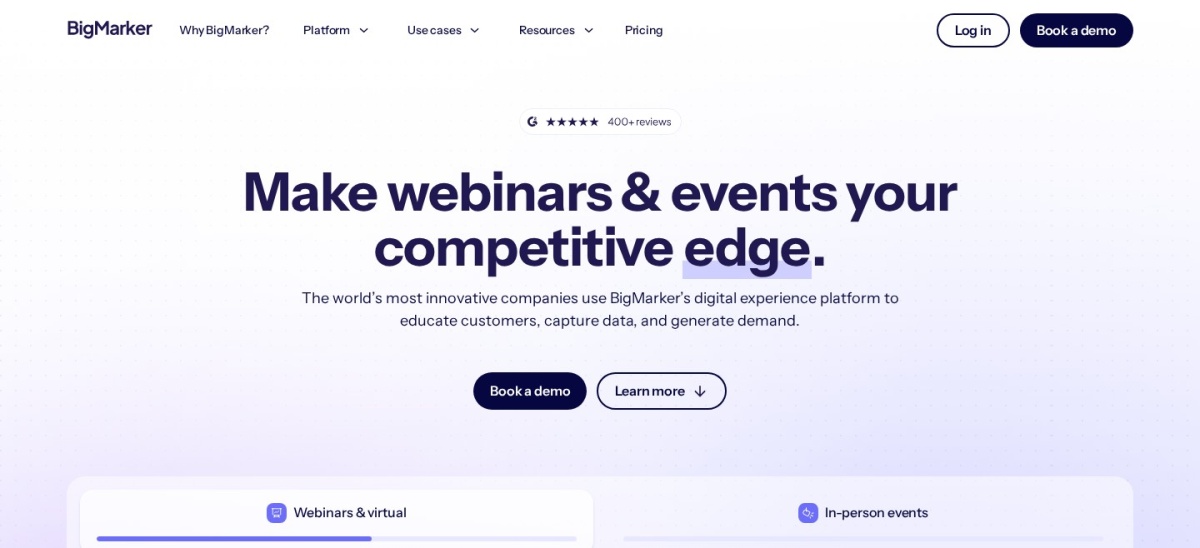
BigMarker is a webinar and virtual event platform built for branded events with multiple stages, sponsor booths and ticket sales. It supports audiences up to 1,000 on entry plans and far larger crowds on enterprise plans.
The trade off is pricing. BigMarker publishes no fixed prices and quotes each deal, so small teams cannot budget without a sales call. It suits companies that run webinars as polished brand events.
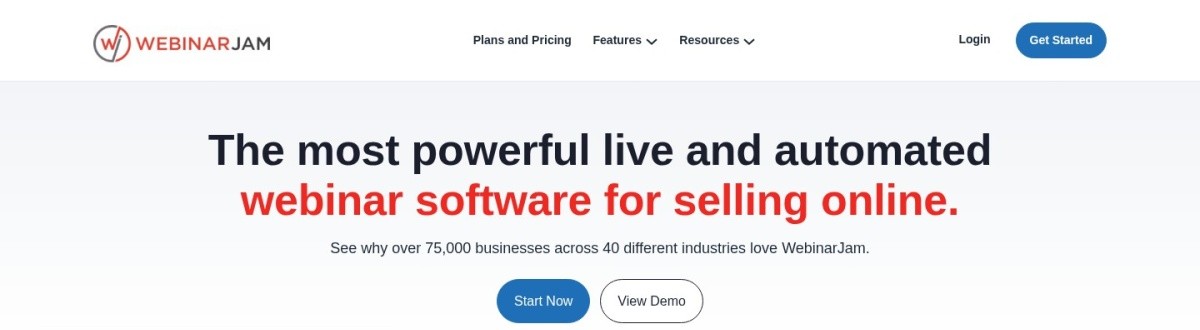
WebinarJam is a sales-led webinar tool from Genesis Digital, built for live selling with one-click purchase buttons, live chat, polls and streaming to YouTube and Facebook. Starter covers 100 attendees and one host with sessions up to one hour.
The trade off is polish. It holds the lowest G2 rating here, and reviewers note an aging interface and thin analytics. It suits creators and small businesses running sales webinars on a budget.
Microsoft Teams Webinars homepage, captured Nov 2026.
Microsoft Teams Webinars is the webinar mode inside Microsoft Teams, included with Microsoft 365 Business Basic. It covers up to 1,000 interactive attendees and 10,000 view-only guests, with registration, Q and A and attendance reports.
The trade off is focus. It is a meeting tool with webinar features, not a marketing platform, so there are no funnels, offers or deep CRM workflows. It suits Microsoft 365 teams that already pay for Teams.
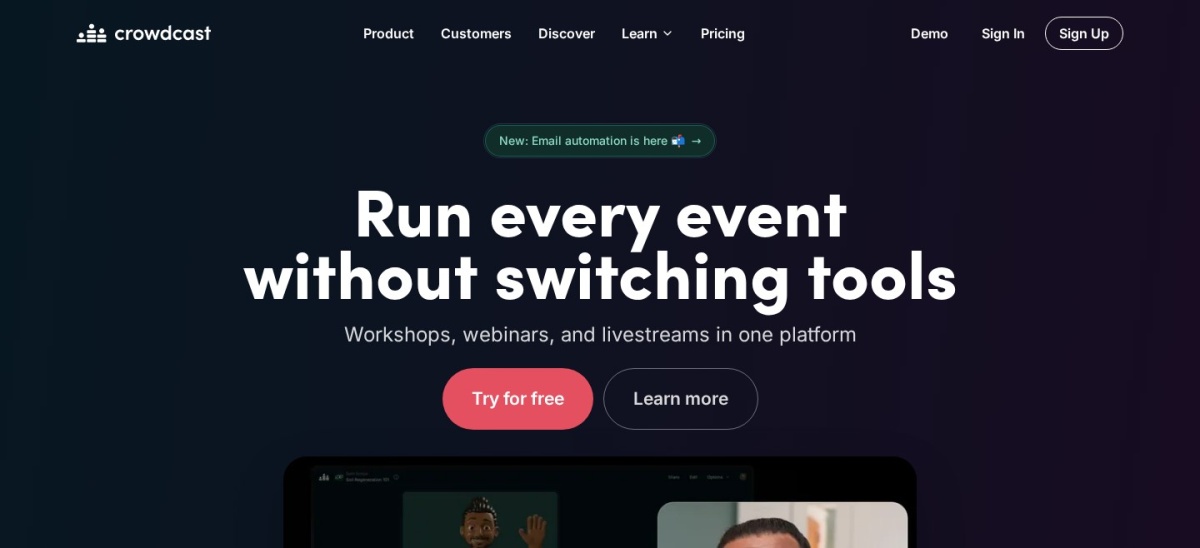
Crowdcast is a live event platform built for creators, coaches and communities, with Q and A, polls, chat and paid ticketed events. The entry plan covers 100 attendees with unlimited events and recordings.
The trade off is scale. It tops out below the enterprise tools here, and marketing automation is lighter than Demio or Livestorm. It suits creators running paid workshops and community calls.
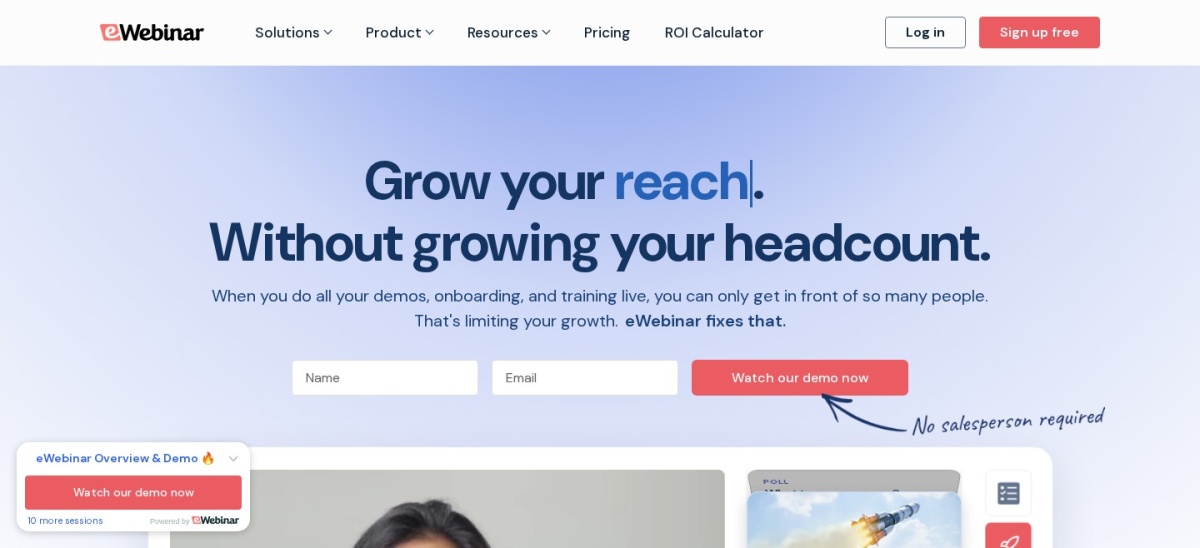
eWebinar is an automated webinar platform that runs recorded sessions with no live host needed. You record once, then the session runs on a schedule or on demand, with real two-way chat answered by your team and polls, Q and A and calls to action.
The trade off is that it never does live events. If you need a live room, you need a second tool. It suits sales and onboarding teams replacing repeat live demos.
Live webinars suit launches, training and anything where questions shape the session. The host is present, the chat is live, and the recording becomes a replay afterwards.
Automated webinars suit demos and onboarding that repeat every week. eWebinar runs the same recorded session on a schedule, and your team answers chat live or by email.
Many teams run both: a live session once a month for new material, and an automated version for everyone who missed it. Demio, Livestorm and WebinarJam cover both formats in one subscription.
How we chose
We started from the webinar platforms with the most G2 reviews and the clearest published pricing, then kept nine that cover large broadcasts, marketing webinars, training and automated replays.
Prices come from each vendor pricing page or from November 2026 pricing guides where the vendor blocks direct checks, checked on 26 November 2026. Ratings and review counts come from G2 on the same day. Where a vendor shows a sale, the list shows the regular price.
We left out tools with no verifiable G2 rating and tools that hide both pricing and trial access. No vendor paid for a place, and we do not claim hands-on testing for this list.
How to choose a webinar platform
Start with your room size, then match the format to your goal.
Count your real audience. Check the attendee cap on the plan you would buy, not the headline. A 50-person room and a 500-person room can cost very different amounts.
Decide live or automated. Pick a live tool for launches and training, and an automated tool such as eWebinar if you repeat the same demo every week.
Test the join flow. Join a test session from a locked-down work computer. If your audience needs an install, some will never get in.
Check what happens after. Make sure replays, attendance lists and CRM sync are included, or your follow-up will need manual work.
FAQ
What is the best platform to host webinars?
Zoom Webinars is the best platform to host webinars for most teams. It handles rooms up to 100,000 attendees, and most guests already know how to join. Demio is the simpler pick for small marketing webinars, and GoTo Webinar suits recurring training.
How much does webinar software cost?
Entry plans run from 7 dollars a month for Microsoft Teams Webinars with a Microsoft 365 plan to 99 dollars a month for eWebinar. Most small teams pay between 39 and 59 dollars a month, while large rooms and enterprise features push the bill past 100 dollars a month.
Do I need to install software to join a webinar?
It depends on the tool. Demio, Livestorm and Crowdcast run fully in the browser, so guests join from a link. Zoom and GoTo Webinar work in a browser too, but the full experience usually needs the desktop app installed.
Can I run automated webinars?
Yes. eWebinar runs recorded sessions on a schedule or on demand with live chat, and Demio, WebinarJam and Livestorm offer automated replays beside live rooms. Automated sessions suit demos and onboarding that repeat every week.
What is the difference between Zoom Meetings and Zoom Webinars?
Zoom Meetings is built for discussion, with every guest on video and audio. Zoom Webinars is built for broadcasts, with hosts on screen and guests watching, asking questions and voting in polls. Webinars also add registration pages and attendance reports.
Which webinar platform is best for lead generation?
Livestorm is the strongest pick for lead generation, with registration pages, attendance tracking and CRM sync to HubSpot and Salesforce. Demio is the simpler option for small teams, and BigMarker suits large branded events with sponsor tools.
SaaS SEO and WordPress specialist with about 8 years of experience. Rakib compares WordPress plugins, themes, hosting and software using public pricing, documentation and user reviews. See how we rank.