Lightroom is the best photography workflow software for most photographers, with the Photography plan at 10 dollars a month and cloud sync across devices. Capture One suits tethered studio work, while Aftershoot is the fastest culling pick.
How we make this list: we compare pricing pages, product documentation and public user reviews, then re-check every price before each update. No product paid for a place. Disclosure.
Lightroom Photography plan costs $9.99 a month and includes Photoshop and 20 GB of cloud storage.
Capture One Pro costs $24 a month and is the standard for tethered studio shooting.
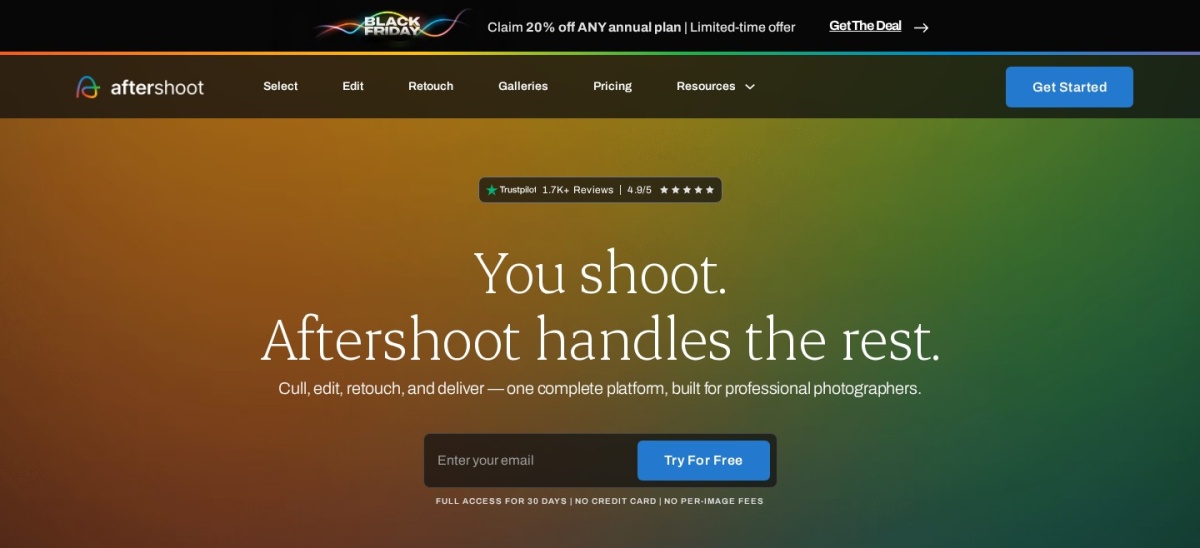
Aftershoot Select costs $10 a month and culls a wedding in minutes with AI.
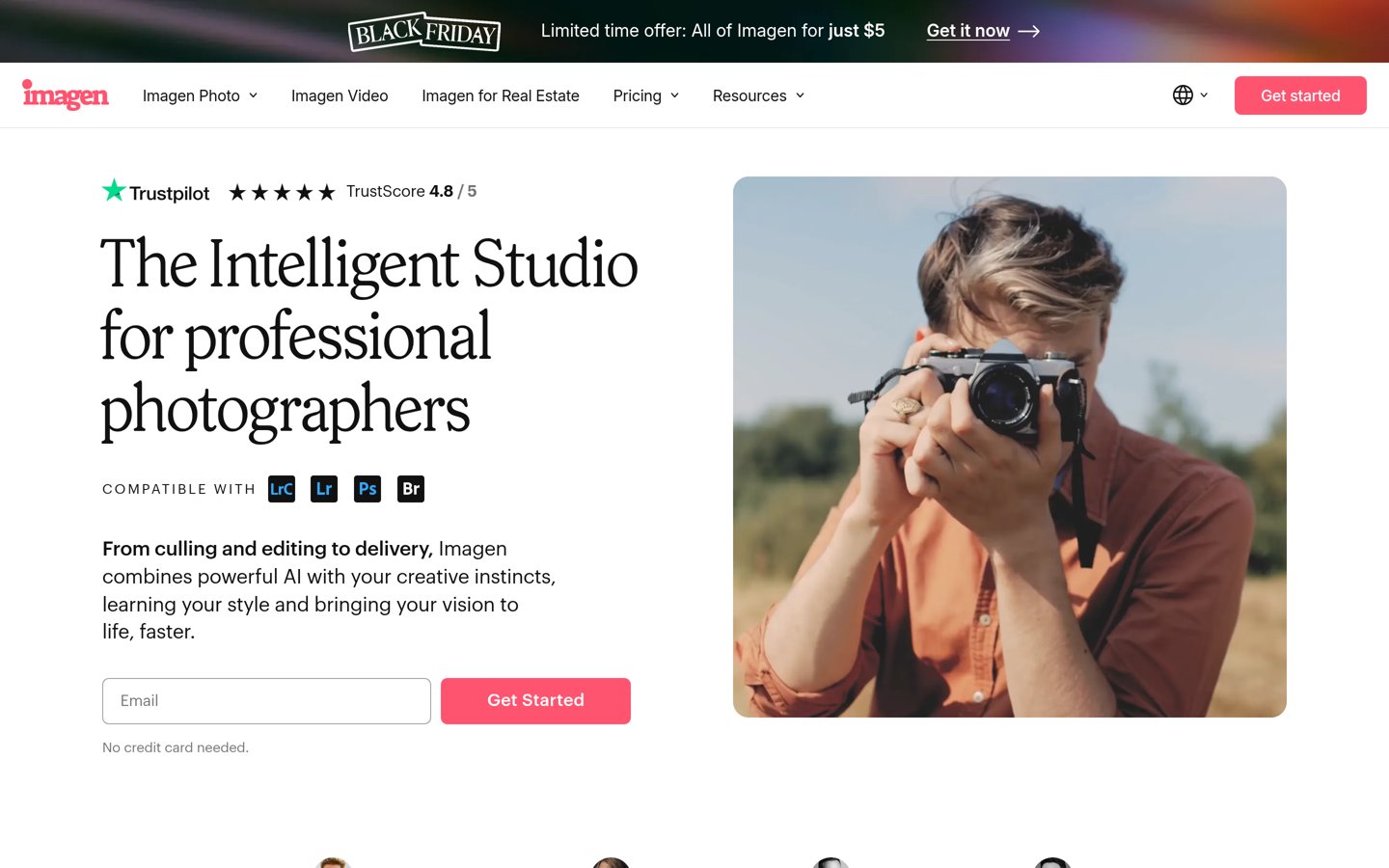
Imagen costs $12 a month for its culling add-on and edits at 5 cents a photo with a $7 monthly minimum.
ShootProof holds the highest G2 rating here at 4.9 out of 5, with plans from $8.33 a month.
What photography workflow software should cover
A photographer's workflow runs from import to delivery: cull the shoot, edit the keepers, export and deliver the gallery. Tools that only edit leave culling and delivery to other apps, which breaks the flow.
Culling is the biggest time sink. AI culling tools such as Aftershoot, Imagen and FilterPixel sort a wedding or event shoot in minutes, which is why many pros now pair a culling tool with a separate editor.
Editing and asset management decide the daily tool. Lightroom and Capture One handle the full pipeline from import to export, while Photo Mechanic and Pixieset specialise in fast ingest and client delivery. Our guide on best AI photo editors compares the editing-only side of the same market.
Price is mostly subscription now. Entry plans here run from $8 to $24 a month, but per-photo editing fees and cloud storage can add more than the subscription itself.
Adobe Lightroom is the standard photo editing and organisation app for photographers, with cloud sync across desktop and mobile. The Photography plan costs $9.99 a month and includes Photoshop plus 20 GB of cloud storage, and Lightroom holds the largest G2 review base here at 3,299 reviews.
The trade off is the subscription cost and the cloud storage limit on the entry plan. The $9.99 figure conflicts with a $11.99 monthly read in another guide, so confirm at checkout. It suits photographers who want one app for editing, organising and delivery.
Capture One Pro is a professional photo editing and tethering app built for studio and commercial work. It costs $24 a month on subscription, with live tethered capture, advanced colour tools and session-based workflows that Lightroom does not match.
The trade off is price and learning curve. At $24 a month it is the most expensive editor here, and the $216 a year figure in our sibling ladder conflicts with the $288 annualised monthly price. It suits studio photographers who shoot tethered.
Aftershoot is an AI culling and editing tool for wedding and event photographers. Select costs $10 a month and uses AI to sort, group and rate images, with AI editing profiles that learn a photographer's style.
The trade off is that Aftershoot is a culling and editing aid, not a full asset manager, so most photographers pair it with Lightroom or Capture One. It suits wedding and event photographers who cull thousands of images per shoot.
4.7/5on Trustpilot (1,265 reviews, checked Nov 2026)
Starts at$12/mo
Best for AI editing at scale
Free planNo, free trial
Culling add-on$12/mo billed annually
Editing$0.05/photo, $7/mo minimum
Trustpilot reviews1,265
imagen-ai.com
Imagen homepage, captured Nov 2026.
Imagen is an AI photo editing platform that learns a photographer's style and applies it across a full shoot. Its culling add-on costs $12 a month billed annually, while AI editing is priced at 5 cents a photo with a $7 monthly minimum.
The trade off is the usage-based editing cost, which grows with every shoot, and the lack of a permanent free plan. It suits high-volume photographers who want consistent AI edits without hiring a retoucher.
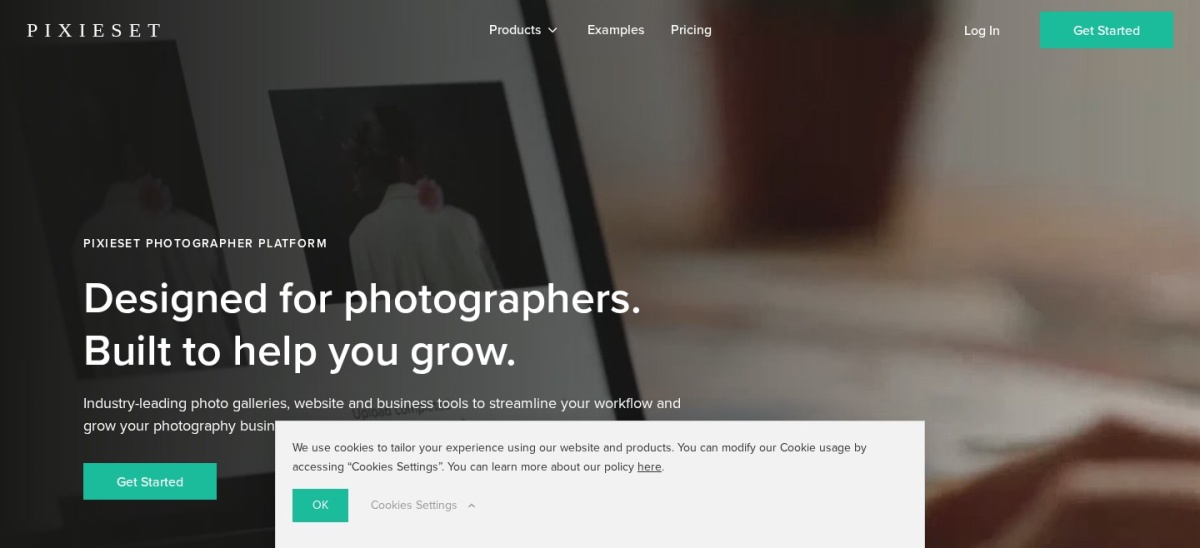
Pixieset is a client gallery and delivery platform for photographers, with online galleries, a store and a website builder. The free plan includes 3 GB of storage, and Basic costs $8 a month with more storage and a custom domain.
The trade off is the thin G2 review base of only 5 reviews, which makes the rating less reliable than rivals. It suits photographers who want galleries, delivery and a store in one low-cost tool.
ShootProof is a client gallery and sales platform for photographers, with proofing, contracts, invoicing and a print store. The free plan covers 100 photos, and paid plans start at $8.33 a month with 1,500 photos and contract tools.
The trade off is that ShootProof is a delivery and sales tool, not an editor, so photographers still need Lightroom or Capture One for editing. It suits portrait and wedding photographers who sell prints and packages through galleries.
Photo Mechanic is a fast photo browser and ingest tool from Camera Bits, built for sports and event photographers who need to tag and send images in seconds. It costs $149 a year, with a one-time price of $139 cited by one guide, and it handles metadata and IPTC fields better than most editors.
The trade off is that Photo Mechanic is an ingest and metadata tool, not an editor, and the G2 review base is only 29 reviews. It suits photographers who need speed at ingest before editing elsewhere.
Luminar Neo is an AI photo editor from Skylum with sky replacement, portrait retouching and relighting tools. It costs $129 as a one-time licence, which makes it the only non-subscription editor in this list.
The trade off is that Luminar Neo is an editor, not a full workflow tool, so culling and delivery need other apps. It suits photographers who want AI creative tools without a monthly subscription.
4.8/5on Trustpilot (179 reviews, checked Nov 2026)
Starts at$14.99/mo
Best budget AI culling alternative
Free planNo, trial
Entry plan$14.99/mo
Annual$180/yr per our sibling ladder
CullingAI selects best shots
filterpixel.com
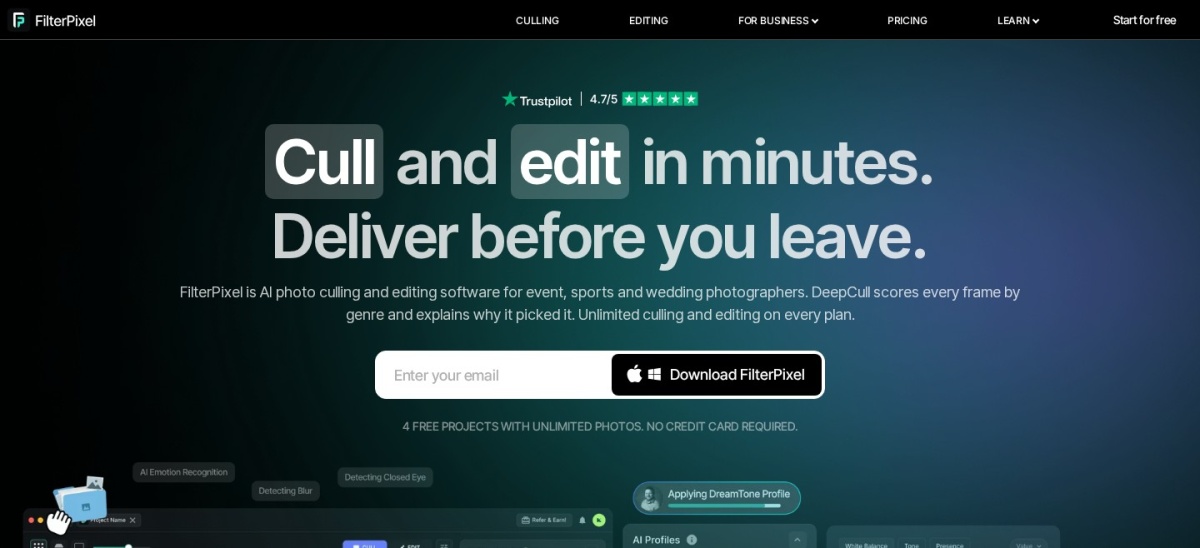
FilterPixel homepage, captured Nov 2026.
FilterPixel is an AI culling tool for wedding and portrait photographers that selects the best shots from a shoot. It costs $14.99 a month, or $180 a year per our sibling culling guide, and it holds a 4.8 Trustpilot rating from 179 reviews.
The trade off is that FilterPixel only culls, so photographers still need an editor and a delivery tool. It suits photographers who want a lower-cost culling alternative to Aftershoot.
Culling saves more hours than editing for event photographers. A wedding with 5,000 frames takes hours to sort by hand, and AI tools such as Aftershoot and Imagen cut that to minutes.
Editing saves more for portrait and commercial work, where each keeper gets careful retouching. Lightroom and Capture One cover that job, while culling tools do not.
Most working photographers use both: a culling tool for the first pass and a full editor for the keepers. Budget for the pair, not just one app.
How we chose
We started from the photography workflow tools most often recommended for pros, then kept the nine with published pricing and a public rating on G2 or Trustpilot.
Prices come from each vendor's pricing page or our sibling culling and AI photo editor guides checked in November 2026, with regular prices shown and promotional discounts excluded. Ratings and review counts come from G2 or Trustpilot on the same day.
We left out DxO PhotoLab, which has no rating on G2, Capterra or Trustpilot, and replaced it with FilterPixel. No vendor paid for a place, and we do not claim hands-on testing for this list.
How to choose photography workflow software
Start with your bottleneck, then check whether the tool edits, culls or delivers.
Name the bottleneck first. Slow culling needs Aftershoot, Imagen or FilterPixel, while slow editing needs Lightroom or Capture One, so pick the tool built for the job.
Check the full pipeline. A tool that only edits leaves delivery to another app, so count the total cost of the culling, editing and delivery stack.
Watch per-photo fees. Imagen charges 5 cents a photo with a $7 monthly minimum, so a 5,000-frame wedding adds real cost on top of the subscription.
Test with a real shoot. Run one full shoot through a trial, from import to delivered gallery, before moving your workflow over.
FAQ
What is the best photography workflow software?
Lightroom is the best pick for most photographers, with the Photography plan at $9.99 a month including Photoshop. Capture One suits tethered studio work, while Aftershoot is the fastest culling pick.
Is there free photography workflow software?
Yes. Pixieset gives 3 GB of gallery storage free and ShootProof gives 100 photos free. Editors here are paid, with trials from 7 to 30 days.
How much does Lightroom cost?
The Lightroom Photography plan costs $9.99 a month and includes Photoshop plus 20 GB of cloud storage. A conflicting $11.99 monthly read appears in another guide, so confirm at checkout.
What is the best AI culling software?
Aftershoot Select costs $10 a month and is the most popular culling pick here. Imagen adds AI editing at 5 cents a photo, while FilterPixel costs $14.99 a month.
Is Capture One or Lightroom better?
Capture One is better for tethered studio shooting and colour work, at $24 a month. Lightroom is better for most photographers, with cloud sync, a lower price and Photoshop included.
Can I buy Luminar Neo without a subscription?
Yes. Luminar Neo costs $129 as a one-time licence, the only non-subscription editor in this list. It covers AI editing and a photo library, but not culling or delivery.
SaaS SEO and WordPress specialist with about 8 years of experience. Rakib compares WordPress plugins, themes, hosting and software using public pricing, documentation and user reviews. See how we rank.