Remini is the best photo enhancer for most people, with plans from 7 dollars a month and strong AI upscaling for old and blurry photos. Topaz Photo AI suits professionals, while Lightroom is the best all-round editor with enhancement built in.
How we make this list: we compare pricing pages, product documentation and public user reviews, then re-check every price before each update. No product paid for a place. Disclosure.
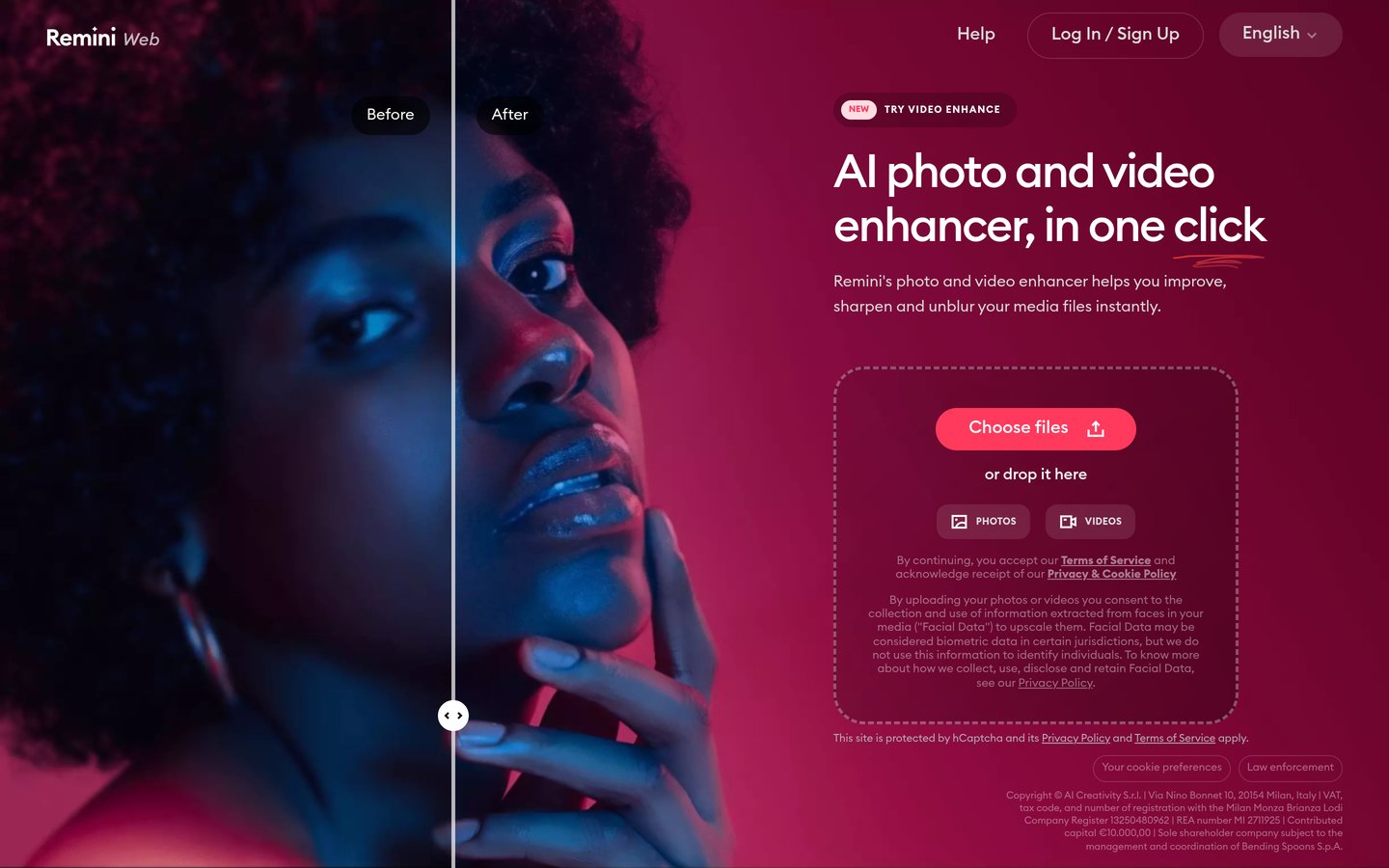
Remini starts at $6.99 a month and holds a 4.6 G2 rating from 13 reviews.
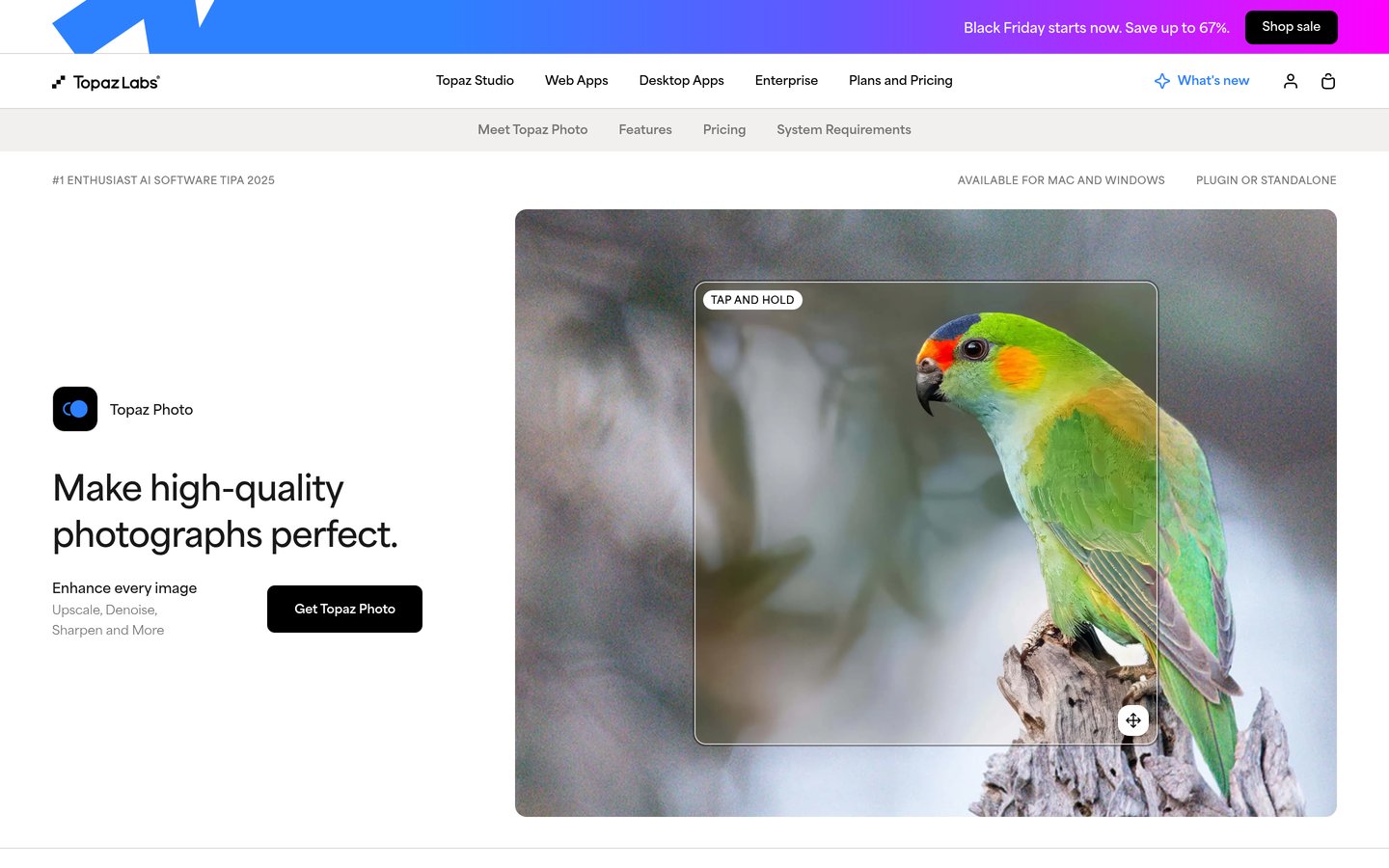
Topaz Photo AI costs about $39 a month on subscription and is built for professional upscaling and denoise.
Lightroom Photography plan costs $9.99 a month and includes Photoshop plus 20 GB of cloud storage.
Luminar Neo costs $129 as a one-time licence, the only non-subscription pick here.
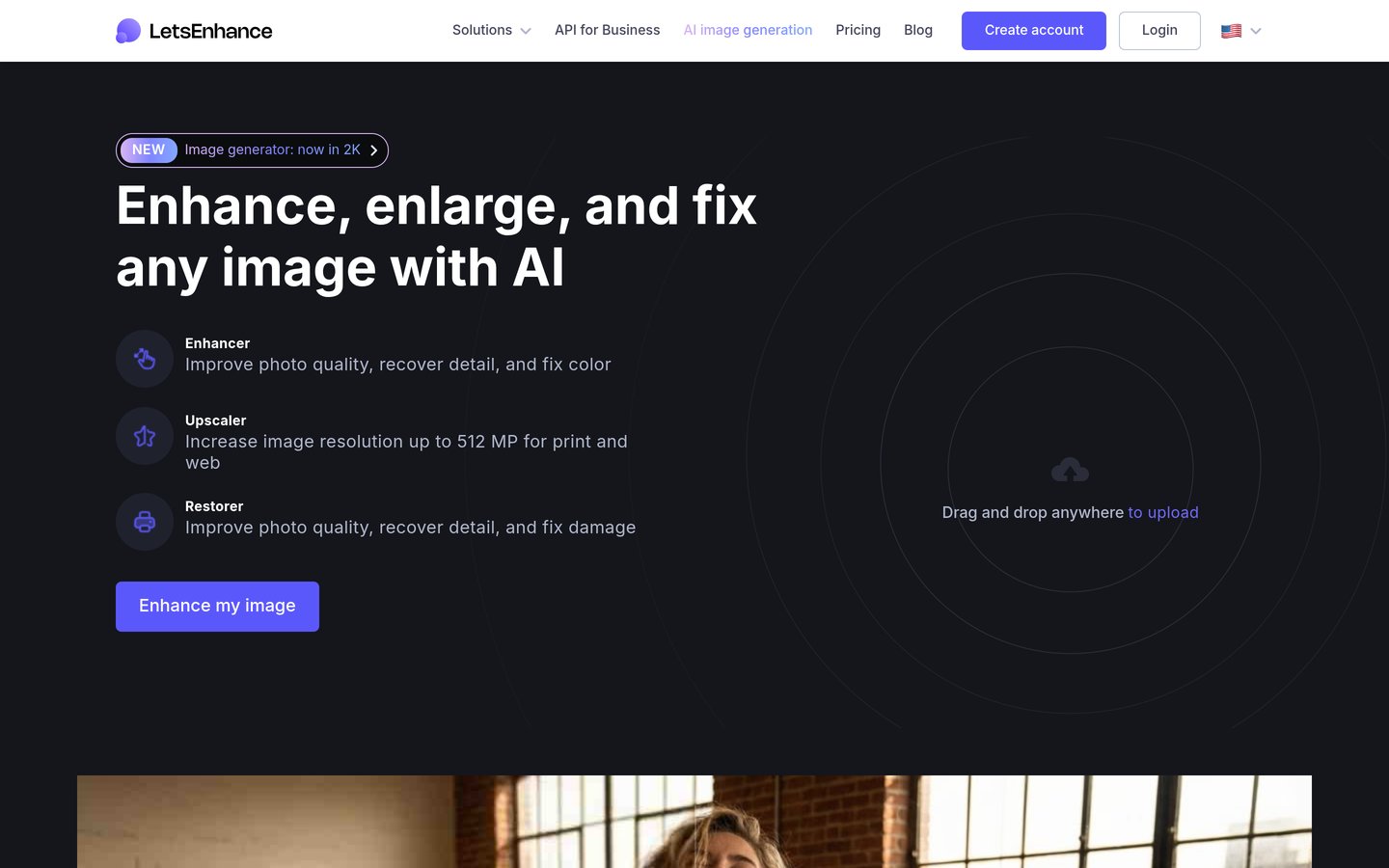
LetsEnhance costs $9 a month and holds a 4.6 G2 rating from 24 reviews.
What photo enhancer software should cover
Photo enhancers fix the problems a camera cannot: blur, noise, low resolution and dull colour. AI tools now upscale old photos, denoise high-ISO shots and sharpen faces in seconds, which used to take careful manual work.
Upscaling and denoise are the core features. A good enhancer should raise resolution without inventing detail, clean noise without smearing texture, and keep faces natural. Our guide on best AI photo editors compares the editing-only side of the same market.
Batch processing decides whether the tool fits a working photographer. Enhancing one photo is easy, but a wedding with 500 keepers needs batch queues, presets and export that does not stall.
Price splits between subscriptions and one-time licences. Most enhancers here charge $7 to $39 a month, while Luminar Neo costs $129 once, which suits buyers who hate subscriptions.
Remini is an AI photo enhancer that restores old photos, sharpens blurry faces and upscales low-resolution images. Plans start at $6.99 a month, with a free tier for limited credits, and it holds a 4.6 G2 rating from 13 reviews.
The trade off is the thin G2 review base of 13 reviews and a conflicting $6.99 a week Personal read in another guide, so confirm the billing cycle at checkout. It suits anyone restoring old photos or fixing blurry phone shots.
Topaz Photo AI is a professional photo enhancement app that combines upscaling, denoise and sharpening in one tool. It costs about $39 a month on subscription, while the old $199 a year figure is now outdated.
The trade off is the very thin G2 review base of only 2 reviews and the high subscription price. It suits professionals who need the best upscaling and denoise quality and are willing to pay for it.
Adobe Lightroom is the standard photo editing app for photographers, with AI denoise, enhancement and cloud sync across desktop and mobile. The Photography plan costs $9.99 a month and includes Photoshop plus 20 GB of cloud storage, and Lightroom holds the largest G2 review base here at 3,299 reviews.
The trade off is that Lightroom is a full editor, not a one-click enhancer, so quick fixes take more steps than Remini. It suits photographers who want enhancement inside a full editing workflow.
Luminar Neo is an AI photo editor from Skylum with sky replacement, portrait retouching and relighting tools. It costs $129 as a one-time licence, which makes it the only non-subscription enhancer in this list.
The trade off is that Luminar Neo is an editor, not a dedicated upscaler, so extreme upscaling needs Topaz or LetsEnhance. It suits photographers who want AI creative tools without a monthly subscription.
LetsEnhance is an AI image upscaler and enhancer for photos, product shots and artwork. The free plan covers limited credits, and paid plans start at $9 a month with more credits and higher resolution output.
The trade off is the credit-based pricing, which runs out fast on large batches, and the small G2 review base of 24 reviews. It suits sellers and creators who need quick upscaling without a full editor.
VanceAI is an AI photo enhancement platform with upscaling, denoise, sharpening and old photo restoration. The free plan covers limited credits, and paid plans start at $9.99 a month with more credits and batch processing.
The trade off is that the $9.99 price is second-hand and should be confirmed at checkout, and the credit model limits large batches. It suits users restoring old photos or enhancing images in bulk.
Adobe Photoshop is the standard image editing app for retouching, compositing and enhancement, with AI tools such as Generative Fill and Neural Filters. It costs $22.99 a month and holds the largest G2 review base in this list at 13,426 reviews.
The trade off is price and complexity. At $22.99 a month it costs more than the one-click enhancers here, and it needs real editing skill. It suits photographers and designers who want full manual control over enhancement.
Free plans cover a few photos well. Remini, LetsEnhance and VanceAI all give limited credits free, which is enough to test the quality on your own images.
Paid plans mostly add credits and resolution. More monthly credits, higher output resolution and batch processing sit behind the paywall on every tool here.
For a one-off restoration job, a single month of a paid plan often costs less than a print shop. Buy the month you need it, then cancel if the work pauses.
How we chose
We started from the photo enhancer tools most often recommended for photographers and creators, then kept the seven with published pricing and a public rating on G2.
Prices come from each vendor's pricing page or recent vendor guides checked in November 2026, with regular prices shown and promotional discounts excluded. Ratings and review counts come from G2 on the same day.
We left out tools with no verifiable rating on G2, Capterra or Trustpilot. No vendor paid for a place, and we do not claim hands-on testing for this list.
How to choose photo enhancer software
Start with the job your photos need most, then check the credit limits before paying.
Name the main job first. Old photos need Remini or VanceAI, upscaling needs Topaz or LetsEnhance, and full editing needs Lightroom or Photoshop, so pick the tool built for the job.
Check monthly credits before paying. Free plans cap credits, so match the allowance to the number of photos you enhance each month.
Test on your own worst photo. Run your blurriest or noisiest image through a free plan or trial and check the face and detail quality before paying.
Confirm the billing cycle. Some tools bill weekly and some monthly, so check whether the price is per week or per month at checkout.
FAQ
What is the best photo enhancer software?
Remini is the best pick for most people, with plans from $6.99 a month and strong AI upscaling. Topaz Photo AI suits professionals, while Lightroom is the best all-round editor with enhancement built in.
Is there free photo enhancer software?
Yes. Remini, LetsEnhance and VanceAI all offer free plans with limited credits. Paid plans add more credits, higher resolution and batch processing, from $6.99 to $39 a month.
How much does Remini cost?
Remini plans start at $6.99 a month, with a free tier for limited credits. A conflicting $6.99 a week Personal read appears in another guide, so confirm the billing cycle at checkout.
Is Topaz Photo AI worth it?
Topaz Photo AI is worth it for professionals who need the best upscaling and denoise quality, at about $39 a month. Casual users get more value from Remini at $6.99 a month.
Can I enhance photos without a subscription?
Yes. Luminar Neo costs $129 as a one-time licence, the only non-subscription pick here. It covers AI editing and a photo library, but not dedicated upscaling.
Is Lightroom or Photoshop better for enhancing?
Lightroom is better for most photographers, with AI denoise and enhancement at $9.99 a month including Photoshop. Photoshop suits manual retouching at $22.99 a month.
SaaS SEO and WordPress specialist with about 8 years of experience. Rakib compares WordPress plugins, themes, hosting and software using public pricing, documentation and user reviews. See how we rank.