Adobe Photoshop is the best photo editing software for professional photographers, with the deepest retouching and compositing tools and a top rating on G2. Lightroom suits high-volume RAW work, while Capture One leads for tethered studio shoots.
How we make this list: we compare pricing pages, product documentation and public user reviews, then re-check every price before each update. No product paid for a place. Disclosure.
Photoshop is the only editor here with full compositing, layers and generative fill in one app.
Lightroom is the cheapest Adobe route for photographers, at $11.99 a month with 1TB of cloud storage.
Capture One is the studio pick for tethered shooting, but its price rose to $26.25 a month billed yearly.
Affinity Photo is now free with a Canva account, and Pixelmator Pro costs $49.99 once on Mac.
One-time licenses still exist: DxO PhotoLab, ON1 Photo RAW and Pixelmator Pro charge no subscription.
What professional photo editing software has to do
A working photographer needs more than filters. The editor has to handle RAW files from many cameras, keep colors accurate across a shoot, and stay fast with thousands of images.
Catalog and culling matter as much as retouching. Lightroom and Capture One organize whole shoots, while Photoshop is the tool for finishing single images.
Tethered shooting is the studio test. Capture One still leads here, with live view and sessions that let a client watch images arrive during the shoot.
Price models split the list. Adobe charges monthly, while Affinity Photo is free, and DxO PhotoLab, ON1 Photo RAW and Pixelmator Pro sell one-time licenses.
The 8 best photo editing software for professional photographers
01
Adobe Photoshop
4.6/5on G2 (13,449 reviews, checked Nov 2026)
Starts at$22.99/mo
Best photo editor overall
Layers and maskingUnlimited, non-destructive
Generative fillYes, Firefly AI
RAW editingCamera Raw included
Cloud storage100GB included
adobe.com
Adobe Photoshop homepage, captured Nov 2026.
Adobe Photoshop is the industry standard for professional retouching, compositing and print work, with layers, masks, smart objects and Camera Raw in one app. The single-app plan costs $22.99 a month and includes 100GB of cloud storage, Adobe Fonts and the Firefly generative tools.
The trade off is the subscription and the learning curve. There is no one-time license, and new users face a deep interface that takes weeks to learn. It suits working photographers who retouch daily and need the widest plugin and file-format support.
What we like
Deepest retouching and compositing toolset
Generative fill and Firefly AI built in
Widest plugin and format support
Watch out for
Subscription only, no one-time license
Steep learning curve for beginners
Photography plan with Lightroom costs $19.99 a monthVisit adobe.com
02
Adobe Lightroom
4.6/5on G2 (3,299 reviews, checked Nov 2026)
Starts at$11.99/mo
Best for high-volume RAW work
CatalogYes, cloud-synced
RAW profilesCamera and lens profiles
AI maskingSubject and sky select
Cloud storage1TB included
adobe.com
Adobe Lightroom homepage, captured Nov 2026.
Adobe Lightroom is the catalog-first editor most wedding and portrait photographers live in, organizing thousands of RAW files with presets, AI masks and cloud sync. The plan costs $11.99 a month and includes 1TB of cloud storage, so edits sync between desktop, tablet and phone.
The trade off is depth. Lightroom cannot composite layers or do pixel-level retouching the way Photoshop can, so heavy edits still need a round trip. It suits photographers who process whole shoots fast and want the same catalog everywhere.
What we like
Fastest whole-shoot RAW workflow
1TB cloud storage included
Syncs across desktop and mobile
Watch out for
No layers or compositing
Subscription only
Pair it with Photoshop in the $19.99 Photography planVisit adobe.com
03
Capture One Pro
4.5/5on G2 (78 reviews, checked Nov 2026)
Starts at$26.25/mo
Best for tethered studio work
TetheringLive view and sessions
Cameras supported550+
Color profilesCustom ICC per camera
Perpetual license$508 one-time
captureone.com
Capture One Pro homepage, captured Nov 2026.
Capture One Pro is the studio standard for tethered shooting, with live view, next-capture adjustments and sessions that keep a shoot moving while the client watches. Custom ICC color profiles per camera and precise skin-tone tools give color work a depth Lightroom cannot match, and it supports more than 550 cameras.
The trade off is price. Pro costs $26.25 a month billed annually, up from $18 earlier in 2026, and the perpetual license lists at $508. It suits fashion, product and commercial photographers who shoot tethered.
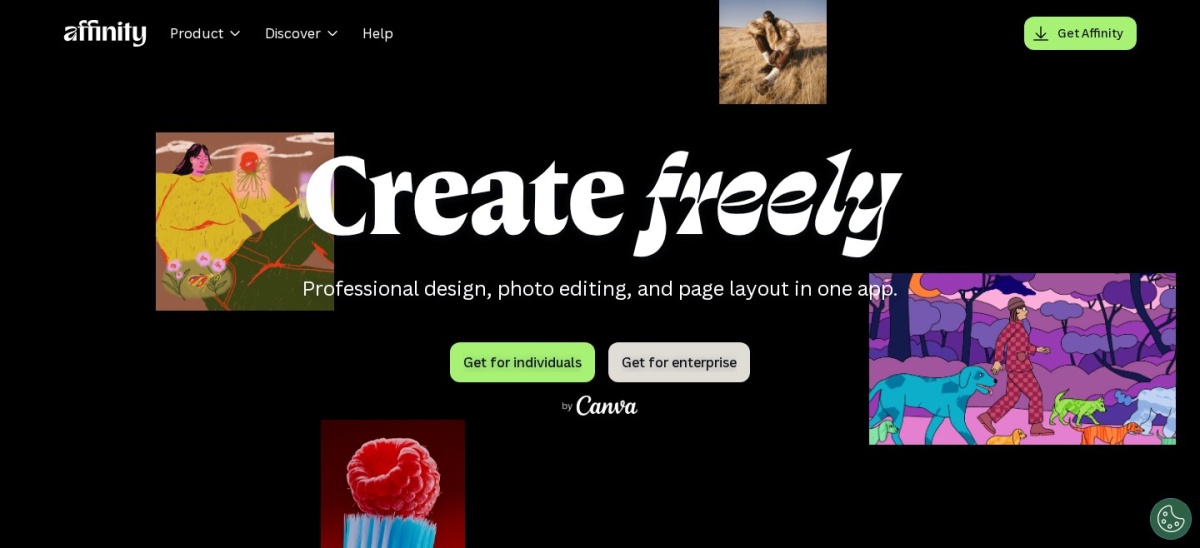
Affinity Photo is a full layer-based editor with masks, frequency separation, focus stacking, HDR merge and RAW development, now free to use with a Canva account after Canva bought Serif. It opens and exports PSD files, so it fits into an Adobe workflow without a subscription.
The trade off is ecosystem. There is no catalog like Lightroom, no cloud sync, and fewer plugins than Photoshop. It suits photographers who want Photoshop-depth editing on desktop or iPad without a monthly bill.
DxO PhotoLab is a RAW developer built around image quality, with DeepPRIME noise reduction and lens corrections measured in DxO labs for each camera and lens. Essential costs $159.99 as a one-time license, and it works on Mac and Windows with no subscription.
The trade off is that it is a developer, not a full editor. There are no layers, the library is basic, and the best noise reduction needs the Elite edition. It suits photographers whose bottleneck is RAW conversion quality, not retouching.
What we like
Cleanest high-ISO RAW output here
Lab-measured lens corrections
One-time license, no subscription
Watch out for
No layers or compositing
Best denoising needs the Elite edition
Elite adds DeepPRIME XD and Fujifilm X-Trans supportVisit dxo.com
06
ON1 Photo RAW
4.4/5on G2 (282 reviews, checked Nov 2026)
Starts at$99.99 (one-time)
Best all-in-one without a subscription
CatalogYes, browse-based
LayersYes, with masks
AI toolsNoNoise AI and masking
LicenseOne-time or subscription
on1.com
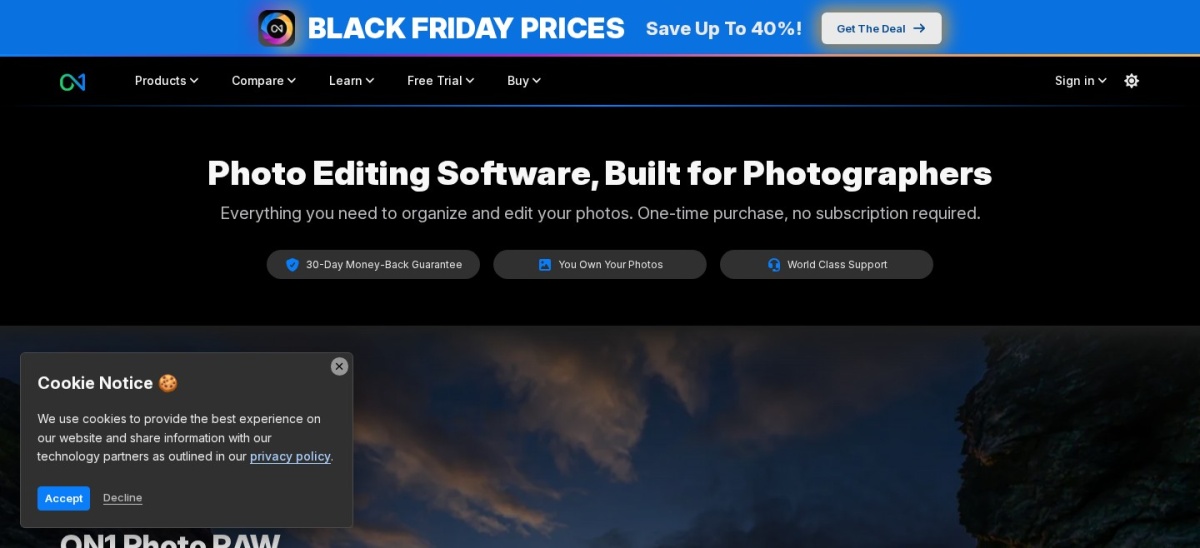
ON1 Photo RAW homepage, captured Nov 2026.
ON1 Photo RAW is an all-in-one editor with a browse-based catalog, layers, effects and AI noise reduction in a single app, sold as a $99.99 one-time license. It handles RAW development, portrait retouching and effects without sending files to another program.
The trade off is polish. Its catalog is lighter than Lightroom, and its interface can feel crowded next to Capture One. It suits photographers who want one app for organizing, editing and effects with no monthly bill.
What we like
Catalog, layers and effects in one app
One-time license at $99.99
AI noise reduction included
Watch out for
Catalog is lighter than Lightroom
Interface can feel crowded
A subscription plan adds cloud sync and extrasVisit on1.com
07
CyberLink PhotoDirector
4.3/5on G2 (53 reviews, checked Nov 2026)
Paid from$54.99/yr
Best budget all-rounder
CatalogYes, with face tagging
LayersYes
AI toolsSky, object and denoise AI
Free planYes, with watermarks
cyberlink.com
CyberLink PhotoDirector homepage, captured Nov 2026.
CyberLink PhotoDirector is a budget all-rounder with a catalog, layers, guided edits and AI tools for sky replacement, object removal and noise reduction. The annual plan costs $54.99 a year, and a free version covers basic edits with some features watermarked.
The trade off is professional depth. Its RAW engine and color tools are weaker than Lightroom or Capture One, and the free plan limits exports. It suits photographers who want guided edits and AI helpers at a low yearly price.
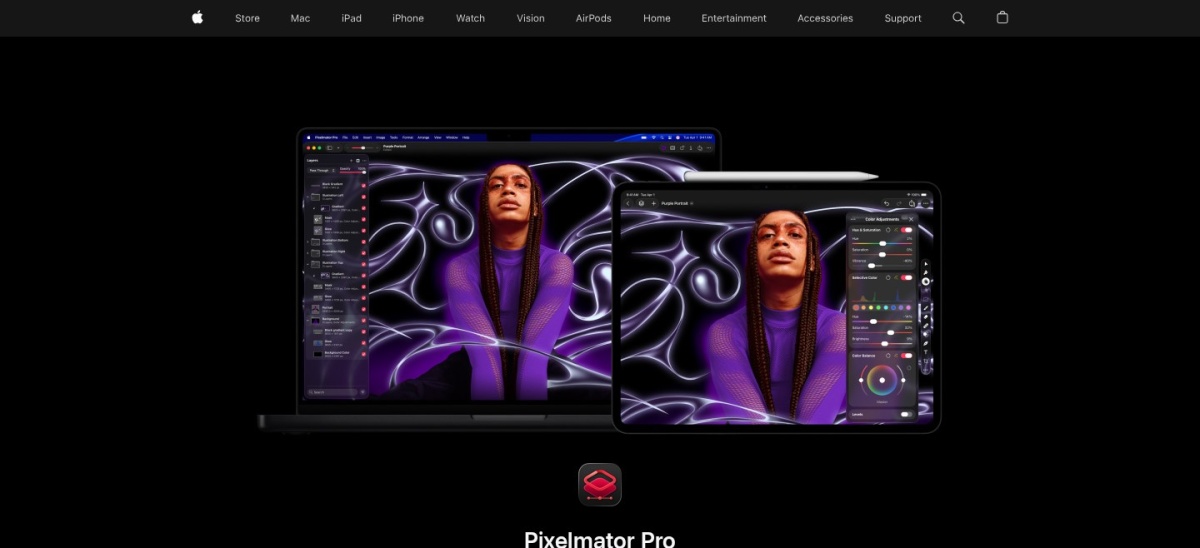
Pixelmator Pro is a Mac-native editor with layers, masking, full RAW support and machine-learning tools for super resolution, denoise and subject selection. It costs $49.99 once on the Mac App Store, with free updates, and it runs fast on Apple silicon.
The trade off is platform. It is Mac only, there is no catalog like Lightroom, and professional print workflows are limited. It suits Mac photographers who want a fast native editor they own outright.
Subscription vs one-time: what the price really means
Adobe plans charge every month, but they include cloud storage, fonts and constant updates. Over three years, Photoshop alone costs more than $800.
One-time licenses look cheaper, but they cover one version. DxO PhotoLab, ON1 Photo RAW and Pixelmator Pro charge for major upgrades, so budget for that.
Affinity Photo breaks the pattern: it is now free with a Canva account, with no subscription and no license fee at all.
How we chose
We started from the editors working photographers recommend on G2, Capterra and review sites, then kept the eight with a real professional workflow and a verifiable rating.
Prices come from each vendor pricing page and G2, checked on 26 November 2026. Ratings come from G2 or Capterra on the same day. Where a vendor shows a sale, the list shows the regular price.
We left out free phone editors and web-only tools with no RAW support. No vendor paid for a place, and we do not claim hands-on testing for this list.
How to choose photo editing software for professional work
Start with how you shoot, then match the editor to the workflow, not the feature list.
Decide if you need a catalog. If you process whole weddings or shoots, pick Lightroom, Capture One or ON1. If you finish single images, Photoshop or Affinity is enough.
Check tethering before you buy. Studio shooters should confirm their camera works with Capture One tethering, since that is the main reason to pay its price.
Weigh subscription against one-time. Add up three years of Adobe against a one-time license plus upgrades, and count the cloud storage Adobe includes.
Try the free options first. Affinity Photo is free, and most paid tools offer trials. Run a real shoot through the trial before paying.
FAQ
What is the best photo editing software for professional photographers?
Adobe Photoshop is the strongest overall pick for professional photographers, with the deepest retouching, compositing and generative tools. It is rated 4.6 out of 5 on G2 from more than 13,000 reviews, and the single-app plan costs $22.99 a month.
Is Lightroom or Photoshop better for photographers?
Lightroom is better for processing whole shoots, with a catalog, presets and cloud sync for $11.99 a month. Photoshop is better for finishing single images, with layers, compositing and pixel-level retouching that Lightroom does not offer.
Is Capture One better than Lightroom for studio work?
Capture One is better for tethered studio work, with live view, sessions and custom color profiles for more than 550 cameras. Lightroom is cheaper and better for catalog work, but its tethering is more limited.
Is Affinity Photo really free now?
Yes. Affinity Photo is free to use with a Canva account after Canva bought Serif, with no subscription and no license fee. It keeps its full layers, masks and RAW tools, though it has no catalog like Lightroom.
Which photo editors have no subscription?
Affinity Photo is free, and DxO PhotoLab, ON1 Photo RAW and Pixelmator Pro sell one-time licenses at $159.99, $99.99 and $49.99. Capture One also sells a $508 perpetual license alongside its subscription.
Do professional photographers still need Photoshop if they use Lightroom?
Many do, because Lightroom cannot composite layers or retouch at pixel level. The Photography plan bundles both for $19.99 a month, which is cheaper than Photoshop alone.
SaaS SEO and WordPress specialist with about 8 years of experience. Rakib compares WordPress plugins, themes, hosting and software using public pricing, documentation and user reviews. See how we rank.