Adobe Lightroom is the best denoise software for most photographers, because its AI Denoise is built into the editor you already use and it carries thousands of G2 reviews. Pick DxO PhotoLab for the cleanest RAW files, or Topaz Photo for the strongest repair of noisy JPEGs.
How we make this list: we compare pricing pages, product documentation and public user reviews, then re-check every price before each update. No product paid for a place. Disclosure.
Adobe Lightroom puts strong AI Denoise inside the editor most photographers already pay for, at $11.99 a month.
DxO PhotoLab has the best RAW noise reduction here, with DeepPRIME models and lab-measured lens corrections.
Topaz Photo is the only pick built purely around repair, combining denoise, sharpen, upscale and face recovery.
ON1 Photo RAW and Luminar Neo are the cheapest no-subscription routes, both sold as one-time purchases.
Neat Video is the specialist for video noise, while the other seven tools focus on still photos.
What good denoise software should do
Noise shows up as grain and coloured speckles in photos shot at high ISO, in low light or with small sensors. Good denoise software removes that grain while keeping hair, fabric and other fine detail intact.
The tools split into two kinds. RAW denoisers work on the unprocessed sensor data before editing, which gives the cleanest result, while JPEG denoisers clean files that are already processed. Our guide to the best AI photo editors covers several of the same apps in a wider editing context.
A denoise tool is only worth buying if it fits your workflow. A Lightroom user gains little from a separate app, while a photographer who shoots JPEGs on an older camera needs a tool that accepts processed files.
Price models vary widely here, from free open-source editors to $299 a year subscriptions, and several vendors run Black Friday sales that cut the headline price. The prices in this list are regular prices, not sale prices.
Adobe Lightroom is the photo editor most photographers already use, and its AI Denoise tool works on RAW files inside the normal editing flow. The Photography plan costs $11.99 a month and includes Lightroom, Lightroom Classic and Photoshop, plus 1TB of cloud storage, so denoise comes with a full editor and catalogue.
The trade off is the subscription. There is no one-time purchase, and the AI Denoise tool needs a fairly modern graphics card to run at full speed. It suits photographers who already pay for Adobe and want denoise without adding another app to their workflow.
What we like
AI Denoise built into a full editor and catalogue
Rated 4.6 out of 5 on G2 from 3,299 reviews
Includes Photoshop and 1TB of cloud storage
Watch out for
Subscription only, with no perpetual licence
AI Denoise is slow on older graphics cards
Photography plan adds Photoshop and cloud storageVisit adobe.com
02
DxO PhotoLab
4.4/5on Capterra (14 reviews, checked Nov 2026)
Starts at$159.99 (one-time)
Best for the cleanest RAW files
Denoise engineDeepPRIME and DeepPRIME XD
Lens correctionsLab-measured modules
Free trial30 days
Paid planEssential, $159.99 once
dxo.com
DxO PhotoLab homepage, captured Nov 2026.
DxO PhotoLab is a RAW editor built around image quality, and its DeepPRIME noise reduction is widely regarded as the best available for high-ISO files. It applies denoise to the RAW data before demosaicing, and its Optics Modules correct distortion, vignetting and sharpness for your exact camera and lens combination.
The trade off is scope. PhotoLab is a photo editor, not a quick denoise plug-in, and the Essential edition costs $159.99 as a one-time purchase. It suits photographers who judge software by the pixels and want the cleanest possible RAW files.
What we like
Best RAW noise reduction in this list
Lab-measured lens corrections per camera and lens
One-time purchase with no subscription
Watch out for
No JPEG denoise, RAW files only
Smaller review base, 14 Capterra reviews
Elite edition adds DeepPRIME XD and more toolsVisit dxo.com
03
Topaz Photo
4.3/5on G2 (2 reviews, checked Nov 2026)
Starts at$299/yr
Best all-in-one photo fixer
Denoise modelsRAW Denoise and Denoise Max
File supportRAW and JPEG
Free trialYes, preview only
Paid planPhoto, $299/yr
topazlabs.com
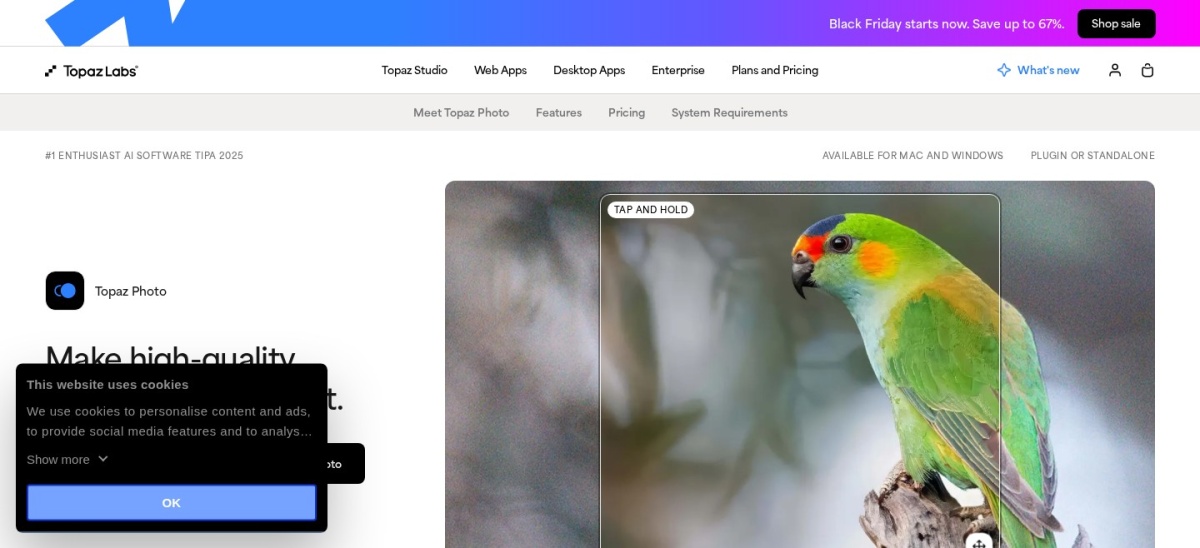
Topaz Photo homepage, captured Nov 2026.
Topaz Photo is the only tool here built purely around repair. One pass can denoise, sharpen, recover faces and upscale, and an autopilot mode analyses each image and applies what it thinks is needed. It works standalone or as a plug-in for Lightroom, Photoshop and Capture One, and Topaz says it is trusted by over 1 million photographers.
The trade off is price. Topaz ended perpetual licences in October 2025, so new buyers pay $299 a year, or $39 a month, and strong default settings can give skin a plastic look. It suits photographers rescuing difficult shots that a normal editor cannot fix.
What we like
Strongest all-in-one repair, including face recovery
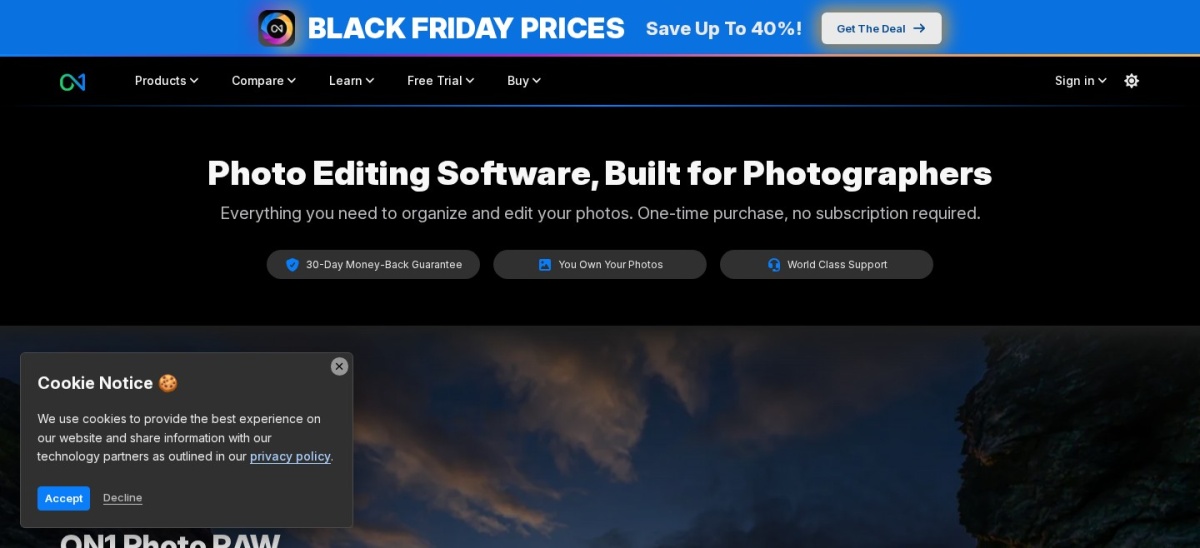
ON1 Photo RAW is a full Lightroom-style editor with the NoNoise AI engine built in, so denoise sits beside cataloguing, masking and printing in one app. The latest NoNoise models are tuned per subject, with separate settings for people, wildlife, astro and film, and it runs standalone or as a plug-in for Lightroom and Photoshop.
The trade off is quality at the extremes. Its noise reduction is a step behind DxO DeepPRIME on the most extreme high-ISO files, and the $99.99 one-time price is the regular price, with sales often cutting it. It suits event photographers who need fast batch denoise without a subscription.
What we like
Cheapest full editor here at $99.99 once
Subject-specific denoise models for people and wildlife
Fast batch exports for event work
Watch out for
Denoise trails DxO on extreme high-ISO files
Interface is busier than Lightroom
ON1 Photo Studio bundle adds the full app setVisit on1.com
05
Luminar Neo
4.4/5on G2 (115 reviews, checked Nov 2026)
Starts at$129 (one-time)
Best for fast AI edits with denoise built in
Denoise toolNoiseless AI extension
File supportRAW and JPEG
Free trialYes
Paid planDesktop Only, $129 once
skylum.com
Luminar Neo homepage, captured Nov 2026.
Luminar Neo is an AI photo editor that pairs one-click denoise with sky replacement, relighting and portrait tools, so cleanup and creative edits happen in one place. The Desktop Only licence costs $129 as a one-time purchase, and the app is rated 4.6 out of 5 on Trustpilot from over 7,000 reviews, though its G2 base is smaller at 115 reviews.
The trade off is the licence fine print. The app itself is yours to keep, but the generative AI tools are included for one year only, then renew through Luminar Prime. It suits photographers who want fast, polished edits without learning a deep editor.
Capture One Pro is the studio photographer's editor, with the most reliable tethered capture in the business and colour tools that commercial shooters prefer. Its AI noise reduction arrived in the 2026 releases, so denoise now sits beside layers, live view and client collaboration in one professional workflow.
The trade off is cost and learning curve. Pro costs $24 a month on an annual plan, or $299 as a perpetual licence for one version, and the interface takes longer to learn than Lightroom. It suits studio and commercial photographers who shoot tethered.
What we like
Best tethered shooting and colour tools here
Rated 4.5 out of 5 on G2
Perpetual licence still available at $299
Watch out for
Expensive for photographers who do not shoot tethered
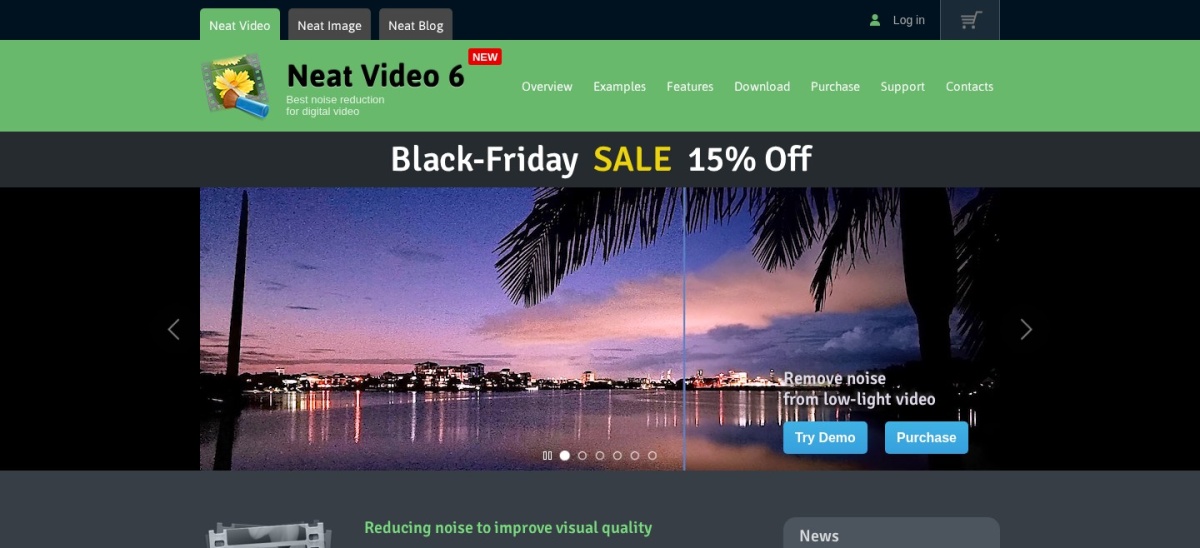
Neat Video is a plug-in that reduces noise inside your video editor, and it is the specialist here for footage rather than stills. It builds a noise profile from a flat area of your actual clip, then filters only that noise while keeping fine detail, with GPU acceleration to speed up rendering.
The trade off is licensing per host. A licence covers one editor, so cutting in two apps means buying twice, and the Home edition is limited to 1080p and non-commercial use. It suits editors cleaning up dim interviews, weddings and archive footage.
CyberLink PhotoDirector homepage, captured Nov 2026.
CyberLink PhotoDirector is a beginner-friendly editor with guided AI tools, including denoise, object removal and sky replacement, plus non-destructive RAW editing and layers. It is unusual in offering a free Essential version with no time limit, and the full 365 subscription costs $54.99 a year.
The trade off is depth. Its denoise is simpler than DxO or Topaz, and the strongest generative features arrive through the 365 subscription rather than the one-time licence. It suits beginners who want guided edits and a free version to start with.
RAW denoise works on sensor data before the image is processed, so it recovers detail that JPEG denoise cannot. DxO PhotoLab, Lightroom and Capture One all denoise RAW files.
JPEG denoise matters when the original is already processed, such as phone photos, scans or old files. Topaz Photo, ON1 Photo RAW and Luminar Neo all accept JPEGs.
If you shoot RAW, pick a RAW denoiser first. If your noisy files are JPEGs, a RAW-only tool such as DxO PhotoLab will not open them at all.
How we chose
We started from the denoise tools that working photographers and 2026 comparison guides recommend most, then kept those with an active product, a published price and a verifiable rating on G2, Capterra or Trustpilot.
Prices come from each vendor's pricing page or published price list, checked on 25 November 2026. Ratings come from G2 or Capterra on the same day. Where a vendor shows a sale, the list shows the regular price.
We left out discontinued tools such as the standalone Topaz DeNoise AI, which Topaz folded into Topaz Photo. No vendor paid for a place, and we do not claim hands-on testing for this list.
How to choose denoise software
Start with the files you actually shoot, then match the tool to your editor.
Check whether you shoot RAW or JPEG. RAW shooters get the cleanest results from DxO PhotoLab or Lightroom, while JPEG shooters need Topaz Photo, ON1 or Luminar Neo.
Decide if you need a separate app. If you already use Lightroom or Capture One, their built-in denoise may be enough, and a second app adds cost and steps.
Try the free trial on your worst file. Run your noisiest high-ISO shot through the trial and check hair and fabric detail at full zoom before you pay.
Weigh subscription against one-time cost. Topaz Photo and Lightroom charge every year, while DxO PhotoLab, ON1 and Luminar Neo sell one-time licences that suit occasional use.
FAQ
What is the best denoise software?
Adobe Lightroom is the best denoise software for most photographers, because its AI Denoise is strong and built into the editor they already use. DxO PhotoLab gives cleaner RAW results, and Topaz Photo is stronger on noisy JPEGs.
Is there a free denoise software?
Yes. CyberLink PhotoDirector has a free Essential version, and open-source editors such as darktable include free denoise tools. Free tools are simpler than paid ones, and darktable has no verified G2 rating, so it is not in this list.
Does Lightroom denoise work on JPEGs?
Yes, Lightroom can denoise JPEGs as well as RAW files, though the AI Denoise tool works best on RAW data. For badly noisy JPEGs, a dedicated repair tool such as Topaz Photo usually recovers more detail.
Is DxO PureRAW better than Topaz Photo AI?
DxO PureRAW gives cleaner RAW files, because it works on sensor data before editing, while Topaz Photo is stronger on JPEGs and adds sharpening, upscaling and face recovery. Many photographers use DxO for RAW work and Topaz for problem JPEGs.
What is the best denoise software for video?
Neat Video is the best denoise tool for video in this list, as a plug-in for Premiere Pro, DaVinci Resolve and Final Cut Pro. Topaz Video is the AI alternative for video, while the other tools here focus on still photos.
Do I need a powerful computer for AI denoise?
Most AI denoise tools need a modern graphics card with at least 4GB of video memory to run at full speed. Lightroom, Topaz Photo and DxO PhotoLab all run slower on older machines, so check the system requirements before buying.
SaaS SEO and WordPress specialist with about 8 years of experience. Rakib compares WordPress plugins, themes, hosting and software using public pricing, documentation and user reviews. See how we rank.