Aftershoot is the best photo culling software for most high-volume photographers, offering unlimited local AI culling for $120/yr with a 4.8/5 Trustpilot rating. Narrative Select suits portrait shooters wanting free eye-and-focus hover checks, while Photo Mechanic remains the top non-AI choice for instant RAW preview speed.
How we make this list: we compare pricing pages, product documentation and public user reviews, then re-check every price before each update. No product paid for a place. Disclosure.
Dedicated AI culling subscriptions start at $120/yr (billed annually) on both Aftershoot Select and Narrative Select Lite.
FilterPixel offers the lowest entry price among AI cullers at $90/yr on annual billing, plus 3 free DeepCull trial shoots.
Photo Mechanic ($149/yr or $299 one-time) uses embedded JPEGs for instant RAW browsing without cloud uploads or AI scoring.
All-in-one editors like Adobe Lightroom ($143.88/yr), ON1 Photo RAW MAX ($169.99 one-time), and Capture One ($216/yr) include built-in culling tools.
Excire Foto 2027 ($249 one-time) combines local AI culling with searchable keyword tagging across up to 3 computers.
What to look for in photo culling software
Photo culling is the slowest step between importing a memory card and delivering a client gallery. Wedding, sports, and event shooters often return with 2,000 to 5,000 RAW frames where duplicate bursts, closed eyes, and soft focus hide the usable selects.
Modern culling tools split into two camps: AI-driven cullers that group similar frames and score faces automatically, and fast manual browsers that render embedded JPEG previews instantly so you can flag keepers by hand. Local processing matters if you work on location without fast internet or prefer keeping client RAW files off cloud servers.
Pricing models also vary sharply across the category. Pure culling plans run $90/yr to $180/yr with flat unlimited usage, whereas editing bundles like Imagen AI charge per photo or over $1,500/yr for unlimited exports, and perpetual licenses like Photo Mechanic or Excire Foto 2027 trade recurring fees for capped major-version updates.
4.8/5on Trustpilot (1,800 reviews, checked Nov 2026)
Starts at$10/mo
Best for unlimited offline AI culling
Culling methodAutomated & AI-assisted local
Entry plan limitUnlimited images and shoots
PlatformsmacOS and Windows desktop
Free trial30 days, no credit card
aftershoot.com
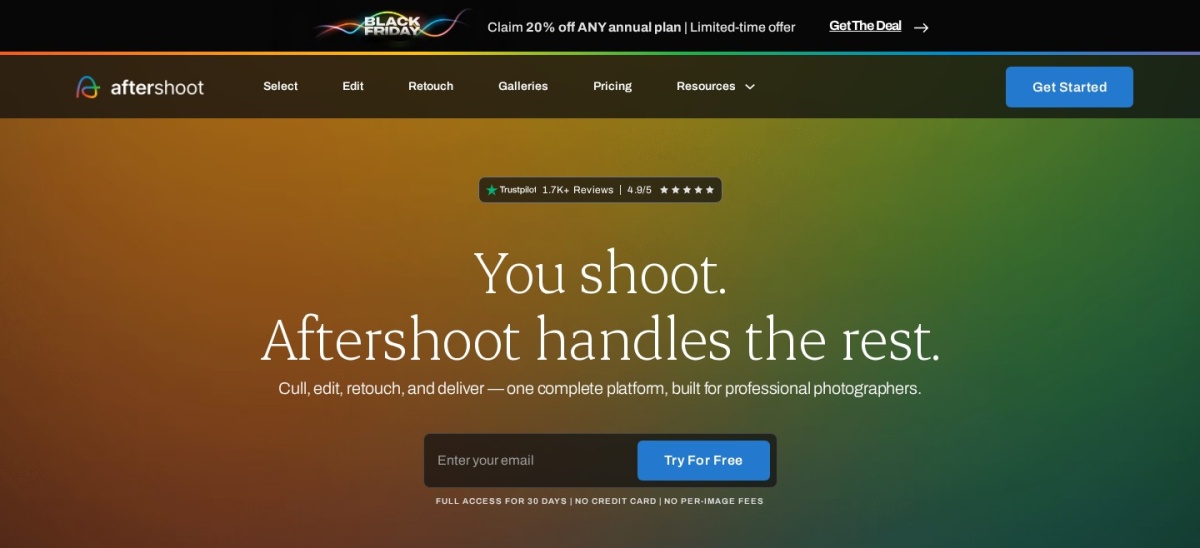
Aftershoot homepage, captured Nov 2026.
Aftershoot is a desktop AI culling and post-production app that runs entirely offline on macOS and Windows. Its Select entry plan ($10/mo billed annually at $120/yr, or $15/mo monthly) includes unlimited image imports, duplicate burst grouping, blink and blur detection, and direct export to Lightroom or Capture One.
The trade off is that the $120/yr Select tier covers culling only, while adding AI editing and retouching raises the regular annual bundle to $540/yr (sometimes discounted during seasonal promos). It suits wedding and event photographers who want predictable flat-rate culling without per-photo fees.
What we like
Unlimited photos and shoots on every tier with no per-image metering
Runs locally on your computer without uploading RAW files to the cloud
4.8/5 rating across roughly 1,800 Trustpilot reviews
Full 30-day free trial with no credit card required
Watch out for
No permanent free tier once the 30-day trial expires
AI editing and retouching require upgrading to higher-priced bundles
Select ($120/yr) unlocks unlimited AI culling; Complete ($540/yr) adds AI editing and retouching.Visit aftershoot.com
02
Narrative Select
5/5on G2 (1 reviews, checked Nov 2026)
Paid from$10/mo
Best for portrait eye and focus checks
Culling methodAI-assisted face & focus scoring
Free tierUnlimited projects, hover checks
PlatformsmacOS and Windows desktop
Editor exportLightroom, Photoshop, Capture One
narrative.so
Narrative Select homepage, captured Nov 2026.
Narrative Select is an AI-assisted culling desktop app built around rapid face inspection and scene grouping. Its free plan includes unlimited projects and images with hover-based eye and focus assessments, while the Lite plan ($10/mo billed annually at $120/yr, or $15/mo monthly) adds fast RAW import and keyboard-driven culling.
The trade off is that full Scenes View, Close-ups Panel, and Image Assessment Rank Ordering require stepping up to the Standard tier at $240/yr ($29/mo monthly). It suits portrait and wedding photographers who want human-in-the-loop control over final selects.
Smart Face Zoom and Close-ups Panel speed up group portrait inspection
Ships star ratings and color labels directly to Lightroom and Capture One
Watch out for
Advanced AI ranking and Scenes View are locked behind the $240/yr Standard plan
Small public review count on G2 compared to older desktop tools
Lite ($120/yr) adds full culling tools; Standard ($240/yr) unlocks Close-ups Panel and AI presets.Visit narrative.so
03
FilterPixel
4.8/5on Trustpilot (179 reviews, checked Nov 2026)
Starts at$7.50/mo
Best budget AI culling subscription
Culling methodGenre-specific DeepCull AI
Entry plan limitUnlimited basic culling & editing
User base14,000+ photographers
Free trial3 DeepCull shoots (3,000 photos)
filterpixel.com
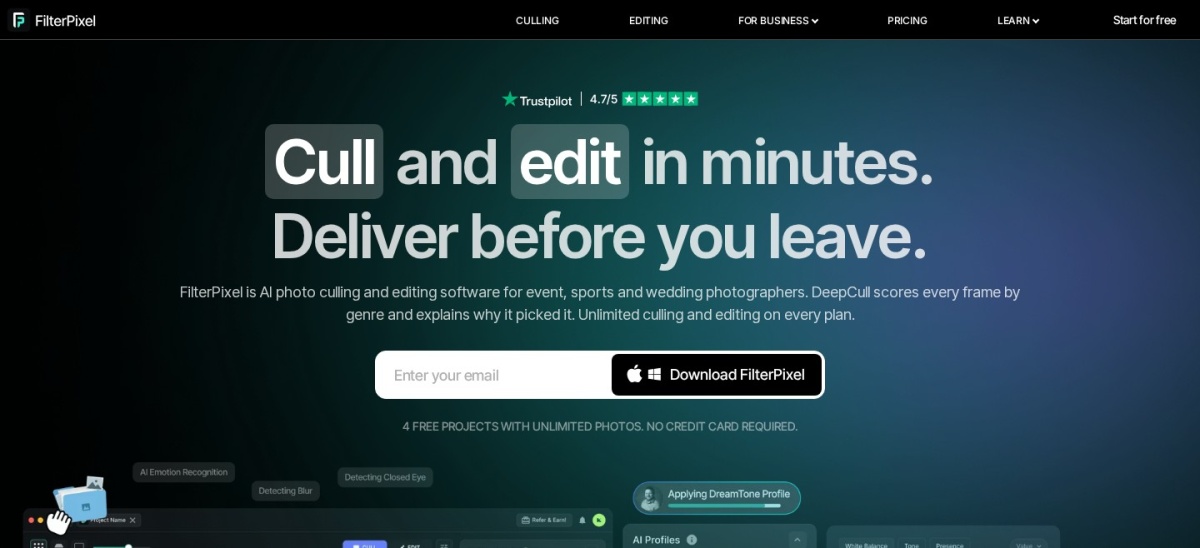
FilterPixel homepage, captured Nov 2026.
FilterPixel is an AI culling and editing application used by over 14,000 photographers that explains why each image was selected or rejected. Its Standard plan costs $7.50/mo billed annually ($90/yr) and includes unlimited basic culling and editing with zero per-photo fees, plus a 3-month subscription pause option.
The trade off is that genre-specific DeepCull modes for sports, weddings, and events sit on the Pro plan at $210/yr ($17.50/mo billed annually) or $7.99 per extra shoot. It suits budget-conscious photographers who want transparent scoring reasons on every frame.
What we like
Lowest annual entry price among dedicated AI culling tools at $90/yr
Score + Reason tags explain why frames were flagged for blur or blinks
4.8/5 Trustpilot rating across 179 reviews with a 3-shoot free trial
Watch out for
Genre-specific DeepCull modes require the $210/yr Pro tier or $7.99 shoot passes
Higher-tier DeepCull shoots cap at 5,500 photos per import
Standard ($90/yr) covers unlimited basic culling; Pro ($210/yr) adds genre-specific DeepCull.Visit filterpixel.com
04
Photo Mechanic
4.8/5on G2 (29 reviews, checked Nov 2026)
Starts at$149/yr
Best for instant manual RAW culling
Culling methodManual preview & IPTC metadata
Pricing options$14.99/mo, $149/yr, or $299 perpetual
Perpetual updates12 months included with $299 license
PlatformsmacOS and Windows desktop
camerabits.com
Photo Mechanic homepage, captured Nov 2026.
Photo Mechanic by Camera Bits is a high-speed photo browser and metadata ingest tool favored by photojournalists and sports shooters. It reads the embedded JPEG inside RAW files for instant full-screen flipping without rendering delays, priced at $149/yr ($14.99/mo) or $299 for a perpetual license.
The trade off is that Photo Mechanic includes no AI blink or blur scoring, and its $299 perpetual license only includes 12 months of camera-support updates. It suits fast manual cullers who prioritize keyboard speed, dual-card ingest, and IPTC captioning over AI automation.
What we like
Renders RAW previews almost instantaneously without building a catalog
Flexible subscription ($149/yr) or one-time perpetual ($299) licensing
Deep IPTC metadata templates, batch renaming, and multi-card ingest
Watch out for
No AI duplicate grouping, blink detection, or sharpness scoring
Perpetual license stops receiving new camera RAW updates after 1 year
Standard ($149/yr or $299 one-time) unlocks full ingest and culling; Plus ($249/yr) adds multi-catalog search.Visit camerabits.com
05
Excire Foto 2027
4.6/5on Trustpilot (126 reviews, checked Nov 2026)
Starts at$249 one-time
Best one-time license with AI catalog search
Culling methodConfigurable local AI profiles
License seatsUp to 3 personal computers
PlatformsmacOS and Windows 11
Cloud requirementNone (100% local AI analysis)
excire.com
Excire Foto 2027 homepage, captured Nov 2026.
Excire Foto 2027 is a standalone AI photo organizer and culler for macOS and Windows that runs locally without cloud uploads. Sold as a $249 one-time perpetual license for up to three personal computers, it groups similar shots, scores eye sharpness and facial expressions, and assigns searchable AI keywords.
The trade off is a steeper interface learning curve and zero built-in RAW image editing tools, requiring you to hand selects off to Lightroom, Photoshop, or Capture One. It suits photographers who want a subscription-free culling and archive-search tool.
What we like
One-time $249 payment covers up to 3 computers with no recurring fees
Highly configurable AI grouping by visual similarity, eye focus, and expression
Automatic AI keywording and free-text search across large local archives
Watch out for
Contains no RAW development or color-grading tools
Major future version upgrades require a separate upgrade fee
Excire Foto 2027 ($249 one-time) unlocks full local AI culling, Survey View, and keyword search.Visit excire.com
Adobe Lightroom combines non-destructive RAW editing, catalog management, and AI-assisted culling inside one ecosystem. The Lightroom (1TB) plan costs $11.99/mo on an annual commitment ($143.88/yr) and includes desktop, mobile, and web apps alongside Lightroom Classic and 250 monthly generative credits.
The trade off is that Lightroom renders previews slower than dedicated cullers on multi-thousand-frame weddings, and canceling an annual-billed-monthly plan early can incur a fee. It suits photographers who already edit in Adobe and want culling without adding another app.
What we like
Eliminates round-tripping between a separate culler and your RAW editor
Includes both cloud-synced Lightroom and folder-based Lightroom Classic
4.6/5 rating across 3,417 G2 reviews with 1 TB cloud storage included
Watch out for
No perpetual license option; editing stops if the subscription ends
Slower preview generation on massive RAW shoots than Photo Mechanic
4.1/5on Trustpilot (3,000 reviews, checked Nov 2026)
Starts at$89.99/yr
Best one-time cull-and-edit suite
Culling methodLocal AI Culling Assistant (MAX)
MAX pricing$89.99/yr sub or $169.99 one-time
Computer seats3 computers on MAX
Free trial30 days
on1.com
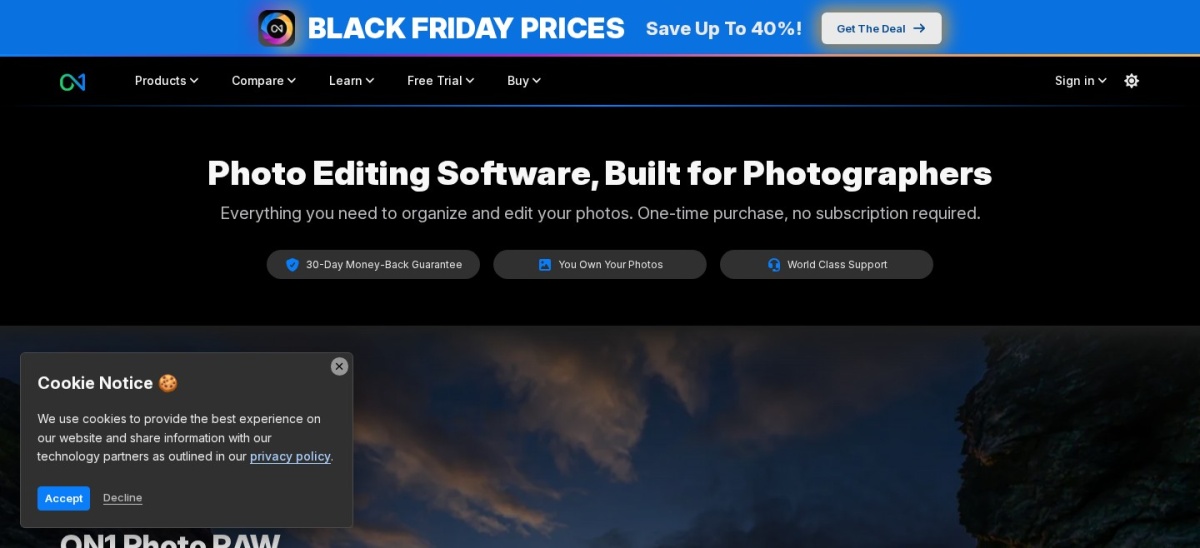
ON1 Photo RAW homepage, captured Nov 2026.
ON1 Photo RAW is an all-in-one RAW browser, organizer, and layered photo editor for macOS and Windows. Its Photo RAW MAX tier ($89.99/yr regular subscription or $169.99 regular one-time license, often discounted during sales) adds the local AI Culling Assistant inside Browse alongside Photoshop and Lightroom plugin support.
The trade off is that the cheaper base Photo RAW 2027 license ($99.99 regular one-time) excludes the AI Culling Assistant, and the app demands modern GPU hardware on large folders. It suits photographers who want local AI culling and full RAW editing in one purchase.
What we like
Combines local AI Culling Assistant with full non-destructive RAW and layer editing
Available as either an $89.99/yr subscription or a $169.99 one-time license
Works directly on local folders without mandatory catalog imports
Watch out for
AI Culling Assistant is restricted to the MAX tier, not the base $99.99 edition
AI Culling Assistant operates on folders rather than albums or search results
Photo RAW MAX ($89.99/yr or $169.99 one-time) unlocks the AI Culling Assistant and Adobe plugins.Visit on1.com
08
Imagen AI
4.7/5on Trustpilot (1,300 reviews, checked Nov 2026)
Imagen AI is a post-production assistant for Lightroom Classic and Capture One workflows that pairs AI culling with personalized color-correction profiles. On its Pay-As-You-Go plan, the unlimited AI Culling add-on costs $12/mo billed annually ($144/yr) and waives the $7 monthly base minimum, while AI edits start at $0.05 per photo.
The trade off is that upgrading to the flat-rate Limitless subscription for unlimited editing and culling jumps to $1,548/yr ($129/mo billed annually). It suits high-volume wedding and commercial studios that want AI culling tightly coupled with custom-trained color grading.
What we like
Unlimited AI culling add-on costs $144/yr and waives the PAYG monthly minimum
Learns your personal editing style to apply consistent color profiles after culling
4.7/5 rating across roughly 1,300 Trustpilot reviews with 1,000 free trial edits
Watch out for
Editing is metered per exported photo unless you pay $1,548/yr for Limitless
Requires an internet connection to process AI editing profiles
Culling add-on ($144/yr) covers unlimited culling; Limitless ($1,548/yr) includes unlimited AI edits.Visit imagen-ai.com
AI culling vs fast manual browsers: which saves more time?
AI culling tools like Aftershoot, Narrative Select, and FilterPixel shine when you shoot long bursts at weddings, school portraits, or corporate events. Grouping 15 near-identical poses and automatically flagging closed eyes eliminates repetitive zooming before you ever open an editor.
Manual preview browsers like Photo Mechanic still win for sports and news photojournalists who need to spot a decisive moment or write IPTC captions immediately after a game. Because Photo Mechanic reads embedded JPEGs straight off the card without running an AI analysis pass, you can start tagging frames the second you plug in your card reader.
How we chose
We built this list by comparing dedicated AI culling applications, high-speed manual photo browsers, and all-in-one RAW editors with built-in culling modules. Each candidate had to support standard RAW formats and maintain active updates within the past 12 months.
All prices, plan limits, review counts, and ratings were verified directly from official vendor pricing pages, Trustpilot, and G2 on 22 Nov 2026. Regular annual or one-time list prices are shown rather than temporary Black Friday promotions.
We excluded discontinued browsers, mobile-only culling utilities, and tools without transparent public pricing pages. No vendor paid for a place, and we do not claim testing for this list.
How to choose photo culling software
Match the tool's pricing model and processing engine to your monthly shoot volume and existing RAW editor.
Check how your existing editor handles previews. If you shoot fewer than 500 frames per session and already pay for Adobe Lightroom or ON1 Photo RAW MAX, test their built-in Assisted Culling before buying a separate subscription.
Decide between local processing and cloud workflows. Choose desktop-local tools like Aftershoot, Excire Foto 2027, or Photo Mechanic if you travel frequently, work on slow hotel Wi-Fi, or cannot upload client RAW files to external servers.
Compare flat-rate subscriptions against per-image fees. High-volume wedding photographers shooting 30,000+ frames a year save money with flat unlimited plans like Aftershoot ($120/yr) or FilterPixel ($90/yr) compared to per-photo metering.
Run a trial on a real multi-thousand-frame shoot. Use free trials from Aftershoot (30 days), FilterPixel (3 shoots), or Narrative Select (free tier) on an unedited event folder to see how accurately their blink and focus flags match your taste.
FAQ
What is the best free photo culling software?
Narrative Select offers the best permanently free tier among dedicated AI cullers, supporting unlimited projects and images with hover-based eye and focus indicators. For trial access, Aftershoot provides a full 30-day free trial and FilterPixel includes 3 free DeepCull shoots.
Is Aftershoot or Narrative Select better for culling?
Aftershoot ($120/yr) is better if you want fully automated offline AI culling that groups duplicates and picks keepers in one pass. Narrative Select ($120/yr Lite, $240/yr Standard) is better if you prefer AI-assisted face zoom panels while making every final selection yourself.
Can you buy photo culling software without a subscription?
Yes. Excire Foto 2027 ($249 one-time), Photo Mechanic ($299 one-time), and ON1 Photo RAW MAX 2027 ($169.99 regular one-time) all offer perpetual licenses, though major version upgrades after the initial support window cost extra.
Does AI culling software work without an internet connection?
Yes, several leading cullers run locally on your Mac or Windows PC. Aftershoot, Excire Foto 2027, Photo Mechanic, and ON1 Photo RAW MAX analyze images on your local hardware without uploading RAW files to the cloud.
Do I still need Lightroom or Capture One if I use culling software?
Yes, unless you choose an all-in-one suite like Adobe Lightroom or ON1 Photo RAW MAX. Dedicated tools like Aftershoot Select, Narrative Select, Photo Mechanic, and Excire Foto 2027 organize and rate your selects, then export XMP ratings to your RAW editor.
How accurate is AI photo culling on weddings and portraits?
AI culling reliably filters out technical misses like closed eyes, motion blur, and duplicate bursts, cutting initial sorting time dramatically. However, most working photographers still do a quick manual pass over the flagged rejects so subtle emotional or artistic frames are not missed.
SaaS SEO and WordPress specialist with about 8 years of experience. Rakib compares WordPress plugins, themes, hosting and software using public pricing, documentation and user reviews. See how we rank.