Figma is the best mobile app design tool for most teams, with a free Starter plan and a 4.7/5 G2 rating across 1,599 reviews. Choose Sketch for a $120 one-time Mac license or Penpot for open-source browser design with a $7/month Unlimited plan.
How we make this list: we compare pricing pages, product documentation and public user reviews, then re-check every price before each update. No product paid for a place. Disclosure.
Figma rates 4.7/5 from 1,599 G2 reviews and offers a free Starter plan alongside Professional at $16/month per Full seat.
Sketch offers a $120 one-time Mac-only license as well as Standard at $12/month per editor billed yearly, rated 4.7/5 on G2.
Penpot is open source with a free tier and an Unlimited plan at $7/month per editor, capped at $175/month.
Uizard starts free with 3 AI generations a month and moves to Pro at $12/month billed annually for up to 100 projects.
Specialized tools like ProtoPie ($25/month Basic) and Balsamiq ($16/month Starter) suit complex motion or rapid wireframes.
What to look for in a mobile app design tool
Mobile app screens need responsive constraints, reusable components, and clear states across different device sizes. A strong tool keeps layouts consistent from early wireframes through interactive flows.
Team handoff and review matter as much as canvas tools. Sharing clickable flows with developers and stakeholders saves time before engineering starts building screens.
Pricing models vary widely across design software. Some tools charge per editor seat with annual billing, while others offer a one-time license or meter AI generations.
Pick a tool that matches how your team actually works. A solo designer on a Mac has different needs from a cross-functional group sharing libraries in a browser.
Figma is a cloud interface design and prototyping platform with a free Starter tier that includes unlimited drafts, UI kits and templates, plus up to 500 AI credits per month. It holds a 4.7 out of 5 rating on G2 across 1,599 reviews.
The trade off is ongoing seat pricing as your team grows, with Professional starting at $16 a month per Full seat ($192 a year) alongside lower-cost Dev and Collab seats. It suits product designers and teams that rely on shared component libraries and real-time collaboration.
What we like
Free Starter plan to learn and build drafts
Strong component libraries and multiplayer editing
4.7/5 rating across 1,599 G2 reviews
Watch out for
Per-seat costs add up for larger teams
Large files can require careful organization
Professional adds unlimited files, team libraries and 3,000 AI credits/moVisit figma.com
02
Sketch
4.7/5on G2 (34 reviews, checked Nov 2026)
Starts at$120 one-time
Best for macOS designers and one-time buyers
Free plan30-day trial
PlatformsmacOS, Web, iOS
G2 rating4.7/5 (34 reviews)
Entry paid option$120 one-time Mac license
sketch.com
Sketch homepage, captured Nov 2026.
Sketch is a vector UI design tool built around a native macOS app that supports offline editing, reusable components and interactive prototypes. It holds a 4.7 out of 5 rating on G2 across 34 reviews.
The trade off is platform lock-in to Mac and no permanent free tier after the 30-day trial, with a one-time Mac license at $120 or Standard at $12 per editor a month billed yearly. It suits Mac-based designers who want offline performance or a one-time license.
What we like
Native Mac app supports offline work
Offers a $120 one-time Mac license with one year of updates
4.7/5 rating on G2
Watch out for
Mac-only desktop workflow limits cross-OS editing
No free plan after the 30-day trial
Standard adds real-time cloud collaboration and 50GB storage per editorVisit sketch.com
03
Penpot
4.5/5on G2 (10 reviews, checked Nov 2026)
Paid from$7/mo
Best open-source design tool
Free planProfessional ($0)
PlatformsWeb, self-hosted
G2 rating4.5/5 (10 reviews)
Entry paid planUnlimited, $7/editor/mo
penpot.app
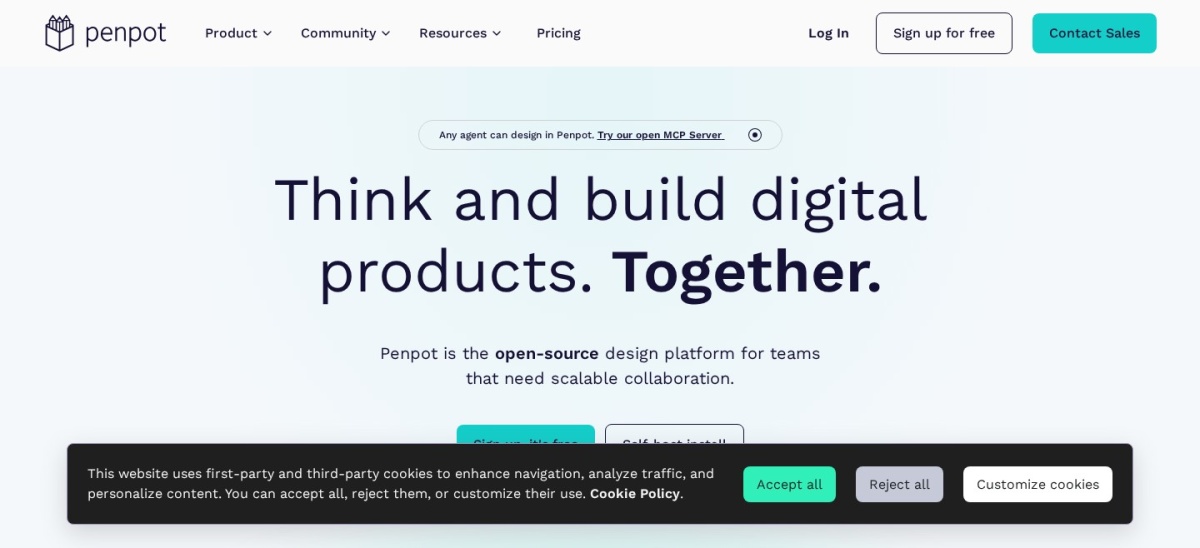
Penpot homepage, captured Nov 2026.
Penpot is an open-source design and prototyping platform that runs in the browser or on your own servers, with a free plan that supports unlimited team members and up to 10GB of cloud storage. It holds a 4.5 out of 5 rating on G2 across 10 reviews.
The trade off is a smaller community ecosystem and fewer built-in shortcuts than commercial suites, with the Unlimited plan priced at $7 per editor a month ($84 a year). It suits teams that want open-source standards, self-hosting options or low-cost plans.
What we like
Open-source with a self-hosting option
Free plan includes unlimited team members
Low entry paid plan at $7/editor/mo, capped at $175/mo
Watch out for
Smaller plugin and template ecosystem than Figma
Fewer G2 reviews (10) than larger rivals
Unlimited adds up to 25GB storage, 30 days history and a $175/mo capVisit penpot.app
04
Uizard
4.5/5on G2 (45 reviews, checked Nov 2026)
Paid from$12/mo
Best for quick AI screen generation
Free planFree ($0), 3 AI gens/mo
PlatformsWeb
G2 rating4.5/5 (45 reviews)
Entry paid planPro, $12/mo billed annually
uizard.io
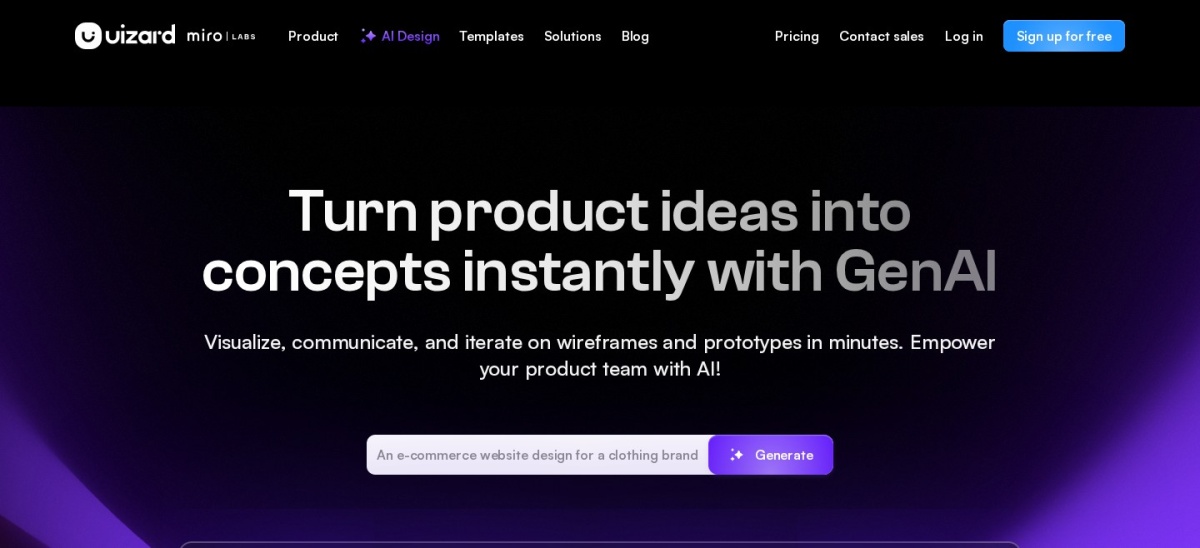
Uizard homepage, captured Nov 2026.
Uizard is a browser-based UI design and prototyping tool with AI generation from text prompts, sketches and screenshots, offering a free plan with 3 AI generations a month and 2 projects. It holds a 4.5 out of 5 rating on G2 across 45 reviews.
The trade off is tight limits on the free tier and monthly generation caps, with Pro at $12 a month billed annually ($144 a year) for 500 generations a month. It suits founders and product managers turning rough ideas into early screens fast.
What we like
Fast AI generation from prompts, sketches and screenshots
Free plan includes unlimited viewers and commenters
4.5/5 rating across 45 G2 reviews
Watch out for
Free plan caps projects at 2 and AI generations at 3/mo
Less suited to deep multi-brand design systems than Figma
Pro unlocks 500 monthly AI generations, up to 100 projects and React/CSS handoffVisit uizard.io
05
Miro
4.6/5on G2 (13,832 reviews, checked Nov 2026)
Paid from$8/mo
Best for user flows and early discovery
Free planFree ($0), 3 editable boards
PlatformsWeb, macOS, Windows, iOS, Android
G2 rating4.6/5 (13,832 reviews)
Entry paid planStarter, $8/member/mo yearly
miro.com
Miro homepage, captured Nov 2026.
Miro is a visual collaboration canvas used for mapping mobile user journeys, screen flows, wireframes and product roadmaps, with a free tier that includes 3 editable boards. It holds a 4.6 out of 5 rating on G2 across 13,832 reviews.
The trade off is that it focuses on planning and diagrams rather than pixel-accurate mobile UI production, with Starter at $8 per member a month billed yearly ($96 a year). It suits cross-functional teams aligning on journeys before detailed UI design.
What we like
Large review base (13,832 reviews, 4.6/5 on G2)
Strong for user flows, journey maps and sprint planning
Starter plan is $8/member/mo billed annually
Watch out for
Free plan limits you to 3 editable boards
Not a replacement for a dedicated UI component editor
Starter adds unlimited boards, visitor editing and 25 AI credits/member/moVisit miro.com
06
Framer
4.5/5on G2 (162 reviews, checked Nov 2026)
Paid from$10/mo
Best for responsive mobile web and app sites
Free planFree ($0), Framer domain
PlatformsWeb
G2 rating4.5/5 (162 reviews)
Entry paid planBasic site plan, from $10/mo
framer.com
Framer homepage, captured Nov 2026.
Framer is a web design and publishing platform for building responsive layouts, interactive animations and mobile web experiences, with a free plan to test layouts on a Framer domain. It holds a 4.5 out of 5 rating on G2 across 162 reviews.
The trade off is that it centers on web publishing rather than native iOS or Android app builds, with paid site plans starting at $10 a month ($120 a year). It suits teams building responsive mobile web apps, marketing sites and interactive demos.
What we like
Smooth responsive breakpoints and motion controls
Publishes directly from the design canvas
4.5/5 rating across 162 G2 reviews
Watch out for
Focused on web publishing rather than native app stores
Custom domains and higher limits require paid plans
Basic adds a custom domain, up to 30 pages and 1,000 monthly AI creditsVisit framer.com
07
Balsamiq
4.2/5on G2 (501 reviews, checked Nov 2026)
Starts at$16/mo
Best for fast low-fidelity mobile wireframes
Free plan14-day trial
PlatformsWeb
G2 rating4.2/5 (501 reviews)
Entry paid planStarter, $16/mo/editor yearly
balsamiq.com
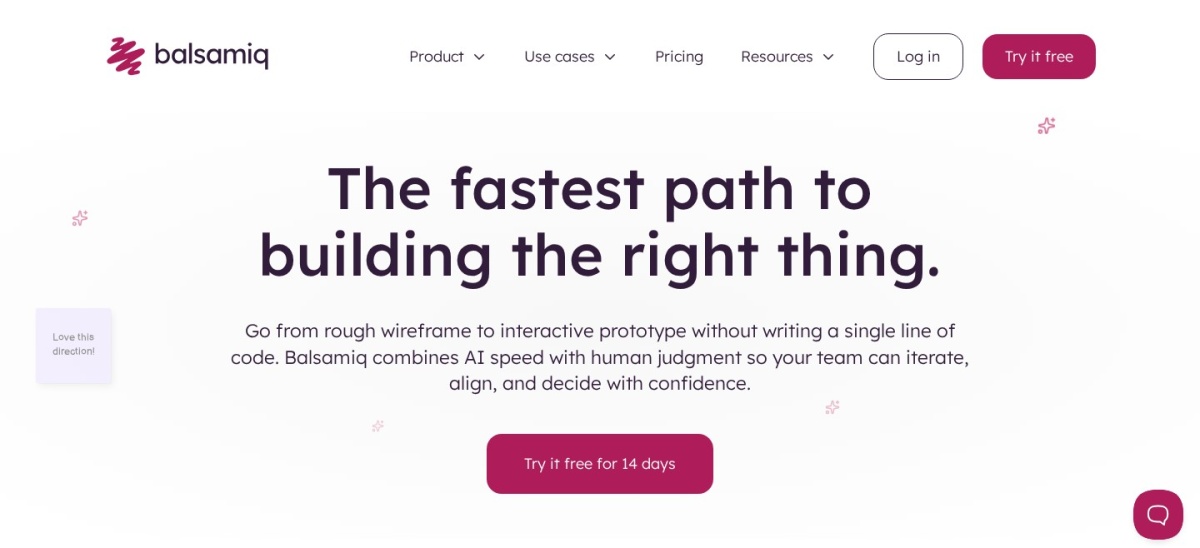
Balsamiq homepage, captured Nov 2026.
Balsamiq is a wireframing tool that uses low-fidelity UI controls so teams focus on layout and navigation rather than visual styling, starting with a 14-day free trial. It holds a 4.2 out of 5 rating on G2 across 501 reviews.
The trade off is that it intentionally avoids high-fidelity visual design and starts at $16 per editor a month billed annually ($192 a year) for up to 10 projects. It suits product managers and designers sketching early mobile screen structures.
What we like
Keeps early reviews focused on structure, not colors
Unlimited free reviewers on every plan
501 reviews on G2
Watch out for
No ongoing free tier after the 14-day trial
Not built for finished visual UI or production styling
Starter includes up to 10 projects, 500 monthly AI credits per editor and PDF/image exportVisit balsamiq.com
Low-fidelity wireframes vs high-fidelity UI
Early mobile design works best when you separate layout structure from visual polish. Rough wireframes help you test screen order before spending hours on colors and typography.
Low-fidelity tools like Balsamiq and flow canvases like Miro keep feedback on user paths and missing screens. Once the flow makes sense, tools like Figma or Sketch help build reusable components.
If you start with AI screen generators such as Uizard, treat the first output as a draft. You will still want to check spacing, touch targets and edge states before handoff.
How we chose
We selected established interface design, wireframing and prototyping tools used for mobile app workflows with public pricing and review data.
Prices, plan terms and G2 ratings were checked on 22 November 2026 using regular list prices rather than temporary promotions.
We excluded tools without published entry pricing or active maintenance signals. No vendor paid for a place, and we do not claim testing for this list.
How to choose a mobile app design tool
Match the tool to your stage of work, team size and target platform.
Pick your target platform first. Choose a cross-platform or browser tool for mixed teams, a Mac-native tool if you work offline on macOS, or a web builder if you are shipping a mobile site.
Decide how much fidelity you need right now. Use wireframing or flow boards to map screens early, then move to component libraries and prototypes as layouts settle.
Check seat rules and viewer access. Look at how editors, reviewers and developers are billed so occasional stakeholders do not inflate your monthly bill.
Start on a free plan or trial. Test real mobile screens, responsive resizing and developer handoff on a sample flow before committing to an annual plan.
FAQ
What is the best mobile app design tool overall?
Figma is the top pick for most teams because it combines UI design, prototyping, shared libraries and browser collaboration in one place. It holds a 4.7 out of 5 rating across 1,599 G2 reviews and offers a free Starter plan.
Are there free tools for designing mobile apps?
Yes. Figma, Penpot, Uizard, Miro and Framer all offer free tiers to start, while Sketch and Balsamiq offer free trials before requiring a paid plan.
What is the difference between a wireframe and a prototype?
A wireframe is a basic layout sketch showing where elements sit on a screen. A prototype links screens and interactions together so you can click or tap through how the app behaves.
Do AI app design tools replace manual UI work?
No. They speed up early screen ideas from prompts or sketches, but you still need manual edits for layout consistency, edge cases, accessibility and handoff details.
How should I price a tool for a small design team?
Check whether the tool charges per editor or per workspace member and whether viewers are free. Annual billing usually lowers the monthly rate compared with paying month to month.
Can I design both iOS and Android screens in one tool?
Yes. Most screen design tools let you set custom mobile frame sizes and reusable components for both iOS and Android layouts in the same project.
SaaS SEO and WordPress specialist with about 8 years of experience. Rakib compares WordPress plugins, themes, hosting and software using public pricing, documentation and user reviews. See how we rank.