Adobe Express is the best GIF app for most creators, combining animated templates and video-to-GIF conversion with a $9.99 monthly premium plan. Choose Kapwing for timeline-based video editing or Snagit for creating animated software demonstrations from screen recordings.
How we make this list: we compare pricing pages, product documentation and public user reviews, then re-check every price before each update. No product paid for a place. Disclosure.
Adobe Express Premium costs $9.99/month and includes advanced animation tools.
Kapwing Pro costs $192/year and combines GIF creation with video editing.
Snagit costs $39/year and has a 4.7/5 G2 rating.
Clipchamp supports free GIF exports lasting up to 15 seconds.
GIMP provides free desktop animation editing and has a 4.3/5 G2 rating.
What to look for in a GIF app
Look for GIF apps that support adjustable playback speed, cropping, resizing, and text overlays. Your preferred editing workflow should determine which features matter most.
File size matters when sharing animations through email, messaging apps, and websites. Compression controls help maintain acceptable loading speeds.
Template-based apps suit social content, while timeline editors offer more control over video conversion. Screen recorders are preferable for software demonstrations.
Adobe Express is a creative design app offering animated templates, video editing, and GIF conversion. Its free plan includes more than 345,000 static, motion, and video templates.
The trade off is that advanced animation and premium assets require the $9.99 monthly subscription. It suits creators producing animated graphics alongside other marketing materials.
What we like
Dedicated GIF converter
Large template library
Mobile and browser access
Integrated animation tools
Watch out for
Premium assets require payment
Limited frame-level editing
Premium adds advanced animation and additional creative assets.Visit adobe.com
02
Kapwing
3.9/5on G2 (41 reviews, checked Nov 2026)
Paid from$16/mo
Best for video-to-GIF editing
PlatformWeb
GIF inputsImages and videos
Editing styleTimeline
BillingAnnual
kapwing.com
Kapwing homepage, captured Nov 2026.
Kapwing is an online editor for converting images and videos into animated GIFs. Its free tools cover basic editing, while Pro costs $192 annually.
The trade off is that free exports have branding and usage restrictions, while Pro costs $16 monthly with annual billing. It suits creators who need captions, video trimming, and animated social content.
What we like
Timeline editing
Multiple input formats
Text and caption tools
No installation required
Watch out for
Restricted free exports
Requires internet access
Pro removes export watermarks and increases editing allowances.Visit kapwing.com
03
Snagit
4.7/5on G2 (6,036 reviews, checked Nov 2026)
Starts at$39/yr
Best for screen recording GIFs
PlatformsWindows and macOS
Screen recordingYes
GIF exportYes
Entry planIndividual
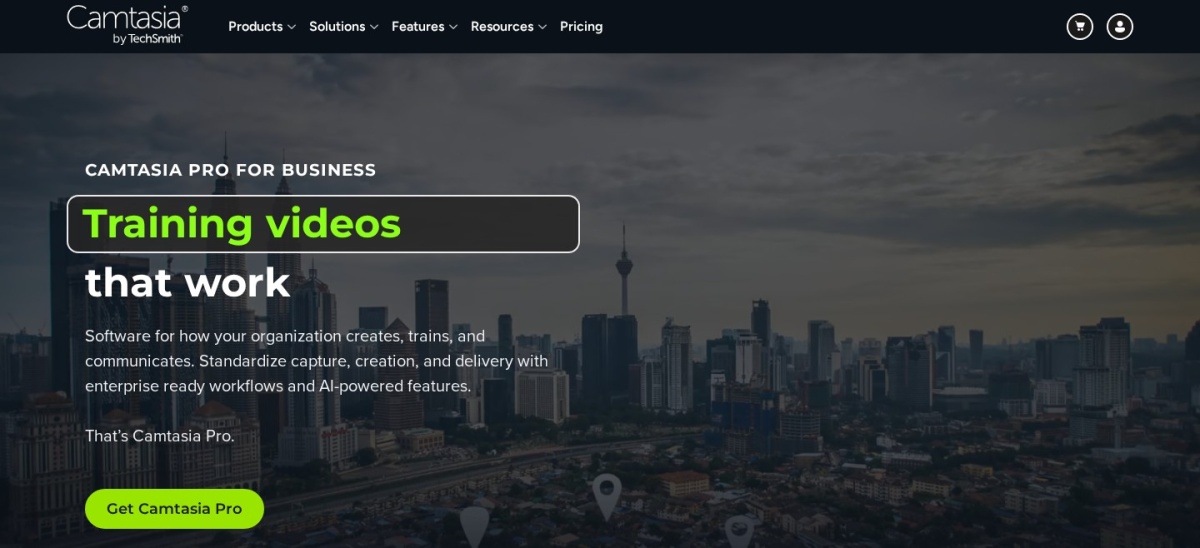
techsmith.com
Snagit homepage, captured Nov 2026.
Snagit is a desktop screen capture application that converts recorded footage into animated GIFs. Its $39 annual subscription includes recording, editing, and software updates.
The trade off is that Snagit requires a subscription after its trial and offers limited creative animation tools. At $39 annually, it suits educators, support teams, and technical writers.
What we like
Direct screen recording
Simple GIF export
Image annotation tools
Affordable subscription
Watch out for
No permanent free plan
Limited animation templates
Individual includes screen capture, editing, and software updates.Visit techsmith.com
04
Clipchamp
4.1/5on G2 (50 reviews, checked Nov 2026)
Paid from$99.99/yr
Best for Windows users
PlatformsWindows and web
GIF duration15 seconds
Watermark-free exportsYes
Paid planMicrosoft 365 Personal
clipchamp.com
Clipchamp homepage, captured Nov 2026.
Clipchamp is a Microsoft video editor that converts short clips into GIFs. Its free editor supports animations lasting up to 15 seconds alongside cropping, trimming, and text tools.
The trade off is the short GIF duration limit and premium features bundled with Microsoft 365 Personal at $99.99 annually. It suits Windows users creating short reaction GIFs and social animations.
What we like
Free GIF exports
Accessible timeline editor
Animated text
Integrated screen recording
Watch out for
Short GIF duration limit
Premium features require Microsoft 365
Microsoft 365 Personal adds premium assets and branding tools.Visit clipchamp.com
05
Photoshop
4.6/5on G2 (13,457 reviews, checked Nov 2026)
Starts at$19.99/mo
Best for professional GIF editing
PlatformDesktop
Frame animationYes
Layer editingYes
Entry planPhotography
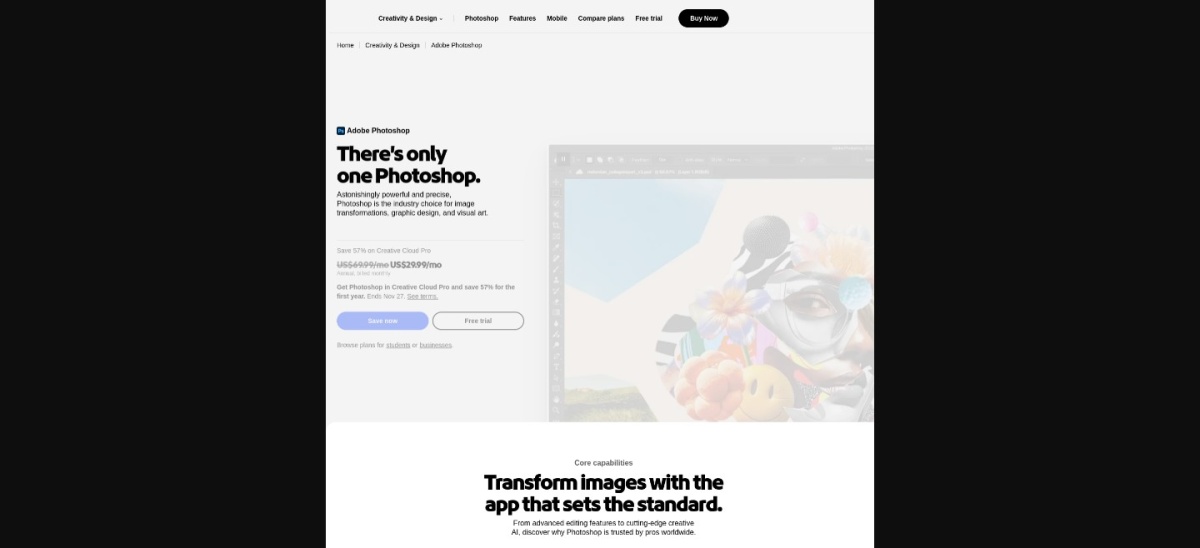
adobe.com
Photoshop homepage, captured Nov 2026.
Photoshop is a professional image editor with frame animation, layer management, and GIF export controls. The Photography subscription costs $19.99 monthly and includes Lightroom.
The trade off is a steeper learning curve and an annual subscription cost of $239.88. It suits professional designers who need precise animation timing and detailed image adjustments.
What we like
Detailed frame editing
Advanced image manipulation
Flexible layers
Custom animation timing
Watch out for
No permanent free plan
Steeper learning curve
Expensive for occasional use
Photography includes Photoshop and Lightroom applications.Visit adobe.com
06
Ezgif
3.6/5on Trustpilot (24 reviews, checked Nov 2026)
PriceFree
Best for free GIF optimization
PlatformWeb
GIF compressionYes
Frame editingYes
Paid planNone
ezgif.com
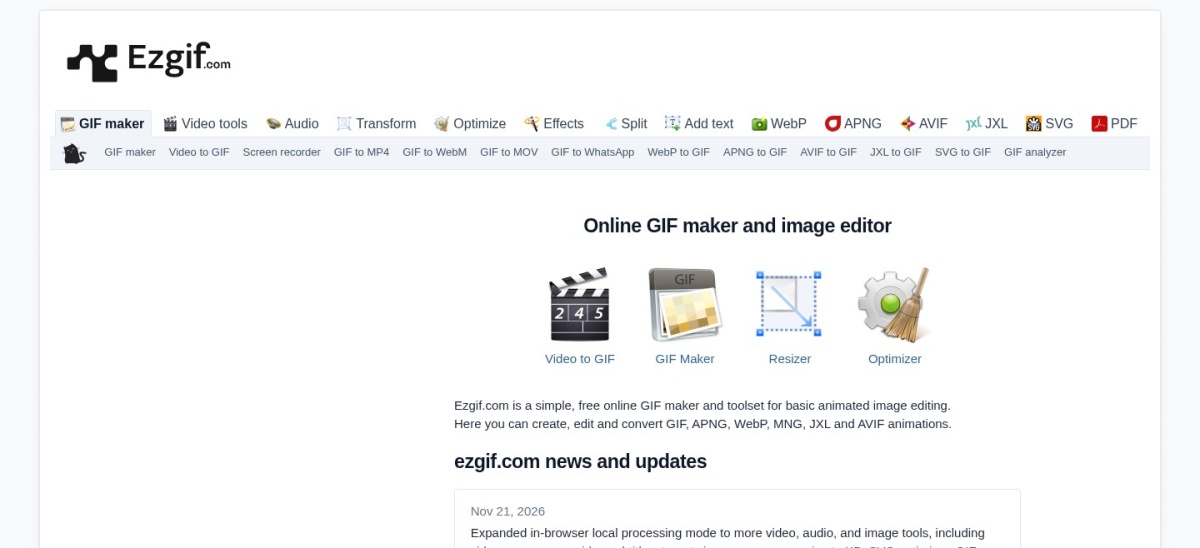
Ezgif homepage, captured Nov 2026.
Ezgif is a free browser-based GIF editor offering conversion, resizing, cropping, splitting, and compression. It has a 3.6/5 Trustpilot rating from 24 reviews.
The trade off is a basic interface without integrated creative design libraries. It remains completely free and suits users who need quick GIF conversions or smaller animation files.
GIMP is a free image editor that creates animated GIFs using image layers as frames. It has a 4.3/5 G2 rating from 1,484 reviews.
The trade off is that animation creation requires more manual work than dedicated GIF makers. GIMP costs nothing and suits designers who prefer offline editing and individual frame control.
What we like
Free and open source
Offline editing
Custom frame timing
Extensive image editing
Watch out for
Manual animation workflow
Limited video editing
Learning curve for beginners
All core features are available without a subscription.Visit gimp.org
How we chose
We selected established GIF makers, creative design applications, screen recorders, and image editors. Selection criteria included animation controls, conversion options, platform compatibility, and subscription costs.
We used official vendor pricing pages, G2, and Trustpilot as reference sources, prioritizing regular subscription prices over introductory discounts. Public ratings represent each application overall.
We prioritized established products with suitable GIF functionality and public pricing. No vendor paid for a place, and we do not claim testing for this list.
How to choose the best GIF app
Identify your preferred content source, publishing platform, and editing requirements before selecting a GIF application.
Choose your content source. Use video editors for recorded footage, design applications for animated graphics, and screen recorders for software demonstrations.
Check compression controls. Look for adjustable dimensions, frame timing, and compression settings to keep animations suitable for websites and messaging platforms.
Compare subscription restrictions. Check whether free plans add watermarks, restrict export quality, or limit animation duration before purchasing a subscription.
Consider platform compatibility. Choose browser-based applications for quick access or desktop software for offline editing and detailed frame manipulation.
FAQ
What is the best GIF app in 2026?
Adobe Express is the best overall GIF app for animated graphics, templates, and video conversion. Kapwing provides timeline-based editing, while Snagit is better suited to animated screen recordings.
What is the best completely free GIF maker?
Ezgif offers free GIF conversion, resizing, compression, and frame splitting without a subscription. GIMP is another suitable option for users who prefer offline editing and individual frame control.
Can I convert videos into GIFs for free?
Yes. Adobe Express, Kapwing, Clipchamp, and Ezgif provide free video-to-GIF tools. Import your footage, trim unnecessary sections, adjust the dimensions, and export the resulting animated image.
Which GIF app is best for professional designers?
Photoshop is suitable for professional designers who need detailed frame animation, image adjustments, and layer management. GIMP provides a free alternative for designers comfortable with manual animation workflows.
How can I reduce animated GIF file sizes?
Reduce the image dimensions, shorten the animation, lower the frame rate, or decrease the color count. Ezgif offers dedicated compression tools that simplify these adjustments without requiring desktop software.
SaaS SEO and WordPress specialist with about 8 years of experience. Rakib compares WordPress plugins, themes, hosting and software using public pricing, documentation and user reviews. See how we rank.