Houzz is the best app for interior design for most people: free, rated 4.8 out of 5 from 325,000 App Store ratings, with ideas, local pros and shopping in one place. Pick Planner 5D for full 2D and 3D room plans, or Homestyler for the best-value 3D designer at $4.90 a month.
How we make this list: we compare pricing pages, product documentation and public user reviews, then re-check every price before each update. No product paid for a place. Disclosure.
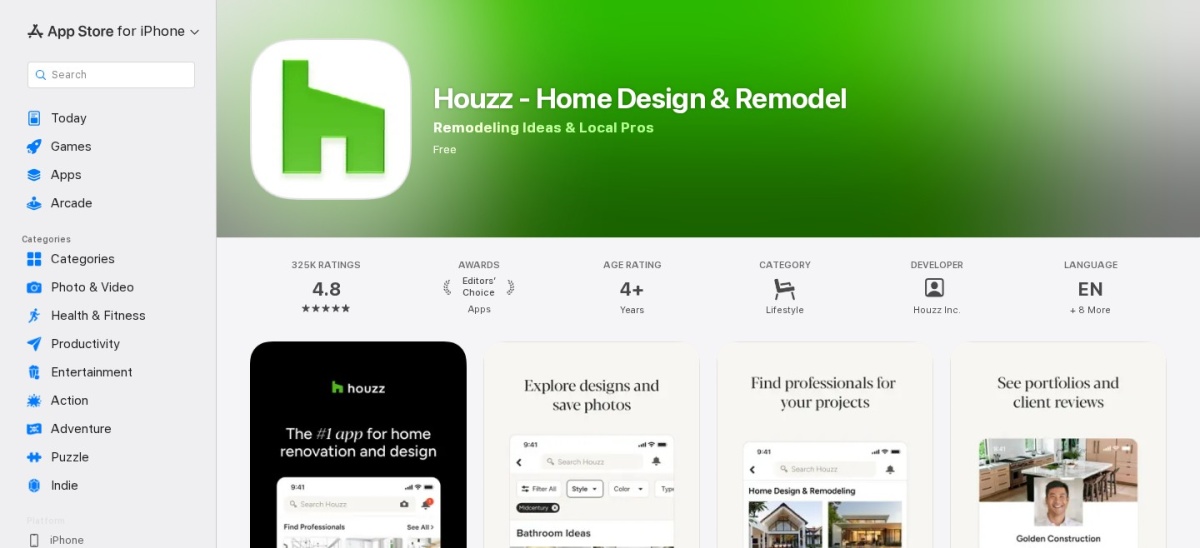
Houzz is free and rated 4.8 out of 5 from 325,000 App Store ratings, the highest rating and the largest review count in this list.
Planner 5D Premium costs $59.99 a year and adds the full 10,000+ item catalogue, AI floor plan recognition and renders.
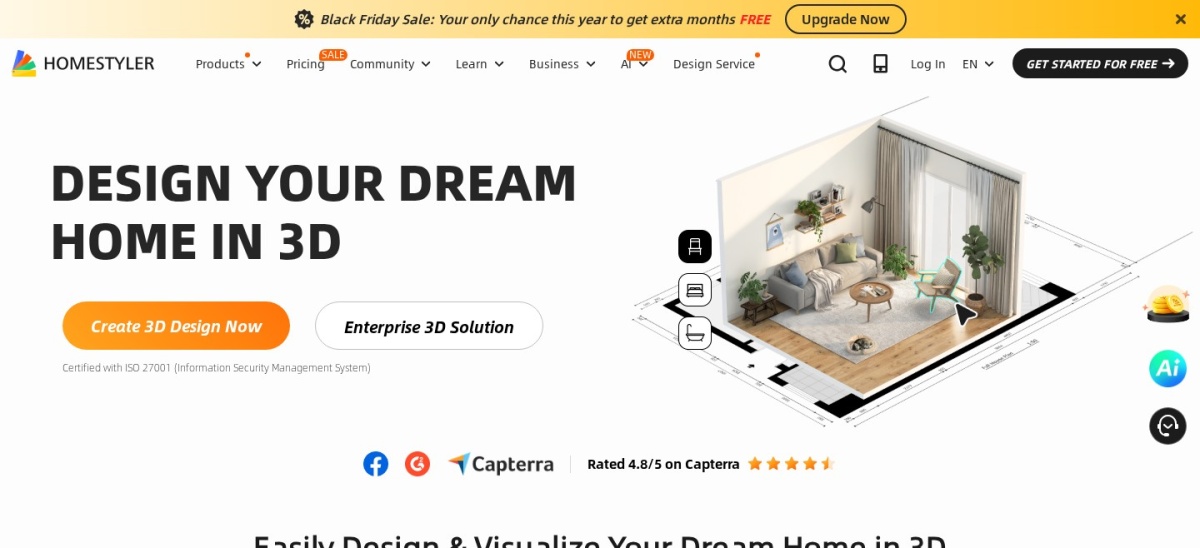
Homestyler Pro is $4.90 a month and opens a library of more than 10 million branded 3D furniture models.
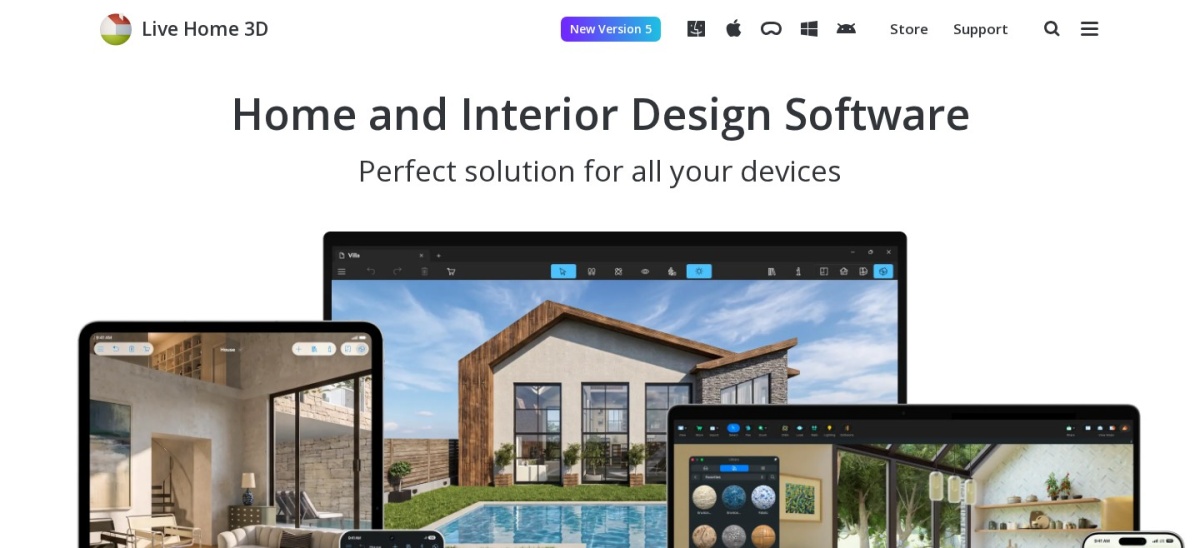
Live Home 3D is rated 4.6 out of 5 from 19,000 App Store ratings, and its Standard plan costs $24.99 a year.
Only Sweet Home 3D and Houzz are fully free with no paid plan at all; the other seven charge $24.99 to $288 a year for their cheapest paid plan.
What an interior design app should do
A good interior design app starts with the room you already have. The best ones in this list let you draw a floor plan, place furniture to scale and see the result in 3D before you buy anything.
AR views matter most when you are choosing one piece. Houzz, Live Home 3D and magicplan all use the phone camera to show how a sofa or a rug fits in your actual room.
Free plans are enough for a single room. Paid plans mostly buy output: more renders, higher-resolution exports and bigger catalogues. If the room is for a business, our guide on choosing a WordPress theme covers the same style-first thinking for a website.
Watch for credit systems. A low monthly price can still cost more per render than a higher plan with more credits included, so count your exports before you choose.
4.8/5on App Store (325K reviews, checked Nov 2026)
PriceFree
Best free app for ideas and finding pros
Free appYes
Find local prosYes
AR furniture previewYes, View in My Room
Paid planHouzz Pro, by quote
houzz.com
Houzz homepage, captured Nov 2026.
Houzz is the most popular home design app, rated 4.8 out of 5 from 325,000 App Store ratings. The free app lets you save room photos to idea books, find local designers and contractors, shop furniture, and place pieces in your room with an AR view.
The trade off is that Houzz is a starting point, not a planner. It has no floor plan drawing or 3D room builder of its own, and the paid Houzz Pro tools are built for professionals, with pricing by quote. It suits anyone gathering ideas and hiring help for a renovation.
What we like
Free, with the highest rating in this list
Huge library of room photos and real products
Find and contact local designers and contractors
Watch out for
No floor plan drawing or 3D room builder
Paid Pro tools are for professionals only
Houzz Pro adds business tools for designers; pricing is by quoteVisit houzz.com
02
Planner 5D
4.7/5on G2 (188 reviews, checked Nov 2026)
Paid from$59.99/yr
Best all-round room planner
Free planYes, unlimited projects
AI floor plan recognitionYes, Premium
Catalogue10,000+ items
Paid planPremium, $59.99/yr
planner5d.com
Planner 5D homepage, captured Nov 2026.
Planner 5D is a floor plan and 3D room design app for web, iOS and Android. The free plan covers unlimited projects with about half the furniture catalogue, and Premium adds the full 10,000+ item catalogue, AI floor plan recognition and renders.
The trade off is rendering. Free projects cannot be rendered, and the full catalogue and AI tools need Premium at $59.99 a year, while the Professional plan for client work costs $399.99 a year. It suits homeowners planning one room or a whole renovation.
What we like
Unlimited free projects with half the catalogue
AI turns an uploaded floor plan into an editable design
Homestyler is a free 3D home design app for web, iOS and Android. The free Basic plan includes the floor planner, more than 500 room templates and a library of over 10 million branded 3D furniture models, with cloud rendering.
The trade off is the render limit. Free renders are limited, and the Pro plan at $4.90 a month adds more renders and features. It suits renters and homeowners who want quick, realistic 3D rooms without learning CAD.
Live Home 3D is a 2D and 3D house design app for iOS, Mac and Windows. The free version lets you draw a floor plan and furnish it from a library of more than 5,000 furniture and appliance models, with 3D views and AR.
The trade off is the free limits. Free projects carry watermarks, allow only one project at a time and stop at two floors, and the Standard annual plan at $24.99 removes those limits. It suits Apple users who want a polished planner on iPhone, iPad or Mac.
What we like
Clean design and an easy drag-and-drop planner
5,000+ furniture and appliance models
Cheapest paid annual plan in this list
Watch out for
Free version allows only one project at a time
Free exports carry watermarks
Standard removes watermarks and the project limit for $24.99 a yearVisit livehome3d.com
05
RoomSketcher
4.5/5on G2 (150 reviews, checked Nov 2026)
Paid from$24/mo
Best for measured, printable plans
Free planYes, 2 credits
Pro credits5 credits a month
Project archive10 free, 100 Pro
Paid planPro, $24/mo
roomsketcher.com
RoomSketcher homepage, captured Nov 2026.
RoomSketcher is a floor plan app for web, iOS and Android that draws plans to scale and turns them into 3D photos and 360 views. The free plan includes 2 credits to start, 2D and 3D floor plans and snapshots, with paid credits for extra output.
The trade off is the credit system. Most output beyond the free allowance costs credits, and Pro at $24 a month adds 5 credits a month plus the full furniture library and print to scale. It suits homeowners and agents who need measured plans they can print.
What we like
Plans draw to scale and print to scale
3D photos and 360 views included
Trusted by more than 10 million users
Watch out for
Most output beyond the free plan costs credits
Pro is the most expensive plan in this list
Pro adds 5 credits a month and print to scale; listed at $144/yr during the current saleVisit roomsketcher.com
06
SketchUp
4.5/5on G2 (1,327 reviews, checked Nov 2026)
Paid from$129/yr
Best for detailed 3D modelling
Free planYes, web, personal
3D WarehouseMillions of models
PlatformsWeb, iOS, Android, desktop
Paid planGo, $129/yr
sketchup.com
SketchUp homepage, captured Nov 2026.
SketchUp is a 3D modelling tool with a free web version for personal use. It draws precise geometry, imports models from the 3D Warehouse library and runs on web, desktop and mobile, which makes it the most capable free modeller in this list.
The trade off is the learning curve. SketchUp is a general 3D modeller, not a room planner, so furnishing a room takes more steps than in Planner 5D or Homestyler, and the paid Go plan costs $129 a year. It suits people who want exact dimensions and custom geometry.
What we like
Precise geometry and exact dimensions
Huge 3D Warehouse model library
Free web version for personal use
Watch out for
Steeper learning curve than room planners
No built-in room templates or style guides
Go adds desktop apps and more import options for $129 a yearVisit sketchup.com
07
magicplan
4.5/5on Capterra (13 reviews, checked Nov 2026)
Paid from$129.99/yr
Best for measuring rooms by phone
Free planYes, 2 projects
Room scanningYes, by camera
AR measuringYes
Paid planSketch, $129.99/yr
magicplan.app
magicplan homepage, captured Nov 2026.
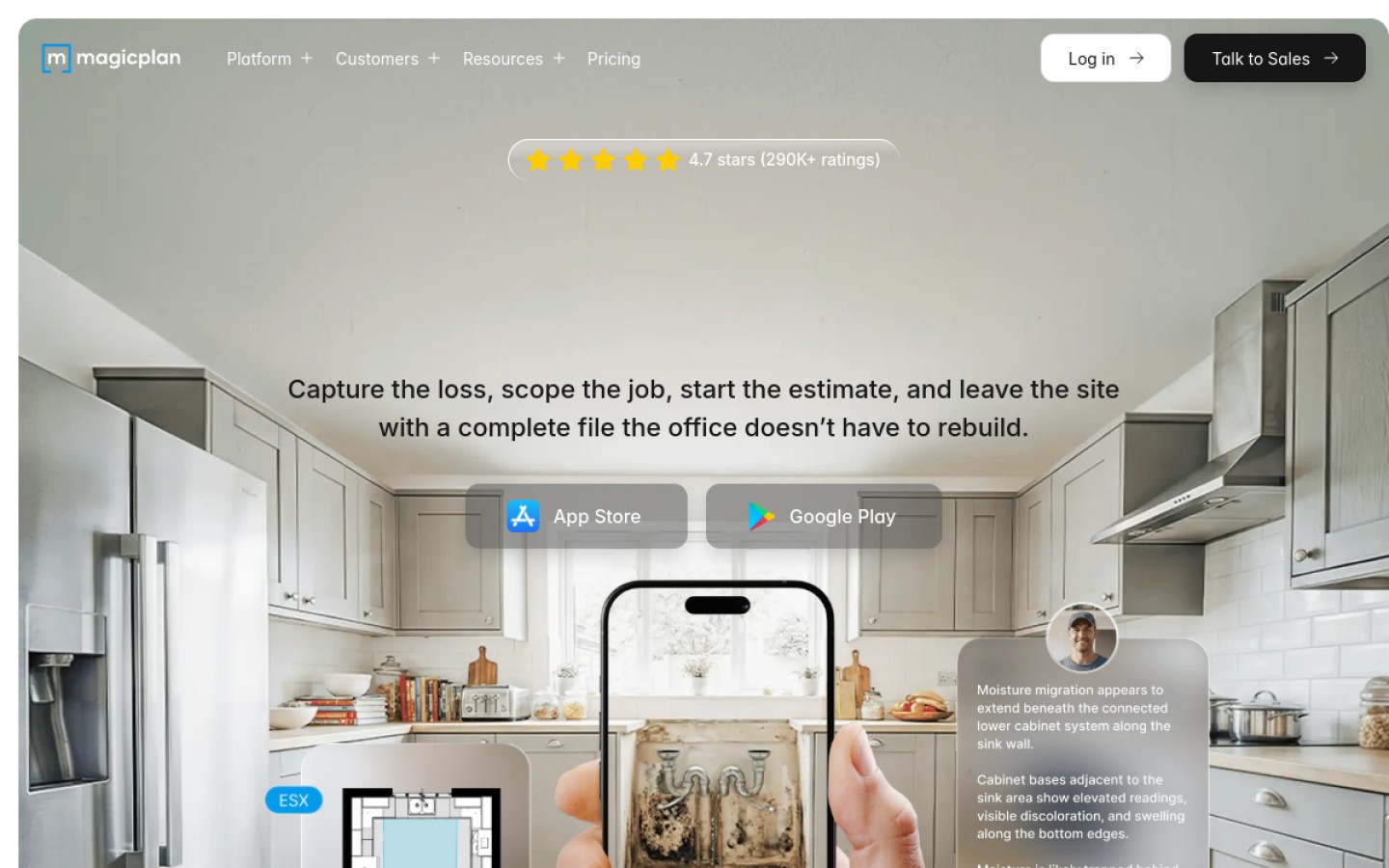
magicplan is a room scanning app for iOS and Android that builds a floor plan from photos of your room. The free plan covers 2 projects with every feature, and the app adds measurements, photos and notes to each room as you walk through it.
The trade off is focus. magicplan measures and documents rooms rather than decorating them, and its paid plans start at $129.99 a year, aimed at contractors and estimators. It suits anyone who needs fast, accurate measurements before choosing furniture.
What we like
Builds a floor plan from a walkthrough
Measurements, photos and notes in one place
Rated 4.7 stars from 290,000+ ratings on its homepage
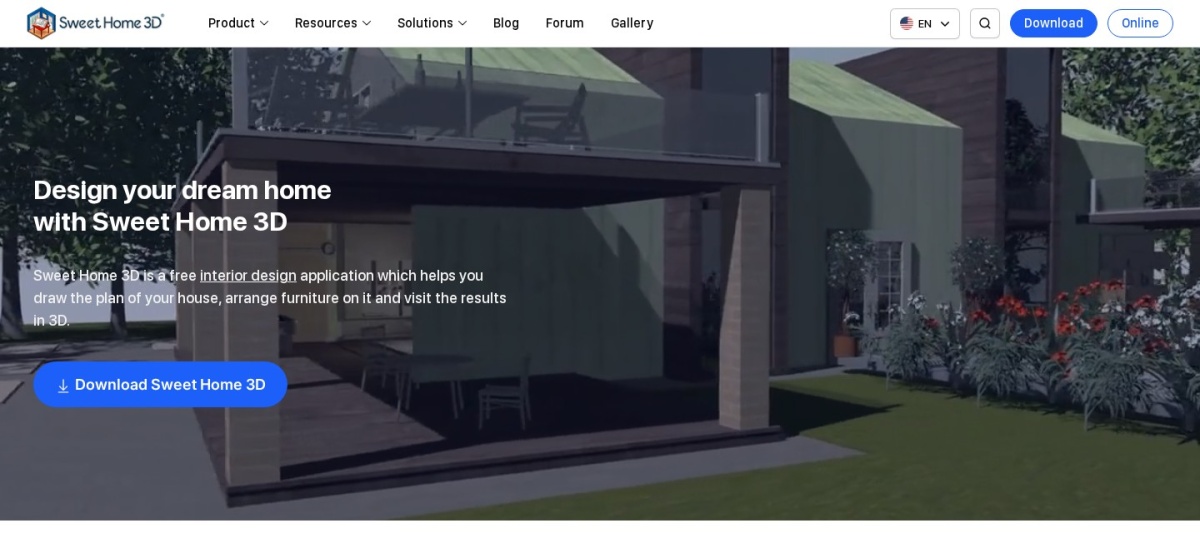
Sweet Home 3D is a free, open-source interior design app for Windows, macOS, Linux and the browser. It draws plans to scale, places furniture from its catalog and shows the result in 3D. There is no paid plan, so every feature is free.
The trade off is polish and file support. The interface looks plain next to newer browser tools, and it has no DWG export for construction documents. It suits anyone who wants a free desktop planner with no subscription and no project limits.
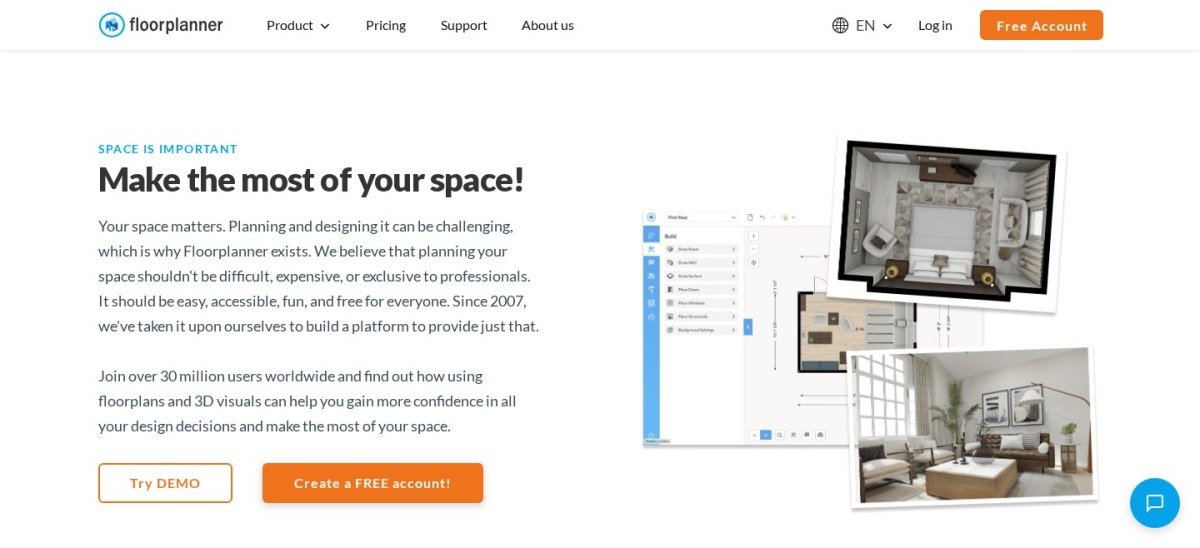
Floorplanner is a browser-based floor plan and 3D design tool that has served more than 30 million users since 2007. The free Basic plan covers 5 projects with standard-definition exports, and paid plans remove the export wait and add credits.
The trade off is export quality. Free exports are standard definition with a watermark, and higher resolutions cost credits, with the Plus plan at $5 a month. It suits anyone who wants to plan in a browser without installing anything.
What we like
Nothing to install; runs in the browser
30 million users since 2007
Try a demo without an account
Watch out for
Free exports are standard definition with a watermark
Free plans are enough for one room or a single home project. Houzz and Sweet Home 3D are free with no paid plan at all, and Planner 5D gives unlimited free projects.
Paid plans mostly buy output: higher-resolution exports, more renders and bigger catalogues. Homestyler Pro adds renders for $4.90 a month, while RoomSketcher Pro adds 5 credits a month.
Watch for credit systems. A low monthly price can still cost more per export than a higher plan with more credits included, so count your exports before you choose.
If you only need measurements, magicplan is the outlier: it scans rooms instead of decorating them, and its paid plans are priced for contractors.
How we chose
We started from the interior design apps that appear most often in roundups and app store charts, then kept 9 established apps with a free plan and a published price.
Prices come from each vendor pricing page or app store listing, checked on 25 November 2026. Ratings come from the App Store, G2 or Capterra on the same day. Where a vendor shows a sale, the list shows the regular price.
We left out apps with no public numeric rating and apps aimed only at professional CAD drafting. No vendor paid for a place, and we do not claim to have used these apps ourselves.
How to choose an interior design app
Start with the room, not the app, then match the tool to the job.
Decide whether you need ideas or a plan. Houzz is best for gathering ideas and finding pros. Planner 5D, Homestyler and RoomSketcher are better once you want a measured floor plan.
Check the free plan limits first. Count your rooms and renders before you pay. Sweet Home 3D has no limits at all, while Live Home 3D allows only one free project at a time.
Try the AR view with one piece of furniture. Place a sofa or a rug in your room with the phone camera. If the scale looks wrong, the app is not reading your room well.
Compare the yearly price, not the monthly one. Annual billing is much cheaper for Planner 5D, RoomSketcher and Live Home 3D, so compare the yearly total before you commit to a monthly plan.
FAQ
What is the best app for interior design?
Houzz is the best app for most people. It is free, rated 4.8 out of 5 from 325,000 App Store ratings, and covers room ideas, local professionals and furniture shopping in one place.
Is there a completely free interior design app?
Yes. Sweet Home 3D is fully free with no paid plan, and Houzz is free with no paid tier for homeowners. Planner 5D, Homestyler and Floorplanner also have useful free plans with limits.
Which app is best for 3D room design?
Planner 5D is the best all-round 3D room designer, with a free plan and Premium at $59.99 a year. Homestyler is the best-value alternative, with Pro at $4.90 a month and a library of over 10 million furniture models.
Can I measure a room with my phone?
Yes. magicplan builds a floor plan from photos as you walk through a room, with measurements, photos and notes attached to each room. Its paid plans start at $129.99 a year.
Do I need to pay to render a room in 3D?
Not always. Planner 5D needs Premium for renders, and Homestyler limits free renders, but Sweet Home 3D renders free with no paid plan. RoomSketcher and Floorplanner charge credits for higher-resolution exports.
Which interior design app is best for iPhone?
Live Home 3D is the best iPhone-first planner, rated 4.6 out of 5 from 19,000 App Store ratings, with a Standard plan at $24.99 a year. Houzz and Planner 5D also work well on iPhone.
SaaS SEO and WordPress specialist with about 8 years of experience. Rakib compares WordPress plugins, themes, hosting and software using public pricing, documentation and user reviews. See how we rank.