Onshape is the best PDM software for most modern engineering teams, combining browser-based CAD and built-in version control with a 4.7/5 rating across 724 G2 reviews. Choose OpenBOM for multi-CAD bill-of-materials tracking with free read-only seats, or Autodesk Vault for teams standardized on Inventor and AutoCAD.
How we make this list: we compare pricing pages, product documentation and public user reviews, then re-check every price before each update. No product paid for a place. Disclosure.
Onshape eliminates check-in/check-out file locking by building branching, merging and release management straight into cloud CAD.
OpenBOM lets engineering teams invite unlimited free read-only users and start with up to 2,000 data records at no cost.
Autodesk Vault Professional costs $870 per user per year and integrates directly with Inventor and AutoCAD workflows.
Sibe and Bild offer server-free cloud PDM for SOLIDWORKS teams, starting at $50/user/mo and $600/mo billed annually.
Entry paid plans across these 8 PDM tools span from $360 a year per editor seat up to $7,200 a year for a team platform.
What good PDM software should cover
Product data management (PDM) keeps CAD assemblies, drawings, part numbers and revisions organized so engineers never overwrite each other's files or send outdated prints to manufacturing.
Core capabilities include version control with check-in and check-out locking (or cloud branching), automated assembly reference tracking, role-based access and searchable metadata.
As teams grow, PDM also needs bill of materials (BOM) synchronization and engineering change order (ECO) approvals so purchasing and suppliers always work from the latest released revision.
The biggest architectural choice today is on-premise server vaults versus browser-based cloud PDM that removes local SQL servers and VPNs.
Onshape is a cloud-native CAD and PDM platform from PTC that replaces file folders with a central database. Every edit is saved automatically with full revision history, branching, merging and real-time multi-user editing, and the free plan covers non-commercial projects with public documents.
The trade off is price and lock-in to its own CAD environment. Commercial private projects start on Standard at $1,500 per user per year, while release management and automated part numbering require Professional at $2,500 per user per year. It suits distributed hardware teams ready to run CAD and PDM in one browser workspace.
What we like
No file check-out locks, local servers or VPNs required
Rated 4.7 out of 5 across 724 G2 reviews
Free Discovery program gives qualifying pros up to 6 months on Professional
Watch out for
Public document restriction on the free plan
Release workflows require the $2,500/yr Professional tier
Standard adds private storage; Professional adds release managementVisit onshape.com
02
OpenBOM
4.2/5on G2 (837 reviews, checked Nov 2026)
Paid from$30/mo
Best for multi-CAD BOM and supplier sync
DeploymentCloud SaaS + CAD add-ins
Free tierUp to 2,000 records, free viewers
CAD supportSOLIDWORKS, Inventor, Fusion, Onshape
Paid planProfessional Team, $30/seat/mo
openbom.com
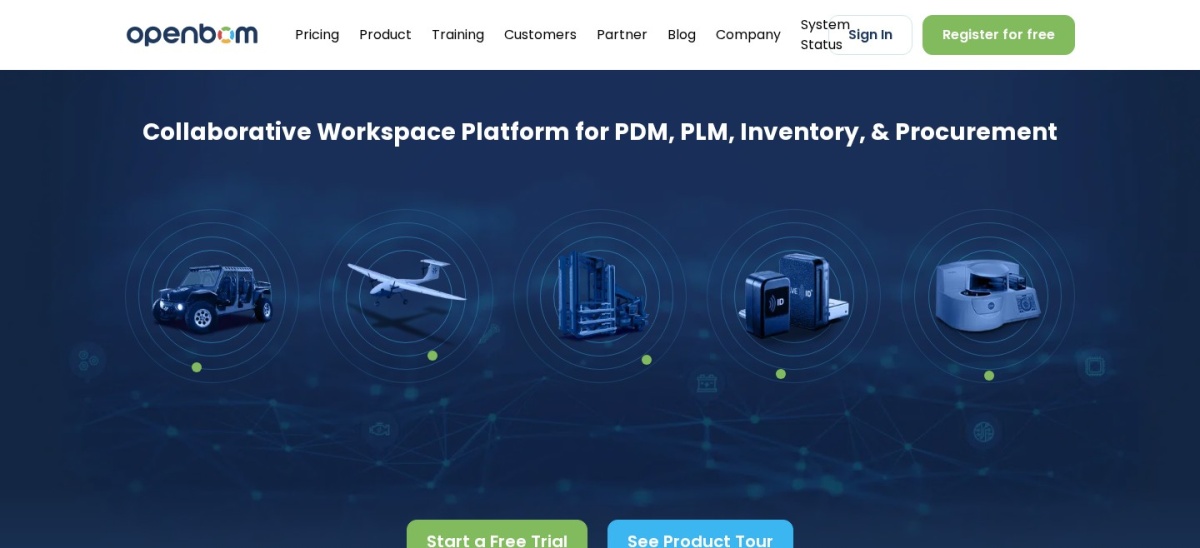
OpenBOM homepage, captured Nov 2026.
OpenBOM is a cloud PDM and bill-of-materials platform that connects engineering CAD assemblies with procurement and manufacturing. Every plan includes unlimited free read-only seats for suppliers and internal reviewers, and data storage starts free for up to 2,000 unique data records.
The trade off is modular add-on pricing. Professional Team starts at $30 per editor seat per month billed yearly, but CAD file management, revision control and change orders sit in Company at $90 per seat per month, plus $25 per seat per month for CAD add-ins. It suits small manufacturers syncing multi-CAD BOMs with purchasing.
What we like
Unlimited free read-only seats for internal teams and suppliers
Works across SOLIDWORKS, Inventor, Fusion and Onshape
Lowest starting seat price on this list
Watch out for
CAD add-ins and full PDM revision controls cost extra
Exceeding 2,000 data records adds monthly record tier fees
Company plan adds CAD file vaulting, revisions and change ordersVisit openbom.com
03
Autodesk Vault
4.2/5on G2 (54 reviews, checked Nov 2026)
Starts at$870/yr
Best for Inventor and AutoCAD teams
DeploymentWindows server / on-premise
Free planNo (30-day money-back guarantee)
CAD supportInventor, AutoCAD, Revit, SOLIDWORKS
Paid planVault Professional, $870/user/yr
autodesk.com
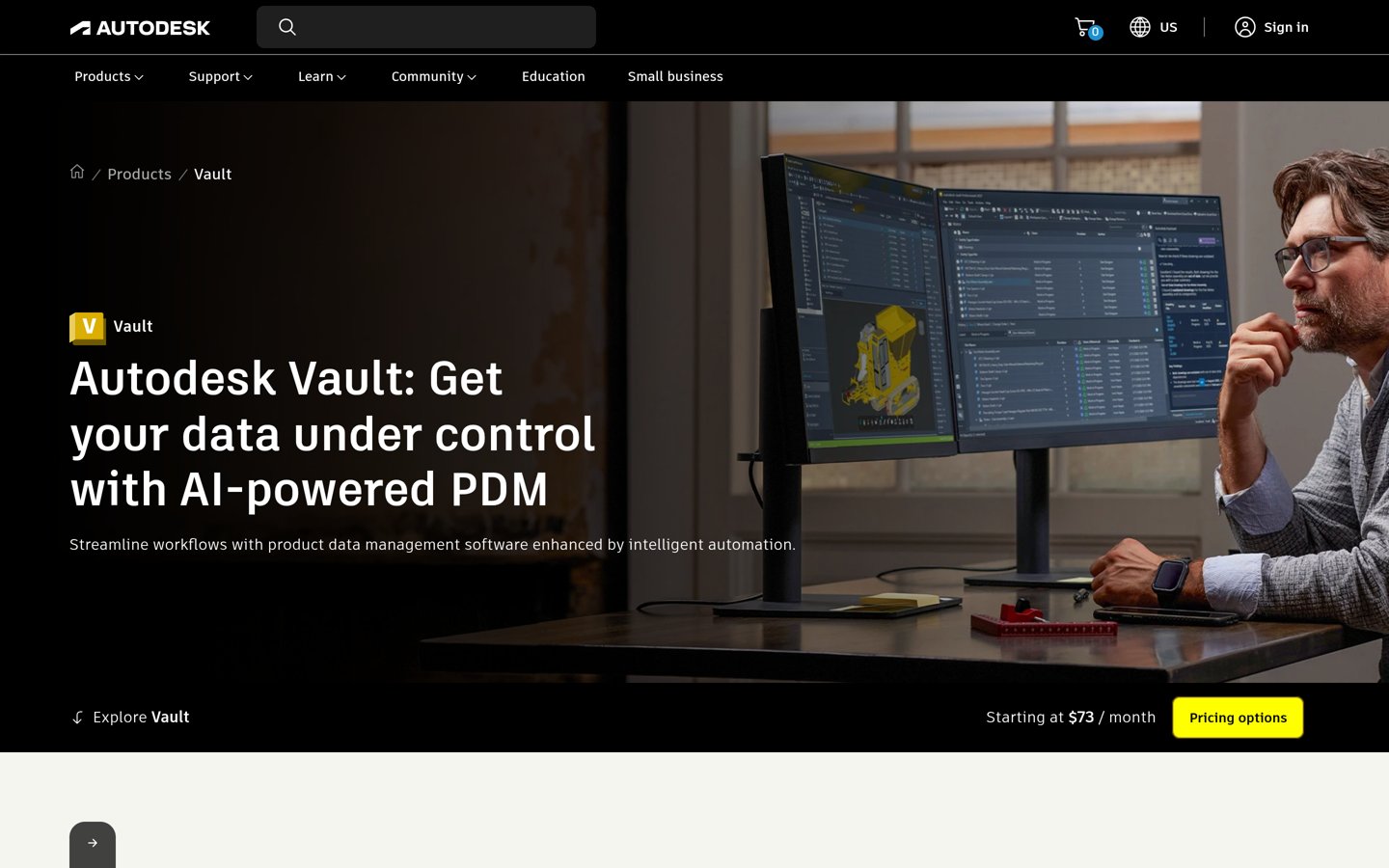
Autodesk Vault homepage, captured Nov 2026.
Autodesk Vault is a dedicated PDM system built to manage CAD files, engineering change orders and bills of materials inside Autodesk design tools. Vault Professional lists at $870 per user per year (or $73 a month paid annually) and supports multisite replication, automated revision tracking and role-based permissions.
The trade off is Windows server infrastructure. Unlike browser-native tools, Vault runs on Microsoft Windows and requires local database setup and IT maintenance, though infrequent users can use pay-as-you-go Flex tokens at 3 tokens per day. It suits established manufacturing teams standardized on Inventor and AutoCAD.
What we like
Deep integration with Autodesk Inventor and AutoCAD
Supports multisite data synchronization and ECO workflows
Pay-as-you-go Flex token option for occasional users
Watch out for
Requires Windows server hosting and IT administration
No free tier for small teams
Vault Professional includes BOM management, ECOs and multisite syncVisit autodesk.com
04
Sibe
4.9/5on G2 (35 reviews, checked Nov 2026)
Starts at$50/mo
Best server-free cloud PDM for SOLIDWORKS
DeploymentCloud SaaS + SOLIDWORKS add-in
Free trial14 days, no credit card
Storage50 GB shared per Editor (Core)
Paid planCore, $50/Editor/mo billed yearly
sibe.io
Sibe homepage, captured Nov 2026.
Sibe is a cloud PDM platform built specifically for SOLIDWORKS teams that want check-in, check-out and version history without running a server or VPN. Core costs $50 per Editor seat per month billed annually, includes 50 GB of shared storage per Editor and supports free public Visitor Links for external reviews.
The trade off is CAD specialization and tiered features. Sibe focuses on SOLIDWORKS rather than multi-CAD environments, and live BOMs, automated part numbering and STEP/DXF release exports require Scale at $60 per Editor per month billed annually. It suits remote mechanical teams replacing shared drives or On-Premise SOLIDWORKS PDM.
What we like
Native SOLIDWORKS add-in with no server or VPN setup
Low-cost Contributor ($15/mo) and Viewer ($5/mo) seats
Rated 4.9 out of 5 on G2
Watch out for
Built specifically around SOLIDWORKS workflows
BOM management and automated exports require the Scale tier
Scale adds live BOMs, part numbering and 500 GB storage per EditorVisit sibe.io
05
Autodesk Fusion
4.5/5on G2 (519 reviews, checked Nov 2026)
Paid from$680/yr
Best all-in-one CAD, CAM and cloud PDM
DeploymentDesktop app with cloud workspace
Free planYes, personal non-commercial use
CapabilitiesCAD, CAM, CAE, PCB and PDM essentials
Paid planAutodesk Fusion, $680/user/yr
autodesk.com
Autodesk Fusion homepage, captured Nov 2026.
Autodesk Fusion combines 3D mechanical CAD, CAM machining, electronics design and cloud data management in one workspace. Commercial subscriptions cost $680 per user per year ($57 a month billed annually) and include automatic cloud version history, team project hubs and browser sharing, while hobbyists get a limited free personal tier.
The trade off is formal PLM governance. While Fusion handles day-to-day design revisions and team sharing well, complex enterprise change orders and multi-CAD workflows require pairing it with Autodesk Fusion Manage at $1,115 per user per year. It suits startups and machine shops wanting CAD, CAM and PDM under one affordable license.
What we like
Includes CAD, CAM, PCB layout and cloud PDM in one $680/yr plan
30-day free trial plus free non-commercial personal tier
Real-time cloud collaboration without local file servers
Watch out for
Advanced change workflows require separate Fusion Manage seats
Desktop client still relies on cloud connectivity for sync
SOLIDWORKS Design with Cloud Services homepage, captured Nov 2026.
SOLIDWORKS Design connects the industry-standard desktop 3D CAD application directly to Dassault Systèmes' cloud data management services. Starting at $2,820 per user per year for Standard, every license includes CAD-aware cloud storage, revision management, browser markups and offline mode for up to 30 days.
The trade off is upfront license cost and ecosystem focus. Moving up to Professional ($3,456/yr) or Premium ($4,716/yr) adds fastener libraries, tolerance analysis and simulation, while large on-premise vaults still require separate SOLIDWORKS PDM licenses. It suits engineering teams buying new SOLIDWORKS seats who want built-in cloud revision tracking without a local server.
What we like
Includes cloud revision control and stakeholder markups out of the box
Works offline for up to 30 consecutive days
Direct online purchasing with transparent annual pricing
Watch out for
High per-seat entry price at $2,820/yr
Windows-only desktop CAD installation
Professional and Premium add standard part libraries, cost tools and simulationVisit solidworks.com
07
Bild
4.4/5on G2 (52 reviews, checked Nov 2026)
Starts at$600/mo
Best flat-rate cloud PDM for hardware startups
DeploymentCloud SaaS
Free planNo (free CAD diff tool available)
Storage100 GB cloud storage (Basic)
Paid planBasic, $600/mo billed annually
getbild.com
Bild homepage, captured Nov 2026.
Bild is a cloud-native PDM and PLM platform designed to replace on-premise CAD servers with browser-based version control, part numbering and interactive 3D previews. Its Basic platform plan starts at $600 a month billed annually ($750 a month billed quarterly) and includes 100 GB of cloud storage and link sharing.
The trade off is the entry platform fee and feature gating. Live bills of materials, engineering change orders, supplier collaboration and ITAR-compliant hosting sit on Professional at $1,500 a month billed annually. It suits venture-backed hardware teams that want fast cloud deployment and visual design diffs.
What we like
Interactive 3D browser viewer and visual CAD diff analyzer
No local servers or VPNs to maintain
Professional tier includes ITAR-compliant environment and unlimited storage
Watch out for
High starting platform cost at $7,200/yr
BOMs and change orders require the $1,500/mo Professional plan
Professional adds live BOMs, change orders, SSO and unlimited storageVisit getbild.com
08
Siemens Teamcenter X
4.3/5on G2 (1,479 reviews, checked Nov 2026)
Starts at$173.65/mo
Best enterprise-grade SaaS PDM/PLM path
DeploymentCloud SaaS operated by Siemens
Free trial30-day trial
Core PDMCheck-in/out, where-used, 3D markup
Paid planEssentials, $173.65/mo billed yearly
siemens.com
Siemens Teamcenter X homepage, captured Nov 2026.
Siemens Teamcenter X delivers the Teamcenter PLM platform as a managed cloud service with preconfigured tiers. The entry Essentials tier lists on Siemens Digital Exchange at $173.65 per month billed annually ($2,083.80 a year) and covers MCAD data management, check-in/check-out, where-used checks and 3D view and markup.
The trade off is add-on costs and complexity. Connecting SOLIDWORKS to Teamcenter X Essentials costs an extra $52.09 a month billed annually, and formal change management or electrical CAD workflows require higher quote-based tiers. It suits growing manufacturers that want a direct SaaS upgrade path into full enterprise PLM.
What we like
Managed SaaS delivery backed by Siemens infrastructure
Clear upgrade path from Essentials PDM to full enterprise PLM
1,479 G2 reviews with strong auditability and where-used tracking
Watch out for
CAD integrations like SOLIDWORKS cost extra on Essentials
Steeper learning curve than lightweight startup PDM tools
Standard and Advanced tiers add change management, schedules and ECADVisit siemens.com
Cloud PDM vs on-premise vaults
Traditional on-premise PDM systems like Autodesk Vault store files on a local Windows SQL server inside your office. They give fast LAN performance for huge assemblies, but remote engineers need a VPN and IT staff must manage backups and upgrades.
Cloud-native platforms such as Onshape, OpenBOM, Sibe and Bild host your vault in the cloud and stream previews in a web browser. They cut setup time from weeks to hours and make supplier sharing much simpler, provided your team has reliable internet.
How we chose
We focused on established CAD and engineering PDM platforms with active 2026 releases, verified G2 user ratings and transparent public pricing.
Prices come from each vendor's official pricing or checkout page, checked on 22 November 2026. Ratings and review counts come from G2 on the same day. Where vendors offer monthly and annual billing, the list shows the regular annual rate.
We excluded enterprise-only PLM tools that hide all pricing behind sales quotes. No vendor paid for a place, and we do not claim testing for this list.
How to choose PDM software for your team
Audit your primary CAD tools and file bottlenecks before comparing per-seat PDM prices.
Match the PDM to your primary CAD tool. SOLIDWORKS teams get the smoothest check-in/check-out experience from Sibe, SOLIDWORKS Design or OpenBOM, while Inventor shops fit naturally with Autodesk Vault.
Count editors versus read-only viewers. Purchasing, shop-floor staff and external vendors rarely edit CAD models. Pick a tool like OpenBOM or Sibe that offers free or low-cost viewer seats.
Decide between local servers and cloud hosting. If you lack dedicated IT staff or employ remote engineers, choose a browser-based cloud PDM to avoid SQL server maintenance and VPN bottlenecks.
Check when you will need formal ECOs and BOMs. Entry plans often cover file locking and version history only, so verify the upgrade cost for automated part numbering and engineering change orders.
FAQ
What is the difference between PDM and PLM software?
PDM (Product Data Management) focuses on engineering files, CAD revision control, check-in/check-out locking and assembly structures. PLM (Product Lifecycle Management) expands across the whole business to manage engineering change orders, supplier collaboration, quality compliance and manufacturing handoffs.
Which PDM software is best for SOLIDWORKS?
Sibe and OpenBOM are strong cloud options for SOLIDWORKS teams that want to avoid local servers, while SOLIDWORKS Design with Cloud Services connects desktop CAD straight to Dassault Systèmes' cloud revision tools.
Is there any free PDM software for small teams?
Yes. OpenBOM lets teams invite unlimited free read-only users and manage up to 2,000 data records free, while Onshape and Autodesk Fusion offer free tiers for non-commercial personal projects.
How much does PDM software cost per user?
Published entry plans range from $360 a year per editor seat on OpenBOM Professional Team and $600 a year on Sibe Core to $870 a year for Autodesk Vault Professional and $1,500 a year for Onshape Standard.
Can non-CAD users access PDM files without a full license?
Most modern PDM platforms offer lower-cost or free viewer access. OpenBOM includes unlimited free read-only seats, Sibe offers free Visitor Links and $5/mo Viewer seats, and Altium or Onshape provide browser review links.
SaaS SEO and WordPress specialist with about 8 years of experience. Rakib compares WordPress plugins, themes, hosting and software using public pricing, documentation and user reviews. See how we rank.