Rev is the best legal transcription software for most law firms, offering dedicated legal transcription services and a 4.7/5 G2 rating from 646 reviews. Choose Sonix for multilingual evidence transcription or HappyScribe for a combination of automated transcription, collaborative editing and optional human proofreading.
How we make this list: we compare pricing pages, product documentation and public user reviews, then re-check every price before each update. No product paid for a place. Disclosure.
Rev combines automated transcription with dedicated legal transcription services and has a 4.7/5 G2 rating.
Sonix supports more than 54 languages and offers occasional transcription at $10 per audio hour.
HappyScribe supports over 150 languages and dialects, with human proofreading starting at $2 per minute.
Otter.ai includes 300 monthly transcription minutes on its free plan.
Notta Pro includes 1,800 monthly transcription minutes and supports custom vocabulary.
Fireflies.ai Pro includes 8,000 minutes of storage per seat.
What legal transcription software should cover
Legal transcription software converts recorded depositions, witness interviews, client consultations and other spoken material into searchable text. It can reduce the time legal professionals spend reviewing lengthy recordings.
Accurate speaker identification matters when several attorneys, witnesses or investigators participate in the same conversation. Timestamps also help reviewers locate statements in the original recording.
Confidentiality is particularly important in legal work. Examine encryption, access permissions, data retention policies and whether the provider uses uploaded recordings to train its AI models.
Automated transcripts are useful for internal research and preliminary evidence review. However, they should not automatically be treated as certified legal records or substitutes for authorized court reporting services.
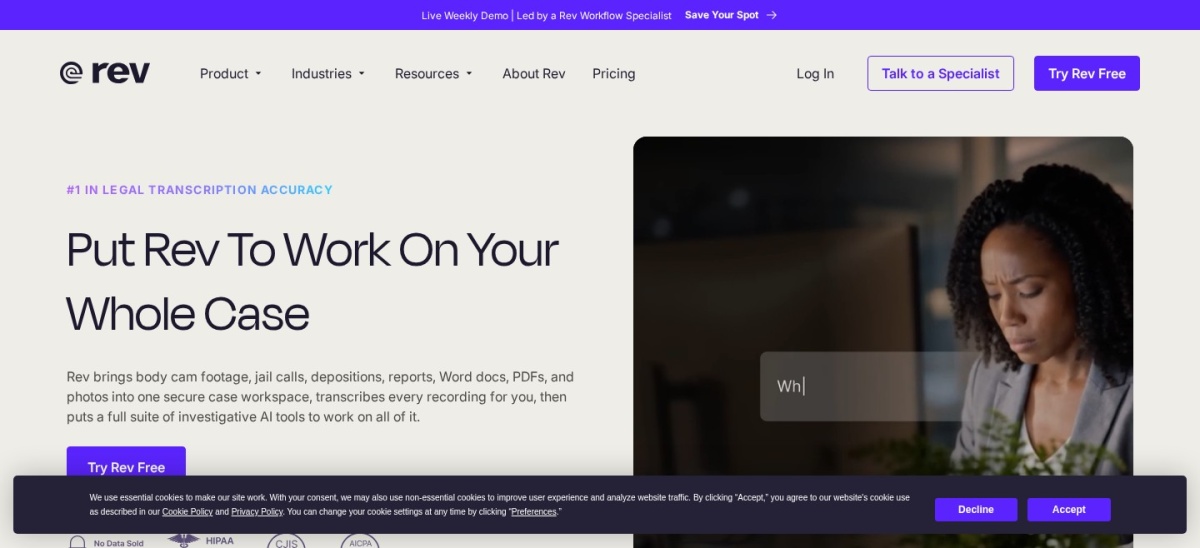
Rev is a transcription and investigative evidence platform designed for legal professionals, investigators and other teams handling recorded material. Its free plan includes 45 monthly AI transcription and caption minutes, a document editor and deposition citations that reference pages and lines.
The trade off is that human-reviewed legal transcripts require separate service payments, while Essentials costs $29.99 per seat monthly. Annual billing is available at $305.90, with additional savings on human transcription services. It suits attorneys who want searchable evidence alongside access to professional transcription.
What we like
Dedicated services for legal transcripts
Evidence analysis across multiple files
Automated and human transcription options
Deposition citations and document editing
Mobile recording application
Watch out for
Limited monthly transcription on the free plan
Human transcription costs extra
Broader language support requires a higher plan
Essentials adds bilingual transcription and expanded evidence analysis.Visit rev.com
02
Sonix
4.9/5on Capterra (143 reviews, checked Nov 2026)
Starts at$25/mo
Best for multilingual legal evidence transcription
Free trial30 minutes
Supported languages54+
Usage-based pricing$10/hour
Entry subscriptionCore
sonix.ai
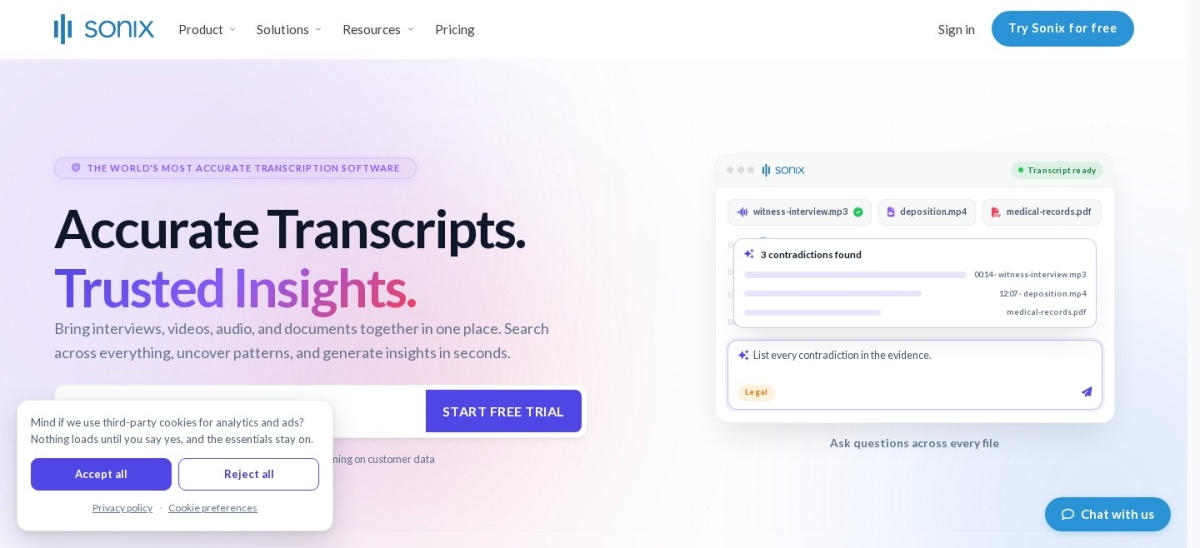
Sonix homepage, captured Nov 2026.
Sonix is an automated transcription and translation platform for converting audio and video evidence into editable documents. Its Core subscription includes 5 monthly hours of transcription and translation, 25 GB of storage and access to the transcript editor.
The trade off is that additional transcription hours cost $10 each on top of the $25 monthly Core subscription. Occasional users can instead purchase transcription at $10 per audio hour without subscribing. It suits legal teams reviewing recorded interviews and multilingual evidence.
What we like
Flexible subscription and usage-based billing
Broad multilingual transcription support
Editor for reviewing recorded statements
Transcription and translation within the same platform
Short free trial without a credit card
Watch out for
No permanent free subscription
High-volume usage can increase costs
Automated output requires legal review
Core adds recurring transcription allowances, storage and AI workspace access.Visit sonix.ai
03
HappyScribe
4.6/5on G2 (123 reviews, checked Nov 2026)
Paid from$17/mo
Best for multilingual transcription with human proofreading
Languages and dialects150+
Basic file uploads120 minutes/month
Human proofreadingFrom $2/minute
Entry planBasic
happyscribe.com
HappyScribe homepage, captured Nov 2026.
HappyScribe is a transcription, meeting recording and subtitle platform with dedicated solutions for law firms. Basic includes 120 monthly minutes for uploaded recordings, collaborative editing and transcription in more than 150 languages and dialects.
The trade off is that uploaded files exceeding the allowance incur additional charges, and human proofreading starts at $2 per minute. Basic costs $17 monthly or $8.50 per month with annual billing. It suits legal teams handling multilingual interviews that occasionally need professional proofreading.
What we like
Extensive language and dialect support
Optional human proofreading
Collaborative transcript editing
Automatic speaker detection
Document export options
Watch out for
Relatively small entry-level file allowance
Human proofreading increases total costs
Professional proofreading does not automatically establish legal certification
Basic expands file transcription allowances and removes video export watermarks.Visit happyscribe.com
04
Otter.ai
4.4/5on G2 (554 reviews, checked Nov 2026)
Paid from$16.99/mo
Best for legal meetings and client consultations
Free transcription300 minutes/month
Pro recording allowance1,200 minutes/month
Pro file imports10/month
Entry planPro
otter.ai
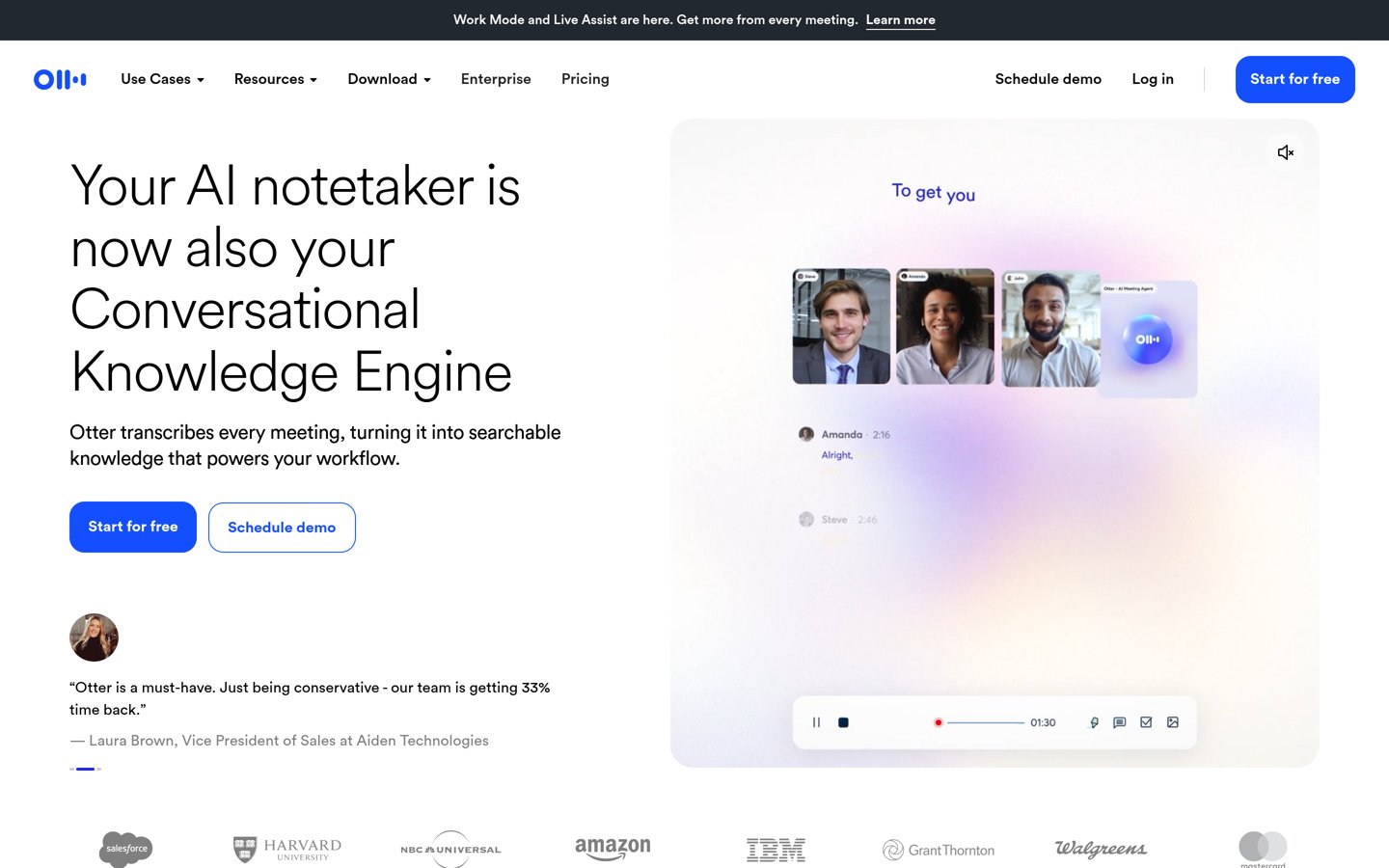
Otter.ai homepage, captured Nov 2026.
Otter.ai is an AI meeting assistant that records conversations, identifies speakers and creates searchable transcripts. Its free Basic plan includes 300 monthly transcription minutes and allows 3 audio or video file imports over the lifetime of the account.
The trade off is that file imports remain limited on the $16.99 monthly Pro plan, which includes 10 monthly imports and 1,200 in-app recording minutes. The vendor also advertises discounted annual billing. It suits legal professionals documenting consultations, internal discussions and routine meetings.
What we like
Live transcription during meetings
Speaker identification and editable transcripts
Meeting summaries and searchable notes
Free recurring transcription allowance
Custom vocabulary on the paid plan
Watch out for
Restricted file uploads on entry plans
Not a dedicated court reporting platform
Recording duration limits apply
Pro adds longer recordings, additional file imports and advanced export controls.Visit otter.ai
05
Notta
4.2/5on G2 (442 reviews, checked Nov 2026)
Paid from$13.49/mo
Best for affordable recurring legal transcription
Free transcription120 minutes/month
Pro transcription1,800 minutes/month
Pro file uploads100/month
Entry planPro
notta.ai
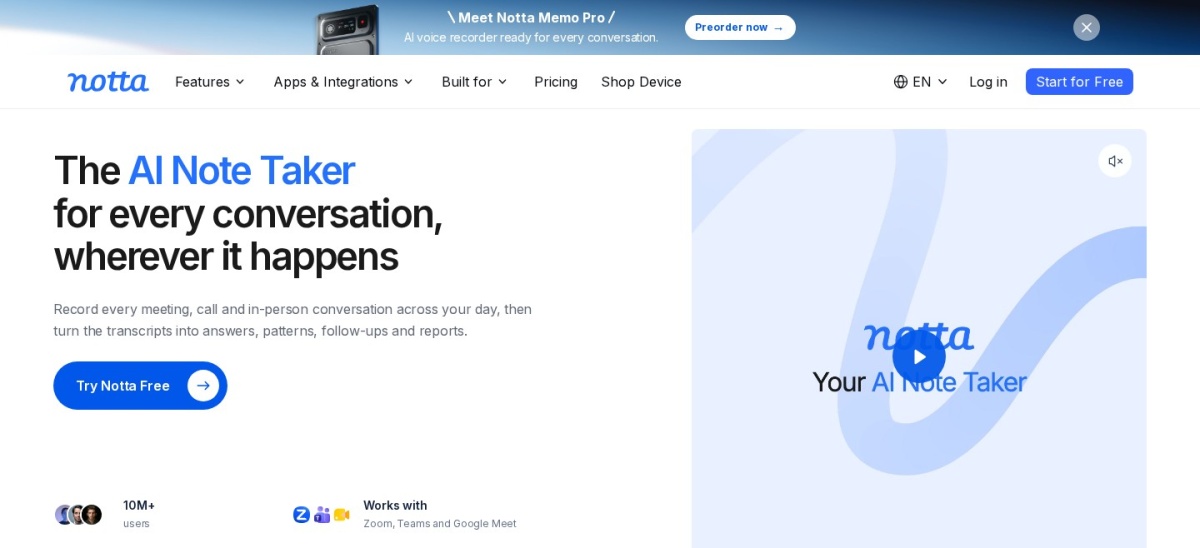
Notta homepage, captured Nov 2026.
Notta is an AI transcription and meeting documentation platform that handles live conversations and previously recorded files. Its free plan includes 120 monthly transcription minutes, while Pro increases the allowance to 1,800 minutes and permits 100 monthly file uploads.
The trade off is that free recordings have a short transcription limit, and exporting transcripts requires Pro at $13.49 monthly. Annual billing is available at $97.99. It suits solo practitioners and small legal teams that need frequent automated transcription without purchasing specialized legal software.
What we like
Generous paid transcription allowance
Live and uploaded recording support
Custom vocabulary on Pro
Transcript translation and export options
Affordable entry subscription
Watch out for
Free recordings have restrictive duration limits
Advanced translation features may cost extra
No dedicated certified legal transcription service
Pro adds longer recordings, transcript exports and vocabulary customization.Visit notta.ai
06
Descript
4.6/5on G2 (940 reviews, checked Nov 2026)
Paid from$24/mo
Best for reviewing and editing recorded legal interviews
Hobbyist media allowance10 hours/month
AI credits400/month
Video export1080p
Entry planHobbyist
descript.com
Descript homepage, captured Nov 2026.
Descript is an audio and video editing platform that lets users navigate recorded material through automatically generated transcripts. Its Hobbyist plan includes 10 monthly media hours and 400 AI credits, making it useful for preparing working copies of recorded interviews.
The trade off is that Descript primarily serves media production rather than formal legal documentation, and Hobbyist costs $24 monthly or $16 per month with annual billing. It suits legal professionals preparing interview excerpts or presentation material while preserving original evidence separately.
What we like
Navigate recordings through transcript text
Audio and video editing in the same application
Tools for preparing interview excerpts
Free entry plan
Watermark-free paid video exports
Watch out for
Not designed for certified legal transcripts
Monthly media and AI usage allowances
Editing tools can alter the original meaning if used carelessly
Hobbyist expands media allowances and enables watermark-free video exports.Visit descript.com
07
Fireflies.ai
4.7/5on G2 (756 reviews, checked Nov 2026)
Paid from$18/mo
Best for internal legal team meeting documentation
Transcription languages100+
Free storage400 minutes/team
Pro storage8,000 minutes/seat
Entry planPro
fireflies.ai
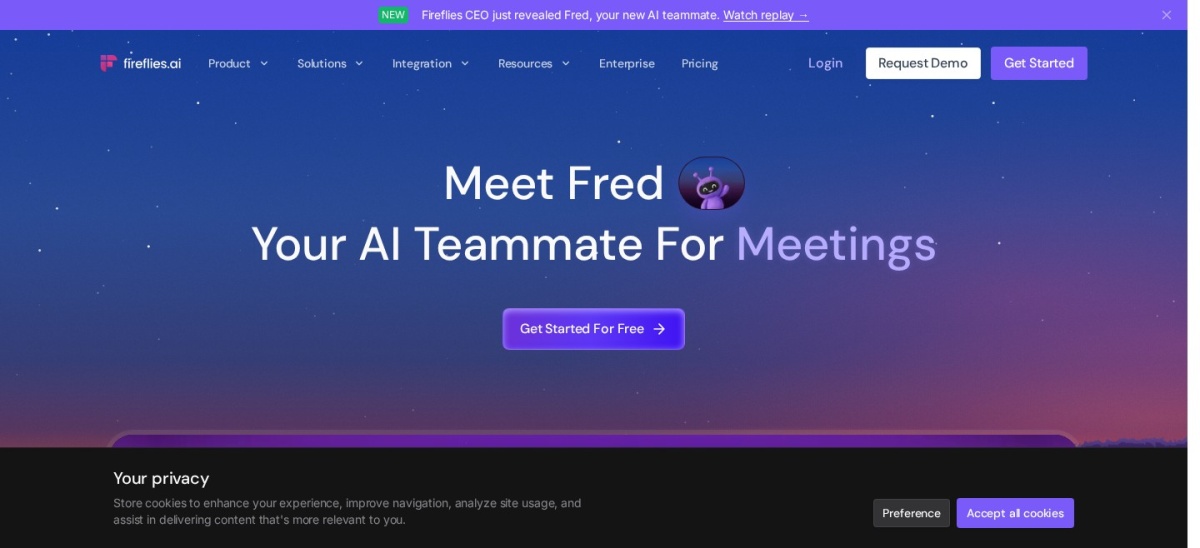
Fireflies.ai homepage, captured Nov 2026.
Fireflies.ai is an AI meeting documentation platform that creates searchable transcripts, summaries and follow-up notes. Its free plan supports transcription subject to usage conditions, includes 400 minutes of team storage and accepts uploaded audio and video recordings.
The trade off is that downloading transcripts and recordings requires a paid subscription, with Pro costing $18 per seat monthly or $10 with annual billing. It suits legal teams organizing internal case discussions, administrative meetings and authorized client conversations.
What we like
Searchable meeting transcription
Broad language support
Audio and video file uploads
Meeting platform integrations
Expanded recording storage on Pro
Watch out for
Transcript downloads require a paid plan
Free storage is limited
No dedicated certified deposition transcription service
Pro adds transcript downloads, video recording and expanded storage.Visit fireflies.ai
AI transcription vs. human legal transcription
Automated transcription is useful for locating relevant statements, preparing preliminary case notes and searching recorded interviews. It can help attorneys prioritize which sections of a recording deserve closer attention.
Human transcription is preferable when recordings contain overlapping conversations, specialized legal terminology, unclear speech or disputed statements. A qualified reviewer can identify errors that automated systems may overlook.
Human proofreading and certified legal transcription are not necessarily the same service. Confirm whether the provider meets the applicable certification, formatting and procedural requirements before ordering transcripts for formal legal proceedings.
How much does legal transcription software cost?
Regular monthly subscriptions in this comparison range from $13.49 for Notta to $29.99 for Rev. These figures represent entry-level subscriptions rather than the total cost of producing professionally reviewed legal documents.
Usage-based pricing can be preferable for occasional projects. Sonix charges $10 per audio hour without a recurring subscription, while HappyScribe offers human proofreading from $2 per minute.
The price ladder annualizes regular monthly subscription prices for comparison. Annual billing discounts, additional transcription hours, human review and specialized legal formatting may change the actual amount paid.
How we chose
We selected established transcription platforms that support legal evidence review, recorded interviews, meeting documentation or professional transcription. The ranking prioritizes legal-specific functionality, transcription allowances, editing options and pricing transparency.
The editorial reference date is 22 Nov 2026. We opened official pricing pages and public G2 or Capterra review pages on 25 Nov 2026 for the current figures. The annual price comparison uses regular monthly subscription rates rather than promotional discounts or usage-dependent charges.
We excluded products with insufficient public review information or pricing that could not be confirmed from accessible official pages. General transcription tools were retained where they support practical legal workflows, but they are not presented as certified court reporting replacements. No vendor paid for a place, and we do not claim testing for this list.
How to choose the best legal transcription software
Identify the type of legal recording you need to transcribe before comparing subscription prices, editing features and confidentiality controls.
**Define the intended use of your transcripts.** Decide whether the output is for internal case preparation, client documentation, evidence review or formal legal proceedings. Certified transcripts may require a specialized provider.
**Check confidentiality and data handling.** Review encryption, retention periods, access controls, contractual privacy commitments and AI training policies. Confirm that your organization permits uploading the relevant recordings.
**Compare recording allowances and transcription costs.** Estimate your monthly audio volume and examine file duration limits, upload restrictions and additional usage charges. Occasional users may benefit from usage-based billing.
**Plan an independent accuracy review.** Require authorized reviewers to verify names, dates, speaker identities and important statements against the source recording. Preserve original files and document any changes to working transcripts.
FAQ
What is the best legal transcription software?
Rev is our top choice because it combines automated transcription, legal-specific transcription services and investigative evidence analysis. Its dedicated legal workflows make it more suitable for attorneys than general meeting documentation platforms.
Is there free legal transcription software?
Yes. Rev, Otter.ai, HappyScribe, Notta, Descript and Fireflies.ai provide free access with varying restrictions. These options can help with preliminary transcription, but they should not automatically be treated as sources of certified legal records.
Can AI transcription be used in court?
An AI-generated transcript may assist legal preparation, but its admissibility and official status depend on applicable procedural rules and the circumstances of the case. Consult the relevant court requirements and verify the transcript against the original recording.
Is legal transcription software confidential?
Confidentiality depends on the provider, subscription, contractual terms and account configuration. Legal teams should examine data storage, retention, third-party access and AI training policies before uploading privileged conversations or sensitive evidence.
Which transcription software is best for depositions?
Rev is particularly relevant because it offers dedicated legal transcript services and deposition-related citation functionality. For formal deposition records, confirm whether the selected service meets all required certification, formatting and court reporting standards.
How much does legal transcription software cost?
The regular entry subscriptions compared here range from $13.49 to $29.99 per month. Actual costs depend on recording volume, additional transcription allowances, human proofreading, account seats and whether specialized legal formatting is required.
Can transcription software identify different speakers?
Many automated transcription platforms provide speaker identification, including Otter.ai, Notta and HappyScribe. However, overlapping speech, unfamiliar voices and recording quality can introduce mistakes. Reviewers should confirm speaker labels before relying on attributed statements.
What is the difference between legal and general transcription?
Legal transcription may require specialized terminology, verbatim reporting, procedural formatting and formal certification. General transcription focuses on converting speech into readable text and can be sufficient for internal documentation but may not meet official requirements.
SaaS SEO and WordPress specialist with about 8 years of experience. Rakib compares WordPress plugins, themes, hosting and software using public pricing, documentation and user reviews. See how we rank.