Topaz Gigapixel is the best image enlargement software for most people, with nine AI models, up to 16x enlargement and unlimited local rendering for $149 a year. Pick Let's Enhance for browser-based batch work at $9 a month, or ON1 Resize AI for a one-time $99.99 print workflow.
How we make this list: we compare pricing pages, product documentation and public user reviews, then re-check every price before each update. No product paid for a place. Disclosure.
Topaz Gigapixel leads with nine AI models, up to 16x enlargement and unlimited local rendering for $149 a year.
Let's Enhance is the cheapest browser route: $9 a month billed yearly for 100 credits, with output up to 256 megapixels on Starter.
VanceAI Starter costs $180 a year for 260 credits a month, and its desktop app upscales up to 40x locally.
Upscale.media is the cheapest paid plan here at $49.99 a year, with 3 free credits every month.
ON1 Resize AI is the only one-time purchase in the list at $99.99, with 10x enlargement and print tools.
What to look for in an image enlargement tool
Enlarging an image means inventing pixels that were never captured. Simple resizing stretches what is there, while AI upscalers rebuild detail, edges and texture, so the result holds up at print size.
The first choice is where the work runs. Desktop tools such as Topaz Gigapixel and ON1 Resize AI process files on your own computer, which keeps large or private images off the web. Browser tools such as Let's Enhance and Upscale.media need nothing installed and suit occasional jobs.
Credits decide the real cost of web tools. Most charge 1 credit per image, but VanceAI charges up to 3 credits for an 8x upscale, so check the per-image cost before comparing monthly prices. Our guide on optimizing images for WordPress explains how to keep enlarged files fast on a site.
Output limits matter as much as price. Let's Enhance Starter caps output at 256 megapixels, Topaz Gigapixel has no credit meter for local work, and Photoshop's own Super Resolution only doubles an image, so match the ceiling to the print size you need.
4.8/5on G2 and Capterra (21 reviews, checked Nov 2026)
Starts at$149/yr
Best image enlargement software overall
Max enlargementUp to 16x
AI models9
Local renderingUnlimited
Paid planPersonal, $149/yr
topazlabs.com
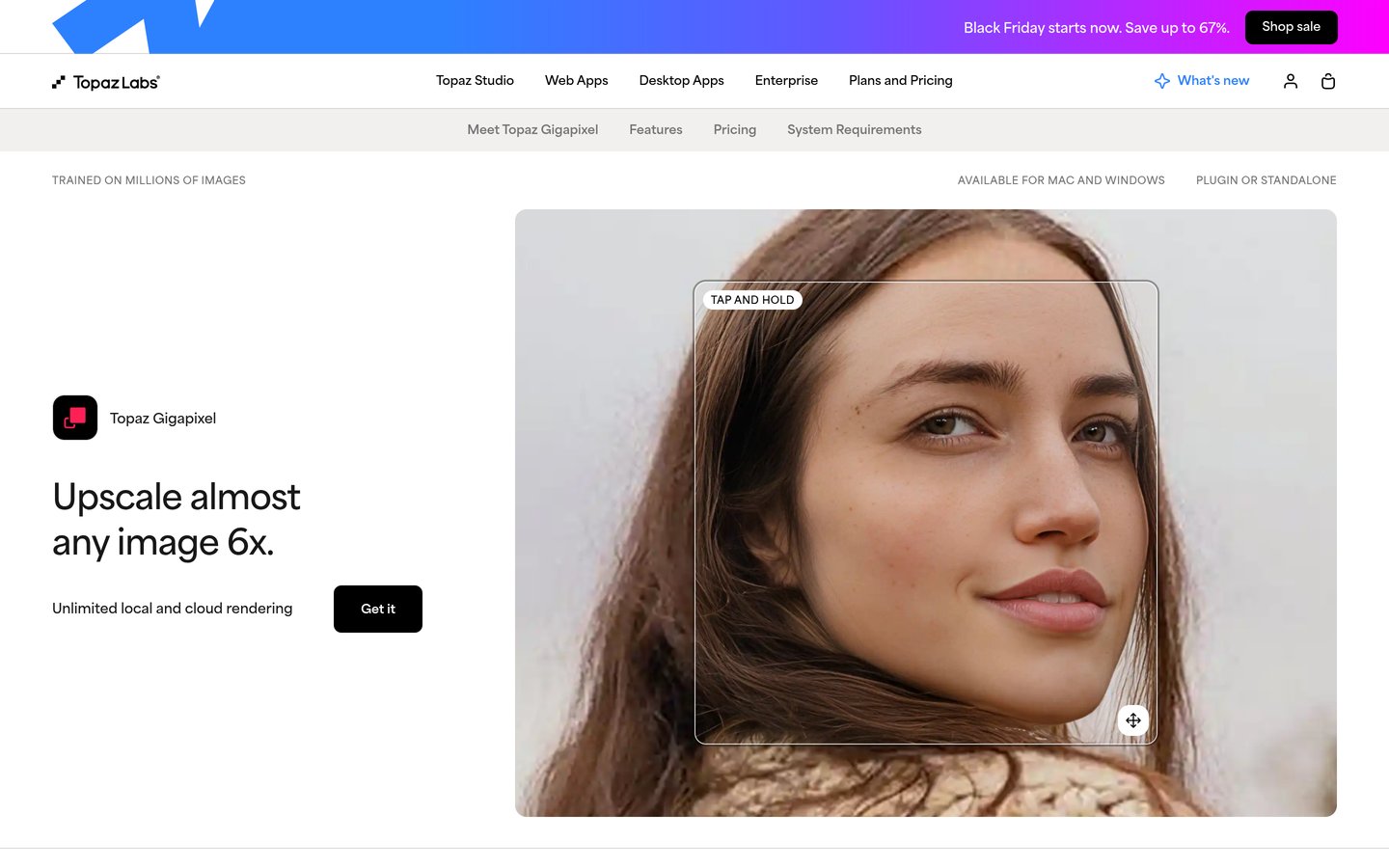
Topaz Gigapixel homepage, captured Nov 2026.
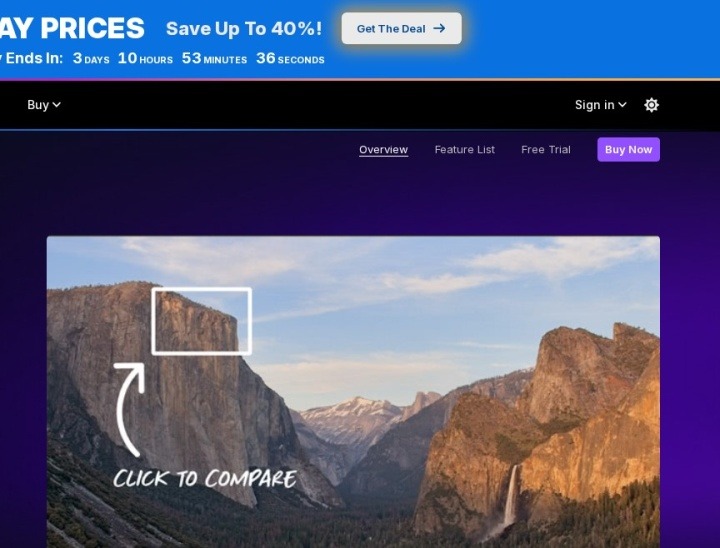
Topaz Gigapixel is a desktop upscaler for Windows and Mac that enlarges photos up to 16x with nine AI models for photos, art, text and faces. It runs locally on your own graphics card with unlimited rendering, so files never leave your computer, and it plugs into Photoshop and Lightroom Classic.
The trade off is price and power. Personal costs $149 a year, and the heavier models need a capable graphics card to run at a useful speed. It suits photographers and print designers who enlarge images often and want the output to stay faithful to the original.
What we like
Nine specialist AI models, including face recovery
Unlimited local and cloud rendering, no credits
Works standalone or inside Photoshop and Lightroom
Rated 4.8 out of 5 across G2 and Capterra
Watch out for
No free plan, and no free credits
Needs a strong graphics card for fast results
Personal plan limits commercial use to smaller firms
4.1/5on Trustpilot (186 reviews, checked Nov 2026)
Paid from$9/mo
Best browser upscaler for batch work
Max output512 MP on Max
Free credits10, watermarked
Credits1 per image
Paid planStarter, $9/mo
letsenhance.io
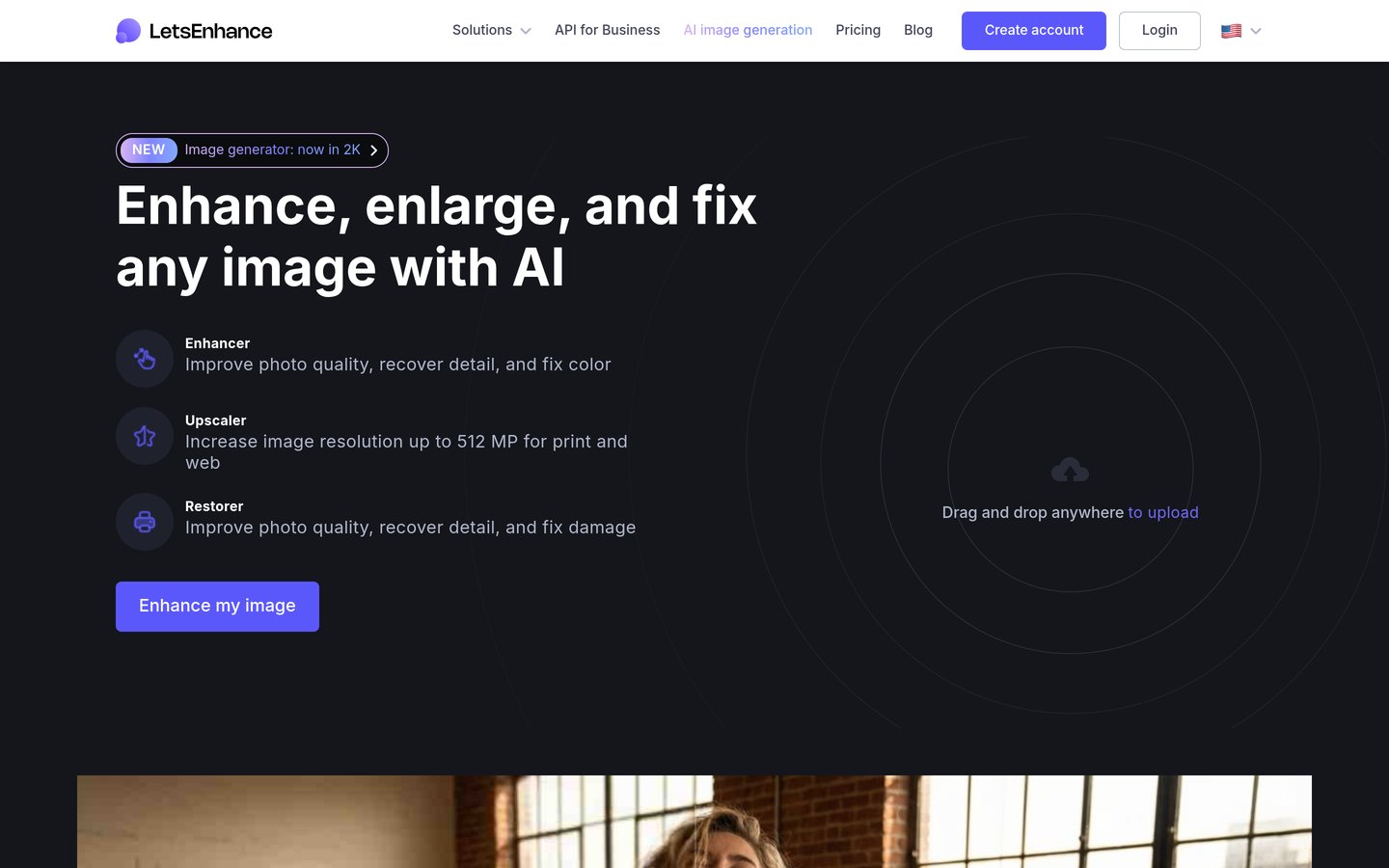
Let's Enhance homepage, captured Nov 2026.
Let's Enhance is a browser upscaler that enlarges images without installing anything. The free start gives 10 credits, and Starter costs $9 a month billed yearly for 100 credits, with output up to 256 megapixels and unused credits that roll over while you stay subscribed.
The trade off is the credit meter. Every image costs a credit, so a large batch eats the monthly allowance fast, and free results carry a watermark until you pay. It suits sellers and designers who want quick browser upscales without desktop software.
4.1/5on Trustpilot (1,342 reviews, checked Nov 2026)
Paid from$15/mo
Best all-rounder for photo repair and upscaling
Max enlargement8x on the web, 40x on PC
Free credits10
Credits1 to 3 per upscale
Paid planStarter, $15/mo
vanceai.com
VanceAI homepage, captured Nov 2026.
VanceAI is a web studio that upscales, sharpens, denoises and restores photos in one place. Starter costs $15 a month billed yearly for 260 credits, a 2x upscale costs 1 credit and an 8x upscale costs 3, and the Windows desktop app processes images locally with no credits.
The trade off is cost at volume. Credit use climbs with larger enlargements, and Trustpilot reviewers report slow replies on refunds and cancellations. It suits sellers and archivists who need repair work and enlargement from the same account.
What we like
Upscaling, denoise and restoration in one place
Desktop app upscales up to 40x locally
Credits roll over while subscribed
Rated 4.1 out of 5 from 1,342 Trustpilot reviews
Watch out for
8x upscales cost 3 credits each
Trustpilot reviews report refund and cancellation trouble
3.9/5on Trustpilot (3,234 reviews, checked Nov 2026)
Starts at$14.50/mo
Best for creative AI-art enlargement
Max enlargementUpscale to 4K
Credits240,000 a year
Free planNo
Paid planPremium, $14.50/mo
magnific.com
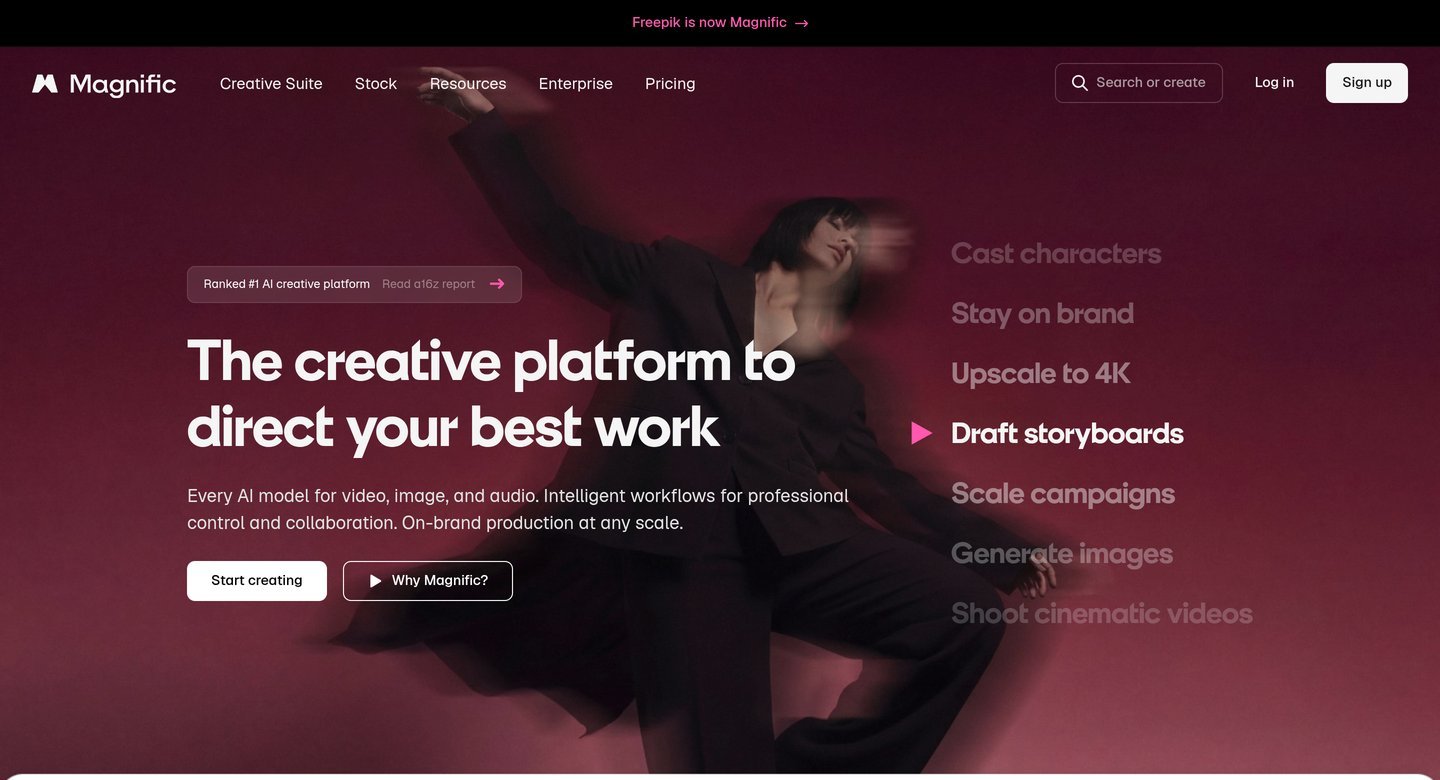
Magnific homepage, captured Nov 2026.
Magnific is a creative platform, formerly Freepik, that includes its own image and video upscalers beside generation and stock tools. Premium costs $14.50 a month billed yearly for 240,000 credits a year, and the same credit pool covers upscaling, generation and stock downloads.
The trade off is breadth. Upscaling shares credits with every other tool on the platform, so heavy generation work eats the budget for enlargements. It suits creators who already generate images and video and want upscaling in the same subscription.
What we like
Upscaler plus generation, video and stock in one plan
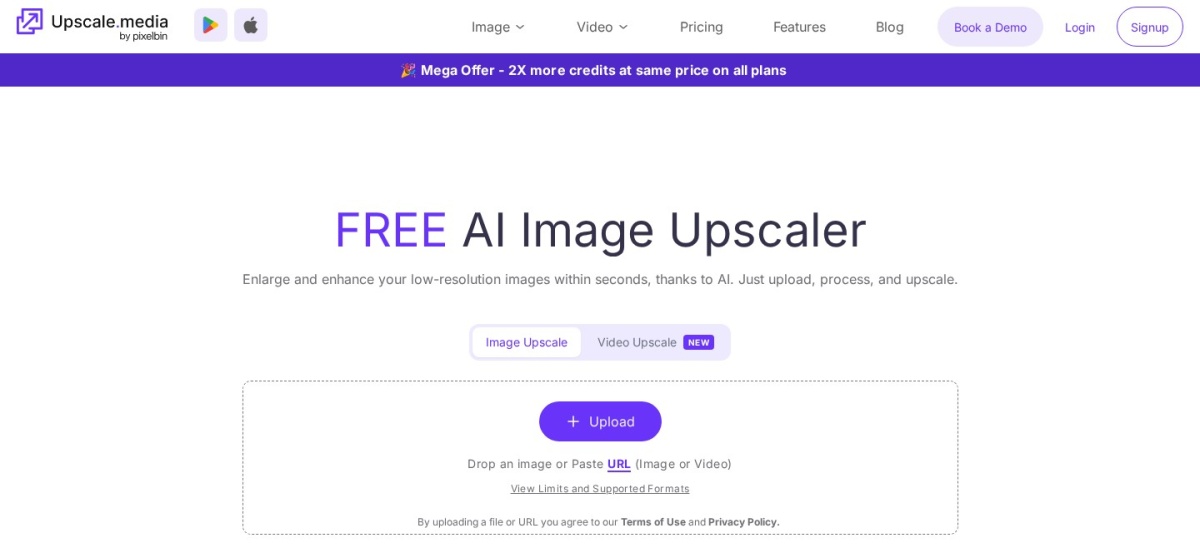
Upscale.media is a browser upscaler from Pixelbin that enlarges images up to 8x. The free plan gives 3 credits a month, plus one image a day with no sign-up, and the cheapest yearly plan costs $49.99 for 3,000 credits at 1 credit per upscale.
The trade off is flexibility. Unused monthly credits expire at the end of the billing cycle, and the pricing page states that refunds are not given because of AI compute costs. It suits occasional users who want the cheapest paid route to regular upscaling.
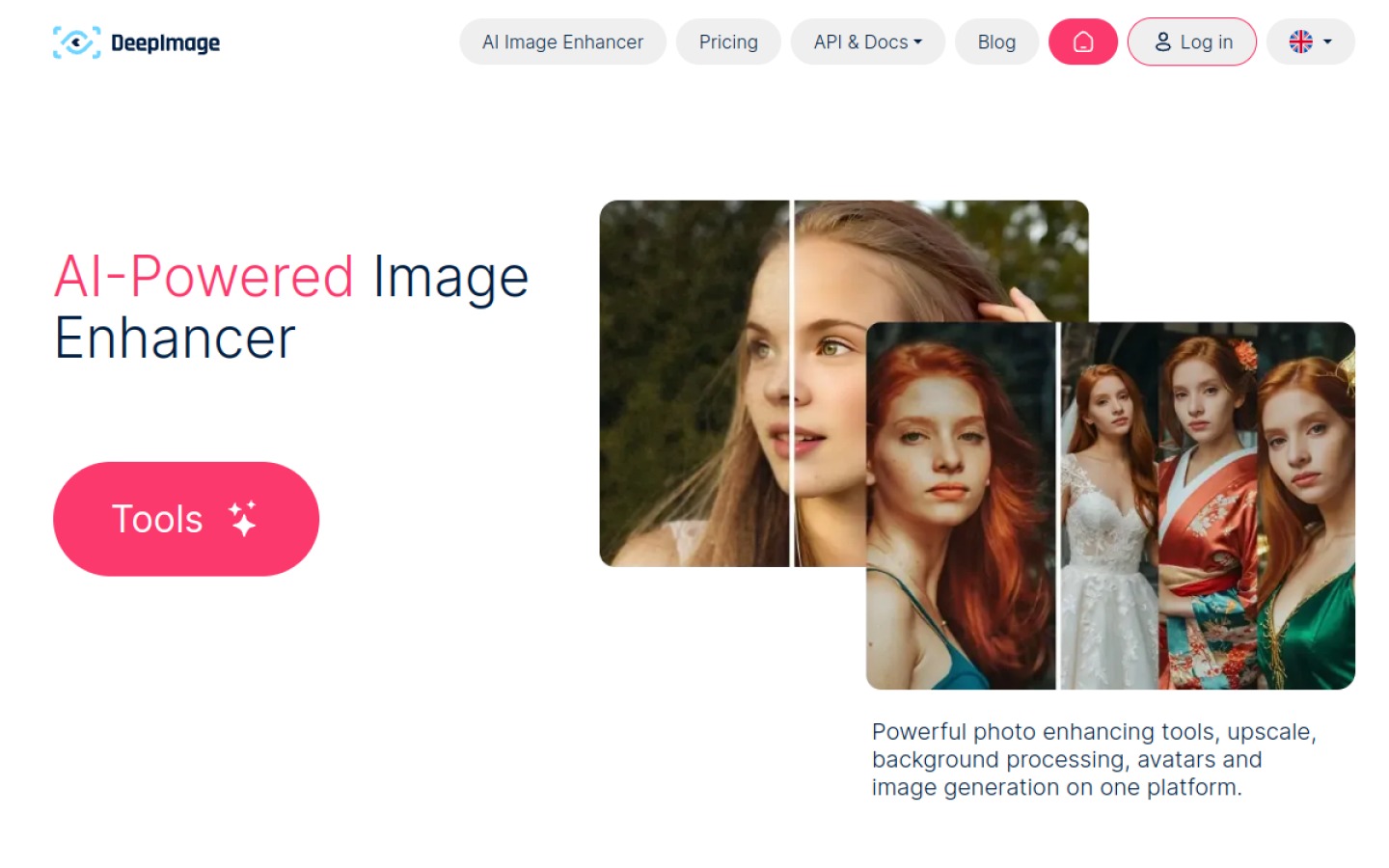
Deep Image AI is a browser enhancer that upscales, denoises and corrects colour in one pass for 1 credit per image. Bronze costs $7.50 a month billed yearly for 100 credits, with batch processing for up to 50 images and an API on every plan.
The trade off is the small review record. Its G2 rating of 3.8 comes from 12 reviews, and free results carry a watermark until you buy credits. It suits shops and teams that upscale product photos in batches or through the API.
What we like
One credit covers upscale, denoise and colour together
Batch processing up to 50 images
API included on every plan
Pay-as-you-go credits never expire
Watch out for
G2 rating rests on only 12 reviews
Free results are watermarked
Unused subscription credits are lost on cancellation
4.1/5on Trustpilot (3,218 reviews, checked Nov 2026)
Starts at$99.99/once
Best one-time purchase for large prints
Max enlargementUp to 10x
AI models2, incl. diffusion model
Print toolsTiling, wrap, soft proofing
Paid planOne-time, $99.99
on1.com
ON1 Resize AI homepage, captured Nov 2026.
ON1 Resize AI is a desktop app and Photoshop plugin built for large prints. It enlarges photos up to 10x with two AI models, including a diffusion model that rebuilds detail, plus face recovery and print tools for gallery wraps and murals.
The trade off is the licence model. The $99.99 one-time price is the regular price, and the $49.99 shown on the site is a Black Friday sale, so check the price before you buy. It suits photographers who print big and want to own the tool outright.
What we like
One-time purchase, no subscription
10x enlargement with face recovery
Print tools for wraps, tiling and soft proofing
Works standalone or inside Photoshop and Lightroom
Watch out for
No free plan, trial only
Trustpilot rating covers ON1 as a whole, not this app
Needs a graphics card with 4GB of video memory
Also included in Photo RAW MAX subscriptions.Visit on1.com
08
AVCLabs PhotoPro AI
4/5on Trustpilot (556 reviews, checked Nov 2026)
Starts at$79.95/yr
Best desktop editor for restoration plus upscaling
Max enlargement4x, up to 16K output
RunsLocally on Windows and Mac
Free trialYes, watermarked
Paid planAnnual, $79.95/yr
avclabs.com
AVCLabs PhotoPro AI homepage, captured Nov 2026.
AVCLabs PhotoPro AI is a desktop photo editor that upscales images up to 4x with AI super-resolution, to 16K output. It also denoises, calibrates colour, removes backgrounds and colorizes black-and-white photos, and all processing runs locally on your computer.
The trade off is scope. It is a full editor rather than a pure upscaler, so enlargement is one feature among many, and the free trial watermarks exports. It suits people restoring old photos who also want upscaling in the same app.
What we like
Upscaling plus restoration in one desktop app
Local processing keeps files private
Perpetual licence available
Rated 4.0 out of 5 on Trustpilot
Watch out for
Trial exports are watermarked
Trustpilot rating covers AVCLabs as a whole
Needs a capable local graphics card
Monthly plan costs $19.95; perpetual licence lists at $169.90.Visit avclabs.com
09
Adobe Photoshop
4.6/5on G2 (13,409 reviews, checked Nov 2026)
Starts at$19.99/mo
Best if you already pay for Photoshop
Super Resolution2x in Camera Raw
Generative UpscaleFirefly and Gigapixel models
Free trialYes
Paid planPhotography, $19.99/mo
adobe.com
Adobe Photoshop homepage, captured Nov 2026.
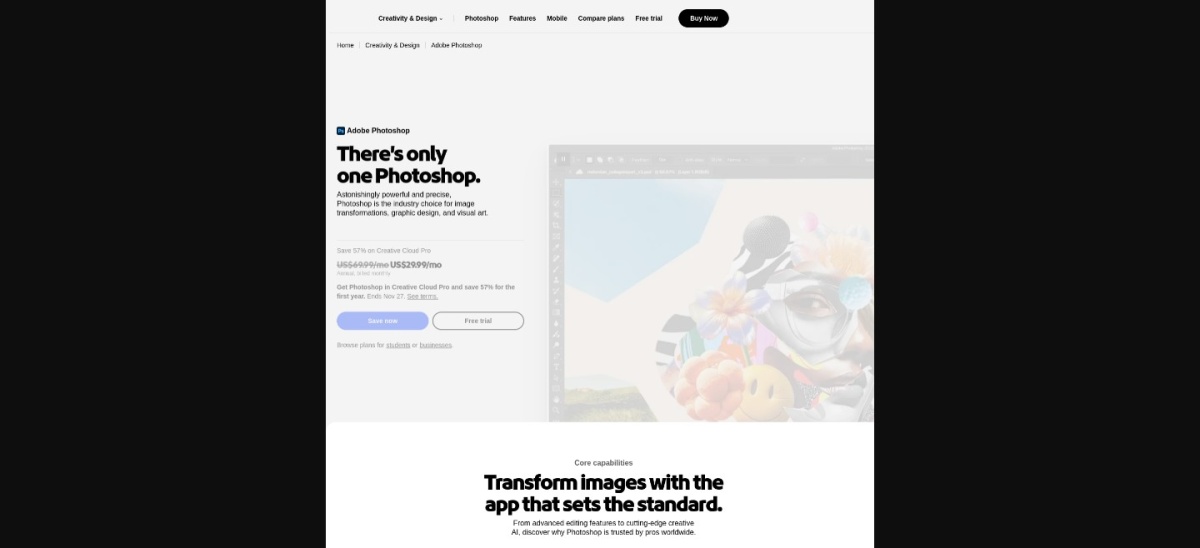
Adobe Photoshop is the full photo editor, and its Super Resolution doubles an image in Camera Raw. Newer Generative Upscale tools inside Photoshop use Firefly and Topaz Gigapixel models, and the Photography plan costs $19.99 a month with Lightroom and 1TB of storage.
The trade off is that upscaling is a side feature. Super Resolution only reaches 2x, and generative upscales spend credits, so it is a poor pick if enlargement is the whole job. It suits subscribers who already pay for Photoshop and enlarge images now and then.
What we like
Full editor, not just an upscaler
Gigapixel models now run inside Photoshop
Photography plan adds Lightroom and 1TB
Rated 4.6 out of 5 on G2 from 13,409 reviews
Watch out for
Super Resolution only doubles an image
Generative upscales cost credits
Most expensive route here if you only need upscaling
Most web upscalers sell credits, not unlimited use. One credit usually buys one image, but VanceAI charges 3 credits for an 8x upscale, so the monthly price alone does not tell you the cost per image.
Annual billing cuts the bill on most tools here. Let's Enhance Starter drops from $12 a month to $9, and Deep Image Bronze drops from $9 to $7.50.
Desktop tools skip credits entirely. Topaz Gigapixel and ON1 Resize AI charge once or yearly and process as many images as your computer can handle, which wins for large batches.
How we chose
We started from the image upscalers named most often in 2026 round-ups, then kept the nine with a public rating on G2, Capterra or Trustpilot and a published price.
Prices come from each vendor's pricing page, checked on 25 November 2026. Where a vendor shows a sale, the list shows the regular price: Topaz Gigapixel at $149 a year, ON1 Resize AI at $99.99 once and Magnific Premium at $174 a year. Ratings come from G2 and Trustpilot on the same day.
We left out tools with no public rating, including the free open-source Upscayl, rather than guessing a score. No vendor paid for a place, and we do not claim hands-on testing for this list.
How to choose an image enlargement tool
Start with the largest print size you need, then pick the tool that reaches it at a price you can live with.
Decide how big the output must be. A 2x upscale suits web use, while a poster needs 4x or more. Check the tool's maximum output in megapixels, not just the multiplier.
Choose desktop or browser. Desktop tools keep files private and skip credits. Browser tools need no install and suit occasional jobs.
Work out the cost per image. On credit plans, divide the monthly price by the credits to find the cost of one upscale, and check whether larger enlargements cost extra credits.
Test with your hardest image first. Use the free credits or trial on a small, noisy photo with faces and text, since that is where upscalers differ most.
FAQ
What is the best image enlargement software?
Topaz Gigapixel is the best pick for most people. It enlarges photos up to 16x with nine AI models, runs locally with no credit meter, and costs $149 a year for the Personal plan.
Is there a free image enlargement tool?
Yes, with limits. Upscale.media gives 3 free credits a month, Let's Enhance gives 10 credits at sign-up and Deep Image AI gives 10 credits, but free results from Let's Enhance and Deep Image AI carry a watermark.
How much does image enlargement software cost?
Paid plans in this list run from $49.99 a year for Upscale.media to $239.88 a year for the Adobe Photography plan. ON1 Resize AI is the only one-time purchase at $99.99, and most web tools charge by the credit.
Can AI enlargement fix a very blurry photo?
It can improve a blurry photo, but it cannot recover detail that was never captured. Face recovery in Topaz Gigapixel and ON1 Resize AI helps portraits, while badly damaged images may gain smooth or invented detail instead.
Do I need to install software to enlarge an image?
No. Let's Enhance, VanceAI, Magnific, Upscale.media and Deep Image AI all work in a browser. Install a desktop tool such as Topaz Gigapixel or ON1 Resize AI only if you enlarge images often or need files to stay on your computer.
What is the largest enlargement I can get?
Topaz Gigapixel enlarges up to 16x, and Upscayl, which we left out for lack of a public rating, also reaches 16x. ON1 Resize AI reaches 10x, VanceAI reaches 8x on the web and 40x on desktop, and Photoshop's Super Resolution only doubles an image.
SaaS SEO and WordPress specialist with about 8 years of experience. Rakib compares WordPress plugins, themes, hosting and software using public pricing, documentation and user reviews. See how we rank.