Splashtop is the best PC remote control tool for most users, starting at $72 a year with a 4.8 out of 5 rating from 546 G2 reviews. Choose Chrome Remote Desktop for a simple free setup and Zoho Assist for technician-led remote support.
How we make this list: we compare pricing pages, product documentation and public user reviews, then re-check every price before each update. No product paid for a place. Disclosure.
Splashtop Remote Access starts at $72 a year ($6/mo billed annually) and holds a 4.8/5 rating from 546 G2 reviews.
RustDesk is open source with a $0/mo self-hosting option and paid server tiers starting at $11.88/mo billed annually.
Zoho Assist includes a free plan for 1 technician and 5 unattended computers, with paid plans from $10/mo.
TeamViewer has 4,230 G2 reviews at 4.5/5, while paid tiers like Business start at $50.90/mo.
Parsec rates 4.7/5 on G2 for low-latency streaming and creative work, with team seats starting at $30/mo.
What matters in PC remote control software
Remote control software lets you view and operate a computer screen from another device over a local network or the internet. Daily reliability depends on frame pacing, input lag and how easily connections traverse firewalls.
Decide early whether you need unattended access to reach your own machine at any time or attended support where someone shares a session code. Many tools restrict free tiers to personal use or limit session lengths.
Licensing models also vary widely. Some tools charge per user, some charge per concurrent technician or active connection, and others charge per managed computer.
Security defaults deserve close attention before you expose any machine to remote connections. Look for two-factor authentication, session encryption and clear permission prompts.
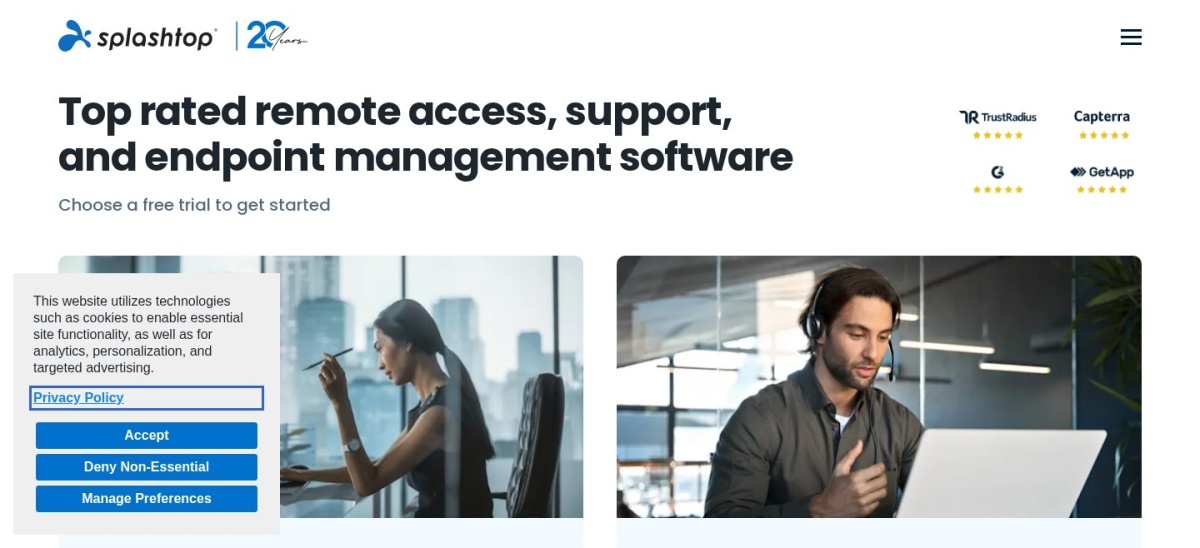
Splashtop is a remote access and support platform known for responsive streaming and predictable per-user or concurrent-technician pricing. Its Remote Access Solo plan starts at $72 a year ($6 a month billed annually) for one user with unattended access, file transfer and remote print.
The trade off is that multi-monitor support and multiple users require Pro at $99 a year per user, while IT helpdesk teams need Remote Support SOS starting at $259 a year. It suits individuals and small teams wanting fast daily access without high enterprise fees.
What we like
Rated 4.8 out of 5 across 546 G2 reviews
Low entry price at $72/yr for solo remote access
Supports Windows, Mac, Linux, iOS and Android
Watch out for
Solo plan covers a single user and basic features
Separate product lines for access, support and endpoint management
Higher plans add multi-monitor view, 4:4:4 color and technician supportVisit splashtop.com
02
Zoho Assist
4.7/5on G2 (765 reviews, checked Nov 2026)
Paid from$10/mo
Best for technician-led remote support
Free plan1 tech, 5 devices
Entry paid planStandard, $10/mo
G2 rating4.7/5 (765)
Console typeBrowser-based
zoho.com
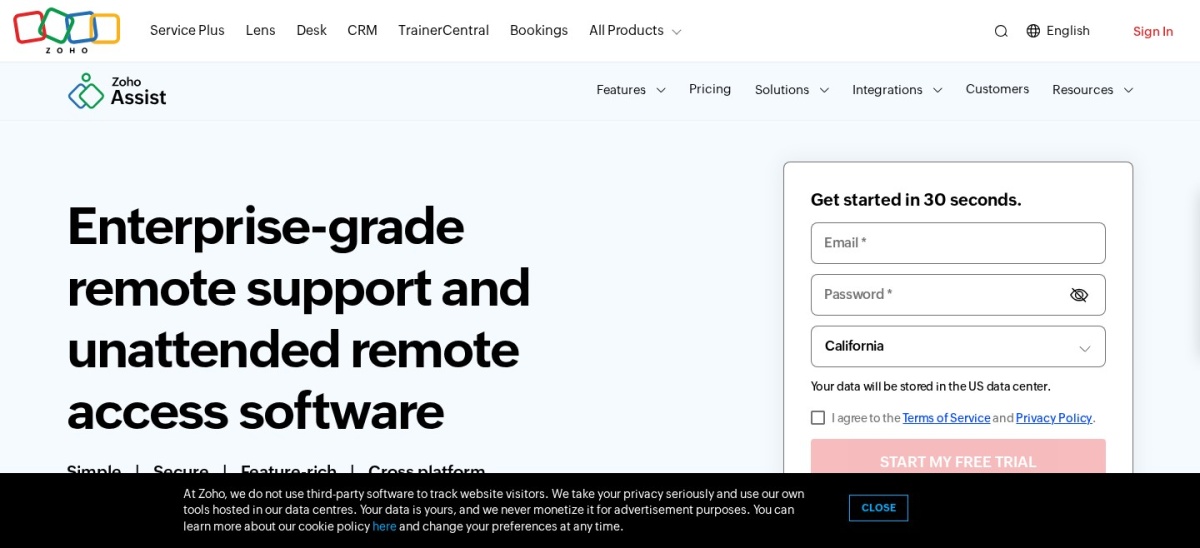
Zoho Assist homepage, captured Nov 2026.
Zoho Assist is a browser-based remote support and unattended access tool built for IT helpdesks and service teams. Its free plan covers 1 remote support technician and up to 5 unattended computers at no cost.
The trade off is that paid plans start at $10 a month per technician for Standard, and costs scale as you add technician seats. It suits small IT teams and freelancers who support client PCs from a browser.
What we like
Includes a free plan for 1 technician and 5 devices
Rated 4.7 out of 5 from 765 G2 reviews
Browser console works without heavy local setup
Watch out for
Per-technician pricing adds up for larger support desks
Some users report occasional lag on weak connections
Paid plans add more simultaneous sessions, reports and management toolsVisit zoho.com
03
RemotePC
4.7/5on G2 (717 reviews, checked Nov 2026)
Starts at$29.50/yr
Best budget unattended access for small teams
Entry paid planConsumer, $29.50/yr
SOHO tier10 computers, $99.50/yr
G2 rating4.7/5 (717)
OS supportPC, Mac, Linux
remotepc.com
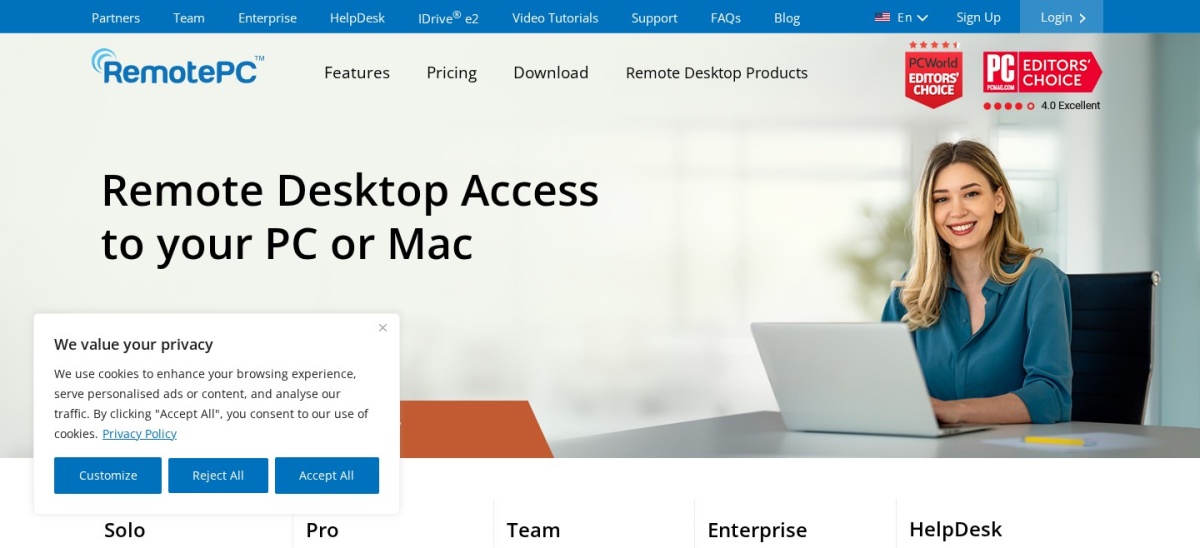
RemotePC homepage, captured Nov 2026.
RemotePC, from IDrive, provides unattended remote access across Windows, Mac and Linux computers with file transfer and remote printing. G2 lists its Consumer plan at $29.50 a year for one computer and SOHO at $99.50 a year for ten computers.
The trade off is mixed feedback on connection smoothness and interface polish compared with higher-priced rivals, with promotional first-year rates that renew higher. It suits budget-minded home users and small offices managing up to ten machines.
What we like
Low annual starting cost compared with enterprise tools
Rated 4.7 out of 5 across 717 G2 reviews
Supports Windows, Mac and Linux endpoints
Watch out for
First-year discounts differ from standard renewal rates
Some G2 reviewers note occasional session lag
Higher tiers expand device counts, user management and SSOVisit remotepc.com
04
RealVNC
4.7/5on G2 (441 reviews, checked Nov 2026)
Paid from$8.75/mo
Best for VNC environments and mixed devices
Free planLite, non-commercial
Entry paid planEssentials, $105/yr
G2 rating4.7/5 (441)
EncryptionUp to 256-bit AES
realvnc.com
RealVNC homepage, captured Nov 2026.
RealVNC offers VNC Connect for remote access across Windows, macOS, Linux and Raspberry Pi devices, backed by a free Lite plan for non-commercial use. Its official pricing page lists Essentials at $8.75 a month billed annually ($105 a year) for one active connection.
The trade off is that Essentials covers a single active connection, while features like user groups and audit logs sit on higher tiers. It suits technical teams and organizations already working with VNC setups.
What we like
Rated 4.7 out of 5 across 441 G2 reviews
Works across desktop OSes and Raspberry Pi
Includes 256-bit AES encryption on paid plans
Watch out for
Entry Essentials plan limits active connections
Higher tiers climb to $18.25/mo and $29.75/mo billed yearly
Plus and Premium add device groups, custom permissions and audit logsVisit realvnc.com
05
RustDesk
4.8/5on G2 (546 reviews, checked Nov 2026)
Paid from$11.88/mo
Best open-source and self-hosted option
Free tierSelf-hosted OSS, $0/mo
Entry paid planIndividual, $11.88/mo
Billing cadenceAnnual only
DeploymentSelf-hosted server
rustdesk.com
RustDesk homepage, captured Nov 2026.
RustDesk is an open-source remote desktop tool that lets you run your own rendezvous and relay server for free under its $0/month self-hosting plan. Its official pricing page lists Individual self-hosting Pro at $11.88 a month billed annually for 1 login user and 20 managed devices.
The trade off is operational overhead because self-hosting requires server maintenance and annual payment upfront. It suits developers and IT teams that want control over their own relay infrastructure.
What we like
Free self-hosted open-source option with no license fee
Individual Pro includes 20 managed devices and 2FA
Cross-platform client support
Watch out for
Self-hosting requires you to run and maintain server hardware
Paid server plans bill annually rather than monthly
Pro plans add web console management, address books, 2FA and audit logsVisit rustdesk.com
06
AnyDesk
4.5/5on G2 (1,102 reviews, checked Nov 2026)
Paid from$28.90/mo
Best lightweight client for quick sessions
Free tierPersonal use
Entry paid planSolo, $28.90/mo
Managed devices100 on Solo
G2 rating4.5/5 (1,102)
anydesk.com
AnyDesk homepage, captured Nov 2026.
AnyDesk is a lightweight remote desktop app with a small installer and a free version for personal use. Its official pricing page lists Solo at $28.90 a month before multi-year or annual discounts, covering 1 user, 1 concurrent connection and up to 100 managed devices.
The trade off is price compared with smaller tools, and free users may hit commercial-use prompts or session limits. It suits consultants and technicians who value a small client and quick on-demand connections.
What we like
Rated 4.5 out of 5 across 1,102 G2 reviews
Lightweight client that handles lower-bandwidth links well
Solo includes up to 100 unattended managed devices
Watch out for
Higher monthly list price than entry plans from several rivals
Free version is limited to personal use
Standard and Advanced add multi-user teams, session recording and more connectionsVisit anydesk.com
07
TeamViewer
4.5/5on G2 (4,230 reviews, checked Nov 2026)
Paid from$50.90/mo
Best for broad enterprise and cross-platform reach
Free tierPersonal use
Business plan$50.90/mo
Managed devices200 on Business
G2 rating4.5/5 (4,230)
teamviewer.com
TeamViewer homepage, captured Nov 2026.
TeamViewer is a well-known remote access and IT support platform with 4,230 reviews on G2 and a free version for personal use. Its Business tier lists at $50.90 a month for 1 user, 1 concurrent connection and up to 200 managed devices.
The trade off is cost, as commercial plans are noticeably pricier than many alternatives and free sessions have commercial-use limits. It suits businesses and IT teams that want a mature platform with broad device support.
What we like
Large review base of 4,230 G2 reviews at 4.5/5
Supports desktop and mobile remote access workflows
Business plan covers up to 200 managed devices
Watch out for
Expensive compared with entry plans on Splashtop or RemotePC
Free tier restricts commercial use and session duration
Higher tiers add more users, concurrent connections and endpoint featuresVisit teamviewer.com
Free tiers vs commercial licenses
Many remote desktop apps offer a free tier for personal use, but commercial-use detection can interrupt business work unexpectedly.
If you use remote control for client support, freelance work or company machines, a paid license avoids lockouts and adds unattended device limits, logging and support.
Open-source or self-hosted options like RustDesk avoid per-seat fees, though your team takes on server hosting and updates.
How we chose
We selected established PC remote control software with active vendor pricing or public G2 review profiles and clear use cases across personal access, IT support and self-hosting.
Pricing and G2 ratings were checked on 22 November 2026 from official pricing pages and G2 listings, using regular list prices rather than temporary discounts.
We excluded discontinued tools and browser-only screen shares that do not provide full remote desktop control. No vendor paid for a place, and we do not claim testing for this list.
How to choose PC remote control software
Match the tool to how many machines you manage and whether your use is personal or commercial.
Define your access workflow. Pick unattended access for your own PCs or session-code support for helping other people.
Check commercial license rules. Avoid relying on personal free tiers for client work or business operations.
Compare seat and device limits. Check whether a plan charges per user, per concurrent session or per managed computer.
Verify operating system support. Confirm Windows, macOS, Linux and mobile support match the devices you connect to and from.
FAQ
What is the best PC remote control software overall?
Splashtop is a strong fit for most users because its Solo plan starts at $72 a year and it holds a 4.8 out of 5 rating across 546 G2 reviews.
Can I use free remote desktop tools for business?
Many free tiers are restricted to personal, non-commercial use and can limit sessions. Tools with commercial free or self-hosted options, such as Zoho Assist's free tier or RustDesk's self-hosted setup, fit light business needs better.
What is the difference between attended and unattended remote access?
Attended access requires someone at the remote computer to accept or share a code for that session. Unattended access lets an authorized user connect anytime without someone present.
How do per-user and per-connection licenses differ?
Per-user licenses assign access to named accounts or devices, while concurrent connection licenses limit how many active sessions can run at the same time.
Do I need fast internet for remote PC control?
Basic tasks like spreadsheets, settings and file transfers run fine on modest speeds, while high-resolution displays, video or fast input benefit from low latency and steady bandwidth.
What security steps should I take before enabling remote access?
Enable two-factor authentication, use strong passwords, keep software updated and only grant unattended access to trusted devices.
SaaS SEO and WordPress specialist with about 8 years of experience. Rakib compares WordPress plugins, themes, hosting and software using public pricing, documentation and user reviews. See how we rank.