Best Payment Software for Small Business in 2026: 7 Tools Compared
WLWPLegible EditorsLast verified 23 Nov 2026How we rank12 min read
★ Short answer
Square is the best payment software for most small businesses, with no monthly fee, a free POS app and in-person card payments at 2.6% plus 15 cents. Pick Stripe for online sales at 2.9% plus 30 cents, or Helcim once volume makes interchange-plus pricing cheaper.
How we make this list: we compare pricing pages, product documentation and public user reviews, then re-check every price before each update. No product paid for a place. Disclosure.
Square is the best all-round pick, with no monthly fee, a free POS app and in-person payments at 2.6% plus 15 cents.
Stripe is the best choice for online sales at 2.9% plus 30 cents, with no monthly fee and the strongest developer tools.
PayPal costs more per sale at 3.49% plus 49 cents on Checkout, but buyers already trust the button.
Helcim charges no monthly fee and passes interchange costs through, which beats flat rates once volume grows.
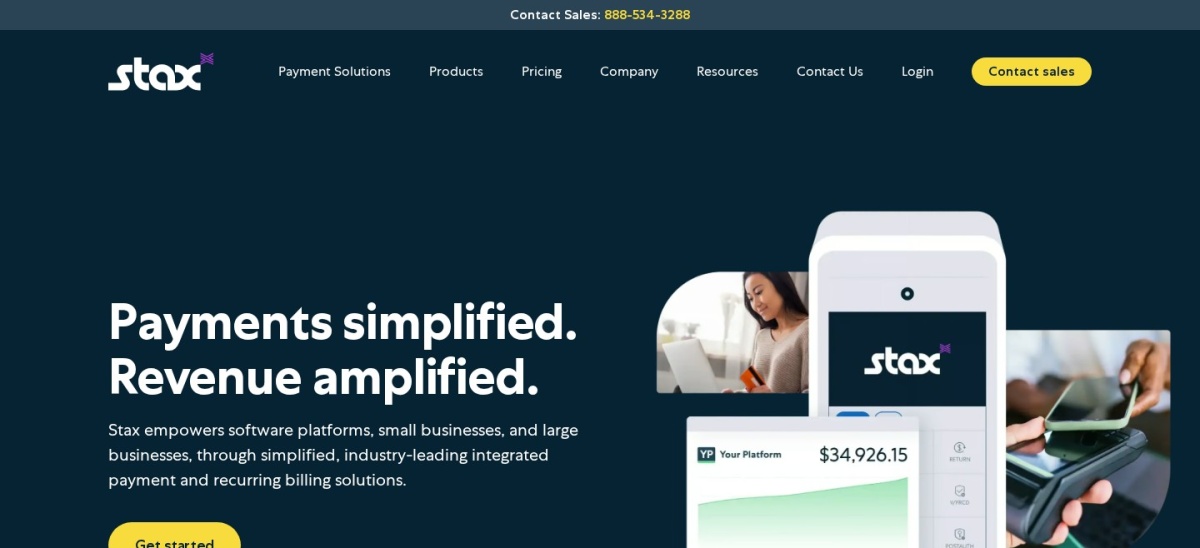
Stax costs $99 a month with no markup, which only pays off for high-volume sellers.
What payment software costs a small business
Payment software for a small business is mostly about two numbers: the monthly fee and the rate on each sale. Most of the tools in this list charge no monthly fee at all, and instead take a percentage plus a fixed fee on every transaction.
That makes the per-sale rate the real cost. On a $100 online sale, Stripe takes $3.20, Square on its free plan takes $3.60, and PayPal Checkout takes $3.98. The gap is small per sale and large across a month of sales.
Interchange-plus pricing works differently. Helcim passes the card network cost through and adds a small markup, which beats flat rates once volume grows. Stax charges a flat $99 a month and no markup at all, which only pays off at high volume.
Hardware matters for in-person sellers. Square includes a free card reader and a free POS app, while Clover sells counter hardware and a full point-of-sale system. Our guide on choosing a payment gateway for WordPress covers the online side in more detail.
The 7 best payment software tools for small business
01
Square
4.6/5on G2 (1,208 reviews, checked Nov 2026)
PriceFree
Best payment software for small business overall
Monthly fee$0 on the Free plan
In-person rate2.6% + 15 cents
Online rate3.3% + 30 cents
HardwareFree card reader
squareup.com
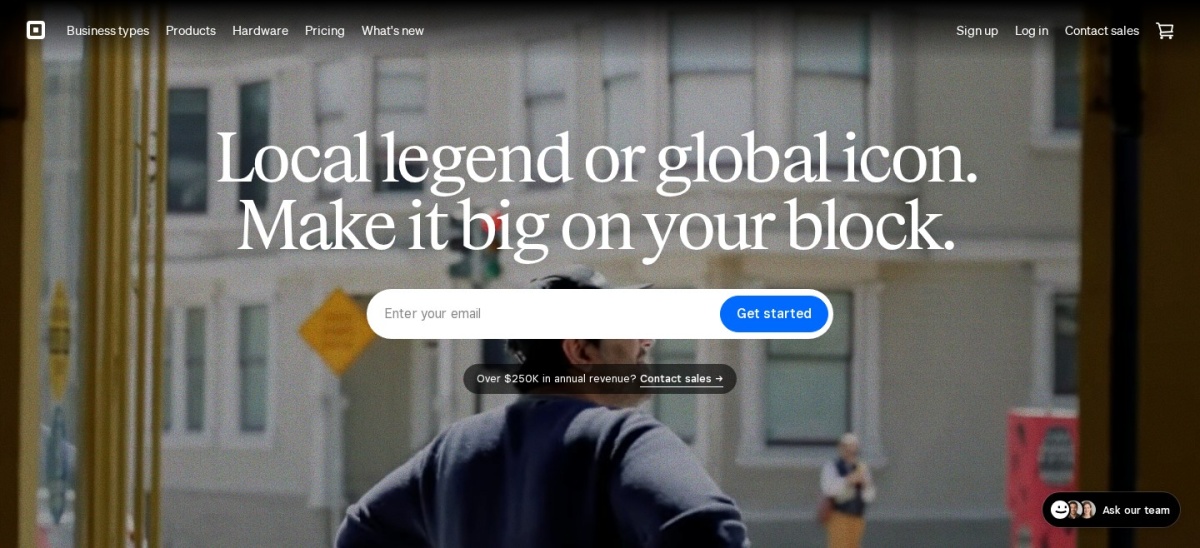
Square homepage, captured Nov 2026.
Square is the default recommendation for a new small business, and for good reason. The free plan costs $0 a month, includes a free POS app and a free card reader, and charges 2.6% plus 15 cents in person and 3.3% plus 30 cents online, with invoices, an online store and inventory in the same system.
The trade off is that flat rates cost more as volume grows, and Square raised its online rate on the free plan to 3.3% plus 30 cents in January 2026. It suits shops, cafes, salons and market sellers that want one system for the counter, inventory and a simple online store.
What we like
No monthly fee and a free card reader
Free POS app, invoices and online store
No fee when a customer disputes a charge
Rated 4.6 out of 5 on G2 from 1,208 reviews
Watch out for
Flat-rate pricing overcharges as volume grows
Online rate rose to 3.3% plus 30 cents in 2026
Account holds are a recurring complaint in reviews
Plus at $49 a month lowers in-person rates to 2.5% plus 15 centsVisit squareup.com
02
Stripe
4.6/5on Capterra (3,392 reviews, checked Nov 2026)
PriceFree
Best payment software for online businesses
Monthly fee$0 on the standard plan
Online rate2.9% + 30 cents
In-person rate2.7% + 5 cents
SubscriptionsIncluded
stripe.com
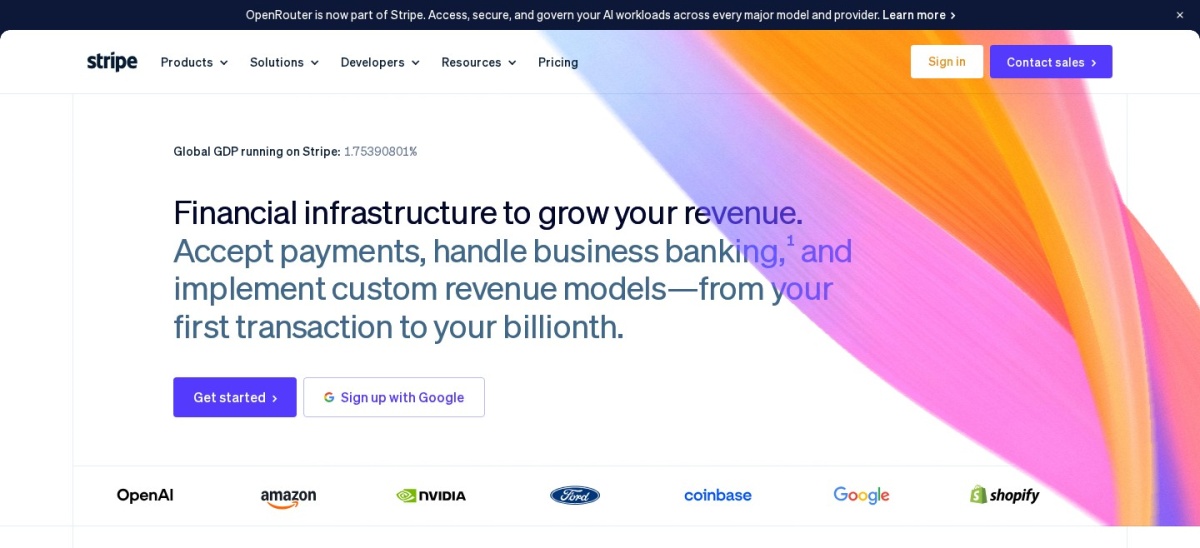
Stripe homepage, captured Nov 2026.
Stripe is the online default for a reason. The standard plan has no monthly fee and charges 2.9% plus 30 cents for online card payments and 2.7% plus 5 cents in person, with hosted checkout, payment links, invoicing, subscriptions and fraud tools in the same account.
The trade off is that it is built for developers first. The dashboard and API are deep, but non-technical sellers may find the setup heavier than Square, and support is mostly online. It suits online-first businesses, SaaS companies and marketplaces that need subscriptions and custom checkout.
What we like
Lowest standard online rate at 2.9% plus 30 cents
Subscriptions, marketplaces and 100+ payment methods
4.6/5on Capterra (26,829 reviews, checked Nov 2026)
PriceFree
Best for buyer trust at checkout
Monthly fee$0 to open an account
Standard card rate2.99% + 49 cents
Checkout rate3.49% + 49 cents
In-person rate2.29% + 9 cents
paypal.com
PayPal homepage, captured Nov 2026.
PayPal is the payment option most buyers already know. Opening a business account is free, standard card payments cost 2.99% plus 49 cents, and PayPal Checkout at 3.49% plus 49 cents lets buyers pay without entering card details, with Venmo and Pay Later options that can lift conversion.
The trade off is price. PayPal Checkout costs $3.98 on a $100 sale against $3.20 at Stripe, and the 49-cent fixed fee hurts small tickets most. It suits sellers whose buyers expect a PayPal button, especially as a second checkout option beside a cheaper processor.
What we like
Buyers already trust the PayPal button
Largest review base here at 26,829 Capterra reviews
Venmo and Pay Later options at checkout
In-person payments at 2.29% plus 9 cents with Zettle
Helcim uses interchange-plus pricing, which passes the card network cost through and adds a small markup instead of charging one flat rate. There is no monthly fee, in-person payments cost interchange plus 0.40% plus 8 cents, and online payments cost interchange plus 0.50% plus 25 cents, with a free virtual terminal and invoicing.
The trade off is that the rate varies by card. Cheap debit cards cost less than the headline markup suggests, while premium rewards cards cost more, so the bill is harder to predict. It suits growing businesses that want lower fees as volume rises without a monthly subscription.
What we like
No monthly fee and no long-term contract
Interchange-plus beats flat rates at volume
Free virtual terminal and invoicing
Rated 4.6 out of 5 on Capterra
Watch out for
Rates vary by card, so bills are harder to predict
Stax uses a subscription model instead of a percentage markup. Businesses pay $99 a month and then only interchange costs plus 8 cents in person or 15 cents online, with a free terminal and no markup on any sale, which saves real money once monthly volume passes about $10,000.
The trade off is the monthly fee itself. A business processing $5,000 a month pays $99 plus interchange, which costs more than a free flat-rate plan, so the maths only works at volume. It suits high-volume sellers that want a predictable fee and zero markup.
What we like
0% markup on every sale
Free terminal included
Predictable monthly cost at volume
Rated 4.0 out of 5 on G2
Watch out for
$99 a month before you sell anything
Only pays off above about $10,000 a month in sales
Shopify Payments is the built-in processor for Shopify stores, and for a Shopify merchant it is usually the simplest choice. It removes the extra transaction fee Shopify charges with a third-party processor, supports Shop Pay accelerated checkout, and shows payouts and fees inside the Shopify dashboard.
The trade off is that it only works inside Shopify. The Basic Shopify plan costs $39 a month, online card payments cost 2.9% plus 30 cents, and in-person payments cost 2.7% with no fixed fee. It suits stores already on Shopify that want payments, inventory and orders in one place.
Clover is a point-of-sale system built around counter hardware, with a screen for staff and an optional customer-facing display. Plans start at $14.95 a month, in-person payments cost 2.6% plus 10 cents, and the app market adds ordering, loyalty, payroll and inventory tools.
The trade off is rating and lock-in. Clover has the lowest G2 rating in this list at 3.8 out of 5, and its hardware and software are tied together, so switching away means replacing the counter setup. It suits counters and restaurants that want a full register system, not just payments.
Flat-rate processors charge the same percentage on every card, which is simple to budget and easy to compare.
Interchange-plus passes the card network fee through at cost and adds a markup, so cheap debit cards cost less and premium rewards cards cost more.
Flat rates win below about $10,000 a month in card sales. Above that, interchange-plus from Helcim or a Stax subscription usually saves money.
How we chose
We started from the payment processors most often shortlisted for small businesses, then kept the ones with published rates and a public rating.
Rates come from vendor pricing pages and fee pages, checked on 23 November 2026. Ratings and review counts come from G2 and Capterra on the same day. Where a vendor raised rates in 2026, the list shows the current rate.
We left out processors with no published rates and no public rating. No vendor paid for a place, and this list is based on pricing, docs and reviews, not on using the tools ourselves.
How to choose payment software for a small business
Start with where your sales happen, then work out the true cost per sale.
Work out where most sales happen. In-person sellers need a POS app and reader, while online sellers need checkout, payment links and subscriptions.
Price a typical month, not a single sale. Multiply your average ticket and monthly volume by each rate. A 0.4% gap is $40 a month on $10,000 of sales.
Check the extras that cost money. Disputes, chargebacks, international cards and keyed-in payments all carry extra fees that differ by processor.
Start with no monthly fee, then upgrade. Take payments on a free plan first. Move to a paid plan only when the lower rate saves more than the monthly fee.
FAQ
What is the best payment software for a small business?
Square is the best all-round pick, with no monthly fee, a free POS app and in-person payments at 2.6% plus 15 cents. Stripe is the best choice for online-first businesses at 2.9% plus 30 cents per sale.
How much does payment software cost per month?
Square, Stripe, PayPal and Helcim all charge no monthly fee on their entry plans. Stax costs $99 a month, Clover starts at $14.95 a month, and Shopify Payments needs a Shopify plan from $39 a month.
What is the cheapest way to take card payments?
For in-person sales, Square on the free plan charges 2.6% plus 15 cents, which is the lowest headline in-person rate here. For online sales, Stripe at 2.9% plus 30 cents is the cheapest standard rate.
Is Square or Stripe better for small business?
Square is better if you sell in person, with a free POS app, free reader and no dispute fee. Stripe is better if you sell online, with stronger developer tools, subscriptions and marketplace support.
Do I need a monthly plan to take payments?
No. Square, Stripe, PayPal and Helcim all let you start with no monthly fee and pay only per transaction. Monthly plans buy lower rates or extra features, and only pay off once volume grows.
Which payment software has the best rating?
Square, Stripe and PayPal all sit at 4.6 out of 5 on review sites, with PayPal holding the largest review base at more than 26,000 Capterra reviews. Clover has the lowest rating here at 3.8 out of 5 on G2.