WLWPLegible EditorsLast verified 23 Nov 2026How we rank12 min read
★ Short answer
Square is the best free POS software for most small shops. Its free plan covers sales, inventory and reports, and it is rated 4.6 out of 5 from 3,045 Capterra reviews. Pick Loyverse for a fully free register, or Zettle by PayPal for the lowest in-person card rate here.
How we make this list: we compare pricing pages, product documentation and public user reviews, then re-check every price before each update. No product paid for a place. Disclosure.
Square gives the most in its free plan: POS, inventory, reports and an online store, with in-person sales at 2.6% + 15 cents.
Loyverse is the only tool here with a free plan and a 4.8 out of 5 Capterra rating, from 458 reviews.
Zettle by PayPal charges 2.29% + 9 cents for in-person sales, the lowest card rate in this list, with no monthly fee.
Shopify POS is the pick only if you already sell on Shopify, since its cheapest plan costs $39 a month.
Seven of the 8 tools have a free plan or no monthly fee; Shopify POS is the exception, starting at $39 a month. Paid upgrades start at $7 a month and climb to $49 a month.
What a free POS should cover
A free POS is software that rings up sales without a monthly fee. You still pay a fee on each card sale, so the card rate matters as much as the software price.
A good free POS should handle sales, basic inventory, receipts and sales reports. Loyalty, staff roles and advanced stock control are usually paid extras.
Check the card rate before the feature list. A rate of 2.6% + 15 cents costs more per sale than 2.29% + 9 cents, and the gap grows with every sale.
If you also sell online, pick a POS that shares inventory with your store. Our guide on setting up WooCommerce shows how an online store and a counter can share the same stock.
4.6/5on Capterra (3,045 reviews, checked Nov 2026)
Paid from$49/mo
Best free POS software overall
Free planYes, $0/mo
In-person card rate2.6% + 15 cents
Online card rate3.3% + 30 cents
Paid planPlus, $49/mo per location
squareup.com
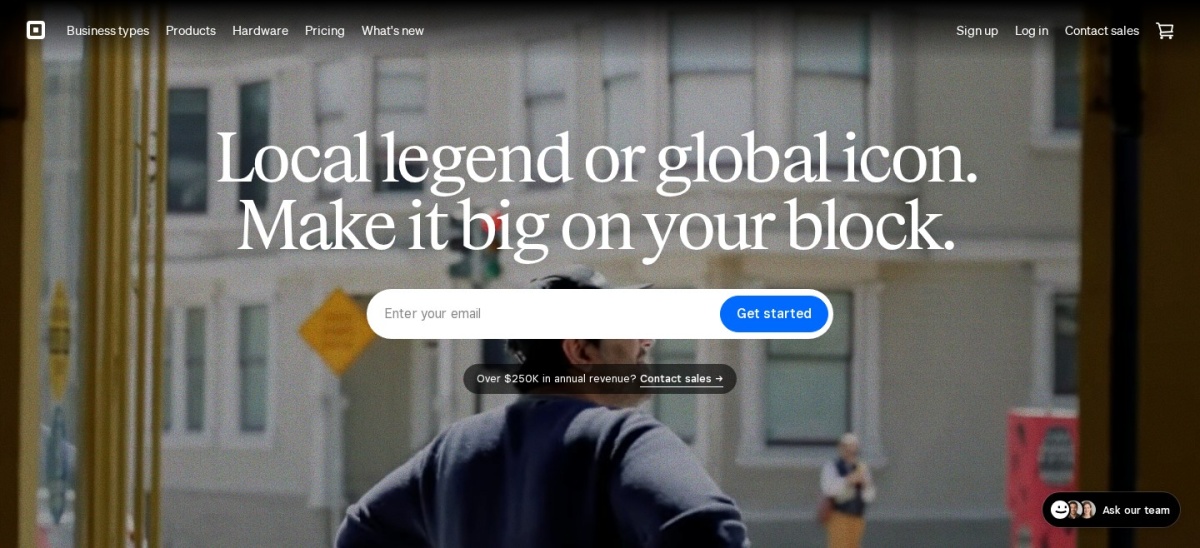
Square POS homepage, captured Nov 2026.
Square POS is a free point-of-sale app for retail shops, cafes and market stalls. The free plan covers sales, inventory, sales reports, customer records and an online store, with in-person card sales at 2.6% + 15 cents.
The trade off is cost as you grow. Advanced inventory, loyalty and staff tools sit in Plus at $49 a month per location, and online sales cost 3.3% + 30 cents. It suits small shops that want one free system for counter and online sales.
What we like
Most complete free plan in this list
Largest review base here, 3,045 Capterra reviews
Online store included in the free plan
Watch out for
Plus costs $49 a month per location
Online card rate is higher than the in-person rate
Plus adds more inventory and staff tools at $49 a month per locationVisit squareup.com
02
Loyverse POS
4.8/5on Capterra (458 reviews, checked Nov 2026)
Paid from$7/mo
Best fully free POS for small shops
Free planYes, $0/mo
Free sales historyLast 31 days
Paid add-onUnlimited history, $7/mo
Free extrasLoyalty, kitchen display
loyverse.com
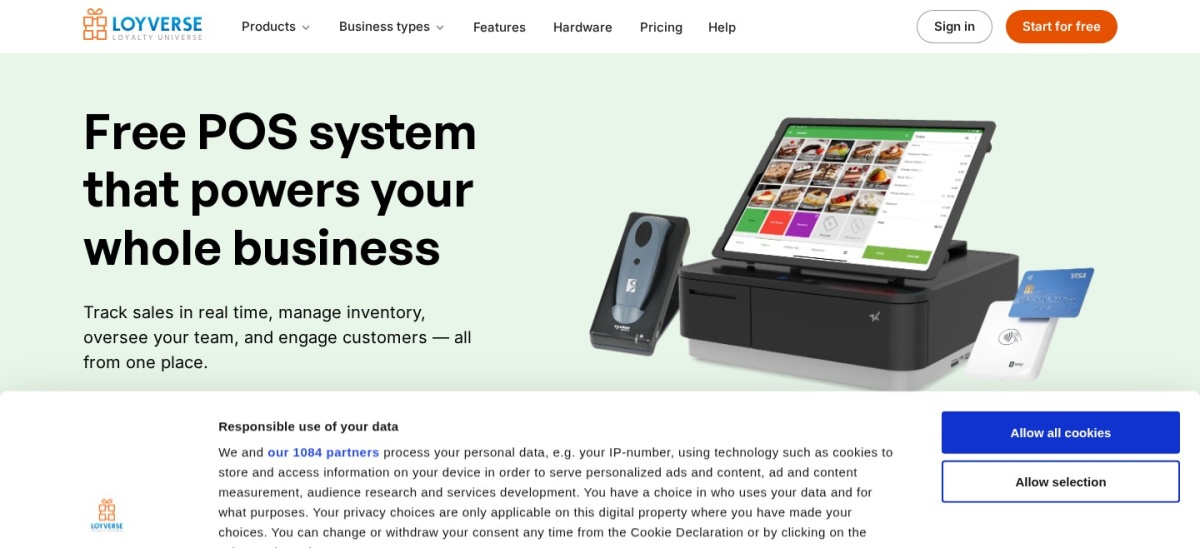
Loyverse POS homepage, captured Nov 2026.
Loyverse POS is a free point-of-sale app for small retailers and cafes that runs on a phone or tablet. The free plan covers sales, essential inventory, a loyalty program, a kitchen display and multi-store management, with reports for the last 31 days.
The trade off is depth. Longer sales history costs $7 a month per store, and employee management and advanced inventory each cost $25 a month per store. It suits micro-retailers and cafes that want a capable register with no software fee.
What we like
Highest Capterra rating here, 4.8 out of 5
Loyalty and kitchen display included free
Works with many payment providers, not one only
Watch out for
Free reports cover only the last 31 days
Staff and advanced inventory tools are paid add-ons
4.6/5on Capterra (2,290 reviews, checked Nov 2026)
PriceFree
Best for the lowest in-person card rate
Free planYes, $0/mo
In-person card rate2.29% + 9 cents
First card reader$29
Paid planNone, pay per sale
zettle.com
Zettle by PayPal homepage, captured Nov 2026.
Zettle by PayPal, now sold as PayPal Point of Sale, is a free POS app for mobile sellers and pop-ups. The app has no monthly fee, and in-person card sales cost 2.29% + 9 cents, with a first card reader at $29.
The trade off is features. There is no loyalty or marketing suite, and the register is thinner than Square or Shopify POS. It suits market stalls, pop-ups and mobile sellers who want the lowest card rate here.
What we like
Lowest in-person card rate in this list
No monthly fee and no contract
First card reader costs only $29
Watch out for
Thin feature set next to Square
No loyalty or marketing tools built in
There is no paid plan; you pay per sale plus hardwareVisit zettle.com
04
SumUp
4.5/5on Capterra (1,462 reviews, checked Nov 2026)
Paid from$49/mo
Best for simple card sales with no monthly fee
Free planYes, $0/mo
In-person card rate2.6% + 10 cents
Card readerSold separately
Paid planPOS Plus, $49/mo
sumup.com
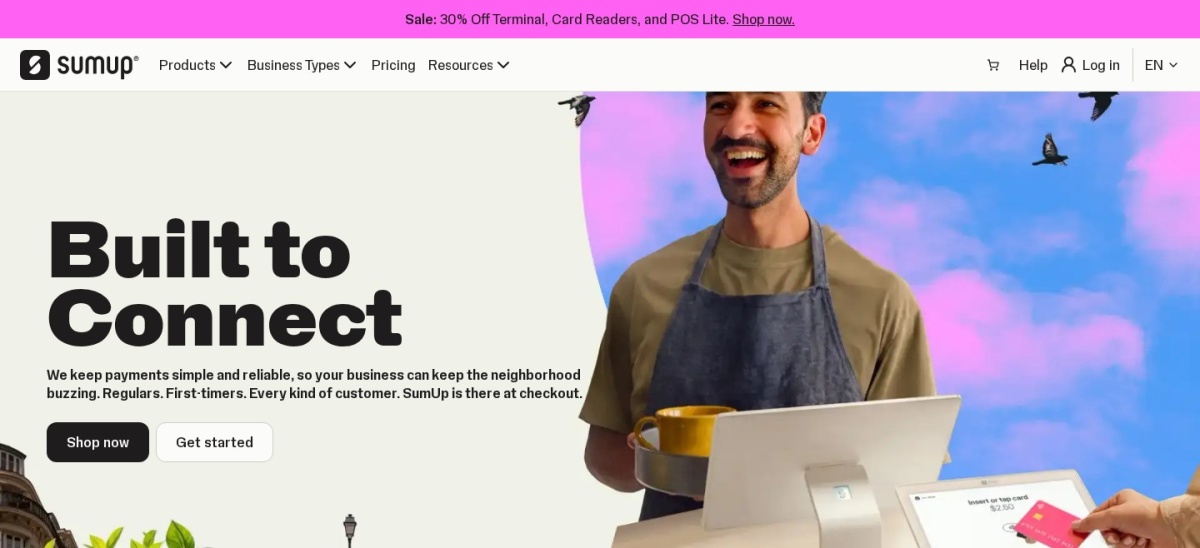
SumUp homepage, captured Nov 2026.
SumUp is a free POS app and card reader for small shops and mobile sellers. The app starts at $0 a month, in-person sales cost 2.6% + 10 cents, and it covers sales, inventory and reports without a contract.
The trade off is the paid tier. The fuller POS Plus software costs $49 a month, and the free version is lighter than Square for multi-location shops. It suits a single shop or stall that wants simple card sales with no monthly fee.
What we like
No monthly fee for the basic POS app
Simple setup with low-cost card readers
Rated 4.5 out of 5 from 1,462 Capterra reviews
Watch out for
Fuller POS features need the $49 a month Plus plan
Shopify POS is the in-person selling app for Shopify stores. POS Lite is included with every Shopify plan, so online and counter inventory share one stock list, and in-person sales on Basic cost 2.6% + 10 cents.
The trade off is the floor price. There is no free plan: the cheapest Shopify plan is $39 a month, or $29 a month billed yearly, and POS Pro adds $89 a month per location. It suits retailers who already sell online with Shopify.
What we like
Online and in-store inventory stay in sync
Rated 4.6 out of 5 from 248 Capterra reviews
Strong for omnichannel retail
Watch out for
No free plan; $39 a month is the floor
POS Pro costs $89 a month per location
POS Pro adds staff roles and omnichannel tools at $89 a month per locationVisit shopify.com
06
eHopper POS
4.3/5on Capterra (66 reviews, checked Nov 2026)
Paid from$14.99/mo
Best free POS for restaurants and cafes
Free planYes, with free processing
Starting paid price$14.99/mo
Free extrasKDS, loyalty, gift cards
Runs onAndroid, Windows, terminal
ehopper.com
eHopper POS homepage, captured Nov 2026.
eHopper POS is a free point-of-sale system for restaurants, cafes and retail shops. Its free program covers the POS software with a kitchen display, loyalty, gift cards, online ordering and table management, with no long-term contract.
The trade off is the review base. It is rated 4.3 out of 5 from only 66 Capterra reviews, and paid plans start at $14.99 a month outside the free processing program. It suits small cafes and restaurants that want a full register for free.
What we like
Free plan covers KDS, loyalty and online ordering
No long-term contract
Built for restaurants as well as retail
Watch out for
Small review base, 66 Capterra reviews
Paid pricing outside free processing starts at $14.99 a month
Paid plans start at $14.99 a month outside the free processing programVisit ehopper.com
07
Helcim
3.7/5on Capterra (35 reviews, checked Nov 2026)
PriceFree
Best for transparent interchange-plus pricing
Free planYes, $0/mo
In-person marginInterchange + 0.40% + 8 cents
Card reader$199
Paid planNone, pay per sale
helcim.com
Helcim homepage, captured Nov 2026.
Helcim is a free POS app with interchange-plus card pricing and no monthly fee. The POS covers sales, inventory, invoicing and customer records, and in-person sales cost interchange plus a 0.40% + 8 cent margin under $50,000 a month.
The trade off is the thin register and the thin review base. It is rated 3.7 out of 5 from only 35 Capterra reviews, and its POS page names no kitchen display or loyalty program. It suits sellers who want to see the card margin and pay no monthly fee.
What we like
No monthly fee and no contract
Interchange-plus margin is published, not hidden
Free POS, invoicing and inventory tools
Watch out for
Lowest rating here, 3.7 out of 5 from 35 reviews
No kitchen display or loyalty program named
There is no paid plan; you pay interchange plus the margin and hardwareVisit helcim.com
08
Kyte POS
4.9/5on SourceForge (91 reviews, checked Nov 2026)
Paid from$9.99/mo
Best free POS for phone-first sellers
Free planYes, $0/mo
Paid plans from$9.99/mo
Free extrasOnline catalog, receipts
Runs onPhone, tablet, PC
kyteapp.com
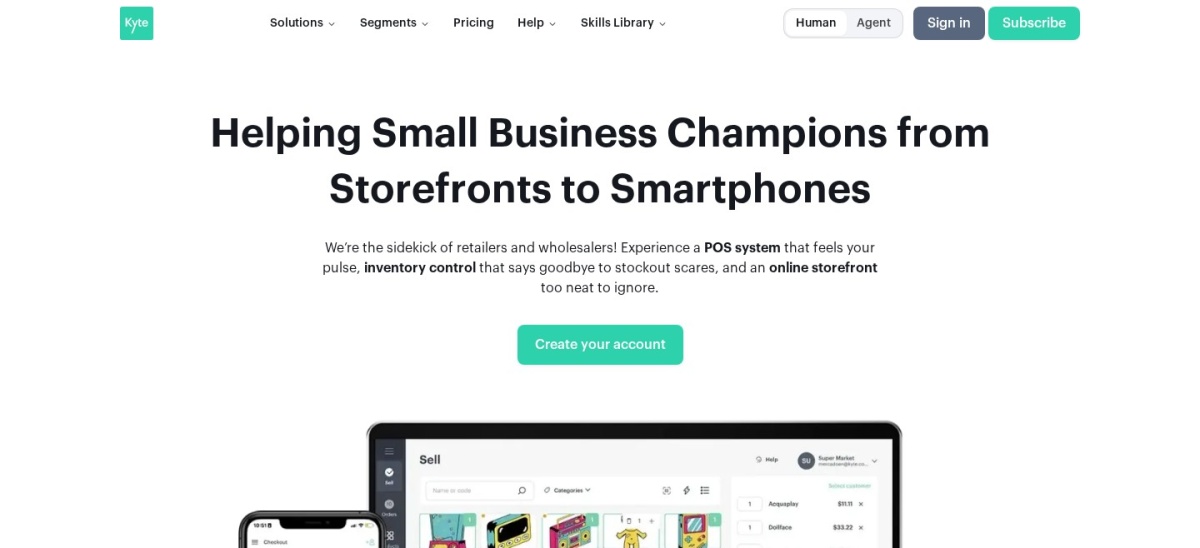
Kyte POS homepage, captured Nov 2026.
Kyte POS is a free point-of-sale app for small retailers that runs on the phone you already own. The free version covers sales, inventory, an online catalog, digital receipts and cash flow, with paid plans from $9.99 a month.
The trade off is the small review base. It is rated 4.9 out of 5 from only 91 SourceForge ratings, and it is not a card machine, so you keep taking payments the way you do today. It suits phone-first sellers with a small catalog.
What we like
Free plan runs on a phone you already own
Online catalog and orders built in
Highest rating here, 4.9 out of 5
Watch out for
Small review base, 91 SourceForge ratings
Not a card machine; you arrange payments yourself
Paid plans start at $9.99 a month and add more featuresVisit kyteapp.com
Free vs paid: what you give up
Free POS plans cover the basics well. Most include sales, basic inventory, receipts and sales reports.
Paid plans mostly add staff roles, advanced inventory, loyalty and longer sales history. Square Plus and Shopify POS Pro are the clearest examples here.
The card rate is the real cost of a free POS. A shop with many small sales should compare the per-sale fee first, not the monthly fee.
For a shop that also sells online, check the total cost of the store as well. Our guide on how much WooCommerce costs shows what an online store adds on top of a free POS.
How we chose
We started from POS tools with a free plan or no monthly fee, then kept those with a published card rate and a public review rating.
Prices and card rates come from each vendor's pricing page or a pricing summary checked on 23 November 2026. Ratings come from Capterra, or SourceForge for Kyte, on the same day. Where a vendor shows a sale, the list shows the regular price.
We left out POS tools with no free plan and no published card rate. No vendor paid for a place, and we do not claim to have used these tools ourselves.
How to choose a free POS software
Start with your card rate and your sales volume, then check the free plan covers your daily work.
Compare the in-person card rate first. Zettle charges 2.29% + 9 cents, while Square and SumUp charge 2.6% + 15 or 10 cents. On many small sales, that gap adds up fast.
Check what the free plan really includes. Loyverse includes loyalty and a kitchen display free, while other tools charge for them. List the features you use every day and check each one.
Count the paid upgrades you will need. A $7 a month add-on is cheap, but $49 a month per location changes the cost. Add the upgrades before you pick a winner.
Try the free plan with real sales first. Run a week of real sales on the free plan before buying hardware. See how to speed up WooCommerce checkout if slow checkout is the problem, not the POS.
FAQ
What is the best free POS software?
Square is the best free POS software for most small shops. Its free plan covers sales, inventory, reports and an online store, and it is rated 4.6 out of 5 from 3,045 Capterra reviews.
Is there a truly free POS system?
Yes. Square, Loyverse, Zettle by PayPal, SumUp, eHopper, Helcim and Kyte all have a free plan or no monthly fee. You still pay a fee on each card sale and for any hardware you buy.
What is the cheapest card rate for a free POS?
Zettle by PayPal has the lowest in-person rate here at 2.29% + 9 cents, with no monthly fee. Square charges 2.6% + 15 cents and SumUp charges 2.6% + 10 cents in person.
Does Shopify POS have a free plan?
No. Shopify POS Lite is included with a Shopify plan, and the cheapest plan is $39 a month, or $29 a month billed yearly. POS Pro adds $89 a month per location.
Do free POS tools include inventory tracking?
Most do, at a basic level. Square, Loyverse, SumUp, Helcim and Kyte include inventory in the free plan, while advanced inventory tools usually need a paid plan or add-on.
Which free POS is best for a restaurant or cafe?
eHopper is the best free pick for a cafe or restaurant here, with a kitchen display, loyalty and online ordering in its free program. Loyverse is a good free option for a small cafe too.