Best Payment Gateway Tools for WordPress in 2026: 10 Tools Compared
WLWPLegible EditorsLast verified 22 Nov 2026How we test16 min read
★ Short answer
WooCommerce Stripe Gateway is the best payment gateway tool for most WordPress stores, with more than 700,000 active installs and a standard card fee of 2.9% plus 30 cents. Pick WooCommerce PayPal Payments for PayPal shoppers and Payment Plugins for Stripe for the widest set of Stripe methods.
How we make this list: we compare pricing pages, product documentation and public user reviews, then re-check every price before each update. No product paid for a place. Disclosure.
WooCommerce Stripe Gateway is the most-installed pick, with more than 700,000 active installs and a 2.9% plus 30 cents card fee.
WooCommerce PayPal Payments has the most installs here at 800,000, but wallet payments cost 3.49% plus 49 cents.
Payment Plugins for Stripe is the highest rated at 4.8 out of 5, with 27 payment methods through Stripe and no plugin fee.
Most gateway plugins are free, so the real cost is the per-transaction fee, not a yearly licence.
Gateway plugins rate lower on WordPress.org than other plugin types, from 2.1 to 4.9 out of 5, because support threads dominate their reviews.
How payment gateway pricing really works
Most payment gateway plugins for WordPress are free to install. The plugin connects your checkout to a payment provider, and the provider takes a cut of every sale instead of charging a yearly licence.
That makes the per-transaction fee the number that matters. On a $100 order, 2.9% plus 30 cents costs $3.20, while 3.49% plus 49 cents costs $3.98, and the gap grows with every order.
Check the fixed part of the fee as well as the percentage. A 49 cent fixed fee hurts small orders far more than a 30 cent one, so a store selling $10 items pays a bigger share than a store selling $200 items.
Ratings need context here. Gateway plugins score lower on WordPress.org than most plugin types, because unhappy merchants leave reviews when a payment fails. Our guide on free vs premium WordPress plugins explains why install count and recent updates matter beside the rating.
Only add the methods your customers use. A second gateway adds another fee schedule, another account and another thing to support, so start with one card gateway and one wallet or local method.
3.1/5on WordPress.org (238 reviews, checked Nov 2026)
Pricing2.9% + 30c/txn
Best payment gateway overall
Card fee2.9% + 30c
WalletsApple Pay, Google Pay, Link
3D SecureYes
SubscriptionsYes, with WooCommerce Subscriptions
stripe.com
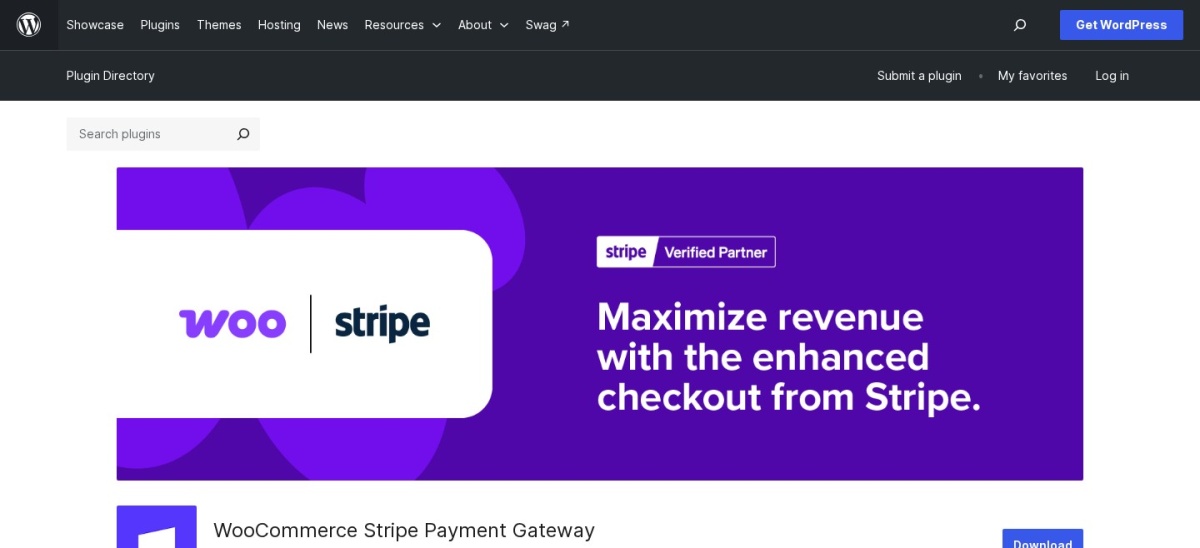
WooCommerce Stripe Gateway homepage, captured Nov 2026.
WooCommerce Stripe Gateway is the official Stripe plugin for WooCommerce, with more than 700,000 active installs. The free plugin takes cards, Apple Pay, Google Pay and Link at checkout, supports 3D Secure and works with WooCommerce Subscriptions for recurring payments.
The trade off is the WordPress.org rating of 3.1 out of 5, which reflects support threads more than the checkout itself, and the fee of 2.9% plus 30 cents on every successful card payment. It suits stores that want the official Stripe integration with the widest method support.
What we like
Official Stripe plugin, so updates track WooCommerce
No monthly or setup fee, only the per-sale fee
Apple Pay, Google Pay and Link at checkout
Watch out for
Rated 3.1 out of 5 on WordPress.org
International cards add 1.5% to the fee
No paid plan; Stripe takes 2.9% plus 30 cents per saleVisit stripe.com
02
WooCommerce PayPal Payments
2.9/5on WordPress.org (591 reviews, checked Nov 2026)
Pricing3.49% + 49c/txn
Best for PayPal shoppers
PayPal wallet fee3.49% + 49c
Card fee2.99% + 49c
Pay LaterYes, with messaging
SubscriptionsYes, with WooCommerce Subscriptions
paypal.com
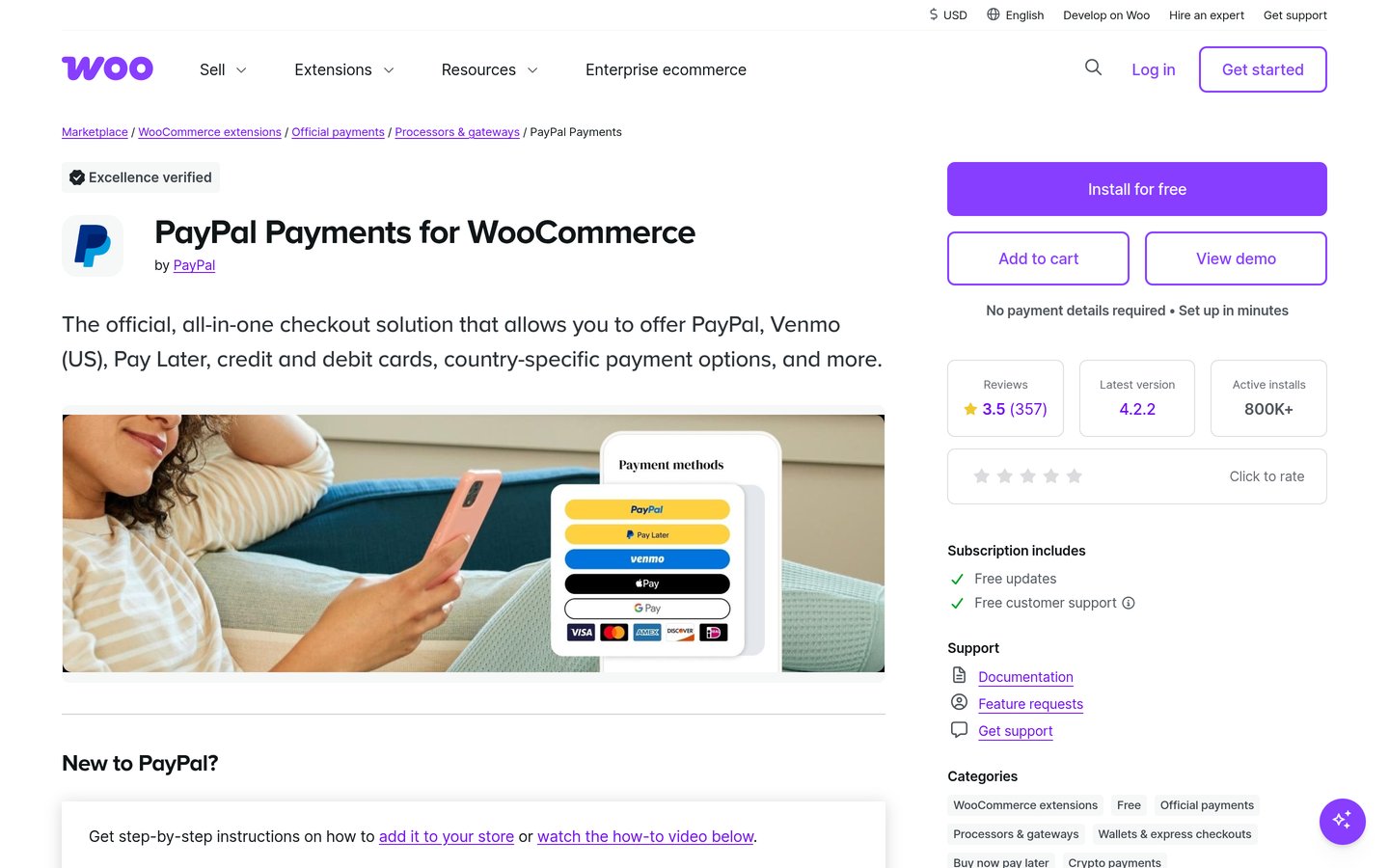
WooCommerce PayPal Payments homepage, captured Nov 2026.
WooCommerce PayPal Payments is the official PayPal plugin for WooCommerce, with more than 800,000 active installs. It adds PayPal, Venmo in the US, Pay Later messaging, cards, Apple Pay and Google Pay to checkout, and works with WooCommerce Subscriptions.
The trade off is cost. PayPal wallet payments cost 3.49% plus 49 cents, and card payments cost 2.99% plus 49 cents, both higher than Stripe on small orders. It suits stores whose customers already have PayPal accounts and expect to pay with them.
What we like
Most-installed gateway in this list
Shoppers pay without typing card details
Pay Later messaging on product pages
Watch out for
Highest fixed fee here at 49 cents
Rated 2.9 out of 5 on WordPress.org
No paid plan; PayPal takes 3.49% plus 49 cents per wallet saleVisit paypal.com
03
Payment Plugins for Stripe WooCommerce
4.8/5on WordPress.org (303 reviews, checked Nov 2026)
Pricing2.9% + 30c/txn
Best rated Stripe plugin
Card fee2.9% + 30c, via Stripe
Payment methods27, including Klarna and iDEAL
WalletsApple Pay, Google Pay
SubscriptionsYes, with WooCommerce Subscriptions
paymentplugins.com
Payment Plugins for Stripe WooCommerce homepage, captured Nov 2026.
Payment Plugins for Stripe WooCommerce is a free Stripe plugin from an official Stripe partner, with more than 100,000 active installs. It accepts cards, Google Pay, Apple Pay, ACH, Klarna and iDEAL through Stripe's Payment Element, with no plugin fee.
The trade off is that the plugin only covers Stripe, so a second gateway still needs another plugin, and some advanced features need paid add-ons. It suits stores that want the widest Stripe method list in one free plugin.
4.4/5on WordPress.org (117 reviews, checked Nov 2026)
Paid from$99/yr
Best for payments without a store
Free versionYes, Lite on WordPress.org
Lite fee3% per payment, plus Stripe fees
Payment methodsCards, Apple Pay, Google Pay, iDEAL
Paid planPersonal, $99/yr
wpsimplepay.com
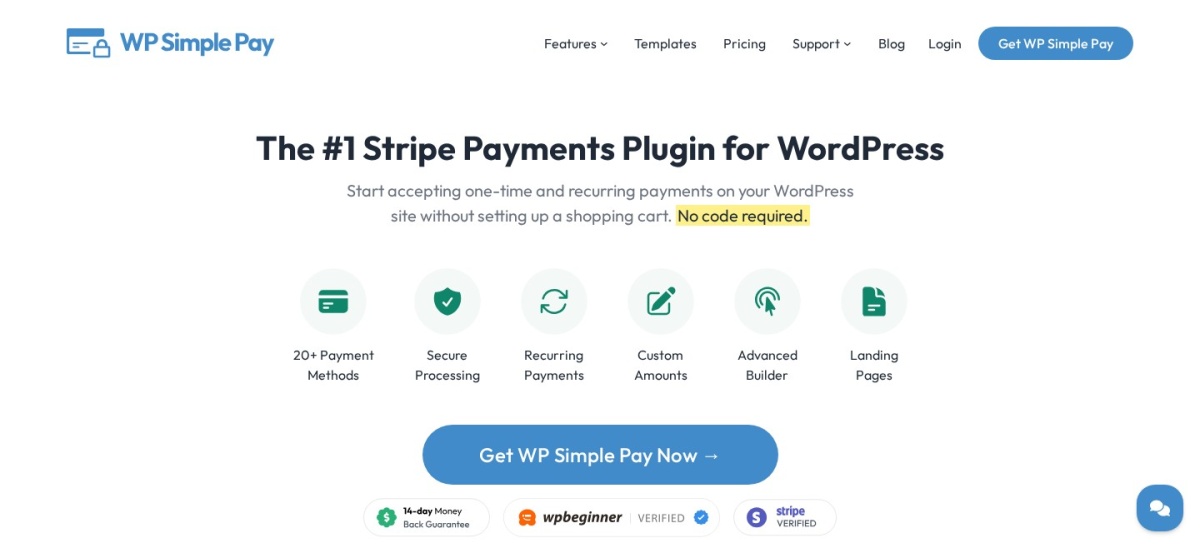
WP Simple Pay homepage, captured Nov 2026.
WP Simple Pay is a Stripe payment form plugin for sites without a store, with more than 8,000 active installs. The free Lite version builds payment forms for one-time payments, connects to Stripe in minutes, and takes cards, Apple Pay, Google Pay and iDEAL.
The trade off is the 3% fee Lite adds to every payment on top of Stripe's rate. Personal costs $99 a year for one site and removes that fee while adding on-site forms. It suits charities, clubs and sellers who need a payment form, not a full shop.
3.6/5on WordPress.org (69 reviews, checked Nov 2026)
Pricing1.8% + €0.25/txn
Best for European local methods
EEA card fee1.8% + €0.25
Non-EEA card fee3.25% + €0.25
Local methodsiDEAL, Bancontact, SEPA
Monthly feeNone on standard online pricing
mollie.com
Mollie Payments for WooCommerce homepage, captured Nov 2026.
Mollie Payments for WooCommerce is the official Mollie plugin, with more than 100,000 active installs. It adds cards, iDEAL, Bancontact, SEPA Direct Debit, Apple Pay and Klarna to checkout, with no monthly fee and no setup fee on standard online pricing.
The trade off is that card rates depend on where the card was issued. European consumer cards cost 1.8% plus 25 cents, while non-European cards cost 3.25% plus 25 cents. It suits European stores that need local payment methods beside cards.
What we like
Strongest local method list for Europe
No monthly fee on standard online pricing
Low 1.8% rate on European consumer cards
Watch out for
Non-European cards cost 3.25% plus 25 cents
Rated 3.6 out of 5 on WordPress.org
No paid plan; Mollie takes a fee per sale, by methodVisit mollie.com
06
Square for WooCommerce
2.1/5on WordPress.org (121 reviews, checked Nov 2026)
Pricing3.3% + 30c/txn
Best for in-person and online sellers
Online card fee3.3% + 30c, Free plan
In-person fee2.6% + 15c
WalletsApple Pay, Google Pay
Stock syncYes, with a Square account
squareup.com
Square for WooCommerce homepage, captured Nov 2026.
Square for WooCommerce is the official Square plugin, with more than 80,000 active installs. It takes online card payments, syncs products and stock with a Square account, and supports Apple Pay and Google Pay at checkout.
The trade off is the online rate on the free plan, 3.3% plus 30 cents, which is higher than Stripe's 2.9% plus 30 cents. Plus costs $49 a month per location and cuts the online rate to 2.9%. It suits sellers who already take payments in person with Square.
What we like
One account for online and in-person sales
Stock syncs between the store and Square
No monthly fee on the Free plan
Watch out for
Lowest rating here at 2.1 out of 5
Online rate is 3.3% on the Free plan
Free plan at 3.3% online; Plus at $49 a month cuts it to 2.9%Visit squareup.com
07
Razorpay for WooCommerce
2.5/5on WordPress.org (23 reviews, checked Nov 2026)
Pricing2%/txn
Best for selling to India
Domestic fee2%, plus 18% GST on the fee
International cards3%
Local methodsUPI, RuPay, netbanking, wallets
Setup feeNone
razorpay.com
Razorpay for WooCommerce homepage, captured Nov 2026.
Razorpay for WooCommerce is the official Razorpay plugin, with more than 100,000 active installs. It adds UPI, RuPay, netbanking, cards, wallets and EMI to checkout, and supports subscriptions through Razorpay's recurring billing.
The trade off is geography. The standard 2% domestic fee, plus 18% GST on the fee, applies to Indian merchants, and international cards cost 3%. It suits stores selling to customers in India who pay by UPI or local cards.
2.3/5on WordPress.org (20 reviews, checked Nov 2026)
Pricing3.29–5.99% + 30c/txn
Best buy now, pay later option
Merchant fee3.29–5.99% + 30c, by contract
Pay in 4Yes, interest-free for shoppers
Pay in 30 daysYes
Monthly financingYes, up to 24 months
klarna.com
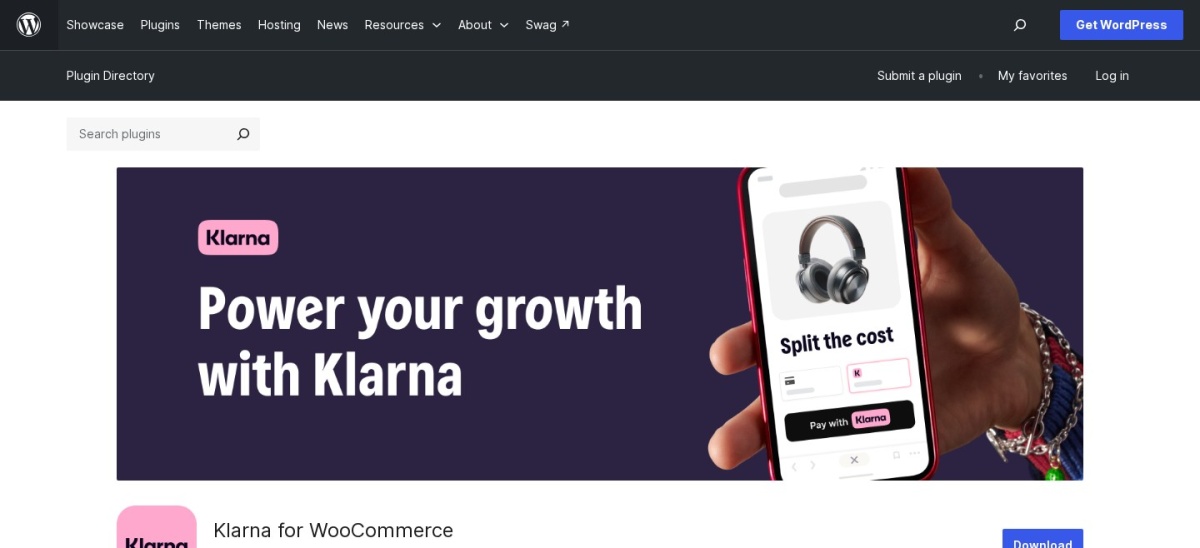
Klarna for WooCommerce homepage, captured Nov 2026.
Klarna for WooCommerce is the official Klarna plugin, with more than 20,000 active installs. It adds Pay in 4, Pay in 30 days and monthly financing to checkout, so shoppers can split a purchase while the store is paid upfront, less Klarna's fee.
The trade off is price and paperwork. Klarna publishes no US rate card, and merchant fees are set per contract, commonly cited at 3.29% to 5.99% plus 30 cents. It suits stores with larger baskets where instalments lift conversion.
What we like
Best-known buy now, pay later brand
Store is paid upfront, less the fee
Pay in 4 costs shoppers no interest
Watch out for
No published US rate card
Merchant fee runs higher than card fees
No paid plan; Klarna's fee is set per merchant contractVisit klarna.com
09
Amazon Pay for WooCommerce
2.5/5on WordPress.org (27 reviews, checked Nov 2026)
Pricing2.9% + 30c/txn
Best for Amazon shoppers
Domestic fee2.9% + 30c
Cross-border fee3.9% + 30c
Monthly feeNone
Recurring paymentsYes, separate purchase
pay.amazon.com
Amazon Pay for WooCommerce homepage, captured Nov 2026.
Amazon Pay for WooCommerce is the official Amazon Pay plugin, with more than 10,000 active installs. Shoppers pay with the cards and addresses saved in their Amazon account, which shortens checkout, and the plugin supports recurring payments with a separate purchase.
The trade off is the fee and the audience. Domestic web and mobile payments cost 2.9% plus 30 cents, and the button only helps shoppers who have an Amazon account. It suits stores whose customers already shop on Amazon.
4.9/5on WordPress.org (34 reviews, checked Nov 2026)
Paid from$25/mo
Best for stores with a merchant account
Gateway fee$25 a month
Per-transaction fee10c, plus 10c daily batch fee
Card tokenizationYes, Accept.js
eCheckYes
authorize.net
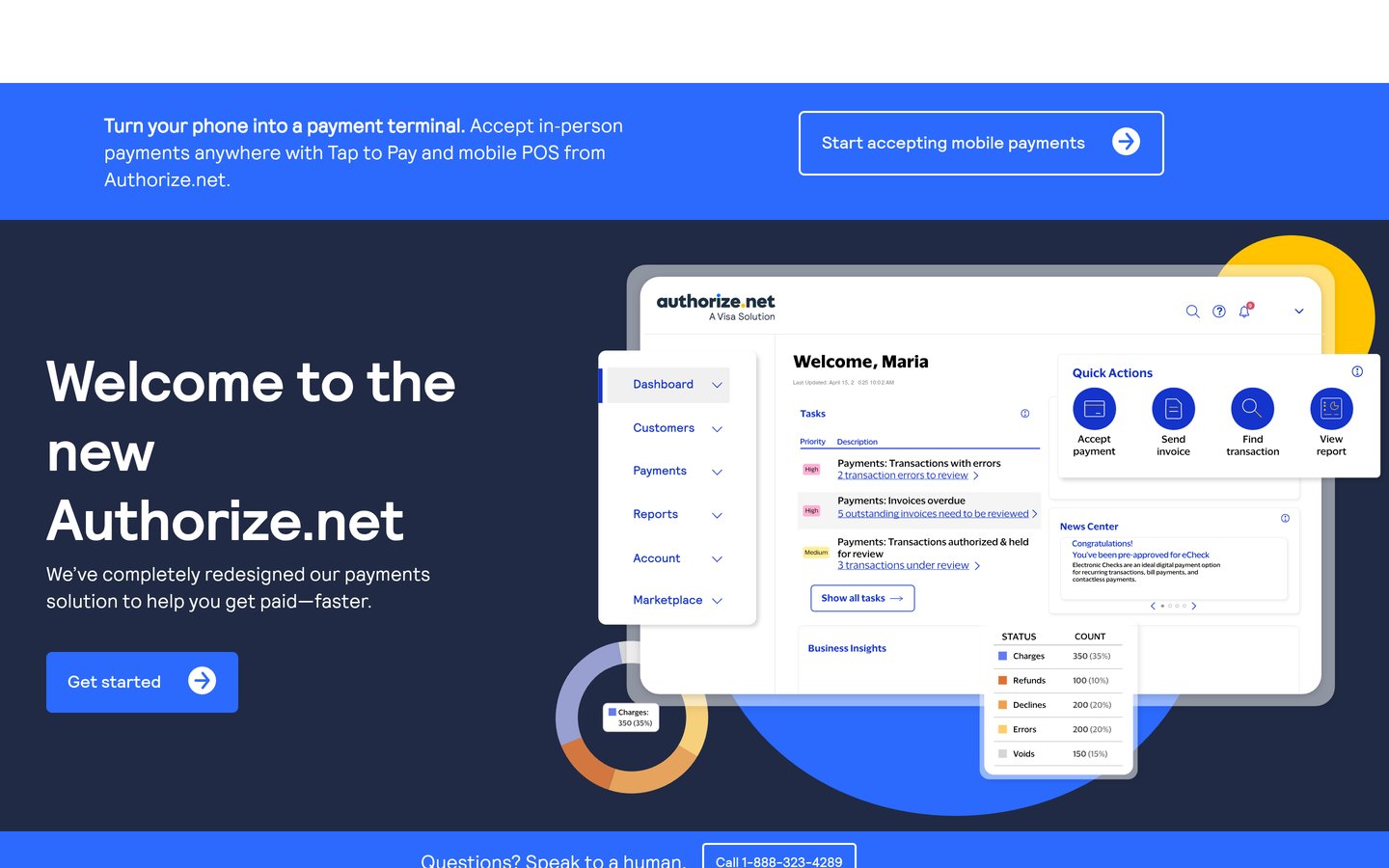
Authorize.net Gateway for WooCommerce homepage, captured Nov 2026.
Authorize.net Gateway for WooCommerce is a free Authorize.net plugin from Pledged Plugins, with more than 10,000 active installs. It takes cards through Accept.js tokenization, keeps card data off your server, and adds eCheck payments.
The trade off is the monthly bill. Authorize.net charges $25 a month for the gateway, plus 10 cents per transaction and 10 cents per daily batch, on top of a separate merchant account. It suits established stores that already hold a merchant account.
Eight of the ten tools in this list have no yearly price at all. The plugin is free, and the provider takes a percentage of each sale, so a quiet month costs almost nothing.
That changes the maths. A $99 a year licence looks cheap until you compare it with a 3% fee on $50,000 of sales, which is $1,500. Work out the fee on your real average order before you pick.
Two tools do have a yearly or monthly cost. WP Simple Pay Personal is $99 a year and removes the 3% Lite fee, while Authorize.net is $25 a month for the gateway alone.
Volume discounts exist but are rarely published. Stripe, PayPal and Square all offer custom rates for large sellers, so ask for a quote once monthly sales pass $50,000.
Common mistakes when picking a gateway
Picking a gateway your customers never use is the most common mistake. A store selling to Europe needs iDEAL or Bancontact, while a store selling to India needs UPI, and cards alone will lose sales in both cases.
Forgetting the fixed fee is the second. On a $10 order, 49 cents is nearly 5% before the percentage is added, so cheap items need a low fixed fee.
Running two card gateways at once is the third. It doubles the accounts, the payouts and the support, and shoppers rarely need a choice between two identical card forms.
How we chose
We started from every payment gateway plugin on WordPress.org with a recent update, then kept the ten that cover the methods shoppers actually use: cards, wallets, local methods and buy now, pay later.
Prices come from each provider's pricing page, checked on 22 November 2026. Ratings and install counts come from WordPress.org on the same day. Klarna publishes no US rate card, so its fee is shown as the commonly cited contract range. Where a vendor shows a sale, the list shows the regular price.
We left out plugins not updated in the last 12 months, and the 2Checkout plugin, which has no usable WordPress.org listing. No vendor paid for a place, and we do not claim hands-on testing for this list.
How to choose a payment gateway for WordPress
Start with where your customers live and how they pay, then compare the fee on your average order.
List the methods your customers expect. Cards are the baseline everywhere. Add a wallet for shoppers who pay from a phone, and a local method such as iDEAL, UPI or Bancontact where your buyers live.
Run the fee on your average order. Multiply your average order by the percentage, add the fixed fee, and compare gateways on that number, not on the headline percentage alone.
Check what your store already supports. WooCommerce Subscriptions, pre-orders and the block checkout do not work with every gateway. Confirm the features you use before you switch.
Add one gateway at a time. Turn on the gateway, run a real test order with a live card, and check the payout lands before you add a second method.
FAQ
What is the best payment gateway for WordPress?
WooCommerce Stripe Gateway is the best pick for most stores. It has more than 700,000 active installs, takes cards, Apple Pay, Google Pay and Link, and charges the standard 2.9% plus 30 cents per successful card payment.
Do WordPress payment gateway plugins cost money?
Most are free to install. The cost is the per-transaction fee the provider takes from each sale, usually 2% to 3.49% plus a fixed fee. Only WP Simple Pay and Authorize.net in this list charge a yearly or monthly licence on top.
Is Stripe or PayPal cheaper for WooCommerce?
Stripe is cheaper on most orders. Stripe charges 2.9% plus 30 cents per card payment, while PayPal charges 2.99% plus 49 cents for cards and 3.49% plus 49 cents for wallet payments. PayPal can still win if your customers prefer paying with PayPal.
Can I accept buy now, pay later on WordPress?
Yes. Klarna for WooCommerce adds Pay in 4, Pay in 30 days and monthly financing to checkout, and PayPal Payments adds Pay Later messaging. Expect a higher merchant fee than card payments, commonly 3.29% to 5.99% plus 30 cents for Klarna.
Do I need a merchant account for WordPress payments?
Not for most gateways here. Stripe, PayPal, Square, Mollie, Razorpay and Amazon Pay all include payment processing in their own account. Authorize.net is the exception: it is a gateway only, so you need a separate merchant account.
Why are payment gateway plugins rated so low?
Gateway plugins score lower on WordPress.org than other plugin types because reviews come mostly from merchants whose payments failed or whose accounts were held. A 2.1 rating does not mean checkout is broken for every store, but do read recent reviews before you install.