Best Mobile Payment App for Small Business in 2026: 8 Tools Compared
WLWPLegible EditorsLast verified 23 Nov 2026How we rank12 min read
★ Short answer
Square is the best mobile payment app for most small businesses: its free POS app takes tap, chip and swipe payments at 2.6% + 15¢, and it is rated 4.7 out of 5 on Capterra. Pick PayPal Point of Sale for the lowest in-person rate, 2.29% + 9¢, or Stripe to run online and in-person sales from one account.
How we make this list: we compare pricing pages, product documentation and public user reviews, then re-check every price before each update. No product paid for a place. Disclosure.
Square is the most complete free option: free POS app, inventory, invoicing and a free magstripe reader, at 2.6% + 15¢ per in-person sale.
PayPal Point of Sale has the lowest in-person rate in this list at 2.29% + 9¢, with no monthly fee and a $29 first reader.
Stripe charges 2.7% + 5¢ in person and 2.9% + 30¢ online, with no monthly fee, but it has no ready-made register app.
Six of the 8 apps start at $0 a month; only Shopify POS ($5 a month) and Stax ($99 a month) charge a monthly fee to start.
Helcim and Stax use interchange-plus pricing, which beats flat rates once monthly card volume passes roughly $8,000 to $10,000.
What to look for in a mobile payment app
A mobile payment app should let you take a card payment anywhere: at a counter, a market stall, a food truck or a client site. The app, a small reader and your phone are usually all you need.
The rate matters more than the monthly fee for most small sellers. A flat rate of 2.6% + 15¢ costs $2.75 on a $100 sale, while 2.29% + 9¢ costs $2.38, and that gap grows with every sale.
Check the fixed fee too. A 15¢ charge adds 3% to a $5 sale, so sellers with small tickets pay less on apps with a 5¢ or 9¢ fixed fee, or no fixed fee at all.
If you also sell online, one account for both channels saves time. Our guide on adding a payment method in WooCommerce shows how card payments fit into a store checkout.
4.7/5on Capterra (2,719 reviews, checked Nov 2026)
PriceFree
Best mobile payment app overall
In-person rate2.6% + 15¢
Free planYes, $0/mo
Offline modeYes
Paid planPlus, $49/mo
squareup.com
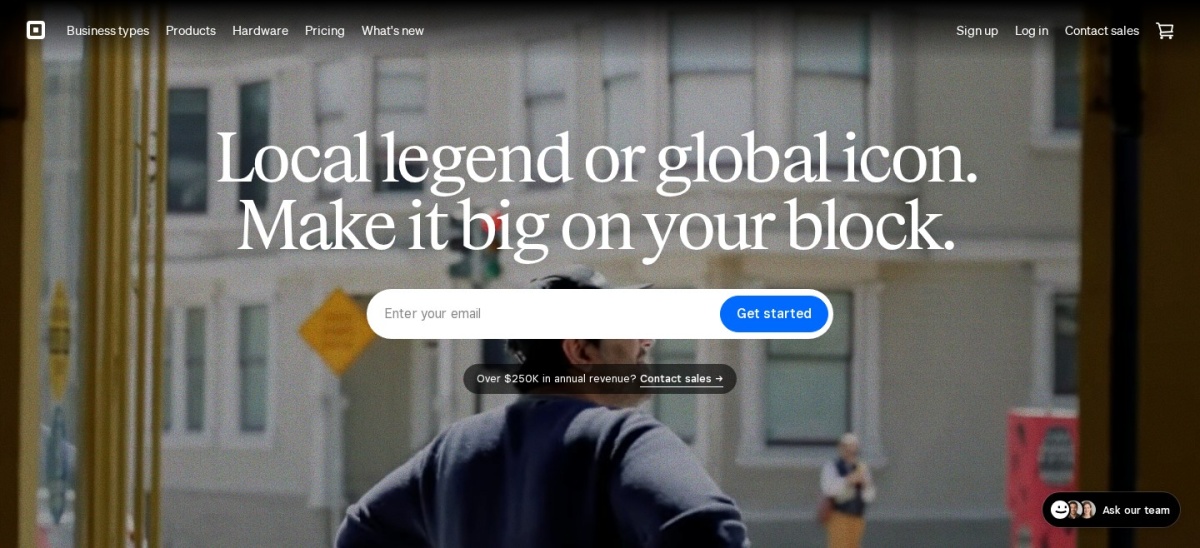
Square homepage, captured Nov 2026.
Square is a free point-of-sale app that turns a phone or tablet into a card terminal. The free plan includes inventory tracking, invoicing, sales reports and a free magstripe reader, and it takes tap, chip and swipe payments at 2.6% + 15¢ per in-person sale. Tap to Pay on iPhone and Android needs no reader at all.
The trade off is the fixed fee. The 15¢ charge adds 3% to a $5 sale, and online sales on the free plan cost 3.3% + 30¢, which is high for a web store. It suits shops, food trucks and service businesses that take most payments in person.
What we like
Free POS app with inventory, invoicing and sales reports
First magstripe reader is free, and setup is fast
Offline mode keeps selling when the internet drops
Next-business-day deposits included at no extra cost
Watch out for
The 15¢ fixed fee is costly on very small tickets
Online sales on the free plan cost 3.3% + 30¢
Some reviewers report account holds when payments are flagged
4.6/5on Capterra (2,290 reviews, checked Nov 2026)
PriceFree
Best for the lowest in-person rate
In-person rate2.29% + 9¢
First reader$29
Offline modeNo
Paid planNone, pay per sale
paypal.com
PayPal Point of Sale homepage, captured Nov 2026.
PayPal Point of Sale is the app formerly sold as Zettle, and it is the cheapest way to take cards in person in this list. The free app runs on iOS and Android, accepts contactless cards, Apple Pay, Google Pay and PayPal or Venmo QR codes, and charges 2.29% + 9¢ per sale with no monthly fee. The first card reader costs $29 for new users.
The trade off is depth. Inventory, staff management and reporting are thinner than Square, there is no offline mode, and keyed-in cards jump to 3.49% + 9¢. It suits market stalls, pop-ups and solo sellers who want the lowest in-person rate.
What we like
Lowest in-person rate in this list at 2.29% + 9¢
No monthly, setup or cancellation fees
Money reaches a PayPal balance in minutes
Accepts cards, wallets and PayPal or Venmo QR codes
4.6/5on Capterra (3,392 reviews, checked Nov 2026)
PriceFree
Best for online and in-person in one account
In-person rate2.7% + 5¢
Online rate2.9% + 30¢
Reader M2$59
Paid planNone, pay per sale
stripe.com
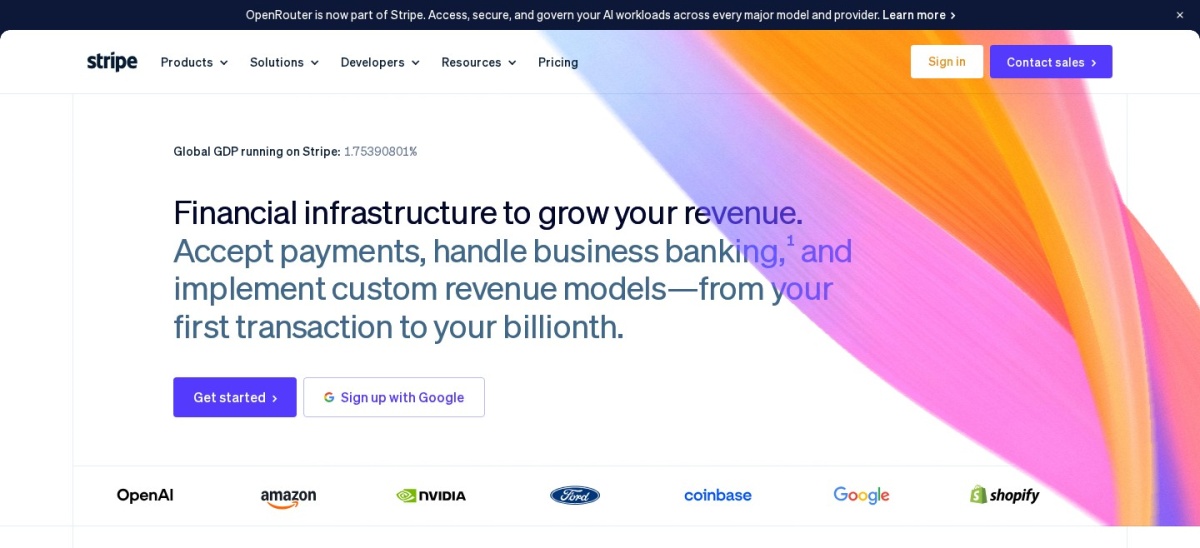
Stripe homepage, captured Nov 2026.
Stripe is a payment platform that covers online and in-person sales from one account. Terminal takes in-person cards at 2.7% + 5¢ with no monthly fee, while the same account handles online payments at 2.9% + 30¢, invoicing, subscriptions and payment links. Radar fraud detection is built in, and the Reader M2 costs $59.
The trade off is that Stripe is not a ready-made register. There is no Square-style POS app, so you pair a reader with a third-party POS or build on the Terminal API. It suits businesses with a developer, an existing online store, or a custom checkout.
What we like
Cheapest fixed fee in this list at 5¢ per sale
One account for online, in-person and subscription payments
Radar fraud detection built in
No setup, monthly or minimum fees on standard pricing
Watch out for
No ready-made POS app of its own
Support is mostly chat and tickets
Add-on products such as Billing and Tax add fees
No paid plan: standard pricing is pay per transactionVisit stripe.com
04
Shopify POS
4.6/5on Capterra (248 reviews, checked Nov 2026)
Starts at$5/mo
Best for Shopify stores selling in person
Cheapest plan$5/mo Starter
POS Pro$89/mo per location
In-person rate2.6% + 10¢ on Basic
Tap & Chip reader$49
shopify.com
Shopify POS homepage, captured Nov 2026.
Shopify POS is the in-person arm of Shopify, and it keeps one inventory across a website and a counter. POS Lite is included with every Shopify plan and takes in-person cards at 2.6% + 10¢ on Basic, while POS Pro costs $89 a month per location. Tap to Pay on iPhone needs no hardware, and the Tap & Chip reader costs $49.
The trade off is stacked cost. A Shopify plan plus $89 a month per location for Pro, plus hardware, adds up fast, and staff roles and advanced reports sit behind Pro. It suits retailers who already sell on Shopify and need online and in-store stock to stay in sync.
What we like
Real-time inventory sync between website and counter
Tap to Pay on iPhone needs no hardware
POS Pro adds staff roles and buy-online-pickup-in-store
Works offline at trade shows and markets
Watch out for
Needs a paid Shopify plan on top of the Pro add-on
Advanced features sit behind the $89 a month Pro plan
Costs climb fast once Pro, hardware and apps stack up
POS Pro at $89 a month per location adds staff roles and reportsVisit shopify.com
05
SumUp
4.5/5on Capterra (1,471 reviews, checked Nov 2026)
PriceFree
Best for simple flat-rate selling
In-person rate2.6% + 10¢
Online rate3.5% + 15¢
Plus reader$54
Paid planPOS Plus, $49/mo
sumup.com
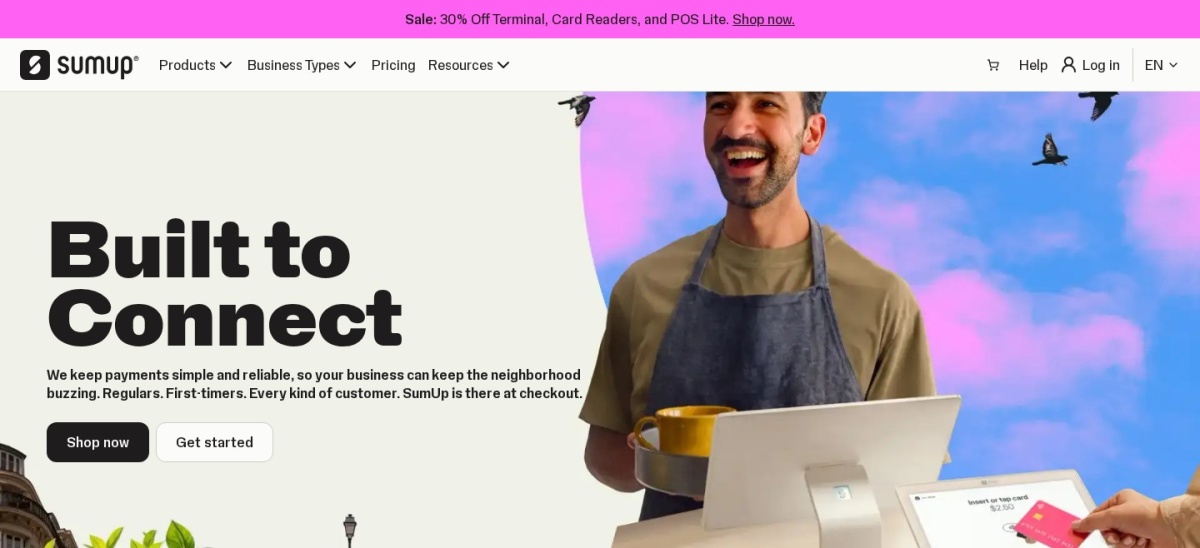
SumUp homepage, captured Nov 2026.
SumUp is a card reader and app with one in-person rate and no monthly fee. Card-present sales cost 2.6% + 10¢, the app is free, and payouts land in one to two business days. The SumUp Plus reader costs $54, the Solo costs $99, and there is no contract or minimum.
The trade off is thin software. Online and keyed-in cards cost 3.5% + 15¢, inventory and reporting are basic, and deeper POS features need POS Plus at $49 a month. It suits market sellers and micro-businesses that want the simplest way to take cards.
What we like
One in-person rate with no monthly fee or contract
Readers start at $54 with no rental charge
Same rate for Visa, Mastercard and American Express
Payouts land in one to two business days
Watch out for
Online and keyed-in cards cost 3.5% + 15¢
POS software is basic with limited reporting
Phone support can be slow, according to reviewers
POS Plus at $49 a month adds multi-device sync and floor plansVisit sumup.com
06
Stax
4.2/5on Capterra (149 reviews, checked Nov 2026)
Starts at$99/mo
Best for high-volume sellers
Monthly fee$99/mo
In-person feeInterchange + 8¢
Online feeInterchange + 15¢
Paid planFrom $99/mo
staxpayments.com
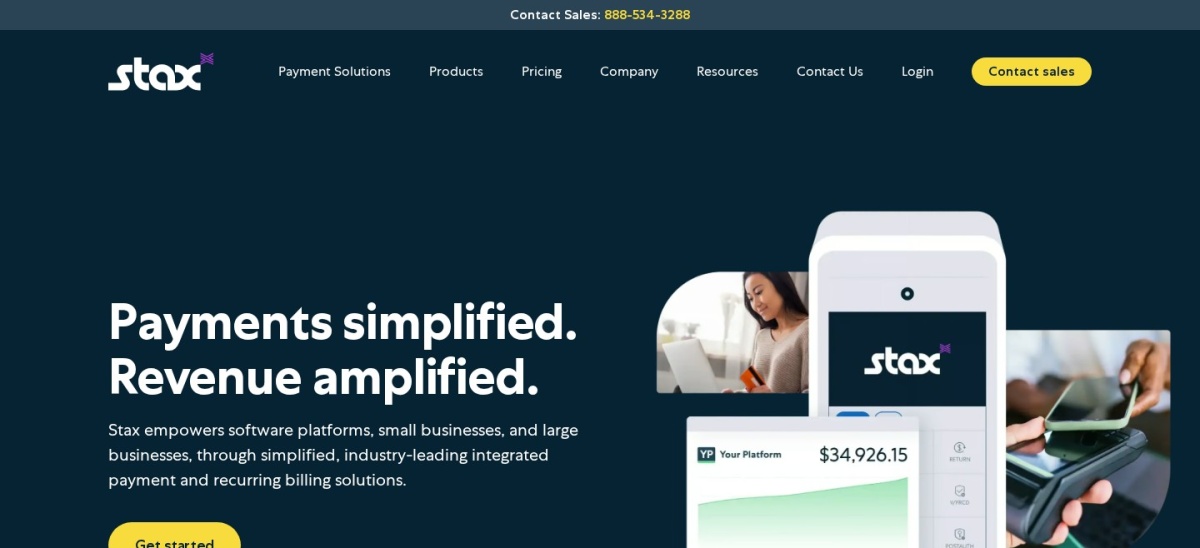
Stax homepage, captured Nov 2026.
Stax is a subscription processor that charges interchange at cost with no percentage markup. The plan starts at $99 a month, in-person sales cost interchange plus 8¢, and online sales cost interchange plus 15¢. Stax Pay covers in-person, online and mobile payments, and Stax Bill adds invoicing and recurring billing.
The trade off is the monthly fee. At low volume the $99 subscription costs more than a flat-rate app, and the savings only show past roughly $8,000 to $10,000 a month in card sales. It suits growing businesses with steady volume that want to stop paying a percentage markup.
What we like
0% markup on interchange, so costs fall as volume grows
Toast POS is a restaurant system built around the Toast Go 3 handheld, which takes orders and payments at the table. The Starter Kit costs $0 a month, and the paid POS plan starts at $69 a month with kitchen displays, online ordering and real-time reporting. About 171,000 locations run on Toast.
The trade off is focus. Toast is built for restaurants, bars, cafes and food trucks, so a retail shop gets tools it will not use, and reviewers report glitches and slow fixes. It suits food businesses that want handheld ordering with payments built in.
What we like
Handheld ordering and payments at the table
Kitchen displays and online ordering included
Free 24/7 support from restaurant specialists
Menu changes push to every device at once
Watch out for
Built for food service, not general retail
Reviewers report glitches and slow fixes
Costs rise with add-ons and extra terminals
The $69 a month POS plan adds kitchen displays and reportingVisit toasttab.com
08
Helcim
3.7/5on Capterra (35 reviews, checked Nov 2026)
PriceFree
Best for interchange-plus pricing
In-person feeInterchange + 0.40% + 8¢
Monthly fee$0
Volume discountsAutomatic
Paid planNone, pay per sale
helcim.com
Helcim homepage, captured Nov 2026.
Helcim is an interchange-plus processor with no monthly fee and published margins. In-person sales cost interchange plus 0.40% + 8¢, the margin drops automatically as volume grows, and the POS app, invoicing, virtual terminal and recurring payments are all included. Helcim publishes an average in-person rate of 1.79% + 8¢.
The trade off is that the real rate depends on the cards customers use, so the published average is a guide, not a promise. Onboarding is heavier than the flat-rate apps and asks for financial documents. It suits businesses processing $3,000 or more a month that want costs to fall as they grow.
What we like
Interchange-plus pricing with no monthly fee
Margin drops automatically as volume grows
Every tool is included: POS, invoicing and recurring billing
No contracts, PCI or statement fees
Watch out for
Real rate depends on the cards customers use
Onboarding asks for financial documents
Smaller ecosystem than Square or Stripe
No paid plan: the margin falls automatically with volumeVisit helcim.com
Flat rate vs interchange-plus: which costs less
Flat-rate apps charge one percentage on every sale, so the cost is easy to predict. Square at 2.6% + 15¢ and PayPal Point of Sale at 2.29% + 9¢ are flat-rate picks.
Interchange-plus apps pass the card network cost through at face value and add a small published margin. Helcim adds 0.40% + 8¢ and Stax adds 0% with a monthly fee, so the total falls as volume grows.
Under about $3,000 a month in card sales, a flat-rate app with no monthly fee usually wins. Past $8,000 to $10,000 a month, an interchange-plus plan usually wins, because the margin is smaller than the flat-rate markup.
How we chose
We started from the payment apps most often recommended for small businesses in 2026, then kept the ones with a real mobile app, published in-person rates and a Capterra review base.
Prices and rates come from each vendor pricing page and from rate checks dated November 2026, and ratings come from Capterra pages opened on 23 November 2026. Where a vendor shows a sale or an old rate on a help page, the list shows the current regular rate.
This list is based on pricing, docs and reviews, not on using the tools ourselves. No vendor paid for a place in it.
How to choose a mobile payment app for your small business
Start with how you sell, then match the rate to your average ticket.
Work out where you take payments. A market stall needs a phone app and a pocket reader, while a shop needs a counter register and inventory. Pick the app that fits the place you sell.
Do the maths on your average ticket. A 15¢ fixed fee adds 3% to a $5 sale but almost nothing to a $100 sale. Compare the full cost per sale, not just the headline percentage.
Check the hardware cost. Readers run from $29 to $199 in this list, and some apps work with Tap to Pay on a phone and need no reader at all.
Confirm payouts and offline mode. Ask how fast money reaches your bank and whether the app keeps selling when the internet drops, which matters at markets and food trucks.
FAQ
What is the best mobile payment app for small business?
Square is the best pick for most small businesses. Its free POS app takes tap, chip and swipe payments at 2.6% + 15¢, includes inventory and invoicing, and is rated 4.7 out of 5 on Capterra from more than 2,700 reviews.
Which mobile payment app has the lowest fees?
PayPal Point of Sale has the lowest in-person rate in this list at 2.29% + 9¢ with no monthly fee. Helcim can cost less at high volume, because its interchange-plus margin drops automatically as card sales grow.
Can I accept card payments with just my phone?
Yes. Square, PayPal Point of Sale, Stripe, SumUp and Shopify POS all support Tap to Pay on iPhone and Android, so a phone can take contactless cards and wallets with no reader.
Do I need a monthly plan to take mobile payments?
No. Six of the 8 apps in this list start at $0 a month and charge only per sale. Monthly plans such as Square Plus at $49 a month or Stax at $99 a month only pay off at higher volume.
What is the difference between flat-rate and interchange-plus pricing?
Flat-rate apps charge one percentage on every sale, which is simple to predict. Interchange-plus apps pass the card network cost through and add a small margin, which usually costs less once monthly card volume passes roughly $8,000 to $10,000.
Which mobile payment app is best for a food truck?
Square and Toast POS are the strongest picks for food trucks. Square has a free POS app with offline mode, while Toast adds handheld ordering, kitchen displays and online ordering for food businesses.