Curogram leads for multi-channel patient check-in and digital intake with two-way SMS messaging and EHR sync. Carepatron suits budget-conscious solo practices with a free tier, while ClinicSense fits appointment-driven clinics with flat monthly rates.
How we make this list: we compare pricing pages, product documentation and public user reviews, then re-check every price before each update. No product paid for a place. Disclosure.
Carepatron offers a free plan with online booking and telehealth before paid tiers start at $12/mo billed yearly.
ClinicSense starts at $39/mo flat rate with online booking, intake forms, and automated reminders.
Healthie starts at $49.99/mo billed monthly ($45/mo billed annually) for solo providers with client intake and scheduling.
Jane starts at $59/mo flat rate with up to 20 appointments per month and email reminders.
SimplePractice starts at $49/mo regular price with promotional offers listed on its pricing page.
What to look for in patient check-in software
Patient check-in software covers pre-visit intake forms, appointment reminders, online booking, and front-desk arrival workflows. Clinics often pair check-in tools with scheduling, charting, and billing so patient updates do not require manual re-entry.
Check whether a tool charges per user, per provider, or a flat monthly fee, and watch for metered add-ons. Many platforms charge extra for SMS segments, insurance claim filing, or e-prescribing on top of base plans.
Confirm how intake data connects to your existing electronic health record or practice management system. A standalone check-in tool works well when you want texting and forms without replacing your core records system.
Curogram is a patient engagement and check-in platform with two-way SMS texting, automated appointment reminders, and digital intake forms. It works alongside existing EHR systems rather than replacing practice charting or billing.
The trade off is starting at $125/mo ($1,500/yr) without a free tier, and final quotes depend on provider count and features. It suits clinics that want text-based check-in and intake without switching EHRs.
What we like
Two-way SMS communication from an office number
Digital pre-visit intake forms that sync with EHRs
No per-message fees reported on Curogram plans
High rating on G2 across 117 reviews
Watch out for
No free plan or free trial listed on Capterra
Higher starting price than solo therapy platforms
Paid plans start at $125/mo ($1,500/yr) for patient messaging, reminders, and digital check-in workflows.Visit curogram.com
02
Carepatron
4.4/5on Capterra (861 reviews, checked Nov 2026)
Paid from$12/mo
Best free plan for solo practitioners
Entry priceFree ($12/mo Plus yearly)
Capterra rating4.4/5 (861)
Free tier limit100 appts & 1GB storage
Billing basisPer user
carepatron.com
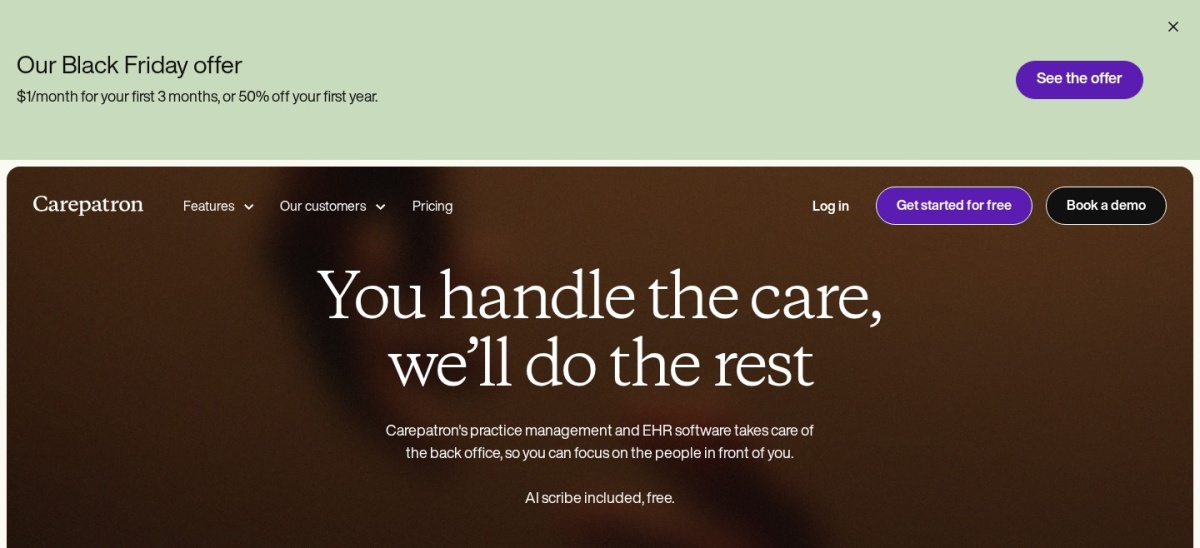
Carepatron homepage, captured Nov 2026.
Carepatron is a practice management platform that includes online booking, client records, telehealth, and a free plan for up to 100 appointments and 1GB of storage. Paid plans start with Plus at $12/mo per user billed yearly.
The trade off is per-user pricing starting at $144/yr on Plus, plus extra charges for SMS overages, claims, and add-ons. It suits solo practitioners and small teams starting on a free plan.
What we like
Free plan includes online booking and 100 appointments
Plus tier adds text and email reminders at $12/mo billed yearly
Large review base on Capterra with 861 reviews
Watch out for
Extra fees apply for insurance claims, checks, and SMS overages
Some Capterra reviewers report occasional software glitches
Plus starts at $12/mo per user billed yearly ($144/yr) and adds text and email appointment reminders.Visit carepatron.com
03
ClinicSense
4.8/5on Capterra (683 reviews, checked Nov 2026)
Starts at$39/mo
Best flat-rate booking and intake for wellness clinics
Starting price$39/mo flat rate
Capterra rating4.8/5 (683)
Lite plan capUp to 20 appts/mo
Free trial14 days
clinicsense.com
ClinicSense homepage, captured Nov 2026.
ClinicSense is a practice management tool with online scheduling, digital intake forms, SOAP notes, and automated reminders starting on the Lite plan at $39/mo. It also offers a 14-day free trial and annual billing discounts.
The trade off is the $39/mo ($468/yr) Lite plan includes up to 20 appointments per month before higher tiers apply. It suits part-time practitioners and wellness clinics that want predictable flat pricing.
What we like
High 4.8/5 rating across 683 Capterra reviews
Includes online booking, intake forms, and automated reminders
Clear flat-rate tiers with a 14-day free trial
Watch out for
Lite plan caps included appointments at 20 per month
Some Capterra reviewers note mobile app limitations
Standard at $69/mo expands to 200 appointments/mo, waitlists, and marketing campaigns.Visit clinicsense.com
04
Healthie
4.4/5on Capterra (125 reviews, checked Nov 2026)
Starts at$49.99/mo
Best for nutrition, wellness, and digital health intake
Starting price$49.99/mo
Capterra rating4.4/5 (125)
Annual option$45/mo on Essentials
Free trial14 days
gethealthie.com
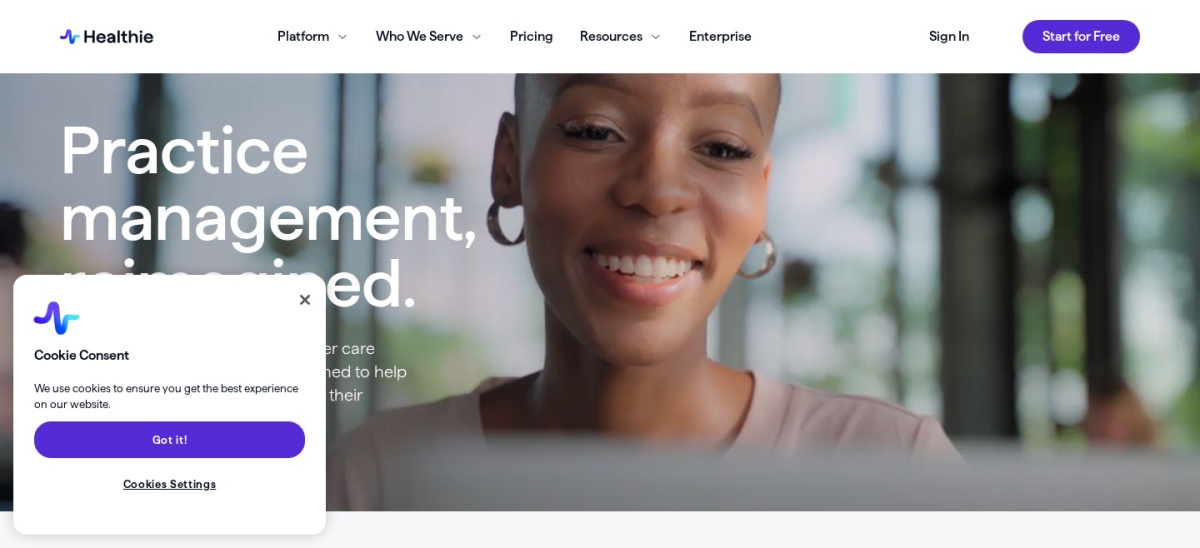
Healthie homepage, captured Nov 2026.
Healthie is an EHR and practice platform featuring client intake, appointment scheduling, telehealth, and a patient portal starting at $49.99/mo billed monthly. Annual billing lowers the Essentials plan to $45/mo.
The trade off is Essentials is a solo plan at $49.99/mo ($599.88/yr billed monthly), and add-ons like e-prescribing or claims cost extra. It suits nutritionists, coaches, and solo wellness clinicians.
What we like
Combines intake forms, scheduling, charting, and messaging
Lower annual rate available at $45/mo on Essentials
Supports solo and multi-provider group plans
Watch out for
Base Essentials plan is limited to a single provider seat
Clinical add-ons and claim integrations increase monthly costs
Plus at $129.99/mo removes the client cap and adds group video calls and online programs.Visit gethealthie.com
05
SimplePractice
4.6/5on Capterra (2,828 reviews, checked Nov 2026)
Starts at$49/mo
Best for therapy and private practice intake
Regular price$49/mo Starter
Capterra rating4.6/5 (2,828)
Free trial30 days
Next tier$79/mo Essential
simplepractice.com
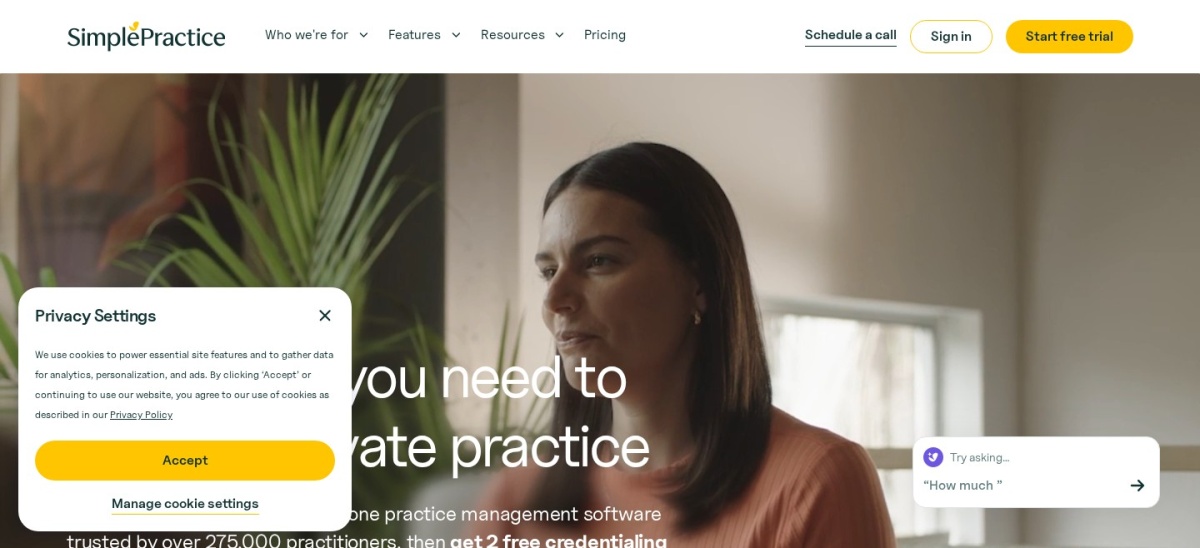
SimplePractice homepage, captured Nov 2026.
SimplePractice is a widely reviewed practice management platform for private practices with a regular Starter plan at $49/mo and a 30-day free trial. Promotional discounts are also listed on its pricing page.
The trade off is the $49/mo ($588/yr) Starter tier is basic and omits full appointment reminders, which start on Essential at $79/mo. It suits solo clinicians who want a polished client portal and scheduling.
What we like
Large review volume on Capterra with 2,828 reviews at 4.6/5
30-day free trial and clear tier progression
Includes client portal, billing, and telehealth options
Watch out for
Full appointment reminders require upgrading to Essential at $79/mo
Add-ons such as ePrescribe or Note Taker cost extra
Essential at $79/mo adds full appointment reminders, calendar sync, and 10 free insurance claims per month.Visit simplepractice.com
06
Jane
4.8/5on Capterra (538 reviews, checked Nov 2026)
Starts at$59/mo
Best for allied health clinics wanting polished booking
Starting price$59/mo Balance
Capterra rating4.8/5 (538)
Balance limitUp to 20 appts/mo
Next tier$79/mo Practice
jane.app
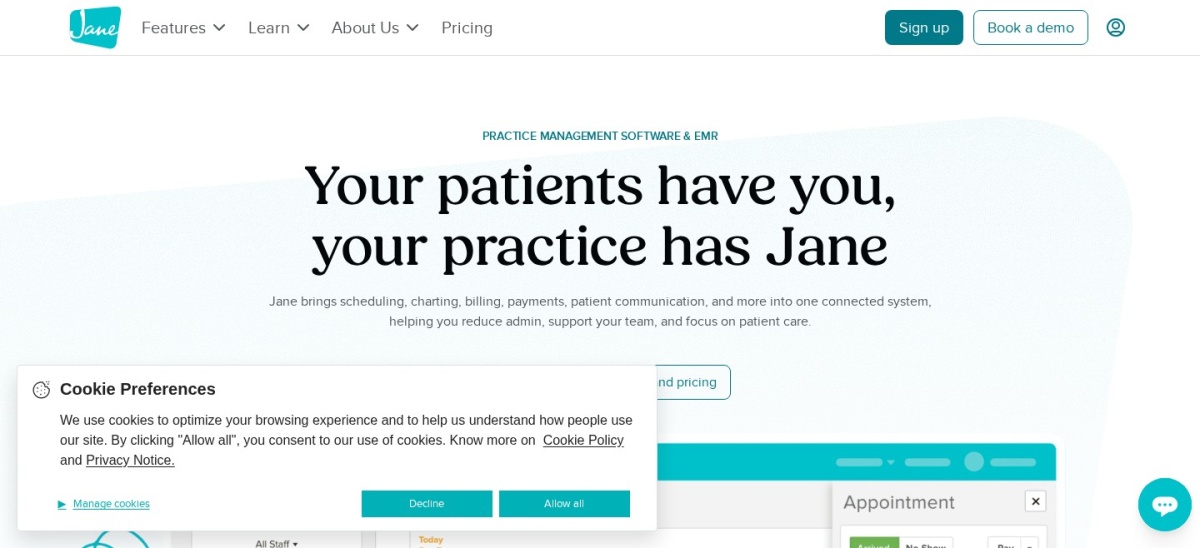
Jane homepage, captured Nov 2026.
Jane is a clinic management platform with online booking, intake forms, and appointment reminders starting on the Balance plan at $59/mo. It earns a 4.8/5 rating across 538 Capterra reviews.
The trade off is Balance costs $59/mo ($708/yr) for up to 20 appointments per month, while Practice at $79/mo unlocks unlimited appointments. It suits growing clinics and practitioners who prioritize scheduling.
What we like
Strong 4.8/5 rating across 538 Capterra reviews
Includes free data import and unlimited admin users on Balance
Practice tier adds unlimited appointments and SMS reminders
Watch out for
Balance plan caps bookings at 20 appointments per month
Higher starting cost than some entry-level practice tools
Practice at $79/mo unlocks unlimited appointments, online booking pre-payment policies, and unlimited SMS reminders.Visit jane.app
07
Practice Fusion
3.8/5on Capterra (500+ reviews, checked Nov 2026)
Starts at$199/mo
Best for independent medical EHR and scheduling
Starting price$199/mo per provider
CommitmentAnnual required
Included staff3 signing, unlim. non-signing
Core focusCloud EHR & ePrescribe
practicefusion.com
Practice Fusion homepage, captured Nov 2026.
Practice Fusion is a cloud-based electronic health record platform that includes scheduling, charting templates, and e-prescribing starting at $199/mo per provider. Plans include three signing staff licenses and unlimited non-signing staff licenses.
The trade off is starting at $199/mo per provider ($2,388/yr) with a required annual commitment. It suits independent medical practices that need a full EHR rather than a lightweight check-in widget.
What we like
Includes scheduling, charting templates, and e-prescribing
Includes three signing staff and unlimited non-signing staff licenses
Offers optional integrated medical billing services
Watch out for
Requires an annual commitment starting at $199/mo per provider
Some Capterra reviewers report slower support response times
Starting at $199/mo per provider ($2,388/yr) provides the full cloud EHR, e-prescribing, and lab ordering tools.Visit practicefusion.com
Standalone check-in vs. full EHR
Dedicated patient engagement tools focus on pre-visit messages, digital forms, and arrival workflows that sit alongside your current records system. That setup avoids migrating clinical charts when your front desk mainly needs smoother intake.
All-in-one practice or EHR platforms combine scheduling, intake forms, charting, and billing under one login. They often cost less at entry for solo providers, though appointment caps or add-on fees can apply as volume grows.
How we chose
We shortlisted established patient check-in, scheduling, and practice management platforms that support digital intake, appointment reminders, or clinic check-in workflows.
All prices, plan tiers, and review ratings were checked on 22 Nov 2026 from official pricing pages and public review directories.
We excluded platforms without published entry pricing or active public review counts on the pages we opened today. No vendor paid for a place, and we do not claim testing for this list.
How to choose patient check-in software
Follow four steps to pick software that fits your front-desk volume and budget.
Map your daily check-in and reminder volume. Compare monthly appointment limits, SMS allowances, and per-user fees against your actual clinic schedule.
Check EHR and workflow compatibility. Decide whether you want a standalone messaging and intake layer over an existing EHR or an all-in-one practice system.
Audit add-on fees before signing. Look closely at extra charges for SMS overages, electronic claims, e-prescribing, and additional provider seats.
Test the patient and staff flow during a trial. Use available free trials or demos to verify form completion, reminders, and front-desk handoffs.
FAQ
What is patient check-in software?
Patient check-in software helps clinics collect intake forms, confirm appointments, and manage arrival workflows before or during a visit. Many platforms bundle it with online booking, reminders, and billing.
Are there free patient check-in tools?
Carepatron offers a free plan with online booking, telehealth, and up to 100 appointments and 1GB of storage. Other tools on this list offer free trials rather than a permanent free tier.
Should a clinic pick a standalone check-in tool or an EHR?
Pick a standalone tool like Curogram if you want to keep your existing EHR and add two-way texting and digital intake. Pick a practice platform or EHR if you want scheduling, notes, and billing in one system.
Why do entry plans sometimes cap appointments or features?
Lower-priced tiers often limit monthly appointments or hold back features like full reminders or unlimited bookings. Check plan limits so you do not outgrow the base tier immediately.
What hidden costs should clinics watch for?
Watch for extra fees on SMS overages, insurance claim submissions, e-prescribing modules, and additional practitioner seats. Annual billing or promotional offers can also differ from regular monthly rates.
SaaS SEO and WordPress specialist with about 8 years of experience. Rakib compares WordPress plugins, themes, hosting and software using public pricing, documentation and user reviews. See how we rank.