GovQA is the best FOIA software for most agencies, serving 110+ of the largest 300 US cities, with in-tool redaction and a $2,000-a-year starting price. Pick FOIAXpress for federal DOJ reporting, or AccessE11 for small-town citizen requests.
How we make this list: we compare pricing pages, product documentation and public user reviews, then re-check every price before each update. No product paid for a place. Disclosure.
GovQA tops the list with the widest state and local reach: 110+ of the largest 300 US cities.
Only two tools publish any starting price: GovQA from $2,000 a year and GovPilot from $3,000.
FOIAXpress is the federal incumbent, used by more than 150 public institutions with FedRAMP hosting.
Redaction is the real differentiator: GovQA and Casepoint both redact in bulk, including audio and video.
AccessE11 is the highest-rated tool here at 4.8/5 on G2, built for small towns.
What FOIA software should cover
FOIA software tracks a public records request from intake to release. It gives requesters a portal, routes work to departments, watches deadlines and keeps a record of what was released.
Redaction is where staff hours go. The best tools suggest redactions for Social Security numbers, phone numbers and addresses, then let staff review every suggestion before release.
Reporting is the other split. Federal agencies must produce the DOJ annual FOIA report, while cities and counties need deadline tracking under their own state law. Our GDPR compliance guide covers the same privacy-first thinking for personal data.
Almost every vendor prices by quote, scaled to request volume or user count. Only two publish any starting figure at all, so budget for a sales process with the rest.
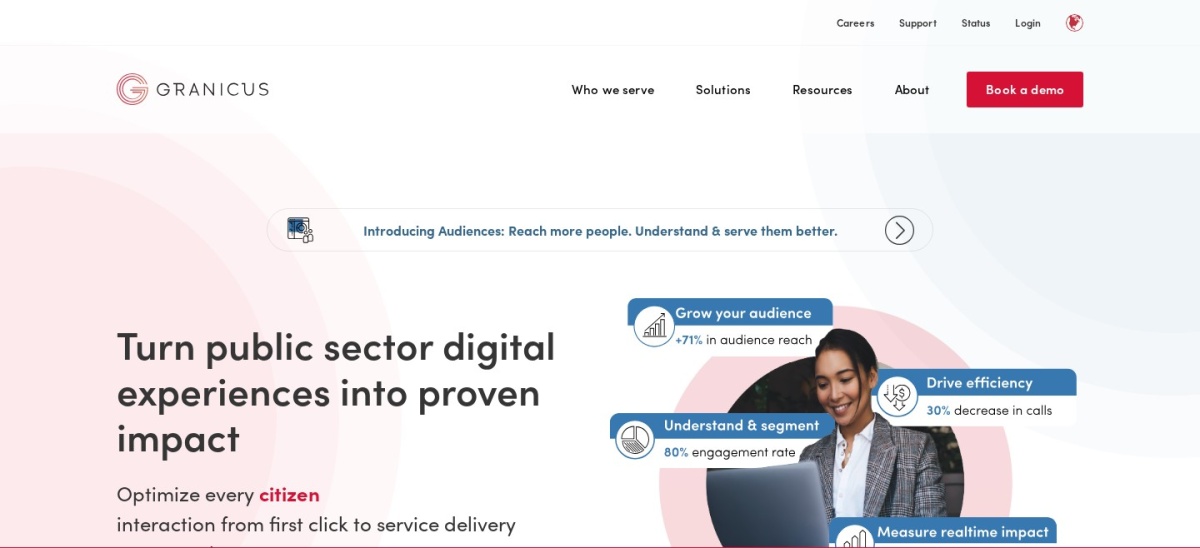
Granicus GovQA is the platform trusted by more state and local governments than any competitor, now called Records Request Management. It offers tiered request processing, request nesting for complex multi-part requests, automatic duplicate detection, and in-tool redaction with email extraction.
The trade off is that the vendor publishes no price and asks for a demo first, so the $2,000 starting figure comes from Capterra rather than Granicus. It suits large counties, state agencies and public safety teams with heavy request loads.
4.2/5on LegalITCost (10 reviews, checked Nov 2026)
PricingQuote/yr
Best for federal FOIA offices
Free planNo
Federal reach150+ public institutions
HostingFedRAMP-certified
DOJ reportingYes, annual reports
opexustech.com
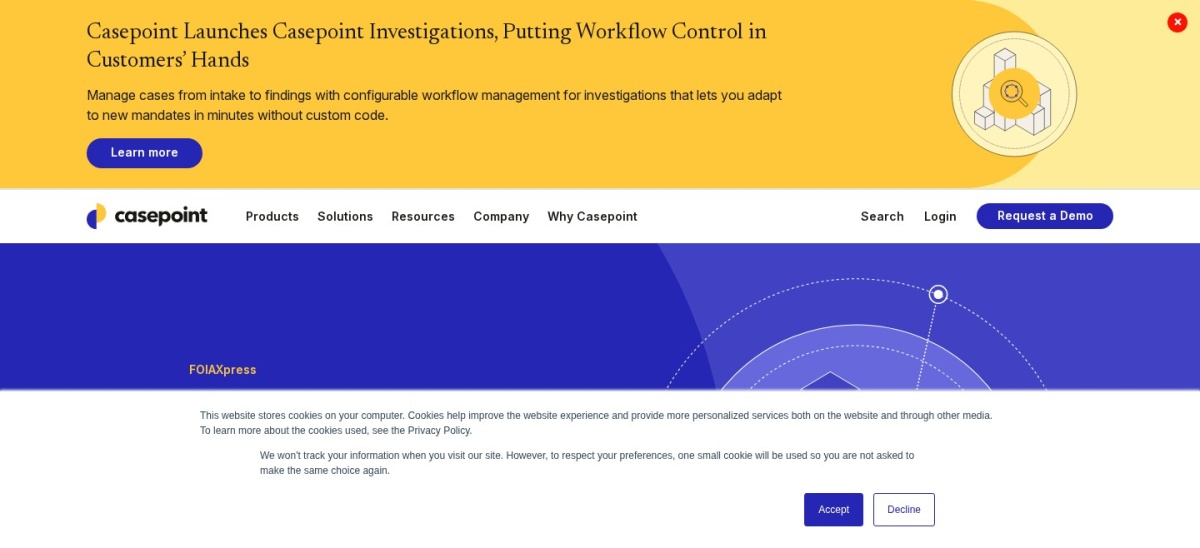
FOIAXpress homepage, captured Nov 2026.
FOIAXpress is the incumbent in federal FOIA, now sold by Casepoint after OPEXUS. It manages the complete lifecycle from request intake through appeals, document review and redaction, fee payment and records retention, with a Public Access Link portal and pay.gov integration for fees.
The trade off is enterprise scale and price. Pricing is quote-only, implementation is a real project, and the federal workflow is more than a small town needs. It suits federal agencies that need DOJ reporting out of the box.
What we like
Federal market leader with deep agency adoption
FedRAMP-certified hosting
Public portal with pay.gov and reading room
Generates the DOJ statistical reports
Watch out for
Quote-only enterprise pricing
Built for federal workflows, less natural for small towns
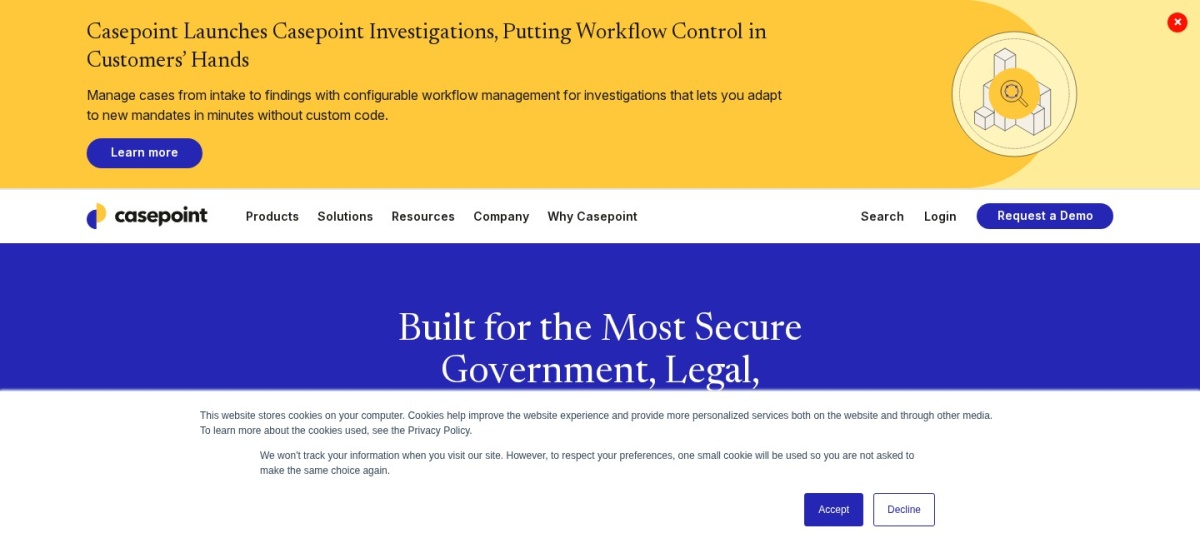
Casepoint is an eDiscovery platform that comes at FOIA from the document review world, and that shows in its strengths. The platform processes more than 600 file types, categorises and tags responsive records, and bulk-redacts across entire record sets, including audio and video, with AI agents for intake triage and duplicate detection.
The trade off is that the eDiscovery depth exceeds what simple request tracking needs. Pricing is quote-only and aimed at large agencies. It suits agencies where FOIA requests routinely involve massive document productions.
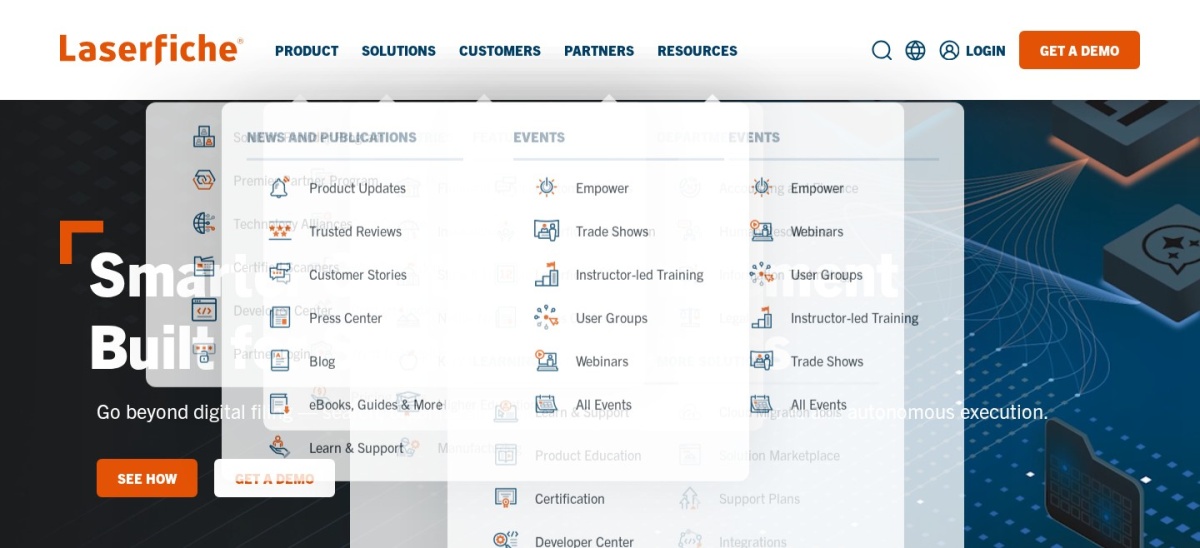
Laserfiche is not FOIA software first. It is an enterprise content management platform that agencies adapt to public records work through workflow automation and a prebuilt Public Records Request template, with redaction checks before release and fulfilled requests archived in the repository.
The trade off is that FOIA is a use case, not the core product. There is no DOJ reporting out of the box, and it needs a Laserfiche platform commitment. It suits agencies already running Laserfiche for document management.
What we like
Combines FOIA workflow with full content management
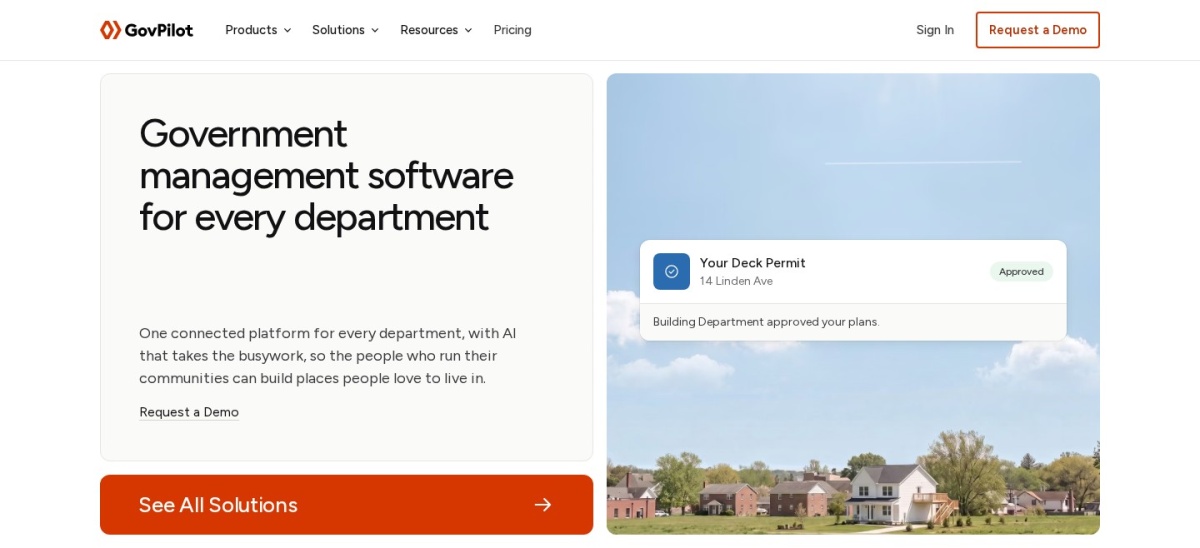
GovPilot is a cloud operating system for local government, putting more than 125 municipal functions on one workflow platform. Public records requests sit beside permitting, code enforcement and constituent engagement, with a shared view of properties, assets and workflows across departments.
The trade off is depth. Records requests are one module among many, so FOIA-specific features are thinner than in dedicated tools, and there is no federal reporting depth. It suits small and mid-sized municipalities digitising many workflows at once.
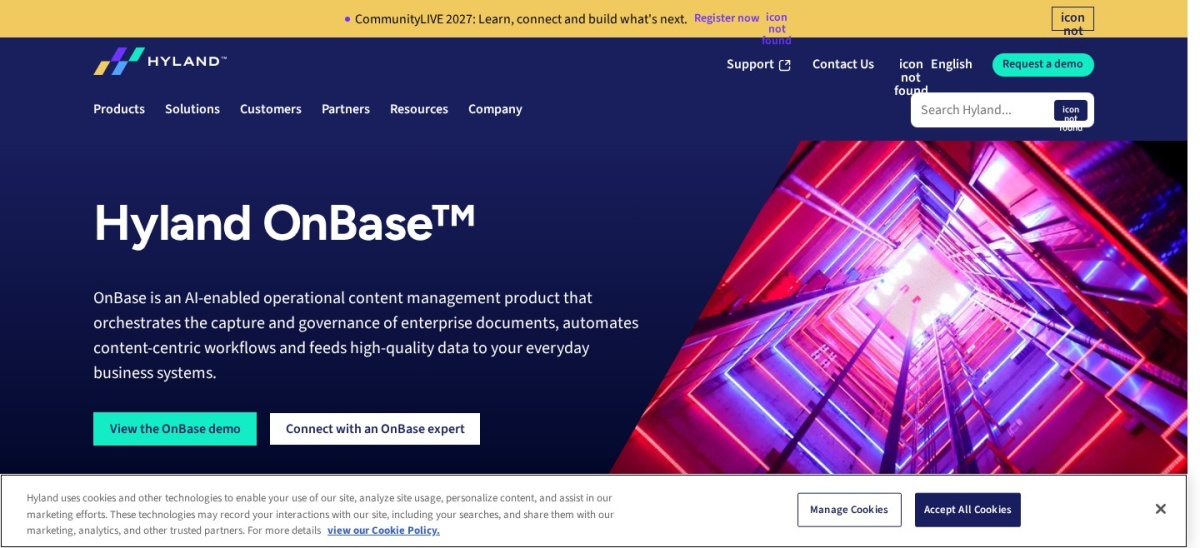
Hyland OnBase is an enterprise content management platform that records-heavy agencies use to run public records work. Requests flow through automated document workflows, records and retention schedules live in the same repository, and security and compliance controls cover the whole store.
The trade off is enterprise weight. Pricing is quote-only and G2 reports a typical implementation of about 6 months, with FOIA workflows configured rather than ready out of the box. It suits large agencies already standardising on Hyland.
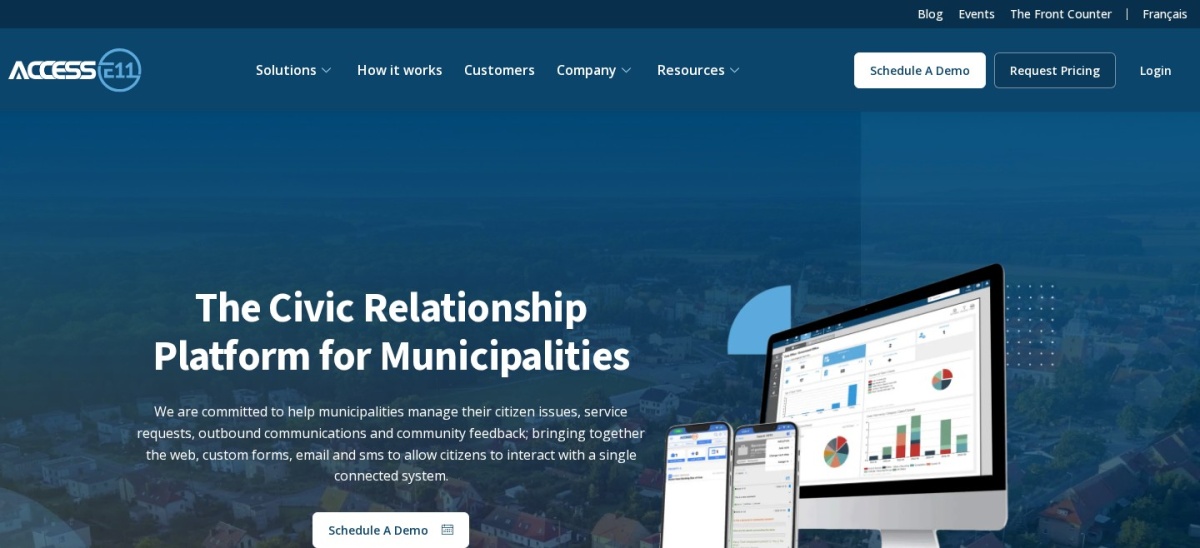
AccessE11 is a cloud-based citizen issue and service request platform built for smaller municipalities. It captures resident concerns through a public portal, routes work across departments, and keeps the public informed, with reporting for local governments that want faster response times without a large enterprise implementation.
The trade off is FOIA depth. AccessE11 is a general citizen-request system, not a dedicated FOIA tracker, so redaction and DOJ reporting are thinner than in the tools above. It suits small towns that want one simple intake system for records requests and everyday resident issues alike.
Federal FOIA vs state public records: why it matters
FOIA technically applies only to federal agencies. States have their own public records, sunshine or open records laws, and they differ on deadlines, fee rules, exemptions and appeal rights.
Software built for federal FOIA emphasises DOJ annual reporting, Privacy Act handling and FedRAMP hosting. Software built for state and local work emphasises public portals, fee collection and deadline tracking under fifty different state regimes.
Buy for your jurisdiction. A federal agency needs the reporting and security of FOIAXpress or Casepoint, while a city clerk needs the portal and simplicity of GovQA or AccessE11.
How we chose
We started from the established FOIA and public records tools sold to US agencies in 2026, then kept those with a verifiable product page and current public reviews.
Prices come from vendor pricing pages and published review-site listings, checked on 25 November 2026. Ratings come from G2, Capterra and LegalITCost on the same day. Where a vendor shows no price, the list says quote and shows no starting figure.
We left out tools with no product-level public rating and requester-side tools that do not manage agency requests. No vendor paid for a place, and we do not claim hands-on testing for this list.
How to choose FOIA software for your agency
Start with your request volume, then test redaction on your hardest documents.
Count your real request volume. Vendors price on volume, users or both. Pull your last twelve months of requests, including the informal ones handled by email, before talking to sales.
Test redaction on your hardest documents. Every vendor demos redaction on clean PDFs. Bring scanned images, email threads and spreadsheets, and ask how bulk redaction handles each one.
Verify the reporting you owe. Federal agencies must produce the DOJ annual FOIA report, and many states require their own statistical reports. Confirm the software generates your reports natively.
Check the security paperwork early. Procurement will ask about FedRAMP, CJIS, SOC 2 and data residency. Get the certifications in writing before the pilot, not after.
FAQ
What is the best FOIA software?
GovQA is the strongest pick for most agencies. It serves 110+ of the largest 300 US cities, offers in-tool redaction, and lists a $2,000-a-year starting price on Capterra. FOIAXpress is the better choice for federal agencies.
What does FOIA software cost?
Most vendors price by quote, scaled to request volume or user count. Published starting figures in this list run from $2,000 a year for GovQA to $3,000 a year for GovPilot, plus implementation.
Is there free FOIA software?
No. None of the seven agency tools in this list has a free plan, though GovQA and GovPilot list free trials. Requesters can still file federal requests free through the FOIA.gov portal.
What is the difference between FOIA and public records software?
FOIA is the federal law, while states have their own public records laws with different deadlines and fee rules. Federal tools stress DOJ reporting and FedRAMP hosting; state and local tools stress portals and deadline tracking.
Which FOIA tool is best for small agencies?
AccessE11 is built for small towns, with the highest G2 rating in this list at 4.8 out of 5. If a published starting price matters most, GovQA lists $2,000 a year on Capterra.
Which FOIA tool is best for federal agencies?
FOIAXpress is the federal incumbent, used by more than 150 public institutions with FedRAMP hosting and DOJ reporting. Casepoint is the pick when requests involve massive document productions and eDiscovery.
SaaS SEO and WordPress specialist with about 8 years of experience. Rakib compares WordPress plugins, themes, hosting and software using public pricing, documentation and user reviews. See how we rank.