Eventbrite is the best free event planning software for most organizers, because free events cost nothing and its marketplace reaches 89 million monthly users. Pick EventCreate for a polished event website on a tight budget, and Evite when free invitations for up to 750 guests are the priority.
How we make this list: we compare pricing pages, product documentation and public user reviews, then re-check every price before each update. No product paid for a place. Disclosure.
Eventbrite publishes unlimited free events at no cost and charges 3.7% + $1.79 per paid ticket.
EventCreate has the highest G2 rating here at 4.9/5, but its free plan covers only 1 event with 50 attendees.
Evite's free plan covers events up to 750 guests, the largest free guest limit in this list.
ClickUp, Trello, Monday.com and Asana are planners, not ticketing tools. Pair one with Eventbrite or Eventzilla when you sell tickets.
Paid upgrades start at $5 a month per user for Trello and climb to $19 a month for EventCreate Personal.
What free event planning software should cover
Free event planning software falls into two groups. Ticketing tools such as Eventbrite, EventCreate and Eventzilla handle invitations, registration and payments, while planners such as ClickUp, Trello and Asana handle checklists, dates and owners. Most organizers end up using one of each.
The free limit matters more than the feature list. EventCreate's free plan covers 1 event with 50 attendees, while Evite covers up to 750 guests, so the same tool can be generous for one event and too small for the next. Count guests before you compare anything else.
Ticketing fees are where free stops being free. Eventbrite charges 3.7% + $1.79 per paid ticket, and Eventzilla charges $1.50 per registration on its Basic tier. If your event is free, both cost nothing; if you sell tickets, compare the per-ticket fee against your ticket price.
If the event lives on a WordPress site, the booking route is different. Our guide on adding a booking calendar to WordPress shows how to take bookings without leaving your site, which suits classes and small venues that do not need a full ticketing platform.
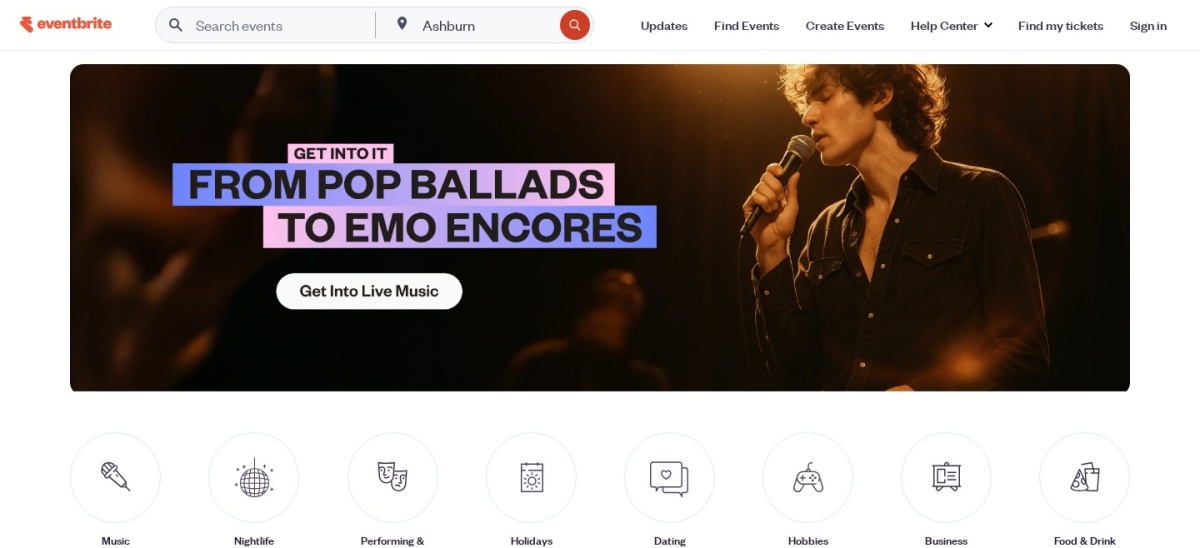
Eventbrite is a ticketing and event discovery platform that is free for events with free tickets, with no ticketing fees and unlimited free events. Paid tickets carry a 3.7% + $1.79 service fee per ticket, plus a 2.9% payment processing fee per order. Its marketplace reaches 89 million monthly users across 4.7 million events.
The trade off is that the free plan is built around Eventbrite's checkout and branding, and the Pro email add-on starts at $15 a month. It suits organizers who want free registration plus a marketplace that can bring in new attendees.
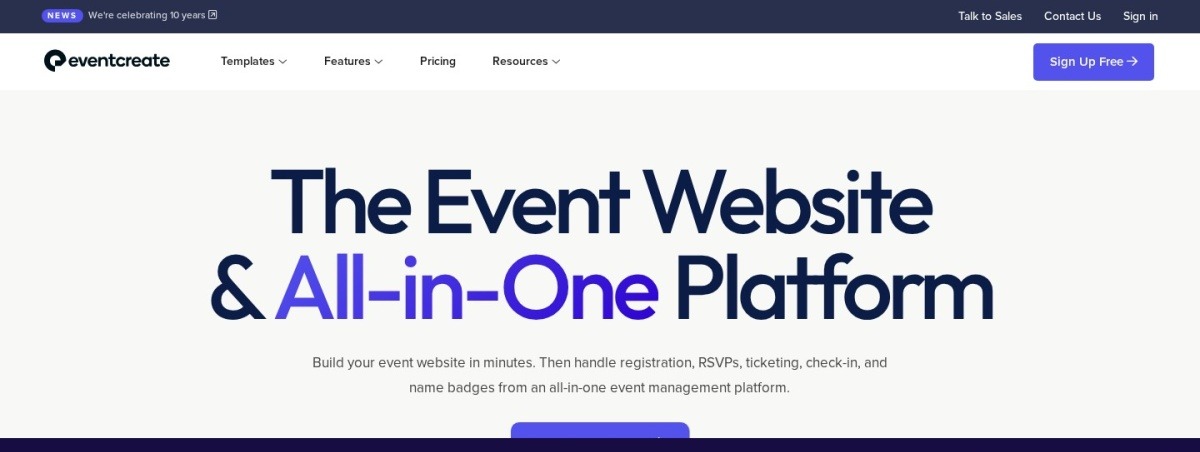
EventCreate is an event website and registration platform. Its free plan covers 1 event with up to 50 attendees, 1 user, an event website, online registration and RSVPs, guest tracking and a schedule tracker. Personal costs $19 a month billed yearly and lifts the cap to unlimited events with 300 attendees each.
The trade off is the free limit. One event and 50 guests is enough for a single small gathering, but repeat organizers move to Personal quickly, and check-in with badges needs Pro at $59 a month. It suits small hosts who want a clean event site without paying.
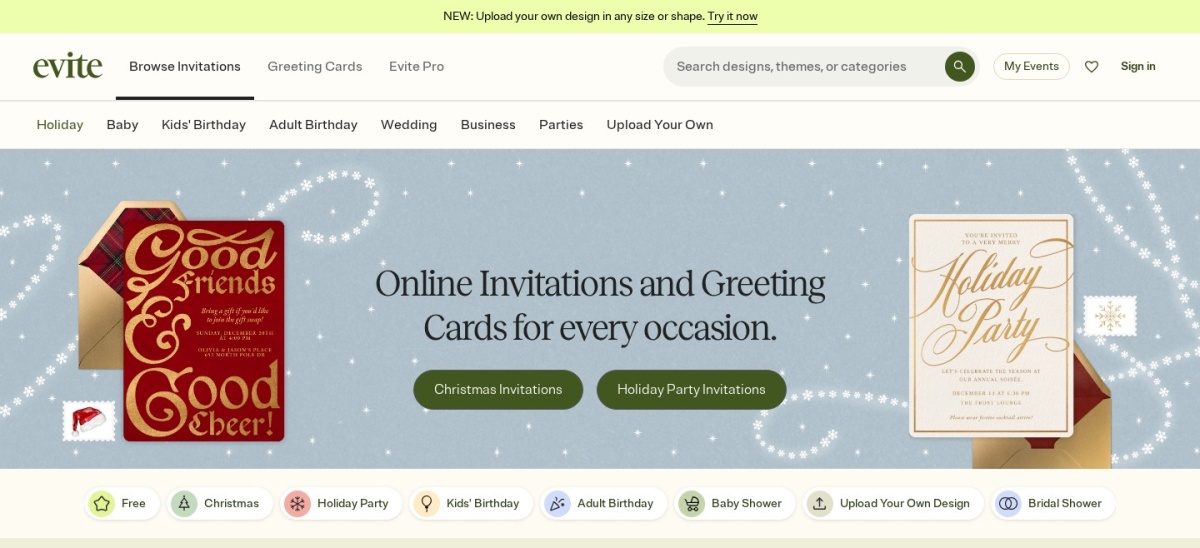
Evite is a digital invitation platform for parties and gatherings. Its free plan covers events up to 750 guests, with invitations by email, text message or link, RSVP tracking, automatic reminders and guest messaging. Premium starts at $14.99 per event for a custom, ad-free experience.
The trade off is focus. Evite handles invitations and RSVPs well, but it has no ticketing, seating charts or check-in tools, so larger or paid events need a second tool. It suits hosts who mainly need to invite people and track replies.
What we like
Largest free guest limit in this list at 750
Invitations by email, text or link
Automatic RSVP reminders included
Familiar to guests, so replies come back fast
Watch out for
No ticketing or seating charts
Free invitations carry ads
Few professional templates for business events
Premium removes ads; Pro adds business features at $249.99 a yearVisit evite.com
04
Eventzilla
4.4/5on G2 (166 reviews, checked Nov 2026)
Pricing$1.50/ticket
Best low-fee ticketing for small events
Free eventsYes, $0
Basic ticket fee$1.50 per registration
Event agendaPaid add-on
LanguagesEnglish, French, German, Spanish
eventzilla.net
Eventzilla homepage, captured Nov 2026.
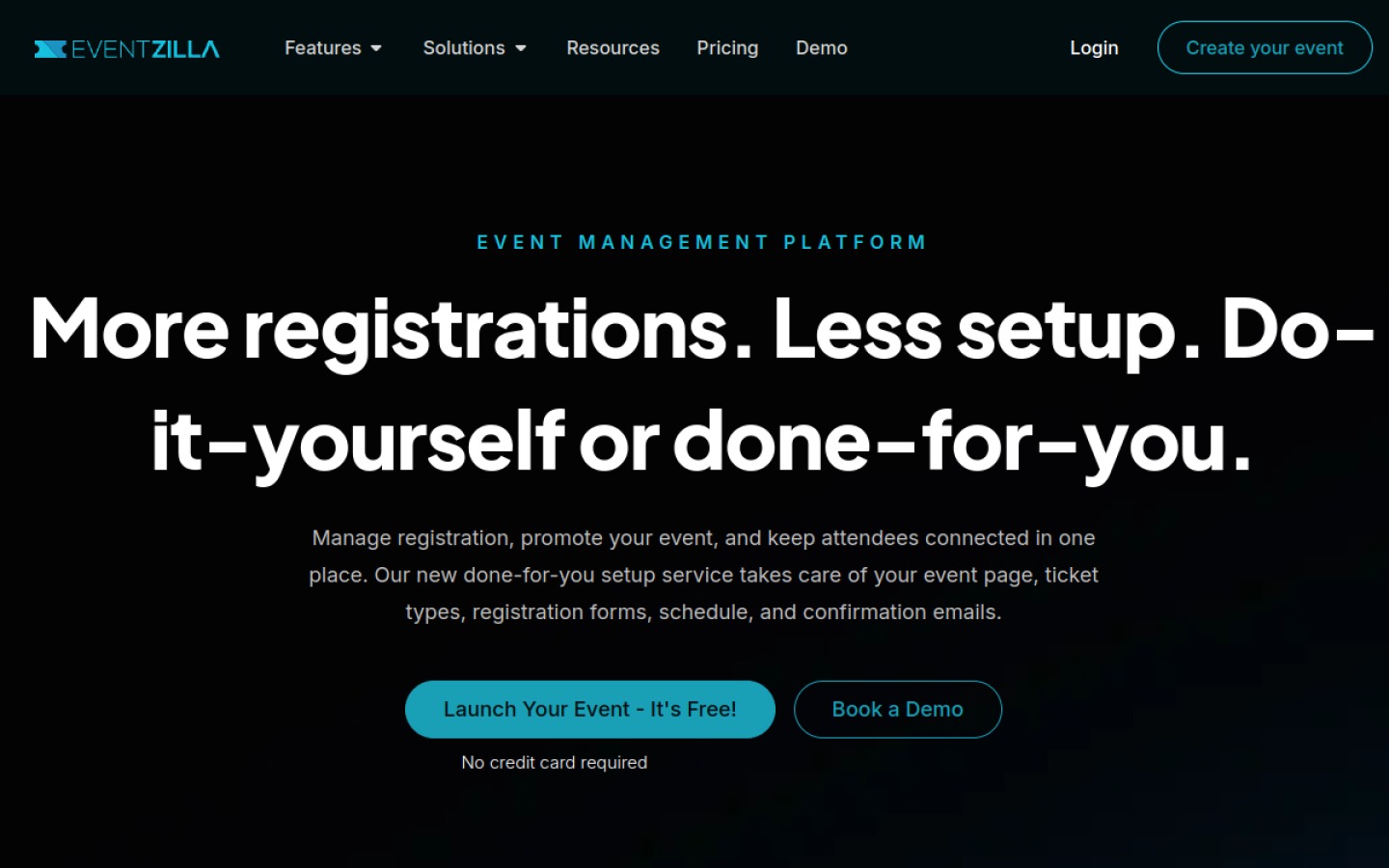
Eventzilla is an event registration and ticketing platform. It is free for organizing free events, and paid tickets on the Basic tier cost $1.50 per registration, with higher tiers at 1.9% + $1.50 and 2.9% + $1.50 per registration. It covers event websites, registration forms, schedules and attendee check-in.
The trade off is that extras cost more. Event agendas, conditional logic and other premium features sit behind paid add-ons, and the page designs are less flexible than EventCreate. It suits small organizers who want low per-ticket fees without a monthly subscription.
ClickUp is a work management app that many planners use to run events. Its Free Forever plan includes unlimited tasks and subtasks, unlimited free members, collaborative docs, Kanban boards and a calendar view, with 60 MB of storage. It keeps the guest list, venue tasks, budget notes and schedule in one workspace.
The trade off is that ClickUp is a general planner, not an event tool. There is no ticketing, registration or check-in, and the 60 MB free storage fills up fast with photos and files. It suits teams that already plan in ClickUp and need a free event checklist.
What we like
Free plan has unlimited tasks and members
Docs, boards and calendar in one workspace
255 integrations listed on G2
No credit card needed for the free plan
Watch out for
No ticketing, registration or check-in
Only 60 MB of storage on the free plan
Takes setup time before it feels like an event tool
Core adds unlimited storage and custom fields at $12 a monthVisit clickup.com
06
Monday.com
4.7/5on G2 (17,976 reviews, checked Nov 2026)
Paid from$9/mo
Best free planner for visual event boards
Free planYes, for individuals
Paid planBasic, $9/user/mo
Integrations152 on G2
Yearly discount18% off annual billing
monday.com
Monday.com homepage, captured Nov 2026.
Monday.com is a work platform teams use to plan events on visual boards. Its free plan covers monday work management for freelancers and individual professionals, with boards for tasks, dates and owners. Paid plans start from 3 users, and yearly billing saves 18%.
The trade off is that Monday.com is a general work tool. It has no ticketing, RSVPs or guest check-in, and the free plan is built for one person rather than a team. It suits a solo planner who wants a clear board for every event task.
What we like
Highest-rated planner here at 4.7/5 on G2
Visual boards make task status easy to see
152 integrations listed on G2
Free plan needs no credit card
Watch out for
No ticketing, RSVPs or check-in
Free plan is built for individuals, not teams
Paid plans start from 3 users
Basic adds more boards and automations at $9 a monthVisit monday.com
07
Trello
4.4/5on G2 (14,078 reviews, checked Nov 2026)
Paid from$5/mo
Best simple free board for small events
Free planYes, $0
Paid planStandard, $5/user/mo
BoardsCards, lists and checklists
Integrations126 on G2
trello.com
Trello homepage, captured Nov 2026.
Trello is a visual board tool for organizing event work. Its free plan covers boards, cards, lists, checklists, due dates and comments, so a small team can track venue, vendors, guests and tasks in one place. Standard costs $5 per user a month and adds timeline and calendar views.
The trade off is depth. Trello has no ticketing, registration or guest messaging, and busy boards get hard to follow once card counts climb. It suits a first event or a small team that wants the simplest free planner.
What we like
Easiest free planner to start with
Boards, checklists and due dates included
126 integrations listed on G2
Lowest paid upgrade in this list at $5 a month
Watch out for
No ticketing or RSVP tools
Timeline and calendar views need a paid plan
Large boards get hard to follow
Standard adds timeline, calendar and more automationVisit trello.com
08
Asana
4.4/5on G2 (14,147 reviews, checked Nov 2026)
Paid from$10.99/mo
Best free planner for a two-person team
Free planPersonal, 2 users
Free tasksUnlimited
Paid planStarter, $10.99/user/mo
Integrations100+ free
asana.com
Asana homepage, captured Nov 2026.
Asana is a work platform for planning projects, including events. Its Personal plan is free forever for 2 users, with unlimited tasks and projects, list, board and calendar views, and 100+ free integrations. Starter costs $10.99 per user a month billed yearly and removes the seat limit.
The trade off is the two-seat free limit. A couple can plan an event for free, but any third teammate needs Starter, and Asana has no ticketing or RSVPs. It suits pairs who want a tidy task list with dates and owners.
What we like
Unlimited tasks and projects on the free plan
List, board and calendar views included
100+ free integrations
Clear task ownership with due dates
Watch out for
Free plan covers only 2 users
No ticketing, registration or RSVPs
Starter is $10.99 per user a month, so teams pay per seat
Starter removes the seat limit and adds timeline viewsVisit asana.com
Free vs paid: what you give up
Free plans cover the basics well. Registration, RSVPs, guest lists and a simple event page are free in most of these tools.
Paid plans mostly add room and reach. You get more guests, more events, custom domains, check-in tools and email sends, as with EventCreate Pro and Eventbrite Pro.
Start free and upgrade only when a limit blocks you. A paid month for one event usually costs less than the time spent working around a guest cap.
How we chose
We started from event ticketing platforms and work planners with a published free plan, then kept the ones with a clear free limit and a public rating.
Prices come from each vendor's official pricing page, checked on 25 November 2026. Ratings come from G2 on the same day. Where a vendor shows a sale, the list shows the regular price.
We left out tools with no free plan, such as Cvent, Bizzabo, Whova and Accelevents, and tools whose rating could not be verified. No vendor paid for a place, and we do not claim hands-on testing for this list.
How to choose free event planning software
Start with your guest list and whether you sell tickets, then match the free limit to that number.
Count your guests first. Free limits run from 50 guests on EventCreate to 750 on Evite. Pick a tool whose free cap sits above your list, not one you will outgrow while invitations are still going out.
Decide whether you sell tickets. Free events cost nothing on Eventbrite and Eventzilla. For paid tickets, compare the per-ticket fee with your ticket price before you commit to a platform.
Add a planner only if you need one. One ticketing tool plus one planner is enough for most events. ClickUp or Trello can hold the checklist while Eventbrite or Eventzilla handles guests.
Check what paid adds before you pay. Guest caps, check-in tools and email sends are the usual paid extras. Pay for the month of the event only if a free limit would block you.
FAQ
What is the best free event planning software?
Eventbrite is the best free option for most organizers. Free events cost nothing, registration and mobile check-in are included, and its marketplace reaches 89 million monthly users. Pick EventCreate when a polished event website matters more than discovery.
Is Eventbrite really free?
Yes, for free events. You can publish unlimited free events with no ticketing fees, and attendees pay nothing. Fees apply only to paid tickets, at 3.7% + $1.79 per ticket plus a 2.9% payment processing fee per order.
Which free tool is best for invitations?
Evite is the best free choice for invitations. Its free plan covers events up to 750 guests, with invitations by email, text or link, RSVP tracking and automatic reminders. It has no ticketing, so pair it with a ticketing tool for paid events.
Can I plan an event for free without ticketing?
Yes. ClickUp, Trello, Monday.com and Asana all have free plans for tasks, dates and checklists. They cover the planning work, but none of them sells tickets or tracks RSVPs, so add Eventbrite or Eventzilla when guests need to register.
What does EventCreate's free plan include?
One event with up to 50 attendees, 1 user, an event website, online registration and RSVPs, guest tracking and a schedule tracker. Invites, custom registration design and check-in with badges need the paid Personal or Pro plans.
Do free plans include guest check-in?
Some do. Eventbrite includes mobile check-in on its free plan, and Eventzilla includes attendee check-in too. EventCreate puts check-in and name badges on its Pro plan, so check that feature before you choose.
SaaS SEO and WordPress specialist with about 8 years of experience. Rakib compares WordPress plugins, themes, hosting and software using public pricing, documentation and user reviews. See how we rank.