EaseUS Partition Master leads our list with guided resizing and OS migration tools, starting at $49.95/yr for Professional. MiniTool Partition Wizard suits users wanting built-in disk health and space tools, while GParted gives Linux and bootable-USB users a free open-source option.
How we make this list: we compare pricing pages, product documentation and public user reviews, then re-check every price before each update. No product paid for a place. Disclosure.
EaseUS Partition Master pairs a free tier with a $49.95/yr Professional plan covering 2 PCs.
MiniTool Partition Wizard starts at $59/yr for Pro on 1 PC and includes disk space analysis and recovery options.
AOMEI Partition Assistant starts at $49.95/yr for 2 PCs with guided disk cloning and partition tools.
NIUBI Partition Editor offers a $39 one-time Professional license for 2 PCs with rollback protection.
GParted remains completely free and open source, with GParted Live 1.8.1-6 released in August 2026.
What to look for in partition software
Changing partition sizes, converting disk layouts between MBR and GPT, or cloning an operating system to an SSD carries risk if power drops or the wrong volume is selected. Good partition software previews pending changes before writing them and helps prevent accidental data loss.
Free editions cover routine tasks like creating, formatting, resizing, and deleting basic volumes, though many restrict OS migration, cloning, or commercial use. Always back up critical files before modifying a system drive.
Licensing terms also differ sharply across vendors. Some tools charge annually per PC or server, while others sell one-time perpetual licenses that suit IT technicians and home upgraders who do not want recurring renewals.
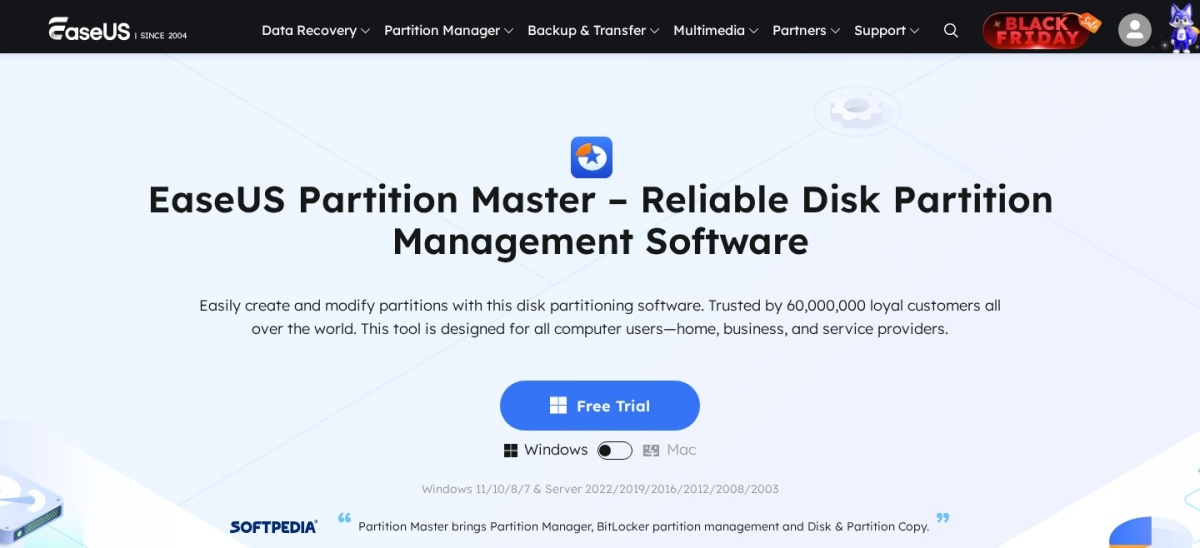
EaseUS Partition Master homepage, captured Nov 2026.
EaseUS Partition Master is a Windows disk and partition manager with a free edition for basic resizing, formatting, and MBR-to-GPT conversion, backed by a reported 60M+ customer base. Its guided workflows walk users through expanding drives and moving an operating system to a new SSD.
The trade off is that disk cloning, OS migration, and higher-tier recovery features sit behind paid plans starting at $49.95/yr for Professional, with seasonal discounts appearing on vendor pages. It suits Windows users who want clear step-by-step wizards for resizing and drive upgrades.
What we like
Clear guided workflows for resizing, moving, and merging partitions
Includes a free edition for everyday basic partition edits
Offers both annual and lifetime license options on Windows
Watch out for
System and disk cloning require a paid edition
Windows-focused rather than native Linux or macOS
Paid Professional plans add system/disk cloning, OS migration, and bootable media tools.Visit easeus.com
02
MiniTool Partition Wizard
4.4/5on G2 (56 reviews, checked Nov 2026)
Paid from$59/yr
Best for all-round Windows disk tools and space analysis
Free tierYes ($0 Free)
Entry paid plan$59/yr (1 PC)
Perpetual option$159 (Pro Ultimate, 5 PCs)
PlatformsWindows
partitionwizard.com
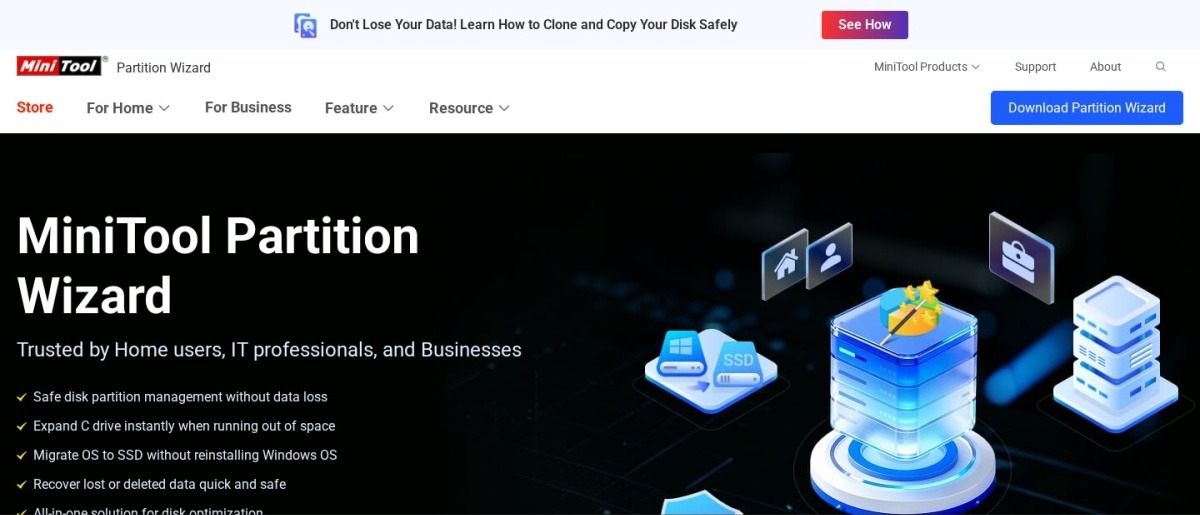
MiniTool Partition Wizard homepage, captured Nov 2026.
MiniTool Partition Wizard is a Windows partition manager with a free edition for creating, resizing, formatting, and converting file systems such as FAT to NTFS, serving over 100M+ global users. It pairs partition editing with space analysis and disk health checks.
The trade off is that Pro starts at $59/yr for 1 PC, while features like OS migration, system cloning, and partition recovery are locked to paid editions. It suits Windows users who want partition management alongside space and health utilities in one app.
What we like
Previews pending partition changes before applying them
Combines partition tasks with disk space and health checks
Supports MBR-to-GPT and FAT-to-NTFS conversions
Watch out for
Entry Pro license covers 1 PC per year at $59
OS migration and partition recovery require upgrading
Paid Pro editions add partition and data recovery, OS migration, and bootable media building.Visit partitionwizard.com
03
AOMEI Partition Assistant
4.5/5on G2 (50+ reviews, checked Nov 2026)
Paid from$49.95/yr
Best for straightforward disk cloning and partition tasks
Free tierYes (Standard)
Entry paid plan$49.95/yr (2 PCs)
Server tierFrom $169 (2 servers)
PlatformsWindows
aomeitech.com
AOMEI Partition Assistant homepage, captured Nov 2026.
AOMEI Partition Assistant is a Windows disk utility with a free Standard edition for basic resizing, formatting, and partition layout tasks. Its interface uses guided wizards that simplify everyday storage adjustments.
The trade off is that Professional starts at $49.95/yr for 2 PCs, with server support starting much higher. It suits home users and small offices upgrading drives or reorganizing Windows partitions without complex menus.
What we like
Beginner-friendly wizards for common partition tasks
Free Standard edition available for basic management
Covers 2 PCs on the entry Professional plan
Watch out for
Server editions cost noticeably more than desktop tiers
Advanced cloning and migration tools require paid tiers
Paid Professional plans unlock OS migration, whole-disk and partition cloning, and dynamic disk tools.Visit aomeitech.com
04
NIUBI Partition Editor
4.1/5on Trustpilot (131 reviews, checked Nov 2026)
Paid from$39 one-time
Best for fast resizing with rollback safety
Free tierYes (Home users)
Entry paid plan$39 one-time (2 PCs)
Upgrade bundles$49 (2 yrs) / $69 (Lifetime)
PlatformsWindows
hdd-tool.com
NIUBI Partition Editor homepage, captured Nov 2026.
NIUBI Partition Editor is a Windows partition manager with a free edition for home users covering resizing, moving, formatting, and disk conversions. It highlights virtual mode previewing and rollback protection during disk operations.
The trade off is that the free edition is limited to home use and paid Professional costs $39 as a one-time license for 2 PCs, with upgrade bundles priced separately. It suits users who prefer a one-time purchase and safety guardrails while resizing volumes.
What we like
One-time $39 Professional pricing without forced subscriptions
Virtual mode lets you review queued operations before applying
Includes a free edition for non-commercial home use
Watch out for
Free edition restricts commercial use
Longer upgrade windows cost extra above the base $39 license
Paid editions add full commercial licensing and optional 2-year or lifetime upgrade packages.Visit hdd-tool.com
05
Macrorit Partition Expert
4.5/5on G2 (20+ reviews, checked Nov 2026)
Paid from$39.99 one-time
Best for lightweight Windows use and portable running
Free tierYes (Freeware)
Entry paid plan$39.99 one-time (Pro)
Lifetime upgrade$49.95 option
PlatformsWindows
macrorit.com
Macrorit Partition Expert homepage, captured Nov 2026.
Macrorit Partition Expert is a lightweight Windows partition tool with a free edition that supports resizing, extending, formatting, and MBR-to-GPT conversions. It also offers a portable option that runs without full installation.
The trade off is that its feature set focuses more on core partition edits than broad recovery or backup suites, with Pro priced at $39.99 one-time. It suits users who want a compact utility and portable execution on Windows.
What we like
Lightweight footprint with a portable edition option
One-time $39.99 Pro pricing with no recurring subscription
Supports MBR-to-GPT and NTFS-to-FAT32 conversions
Watch out for
Fewer extra disk utilities than larger commercial suites
Server and unlimited tiers cost considerably more
Paid Pro editions add commercial use rights, faster resizing, and bootable media creation.Visit macrorit.com
06
DiskGenius
3.9/5on Trustpilot (51 reviews, checked Nov 2026)
Paid from$69.90 one-time
Best for combining partition work with data recovery
Free tierYes (Free edition)
Entry paid plan$69.90 (1-Month, 1 PC)
Yearly / Lifetime$99.90/yr or $129.90 lifetime
PlatformsWindows
diskgenius.com
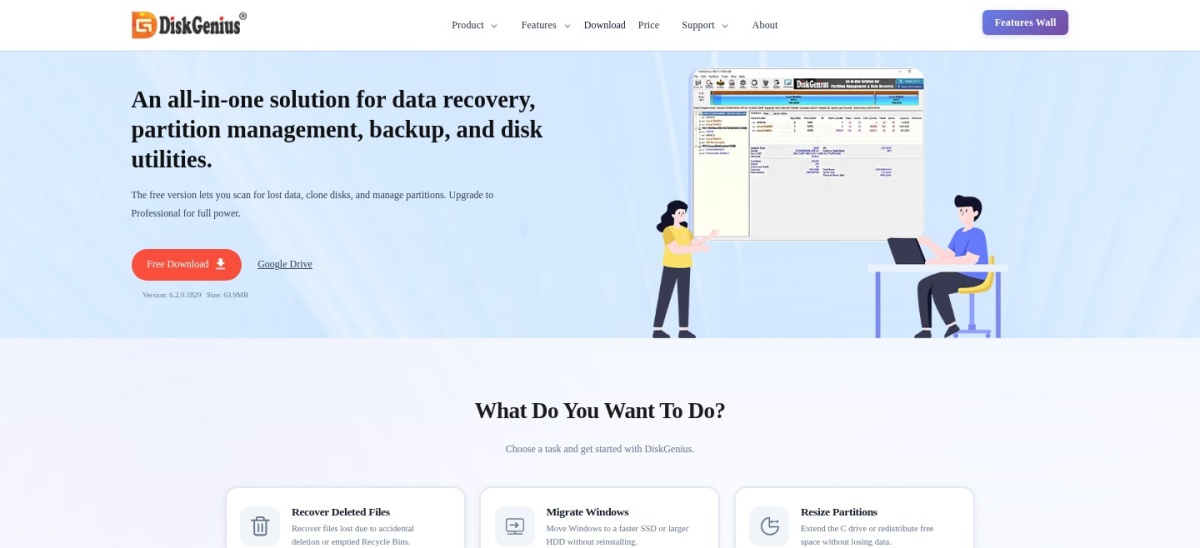
DiskGenius homepage, captured Nov 2026.
DiskGenius is a Windows disk utility combining partition management with data and partition recovery, offering a free edition for basic partitioning and scan previews. It handles virtual disks, sector inspection, and drive cloning.
The trade off is a denser interface and strict limits on the free edition for copying recovered files or writing to certain file systems, starting at $69.90 for a 1-month Pro license. It suits power users and technicians troubleshooting damaged partitions or lost files.
What we like
Combines partition editing with partition and file recovery
Supports virtual disk formats and sector-level inspection
Offers short-term, annual, and lifetime license choices
Watch out for
Interface is technical and less streamlined for beginners
Free tier restricts full recovery copying and advanced writes
Paid Professional licenses unlock unrestricted recovery copying, RAID support, and full file-system writes.Visit diskgenius.com
07
GParted
4.4/5on G2 (20+ reviews, checked Nov 2026)
PriceFree
Best free open-source option for Linux and live USBs
Free tier100% Free & Open Source
Paid planNone
Latest releaseGParted Live 1.8.1-6 (Aug 2026)
PlatformsLinux / Bootable Live USB
gparted.org
GParted homepage, captured Nov 2026.
GParted is a free, open-source partition editor widely run from a bootable live USB or Linux desktop, with GParted Live 1.8.1-6 released in August 2026. It creates, resizes, moves, checks, and copies partitions with zero cost or upsells.
The trade off is that there is no paid commercial support tier or native Windows installer, and booting from USB requires extra setup steps. It suits Linux users and administrators comfortable booting external media to partition drives safely.
What we like
Completely free and open source with no paid tiers
Runs from a bootable live USB across systems
Actively maintained with releases into August 2026
Watch out for
Requires live USB or Linux environment rather than a native Windows app
No commercial vendor support or guided OS migration wizards
No paid plan exists; all features are free under open-source licensing.Visit gparted.org
What free editions cover vs. when to pay
Most free partition tools handle creating, deleting, formatting, shrinking, and extending basic volumes. If you only need to split a secondary storage drive or format a USB stick, a free edition or built-in OS tool is often enough.
Paid tiers usually become necessary when migrating an operating system to a new SSD, cloning drives, recovering lost partitions, or using software in a commercial or server environment.
How we chose
We built this shortlist from established partition management tools used across home PCs, Linux environments, and IT workflows, focusing on active maintenance and clear licensing.
All pricing tiers, ratings, review counts, and release details were checked on 22 Nov 2026 using official vendor pages and public review directories.
We excluded discontinued utilities and tools whose pricing or active status could not be confirmed from primary sources. No vendor paid for a place, and we do not claim testing for this list.
How to pick the right partition tool
Follow these four steps before changing any disk layout.
Back up important data first. Partition resizing and disk conversions can lose data if power drops or a wrong drive is chosen, so create a backup before starting.
Match the tool to your operating system and workflow. Choose a Windows utility for everyday desktop tasks, or pick GParted when working on Linux or booting from external media.
Check whether you need cloning or recovery. Free editions often cover basic partition edits while leaving OS migration, cloning, and data recovery for paid tiers.
Compare yearly subscriptions against one-time licenses. Check how many PCs are covered and whether a one-time license fits your usage better than a recurring plan.
FAQ
Is free partition software safe to use?
Reputable partition tools are safe when used properly, especially those that preview changes before applying them. However, modifying system partitions always carries risk, so backing up critical files first is essential.
Do I need third-party software if Windows has Disk Management?
Windows Disk Management handles basic tasks like shrinking, extending adjacent space, formatting, and assigning drive letters. Third-party tools help when moving non-adjacent space, converting layouts without data loss, or cloning drives.
When do I need a paid partition plan instead of a free one?
Paid plans are typically needed for OS migration, full disk or partition cloning, data recovery, and commercial or server use. Basic resizing and formatting are frequently available in free tiers.
Can I resize partitions without losing files?
Yes, modern partition managers resize, move, and merge partitions while keeping existing files intact in normal operation. Still, keep a backup in case an unexpected interruption occurs during the process.
What is the difference between MBR and GPT?
MBR and GPT are partition table formats used by drives. GPT supports larger drives and modern UEFI booting, including Windows 11 requirements, and many tools can convert between MBR and GPT.
Which option works best on Linux?
GParted is a widely used open-source partition editor for Linux and bootable live USB media. It supports many file systems at no cost.
SaaS SEO and WordPress specialist with about 8 years of experience. Rakib compares WordPress plugins, themes, hosting and software using public pricing, documentation and user reviews. See how we rank.