Hudu is the top pick for structured network documentation, pairing IPAM, rack management, and SOPs with a 4.7 out of 5 rating across 375 G2 reviews. For live automated topology maps and site discovery, Domotz fits multi-site and MSP teams, while NetBox serves engineering teams needing an open-source network source of truth.
How we make this list: we compare pricing pages, product documentation and public user reviews, then re-check every price before each update. No product paid for a place. Disclosure.
Hudu holds a 4.7/5 rating on G2 from 375 reviews and starts at $27 per user/month billed annually with no user minimum.
Domotz holds a 4.8/5 rating on G2 from 105 reviews and prices flat at $35 per collector/month with unlimited devices per site.
NetBox offers a free open-source edition plus a NetBox Cloud free plan covering up to 100 devices and 500 IP addresses.
ManageEngine OpManager starts at $95 for a 10-device pack with 2 users in its Standard Edition and holds a 4.5/5 rating on G2 from 239 reviews.
Paessler PRTG holds a 4.7/5 rating on G2 from 219 reviews, includes a 100-sensor freeware tier, and starts at $200/month billed annually for PRTG 500.
What to look for in network documentation software
Network documentation software tracks what sits on a network, how devices connect, and how configurations or IP spaces are organized. Unlike pure monitoring tools focused on uptime alerts or ITAM tools focused on asset procurement, strong documentation tools keep topology, rack layouts, subnets, and runbooks clear enough for daily troubleshooting.
Teams generally split between structured documentation platforms, automated discovery and mapping tools, and source-of-truth systems built for automation. Structured platforms excel at linked records, standard operating procedures, and client portals, while discovery tools reduce manual entry by scanning networks and drawing topology maps automatically.
Licensing models vary widely across per-user, per-collector, per-device, and per-sensor pricing. Checking whether discovery requires an extra add-on, whether cloud hosting is included, and how costs scale as sites or sensors grow prevents surprises after rollout.
Hudu is an IT documentation platform built around relational records, IP address management, rack layouts, processes, and client portals for over 6,000 IT teams. Plans include unlimited companies, unlimited free portal users, and both cloud-hosted and self-hosted options at the same rate.
The trade off is that automated network discovery via Hudu Radar costs extra starting at $44/month billed annually, and base user pricing starts at $27/user/month annually ($324/year per user) with a 14-day free trial rather than a free tier. It suits MSPs and IT teams wanting structured documentation without user minimums.
What we like
Same pricing for cloud-hosted and self-hosted deployments
Includes IPAM, rack management, SOPs, and unlimited free portal users
No user minimum and supports 60+ integrations plus REST API
Watch out for
Automated discovery via Hudu Radar requires a separate paid add-on
No permanent free plan, only a 14-day trial
Adding Hudu Radar starts at $44/mo billed annually for 5 collectors.Visit hudu.com
02
Domotz
4.8/5on G2 (105 reviews, checked Nov 2026)
Starts at$35/site/mo
Best for automated site discovery and topology
DeploymentCloud dashboard + local collector
Device limitUnlimited devices per collector
Billing$35/collector/mo ($420/yr per site)
Trial14-day free trial
domotz.com
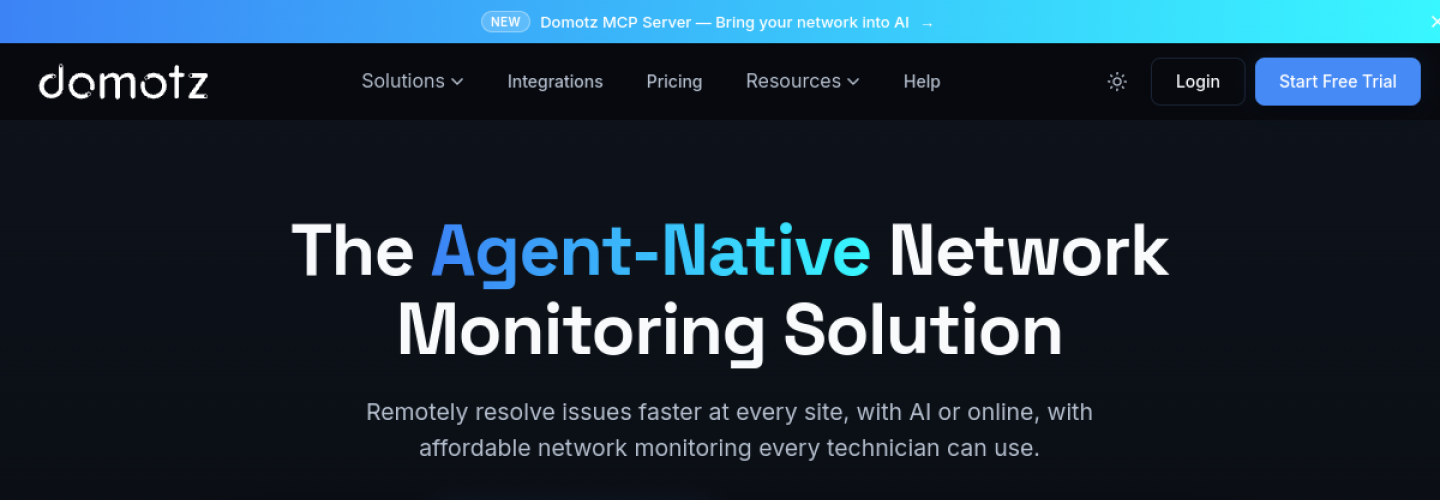
Domotz homepage, captured Nov 2026.
Domotz is a remote network monitoring and discovery platform used by more than 3,600 customers across 40,000+ daily networks to map devices, topology, and connections. Each collector covers one site or location with unlimited devices, unlimited technicians, and full features included.
The trade off is that it relies on a local collector per site and starts at $35/collector/month ($420/year per site) with a 14-day free trial rather than a permanent free tier. It suits MSPs and multi-site IT teams that want predictable per-site pricing without per-device fees.
What we like
Flat per-collector pricing with unlimited devices per site
Includes multi-tenant views, PSA integrations, and unlimited staff users
Fast deployment with automated device and topology discovery
Watch out for
Requires deploying a collector per site or location
No free tier beyond the 14-day trial
Volume commitments for MSPs and integrators can lower the per-site monthly rate.Visit domotz.com
03
NetBox
3.6/5on G2 (5 reviews, checked Nov 2026)
PriceFree
Best for network automation and IPAM source of truth
DeploymentOpen-source self-hosted or NetBox Cloud
Core scopeIPAM, DCIM, cables, circuits, APIs
Free tierFree OSS; Cloud free up to 100 devices
Paid tiersNetBox Cloud & Enterprise custom quote
netboxlabs.com
NetBox homepage, captured Nov 2026.
NetBox is a network infrastructure modeling platform used by over 10,000 organizations to document IP addresses, data center racks, cables, circuits, and dependencies via REST and GraphQL APIs. Its open-source edition is free to self-host, and NetBox Cloud offers a free plan up to 100 devices and 500 IP addresses.
The trade off is that self-hosting requires operating your own stack, while commercial NetBox Cloud and Enterprise plans are custom-quoted rather than listed at a fixed entry price. It suits network engineering and automation teams treating documentation as a structured source of truth.
What we like
Deep data model for IPAM, DCIM, racks, cables, and circuits
Strong REST and GraphQL APIs plus an active plugin ecosystem
Free open-source option and a free cloud tier for small setups
Paid NetBox Cloud and Enterprise tiers require contacting sales
NetBox Cloud and Enterprise add managed hosting, SLAs, and commercial support by quote.Visit netboxlabs.com
04
ManageEngine OpManager
4.5/5on G2 (239 reviews, checked Nov 2026)
Starts at$95 one-time
Best for on-premises device inventory and monitoring
DeploymentOn-premises software
Entry pack10 devices and 2 users ($95 Standard)
LicensingPer-device license packs + optional AMS
Trial30-day free trial available
manageengine.com
ManageEngine OpManager homepage, captured Nov 2026.
ManageEngine OpManager is an on-premises network and infrastructure monitoring platform used by over 1 million IT admins with device-based licensing across Standard, Professional, and Enterprise editions. It inventories network devices, interfaces, and performance metrics in a single console alongside optional add-ons.
The trade off is that the Standard 10-device pack with 2 users starts at $95 while Layer 2 discovery and topology features require Professional starting at $145 for 10 devices, plus optional annual maintenance. It suits on-premises IT teams wanting device-based licensing rather than per-sensor billing.
What we like
Transparent device-based pack pricing starting at $95 for 10 devices
Covers all interfaces and metrics on a licensed device without sensor counts
Offers optional add-ons for IPAM, firewall management, and failover
Watch out for
Layer 2 discovery and topology features sit in the Professional edition
Extra modules and higher device packs add cost as environments grow
Professional Edition starts at $145 for 10 devices with 2 users, and add-ons cost extra.Visit manageengine.com
05
Lucidchart
4.5/5on G2 (9,004 reviews, checked Nov 2026)
Paid from$9/mo
Best for collaborative network architecture diagrams
DeploymentBrowser-based cloud diagramming
Free tierUp to 3 editable docs and 75 shapes each
Entry paid$9/user/mo billed annually ($108/yr)
IntegrationsVisio import/export, Confluence, Jira
lucid.co
Lucidchart homepage, captured Nov 2026.
Lucidchart is a cloud diagramming application used to draw network diagrams, workflows, and architecture visuals with real-time team collaboration and Visio import and export. Its free plan includes up to 3 editable documents with 75 shapes per document.
The trade off is that diagrams require manual creation or data linking rather than live network polling, and paid plans start at $9/month billed annually ($108/year) per user. It suits teams sharing clean network diagrams in Confluence, Jira, or presentations.
What we like
Free tier available for small diagramming needs
Strong collaborative editing and Visio file import and export
Integrates with Confluence, Jira, Microsoft 365, and Google Workspace
Watch out for
Free plan caps editable documents at 3 with 75 shapes each
Lacks built-in live network auto-discovery without external data
Individual paid plans unlock unlimited documents and shapes starting at $9/month billed annually.Visit lucid.co
06
Paessler PRTG
4.7/5on G2 (219 reviews, checked Nov 2026)
Paid from$200/mo
Best for sensor-based hybrid infrastructure visibility
DeploymentWindows core/remote probes or hosted
Free tierFreeware up to 100 sensors
Entry paid$200/mo billed annually ($2,400/yr)
LicensingTiered by active sensor count
paessler.com
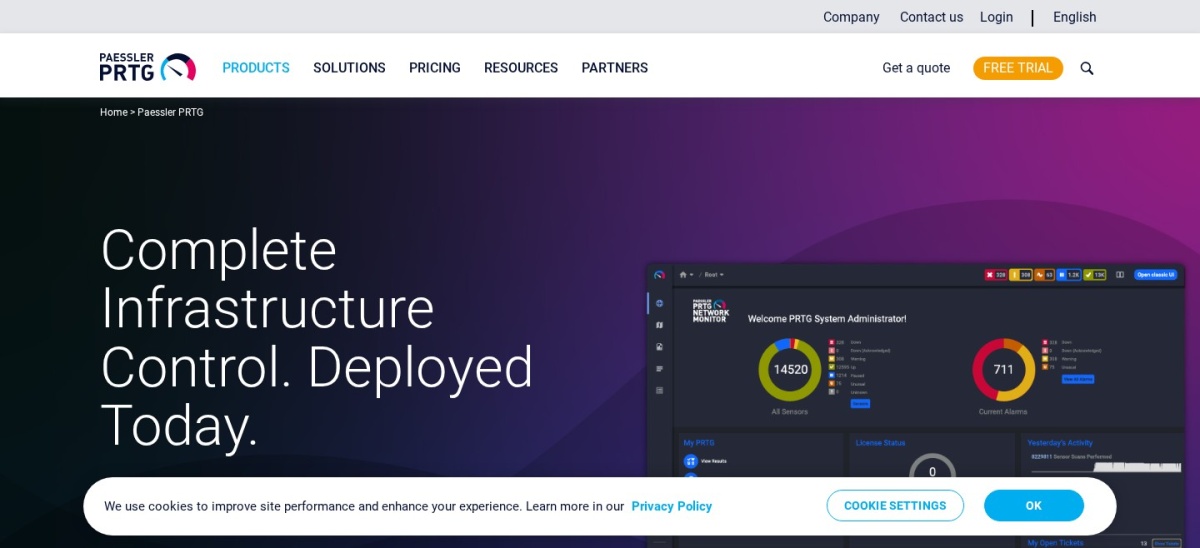
Paessler PRTG homepage, captured Nov 2026.
Paessler PRTG is a sensor-based network and infrastructure monitoring tool used by over 500,000 IT professionals across IT, OT, and cloud environments. It includes a freeware tier up to 100 sensors and auto-discovery with pre-configured sensors and maps.
The trade off is that PRTG 500 starts at $200/month billed annually ($2,400/year) and sensor counts can climb fast across busy devices. It suits SMB and mid-market teams that want auto-discovery and sensor-level visibility in one console.
What we like
Freeware edition covers up to 100 sensors for small setups
Fast auto-discovery and built-in maps across IT and OT devices
Supports remote probes for distributed environments
Watch out for
Sensor-based pricing can grow costly as monitored metrics increase
Core server runs on Windows, requiring careful sensor planning
Higher sensor tiers scale from PRTG 500 up to 10,000 sensors on annual billing.Visit paessler.com
07
Auvik
4.5/5on G2 (382 reviews, checked Nov 2026)
PricingCustom (quote)
Best for live automated topology maps and traffic data
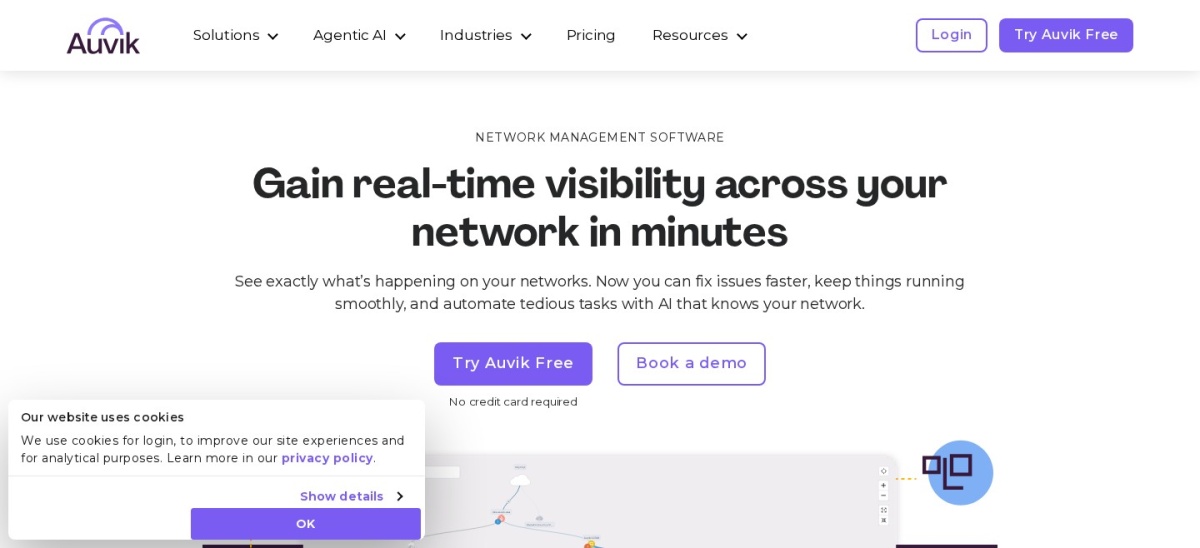
Auvik is a cloud network management platform that discovers devices automatically and builds live interactive topology maps alongside configuration backups and traffic insights. It supports multi-site management with a free trial and no per-seat user fees.
The trade off is that pricing is custom-quoted per billable device without a public rate card, and it runs strictly in the cloud rather than self-hosted. It suits MSPs and multi-site IT teams prioritizing automated live maps and traffic visibility.
What we like
Automated discovery builds live interactive topology maps quickly
Combines configuration backups, alerts, and traffic visibility
Does not charge per technician seat
Watch out for
No public pricing; requires a custom quote based on billable devices
Cloud-only deployment is not suited to on-premises-only mandates
Custom quotes depend on tier selection and billable network or infrastructure devices.Visit auvik.com
Automated discovery vs. structured documentation records
Automated discovery tools like Domotz and Auvik scan networks to map live devices and connections, cutting down manual drawing when networks change often. Structured platforms like Hudu and NetBox focus on organized records, IP allocations, racks, SOPs, and relationships that scanners alone cannot infer.
Many IT teams pair both approaches so live scan data feeds or complements clean records, SOPs, and change history. Deciding which layer is missing first keeps tooling focused and avoids paying twice for overlapping features.
How we chose
This list is compiled from established network documentation, discovery, and source-of-truth tools widely used by IT teams and managed service providers.
We checked public pricing pages, documentation, and G2 review counts on 22 Nov 2026 to capture current plans, ratings, and entry terms.
We excluded tools lacking verified public pricing or clear documentation capabilities, as well as unverified estimates when a vendor only quotes custom rates. No vendor paid for a place, and we do not claim testing for this list.
How to choose network documentation software
Follow four practical steps to match a tool to your network and team workflow.
Define your primary documentation gap. Decide whether you need structured IPAM, rack, and SOP records, live network topology maps, or an API-driven source of truth.
Match licensing to how your network grows. Compare per-user, per-collector, per-device, and per-sensor pricing against your site count, device density, and staff size.
Check deployment and security requirements. Confirm whether cloud hosting, self-hosting, or on-premises collectors fit your security and network access rules.
Run a pilot on a real site or subnet. Test discovery accuracy, diagram clarity, and daily update workflows on one live environment before rolling out company-wide.
FAQ
What is the difference between network documentation and network monitoring?
Network documentation records what devices, IP addresses, racks, and connections exist and how they relate. Network monitoring focuses on live health checks, performance metrics, and outage alerts, though some platforms combine discovery and mapping with monitoring.
Is there free network documentation software?
Yes. NetBox offers a free open-source edition and a NetBox Cloud free plan for up to 100 devices and 500 IP addresses, while Paessler PRTG offers a freeware tier up to 100 sensors.
Why do some network documentation tools charge per collector or per site?
Collector-based tools like Domotz place a probe or collector at each network location and cover unlimited devices on that site for a flat rate. That model keeps bills predictable when sites have many endpoints, printers, or switches.
When should an IT team pick NetBox over Hudu?
NetBox fits engineering teams that want a deep IPAM and DCIM data model with REST and GraphQL APIs or open-source self-hosting. Hudu fits teams wanting structured IT records, SOPs, rack and IP views, and client portals without managing an open-source stack.
Do diagramming tools like Lucidchart replace network discovery tools?
No. Lucidchart helps teams draw and share clean network diagrams and architecture layouts, whereas discovery tools scan live networks to detect devices and connections automatically.
What should you watch out for with sensor-based or device-based pricing?
Sensor counts can add up quickly when every interface, disk, or metric consumes a sensor, while device tiers can jump when moving from small to mid-size packs. Always estimate your active metrics or devices across your full environment first.
SaaS SEO and WordPress specialist with about 8 years of experience. Rakib compares WordPress plugins, themes, hosting and software using public pricing, documentation and user reviews. See how we rank.