Microsoft Intune is the best mobile application management software for most businesses, with device and application management starting at $8 per user per month. Hexnode is a more affordable choice for managing corporate mobile apps, while Scalefusion works well for dedicated devices and kiosk applications.
How we make this list: we compare pricing pages, product documentation and public user reviews, then re-check every price before each update. No product paid for a place. Disclosure.
Microsoft Intune starts at $96 per user per year and supports application protection on personal devices.
Hexnode includes mobile application management from $2.20 per device per month, with a 15-device minimum.
Scalefusion starts at $24 per device per year and holds a 4.7/5 G2 rating from 411 reviews.
ManageEngine offers free management for up to 25 devices.
Miradore offers a free plan for up to 50 devices, with paid management starting at $2.75 per device per month.
Iru uses custom pricing and has a 4.7/5 G2 rating from 899 reviews.
What mobile application management software should cover
Mobile application management (MAM) software helps IT teams distribute, configure, update and protect business applications on smartphones and tablets. It reduces the need for employees to install and configure work applications manually.
Unlike mobile device management (MDM), application management focuses on individual apps and their associated data. Some products combine both functions, while others support application protection without requiring full device enrollment.
Look for managed app distribution, application configuration, selective data removal and restrictions on unauthorized applications. Businesses with personal-device policies should pay particular attention to data separation.
Pricing varies between per-user subscriptions, per-device licenses and fixed device bundles. The price ladder compares annualized entry prices, but these are not directly equivalent because licensing units and minimum commitments differ.
The 7 best mobile application management software tools
01
Microsoft Intune
4.5/5on Capterra (42 reviews, checked Nov 2026)
Starts at$8/mo
Best for enterprise application protection
App deploymentSupported
Personal devicesApp protection policies
Mobile platformsAndroid and iOS
Paid planPlan 1, per user
microsoft.com
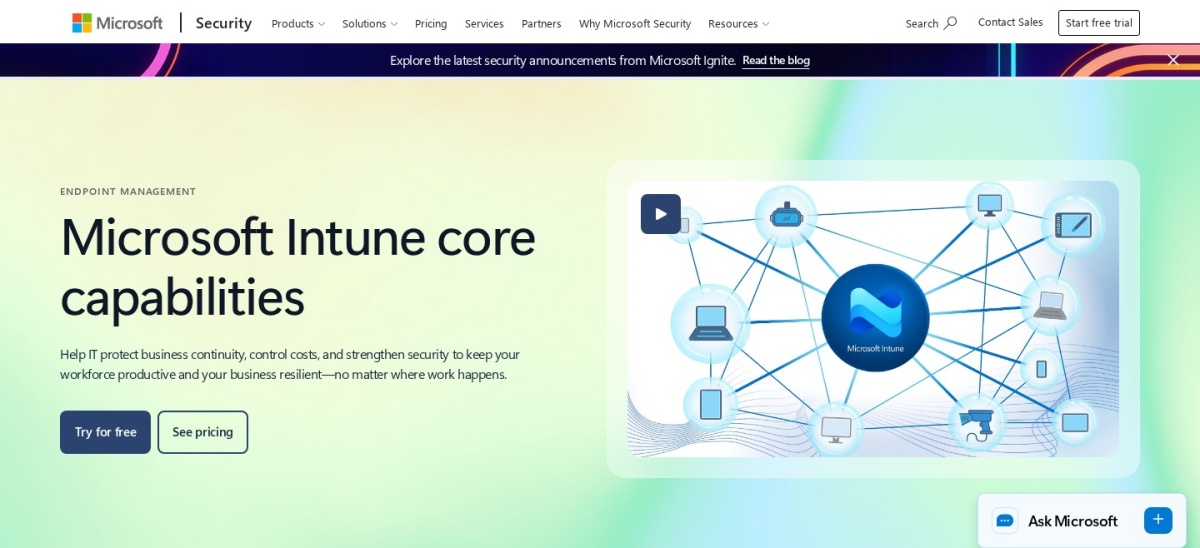
Microsoft Intune homepage, captured Nov 2026.
Microsoft Intune is a cloud-based endpoint and application management platform rated 4.5/5 from 42 Capterra reviews. Intune Plan 1 provides application deployment, device management and policies for protecting corporate application data.
The trade off is configuration complexity and dependence on Microsoft's identity ecosystem. Plan 1 costs $8 per user per month, with advanced capabilities requiring additional licensing. It suits organizations using Microsoft 365 and managing both corporate and personal devices.
What we like
Application protection without full device enrollment
Integration with Microsoft 365
Centralized application distribution
Corporate data protection policies
Watch out for
Steep learning curve
Advanced capabilities may require additional licenses
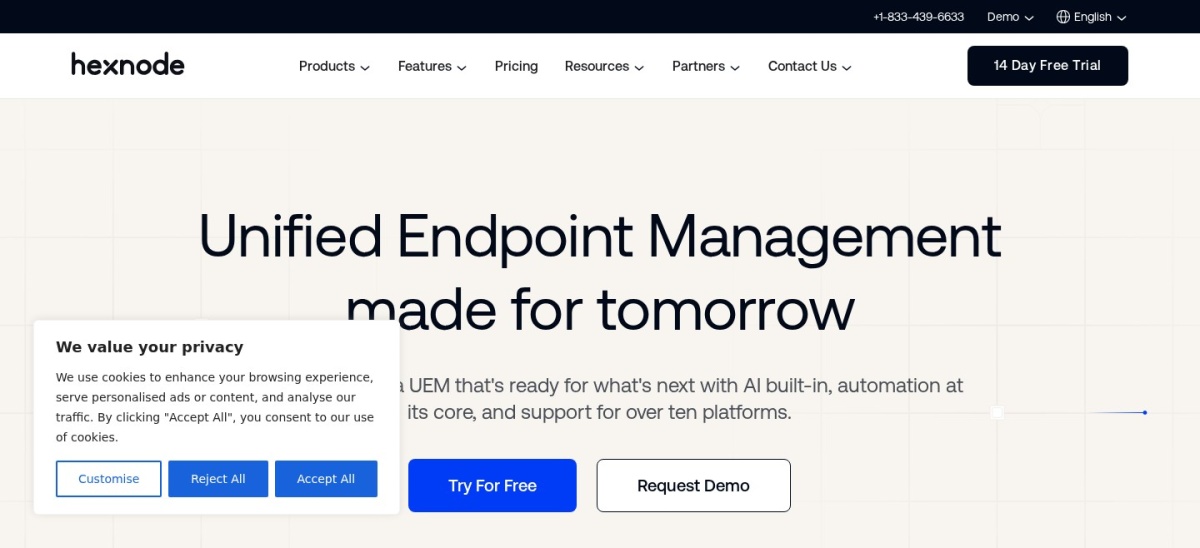
Hexnode is a unified endpoint management platform that includes mobile application management in its Pro subscription. Starting at $2.20 per device per month with annual billing, it covers managed applications, kiosk policies and Android Enterprise enrollment.
The trade off is the minimum commitment of 15 devices and additional charges for higher-tier capabilities. The annualized Pro rate is $26.40 per device. It suits businesses looking for affordable application distribution across enrolled smartphones and tablets.
Scalefusion is an endpoint management platform designed to control applications and devices across distributed workforces. Its Essential plan costs $2 per device per month and includes silent application installation, kiosk mode and device groups.
The trade off is limited desktop operating system coverage in the entry subscription. Essential costs $24 per device annually, while broader platform management requires a higher tier. It suits retail terminals, field teams and businesses deploying dedicated mobile applications.
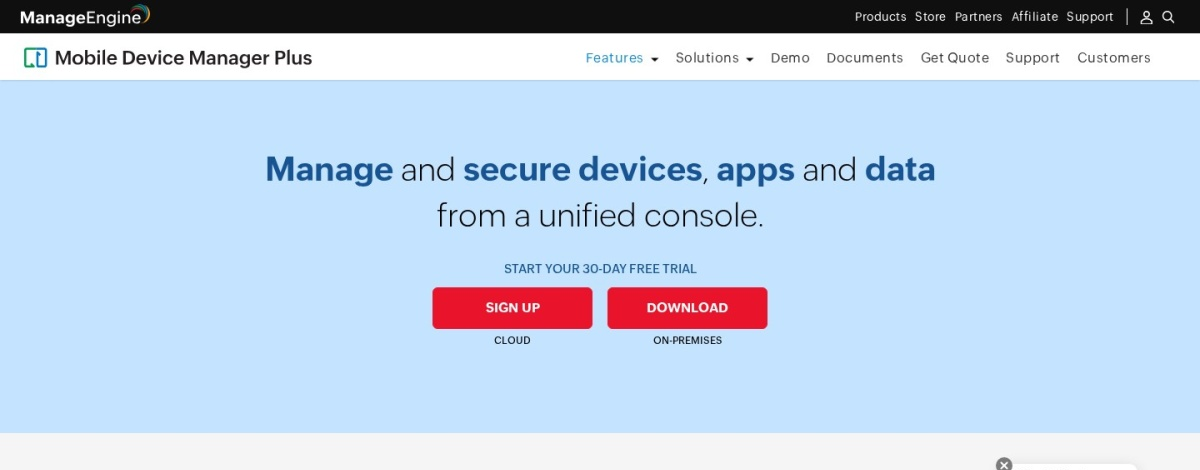
ManageEngine MDM is a mobile device and application management platform available as a cloud service or on-premises installation. Its free edition supports up to 25 devices, making it suitable for small deployments.
The trade off is additional administration for self-hosted installations. The cheapest annual paid on-premises license costs $495 for 50 devices. It suits IT departments that want centralized mobile application distribution and greater control over management infrastructure.
Miradore is a cloud-based device management platform for businesses that need centralized application and endpoint administration. Its free plan supports basic management for up to 50 devices, and Premium costs $2.75 per device per month at the displayed rate.
The trade off is that free device management does not include the full paid application management feature set. Premium has an annualized cost of $33 per device, subject to minimum payment terms. It suits small IT departments seeking straightforward mobile management.
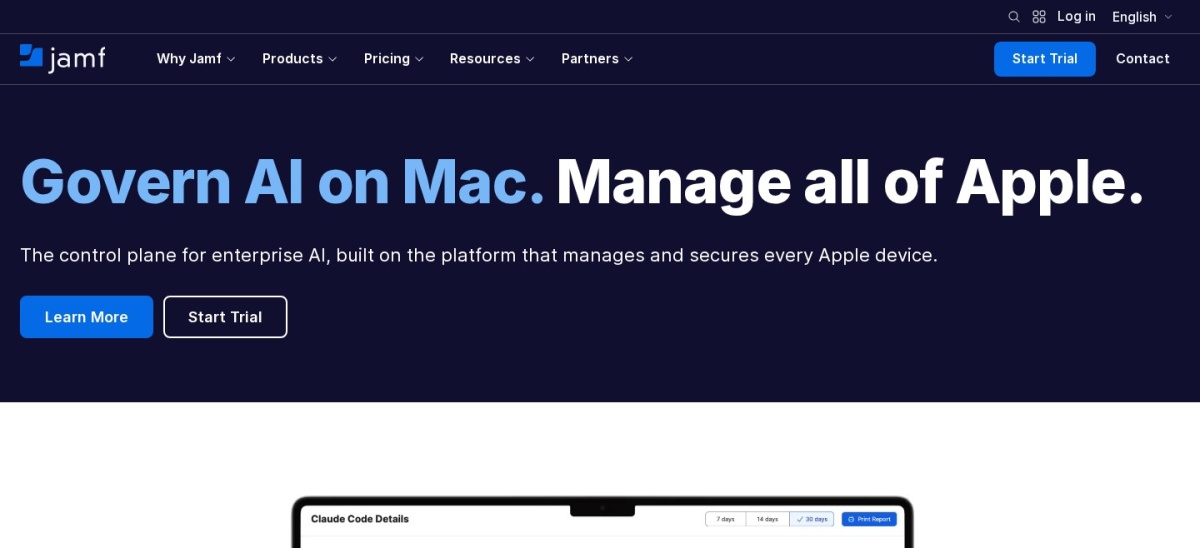
Jamf is an Apple-focused device and application management platform with a 4.7/5 G2 rating from 2,457 reviews. It supports centralized application distribution, configuration policies and device administration across Apple business environments.
The trade off is its Apple-focused approach and the need to confirm the applicable mobile subscription price. The vendor publishes separate business packages, but the cheapest applicable mobile plan was not independently confirmed. It suits organizations with established Apple device fleets.
What we like
Specialized Apple management
Centralized application distribution
Detailed configuration policies
Established Apple integrations
Watch out for
Limited suitability for Android-first fleets
Applicable mobile subscription cost requires confirmation
Advanced administration requires training
Paid business packages combine management and security capabilities.Visit jamf.com
07
Iru
4.7/5on G2 (899 reviews, checked Nov 2026)
PricingCustom pricing
Best for automated endpoint workflows
Former brandKandji
Endpoint coverageApple, Windows and Android
Policy automationAssignment Maps
Paid planEndpoint Management, custom quote
iru.com
Iru homepage, captured Nov 2026.
Iru is an endpoint management and security platform formerly known as Kandji. The vendor reports adoption by more than 6,000 companies, and its endpoint management offering supports automated provisioning, configuration policies and application updates.
The trade off is custom pricing and the need to confirm mobile-specific capabilities within the proposed subscription. Buyers must request a quote for Endpoint Management. It suits IT teams seeking automated application workflows alongside broader endpoint administration.
What we like
Automated endpoint provisioning
Centralized policy assignments
Application update automation
Integration with broader security products
Watch out for
No public entry subscription price
No permanent free plan
Mobile capabilities require platform-specific verification
Endpoint Management adds provisioning, policies and application automation.Visit iru.com
Mobile application management vs mobile device management
Mobile application management focuses on business applications and the information they contain. Administrators can use application policies to reduce unauthorized data sharing and control access to corporate resources.
Mobile device management controls enrolled hardware, including operating system settings, device restrictions and security configurations. Many products combine application and device management within a unified endpoint management subscription.
Choose application-level protection for employee-owned devices where privacy matters. Choose broader device management for company-owned hardware, dedicated terminals and environments that require operating system restrictions.
How we chose
We shortlisted established mobile application and endpoint management platforms with relevant application distribution, configuration or protection capabilities. We prioritized products with published entry prices, substantial review histories and clearly defined mobile platform support.
The editorial reference date is 22 Nov 2026. Prices and ratings come from the vendor and review pages opened for this comparison, rather than an independently verified historical snapshot. Annualized prices exclude taxes and use the applicable licensing unit. Custom pricing entries require confirmation, and their zero values represent unavailable annual costs rather than free subscriptions.
We excluded products with insufficient review histories, unrelated application development tools and platforms without identifiable mobile management capabilities. No vendor paid for a place, and we do not claim testing for this list.
How to choose mobile application management software
Compare your application security requirements, device ownership policies and licensing commitments before choosing a management platform.
Identify your supported devices. List the operating systems, device ownership arrangements and business applications your organization needs to manage.
Define application protection requirements. Determine whether you need managed app installation, selective corporate data removal, data transfer restrictions or device-independent application protection.
Calculate the complete subscription cost. Compare licensing units, minimum device commitments, annual billing terms, existing software entitlements and the cost of required add-ons.
Evaluate deployment and administration requirements. Review enrollment methods, documentation, administrator permissions and application compatibility before committing to a subscription.
FAQ
What is the best mobile application management software?
Microsoft Intune is our top recommendation for businesses requiring application protection and centralized endpoint administration. Hexnode and Scalefusion are more affordable alternatives for organizations primarily managing enrolled corporate mobile devices.
Is there free mobile application management software?
ManageEngine provides a free edition for up to 25 devices, while Miradore supports basic free device management for up to 50 devices. Confirm whether the specific application management controls you require are included before choosing either free edition.
Can MAM software manage personal mobile devices?
Some MAM platforms protect business applications without requiring full device enrollment. Microsoft Intune supports this approach through compatible application protection policies, helping organizations restrict corporate data access and sharing while preserving personal device privacy.
How much does mobile application management software cost?
Published entry prices in this comparison start at $2 per device per month for Scalefusion and $2.20 for Hexnode with annual billing. Microsoft Intune starts at $8 per user per month. Minimum commitments and additional licensing can increase total costs.
Does MAM software support private business applications?
Many mobile management platforms support distributing internal business applications alongside public store applications. Compatibility depends on the operating system, enrollment method, application signing requirements and selected subscription. Confirm support for your specific application packages before purchasing.
SaaS SEO and WordPress specialist with about 8 years of experience. Rakib compares WordPress plugins, themes, hosting and software using public pricing, documentation and user reviews. See how we rank.