JumpCloud leads for unified identity, device, and access management with 4,151 G2 reviews and plans starting at $9 per user per month billed annually. PacketFence suits teams seeking open-source NAC with unlimited self-hosted devices, while GoodAccess fits teams wanting zero-trust network access from $7 per user per month.
How we make this list: we compare pricing pages, product documentation and public user reviews, then re-check every price before each update. No product paid for a place. Disclosure.
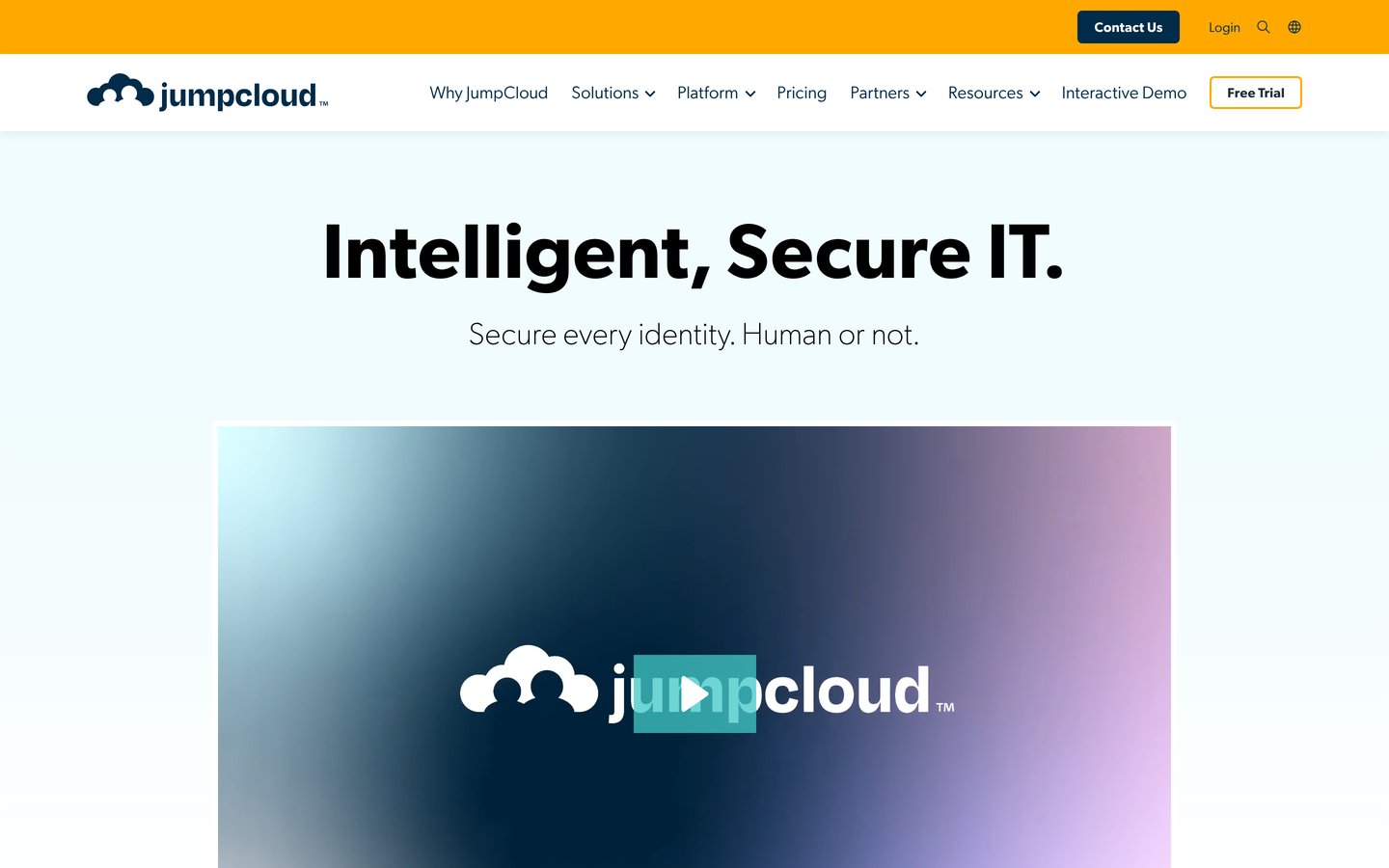
JumpCloud holds a 4.5 out of 5 rating across 4,151 G2 reviews with plans starting at $9 per user per month billed annually.
GoodAccess starts at $7 per user per month with a 5-user minimum and holds a 4.7 out of 5 rating across 167 G2 reviews.
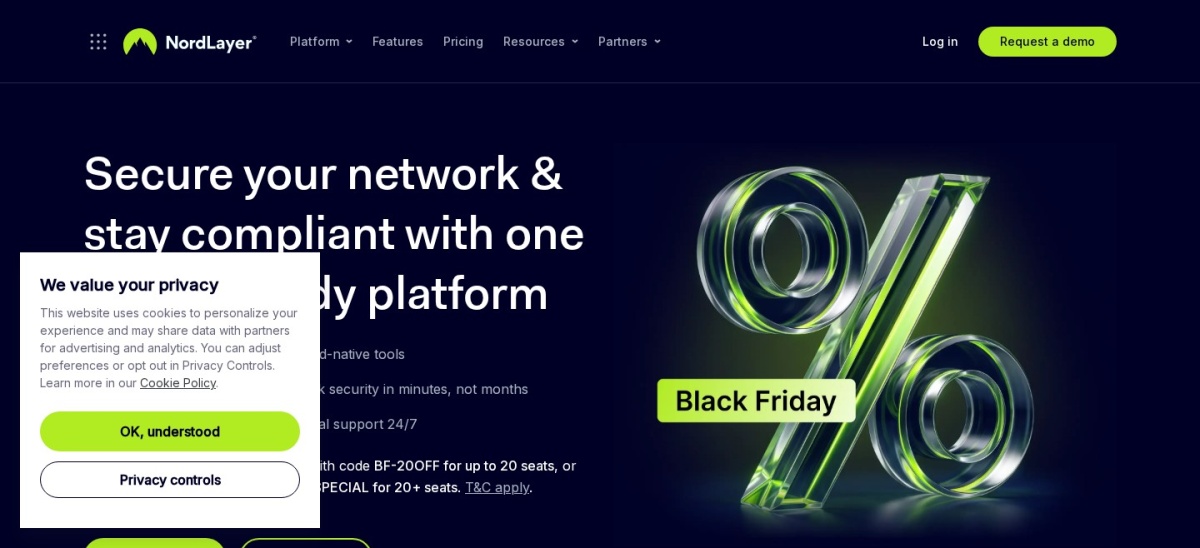
NordLayer starts at $8 per user per month billed annually and holds a 4.3 out of 5 rating across 125 G2 reviews.
Tailscale offers a free personal plan for up to 6 users and holds a 4.6 out of 5 rating across 31 G2 reviews.
PacketFence provides a free self-hosted community edition with unlimited devices alongside managed cloud and support tiers.
What to look for in network access control software
Network access control (NAC) verifies who or what is connecting to a network before granting access to internal resources, switches, or Wi-Fi. Modern deployments span cloud RADIUS, certificate-based authentication, zero-trust network access, and endpoint posture checks.
Teams also weigh how much infrastructure they want to run themselves. Self-hosted NAC platforms can avoid per-seat subscription fees but require Linux, directory, and networking maintenance, while cloud-hosted tools shift operations to the vendor.
Pricing structure varies sharply across vendors. Some charge per user or per technician monthly, some apply minimum seat counts or dedicated gateway fees, and others offer free self-hosted software or free tiers for small teams.
JumpCloud is an identity and device management platform that pairs directory and access policies with cloud RADIUS and PKI capabilities. Its Device Management package starts at $9 per user per month billed annually ($108 per user per year).
The trade off is that per-user pricing climbs across higher packages and add-ons, and monthly billing runs higher at $15 per user per month. It suits teams consolidating user identity, endpoint management, and network access into one console.
What we like
Combines directory, device management, and access policies in one platform.
Supports macOS, Windows, and Linux endpoint management.
High review volume on G2 with a 4.5 out of 5 score across 4,151 reviews.
Watch out for
Monthly billing costs more per user than annual commitments.
Some reviewers note a learning curve when organizing complex policies.
GoodAccess is a cloud network security and zero-trust access platform with identity-based policies, network segmentation, and static IP options. Its Essential plan starts at $7 per user per month ($84 per user per year) with a 5-user minimum.
The trade off is that dedicated gateways add $49 per month each and certain posture or zero-trust features sit on higher tiers. It suits small and mid-sized teams that want quick setup without on-premises hardware.
What we like
Low entry price at $7 per user per month with static IP support.
Strong user ratings at 4.7 out of 5 across 167 G2 reviews.
Supports granular network segmentation and device posture checks.
Watch out for
Requires a 5-user minimum on entry and mid-tier plans.
Dedicated gateways add recurring monthly fees.
Premium adds full zero-trust architecture and broader policy controls at $11 per user per month.Visit goodaccess.com
03
Tailscale
4.6/5on G2 (31 reviews, checked Nov 2026)
Paid from$8/user/mo
Best free tier for small technical teams
Free planPersonal ($0 for up to 6 users)
Paid tiersStandard and Premium per-seat plans
G2 rating4.6 / 5 (31 reviews)
TrialFree account and trial options
tailscale.com
Tailscale homepage, captured Nov 2026.
Tailscale is a zero-trust mesh connectivity platform that connects devices and internal services using access control policies. Its Personal plan is free for up to 6 users with access controls and device sharing.
The trade off is that per-seat costs scale up as team size grows on paid plans, and some reviewers note learning curves on larger configurations. It suits developers and small teams connecting servers, internal tools, and endpoints.
What we like
Free personal tier supports up to 6 users.
Fast setup for connecting remote machines and internal resources.
Holds a 4.6 out of 5 rating across 31 G2 reviews.
Watch out for
Per-user pricing increases costs as headcount expands.
Smaller review count on G2 compared with larger enterprise suites.
Support / CloudPaid support and cloud plans available
Deployments10,000+ active deployments
LicenseGPL open-source self-hosted edition
packetfence.com
PacketFence homepage, captured Nov 2026.
PacketFence is a network access control platform supporting 802.1X, MAC authentication, captive portals, and device profiling. Its self-hosted Community Edition is free with unlimited devices under a GPL license.
The trade off is that self-hosting requires Linux, database, and RADIUS administration skills, while commercial support starts at $5,000 per server per year. It suits technical teams that want full control and zero software licensing fees.
What we like
Free self-hosted Community Edition supports unlimited devices.
Covers 802.1X, captive portals, guest access, and device profiling.
Available as a managed cloud option for teams avoiding server upkeep.
Watch out for
Self-hosted setups demand Linux and network administration.
Commercial support and cloud plans carry separate annual or custom fees.
Paid support and PacketFence Cloud add 24/7 assistance, upgrades, and managed hosting.Visit packetfence.com
05
NordLayer
4.3/5on G2 (125 reviews, checked Nov 2026)
Starts at$96/yr
Best for simple network segmentation and VPN
Entry planLite ($8/user/mo billed yearly)
NAC tiersCore ($11) and Premium ($14) monthly
G2 rating4.3 / 5 (125 reviews)
Minimum5 users on Core and Premium
nordlayer.com
NordLayer homepage, captured Nov 2026.
NordLayer provides network access security, gateway access, and role-based controls for distributed teams. Its Lite plan starts at $8 per user per month billed yearly ($96 per user per year).
The trade off is that NAC segmentation features sit on Core and Premium plans with a 5-user minimum and dedicated server add-ons. It suits small and mid-sized businesses that want a fast-to-deploy remote access tool.
What we like
Straightforward setup and simple user management interface.
Entry plan starts at $8 per user per month billed yearly.
Offers site interconnection and segmentation on higher plans.
Watch out for
Dedicated server with static IP adds $40 per month on Core and Premium.
Some reviewers report limits on custom or complex network configurations.
Core and Premium add network access control features, site connections, and finer segmentation.Visit nordlayer.com
06
Twingate
4.6/5on G2 (84 reviews, checked Nov 2026)
Paid from$120/yr
Best for granular zero-trust app and resource access
Free tierStarter free for up to 5 users
Paid planTeams from $10/user/mo billed yearly
G2 rating4.6 / 5 (84 reviews)
Trial14-day free trial available
twingate.com
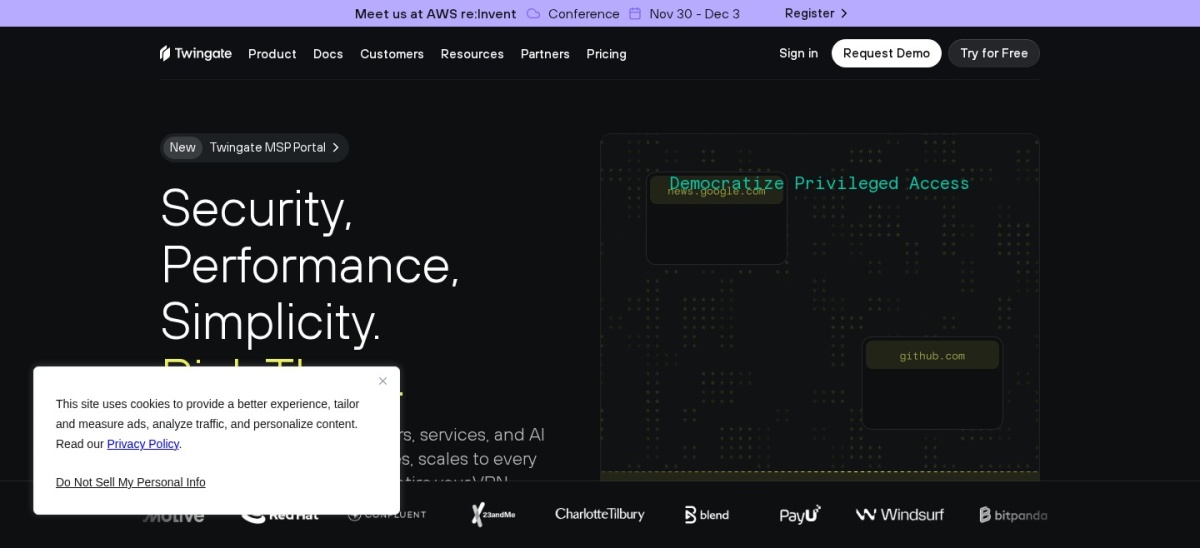
Twingate homepage, captured Nov 2026.
Twingate is a zero-trust network access platform that restricts access to specific internal resources rather than full network perimeters. It offers a free Starter tier for up to 5 users and paid Teams plans starting at $10 per user per month billed annually ($120 per user per year).
The trade off is that advanced enterprise controls require higher tiers, and some reviewers note connector management or logging limits. It suits engineering and cloud-first teams replacing legacy VPNs.
What we like
Free Starter plan covers up to 5 users.
Holds a 4.6 out of 5 rating across 84 G2 reviews.
Supports granular resource access and device posture checks.
Watch out for
Some reviewers cite connector update or logging limitations.
Enterprise provisioning features sit on custom enterprise plans.
Teams and Enterprise add device posture checks, activity logging, and directory integrations.Visit twingate.com
07
Atera
4.6/5on G2 (1,289 reviews, checked Nov 2026)
Starts at$1,788/yr
Best for IT teams combining discovery and RMM
Entry planIT Professional ($149/tech/mo yearly)
Discovery add-onNetwork Discovery ($29/tech/mo)
G2 rating4.6 / 5 (1,289 reviews)
TrialFree trial available
atera.com
Atera homepage, captured Nov 2026.
Atera is an IT management platform with remote monitoring, patch management, ticketing, and an optional Network Discovery add-on for mapping unmanaged and SNMP devices. Its IT Professional plan starts at $149 per technician per month billed annually ($1,788 per technician per year).
The trade off is that per-technician pricing and add-ons like Network Discovery ($29 per technician per month) can add up for larger support teams. It suits lean IT teams and MSPs that want device discovery alongside RMM and help desk tools.
What we like
Combines RMM, help desk ticketing, patching, and device discovery.
Strong G2 track record at 4.6 out of 5 across 1,289 reviews.
Flat per-technician billing rather than per-endpoint licensing.
Watch out for
Network Discovery is sold as an extra per-technician add-on.
Focused on IT operations and discovery rather than dedicated 802.1X NAC enforcement.
Higher tiers and add-ons expand automation, dual RMM tools, and network device discovery.Visit atera.com
Cloud NAC vs. self-hosted NAC
Cloud-hosted access control removes the need to provision, patch, and scale local servers or virtual appliances. Most cloud tools charge per user or per technician and connect directly to existing identity providers.
Self-hosted software like PacketFence gives organizations direct control over infrastructure and avoids recurring per-seat fees. That control comes with ongoing maintenance responsibility unless you buy commercial support or a managed cloud option.
How we chose
We compiled this list from public software review directories, vendor documentation, and pricing pages for active network access and remote connectivity tools.
Ratings, review counts, and starting plan prices were checked on 22 Nov 2026 across official vendor pages and review listings.
We excluded tools without verifiable public ratings or clear entry pricing details on the pages we opened. No vendor paid for a place, and we do not claim testing for this list.
How to choose network access control software
Follow four practical steps to narrow down the right access control platform for your network.
Map your network and identity stack first. List where users and devices connect from—such as office Wi-Fi, switches, or remote apps—and check which identity provider you already use.
Decide how much infrastructure your team can maintain. Choose cloud-managed platforms if you want zero server upkeep, or self-hosted options only if your team can manage ongoing operations.
Model costs across seats, minimums, and add-ons. Check annual versus monthly billing, seat minimums, and extra fees for gateways, discovery modules, or higher policy tiers.
Run a pilot with real user and device profiles. Test onboarding, authentication, and policy enforcement on a small group of laptops, phones, and network resources before rolling out widely.
FAQ
What is network access control software?
Network access control software verifies users, devices, and security posture before granting access to a network or internal resources. It helps block unauthorized endpoints and enforce least-privilege access across offices and remote work.
Do I need a dedicated NAC appliance to use network access control?
No, many modern platforms run in the cloud or over existing network gear without requiring dedicated on-premises appliances. Self-hosted tools can still run on virtual machines or servers you manage yourself.
Which tools on this list offer a free tier?
Tailscale offers a free Personal tier for up to 6 users, PacketFence offers a free self-hosted Community Edition, and Twingate offers a free Starter tier for up to 5 users.
Why do some access control tools charge per user while others charge per technician?
User-based pricing scales with every employee or end user who connects to the network or protected apps. Technician-based pricing scales with IT staff or service desk seats rather than total end users.
What hidden costs should buyers watch for on NAC plans?
Watch for minimum seat counts, higher monthly rates compared with annual billing, and add-on charges for dedicated gateways or discovery modules. Enterprise features like deeper logging or posture checks may also require higher tiers.
How does zero-trust network access differ from traditional VPN access?
Traditional VPNs often place connected users broadly onto a network segment, whereas zero-trust access restricts users to specific approved applications or resources. Many teams use zero-trust access alongside identity and device checks.
SaaS SEO and WordPress specialist with about 8 years of experience. Rakib compares WordPress plugins, themes, hosting and software using public pricing, documentation and user reviews. See how we rank.