Visual Studio is the best mobile application development software for professional cross-platform projects, offering a 4.5/5 G2 rating from 4,019 reviews. Choose FlutterFlow for visual Flutter development or Thunkable for building mobile applications without traditional programming.
How we make this list: we compare pricing pages, product documentation and public user reviews, then re-check every price before each update. No product paid for a place. Disclosure.
Visual Studio Professional starts at $45 per user per month.
FlutterFlow Basic costs $39 per month and supports unlimited Studio projects.
Thunkable Accelerator costs $19 per month and supports 10 screens per project.
Android Studio is free and holds a 4.5/5 G2 rating from 651 reviews.
Xcode has a 4.2/5 G2 rating from 1,045 reviews.
Appy Pie Basic costs $16 per month and includes 500 monthly push notifications.
What to look for in mobile application development software
Mobile application development software provides the tools needed to design, program, debug, test and distribute mobile applications. Options range from traditional integrated development environments to visual development platforms.
Native development environments offer detailed control over platform-specific features and application performance. Cross-platform tools allow developers to share application logic across operating systems.
Low-code and no-code platforms reduce manual programming through visual interfaces and configurable workflows. However, developers should check whether these platforms support the custom functionality their projects require.
Evaluate debugging, testing, source control, deployment and backend integration before choosing software. Application publishing fees, infrastructure costs and subscription restrictions can affect the overall development budget.
The 7 best mobile application development software tools
01
Visual Studio
4.5/5on G2 (4,019 reviews, checked Nov 2026)
Paid from$45/mo
Best for professional cross-platform development
Mobile framework.NET MAUI
Primary languageC#
Desktop IDE platformWindows
Free editionCommunity
visualstudio.microsoft.com
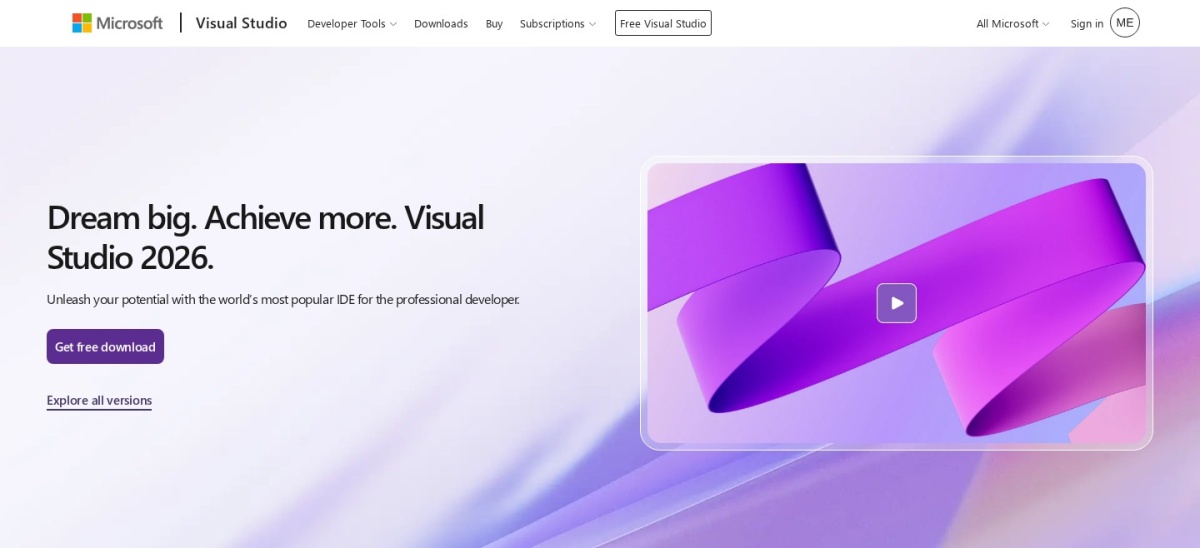
Visual Studio homepage, captured Nov 2026.
Visual Studio is Microsoft's integrated development environment for building applications with C# and .NET. Its free Community edition supports eligible developers, while Professional includes commercial development tools and Azure DevOps access for $45 per user per month.
The trade off is the technical learning curve and Windows-based development environment, although a $499 standalone Professional license is also available. It suits engineering teams building cross-platform applications within the Microsoft ecosystem.
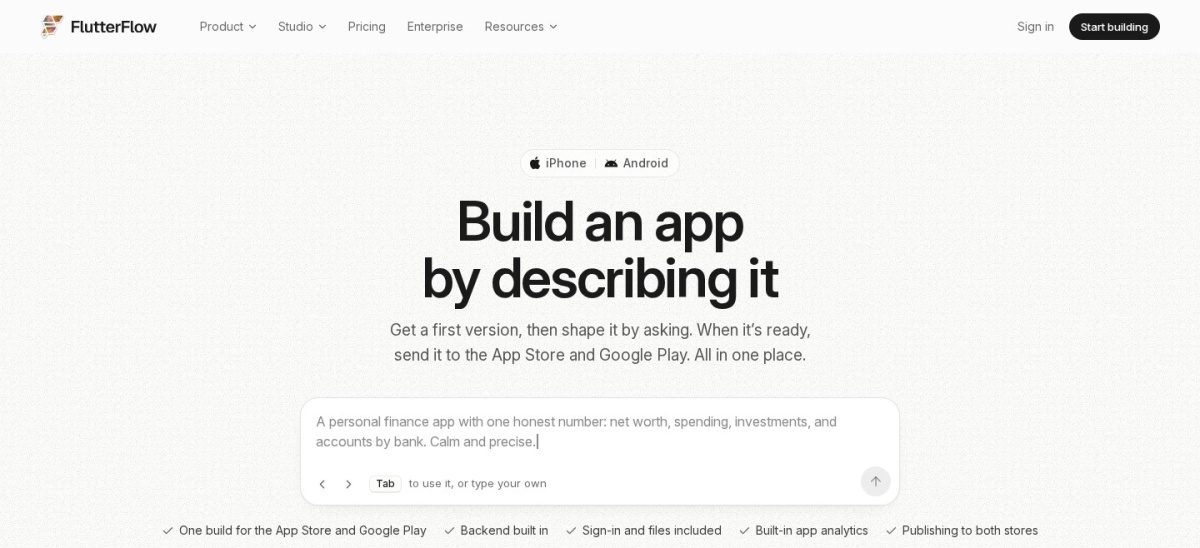
FlutterFlow is a visual development platform for building mobile and web applications with Flutter. Its free Studio tier supports 2 projects, while Basic removes the project limit and expands AI-assisted development access.
The trade off is that advanced application logic still requires technical understanding, and Basic costs $39 per month or $351 when billed annually. It suits developers and startups seeking faster development without sacrificing customization.
Thunkable is a visual programming platform for developing native mobile applications through configurable components and block-based logic. Its free plan includes 3 public projects with up to 5 screens per project.
The trade off is that the $19 monthly Accelerator subscription restricts project size and requires a higher subscription for live publishing. It suits beginners and entrepreneurs who want to create interactive applications without writing conventional source code.
What we like
Accessible visual programming
Native mobile application support
Free development environment
Private projects on paid plans
Watch out for
Entry subscription limits screens
Publishing requires a higher tier
Accelerator adds private development and expanded project allowances.Visit thunkable.com
04
Android Studio
4.5/5on G2 (651 reviews, checked Nov 2026)
PriceFree
Best for native Android development
Target platformAndroid
LanguagesKotlin and Java
Build systemGradle
Device testingAndroid Emulator
developer.android.com
Android Studio homepage, captured Nov 2026.
Android Studio is Google's official integrated development environment for Android applications, rated 4.5/5 by 651 G2 reviewers. Its free core software includes coding tools, device emulation, debugging and application performance analysis.
The trade off is that the free IDE focuses on Android development and can require considerable computing resources for device emulation. It suits developers building native Android applications that need detailed access to operating system capabilities.
Xcode is Apple's integrated development environment for creating applications across its operating systems. It holds a 4.2/5 rating from 1,045 G2 reviews and includes coding, simulation, interface development and debugging tools.
The trade off is that the IDE is free but requires compatible Mac hardware, while commercial App Store distribution generally requires separate developer membership. It suits developers building native applications for iPhone, iPad and other Apple devices.
What we like
Free native development environment
Integrated device simulation
Swift and SwiftUI support
Apple platform development tools
Watch out for
Requires macOS
Commercial distribution has separate requirements
Paid Apple Developer membership supports distribution rather than upgrading the IDE.Visit developer.apple.com
06
Appy Pie
4.7/5on G2 (1,391 reviews, checked Nov 2026)
Paid from$16/mo
Best for affordable business applications
Entry planBasic
Monthly AI credits500
Monthly push notifications500
Monthly downloads50
appypie.com
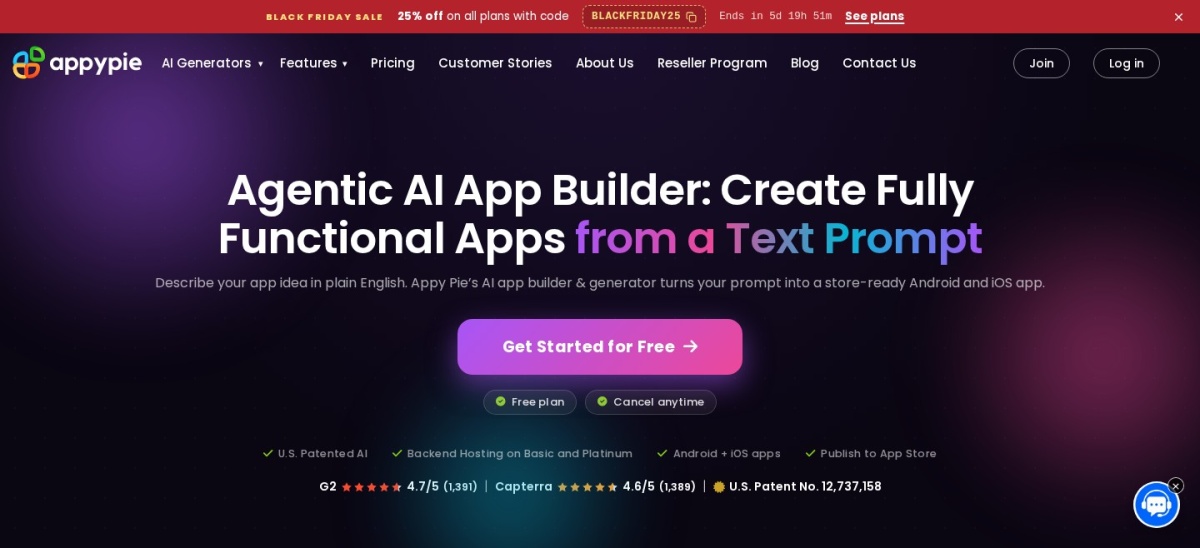
Appy Pie homepage, captured Nov 2026.
Appy Pie is an AI-assisted development platform for creating business applications without conventional programming. Its Basic subscription includes Google Play publishing, an integrated database and 500 monthly AI credits.
The trade off is that the regular $16 monthly plan restricts downloads and excludes Apple App Store publishing. A temporary 25% promotion is advertised. It suits small businesses that prioritize straightforward application development over custom programming.
What we like
Affordable starting subscription
Integrated backend and database
AI-assisted application creation
Free building and previewing
Watch out for
Limited entry-level publishing options
Low monthly download allowance
Basic enables Google Play publishing and recurring usage allowances.Visit appypie.com
07
GoodBarber
4.3/5on G2 (88 reviews, checked Nov 2026)
PricingCustom pricing
Best for content and commerce applications
Development approachNo-code
Application typesContent and commerce
PublishingNative and web apps
DesignConfigurable templates
goodbarber.com
GoodBarber homepage, captured Nov 2026.
GoodBarber is a visual development platform for creating content, commerce and membership applications. It holds a 4.3/5 G2 rating from 88 reviews and provides configurable application designs and business functionality.
The trade off is limited custom programming flexibility, and a regular entry price could not be confirmed from the retrieved pricing page. It suits businesses developing content-focused applications through predefined components.
What we like
Visual application design
Content management functionality
Commerce application support
Multiple publishing formats
Watch out for
Less control than traditional development
Entry pricing requires further verification
Paid subscriptions provide application publishing and additional functionality.Visit goodbarber.com
Native vs. cross-platform mobile application development
Native development uses tools designed for a specific operating system. Android Studio and Xcode provide direct access to their respective mobile frameworks, debugging environments and device capabilities.
Cross-platform development allows teams to reuse application logic across operating systems. Visual Studio with .NET MAUI and Flutter-based tools can reduce duplicated development work, although platform-specific testing remains important.
How we chose
We selected established development environments and visual platforms based on documented capabilities, official pricing information and public G2 ratings. The ranking prioritizes professional development flexibility, platform compatibility and accessible entry options.
The editorial check date is 22 Nov 2026. Public pricing and rating pages were opened, but historical figures for that exact date could not be independently established. GoodBarber's regular entry price remains unverified, so its custom pricing placeholder requires correction before publication.
We excluded discontinued development frameworks and products without sufficiently documented capabilities. IntelliJ IDEA and OutSystems were omitted because their opened pricing pages did not provide usable subscription figures. No vendor paid for a place, and we do not claim testing for this list.
How to choose mobile application development software
Evaluate your target operating systems, technical experience and application requirements before selecting a development environment.
Identify your target operating systems. Determine whether your application requires native Android development, native Apple development or shared cross-platform application logic.
Evaluate your development skills. Choose a traditional programming environment for detailed customization or a visual platform for projects that require less manual coding.
Check testing and debugging capabilities. Review device simulation, performance analysis, error reporting and source control before committing to a development environment.
Calculate development and deployment costs. Include software subscriptions, developer accounts, backend hosting, computing resources and ongoing application maintenance.
FAQ
What is the best mobile application development software?
Visual Studio is our top pick for professional cross-platform development because it combines C# programming, debugging and integrated development workflows. FlutterFlow is a suitable alternative for teams that prefer visual Flutter development.
What is the best free mobile application development software?
Android Studio and Xcode provide free native development environments for their respective operating systems. Visual Studio Community is another suitable option for eligible individual developers and organizations building applications with .NET.
Can I develop mobile applications without coding?
Yes. FlutterFlow, Thunkable and Appy Pie provide visual development environments that reduce the need for conventional programming. Complex integrations and specialized application behavior may still require technical knowledge or custom code.
Is native or cross-platform development better?
Native development offers direct access to operating system features and platform-specific tools. Cross-platform development can reduce duplicated coding and simplify maintenance when an application must support multiple mobile operating systems.
How much does mobile application development software cost?
Core development environments such as Android Studio and Xcode are free. Paid visual development subscriptions in this comparison start at $16 per month, excluding application distribution, infrastructure and additional service charges.
SaaS SEO and WordPress specialist with about 8 years of experience. Rakib compares WordPress plugins, themes, hosting and software using public pricing, documentation and user reviews. See how we rank.