Paessler PRTG leads for broad multi-vendor network visibility with a 4.7 out of 5 rating across 219 G2 reviews and a permanent 100-sensor freeware tier. Teams wanting per-node observability can turn to Netdata, while Atera fits IT teams that prefer per-technician billing.
How we make this list: we compare pricing pages, product documentation and public user reviews, then re-check every price before each update. No product paid for a place. Disclosure.
Paessler PRTG includes 100 sensors free and starts at $200/month billed annually for PRTG 500.
Netdata pairs an open-source agent and free 5-node Community tier with a $90/year Homelab plan and $7/node business pricing.
SolarWinds Network Performance Monitor starts at $2,829 for enterprise path and multi-vendor monitoring.
Atera prices by technician rather than endpoint count, starting at $149/technician/month billed annually on Professional.
Kentik starts at $2,000/month billed annually on Pro with 1,000 flows per second included.
What to look for in network monitoring software
Network monitoring tools track device availability, interface traffic, bandwidth bottlenecks, and routing health across routers, switches, firewalls, and servers. Most commercial products rely on SNMP, flow protocols such as NetFlow or sFlow, and agentless probes so administrators can spot outages before users report them.
Licensing models split budgets sharply across vendors. Sensor-based plans charge for each monitored metric or interface, per-node or per-device plans scale with monitored hardware or hosts, and per-technician plans charge by IT seat rather than device count.
Deployment footprint also matters when choosing a platform. Self-hosted tools keep telemetry inside your own environment, while cloud-hosted platforms reduce local server maintenance and simplify multi-site visibility.
Before committing, check how alert correlation, topology mapping, and log or flow retention scale as your environment grows. Tools that look inexpensive on a small pilot can climb quickly once high-volume flows or extra nodes are added.
Paessler PRTG is a sensor-based network monitoring platform that tracks hardware, traffic, and system health across on-premises and cloud environments. Its freeware tier provides 100 sensors permanently after a 30-day trial without requiring a paid license key.
The trade off is that PRTG 500 costs $200 per month billed annually for roughly 50 devices, and dense metric monitoring can consume sensors quickly. It suits IT teams that want agentless discovery and granular sensor control across mixed hardware.
What we like
Permanent freeware tier includes up to 100 sensors
Agentless monitoring via SNMP, WMI, and SSH for most device types
Published tiered pricing from PRTG 500 up to PRTG 10000
Watch out for
Sensor-based limits can push growing environments into higher tiers
Entry PRTG 500 plan requires an annual commitment at $200 per month
Paid PRTG 500 scales sensor capacity to monitor roughly 50 devices with full commercial licensing.Visit paessler.com
02
Netdata
4.6/5on G2 (54 reviews, checked Nov 2026)
Paid from$90/yr
Best for real-time per-node visibility and low cost
Free tier5 nodes Community
Entry paidHomelab ($90/yr)
GranularityPer-second metrics
Network toolsSNMP and NetFlow
netdata.cloud
Netdata homepage, captured Nov 2026.
Netdata is an infrastructure and network observability platform built around lightweight agents that collect per-second metrics with low CPU overhead. Its Community plan is free forever for up to 5 nodes, while personal non-commercial users can step up to Homelab at $90 per year.
The trade off is that commercial per-node pricing starts at $7 per node per month for business infrastructure, and the $90 yearly Homelab plan applies only to personal, non-commercial use. It suits engineers and homelab operators who want fast setup and per-second telemetry.
What we like
Free Community plan for 5 nodes plus an open-source agent foundation
Affordable $90 per year Homelab plan for non-commercial setups
Supports SNMP device monitoring, NetFlow analysis, and ML anomaly detection
Watch out for
Homelab pricing is restricted to personal, non-commercial use
Commercial node counts can add up across large distributed fleets
Paid plans expand node capacity, retention quotas, and commercial cloud and infrastructure features.Visit netdata.cloud
03
Atera
4.6/5on G2 (1,288 reviews, checked Nov 2026)
Starts at$149/mo
Best for per-technician IT and RMM workflows
Free tier30-day free trial
Entry planProfessional ($149/tech/mo)
Pricing unitPer technician seat
ScopeRMM, SNMP, ping, patching
atera.com
Atera homepage, captured Nov 2026.
Atera is an IT management and remote monitoring platform that combines device monitoring, patch management, and ticketing under per-technician pricing. Its IT Department Professional plan starts at $149 per technician per month billed annually, or $199 billed monthly, after a 30-day trial.
The trade off is that seat-based billing at $1,788 per year for a single technician becomes costly if you have many IT staff managing a small network. It suits lean IT teams and MSPs that want monitoring bundled with remote access and patch automation.
What we like
Per-technician pricing avoids per-endpoint charges as device counts grow
Bundles network monitoring, SNMP and ping checks, remote access, and patching
Offers a 30-day free trial without a credit card
Watch out for
No permanent free plan after the 30-day trial ends
Monthly billing costs $199 per technician compared to $149 billed annually
Best for hybrid cloud and enterprise observability
Free tierFree trial evaluation
Entry planEssentials ($16/unit/mo)
Pricing unitPer Hybrid Unit
Key toolsNetFlow, topology, AIOps
logicmonitor.com
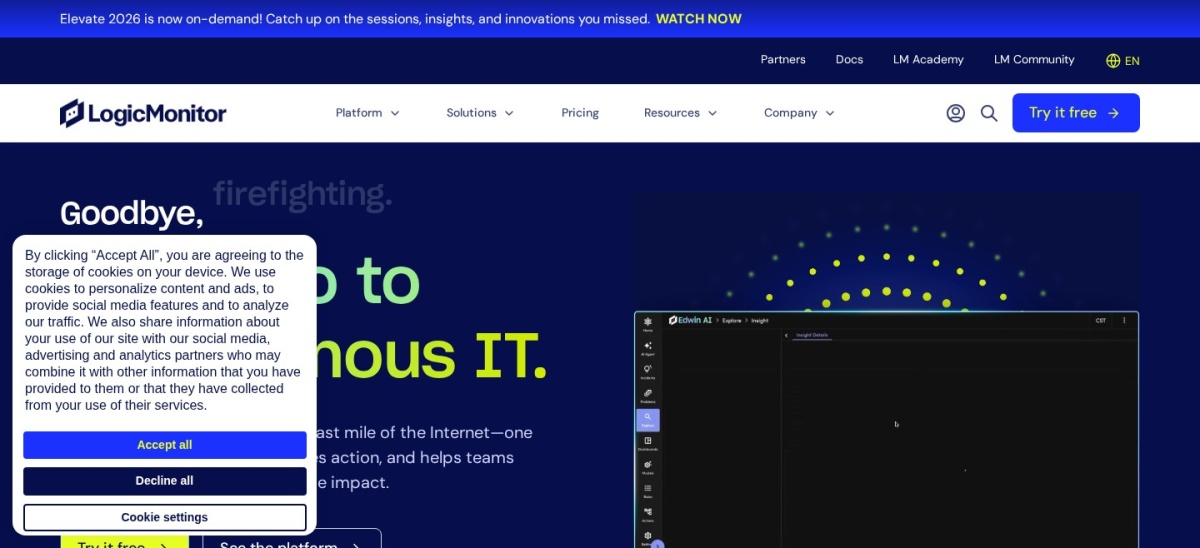
LogicMonitor homepage, captured Nov 2026.
LogicMonitor is a cloud-based observability platform that unifies monitoring across on-premises networks, cloud infrastructure, and containers using Hybrid Units. Its Essentials package starts at $16 per Hybrid Unit per month.
The trade off is that starting prices depend on minimum quantities and contract terms, while Advanced reaches $27 per Hybrid Unit per month. It suits mid-market and enterprise teams managing mixed on-premises and cloud infrastructure.
What we like
Hybrid Unit licensing adapts across on-premises devices and cloud workloads
Includes automated discovery, topology mapping, and NetFlow monitoring
Dynamic thresholds and anomaly detection help reduce alert noise
Watch out for
Starting list rates depend on standard minimum quantities and contract terms
Large feature sets can feel complex to navigate during initial setup
Best for visual topology maps and device licensing
Free tierFree trial available
Entry planBusiness ($1,229/yr, 50 dev)
Pricing unitPer device or points
Key toolsLayer 2/3 maps, flow support
whatsupgold.com
Progress WhatsUp Gold homepage, captured Nov 2026.
Progress WhatsUp Gold is a network and infrastructure monitoring tool known for automatic Layer 2 and Layer 3 topology maps and device-based licensing. Its Business edition starts at $1,229 per year for 50 devices.
The trade off is that moving up to Enterprise starts at $2,049 per year and Enterprise Plus at $3,469 per year for 50 devices. It suits network administrators who prefer visual maps and per-device coverage over per-sensor counting.
What we like
Automatic interactive Layer 2 and Layer 3 network topology maps
Supports NetFlow, IPFIX, sFlow, jFlow, and NetStream traffic analysis
Published starting price for 50 devices on the Business plan
Watch out for
Upper editions climb substantially above the $1,229 entry tier
Some users report that web reporting and third-party integrations could be broader
Higher editions expand monitoring depth, distributed multi-site visibility, and support coverage.Visit whatsupgold.com
06
Datadog
4.4/5on G2 (746 reviews, checked Nov 2026)
Paid from$7/mo
Best for correlating network flows with cloud apps
Free tierFree up to 5 devices
Entry SKU$7/device/mo annual
Add-onsNetFlow per million records
CorrelationHosts, apps, and network
datadoghq.com
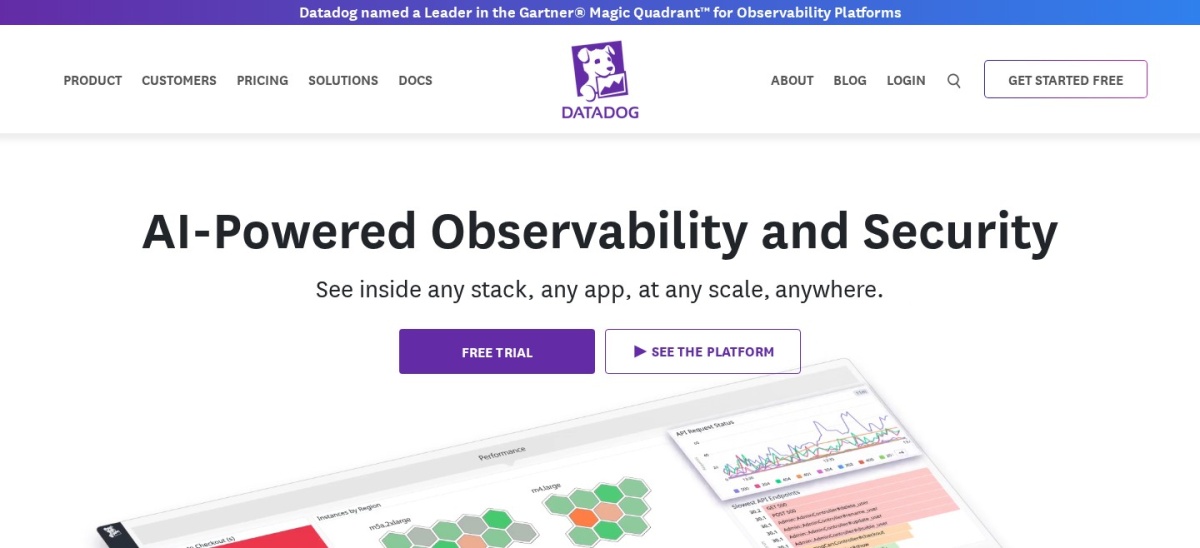
Datadog homepage, captured Nov 2026.
Datadog offers Network Device Monitoring and Cloud Network Monitoring alongside logs, APM, and infrastructure metrics in a unified observability platform. It includes a free tier for up to 5 devices, while Network Device Monitoring starts at $7 per device per month billed annually.
The trade off is that NetFlow monitoring is billed separately per million aggregated records, and multi-module usage can make bills harder to predict. It suits DevOps and cloud teams already using Datadog for infrastructure and application monitoring.
What we like
Free tier for up to 5 devices to test basic monitoring
Correlates network paths and flows with host and application telemetry
Wide cloud and container integration ecosystem
Watch out for
Separate SKUs and flow volume charges can complicate monthly cost forecasting
Steeper learning curve for advanced queries and custom dashboards
Adding NetFlow monitoring, longer retention, and APM or log modules correlates traffic with full-stack traces.Visit datadoghq.com
07
SolarWinds Network Performance Monitor
4.3/5on G2 (2,565 reviews, checked Nov 2026)
Starts at$2,829/yr
Best for hop-by-hop path analysis in large networks
Free tier14-day free trial
Starting priceStarts at $2,829
Signature toolNetPath hop analysis
Best scaleEnterprise networks
solarwinds.com
SolarWinds Network Performance Monitor homepage, captured Nov 2026.
SolarWinds Network Performance Monitor is an enterprise network monitoring platform focused on multi-vendor device health, automated discovery, and hop-by-hop path diagnostics. It starts at $2,829 and provides a 14-day trial for evaluation.
The trade off is a higher starting price than lightweight or open-source options, with specialized modules like NetFlow Traffic Analyzer sold separately. It suits established network teams running complex multi-vendor topologies that need NetPath troubleshooting.
What we like
NetPath visualizes critical network paths hop by hop for faster root-cause checks
Strong multi-vendor discovery and customizable performance dashboards
Backed by a large user community and 14-day trial
Watch out for
Higher starting price ($2,829) than SMB and free alternatives
Additional capabilities such as flow analysis or config management require extra modules
Complementary modules add NetFlow traffic analysis, configuration backups, and IP address management.Visit solarwinds.com
How network monitoring pricing models differ
Sensor-based tools like Paessler PRTG measure individual checks or interfaces, which rewards selective monitoring on small networks but requires careful planning when you track many metrics per device.
Device- or node-based tools such as Progress WhatsUp Gold and Netdata tie costs more closely to hardware or host counts, while Atera charges per technician seat regardless of endpoint count.
How we chose
We built this list around established network monitoring platforms actively maintained for business and infrastructure teams, covering standalone network monitors, observability suites, and IT management tools with network visibility.
All pricing figures, ratings, and review counts were checked on 22 Nov 2026 from vendor pricing pages and public G2 review listings, using regular starting paid rates rather than temporary discounts.
We excluded discontinued products, tools without verifiable public pricing or review data for our criteria, and single-purpose utilities that only cover one narrow check without broader network monitoring.
No vendor paid for a place, and we do not claim testing for this list.
How to choose network monitoring software
Follow four practical steps to match a network monitor to your infrastructure and budget.
Count your devices, interfaces, and traffic flows first. Estimate how many routers, switches, servers, and metrics you actually need to poll so you can compare sensor, device, and flow pricing fairly.
Decide between on-premises, cloud, or hybrid deployment. Pick a self-hosted or hybrid tool if internal security rules require local polling, or a cloud platform if you want less server upkeep across remote sites.
Check which protocols and alert channels you need. Confirm support for SNMP versions, NetFlow or sFlow collectors, and notifications to your existing chat or incident tools before rolling out a trial.
Model renewal costs at realistic scale. Look past the entry tier to see how adding devices, extra retention, or add-on modules changes your second-year bill as your network grows.
FAQ
What is the difference between network monitoring and full-stack observability?
Network monitoring focuses on device uptime, interface bandwidth, routing, and traffic flows across network gear. Full-stack observability platforms like Datadog and LogicMonitor combine network telemetry with server metrics, logs, traces, and cloud workloads.
Can I monitor a small network for free?
Yes, several tools offer free entry options, including Paessler PRTG freeware for up to 100 sensors, Netdata Community for up to 5 nodes, and Datadog for up to 5 devices.
Why do some network monitors charge by sensor instead of device?
A single switch or router can expose dozens of interfaces, CPU cores, and temperature readings. Sensor pricing charges per monitored metric or check, whereas device pricing groups multiple checks under one device license.
When does per-technician pricing make sense?
Per-technician pricing like Atera works best when a small IT team or MSP manages many endpoints or devices without adding more technician seats. If you have a large IT staff watching few devices, per-device or per-node pricing is often cheaper.
Do I need agents installed on every router or switch?
Usually no. Most network devices such as routers, switches, and firewalls are monitored agentlessly using SNMP, ICMP, or flow exports like NetFlow and sFlow.
Why is NetFlow or sFlow support important?
SNMP tells you whether an interface is up and how much bandwidth is moving, while flow protocols show which sources, destinations, ports, or applications are driving that traffic.
SaaS SEO and WordPress specialist with about 8 years of experience. Rakib compares WordPress plugins, themes, hosting and software using public pricing, documentation and user reviews. See how we rank.