PRTG Network Monitor is our top pick, offering a free tier for up to 100 sensors and paid plans starting at $200/mo billed annually. ManageEngine OpManager suits budget-conscious on-premise teams from $95/yr, while Site24x7 fits cloud-focused monitoring from $9/mo.
How we make this list: we compare pricing pages, product documentation and public user reviews, then re-check every price before each update. No product paid for a place. Disclosure.
PRTG Network Monitor includes a free tier for up to 100 sensors across roughly 10 devices, with paid plans starting at $200/mo billed annually.
ManageEngine OpManager starts at $95/yr for 10 devices on its Standard Edition and offers a free edition.
Site24x7 plans start at $9/mo billed annually, with network monitoring starting at $3/device/mo.
Domotz charges a flat $35/mo per collector with unlimited devices per location and a 14-day free trial.
PingPlotter Standard starts at $6.99/mo for continuous hop-by-hop connection diagnostics.
LogicMonitor starts at $19 per Hybrid Unit on its Essentials plan with a 14-day free trial.
What to look for in network monitoring software
Network monitoring tools track routers, switches, firewalls, wireless access points, and links so teams spot outages and bottlenecks early. Core protocols like SNMP and ICMP check device health and reachability, while NetFlow, sFlow, and IPFIX show which traffic consumes bandwidth.
Licensing models vary widely across vendors. Some charge per sensor or per device, others bill per collector or per technician, and some meter cloud usage by host or resource unit.
Deployment style also shapes daily operations. On-premise tools keep polling and storage inside your own network, while cloud platforms reduce local server maintenance and simplify multi-site views.
Before committing, check alert channels, map or topology views, and how costs rise as you add sites or metrics.
For IT teams and MSPs wanting RMM plus network discovery
$129/mo
No free plan
4.5/5
Price ladder: cheapest paid plan per year
List prices, USD, checked Nov 2026
PingPlotterFREE$84
OpManagerFREE$95
Site24x7$108
LogicMonitor$228
Domotz$420
Atera$1,548
PRTGFREE$2,400
The 7 best network monitoring software
01
PRTG Network Monitor
4.6/5on Capterra (260 reviews, checked Nov 2026)
Paid from$200/mo
Best for sensor-based network visibility
Rating4.6 / 5 (260 reviews)
Entry paid price$200/mo billed annually
Free tierUp to 100 sensors (~10 devices)
Billing modelSensor-tier subscription
paessler.com
PRTG Network Monitor homepage, captured Nov 2026.
PRTG Network Monitor is a sensor-based infrastructure and network monitor with a free edition covering up to 100 sensors across roughly 10 devices. It tracks traffic, device health, and custom checks with auto-discovery and alerts.
The trade off is that paid plans start at $200/mo billed annually for PRTG 500, and sensor counts climb quickly as devices grow. It suits IT teams that want fine-grained sensor control and a free entry tier.
What we like
Freeware Edition includes up to 100 sensors.
Granular sensor model with auto-discovery and custom scripts.
Clear published tier pricing from PRTG 500 to PRTG 10000.
Watch out for
Paid entry tier starts at $200/mo billed annually.
Sensor limits can fill fast on dense networks.
Paid plans expand sensor limits from 500 up to 10,000 sensors.Visit paessler.com
02
ManageEngine OpManager
4.6/5on Capterra (352 reviews, checked Nov 2026)
Paid from$95/yr
Best for budget-friendly device monitoring
Rating4.6 / 5 (352 reviews)
Entry paid price$95/yr (10 devices)
Free tierFree edition available
ProtocolsSNMP, WMI, CLI
manageengine.com
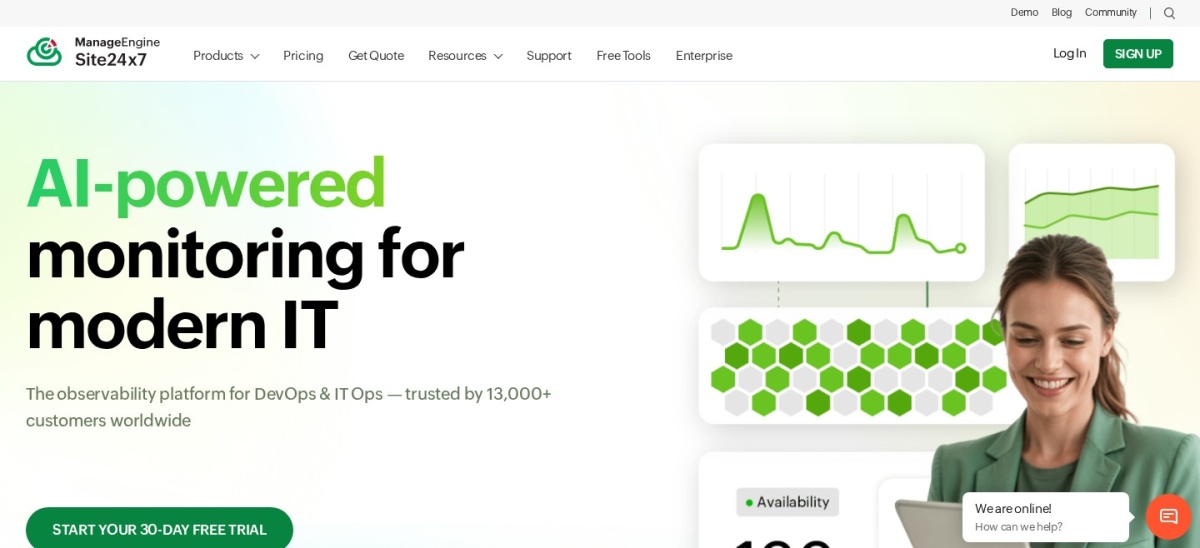
ManageEngine OpManager homepage, captured Nov 2026.
ManageEngine OpManager is a network and server monitoring suite that supports SNMP, WMI, and CLI monitoring alongside a free edition. Teams use it to track device availability, interfaces, and threshold alerts.
The trade off is that the $95/yr Standard plan starts at 10 devices and advanced modules or higher device counts add cost. It suits small and midsize teams wanting low entry pricing.
What we like
Lowest annual starting price on this list at $95/yr.
Site24x7 is a cloud monitoring platform that pairs network device and bandwidth tracking with server, cloud, and website checks. Plans start at $9/mo billed annually ($10/mo monthly), with network monitoring listed from $3 per device per month.
The trade off is that combining multiple monitor types and add-ons increases monthly spend as infrastructure grows. It suits teams that prefer a hosted dashboard across network and web resources.
What we like
Low entry starting price from $9/mo billed annually.
Combines network monitoring with server, cloud, and web checks.
High Capterra rating of 4.7 out of 5 across 399 reviews.
Watch out for
No free plan listed on the pricing page.
Costs scale across separate monitor categories and add-ons.
Higher tiers and add-ons expand monitor counts, retention, and log volume.Visit site24x7.com
04
Domotz
4.9/5on Capterra (126 reviews, checked Nov 2026)
Starts at$35/mo
Best for flat per-location network monitoring
Rating4.9 / 5 (126 reviews)
Entry paid price$35/mo per collector
Device limitUnlimited per collector
Free trial14-day free trial
domotz.com
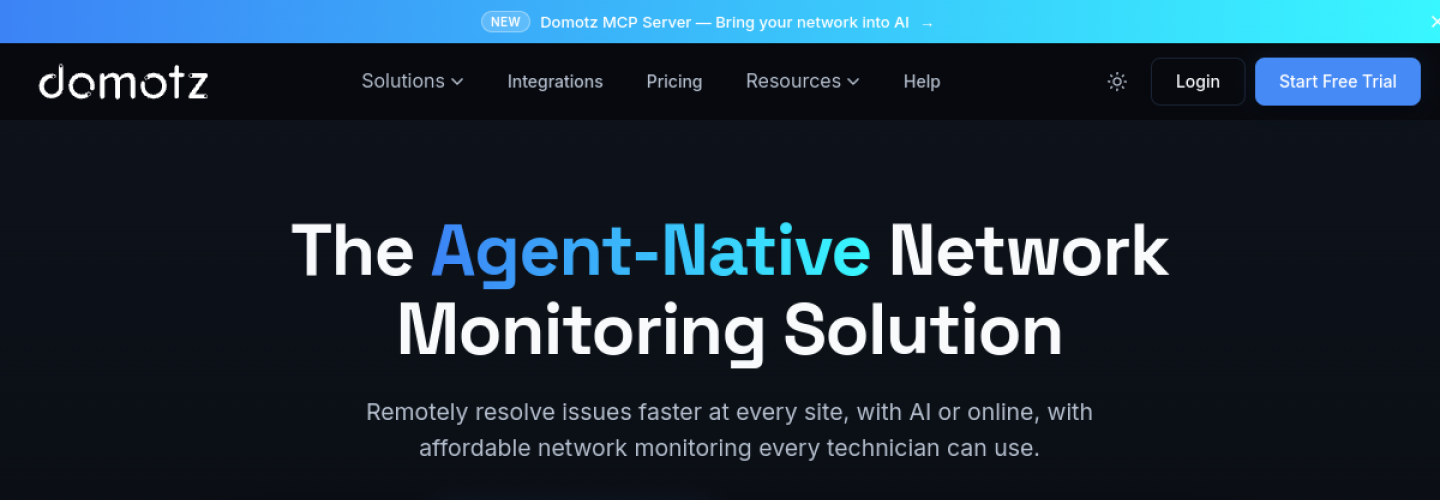
Domotz homepage, captured Nov 2026.
Domotz is a network monitoring and remote management platform that discovers devices, maps topologies, and tracks network health. Its flat pricing starts at $35/mo per collector with unlimited devices per site and a 14-day free trial.
The trade off is that each physical location or site requires a collector, so multi-site bills multiply by location count. It suits IT teams and MSPs that want predictable per-site pricing rather than per-device fees.
What we like
Flat $35/mo per collector with unlimited devices per location.
Strong Capterra rating of 4.9 out of 5 across 126 reviews.
Automatic device discovery and topology mapping.
Watch out for
Requires a collector per site or location.
No permanent free tier on the pricing page.
Volume and 12-month commitments lower per-site rates for multi-site deployments.Visit domotz.com
05
PingPlotter
4.7/5on Capterra (178 reviews, checked Nov 2026)
Paid from$6.99/mo
Best for hop-by-hop latency and packet loss
Rating4.7 / 5 (178 reviews)
Entry paid price$6.99/mo (Standard)
Free tierFree edition available
FocusLatency, jitter, packet loss
pingplotter.com
PingPlotter homepage, captured Nov 2026.
PingPlotter is a network diagnostic and monitoring tool that graphs hop-by-hop latency, jitter, and packet loss over time. It offers a free edition alongside Standard starting at $6.99/mo for two targets on one computer.
The trade off is that it focuses on path tracing and connection diagnostics rather than full enterprise device management, and Standard limits targets. It suits troubleshooting connection drops and ISP or route issues.
What we like
Low entry price starting at $6.99/mo.
Free edition available for basic use.
Clear hop-by-hop timeline graphs for diagnosing packet loss.
Watch out for
Standard edition is limited to two targets on one machine.
Narrower scope than full infrastructure monitoring suites.
Professional and Cloud plans expand target counts and multi-device visibility.Visit pingplotter.com
06
LogicMonitor
4.6/5on Capterra (120 reviews, checked Nov 2026)
Starts at$19/mo
Best for hybrid infrastructure observability
Rating4.6 / 5 (120 reviews)
Entry paid price$19 per Hybrid Unit
Free trial14-day free trial
DeploymentCloud SaaS for hybrid IT
logicmonitor.com
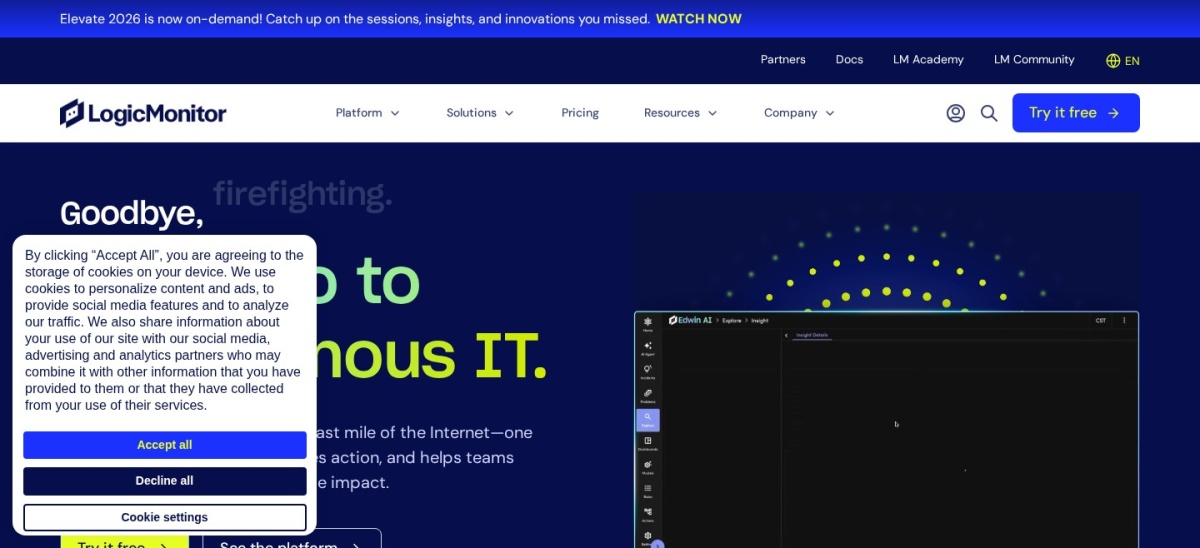
LogicMonitor homepage, captured Nov 2026.
LogicMonitor is a cloud-based monitoring platform built for hybrid infrastructure across on-premise networks and cloud services. Essentials starts at $19 per Hybrid Unit with automated discovery and a 14-day free trial.
The trade off is that Hybrid Unit metering and higher tiers can get expensive as resource counts scale. It suits midsize and larger teams managing mixed cloud and on-premise estates.
What we like
Designed for hybrid cloud and on-premise infrastructure.
Automated discovery and alert correlation.
14-day free trial available.
Watch out for
No free tier listed on the pricing page.
Usage-based Hybrid Unit costs can climb for larger fleets.
Advanced and Signature tiers add higher AI credits and automation allowances.Visit logicmonitor.com
07
Atera
4.5/5on Capterra (461 reviews, checked Nov 2026)
Starts at$129/mo
Best for IT teams and MSPs wanting RMM plus network discovery
Rating4.5 / 5 (461 reviews)
Entry paid price$129/mo per tech (MSP Pro)
Network add-on$29/mo per tech
Pricing modelPer technician
atera.com
Atera homepage, captured Nov 2026.
Atera is a cloud IT management and remote monitoring platform with per-technician pricing starting at $129/mo billed annually on MSP Pro and $149/mo on IT Department Professional. It offers a Network Discovery add-on at $29/mo per technician for SNMP and network device scanning.
The trade off is that per-technician pricing plus add-ons can cost more for small teams with only network monitoring needs. It suits IT departments and MSPs bundling network discovery with endpoint management.
What we like
Predictable per-technician pricing rather than per-device fees.
Combines network discovery and SNMP monitoring with IT management.
High review volume with 461 Capterra reviews.
Watch out for
Network Discovery is a paid add-on at $29/mo per technician.
Higher monthly entry cost than dedicated lightweight monitors.
Higher tiers expand automation, reporting, and remote support allowances.Visit atera.com
How network monitoring pricing models differ
Per-sensor and per-device models charge based on how many metrics or endpoints you watch. They work well on small networks but can surprise teams when chatty devices add dozens of sensors.
Per-collector and per-technician models group coverage by site or staff seat instead. Always check whether SNMP discovery, flow analysis, or extra sites require an add-on.
How we chose
We built this shortlist from established network monitoring tools active in Capterra and G2 category listings for 2026.
Ratings, review counts, and starting prices were checked on 22 Nov 2026 using official vendor pricing pages and software review directories.
We excluded tools that lacked clear public starting prices or focused strictly on unrelated categories outside network monitoring. No vendor paid for a place, and we do not claim testing for this list.
How to choose network monitoring software
Follow four steps to match a monitoring tool to your infrastructure and budget.
List your core devices and protocols. Identify whether you need SNMP, WMI, NetFlow, or packet-loss tracing across switches, routers, firewalls, and cloud links.
Match licensing to how your network grows. Compare per-sensor, per-device, per-collector, and per-technician pricing against your expected device and site growth.
Decide between on-premise and cloud hosting. Check whether your team prefers self-hosted polling inside your network or a hosted cloud console for multi-site visibility.
Verify alert routing and reporting before buying. Test threshold alerts, escalation rules, and outage reports during a trial or free tier before rolling out across production.
FAQ
What is the best free network monitoring option on this list?
PRTG Network Monitor includes a free tier for up to 100 sensors across roughly 10 devices, while ManageEngine OpManager and PingPlotter also offer free editions.
Which tool has the lowest paid starting price?
PingPlotter Standard starts at $6.99/mo and Site24x7 starts at $9/mo billed annually, while ManageEngine OpManager starts at $95/yr for 10 devices.
What is the difference between sensor-based and device-based pricing?
Sensor-based pricing limits the total number of individual metrics or checks you monitor, while device-based pricing counts monitored hardware or endpoints.
Which option fits multi-site or MSP environments with many devices?
Domotz charges a flat $35/mo per collector with unlimited devices per site, and Atera prices per technician with an optional Network Discovery add-on.
When should I pick a tool focused on latency and packet loss?
Choose a path-tracing tool like PingPlotter when you need hop-by-hop latency, jitter, and packet-loss graphs to pinpoint connection drops.
Should I start with a free trial before signing an annual plan?
Yes, running a trial or free tier on real devices helps confirm SNMP support, alert noise levels, and true sensor or resource usage.
SaaS SEO and WordPress specialist with about 8 years of experience. Rakib compares WordPress plugins, themes, hosting and software using public pricing, documentation and user reviews. See how we rank.