Disk Drill leads for cross-platform partition recovery with a 4.5 Trustpilot score across 495 reviews and an $89/yr Pro plan. For zero-cost structure repair, TestDisk is completely free, while Active@ Partition Recovery starts at $49.95 for Windows users.
How we make this list: we compare pricing pages, product documentation and public user reviews, then re-check every price before each update. No product paid for a place. Disclosure.
Disk Drill offers a 4.5 rating across 495 Trustpilot reviews, with Pro starting at $89/yr.
Stellar Data Recovery holds a 4.8 Trustpilot rating across 5,191 reviews, with standard Windows pricing starting at $69.99/yr.
EaseUS Data Recovery Wizard holds a 4.8 Trustpilot score across 40,000 reviews, with paid plans starting at $69.95.
MiniTool Power Data Recovery holds a 4.8 Trustpilot rating across 4,000 reviews, with paid plans starting at $69.
TestDisk provides free open-source partition table and boot sector recovery, holding a 4.3 rating from 12 G2 reviews.
What to look for in partition recovery software
Losing a partition usually stems from accidental deletion, an interrupted repartitioning task, a corrupted file system, or a drive showing up as RAW or unallocated. The right tool depends on whether you need to restore the partition table structure itself or extract files from an unreadable volume.
Free tiers and trials vary sharply. Some utilities let you preview recoverable files or recover a small free allowance before paying, while open-source tools offer full structure repair without a paywall but require more comfort with technical menus.
Operating system support and licensing models also differ widely. Several popular partition recovery utilities run only on Windows, while others cover both Windows and macOS, and vendors split between annual subscriptions, one-time licenses, and lifetime upgrades.
4.5/5on Trustpilot (495 reviews, checked Nov 2026)
Paid from$89/yr
Best for cross-platform partition recovery
PlatformsWindows & macOS
Free allowanceUp to 500 MB (Win)
Entry Pro price$89/yr
Lifetime option$149
cleverfiles.com
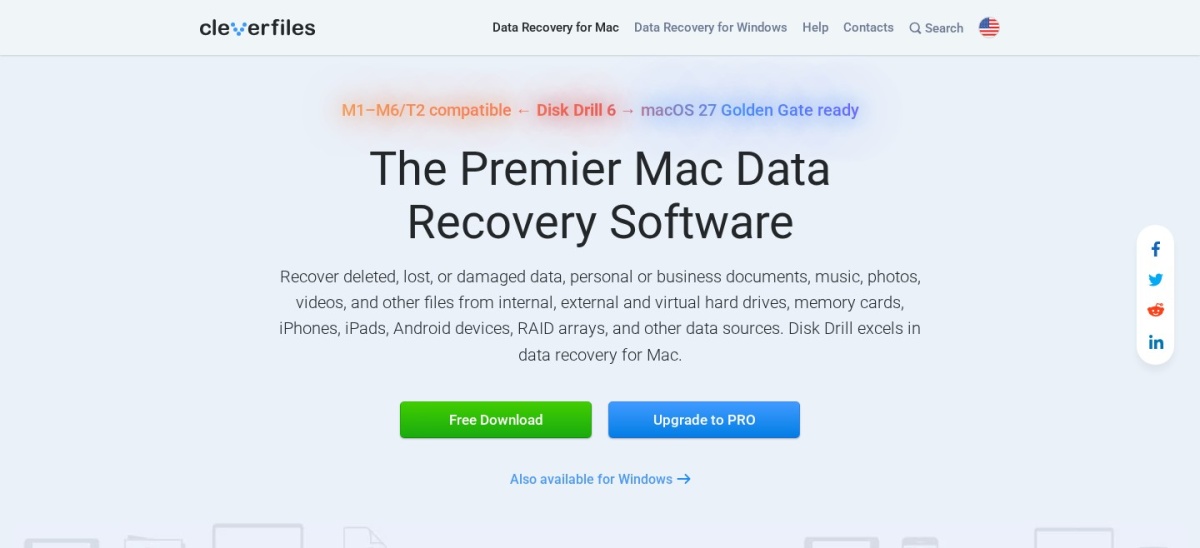
Disk Drill homepage, captured Nov 2026.
Disk Drill is a data and partition recovery utility from CleverFiles for Windows and macOS that scans lost, formatted, or RAW partitions and includes byte-to-byte disk imaging and S.M.A.R.T. monitoring. Its free Windows version covers up to 500 MB of recovery, while the Pro plan starts at $89/yr.
The trade off is that recovery limits on the free tier are tight for large volumes, and paid upgrades cost $89/yr or $149 for a lifetime license. It suits home and office users who want one interface across Windows and Mac.
What we like
Works across both Windows and macOS
Includes byte-to-byte disk backup and S.M.A.R.T. drive monitoring
Offers both an annual Pro plan and a lifetime license option
Watch out for
Free Windows recovery is capped at 500 MB
Requires a paid license for unlimited recovery
Pro at $89/yr adds unlimited recovery and full partition recovery tools.Visit cleverfiles.com
02
Stellar Data Recovery
4.8/5on Trustpilot (5,191 reviews, checked Nov 2026)
Paid from$69.99/yr
Best for RAW and inaccessible partitions
Trustpilot score4.8 (5,191)
Standard 1-yr$69.99
Professional 1-yr$99.99
Extra utilitiesDisk imaging & S.M.A.R.T.
stellarinfo.com
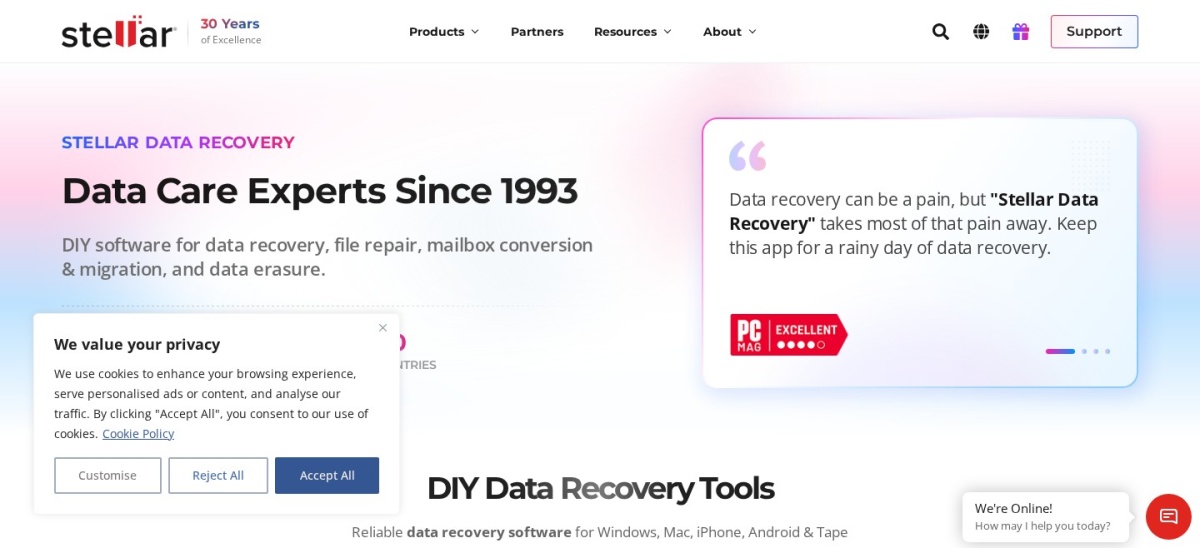
Stellar Data Recovery homepage, captured Nov 2026.
Stellar Data Recovery is a Windows recovery suite designed to locate lost partitions and recover files from formatted, RAW, or inaccessible volumes, with disk imaging and S.M.A.R.T. monitoring. Standard Windows pricing starts at $69.99 for a one-year license, while Professional is $99.99 for one year.
The trade off is that higher tiers like Professional and Technician cost more and some plan pages show promotional discounts alongside regular prices. It suits Windows users dealing with RAW drives or corrupted volumes who want guided recovery.
What we like
Strong track record with 4.8 across 5,191 Trustpilot reviews
Handles lost, formatted, RAW, and BitLocker-encrypted drives
Includes disk imaging and drive health monitoring
Watch out for
Higher editions add extra cost for bootable media or RAID
Promotional pricing can differ from standard list prices
4.8/5on Trustpilot (40,000 reviews, checked Nov 2026)
Paid from$99.95/yr
Best for guided lost partition recovery
Trustpilot score4.8 (40,000)
Free tier limitUp to 2 GB
1-Month plan$69.95
1-Year plan$99.95
easeus.com
EaseUS Data Recovery Wizard homepage, captured Nov 2026.
EaseUS Data Recovery Wizard is a guided recovery tool for deleted, formatted, and lost partitions that supports NTFS, exFAT, FAT32, and other file systems across Windows and Mac. Its free version recovers up to 2 GB, and paid licenses start at $69.95 for one month or $99.95 for one year.
The trade off is that short-term plans are time-limited and larger one-year or lifetime licenses cost more. It suits everyday users who want a simple step-by-step workflow and a 2 GB free allowance.
What we like
Includes a 2 GB free recovery allowance
Straightforward wizard interface for lost partition scans
Backed by 40,000 reviews with a 4.8 Trustpilot rating
Watch out for
Entry $69.95 tier is a one-month license rather than annual
Lifetime upgrade licenses cost more upfront
Paid plans starting at $69.95 remove the 2 GB free recovery cap.Visit easeus.com
04
MiniTool Power Data Recovery
4.8/5on Trustpilot (4,000 reviews, checked Nov 2026)
Paid from$69 one-time
Best for straightforward Windows recovery
Trustpilot score4.8 (4,000)
Free tier limitUp to 1 GB
Entry paid plan$69
Higher tiers$89 and $129
minitool.com
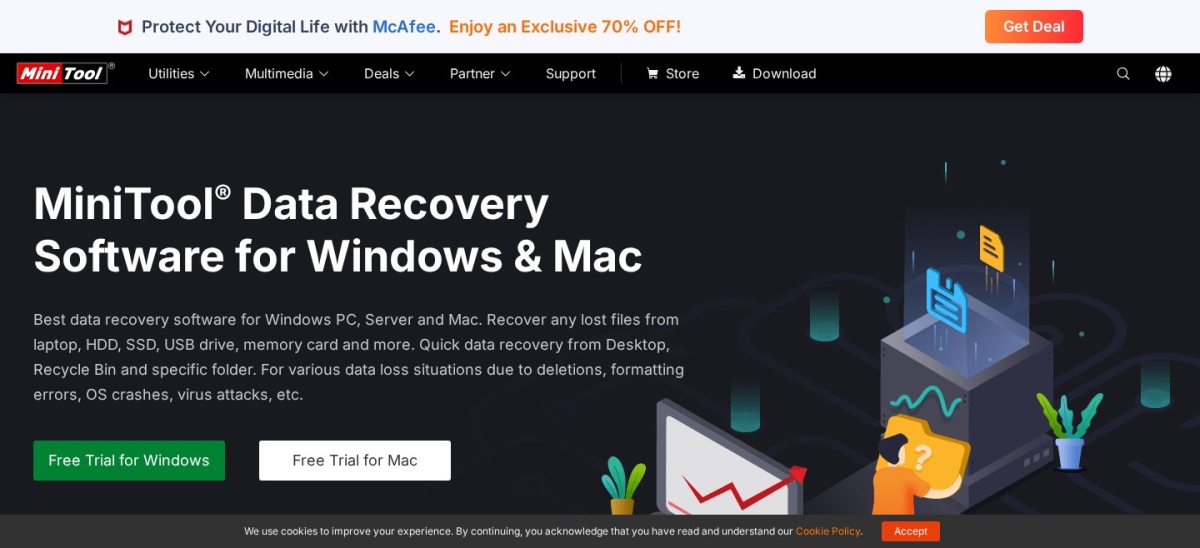
MiniTool Power Data Recovery homepage, captured Nov 2026.
MiniTool Power Data Recovery is a Windows recovery utility that scans lost, deleted, and formatted partitions with a clean wizard layout. The free edition recovers up to 1 GB, while paid editions are listed at $69, $89, and $129.
The trade off is that it is focused on Windows and offers fewer extra disk utilities than full disk-management suites. It suits Windows users who want a simple interface for standard partition and file recovery.
What we like
4.8 Trustpilot rating across 4,000 reviews
Free Windows tier includes 1 GB of recovery
Clear tiered pricing starting at $69
Watch out for
Windows-focused rather than cross-platform
Lighter on extra disk management tools than all-in-one suites
Paid plans starting at $69 lift the 1 GB free recovery limit.Visit minitool.com
05
Active@ Partition Recovery
4.5/5on G2 (6 reviews, checked Nov 2026)
Paid from$49.95 one-time
Best for repairing partition structures on Windows
Current releasev26.0.2
Standard license$49.95
Professional$59.99
Ultimate$89.99
lsoft.net
Active@ Partition Recovery homepage, captured Nov 2026.
Active@ Partition Recovery is a Windows and boot-environment utility from LSoft Technologies built to detect, restore, and back up deleted or damaged partitions and boot sectors. It offers a freeware edition alongside a $49.95 Standard license, $59.99 Professional, and $89.99 Ultimate.
The trade off is a more technical disk-utility feel and a small review count on G2. It suits administrators and Windows users fixing damaged partition tables or boot sectors.
What we like
Purpose-built for partition table, MBR, GPT, and boot sector recovery
Offers a freeware version plus $49.95 Standard pricing
Includes signature-based Last Chance recovery in upper tiers
Watch out for
More technical than consumer file-recovery wizards
Limited public review volume on G2
Standard at $49.95 and upper tiers expand recovery and boot tools.Visit lsoft.net
06
R-Studio
4.3/5on G2 (12 reviews, checked Nov 2026)
Starts at$49.99 one-time
Best for complex and technical recoveries
Entry FAT license$49.99
Entry NTFS license$59.99
Full R-Studio$79.99
Trial limitFiles up to 256 KB
r-tt.com
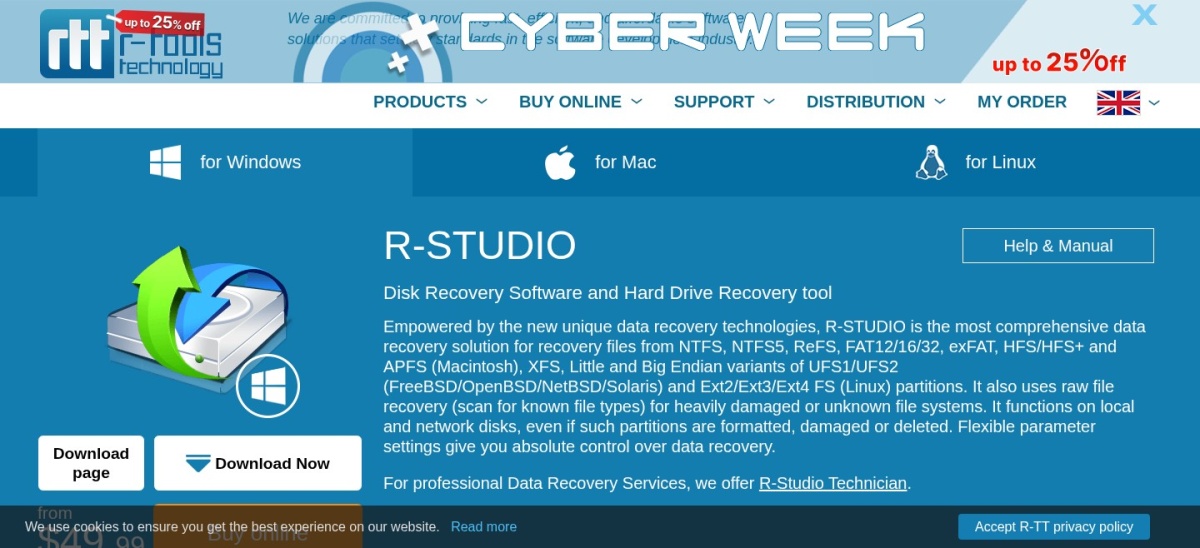
R-Studio homepage, captured Nov 2026.
R-Studio is an advanced data and partition recovery program from R-Tools Technology for complex file systems, RAID setups, and disk images. Single-file-system licenses start at $49.99 for FAT and $59.99 for NTFS, while the standard R-Studio license is $79.99.
The trade off is a dense interface and a 256 KB file-size cap on free trial recovery. It suits IT professionals and power users handling complex partition or storage layouts.
What we like
Built for complex recovery scenarios, disk images, and RAID layouts
Entry licenses start at $49.99 for FAT and $59.99 for NTFS
Supports Windows, macOS, and Linux environments
Watch out for
Steep learning curve compared with consumer recovery wizards
Free trial only recovers files up to 256 KB
Paid licenses starting at $49.99 remove the 256 KB trial file limit.Visit r-tt.com
07
TestDisk
4.3/5on G2 (12 reviews, checked Nov 2026)
PriceFree
Best free open-source partition table tool
LicenseFree & open-source
G2 score4.3 (12)
Paid planNone ($0)
Companion toolPhotoRec included
cgsecurity.org
TestDisk homepage, captured Nov 2026.
TestDisk is a free and open-source utility from CGSecurity that repairs lost partition tables, rebuilds boot sectors, and recovers deleted partitions across Windows, macOS, and Linux. Every feature is free with no paid edition or recovery cap.
The trade off is a text-based, non-graphical workflow where wrong choices can overwrite structures if you rush. It suits technical users who want a free tool to restore partition tables directly.
What we like
Completely free and open-source with no paid upsells
Restores lost partitions and repairs partition tables and boot sectors
Runs across Windows, macOS, and Linux
Watch out for
Text-based interface is less intuitive than visual recovery apps
Requires care so you do not write changes to the wrong disk
No paid plan exists; all partition and boot-sector features are free.Visit cgsecurity.org
Restoring a partition vs. recovering files from it
Some tools focus on putting a missing partition back into the partition table or repairing a damaged boot sector so the volume mounts again. TestDisk and Active@ Partition Recovery are built heavily around that structural repair workflow.
Other tools focus on scanning lost, formatted, or RAW partitions to pull files off onto a separate drive without editing the damaged partition layout. Disk Drill, Stellar Data Recovery, EaseUS Data Recovery Wizard, MiniTool Power Data Recovery, and R-Studio all emphasize file and volume recovery workflows.
How we chose
We built this shortlist from established partition and data recovery tools active in 2026 across Windows, macOS, and Linux.
All prices, ratings, and review counts were checked on 22 Nov 2026 from vendor pricing pages and public review directories such as Trustpilot and G2.
We excluded unmaintained tools, products without verifiable pricing or review data, and tools that did not fit partition recovery. No vendor paid for a place, and we do not claim testing for this list.
How to choose partition recovery software
Follow four steps before buying or running a recovery scan.
Stop writing to the affected drive. Save recovered files to a different drive or external disk so you do not overwrite lost data or partition records.
Match the tool to your operating system. Check whether you need Windows-only support or cross-platform compatibility across Windows, macOS, and Linux.
Test scans and free limits first. Use free editions or trials to verify what the software detects before paying for a license.
Compare one-time licenses against subscriptions. Check whether an annual plan, a one-time license, or a lifetime upgrade fits how often you recover drives.
FAQ
What is the best free partition recovery tool?
TestDisk is the standout free option because it is open-source, charges nothing, and repairs lost partitions and boot sectors. If you prefer a consumer app with a small free recovery limit, Disk Drill, EaseUS Data Recovery Wizard, and MiniTool Power Data Recovery offer free tiers.
Can partition recovery software fix a RAW drive?
Yes, many recovery tools scan RAW or unallocated space to locate lost file systems and recoverable files. Tools like Stellar Data Recovery and Disk Drill are commonly used when a volume becomes unreadable or shows as RAW.
Should I restore the partition or save files to another drive?
Saving recoverable files onto a separate, healthy drive is usually the safer move when important data is at stake. Editing partition tables directly can make recovery harder if the structure is already damaged.
Do all partition recovery tools work on Mac and Windows?
No, several popular utilities are Windows-focused, including Active@ Partition Recovery and MiniTool Power Data Recovery. Disk Drill, EaseUS Data Recovery Wizard, R-Studio, and TestDisk support multiple operating systems.
Why do prices vary between annual and one-time licenses?
Vendors structure pricing differently across single-month passes, annual subscriptions, and perpetual or lifetime licenses. Always check the license duration and device limit before purchasing.
What if the drive is making clicking noises or failing physically?
Software recovery is meant for logical issues like deleted partitions or corrupted file systems rather than severe hardware failure. If a drive has physical damage, a specialized hardware recovery lab is safer than repeated scanning.
SaaS SEO and WordPress specialist with about 8 years of experience. Rakib compares WordPress plugins, themes, hosting and software using public pricing, documentation and user reviews. See how we rank.