QuillBot leads for dedicated paraphrasing with multiple rewrite modes, a synonym slider, and a free plan capped at 125 words. For inline sentence rewriting across web apps, choose Wordtune, or pick Paperpal for academic manuscripts.
How we make this list: we compare pricing pages, product documentation and public user reviews, then re-check every price before each update. No product paid for a place. Disclosure.
QuillBot offers a free tier with a 125-word input cap and 2 modes, with annual paid plans listed at $8.33/mo ($99.95/yr) before promotional discounts.
Wordtune starts with a free Basic plan (10 rewrites/day) and lists an Advanced plan at $6.99/mo ($4.89/mo billed annually) before sales.
Grammarly includes 100 AI prompts on its free plan and charges $144/yr ($12/mo average) or $30/mo for Grammarly Pro.
Paperpal targets academic writing with a free plan (5 daily paraphrases) and Prime at $144/yr ($12/mo billed annually) or $25/mo, with discounted annual offers listed on its pricing page.
Rytr starts free with 10,000 characters/month and offers a Lite plan for unlimited characters starting at $9/mo.
What to look for in paraphrasing software
Most paraphrasing tools fall into two groups: dedicated rewriters built around modes, synonyms, and tone shifts, and broader writing assistants that rewrite text inside your browser or document editor. Dedicated tools make it fast to test multiple phrasings of a sentence or paragraph, while inline assistants save copy-paste steps inside email clients and docs.
Free plans almost always restrict either input length, daily rewrites, or monthly character allowances. For example, short caps like 125 words or 10 rewrites a day work fine for occasional tweaks, but slow down multi-paragraph edits.
Paid pricing can look lower than it is because of annual billing or seasonal promotions. Comparing regular annual or monthly rates helps you see what a subscription costs after a first-year discount ends.
Academic and technical writers should check whether a tool supports specialized terminology, citation checks, or plagiarism scans, and always verify that rewrites keep facts, numbers, and source attributions intact.
For multilingual rewriting and student study tools
$120/yr
No free plan
3/5
Price ladder: cheapest paid plan per year
List prices, USD, checked Nov 2026
WordtuneFREE$59
QuillBotFREE$100
RytrFREE$108
ProWritingAidFREE$120
Smodin$120
PaperpalFREE$144
GrammarlyFREE$144
The 7 best paraphrasing tools
01
QuillBot
5/5on Trustpilot (14,834 reviews, checked Nov 2026)
Paid from$100/yr
Best for dedicated rewrite modes and synonym control
Free tier125 words, 2 modes
Regular annual$99.95/yr ($8.33/mo)
Monthly rate$19.95/mo
Trustpilot5/5 (14,834 reviews)
quillbot.com
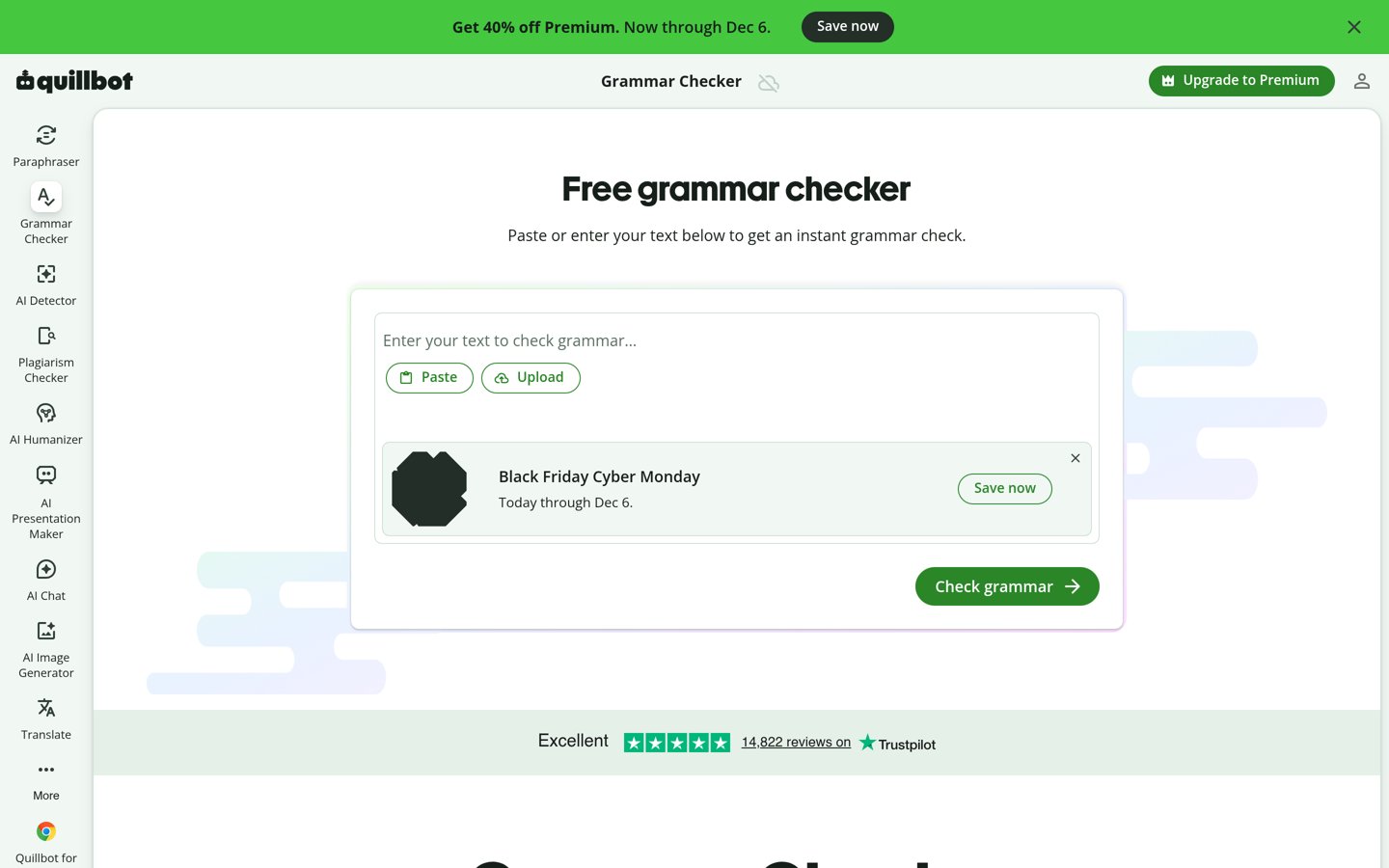
QuillBot homepage, captured Nov 2026.
QuillBot is a dedicated rewriting and writing suite built around rewrite modes, a synonym slider, grammar checking, summarization, and plagiarism tools. Its free plan allows up to 125 words per paraphrase across Standard and Fluency modes.
The trade off is that the free word cap requires multiple passes on longer passages, and its standard annual rate is $99.95/yr ($8.33/mo), though seasonal sales can lower first-year pricing. It suits writers and students who want quick mode presets and synonym control in one place.
What we like
Dedicated paraphrasing interface with multiple modes and a synonym slider
Free plan available without paying upfront
Includes grammar checker, summarizer, and AI detector tools
Browser and document integrations alongside the web app
Watch out for
125-word free input limit slows down long text
Higher synonym settings can make phrasing sound stiff
Monthly billing is $19.95/mo
Paid plans add unlimited paraphrasing modes, higher word capacity, and expanded checker limits.Visit quillbot.com
02
Wordtune
4.6/5on G2 (200 reviews, checked Nov 2026)
Paid from$59/yr
Best for inline sentence rewrites as you type
Free tier10 rewrites/day, 3 summaries/mo
Regular annual$4.89/mo ($58.68/yr)
Monthly rate$6.99/mo (Advanced)
G2 rating4.6/5 (200 reviews)
wordtune.com
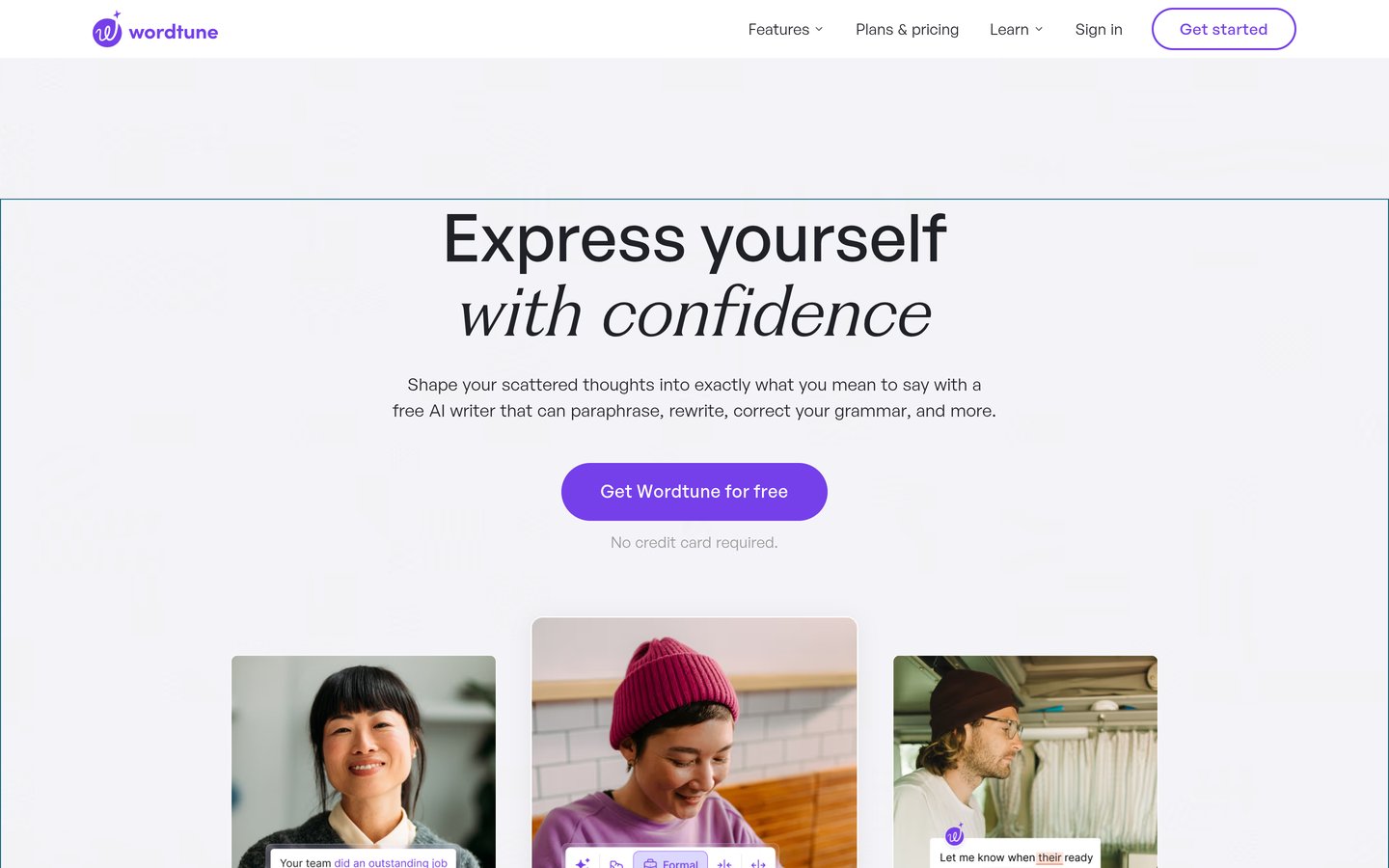
Wordtune homepage, captured Nov 2026.
Wordtune is an AI writing and rewriting assistant that suggests alternative phrasings, tone adjustments, and summaries directly where you write. Its free Basic plan provides 10 rewrites and AI suggestions per day plus 3 monthly summaries.
The trade off is strict daily rewrite limits on free and entry tiers, with Advanced listed at $6.99/mo or $4.89/mo billed annually ($58.68/yr) before promotional discounts. It suits professionals and writers who polish sentences inline inside email and document editors.
What we like
Low entry annual price compared with many writing suites
Works inline across web apps and document workflows
Offers tone and length variations for single sentences and paragraphs
Watch out for
Free and Advanced plans enforce daily or monthly usage caps
Some reviewers note occasional repetitive suggestions
No plagiarism checker included
Paid plans raise daily rewrite and monthly summary caps and add Ask AI writing assistance.Visit wordtune.com
03
Rytr
4.7/5on G2 (820 reviews, checked Nov 2026)
Paid from$108/yr
Best for budget-friendly high-volume text generation
Free tier10,000 characters/month
Entry paid planLite from $9/mo ($108/yr)
Billing cadenceMonthly or yearly (20% off)
G2 rating4.7/5 (820 reviews)
rytr.me
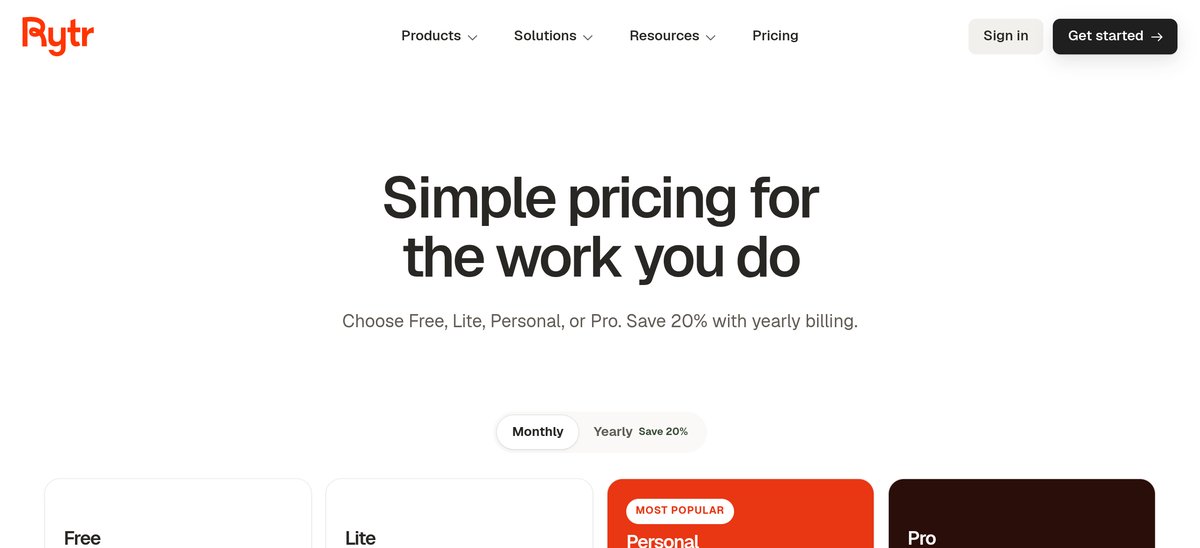
Rytr homepage, captured Nov 2026.
Rytr is an AI writing and content assistant with templates, tone options, and a free plan that includes 10,000 characters per month. Its Lite plan starts at $9/mo ($108/yr) and removes the monthly character limit.
The trade off is that outputs can feel formulaic or repetitive and still require manual fact-checking, at a $9/mo entry price ($108/yr). It suits marketers and solo creators who want low-cost, high-volume drafting and rewording.
What we like
Entry Lite plan is affordable and removes monthly character limits
Includes a free tier to test workflows first
Supports multiple tones, templates, and languages
Watch out for
Output can repeat phrasing and needs human review
Less specialized for formal academic editing than research tools
Higher tiers add more relationships and actions
Paid plans expand character limits, connected sources, and monthly action allowances.Visit rytr.me
04
Paperpal
4.8/5on Trustpilot (579 reviews, checked Nov 2026)
Paid from$144/yr
Best for academic manuscripts and research papers
Free tier5 paraphrases/day, 200 edits/mo
Regular annual$144/yr ($12/mo Prime)
Monthly rate$25/mo (Prime)
Trustpilot4.8/5 (579 reviews)
paperpal.com
Paperpal homepage, captured Nov 2026.
Paperpal is an academic writing and editing platform built for researchers and students, offering paraphrasing, language editing, reference checks, and plagiarism scans. Its free plan includes 5 daily uses of paraphrase and trim tools plus 200 monthly grammar edits.
The trade off is that Prime lists at $144/yr ($12/mo billed annually) or $25/mo before any listed annual promotions, and its tone leans scholarly. It suits students and researchers revising theses, papers, and journal drafts.
What we like
Tailored to academic terminology, citations, and manuscript checks
Includes plagiarism and AI detection allowances on paid plans
Integrates with Microsoft Word and Google Docs
Watch out for
Free plan caps daily paraphrases and monthly edits
Academic focus fits formal writing better than casual copy
Standard Prime rate is $144/yr or $25/mo
Paid plans increase monthly paraphrasing, plagiarism word limits, and library storage.Visit paperpal.com
05
Grammarly
4.7/5on G2 (14,155 reviews, checked Nov 2026)
Paid from$144/yr
Best for all-in-one grammar, tone, and sentence rewrites
Free tierCore checks + 100 AI prompts
Regular annual$144/yr ($12/mo Pro)
Monthly rate$30/mo (Pro)
G2 rating4.7/5 (14,155 reviews)
grammarly.com
Grammarly homepage, captured Nov 2026.
Grammarly is a widely used writing assistant that checks grammar, spelling, and tone while offering sentence rewriting across browsers and apps. Its free plan provides basic writing feedback and 100 AI prompts.
The trade off is that one-click full-sentence rewrites, tone shifts, and plagiarism checks require Grammarly Pro at $144/yr ($12/mo average) or $30/mo. It suits teams and individuals who want grammar fixes and rephrasing inside every app they use.
What we like
Broad desktop, browser, and office app coverage
Combines grammar and punctuation fixes with sentence rewrites
Large review footprint on G2
Watch out for
Full sentence rewriting and tone tools sit behind Pro
Monthly pricing is $30/mo ($144/yr annually)
Suggestions can sometimes feel overly prescriptive
Grammarly Pro adds one-click sentence rewrites, tone adjustments, 2,000 AI prompts, and plagiarism checks.Visit grammarly.com
06
ProWritingAid
4.5/5on G2 (49 reviews, checked Nov 2026)
Paid from$120/yr
Best for long-form style reports and manuscript rephrasing
Free tier500 words, 10 rephrases/day
Regular annual$10/mo billed yearly ($120/yr)
Monthly rate$30/mo (Premium)
G2 rating4.5/5 (49 reviews)
prowritingaid.com
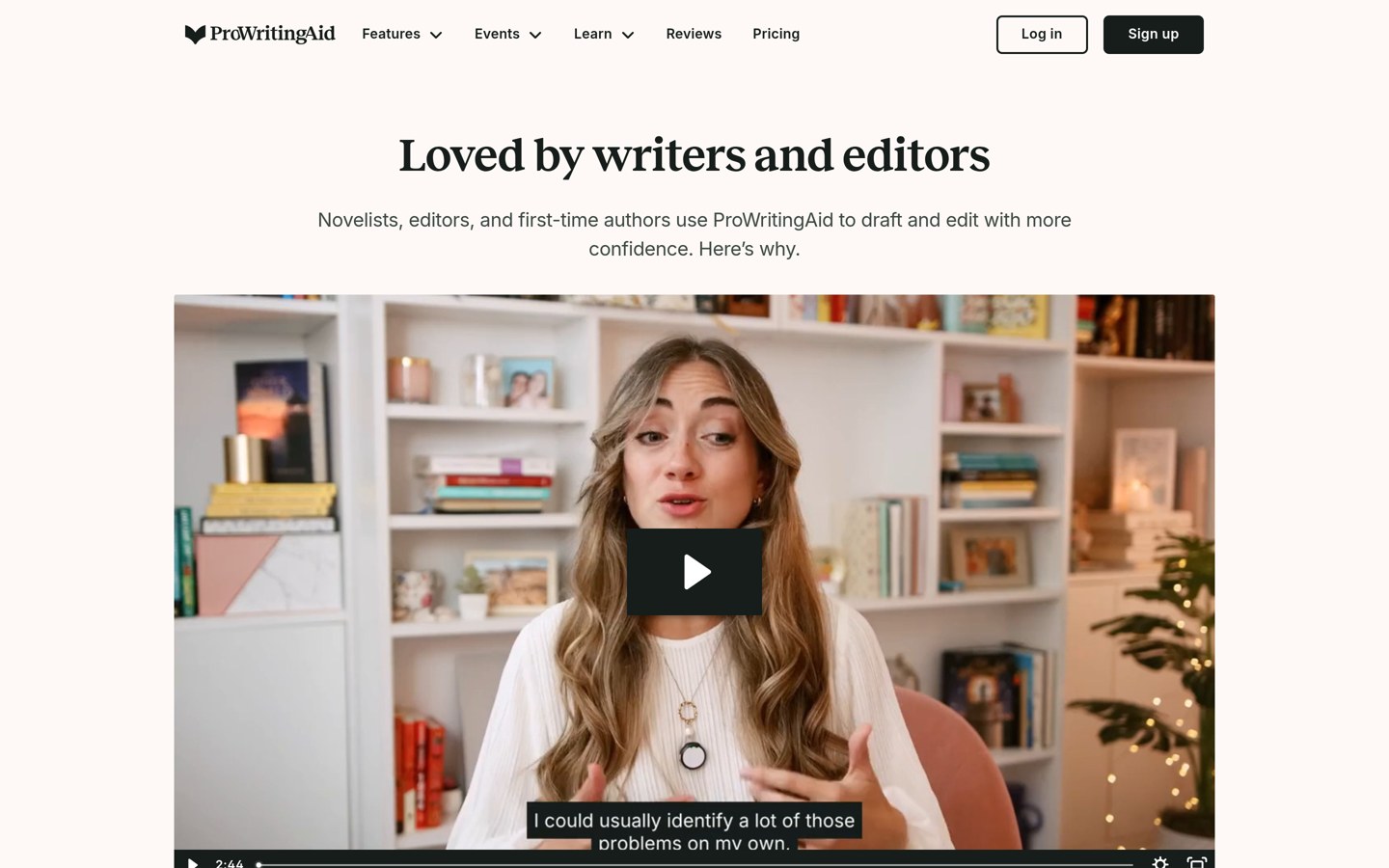
ProWritingAid homepage, captured Nov 2026.
ProWritingAid is an editing and style tool for long-form writers that pairs grammar checks and rephrasing with readability, pacing, and overused-word reports. Its free tier caps text at 500 words and allows 10 rephrases per day.
The trade off is a 500-word free limit and a regular Premium rate of $30/mo or $10/mo billed yearly ($120/yr) before sales. It suits authors, bloggers, and editors revising longer drafts and manuscripts.
What we like
Detailed style and readability reports for long drafts
Integrates with Word, Google Docs, Scrivener, and browsers
Offers monthly, annual, and one-time plan options
Watch out for
Free plan limits text to 500 words and 10 rephrases daily
Dense report panels can feel busy at first
Monthly rate is $30/mo before annual or sale pricing
Paid plans remove the 500-word cap, unlock unlimited rephrases, and add full report runs.Visit prowritingaid.com
07
Smodin
3/5on Trustpilot (395 reviews, checked Nov 2026)
Starts at$120/yr
Best for multilingual rewriting and student study tools
Free accessLimited free tier noted on site
Annual plan$10/mo billed annually ($120/yr)
Key toolsRewriter, detector, plagiarism
Trustpilot3/5 (395 reviews)
smodin.io
Smodin homepage, captured Nov 2026.
Smodin is a writing platform combining rewriting, AI chat, text generation, plagiarism checking, and AI detection across multiple languages. Its Starter plan is listed at $10/mo billed annually ($120/yr), with a higher Premium tier for larger limits.
The trade off is a lower 3/5 Trustpilot rating and stricter quotas on lower tiers, at $10/mo billed annually ($120/yr). It suits students and multilingual writers who want rewriting and detection tools bundled together.
What we like
Bundles rewriting, plagiarism checking, and AI detection
Supports multilingual writing and translation workflows
Starter plan starts at $10/mo billed annually
Watch out for
Lower public rating on Trustpilot than several rivals
Heavy long-form volume requires upgrading to higher tiers
Seasonal sales appear on its pricing and services pages
Higher plans unlock stronger AI models, larger writing limits, and broader detection checks.Visit smodin.io
When a free paraphrasing tier is enough
Free tiers work well if you only rephrase a few sentences or short paragraphs each day. Tools like QuillBot and Wordtune let you test phrasing right away without paying.
Upgrade to a paid plan once you hit word caps, daily limits, or need plagiarism and style checks. Always double-check factual accuracy after any automated rewrite.
How we chose
We selected active paraphrasing and writing tools by reviewing vendor feature pages, pricing tables, and independent writing guides.
Prices, plan limits, and review ratings were checked on 22 Nov 2026 using official pricing pages and public review listings on Trustpilot and G2.
We excluded tools lacking clear public pricing or sufficient public review history, as well as retired plans. No vendor paid for a place, and we do not claim testing for this list.
How to choose a paraphrasing tool
Follow four steps to pick the right paraphraser for your workflow.
Match the editor to your writing habit. Pick a dedicated rewriter for quick mode and synonym swaps, or an inline assistant for editing inside browsers and documents.
Check free limits against your typical draft length. Compare word caps, daily rewrites, and monthly character allowances so you are not forced into constant copy-pasting.
Compare regular renewal rates, not just discounts. Check both monthly and annual pricing and watch for seasonal sale labels before committing.
Verify academic or compliance needs. Confirm whether you need citation or plagiarism checks, and always review rewrites to preserve exact meaning.
FAQ
What is the best free paraphrasing tool?
QuillBot is a strong starting point for dedicated paraphrasing with a free plan up to 125 words, while Wordtune offers 10 free daily rewrites for inline sentence edits.
Do paraphrasing tools prevent plagiarism?
Rewording text helps avoid verbatim overlap, but paraphrasing alone does not replace citing sources. Always credit original ideas and run a plagiarism check when required.
Why do prices look different between monthly and annual billing?
Most writing tools discount annual billing compared with month-to-month plans and sometimes run temporary promotions. Check the standard rate for your preferred billing cycle before subscribing.
Which tool fits academic papers best?
Paperpal focuses on scholarly and academic writing with paraphrasing, language editing, reference checks, and journal-oriented features.
Can paraphrasing tools change the meaning of a sentence?
Yes, especially when using aggressive synonym swaps or rewriting technical terms. Read every rewritten sentence carefully to make sure facts and tone stay accurate.
Should I pick a dedicated paraphraser or a general writing assistant?
Choose a dedicated paraphraser if you want fast mode presets and synonym options, or a writing assistant if you also want grammar checks and inline editing across apps.
SaaS SEO and WordPress specialist with about 8 years of experience. Rakib compares WordPress plugins, themes, hosting and software using public pricing, documentation and user reviews. See how we rank.