Figma is the best AI tool for UI/UX design for most teams, with AI features inside the design tool most teams already use and a 4.7 out of 5 G2 rating from 1,583 reviews. Pick Framer to publish AI-built pages fast, or Uizard for quick prompt-to-prototype mockups.
How we make this list: we compare pricing pages, product documentation and public user reviews, then re-check every price before each update. No product paid for a place. Disclosure.
Figma leads with a 4.7 out of 5 G2 rating from 1,583 reviews, and its free plan already includes 500 AI credits a month.
Framer is the cheapest route to a live site: Basic costs $10 a month per site billed annually with 1,000 AI credits a month.
Uizard is the quickest prompt-to-mockup tool at $12 a month on annual billing, and Webflow turns AI drafts into live sites from $14 a month.
Lovable and v0 turn prompts into working apps with real code, but both bill by credits, so heavy months cost more.
Miro is the best fit for planning UX flows on a shared board, at $10 per user a month, though it does not build finished interfaces.
What to look for in an AI UI/UX tool
AI design tools fall into three groups. Some generate screens from a prompt, some add AI help inside a full design tool, and some turn a prompt into working code.
Prompt-to-screen tools are the fastest way to show an idea. They are best for early mockups, but their output still needs a designer to refine it.
Tools with AI inside a design canvas suit teams that already design there. The AI drafts a layout, and the team finishes it with real components and styles.
Code-generating tools suit teams that want a working prototype. Check how credits are counted before you pay, because token-based pricing makes the monthly bill hard to predict.
Before you choose, check three things: whether the free plan exports without a watermark, whether designs open in Figma, and what the cheapest paid plan costs per year.
Figma is a collaborative interface design tool with AI features built into the canvas. The free Starter plan includes 500 AI credits a month, unlimited drafts, UI kits and templates. Paid Full seats on Professional cost $16 a month billed annually and add 3,000 AI credits a month, unlimited files and shared libraries.
The trade off is the seat bill. Every editor needs a paid seat, so costs rise as the team grows, and the cheapest paid seat that can only view and comment still costs $3 a month. It suits teams that already design in Figma and want AI help without moving files to another tool.
What we like
AI features inside the tool most teams already use
Rated 4.7 out of 5 on G2 from 1,583 reviews
Free plan includes 500 AI credits a month
Unlimited files and shared libraries on paid plans
Watch out for
Costs rise with every paid editor seat
AI output still needs a designer to finish it
Free plan caps files at 3 per project
Professional adds unlimited files, libraries and more AI creditsVisit figma.com
02
Framer
4.5/5on G2 (163 reviews, checked Nov 2026)
Paid from$10/mo
Best for publishing AI-built pages
Free AI credits500 to try
Paid AI credits1,000/month, Basic
Custom domainPaid plans
Paid planBasic, per site
framer.com
Framer homepage, captured Nov 2026.
Framer is a design tool that turns prompts into published websites. The free plan includes 500 AI credits to try its agents, 10 CMS collections and 1,000 pages on a Framer domain. Basic costs $10 a month per site billed annually and adds 1,000 AI credits a month, a custom domain and 50 GB of bandwidth.
The trade off is that pricing is per site. Each extra site needs its own plan, and AI credits do not roll over, so a month of heavy prompting can run out before the next billing date. It suits designers who want a live site, not just a mockup, from one tool.
What we like
Design and publishing in one place
AI agents restyle pages and rewrite copy on the canvas
Cheap route from AI draft to a live site
Watch out for
Price is per site, so several sites add up fast
AI credits expire each month
No code export, so leaving Framer means rebuilding
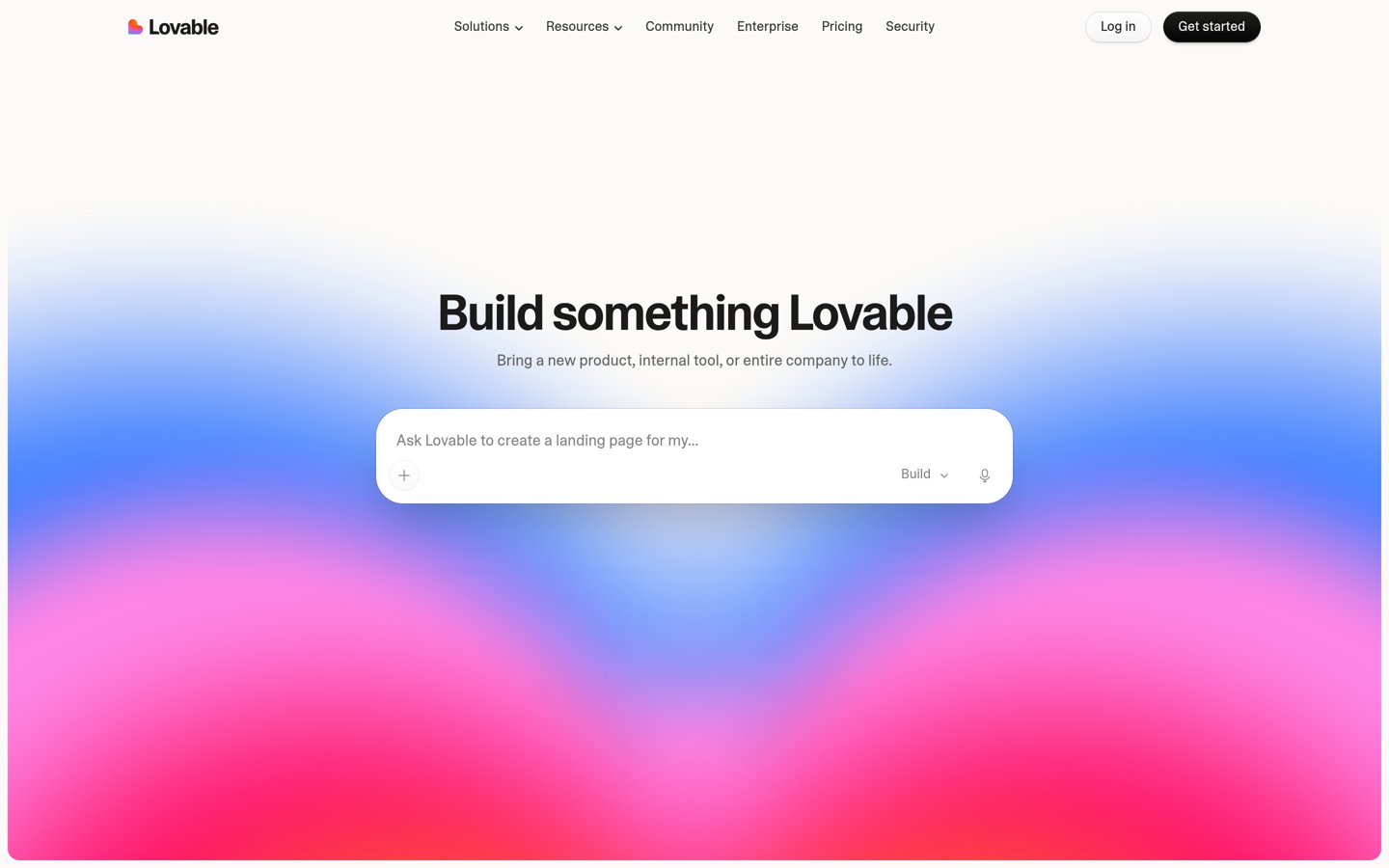
Lovable is a prompt-to-app builder that turns plain-language descriptions into working web apps. The free plan gives 5 daily credits, and Pro costs $25 a month for 100 monthly credits plus a custom domain and GitHub sync. It builds a React front end with a database, login and hosting included.
The trade off is credit use. Reviewers say small changes can use more credits than expected, and generated code still needs a developer's review before production use. It suits non-designers and founders who need a working prototype fast.
What we like
Goes from prompt to a working app, not just a mockup
Code syncs to GitHub, so you own the result
Rated 4.6 out of 5 on G2 from 398 reviews
Watch out for
Credit use is hard to predict
Generated code needs review before production
Private projects and custom domains need the paid plan
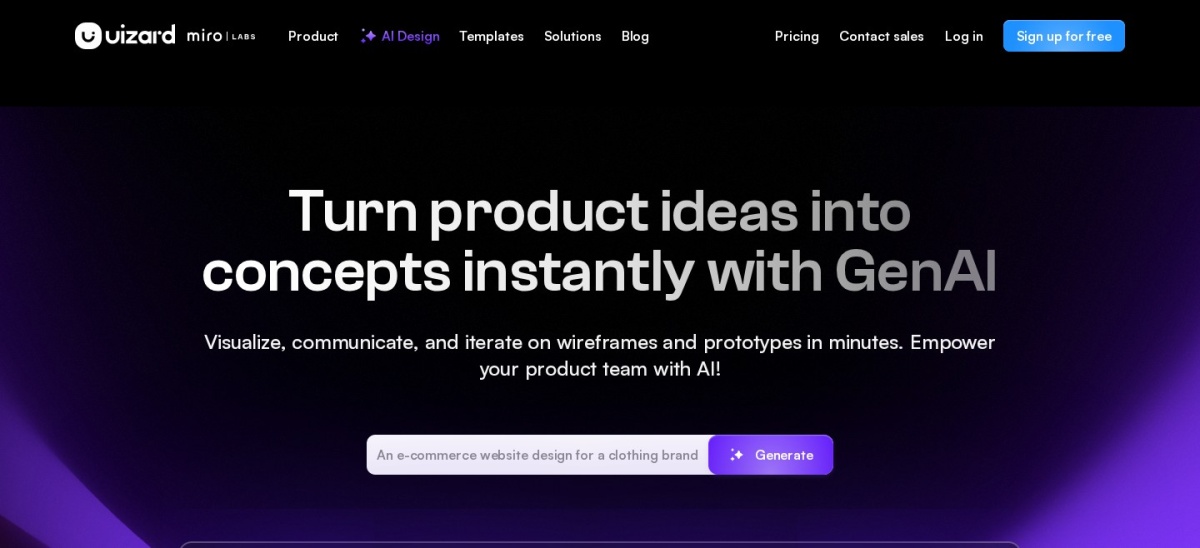
Uizard is an AI design tool that turns text prompts, sketches and screenshots into editable prototypes. The free plan covers 3 projects, and Pro costs $12 a month per creator billed annually with unlimited projects and all AI features. Its Autodesigner builds screens from a short description in seconds.
The trade off is polish. Generated screens are a starting point and need manual refinement, and the $19 monthly-billed price is higher than the $12 annual rate. It suits product managers and founders who need a testable mockup without design skills.
What we like
Fastest path from a sketch or prompt to a mockup
Very easy to learn, with a small review base praising ease of use
Exports to Figma for finishing work
Watch out for
Generated screens need manual refinement
Monthly billing costs $19, not $12
Only 45 G2 reviews, a small base
Business adds team features at $39 a month billed annuallyVisit uizard.io
05
Webflow
4.4/5on G2 (998 reviews, checked Nov 2026)
Paid from$14/mo
Best for AI drafts to live sites
Free planStarter, 2 pages
AI featuresIncluded on all plans
Static pages150 on Basic
Paid planBasic, $14/month
webflow.com
Webflow homepage, captured Nov 2026.
Webflow is a visual website builder with AI that drafts page layouts from a prompt. The free Starter plan includes Webflow AI, 2 pages and 50 CMS items on a Webflow subdomain. Basic costs $14 a month per site billed annually and adds a custom domain, 150 pages and 10 GB of bandwidth.
The trade off is pricing per site. Each live site needs its own plan, and the $14 Basic plan has no CMS, so blogs and content sites need the $25 Premium plan. It suits designers who want an AI first draft and a live, hosted site in one tool.
What we like
AI drafts layouts, copy and CMS content from a prompt
Rated 4.4 out of 5 on G2 from 998 reviews
Clean code output with hosting included
Free Starter plan includes Webflow AI
Watch out for
Basic plan has no CMS
Price is per site, so several sites add up fast
Learning curve is steeper than Framer for beginners
Premium adds CMS and content tools at $25 a month billed annuallyVisit webflow.com
06
Miro
4.6/5on G2 (13,503 reviews, checked Nov 2026)
Paid from$10/mo
Best for planning UX flows together
Free boards3 editable boards
Free AI credits10/month
Paid AI credits25 per member, Starter
Paid planStarter, $10/user/month
miro.com
Miro homepage, captured Nov 2026.
Miro is a visual workspace where teams map user flows, journeys and wireframes on shared boards. The free plan includes 3 editable boards and 10 AI credits a month for diagrams, summaries and clustering sticky notes. Starter costs $10 per user a month and adds unlimited boards and 25 AI credits per member.
The trade off is focus. Miro is a whiteboard first, so it does not produce finished interface designs or code like the dedicated UI tools here. It suits teams that plan UX flows and workshops together before detailed design starts.
What we like
Largest review base in this list, 4.6 out of 5 on G2
AI clusters notes, writes summaries and builds diagrams
Unlimited boards on the cheapest paid plan
Watch out for
Does not produce finished interface designs
Large boards can feel slow and cluttered
Full AI suite needs the $20 Business plan
Business adds the full AI suite at $20 per user a monthVisit miro.com
07
v0 by Vercel
4.8/5on G2 (3 reviews, checked Nov 2026)
Paid from$30/mo
Best for prompt-generated UI as real code
Free credits$5/month
Paid credits$30/month, Plus
Figma importYes
Paid planPlus, $30/user/month
v0.app
v0 by Vercel homepage, captured Nov 2026.
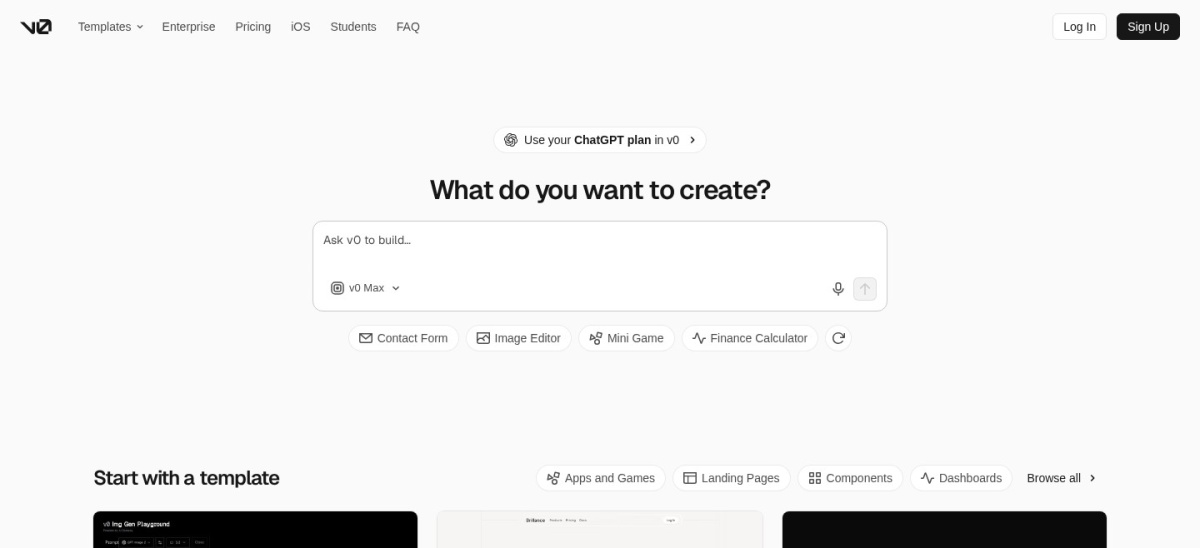
v0 by Vercel is Vercel's AI builder that turns prompts into React and Next.js interfaces with working code. The free plan includes $5 of monthly credits, and Plus costs $30 per user a month with $30 of credits, Figma import and deployment to Vercel. Designs open in a visual Design Mode for edits.
The trade off is cost control. Pricing is token-based, so a complex prompt can use more credits than a simple one, and the older $20 Premium plan is closed to new users. It suits developers who want prompt-generated UI as real, editable code.
What we like
Generates real React and Next.js code, not images
Figma import and one-click Vercel deployment
Visual Design Mode for edits without prompts
Watch out for
Only 3 G2 reviews, so the 4.8 rating is a thin base
Token pricing makes the monthly bill hard to predict
Cheapest paid plan for new users is $30 a month
Business adds shared credits and controls at $100 per user a monthVisit v0.app
08
UXPin
4.2/5on G2 (118 reviews, checked Nov 2026)
Starts at$29/mo
Best for prototypes built from real code
Free planNo, 14-day trial
Code componentsReact and Vue
AI prototypingCore and Growth plans
Paid planCore, $29/month
uxpin.com
UXPin homepage, captured Nov 2026.
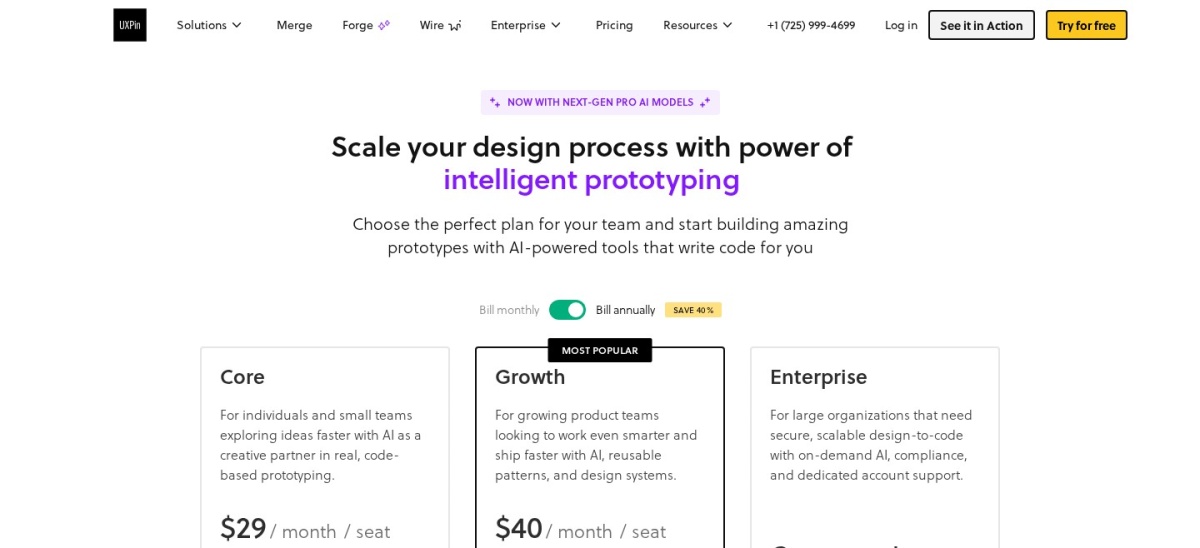
UXPin is a prototyping tool that builds interactive prototypes from real code components. A 14-day trial is free, and Core costs $29 per editor a month billed annually. Its AI tools write code for prototypes, so they behave like the finished product.
The trade off is the learning curve. The component-based workflow takes time to set up, and the $29 starting price is dearer than the cheapest tools here. It suits teams with a mature design system that test with real components.
What we like
Prototypes use the same components as production
AI features write code inside prototypes
Conditional logic, variables and states built in
Watch out for
No permanent free plan, only a 14-day trial
Steep learning curve for new teams
Starting price is higher than most tools here
Growth adds AI-powered patterns at $40 per editor a monthVisit uxpin.com
09
Relume
3.6/5on G2 (6 reviews, checked Nov 2026)
Paid from$32/mo
Best for fast AI sitemaps and wireframes
Free projects1 project
Components1,000+ human-designed
ExportFigma and Webflow
Paid planStarter, $32/user/month
relume.io
Relume homepage, captured Nov 2026.
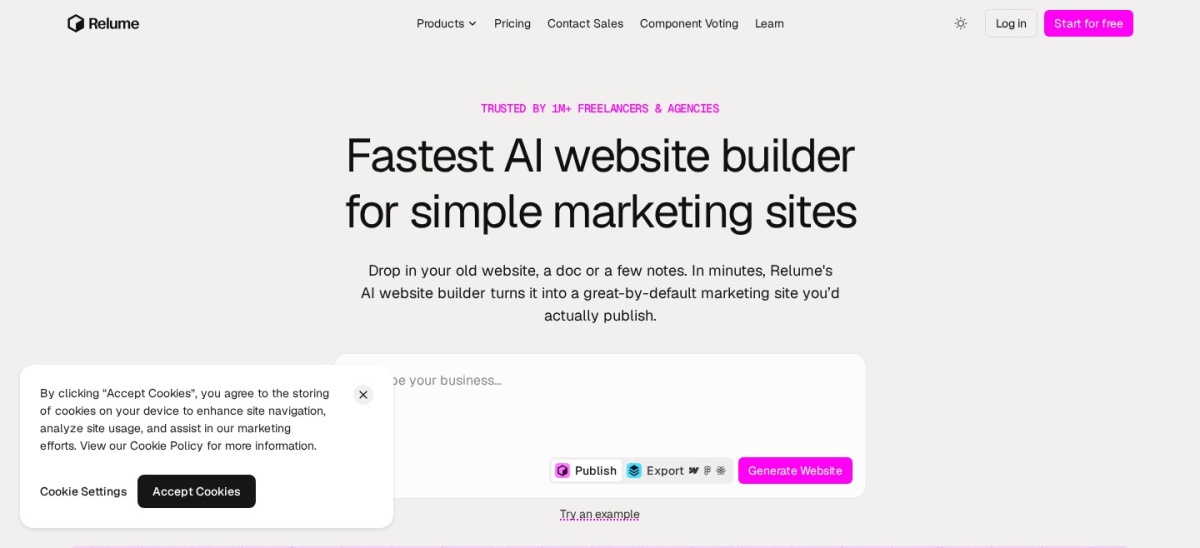
Relume is an AI tool that builds sitemaps and wireframes from a text description. The free plan covers 1 project with 30 Webflow components, and Starter costs $32 per user a month billed annually with unlimited projects, the full component library and Figma and Webflow export.
The trade off is scope. Relume produces wireframes, not finished sites, so the design still needs Figma or Webflow to complete, and it has the lowest G2 rating here at 3.6 from 6 reviews. It suits Webflow and Figma designers who want fast wireframes.
What we like
Sitemap and wireframe in one pass from a prompt
1,000+ human-designed components to build from
Direct export to Figma and Webflow
Watch out for
Lowest G2 rating here, 3.6 from only 6 reviews
Wireframes only, no finished site
Dearest starting price in this list
Pro adds team features at $40 per user a month billed annuallyVisit relume.io
Free vs paid: what the free plan leaves out
Free plans are good for trying a tool. Figma, Framer, Uizard, Webflow, Lovable, Miro, v0 and Relume all have one, and only UXPin stops at a 14-day trial.
Paid plans mostly add credits and exports. More AI credits each month, exports without a watermark, and Figma export are the usual upgrades.
Credit limits are the main surprise. Framer, Lovable and v0 all meter AI use, so a busy month can run out before the billing date.
If the tool is for one project, start free and pay for one month only. If the whole team will use it daily, compare the per-seat yearly cost first.
How we chose
We started from the best-known AI tools for UI and UX design, then kept those with a live product, a published price and a public review rating.
Prices come from each vendor's pricing page and G2 pricing data, checked on 24 November 2026. Ratings and review counts come from G2 on the same day. Where a vendor shows an annual rate, the list shows that rate and notes the monthly-billed price.
We left out Galileo AI, which has become Google Stitch and no longer sells a standalone plan, and Visily, whose homepage would not load for a screenshot after several tries. No vendor paid for a place, and we do not claim hands-on testing for this list.
How to choose an AI tool for UI/UX design
Start with the job, not the tool, then match the tool to the output you need.
Decide what the output must be. A mockup for a meeting needs Uizard or Relume. A live site needs Framer. Working code needs Lovable or v0.
Check the free plan limits first. Look for watermarked exports, board limits and the monthly AI credit allowance before you build anything important.
Test the Figma export. If the team finishes designs in Figma, the tool must export clean, editable files, not flat images.
Work out the yearly cost per person. Multiply the monthly rate by 12 and count every seat, because per-seat and per-site pricing add up fast on teams.
FAQ
What is the best AI tool for UI/UX design?
Figma is the best pick for most teams. Its AI features sit inside the design tool most teams already use, it is rated 4.7 out of 5 on G2 from 1,583 reviews, and the free plan includes 500 AI credits a month.
Can AI tools replace a UI/UX designer?
No. These tools draft screens fast, but the output still needs a designer to fix layout, spacing, accessibility and brand details. They save time on first drafts, they do not finish the work.
Which AI tool is best for wireframes?
Uizard and Relume are the best for wireframes. Uizard turns prompts and sketches into prototypes from $12 a month, and Relume builds sitemaps and wireframes from $32 a month.
Which AI design tool is free?
Figma, Framer, Uizard, Webflow, Lovable, Miro, v0 and Relume all have free plans. UXPin is the exception, with only a 14-day trial. Free plans limit AI credits, projects or exports.
Do these tools export to Figma?
Most do. Uizard, Relume and v0 all export or import with Figma, and Figma itself needs no export. Framer and Miro are the weaker fits if Figma handoff matters.
How much do AI UI/UX tools cost?
Cheapest paid plans run from $10 a month for Framer Basic and Miro Starter to $32 a month for Relume Starter, with most between $10 and $25 a month. Credit-based tools can cost more in a heavy month.
SaaS SEO and WordPress specialist with about 8 years of experience. Rakib compares WordPress plugins, themes, hosting and software using public pricing, documentation and user reviews. See how we rank.