Topaz Photo AI is the best AI tool to deblur images for most people, with dedicated Sharpen and Super Focus models, at $199 a year. Pick VanceAI for quick browser sharpening at $15 a month, or PicWish Pro at about $60 a year for the lowest annual price.
How we make this list: we compare pricing pages, product documentation and public user reviews, then re-check every price before each update. No product paid for a place. Disclosure.
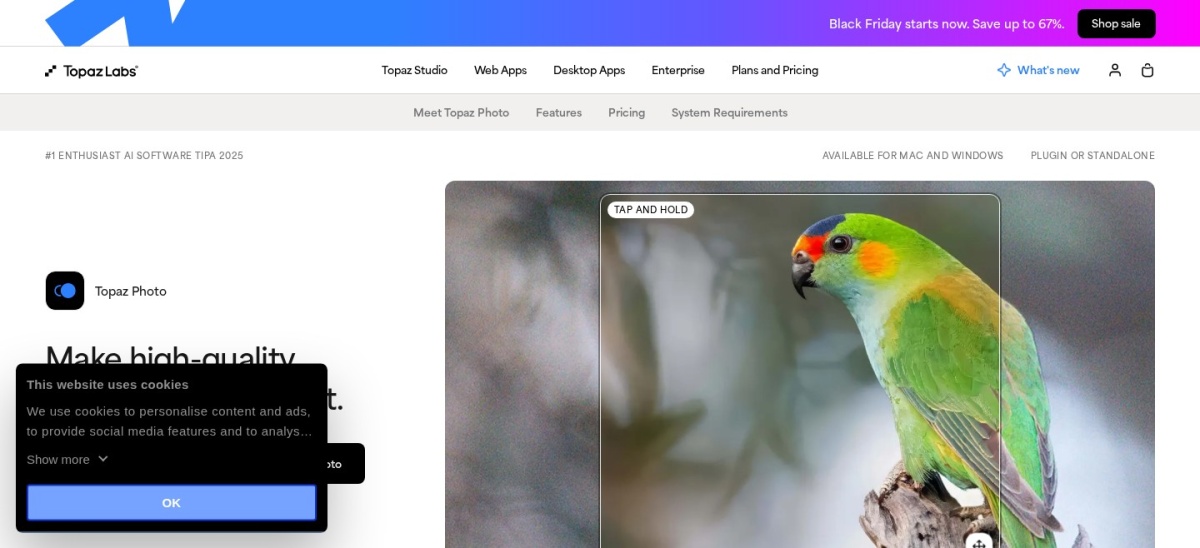
Topaz Photo AI leads on quality with dedicated Sharpen and Super Focus models, at $199 a year.
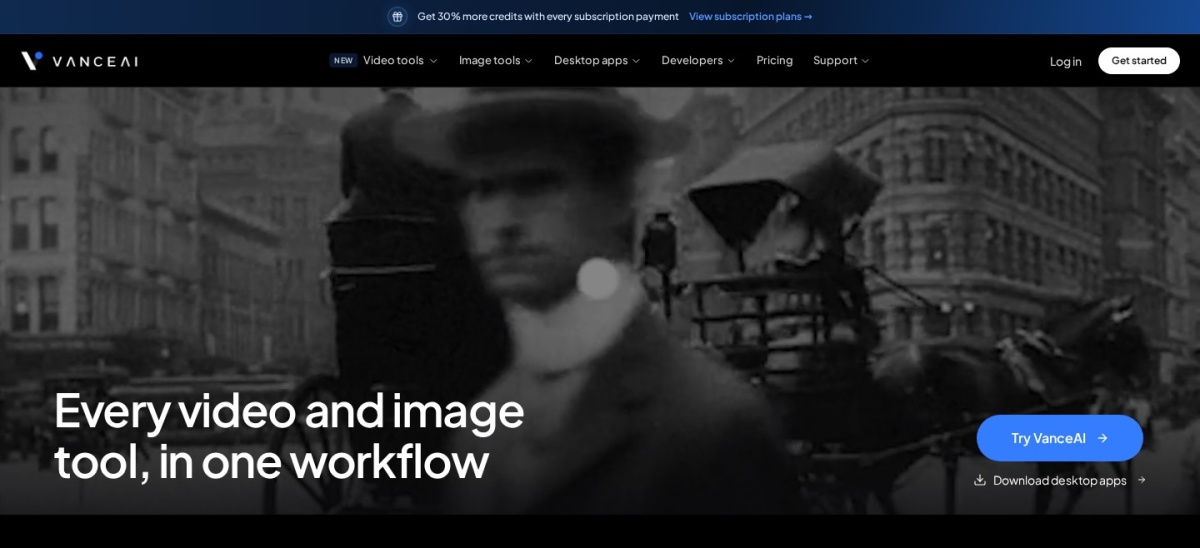
VanceAI is the best browser option: 1 credit per sharpened image, with Starter at $15 a month.
PicWish Pro is the lowest annual price in this list at $59.99 a year, with 100 HD downloads a day.
Remini is the best phone option, but weekly billing costs far more than its $179.99 annual plan.
Free options cover a few photos: Upscale.media gives 3 credits a month, and Nero AI and VanceAI each give 10 credits on signup.
Photoshop is the only pick here for manual control, with Shake Reduction and Smart Sharpen at $19.99 a month.
What to look for in an AI deblur tool
Blur comes from camera shake, missed focus or low resolution, and each cause needs a different fix. A shake-reduction filter helps camera shake, while an AI sharpener rebuilds soft edges in an out-of-focus shot.
Most tools in this list work the same way: upload a photo, pick a sharpen or enhance model, and download the result. The differences are price, how many images you can process, and whether the tool runs in a browser or on your desktop.
Check the output size before you pay. Some tools cap free exports at a small size, and some cap paid upscaling too. Our guide on optimizing images for WordPress explains how size and format affect quality on the web.
Free plans are enough for a few photos, but credits run out fast on a large batch. If you deblur photos every week, a yearly plan usually costs less per image than paying monthly or weekly.
Topaz Photo AI is a desktop app for Windows and macOS that sharpens blurry photos with dedicated Sharpen and Super Focus models. It also removes noise, upscales and recovers faces in the same pass, and works as a plugin or a standalone app. The free trial lets you preview results before you pay.
The trade off is price. Photo costs $199 a year, the highest price in this list, and the trial previews results without exporting them. A sale on the site cuts the first year of the web version to $169. It suits photographers who deblur photos often and want the strongest results.
VanceAI is a browser toolkit with a dedicated AI Image Sharpener that costs 1 credit per image. New accounts get 10 free credits, and the Starter plan adds 260 credits a month for $15. It also includes a denoiser, an upscaler up to 8x and a photo restorer on the same credit balance.
The trade off is the credit system. Free jobs wait in a queue behind paid jobs, and credits expire when a subscription ends. A Windows desktop app is also available from $99.90 a year with unlimited local processing. It suits people who want quick browser sharpening without installing software.
What we like
Dedicated sharpener, denoiser and upscaler in one place
4.2/5on Trustpilot (2,000+ reviews, checked Nov 2026)
Starts at$112.99/yr
Best desktop deblur for old photos
Deblur modelBlur Repair, 9 AI models
Max outputUp to 8K, 32K with upscale
PlatformsWindows and macOS
Paid plan1 year, 500 credits
hitpaw.com
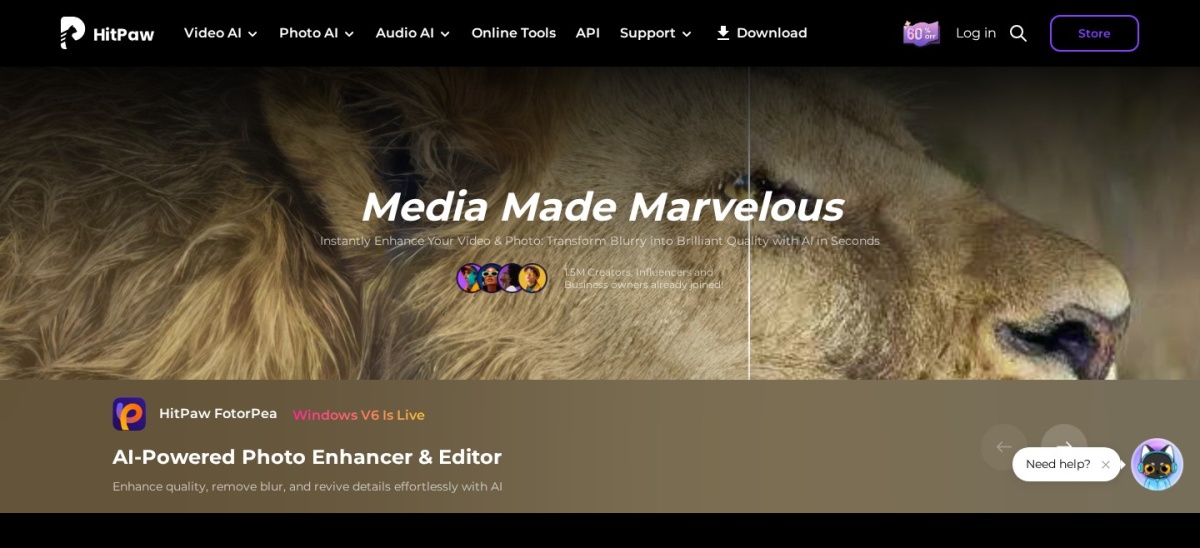
HitPaw FotorPea homepage, captured Nov 2026.
HitPaw FotorPea is a desktop app for Windows and macOS, formerly sold as HitPaw Photo Enhancer. It has 9 AI models, including a Blur Repair model, a face model and a denoise model, and it upscales photos to 4K or 8K. Standard enhancement runs on your own computer.
The trade off is exports. The free version lets you preview results but cannot export them, and the yearly plan lists at $112.99, currently shown at $90.39. Plan credits expire at the end of the subscription year. It suits people rescuing old family photos on a desktop.
What we like
Dedicated Blur Repair model
Batch enhancement on desktop
Standard enhancement runs locally
Face restoration model for old photos
Watch out for
Free version cannot export results
Plan credits expire at the end of the year
Trustpilot reviews include many billing complaints
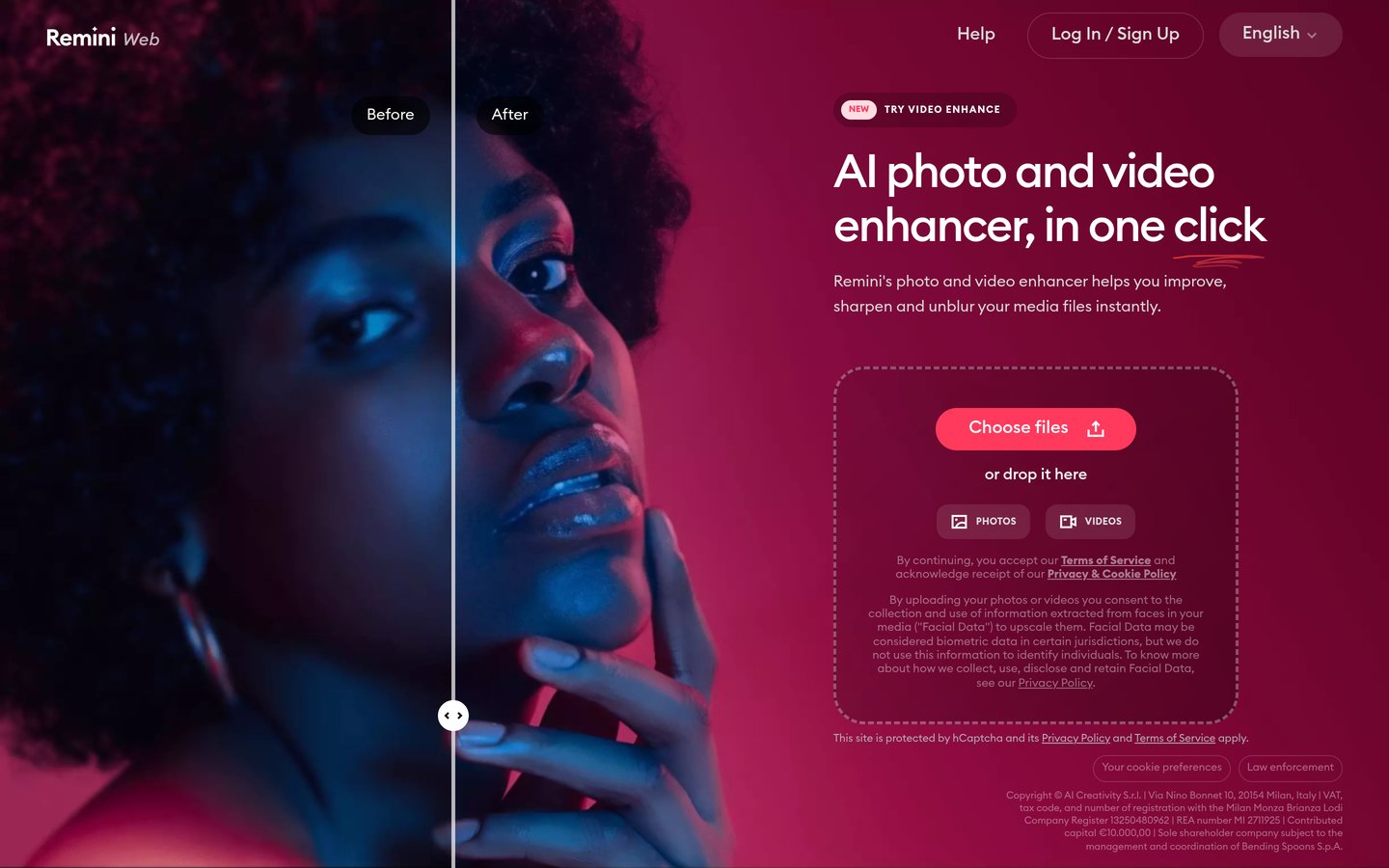
Remini is a phone-first AI enhancer for iOS and Android, with a web version at remini.ai. Its Unblur and Sharpener tools fix blurry photos in one tap, and its face model is strong on old photos. The free version gives limited daily enhancements with a watermark and ads.
The trade off is billing. The web Personal plan costs $179.99 a year, but paying weekly at $6.99 costs far more over a year, and Trustpilot sits at 1.4 out of 5 over billing complaints. It suits phone users who want the fastest one-tap fix for faces.
What we like
Strong face restoration for old photos
One-tap fix with no settings to learn
Works on very low-resolution sources
Web, iOS and Android apps
Watch out for
Weekly billing costs far more than annual billing
Free exports are watermarked and ad-gated
Trustpilot is 1.4/5 over billing complaints
Upscaling tops out near 2x
Paid plans add watermark-free exports and all modelsVisit remini.ai
05
PicWish
4.2/5on Trustpilot (359 reviews, checked Nov 2026)
Paid from$4.99/mo
Best value browser deblur
AI enhancerSharpens and upscales 2x or 4x
Free planLimited non-HD downloads
HD downloads100 per day on Pro
Paid planPro, 450 credits/mo
picwish.com
PicWish homepage, captured Nov 2026.
PicWish is a browser AI photo editor that sharpens blurry images, reduces noise and upscales photos by 2x or 4x. The free plan covers previews and limited non-HD downloads, and the same account works on the web, on desktop and on mobile. Pro adds 100 HD downloads a day.
The trade off is the free limit. Free downloads are limited and non-HD, and subscription credits do not roll over to the next month. Pro costs $4.99 a month billed annually, or $9.99 month to month. It suits sellers and creators who want the lowest annual price here.
4.1/5on Trustpilot (186 reviews, checked Nov 2026)
Paid from$9/mo
Best deblur for large prints
Credit cost1 credit per image
Free credits10 on signup
Max output256 megapixels
Paid planStarter, 100 credits/mo
letsenhance.io
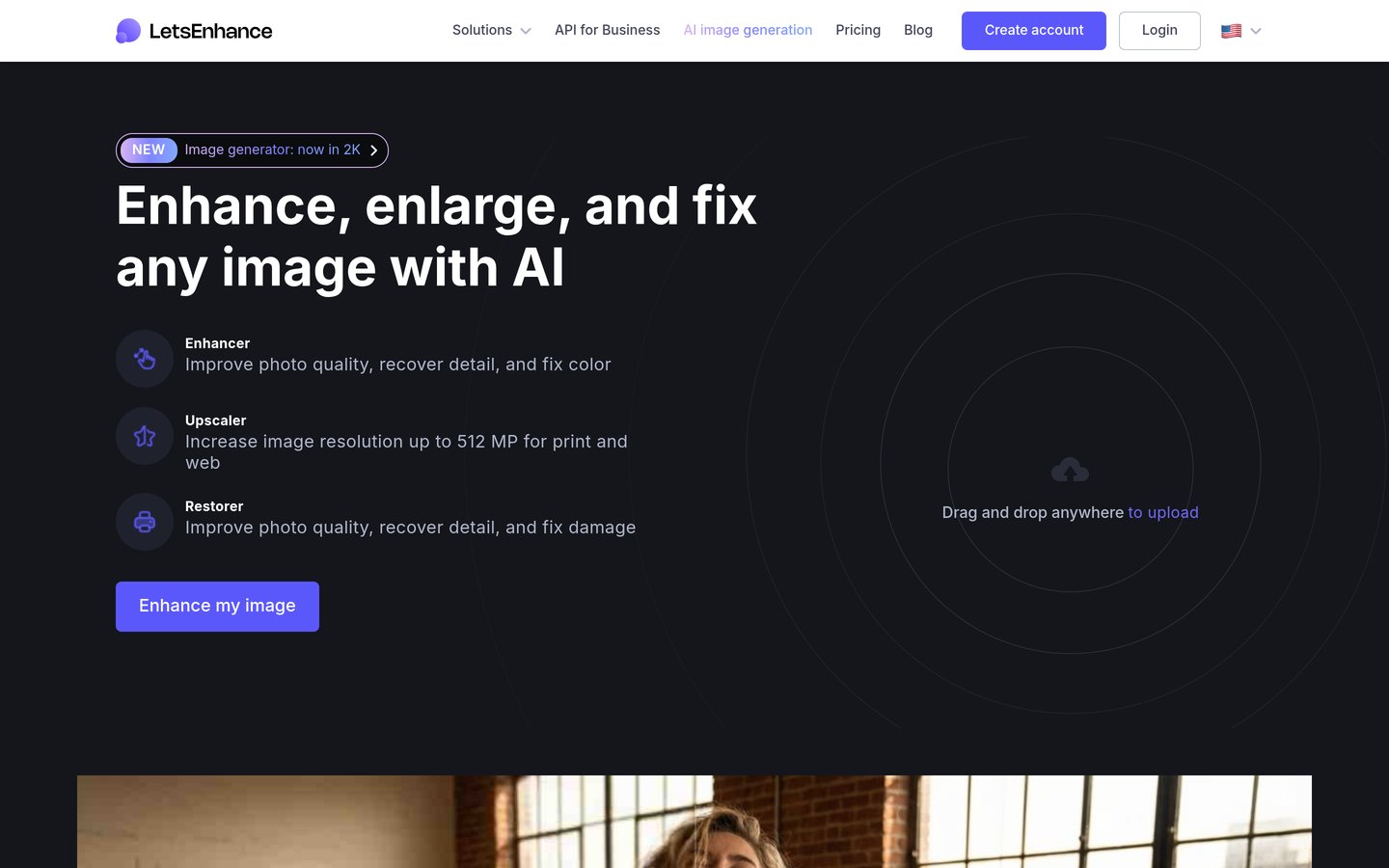
Let's Enhance homepage, captured Nov 2026.
Let's Enhance is a browser tool that upscales and sharpens images for print, with output up to 256 megapixels on the Starter plan. One credit processes one image, and new accounts get 10 free credits with a watermark on downloads. Unused credits roll over up to 6 times the monthly allowance.
The trade off is that every image costs a credit, so heavy use needs a larger plan. Starter costs $9 a month billed annually, or $12 billed monthly, for 100 credits a month. It suits people preparing large prints from small or soft photos.
What we like
Output up to 256 megapixels for prints
Unused credits roll over up to 6 times the allowance
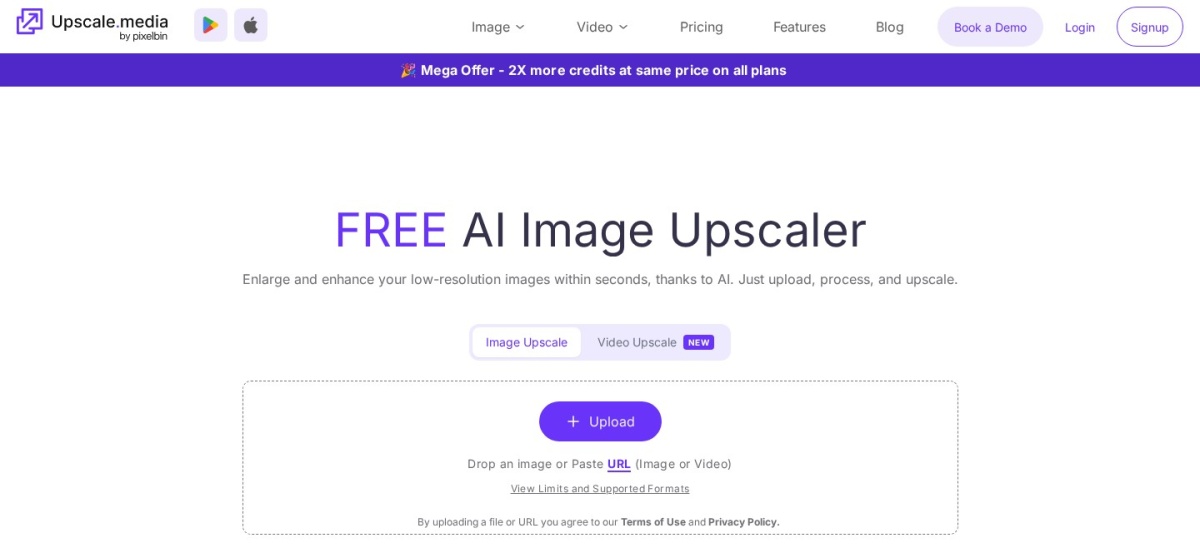
Upscale.media is a browser upscaler from PixelBin that enlarges images 2x, 4x or 8x and adds deblur, dehaze and face restoration. You can upscale one image a day with no account, and signing up adds 3 free credits and 3 free downloads a month. One credit covers one standard upscale.
The trade off is the small free allowance. Monthly credits expire at the end of each month, and the pricing page states that no refunds are given. The yearly plan starts at $44.99 for 3,000 credits. It suits anyone who needs a fast free fix for a few images.
4.8/5on Trustpilot (1,500 reviews, checked Nov 2026)
Paid from$10/mo
Best all-round AI photo toolkit
UpscalingUp to 8x
Free credits10 per account
Credit cost1-2 credits per image
Paid planYearly, 3,000 credits
ai.nero.com
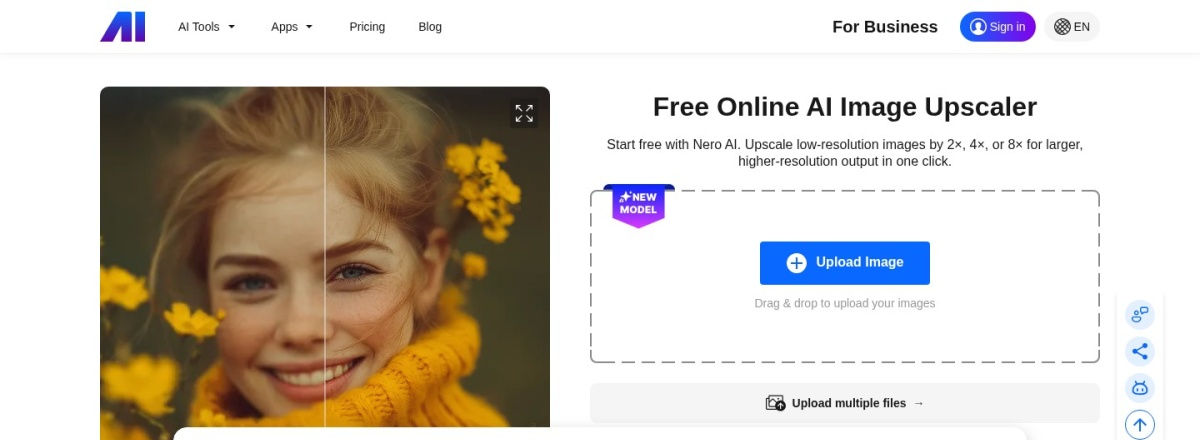
Nero AI homepage, captured Nov 2026.
Nero AI is a browser toolkit with an image upscaler, a sharpener, a denoiser and a photo restorer on one credit balance. New accounts get 10 free credits, and each image costs 1 to 2 credits. Paid plans allow batch uploads of up to 30 images and 8x upscaling.
The trade off is the free size cap. Free uploads are limited to 1,000 by 1,000 pixels, and the monthly plan shows a promo price beside the regular $24.99 a month. The yearly plan lists at $10 a month. It suits people who want several AI photo tools in one place.
What we like
Sharpener, denoiser, restorer and upscaler share one credit pool
Batch uploads of up to 30 images on paid plans
8x upscaling on paid plans
30-day money-back guarantee
Watch out for
Free uploads capped at 1,000 by 1,000 pixels
Monthly plan shows a promo price beside the regular price
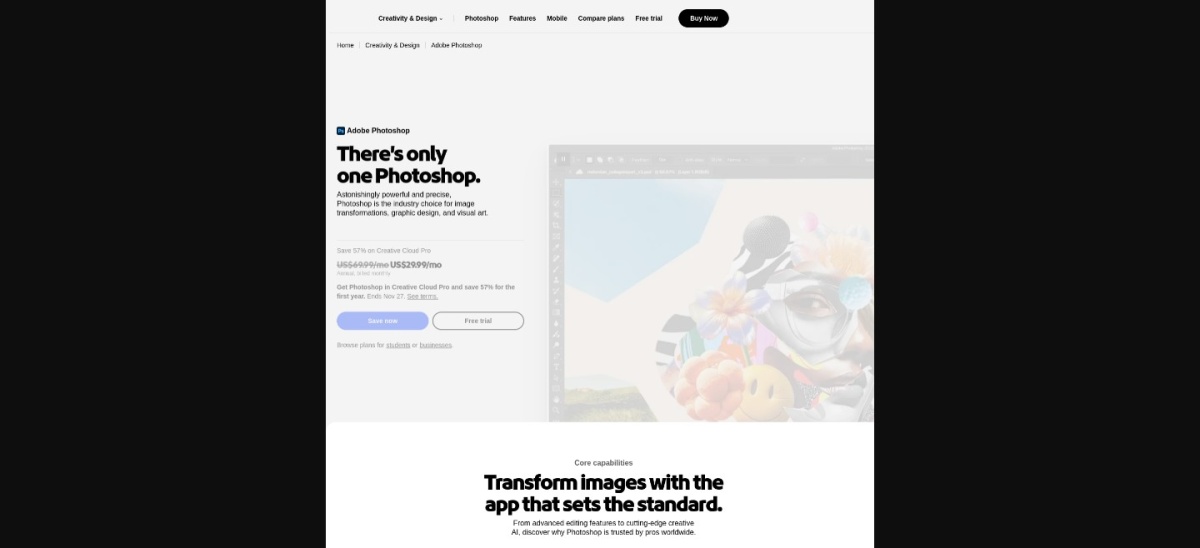
Adobe Photoshop is a full desktop photo editor with Shake Reduction and Smart Sharpen filters for blur caused by camera shake or soft focus. Layers and masks give full control over which parts of a photo get sharpened. The Photography plan also includes Lightroom and 1TB of storage.
The trade off is that it is a general editor, not a one-click deblur tool, and it costs $19.99 a month in the Photography plan. There is no free plan, only a 7-day trial. It suits editors who already use Photoshop and want manual control.
What we like
Shake Reduction filter targets camera shake directly
Free plans cover a few images a month, usually with watermarks, small export sizes or a queue. They are enough to check whether a tool handles your photos well.
Paid plans remove the watermark, raise the export size and add credits or unlimited processing. The cheapest annual plan here is PicWish Pro at $59.99 a year.
Watch weekly billing. Remini charges $6.99 a week, which costs far more over a year than its $179.99 annual plan, so pick monthly or yearly billing when a tool offers it.
If you only need one photo fixed, use a free allowance first. Properly sizing images also helps, since a correctly sized image looks sharper without extra processing.
How we chose
We started from the best-known AI photo enhancers with a dedicated sharpen, unblur or deblur feature, then kept those with a working free option or trial and a public pricing page.
Prices come from each vendor's pricing page, checked on 24 November 2026. Ratings come from G2 or Trustpilot on the same day. Where a vendor shows a sale, the list shows the regular price.
We left out tools with no clear price and tools that only generate new images. No vendor paid for a place, and we do not claim hands-on testing for this list.
How to choose an AI tool to deblur images
Match the tool to the photo you need to fix, then check the price for your volume.
Name the cause of the blur. Camera shake, missed focus and low resolution need different tools. Shake Reduction in Photoshop fits camera shake, while an AI sharpener fits soft focus.
Try the free allowance first. Upload your hardest photo, not your easiest one. If faces or text look wrong at full size, try another tool before you pay.
Count what a month of photos will cost. Credit tools charge per image, so 100 photos a month on VanceAI Starter costs $15, while a desktop app with unlimited local work may cost less over a year.
Check the export size and watermark. Free plans often cap exports or add a watermark, so confirm the paid plan exports at the size you need before you buy.
FAQ
What is the best AI tool to deblur images?
Topaz Photo AI is the best pick for most people. Its Sharpen and Super Focus models target blur directly, it is rated 4.3 out of 5 on G2, and it costs $199 a year with a free trial preview.
Can I deblur an image for free?
Yes, for a few images. Upscale.media gives 3 free credits a month plus one free upscale a day, Nero AI gives 10 free credits per account, and VanceAI gives 10 credits on signup.
Does AI deblur work on very blurry photos?
It helps most with mild blur, soft focus and light camera shake. Very blurry photos with no detail left may come back soft or with invented detail, especially around faces and text.
Is Remini good for deblurring old photos?
Yes, its face model is strong on old photos, and it works in one tap on a phone. The catch is billing: weekly payments cost far more than the $179.99 annual plan, and Trustpilot reviewers report billing problems.
What is the cheapest AI deblur tool?
PicWish Pro is the cheapest annual plan in this list at $59.99 a year, with 100 HD downloads a day. Upscale.media is the cheapest way to fix a few images, with a free daily upscale and no account needed.
Can Photoshop deblur an image?
Yes. Photoshop has a Shake Reduction filter for camera shake and Smart Sharpen for soft focus, plus layers and masks for control. It costs $19.99 a month in the Photography plan, with a 7-day trial.
SaaS SEO and WordPress specialist with about 8 years of experience. Rakib compares WordPress plugins, themes, hosting and software using public pricing, documentation and user reviews. See how we rank.