Best Office Management Software in 2026: 7 Tools Compared
WLWPLegible EditorsLast verified 22 Nov 2026How we rank6 min read
★ Short answer
Connecteam leads for daily office operations with a free plan for up to 10 users and paid tiers starting at $29/mo for the first 30 users. For shift scheduling and time clocks, Homebase starts free for 10 staff, while deskbird and Envoy fit hybrid desk and visitor workflows.
How we make this list: we compare pricing pages, product documentation and public user reviews, then re-check every price before each update. No product paid for a place. Disclosure.
Connecteam holds a 4.6/5 rating across 3,506 G2 reviews and starts at $29/mo billed yearly for up to 30 users.
Homebase starts free for 1 location up to 10 employees and charges $30/mo per location on Essentials.
deskbird rates 4.5/5 across 311 G2 reviews and lists Business pricing at EUR 2.75/user/mo on annual billing.
Skedda starts at $249/mo billed annually for up to 35 spaces in the US and Canada with a 4.8/5 rating on G2.
Optix starts at $197/mo billed yearly for coworking management with 50 active users included.
What to look for in office management software
Modern office management software covers desk and room reservations, visitor sign-ins, shift schedules, time clocks, and internal team workflows. Choosing the right system depends on whether your priority is hybrid desk coordination, front-desk security, or shift-based staff operations.
Pricing models vary sharply across vendors. Some tools charge per active user or per bookable space, while others bill per location or lock visitor badges and room displays behind higher tiers.
Before committing to an annual contract, check how each tool handles calendar syncing, floor plans, mobile check-ins, and add-on fees. A platform that looks inexpensive at entry level can climb quickly once extra locations or modules are added.
Best for all-in-one team scheduling, time tracking, and forms
Free tierUp to 10 users
Entry paid tier$29/mo yearly (30 users)
Core hubsOperations, Comms, HR
G2 rating4.6/5 (3,506 reviews)
connecteam.com
Connecteam homepage, captured Nov 2026.
Connecteam is a workforce and office operations app combining GPS time clocks, shift scheduling, checklists, forms, and team communication. Its Small Business plan is free for up to 10 users, while Basic starts at $29/mo billed annually ($35/mo monthly) for the first 30 users in a hub.
The trade off is that Connecteam prices its Operations, Communications, and HR hubs separately, and geofence sites start on Advanced at $49/mo yearly. It suits small and mid-sized offices coordinating schedules, tasks, and staff check-ins in one mobile app.
What we like
Free plan covers up to 10 users across core tools
Transparent flat base rate covering the first 30 users per hub
Strong mobile workflows for schedules, checklists, and time clocks
Large review base on G2 with 3,506 ratings
Watch out for
Separate hubs add cost when you need multiple modules
Geofence sites are not included on the Basic paid tier
Per-user charges apply above the initial 30-user allowance
Paid plans add higher user caps, geofencing on Advanced, and deeper scheduling controls.Visit connecteam.com
02
Homebase
4.6/5on G2 (664 reviews, checked Nov 2026)
Paid from$30/mo
Best for shift scheduling and time tracking per location
Free tier1 location, up to 10 staff
Essentials plan$30/location/mo
Paid headcountUnlimited staff per location
G2 rating4.6/5 (664 reviews)
joinhomebase.com
Homebase homepage, captured Nov 2026.
Homebase is a workforce management platform focused on employee scheduling, time clocks, team messaging, and hiring. Its Basic plan is free for 1 location with up to 10 employees, and Essentials starts at $30/mo per location with unlimited employees.
The trade off is that payroll processing, Tip Manager, and Task Manager are extra paid add-ons rather than part of the base subscription. It suits single- or multi-location offices and service teams that want location-based pricing rather than per-seat fees.
What we like
Free Basic plan for up to 10 team members at one location
Paid plans include unlimited employees per location
Simple scheduling and clock-in workflow with low learning curve
Watch out for
Payroll processing costs extra on top of base plans
Add-ons like Tip Manager and Task Manager increase monthly spend
PTO policy setup can feel rigid to some managers
Paid plans remove the 10-employee cap per location and unlock advanced scheduling and HR tools.Visit joinhomebase.com
03
deskbird
4.5/5on G2 (311 reviews, checked Nov 2026)
Starts at$45/yr
Best for hybrid desk booking and interactive floor plans
Business tierEUR 2.75/user/mo yearly
Core featuresDesks, rooms, floor plans
IntegrationsMicrosoft Teams, calendars
G2 rating4.5/5 (311 reviews)
deskbird.com
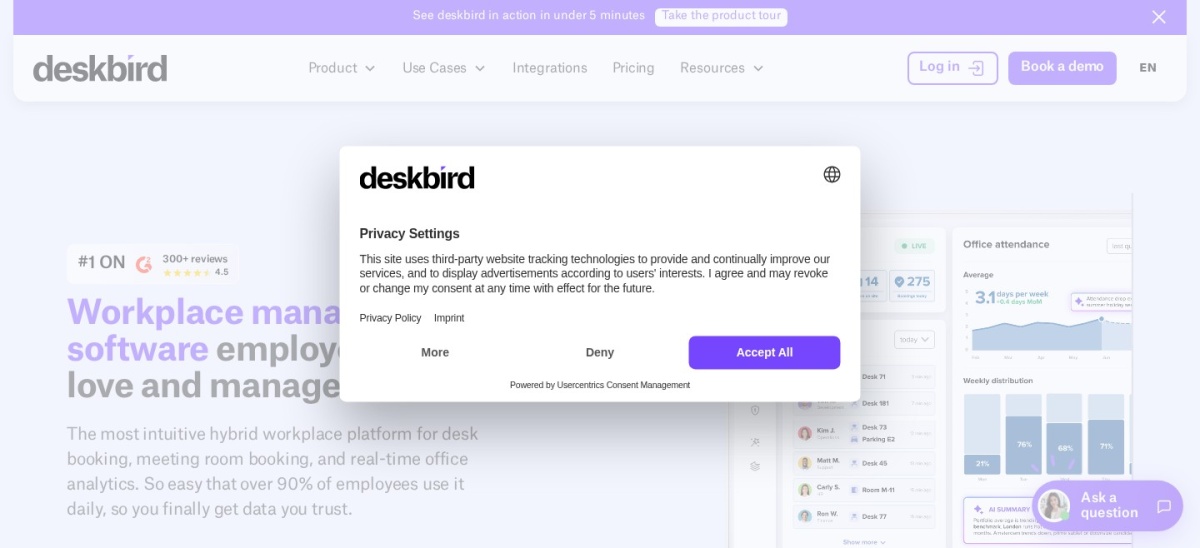
deskbird homepage, captured Nov 2026.
deskbird is a hybrid workplace platform for booking desks and meeting rooms, viewing floor plans, and coordinating in-office days. Its Business plan is listed at EUR 2.75 per active user per month on annual billing (or EUR 3.50 monthly, about $45/yr per user equivalent).
The trade off is that visitor check-in, room signage, and higher tiers require add-ons or custom quotes, and some users prefer the web app over mobile. It suits hybrid offices that want visual floor maps and quick seat reservations.
What we like
Clear floor plan view makes it easy to see where colleagues sit
Works well with Microsoft Teams and calendar workflows
High marks for ease of use across 311 G2 reviews
Watch out for
Visitor management and room signage sit outside the base tier
Professional and Enterprise tiers require custom quotes
Some reviewers note mobile workflows feel lighter than desktop
Higher tiers and add-ons expand visitor management, room displays, and enterprise controls.Visit deskbird.com
04
Officely
4.6/5on G2 (158 reviews, checked Nov 2026)
Starts at$42/yr
Best for desk and room booking inside Slack and Teams
Per-user rate$3.50/user/mo (about $42/yr)
Workspace modelLives in Slack and Teams
Meeting rooms$12/space/mo add-on
G2 rating4.6/5 (158 reviews)
officely.app
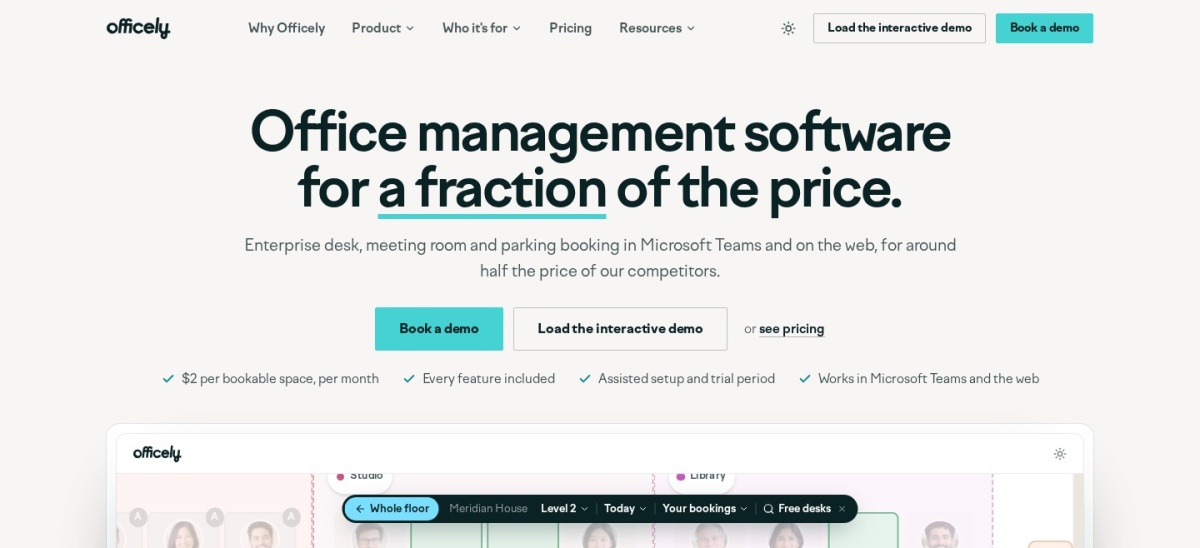
Officely homepage, captured Nov 2026.
Officely is a lightweight workplace booking tool designed to run directly inside Slack and Microsoft Teams so staff can reserve desks and check office attendance. Its per-user rate is $3.50/user/mo ($42/yr per user), with a $2/space/mo annual option listed for space-based plans.
The trade off is that meeting rooms and parking are priced separately, and visitor check-in is basic rather than kiosk-driven. It suits teams that live in Slack or Teams and want fast booking without a separate app.
What we like
Fast rollout inside Slack and Microsoft Teams with minimal training
Clear visibility into who is coming into the office each day
Connects with common HRIS tools for attendance sync
Watch out for
Meeting rooms and parking add separate per-space fees
Lacks full front-desk visitor kiosk and badge features
Fewer advanced enterprise analytics than large suites
Paid plans and add-ons enable room and parking booking, floor maps, and HRIS integrations.Visit officely.app
05
Tactic
4.6/5on G2 (559 reviews, checked Nov 2026)
Starts at$36/yr
Best for flexible desk, room, and floor-plan coordination
Desk estimateFrom $3/workspace/mo ($36/yr)
Core modulesDesks, rooms, visitors, maps
IntegrationsTeams, Slack, Outlook, Google
G2 rating4.6/5 (559 reviews)
gettactic.com
Tactic homepage, captured Nov 2026.
Tactic is a hybrid workplace platform covering desk and meeting room reservations, interactive floor plans, office days, and visitor check-ins. Published workspace estimates start around $3/workspace/mo ($36/yr per workspace) depending on selected modules and office size.
The trade off is that final pricing depends on selected products, resources, and rollout scope, and map edits may require support or setup. It suits hybrid teams that want interactive floor maps and calendar or chat integrations.
What we like
Visual floor plans make desk and room availability easy to scan
Integrates with Microsoft Teams, Slack, and major calendars
Strong user satisfaction across 559 G2 reviews
Watch out for
Final quotes vary by module selection, resources, and scope
Some floor-plan layout adjustments take extra setup effort
Less suited to shift-based hourly frontline staffing
4.8/5on Software Advice (66 reviews, checked Nov 2026)
Starts at$197/mo
Best for coworking spaces and shared workspace billing
Essentials plan$197/mo billed yearly
Included users50 active users, 1 location
Core featuresBookings, memberships, billing
Rating4.8/5 (66 reviews)
optixapp.com
Optix homepage, captured Nov 2026.
Optix is a workspace management platform built for coworking spaces and flexible offices, combining room and desk bookings with member billing and automations. Essentials starts at $197/mo billed annually ($229/mo monthly) for 1 location and 50 active users.
The trade off is that extra locations, active users above 50, branded apps, and some payment gateways cost extra each month. It suits coworking operators and shared offices that need recurring member billing alongside space booking.
What we like
Combines workspace reservations with member billing and automations
Includes 50 active users on the entry Essentials plan
High rating of 4.8/5 on Software Advice
Watch out for
Additional locations and users above 50 add monthly fees
Branded mobile apps and extra automations cost extra
Heavier than needed for a small internal office
Higher tiers increase active user allowances, automation limits, and add visitor management.Visit optixapp.com
07
Envoy
4.4/5on G2 (162 reviews, checked Nov 2026)
Paid from$362/mo
Best for front-desk visitor security and compliance
Free tierVisitors Basic (100 entries/mo)
Visitors Premium$362/location/mo yearly
FocusVisitor sign-in, badges, security
G2 rating4.4/5 (162 reviews)
envoy.com
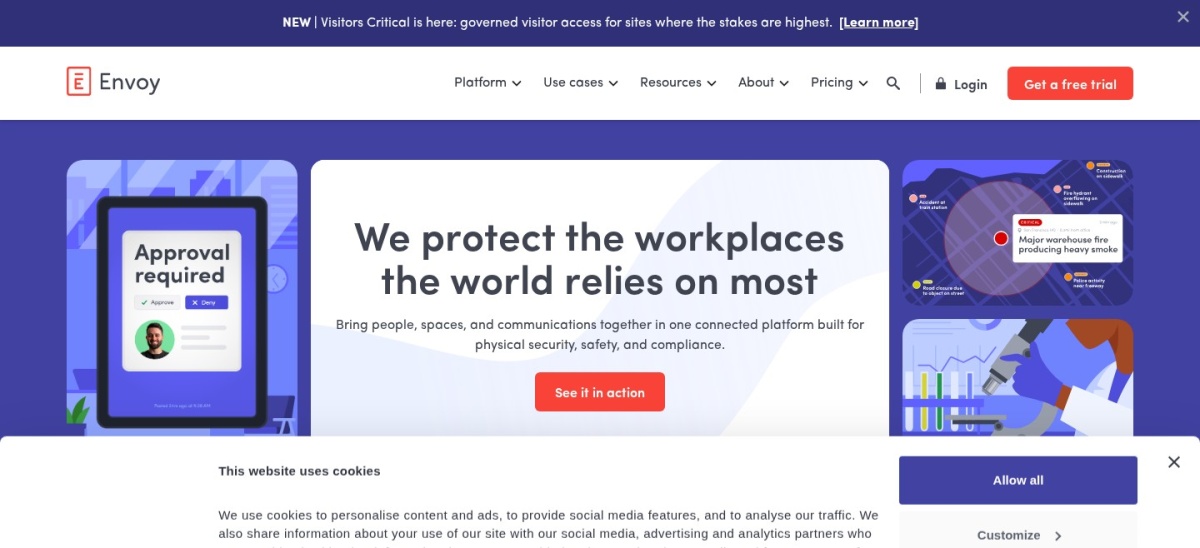
Envoy homepage, captured Nov 2026.
Envoy is a workplace platform centered on visitor registration, badge printing, host alerts, deliveries, and desk or room booking. It offers a free Basic visitor tier up to 100 entries/mo, while Visitors Premium is $362/mo per location billed annually.
The trade off is that modular pricing across locations, resources, and add-ons like deliveries or emergency alerts can get expensive. It suits offices with busy lobbies, compliance rules, or security requirements around guest check-ins.
What we like
Free Basic plan lets small offices replace paper visitor logs
Strong check-in flows, badge printing, and security controls
Integrates with calendars, directory tools, and workplace systems
Watch out for
Modular pricing across products and locations adds up quickly
Deliveries and advanced security sit on higher tiers
Office management tools typically charge by active user, bookable space, or physical location. A large hybrid team with fewer desks than employees can often spend less on space-based or location-based models.
Conversely, if you manage many meeting rooms or multiple office sites, check whether add-ons for visitor check-ins, room tablets, or extra locations are billed separately.
How we chose
We compiled this list from established workplace, desk-booking, and team-operations platforms used by offices and hybrid teams, reviewing vendor pricing pages and public software review directories.
All pricing figures, plan tiers, and review ratings were verified on 22 Nov 2026 against current vendor pricing pages and review listings.
We excluded tools without verifiable current pricing or ratings, as well as software focused strictly on narrow project task boards or accounting rather than office operations. No vendor paid for a place, and we do not claim testing for this list.
How to choose the right office management software
Follow four practical steps to match a platform to how your office runs day to day.
List your core daily workflows first. Decide whether you primarily need desk and room reservations, visitor check-ins, or shift scheduling and time tracking.
Check how pricing scales with headcount and spaces. Compare per-user, per-resource, and per-location plans against your team size and office count.
Verify calendar and chat integrations. Make sure the tool syncs cleanly with Microsoft 365, Google Workspace, Slack, or Microsoft Teams if your staff rely on them.
Watch for add-on modules before signing. Confirm whether visitor badges, room displays, deliveries, or extra locations cost extra on top of the entry plan.
FAQ
What is the best office management software overall?
Connecteam is a strong all-around choice for team schedules, time clocks, checklists, and communication, starting free for up to 10 users and at $29/mo billed yearly for up to 30 users.
Is there free office management software for small teams?
Yes. Connecteam offers a free plan for up to 10 users, Homebase offers a free plan for 1 location up to 10 employees, and Envoy offers a free Basic visitor plan up to 100 entries per month.
How does hybrid desk booking differ from coworking software?
Hybrid desk tools focus on internal employee seating, room reservations, and attendance, while coworking platforms like Optix add member billing, plans, and shared-space management.
Should we choose per-user or per-space pricing?
If you have many employees who come in only part-time across a smaller set of desks or rooms, per-space or location pricing can be more predictable than per-user billing.
Why do visitor and room display features often cost extra?
Vendors frequently separate lobby kiosks, badge printing, room tablets, and delivery tracking into higher tiers or add-ons because not every office needs physical hardware workflows.
Can small offices start on a free tier and upgrade later?
Yes. Starting on a free tier lets you test basic check-ins or scheduling with a small team before paying for higher user limits, floor plans, or multi-location controls.