Best API Documentation Tools in 2026: 9 Tools Compared
WLWPLegible EditorsLast verified 22 Nov 2026How we rank13 min read
★ Short answer
Mintlify is the best API documentation tool for most teams, with MDX docs in Git, an AI assistant and a clean three-panel reference, at $450 a month on Pro. Pick ReadMe for a polished developer hub or Stoplight for design-first OpenAPI editing at $44 a month.
How we make this list: we compare pricing pages, product documentation and public user reviews, then re-check every price before each update. No product paid for a place. Disclosure.
Mintlify leads on the combination of MDX authoring, AI features and portal quality, at $450 a month on Pro.
ReadMe is the best hosted hub, with guides, changelog, forums and API usage metrics for $250 a month.
Stoplight is the cheapest design-first option, with a visual OpenAPI editor from $44 a month billed yearly.
Swagger UI is free and open source, and remains the universal baseline for API reference docs.
Redocly's Pro price is disputed, with $10 a seat a month in older roundups and $249 a month in the newest ones.
What an API documentation tool has to do
API documentation is the API's real user interface. If a developer cannot find an endpoint, see a working example or make a test call in the first few minutes, integration stalls and support tickets pile up. Generating docs from the spec keeps them in sync with the code, so they do not drift.
The tools split into three camps. Docs-as-code platforms such as Redocly and Stoplight keep the spec in Git and build docs in CI, with linting to enforce a house style. Hosted hubs such as ReadMe and Bump.sh favour a polished portal, and all-in-one workspaces such as Apidog fold docs into design and testing.
Pricing spans from free to $450 a month. Swagger UI costs nothing and is the universal baseline, while Mintlify and ReadMe charge for portals, search and AI features. Our guide to creating a custom REST API endpoint in WordPress covers a similar free-versus-paid choice for WordPress tools.
Start with who maintains the docs. Engineers who want docs-as-code fit Mintlify, Redocly or Stoplight, while writers and product people who need a hosted editor fit ReadMe or GitBook. Match the authoring model to the maintainer, then the price.
Best for most teams wanting modern MDX docs with AI
Entry paid planPro, $450 a month, billed yearly
Free planStarter, $0, 5 editors, custom domain
G2 rating4.6 out of 5 from 19 reviews
AuthoringMDX files in Git, AI assistant built in
mintlify.com
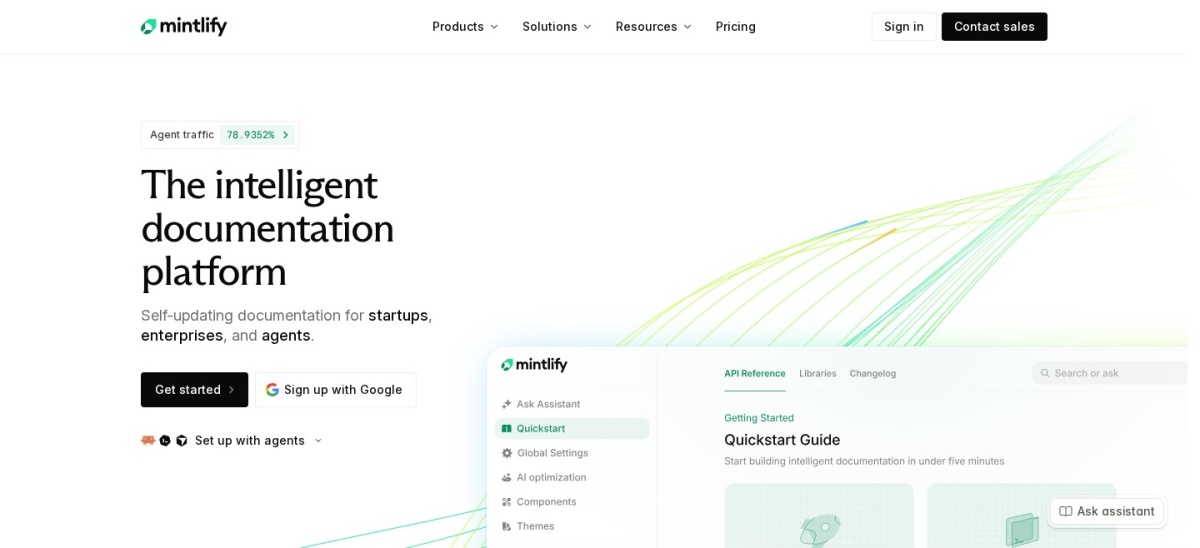
Mintlify homepage, captured Nov 2026.
Mintlify is the best API documentation tool for most teams. It renders docs from MDX files in Git, with a clean three-panel reference, a search that actually works and an AI assistant that answers questions from the docs. The free Starter plan covers five editors and a custom domain, and Pro at $450 a month billed yearly adds unlimited editors and 10,000 AI credits a month.
The trade off is the price jump. Pro is the most expensive paid plan in this list, so small teams may find ReadMe or Stoplight better value. It suits product teams that treat docs as part of the product and want AI features built in.
What we like
MDX docs in Git with a clean three-panel reference
AI assistant with 10,000 credits a month on Pro
MCP server and llms.txt output for AI agents
Free Starter plan with a custom domain
Watch out for
Pro at $450 a month is the priciest plan here
Free plan limits editors to five
MDX authoring needs developers to maintain it
Pro at $450 a month adds unlimited editors and 10,000 AI credits.Visit mintlify.com
02
ReadMe
4.5/5on G2 (46 reviews, checked Nov 2026)
Paid from$250/mo
Best for a polished developer hub with usage metrics
Entry paid planPro, $250 a month, per project
Free planStarter, $0, 1 project
G2 rating4.5 out of 5 from 46 reviews
Standout featureAPI usage metrics and Ask AI add-on
readme.com
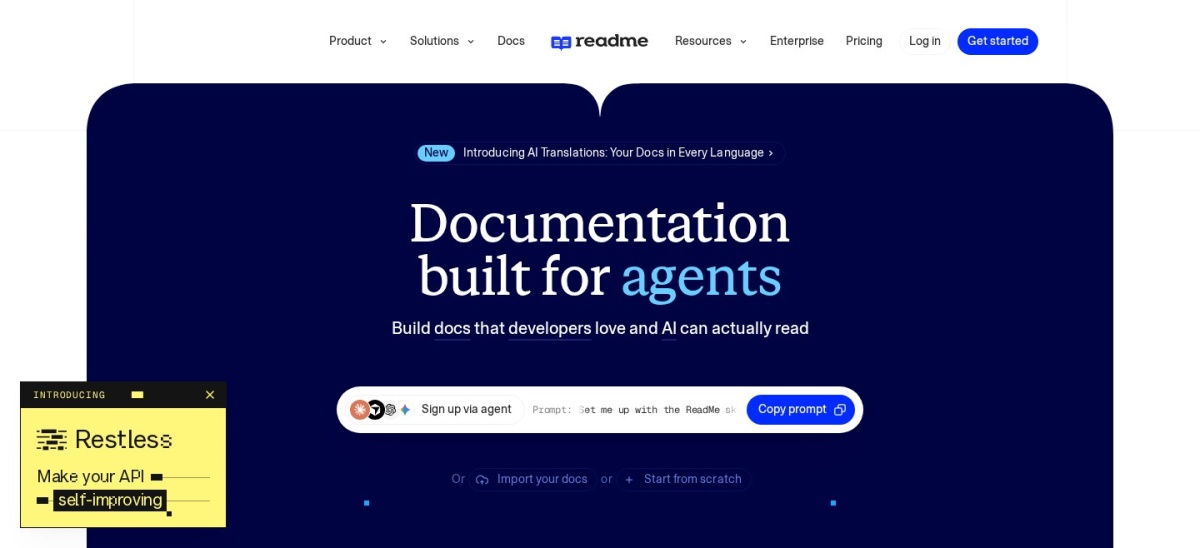
ReadMe homepage, captured Nov 2026.
ReadMe is the most polished hosted developer hub in this list. It pairs an interactive reference with guides, a changelog, forums and API Metrics, which show which endpoints developers call and where they fail. The free Starter plan covers one project, and Pro at $250 a month billed yearly adds more projects, with an Ask AI add-on at $150 a month.
The trade off is the price and the branding lock. Removing ReadMe branding needs the Enterprise plan, and the per-project pricing adds up for teams with many APIs. It suits product teams that want a branded portal non-developers can edit.
What we like
Polished hub with guides, changelog and forums
API Metrics show which endpoints fail
Editable by non-engineers
Interactive try-it console with real API keys
Watch out for
Pro at $250 a month is pricey for small teams
Branding removal needs the Enterprise plan
Less docs-as-code than Git-first tools
Pro at $250 a month is per project, with Ask AI at $150 extra.Visit readme.com
03
Stoplight
4.4/5on G2 (342 reviews, checked Nov 2026)
Paid from$44/mo
Best for design-first OpenAPI editing on a budget
Entry paid planBasic, $44 a month, billed yearly, 3 users
Free planFree, 1 user, 1 project
G2 rating4.4 out of 5 from 342 reviews
Standout featureVisual editor plus Spectral linting
stoplight.io
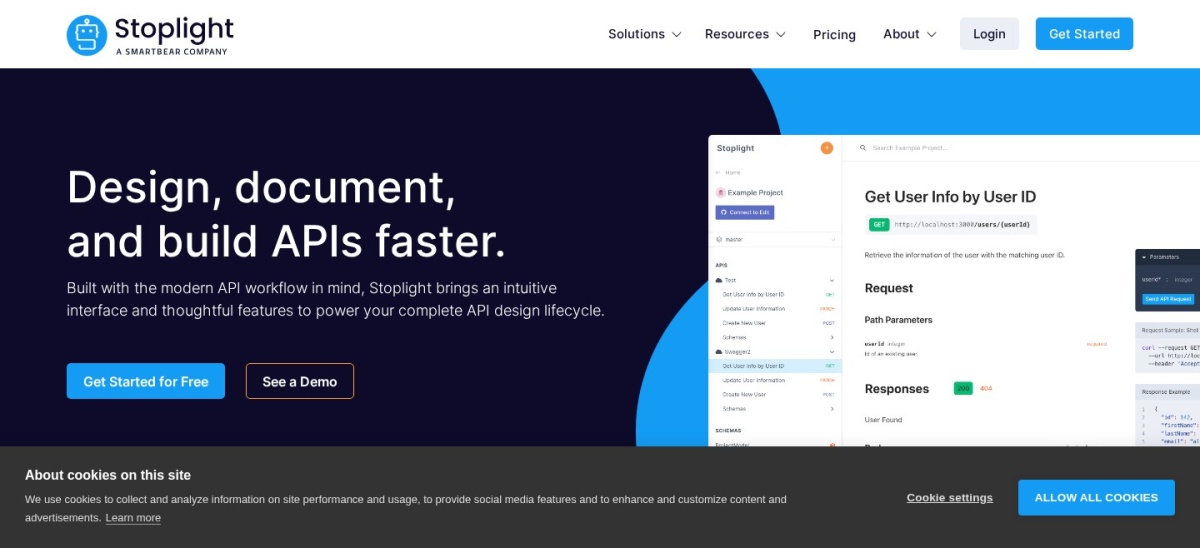
Stoplight homepage, captured Nov 2026.
Stoplight is a design-first API platform with a visual OpenAPI editor, hosted docs, mock servers and Spectral linting to enforce a house style. The free plan covers one user and one project, and Basic at $44 a month billed yearly adds three users, with Startup at $113 and Pro Team at $362. Its Elements renderer is open source under Apache 2.0.
The trade off is roadmap uncertainty. SmartBear has been steering investment toward its API Hub, so Stoplight's direction feels less certain than a year ago. It suits teams that design APIs first and want linting and mocks next to the docs.
What we like
Visual OpenAPI editor lowers the barrier to good specs
Spectral style guides enforce consistency
Open-source Elements renderer plus mock servers
Cheapest design-first plan at $44 a month
Watch out for
Roadmap direction feels less certain since the SmartBear acquisition
4.8/5on Product Hunt (4 reviews, checked Nov 2026)
Paid from$150/mo
Best for a free open-source renderer that mounts in the app
Entry paid planPro, $150 a month, or $125 billed yearly
Free planFree, 1 editor, 3 APIs, hosted docs
RatingNo verified G2 rating found
LicenseMIT-licensed renderer, about 15,700 stars
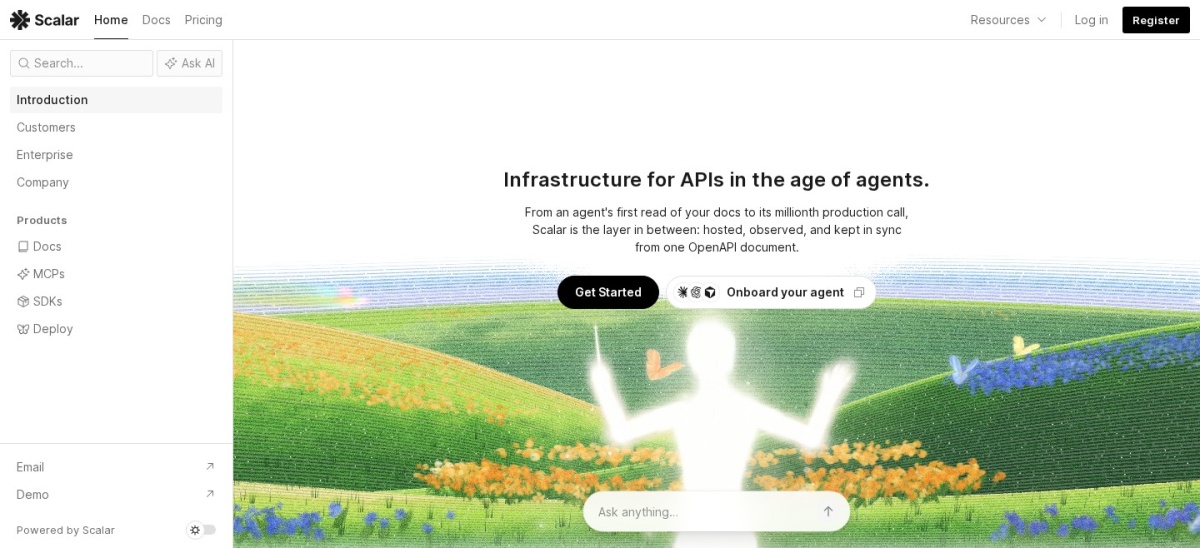
scalar.com
Scalar homepage, captured Nov 2026.
Scalar is a modern open-source API reference renderer that mounts inside the app, with a clean design, SDK generation and MCP servers. The free plan covers one editor, three APIs and hosted docs, with one SDK up to 25 endpoints. Pro at $150 a month adds more editors, APIs and SDKs, at $125 a month billed yearly.
The trade off is that Scalar is newer than Swagger UI, with no verified G2 rating yet and a smaller ecosystem. It suits teams that want a modern, in-app reference with SDK generation, without paying for a full portal.
What we like
MIT-licensed renderer with about 15,700 GitHub stars
Mounts in-app with a clean modern design
SDK generation and MCP servers built in
Free plan with hosted docs and three APIs
Watch out for
No verified G2 rating found for this list
Smaller ecosystem than Swagger UI
Pro at $150 a month is a big step up from free
Pro at $150 a month adds more editors, APIs and SDKs.Visit scalar.com
05
Swagger UI
4.5/5on G2 (191 reviews, checked Nov 2026)
PriceFree
Best for a free universal API reference
Entry paid plan$0, entirely free and open source
Free planFree, unlimited, open source
G2 rating4.5 out of 5 from 191 reviews
LicenseApache 2.0, about 29,000 GitHub stars
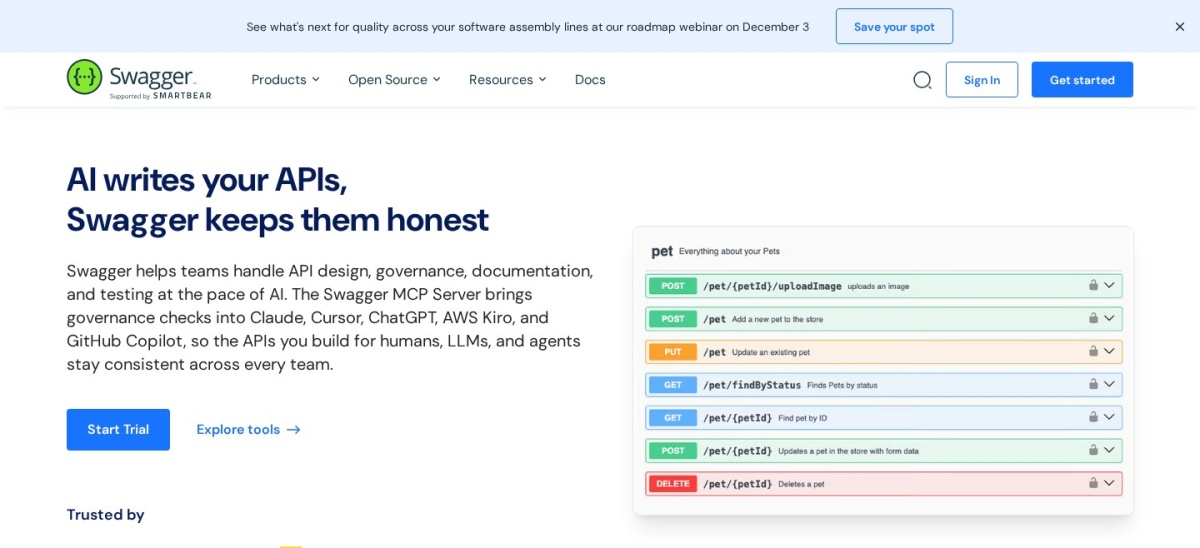
swagger.io
Swagger UI homepage, captured Nov 2026.
Swagger UI is the free, universal baseline for API reference docs. It renders an OpenAPI file into an interactive reference with a try-it console, runs anywhere as a static site, and is recognised by nearly every developer. It is open source under Apache 2.0 with about 29,000 GitHub stars, and costs nothing.
The trade off is that Swagger UI is only a renderer. It has no hosting, guides, search or portal features on its own, so a full developer hub needs SwaggerHub or another tool on top. It suits any team that needs a working reference fast, for free.
What we like
Free and open source, Apache 2.0
Try-it console with real requests
Recognised by nearly every developer
Huge ecosystem of OpenAPI tooling
Watch out for
No hosting, guides or search built in
Styling is dated and limited for branding
Not a full developer hub out of the box
Entirely free and open source; SwaggerHub hosting is separate.Visit swagger.io
06
Redocly
5/5on G2 (1 reviews, checked Nov 2026)
Starts at$249/mo
Best for docs-as-code teams that want governed CI-built docs
Entry paid planPro, $249 a month, billed yearly
Free planNo free hosted plan, 30-day trial
G2 rating5.0 out of 5 from 1 review
Standout featureOpenAPI linting and style guides in CI
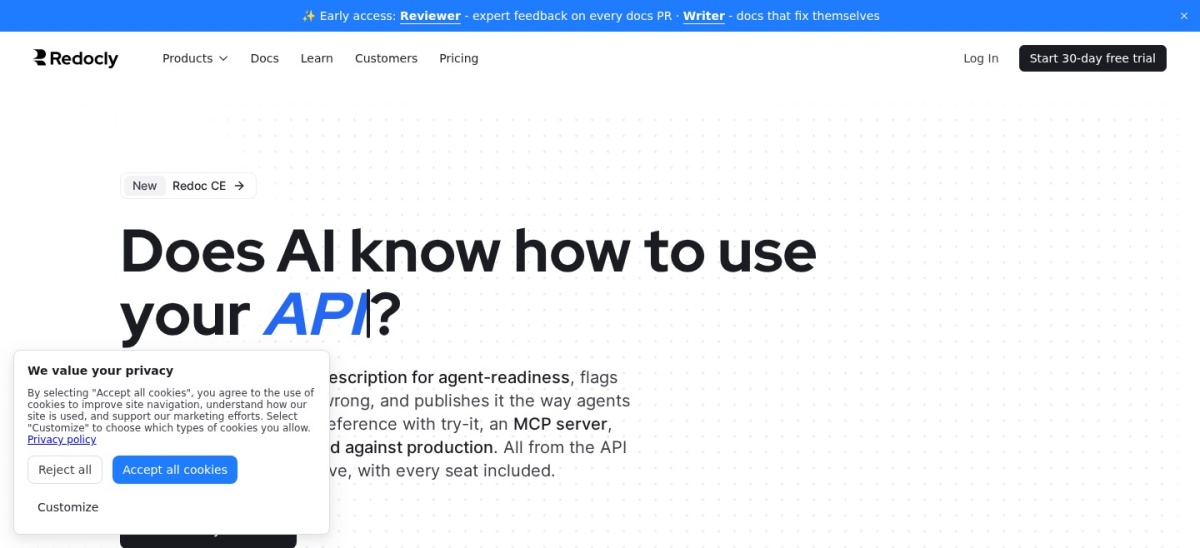
redocly.com
Redocly homepage, captured Nov 2026.
Redocly is a docs-as-code platform built on the open-source ReDoc renderer, with serious OpenAPI linting and a CLI for bundling and validating specs in CI. It renders a clean three-panel reference plus Markdown and MDX guides for a full portal, with Git sync and versioning. The open-source Redoc renderer stays free.
The trade off is the price. Older roundups list Pro at $10 a seat a month, but the newest ones list Pro at $249 a month flat, billed yearly, with three projects and unlimited seats. It suits engineering teams that keep the spec in Git and want governed, CI-built docs.
What we like
Clean three-panel reference from ReDoc
Powerful CLI for linting and validation in CI
True docs-as-code workflow with Git sync
Open-source Redoc renderer stays free
Watch out for
Pro price is disputed: $10 a seat or $249 a month
No free hosted plan, only a 30-day trial
Config and setup lean technical
Pro at $249 a month flat covers three projects and unlimited seats.Visit redocly.com
07
Bump.sh
4.9/5on G2 (4 reviews, checked Nov 2026)
Starts at$50/mo
Best for automatic changelogs on every spec deploy
Entry paid planBasic, $50 a month, 10 API docs
Free planNo free plan, 14-day trial only
G2 rating4.9 out of 5 from 4 reviews
Standout featureAutomatic changelog and semantic diffs
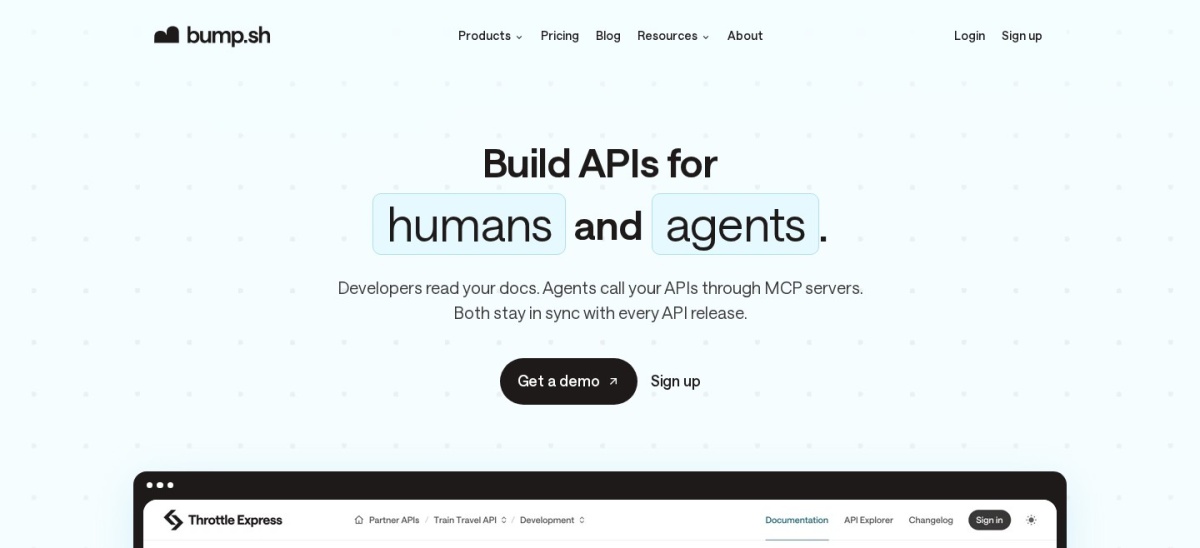
bump.sh
Bump.sh homepage, captured Nov 2026.
Bump.sh is a lightweight hosted docs platform that deploys docs from the spec and writes an automatic changelog with a semantic diff on every commit. It supports OpenAPI, AsyncAPI and Arazzo, with a simple CLI and GitHub Action for docs-as-code deploys. Basic at $50 a month covers ten API docs, and Pro at $120 a month adds more.
The trade off is a smaller ecosystem and fewer theming options than ReadMe or Redocly, with a thin review base of four G2 reviews. It suits teams that want clean, deploy-and-forget docs with change tracking built in.
What we like
Automatic diff and changelog on every deploy
First-class AsyncAPI support for event APIs
Simple CLI and GitHub Action deploy
Clean hosted docs with no setup overhead
Watch out for
Smaller ecosystem than ReadMe or Redocly
Fewer theming options than the larger hubs
Thin review base with only four G2 reviews
Pro at $120 a month adds more API docs and projects.Visit bump.sh
08
Fern
5/5on G2 (1 reviews, checked Nov 2026)
PricingCustom/yr
Best for docs and SDKs generated from one spec
Entry paid planEnterprise, custom priced
Free planFree, 10 members, 1 site, 1,000 pages
RatingNo verified G2 rating found
Standout featureSDK generation from the same spec
buildwithfern.com
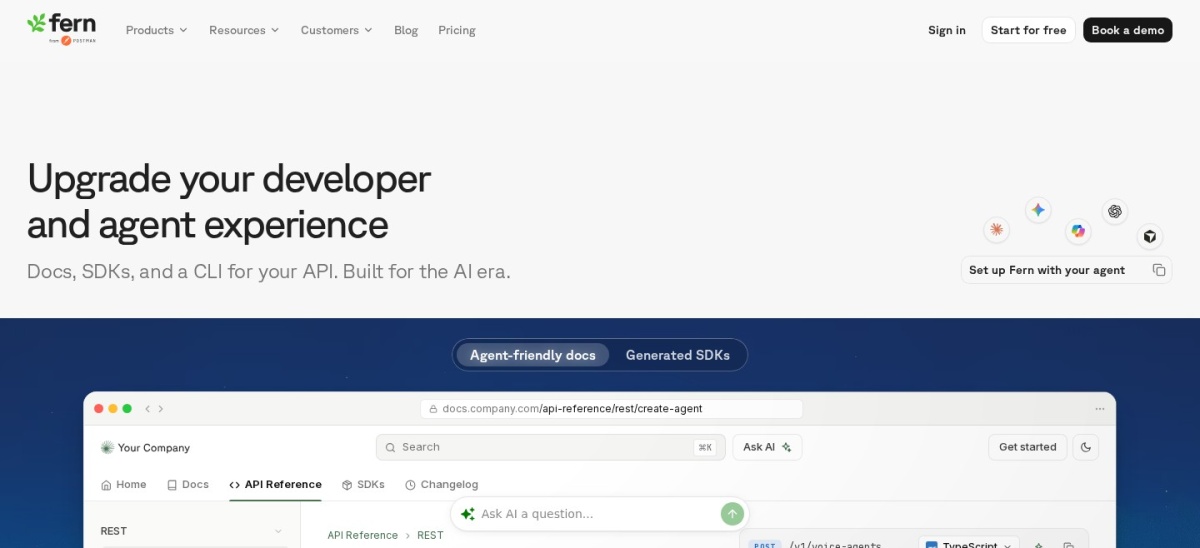
Fern homepage, captured Nov 2026.
Fern is a docs and SDK platform that generates both from the same OpenAPI spec, so the reference and the client libraries never drift apart. The free plan covers ten members, one site and 1,000 pages with a custom domain, and Enterprise is custom priced. It was acquired by Postman in January 2026, which gives it a larger home but a less certain independent roadmap.
The trade off is that the paid tier is Enterprise only, with no published mid-tier price, and no verified G2 rating was found. It suits teams that ship SDKs in many languages and want the docs and the SDKs to come from one source.
What we like
Docs and SDKs from the same spec
Free plan with a custom domain
1,000 pages and ten members free
Acquired by Postman in January 2026
Watch out for
No verified G2 rating found for this list
Paid tier is Enterprise only, custom priced
Roadmap less certain after the Postman acquisition
Best for teams that already write in a block editor
Entry paid planPremium, $65 a site a month, billed yearly
Free planFree, $0 a site, 1 user
G2 rating4.7 out of 5 from 207 reviews
Extra costPlus $12 per user a month on Premium
gitbook.com
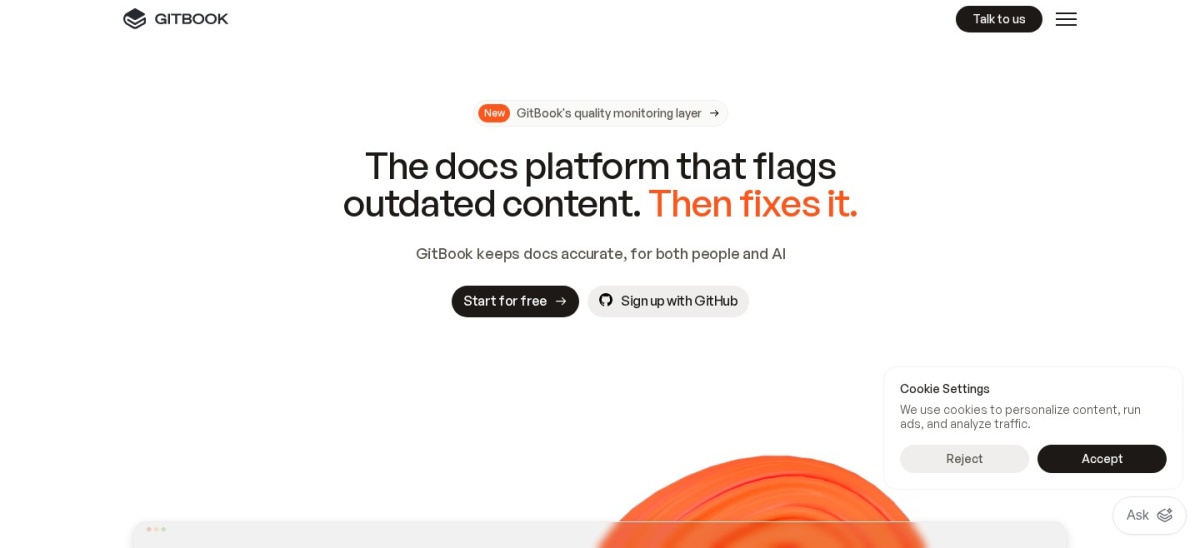
GitBook homepage, captured Nov 2026.
GitBook is a docs platform with a block editor, Git sync and an API playground powered by Scalar. The free plan covers one site and one user, and Premium at $65 a site a month billed yearly adds more, plus $12 a user a month. It works well for teams that write guides and reference docs in the same place, with search and versioning built in.
The trade off is the per-site plus per-user pricing, which adds up once the team grows. It suits teams that already write in GitBook or want a friendly block editor with Git sync behind it.
What we like
Friendly block editor with Git sync
API playground via Scalar integration
Search and versioning built in
Free plan with one site and one user
Watch out for
Per-site plus per-user pricing adds up fast
Less API-specific than Mintlify or ReadMe
API playground depends on Scalar integration
Premium at $65 a site a month plus $12 per user a month.Visit gitbook.com
Docs-as-code or hosted editor?
Docs-as-code means the spec and the guides live in Git, and docs build in CI on every commit. Redocly, Stoplight, Bump.sh and Mintlify all work this way, with linting to catch missing descriptions and inconsistent naming before publish.
A hosted editor means non-developers can edit guides, changelogs and forums in a browser without touching Git. ReadMe and GitBook work this way, which suits product teams where writers maintain the portal.
Pick the model that matches the maintainer. A docs-as-code tool frustrates non-technical writers, while a hosted editor frustrates engineers who want everything in Git and CI.
How we chose
We compared nine API documentation tools on four things: how docs are authored, whether the reference renders well from OpenAPI, what the portal adds beyond a renderer, and the price per month on annual billing. Prices and ratings were read from roundups that cite vendor pages, dated September to November 2026.
We gave more weight to tools that generate docs from the spec, since that keeps docs in sync with the code, and to free plans that a small team can actually use. Mintlify leads on the combination of authoring, AI and portal features, but the cheaper options are close for teams that only need a reference.
No vendor paid for a place, and this list is based on pricing, docs and reviews, not on using the tools ourselves.
How to choose an API documentation tool
Start with who maintains the docs, then check the rendering and the price.
Match the authoring model to the maintainer. Engineers who want Git and CI fit Mintlify, Redocly or Stoplight, while writers who need a browser editor fit ReadMe or GitBook.
Check the try-it console. Confirm the docs let developers authenticate and call real endpoints, since a reference without a working console slows integration.
Count editors and projects. Free plans often limit editors to one or five, and paid plans may charge per project, so map your team size before you compare prices.
Confirm hosting and branding. Check whether the tool hosts the docs, supports a custom domain and lets you remove its branding, since some free plans lock those behind paid tiers.
FAQ
What is the best API documentation tool?
Mintlify is the best pick for most teams, with MDX docs in Git, an AI assistant and a clean reference, at $450 a month on Pro. ReadMe is the best hosted hub, and Stoplight is the best design-first option at $44 a month.
Is there a free API documentation tool?
Yes. Swagger UI is free and open source, and Scalar's renderer is also free under MIT. Mintlify, ReadMe, Stoplight, Fern and GitBook all offer a free plan, though the free tiers limit editors or projects.
What is the cheapest API documentation tool?
Swagger UI is free, and Stoplight starts at $44 a month billed yearly. Bump.sh starts at $50 a month, and GitBook starts at $65 a site a month plus $12 per user.
Does Mintlify support AI features?
Yes. Mintlify's Pro plan includes 10,000 AI credits a month for an AI assistant that answers questions from the docs, plus an MCP server and llms.txt output for AI agents.
Which tool is best for OpenAPI linting?
Redocly and Stoplight are the strongest for linting. Redocly pairs its ReDoc renderer with a CLI for linting and bundling, and Stoplight includes Spectral style guides with its visual editor.
Is Fern still independent?
No. Fern was acquired by Postman in January 2026. Its docs and SDK generation still run as a separate product, with a free plan and custom Enterprise pricing.