Apify is the top pick for no-code web scraping, offering ready-made Actors in the Apify Store and a $0 free tier with $5 in monthly usage credits. For visual workflows without coding, Octoparse fits structured list extraction and Browse AI suits scheduled page change monitoring.
How we make this list: we compare pricing pages, product documentation and public user reviews, then re-check every price before each update. No product paid for a place. Disclosure.
Apify starts at $0 with $5 in monthly usage credits and scales via its $19/mo Starter plan plus pay-as-you-go usage.
Octoparse holds a 4.8/5 rating from 52 G2 reviews, with paid plans starting at $19/mo for Basic and $69/mo for Standard cloud scraping.
Browse AI holds a 4.8/5 rating from 61 G2 reviews and starts at $0 free or $19/mo for Personal plans.
Firecrawl holds a 4.6/5 rating from 1,457 G2 reviews and provides a free tier with 1,000 monthly credits.
Visualping holds a 4.6/5 rating from 533 G2 reviews, offering 150 monthly checks across 5 pages free or Personal 1K from $14/mo.
What to look for in a no-code web scraping tool
No-code web scrapers let non-developers collect structured data from websites using point-and-click selectors, prebuilt templates, or AI-assisted field detection instead of writing crawler scripts from scratch. The right choice depends on whether you need one-off spreadsheet exports, recurring scheduled crawls, or alerts when a page updates.
Pay close attention to how each vendor meters usage. Some platforms charge by monthly credits or compute units, while others bill by scraped pages, scheduled checks, or active browser runtime hours.
Dynamic websites that rely on JavaScript rendering, pagination, infinite scroll, or anti-bot protections often require cloud execution, proxy rotation, or CAPTCHA handling. Local browser extensions work well for quick tasks, whereas recurring datasets usually need cloud scheduling and webhook or API exports.
Always respect target website terms, rate limits, and applicable data rules when collecting public web data. Even with visual builders, site layout changes can break selectors over time and require periodic maintenance.
For interactive pages and multi-page desktop projects
$189/mo
Free plan
4.3/5
Price ladder: cheapest paid plan per year
List prices, USD, checked Nov 2026
VisualpingFREE$168
ThunderbitFREE$180
FirecrawlFREE$192
ApifyFREE$228
OctoparseFREE$228
Browse AIFREE$228
ParseHubFREE$2,268
The 7 best no code web scraping tools
01
Apify
4.7/5on G2 (727 reviews, checked Nov 2026)
Paid from$19/mo
Best for ready-made scrapers and cloud automation
Free tier$0 ($5 usage credit)
Entry paid plan$19/mo Starter
ExecutionCloud Actors & API
G2 rating4.7/5 (727)
apify.com
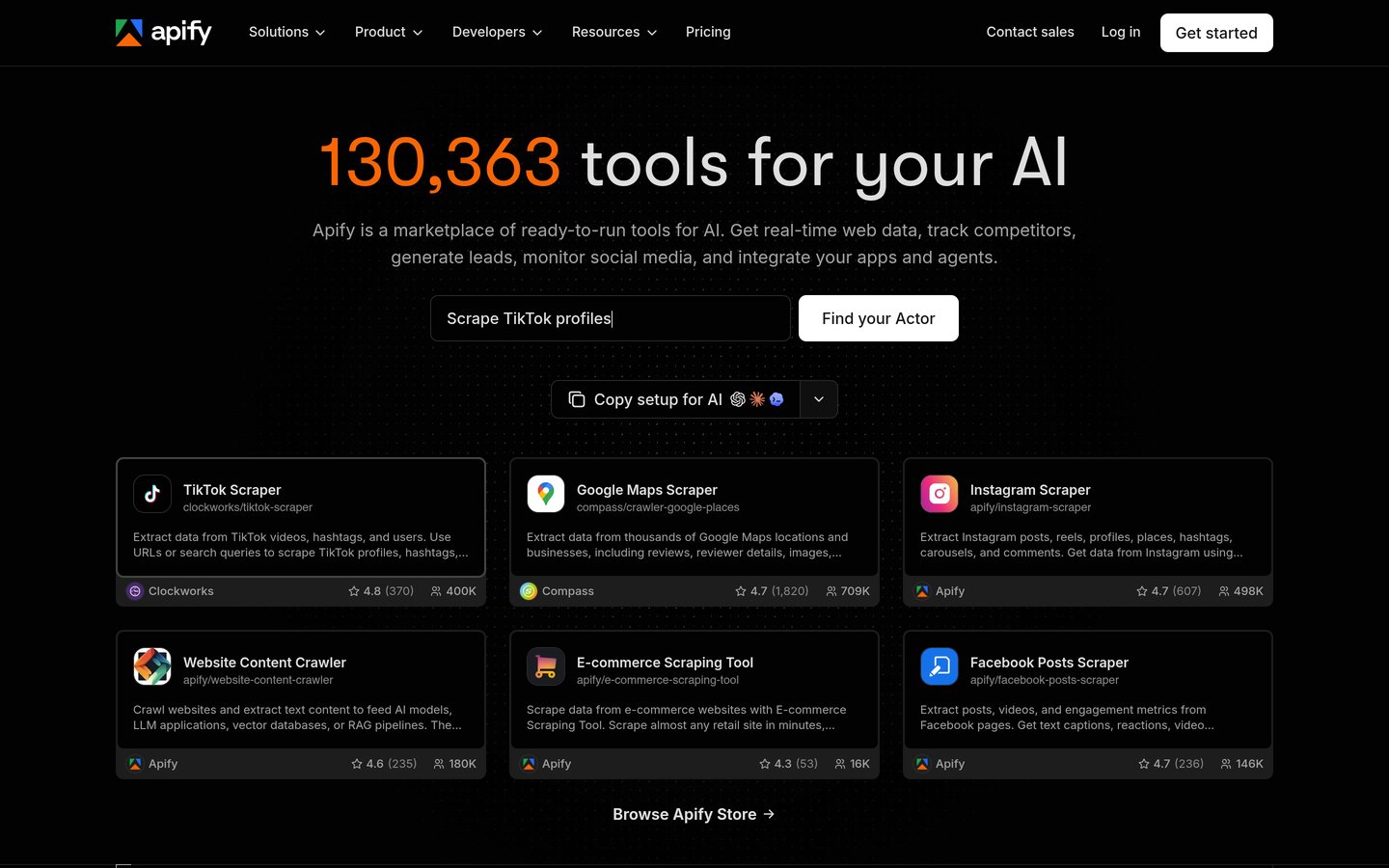
Apify homepage, captured Nov 2026.
Apify is a cloud web scraping and automation platform that lets users run ready-made scrapers, called Actors, from the Apify Store without writing code. Its free plan includes $0 base cost with $5 in monthly usage credits.
The trade off is that paid plans start at $19/mo on Starter plus pay-as-you-go usage, and monthly credits do not roll over. It suits teams that want prebuilt scrapers for maps, social, or e-commerce data and scheduled cloud runs.
What we like
Large library of ready-made Actors in the Apify Store
Free starting tier with $5 in monthly usage credit
Supports scheduled runs, webhooks, and workflow integrations
Watch out for
Unused monthly credits expire each billing cycle
Compute units and per-result Actor fees add up on heavy runs
Starter at $19/mo adds $19 in included usage credit, up to 32 concurrent runs, and Bronze Store discounts.Visit apify.com
02
Octoparse
4.8/5on G2 (52 reviews, checked Nov 2026)
Paid from$19/mo
Best for visual workflows and templates
Free tierFree plan available
Entry paid plan$19/mo Basic
Workflow styleVisual point-and-click
G2 rating4.8/5 (52)
octoparse.com
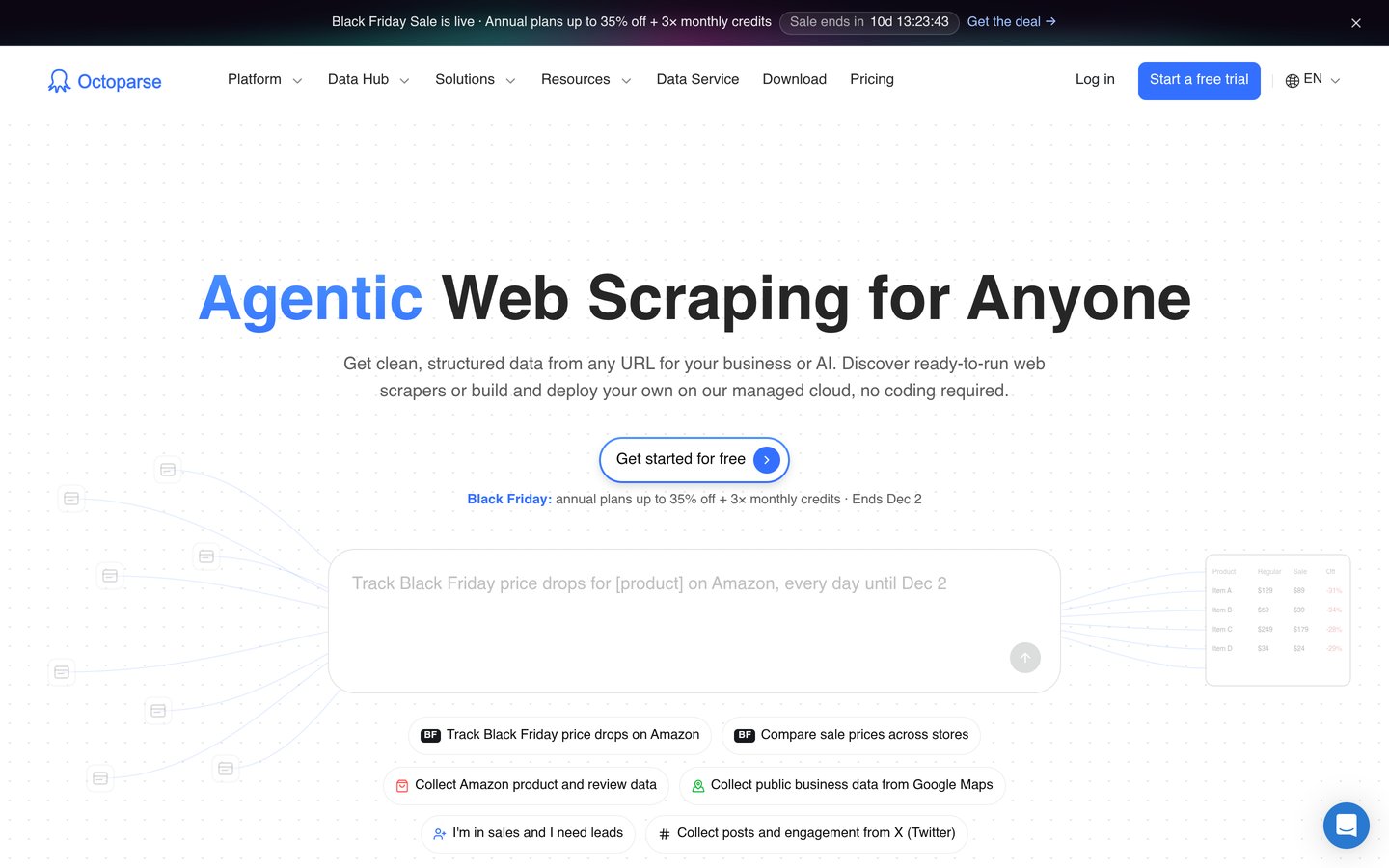
Octoparse homepage, captured Nov 2026.
Octoparse is a visual web scraping tool that helps non-programmers extract structured data using point-and-click workflows, loops, pagination, and preset templates. It offers a free plan for local scraping tasks.
The trade off is that Basic starts at $19/mo while cloud scraping requires higher tiers starting from $69/mo. It suits analysts and researchers building repeatable list or catalog extractors without code.
What we like
Visual workflow builder with pagination and scrolling support
Includes preset scraper templates for common sites
Free entry plan and annual billing discount option
Watch out for
Cloud scraping starts on higher tiers rather than the entry plan
Complex multi-step workflows still take time to configure
Basic starts at $19/mo, with cloud scraping available on Standard from $69/mo.Visit octoparse.com
03
Browse AI
4.8/5on G2 (61 reviews, checked Nov 2026)
Paid from$19/mo
Best for scheduled site and price monitoring
Free tier$0 free plan
Entry paid plan$19/mo Personal
Core focusData extraction & monitoring
G2 rating4.8/5 (61)
browse.ai
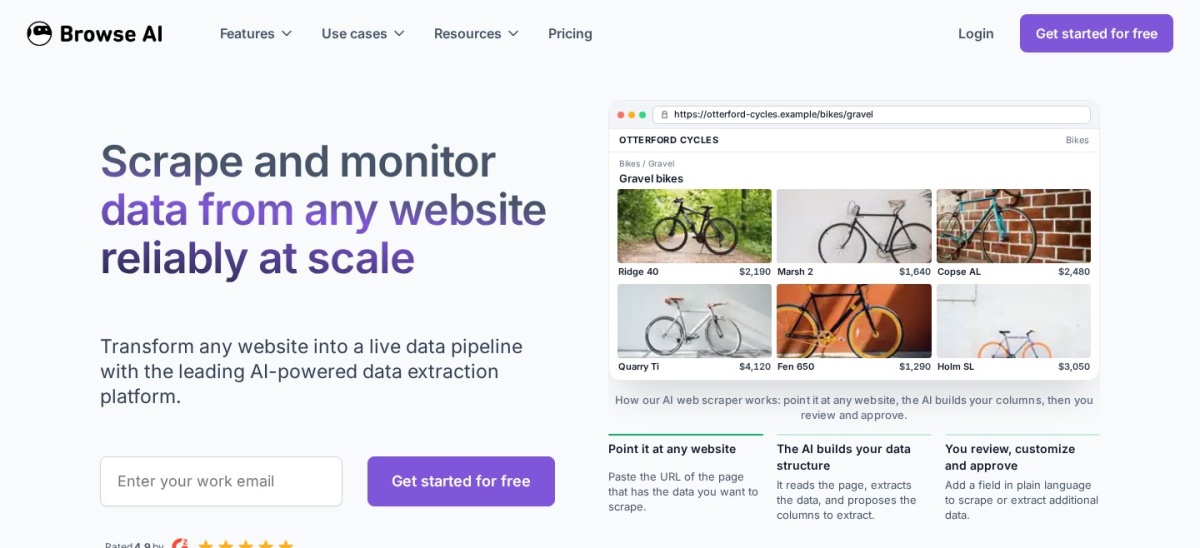
Browse AI homepage, captured Nov 2026.
Browse AI lets users train no-code robots to extract structured rows and monitor websites for price drops, stock changes, or new listings. It includes a $0 free plan to test robots before upgrading.
The trade off is that Personal plans start from $19/mo and higher-volume tiers rise quickly up to $500/mo. It suits product managers and ops teams tracking competitor pages and syncing rows to Google Sheets.
What we like
Supports both data extraction and scheduled change monitoring
Offers prebuilt robots alongside custom robot training
Syncs extracted data to Google Sheets, CSV, JSON, and webhooks
Watch out for
Credit allowances can feel tight on larger monitoring catalogs
Higher tiers jump to $69/mo and $500/mo
Personal starts from $19/mo, with Professional from $69/mo and Premium from $500/mo.Visit browse.ai
04
Visualping
4.6/5on G2 (533 reviews, checked Nov 2026)
Paid from$14/mo
Best for visual webpage change alerts
Free tier150 checks/mo (5 pages)
Entry paid plan$14/mo Personal 1K
Check intervalUp to every 15 min on 1K
G2 rating4.6/5 (533)
visualping.io
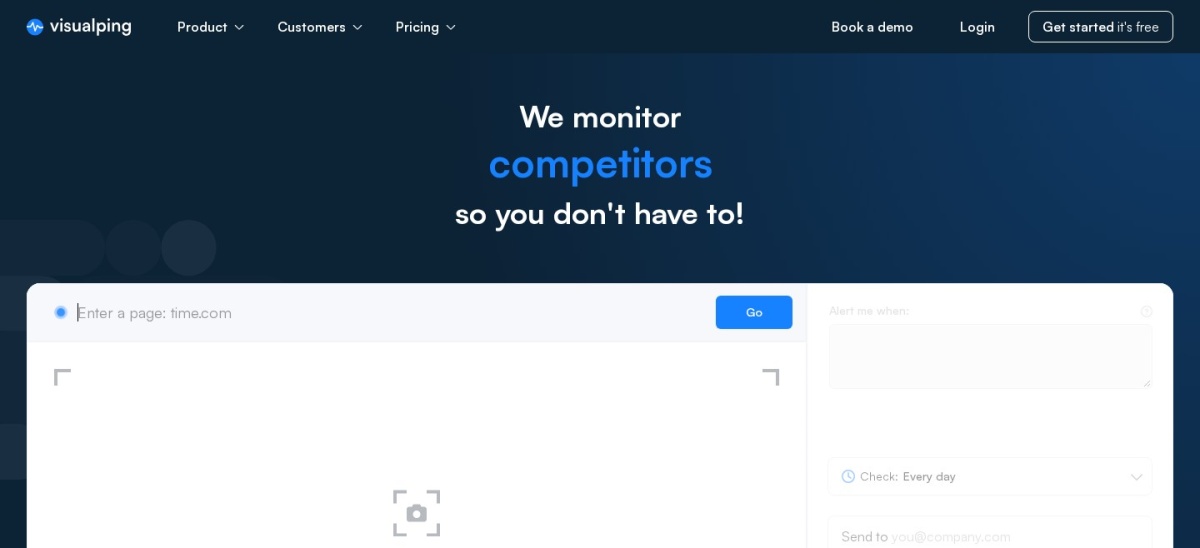
Visualping homepage, captured Nov 2026.
Visualping monitors specific sections of web pages for visual or text changes and sends side-by-side update alerts. Its free plan includes 150 checks per month across 5 pages with no credit card required.
The trade off is that Personal 1K costs $14/mo (or $120/yr) for 1,000 monthly checks across 10 pages, and dynamic page tweaks can trigger extra checks. It suits teams watching pricing pages, compliance updates, or stock shifts rather than bulk scraping.
What we like
Clear before-and-after visual change snapshots in alerts
Free plan covers 150 monthly checks across 5 pages
Low entry monthly price at $14/mo for Personal 1K
Watch out for
Built for change monitoring rather than large multi-page dataset extraction
Frequent checks on changing pages consume monthly check limits faster
Personal 1K at $14/mo includes 1,000 monthly checks across 10 pages, with higher tiers scaling up to 50,000 checks.Visit visualping.io
05
Thunderbit
4.7/5on G2 (16 reviews, checked Nov 2026)
Paid from$15/mo
Best for quick AI-assisted browser extraction
Free tierFree trial / tier available
Entry paid plan$15/mo Starter
Credit bundle500 credits/mo on Starter
G2 rating4.7/5 (16)
thunderbit.com
Thunderbit homepage, captured Nov 2026.
Thunderbit is an AI-assisted web data extraction tool that detects page structures so users can pull tables, product details, or contact info without writing selectors. It lets new users start for free before upgrading.
The trade off is that the Starter plan costs $15/mo for 500 monthly credits, and some users report credit burn when pages load slowly. It suits solo marketers, researchers, and small teams running fast ad-hoc page extractions.
What we like
AI field detection reduces manual selector setup
Low $15/mo Starter price with annual discount option
Includes a free starting option to test workflows
Watch out for
Starter allowance is limited to 500 credits per month
Smaller public G2 review count compared with older platforms
Starter at $15/mo provides 500 monthly credits with a 20% discount on yearly billing.Visit thunderbit.com
06
Firecrawl
4.6/5on G2 (1,457 reviews, checked Nov 2026)
Paid from$16/mo
Best for turning web pages into clean markdown and JSON
Free tier1,000 credits/mo
Entry paid plan$16/mo Hobby (annual)
Output formatsMarkdown, search & JSON
G2 rating4.6/5 (1,457)
firecrawl.dev
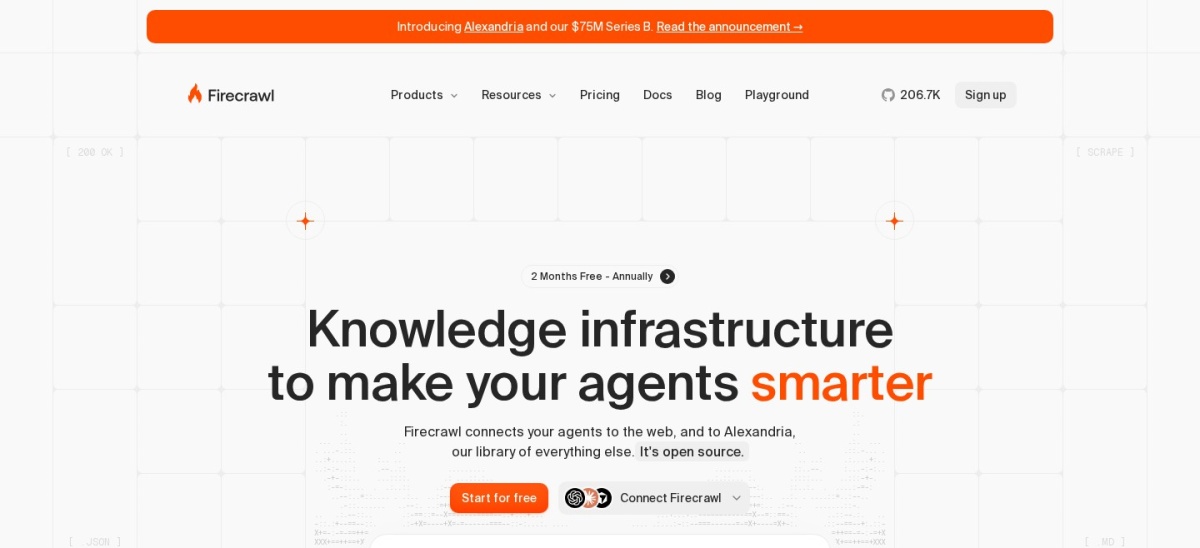
Firecrawl homepage, captured Nov 2026.
Firecrawl extracts content from web pages and crawls sites into clean markdown or structured data for research and AI workflows. Its free plan includes 1,000 credits per month with no credit card required.
The trade off is that Hobby starts at $16/mo billed annually for 5,000 credits, and large crawls can consume credits quickly. It suits builders and analysts feeding clean web text into automation tools or language models.
What we like
Free tier includes 1,000 credits per month without a card
Produces clean markdown and structured output with low boilerplate
Strong public review volume on G2 across 1,457 reviews
Watch out for
Multi-page crawls can burn through monthly credits fast
Standard tier jumps to $83/mo billed annually for 100,000 credits
Hobby is $16/mo billed annually for 5,000 monthly credits, with Standard at $83/mo annually.Visit firecrawl.dev
07
ParseHub
4.3/5on G2 (10 reviews, checked Nov 2026)
Paid from$189/mo
Best for interactive pages and multi-page desktop projects
Free tierFree plan (up to 5 projects)
Entry paid plan$189/mo
Run capacityUp to 10,000 pages/run
G2 rating4.3/5 (10)
parsehub.com
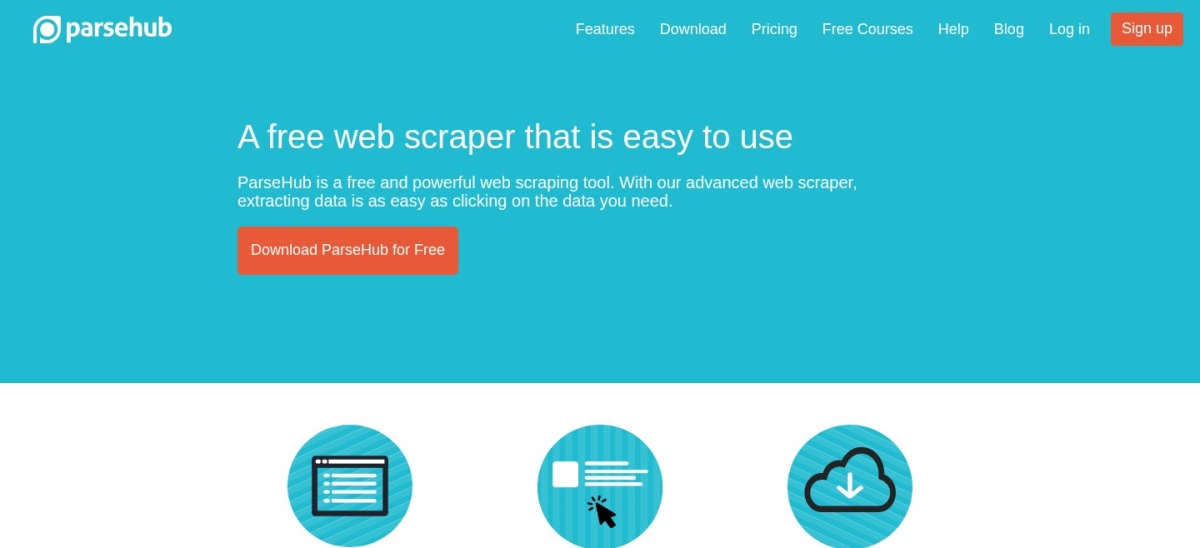
ParseHub homepage, captured Nov 2026.
ParseHub is a visual data extraction tool designed for interactive pages with JavaScript, AJAX, clicks, and multi-page pagination. It offers a free tier capped at 5 projects and smaller run limits.
The trade off is a steep $189/mo entry paid subscription, which is much higher than many smaller no-code scrapers. It suits teams needing up to 20 private projects and 10,000 pages per run without custom code.
What we like
Handles JavaScript, AJAX, and multi-step page interactions
Paid plan supports up to 10,000 pages per run and 20 private projects
Includes a free tier to test extraction rules first
Watch out for
Entry paid pricing at $189/mo is pricey for light or occasional use
Free plan limits project count and pages per run
Paid plans start at $189/mo with up to 10,000 pages per run and 20 private projects.Visit parsehub.com
When free plans are enough vs. when to upgrade
Free tiers and starter allowances work well for testing selectors, running small one-off lists, or monitoring a handful of pages. For example, Visualping includes 150 monthly checks across 5 pages free and Firecrawl provides 1,000 free monthly credits.
Upgrading becomes necessary once you need recurring schedules, higher concurrency, cloud execution, or larger page volumes. Always estimate how many pages or checks your workflow runs each month before picking a tier.
How we chose
We built this list from established no-code web scraping and page-monitoring tools across software directories and vendor documentation, including Apify, Octoparse, Browse AI, Visualping, Thunderbit, Firecrawl, and ParseHub.
Ratings and review counts were checked on G2, and entry paid plan pricing was verified against official vendor pricing pages and documentation on 22 Nov 2026.
We excluded tools that lacked verified pricing or public rating data, focused purely on developer proxy infrastructure without a no-code workflow, or did not fit standalone no-code scraping. No vendor paid for a place, and we do not claim testing for this list.
How to pick the right no-code scraper in 4 steps
Follow these four steps to match a scraping tool to your data volume and workflow.
Define your target data and update frequency. Decide whether you need a one-time export of product listings or recurring scheduled checks for prices and page updates.
Check how the site loads content. Pages with dynamic scripts, pagination, or frequent layout changes may need cloud execution, browser rendering, or AI field detection.
Test on the free tier or trial first. Verify that the tool extracts your required fields cleanly on real target pages before committing to a monthly subscription.
Calculate monthly usage and export destinations. Match expected monthly credits, checks, or runs to the regular plan price and confirm export options like CSV, JSON, Google Sheets, or webhooks.
FAQ
What is the best no-code web scraping tool overall?
Apify is a strong overall choice because it combines a $0 free tier with $5 in monthly usage credit and a large catalog of ready-made Actors for common scraping jobs. Teams that prefer visual point-and-click builders often look at Octoparse or Browse AI instead.
Can you scrape websites without knowing how to code?
Yes, modern no-code scrapers let you select page elements visually, use prebuilt templates or Actors, and export results to spreadsheets, CSV, or JSON. Complex sites with heavy scripts or anti-bot blocks may still need extra configuration or paid tiers.
What is the difference between scraping and page monitoring?
Web scraping extracts structured data fields or page content into rows, tables, or markdown for analysis and pipelines. Page monitoring focuses on watching a URL or page region over time and alerting you when changes happen.
Are free no-code web scraping plans enough for business use?
Free plans are usually best for testing, small projects, or light monitoring rather than high-volume production runs. Once you need scheduled runs, higher limits, or larger page counts, paid plans are typically required.
Why do no-code scrapers break on some websites?
Websites frequently update their HTML structure, layout, or anti-bot defenses, which can cause selectors or robots to miss fields. Using built-in templates, AI field detection, or cloud runners with retries helps reduce maintenance.
How should I compare pricing across scraping platforms?
Compare the regular entry price alongside what you actually get per month, such as credits, scraped pages, monitoring checks, or runtime hours. Also check whether add-ons or overages apply when your volume spikes.
SaaS SEO and WordPress specialist with about 8 years of experience. Rakib compares WordPress plugins, themes, hosting and software using public pricing, documentation and user reviews. See how we rank.