Canva is the best no-code presentation tool for most people, with a large template library and a Pro plan at one hundred forty-four dollars a year. Gamma is the fastest way to turn a prompt into a deck, while Visme suits teams that need charts and branded reports.
How we make this list: we compare pricing pages, product documentation and public user reviews, then re-check every price before each update. No product paid for a place. Disclosure.
Canva leads for most people, with the largest template library and a Pro plan at $144 a year.
Gamma turns a prompt into a deck in under a minute, with Plus at $9 a seat a month billed yearly.
Beautiful.ai keeps every slide on brand with Smart Slides, but Pro now costs $14.50 a month billed yearly.
Prezi is the cheapest paid start at $7 a month billed yearly, for talks that need a zooming canvas.
Powtoon is the priciest entry here at $15 a month billed yearly, and it fits animated explainers best.
What a no-code presentation tool should do
No-code presentation tools let anyone build a polished deck without design skills. Templates, drag-and-drop editing and AI drafting do the heavy work.
The best tools in this list generate a first draft from a prompt, then let you edit text, images and layout without touching code. Our guide on presentation platforms compares the same tools from a platform angle.
Price matters more than it looks. Most tools charge per seat or per user, so a cheap monthly rate can double for a team of two.
Check export options before you commit. Some tools export clean PowerPoint files, while others only share web links or PDFs.
Canva is a browser design tool with thousands of presentation templates, drag-and-drop editing, stock photos and brand kits. The free plan covers most everyday decks, while Pro adds premium templates, background removal and print-quality export, plus AI tools that resize and rewrite slides.
The trade off is that the cheapest way in is the yearly plan, since monthly billing costs more for the same Pro features. Teams also need a separate Business plan for shared brand controls. It suits solo creators, marketers and small teams who want one tool for slides, social posts and print.
What we like
Largest template library in this list
Free plan is genuinely useful for everyday decks
AI tools for resizing, rewriting and image edits
Watch out for
Monthly billing costs more than the yearly plan
Shared brand controls need the Business plan
Pro adds premium assets, 100 GB storage and Magic StudioVisit canva.com
02
Gamma
4.2/5on G2 (88 reviews, checked Nov 2026)
Paid from$9/seat/mo
Best for turning a prompt into a deck fast
Free credits400 one-time
Plus credits1,000 a month
Cards per promptUp to 20 on Plus
Paid planPlus, $9/seat/mo
gamma.app
Gamma homepage, captured Nov 2026.
Gamma is an AI presentation builder that turns a text prompt, document or outline into a finished deck, document or webpage. The free plan gives 400 one-time credits, while Plus at $9 a seat a month billed yearly adds 1,000 monthly credits, removes Gamma branding and unlocks advanced image models.
The trade off is the credit meter. Heavy users can burn through monthly credits fast, and the Pro plan at $18 a seat a month is the step up for premium models and API access. It suits consultants and founders who need a good first draft quickly.
What we like
Fastest prompt-to-deck workflow in this list
Exports to PDF, PowerPoint and Google Slides
Cheap entry plan for what it generates
Watch out for
AI work is metered by credits on every plan
Exports can need cleanup in PowerPoint
Pro adds 4,000 credits a month, analytics and API accessVisit gamma.app
03
Beautiful.ai
4.6/5on G2 (196 reviews, checked Nov 2026)
Starts at$14.50/mo
Best for slides that always stay on brand
Smart Slide layouts300+
Free planNo, 14-day trial
PowerPoint exportYes, editable
Paid planPro, $14.50/mo
beautiful.ai
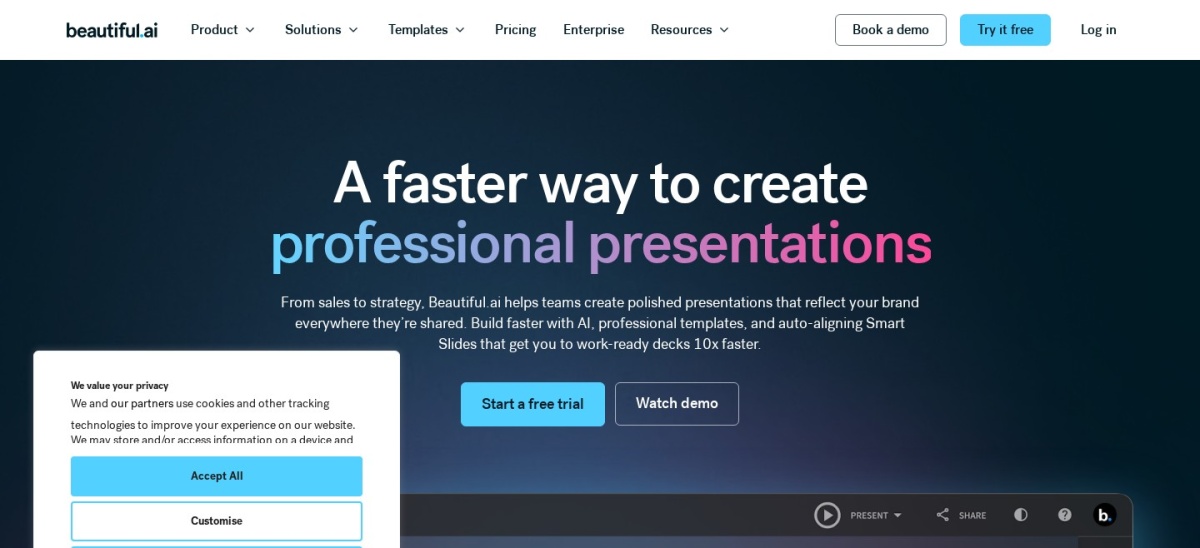
Beautiful.ai homepage, captured Nov 2026.
Beautiful.ai is a presentation tool built around Smart Slides, layouts that adjust spacing, alignment and hierarchy as you edit. Pro costs $14.50 a month billed yearly and includes unlimited AI content generation, custom branding, PowerPoint import and export, viewer analytics and a desktop player.
The trade off is price and flexibility. There is no free plan, only a 14-day trial, and monthly billing costs $45 a month. The layouts also limit freeform design. It suits consultants and founders who present often and want every deck to look consistent.
What we like
Smart Slides stop decks looking messy
Unlimited AI content generation on Pro
Editable PowerPoint export included
Watch out for
No free plan, only a 14-day trial
Monthly billing is far dearer than yearly
Team adds shared libraries, analytics and live collaborationVisit beautiful.ai
04
Visme
4.5/5on G2 (512 reviews, checked Nov 2026)
Paid from$12.25/mo
Best for data-rich branded presentations
Free projectsUnlimited on Basic
Design toolsSlides, charts, infographics
AI toolsAI design suite
Paid planStarter, $12.25/mo
visme.co
Visme homepage, captured Nov 2026.
Visme is a visual content platform for presentations, infographics, reports and branded business materials. Its free Basic plan supports unlimited projects with limited templates and assets, while Starter at $12.25 a month billed yearly adds more templates, downloads and brand controls.
The trade off is the entry price for full branding. PowerPoint export and the Brand Kit need the Business plan at $24.75 a month billed yearly. It suits marketing teams and agencies that publish charts, reports and decks from one hub.
What we like
Strong charts, data visuals and infographics
Unlimited projects even on the free plan
Animation and interactivity built in
Watch out for
PowerPoint export needs the Business plan
Brand Kit is not in the Starter plan
Business adds PowerPoint export, Brand Kit and video exportVisit visme.co
05
Prezi
4.2/5on G2 (5,725 reviews, checked Nov 2026)
Paid from$7/mo
Best for talks on a zooming canvas
Free planBasic
Standard AI500 credits a month
Paid projectsUnlimited
Paid planStandard, $7/mo
prezi.com
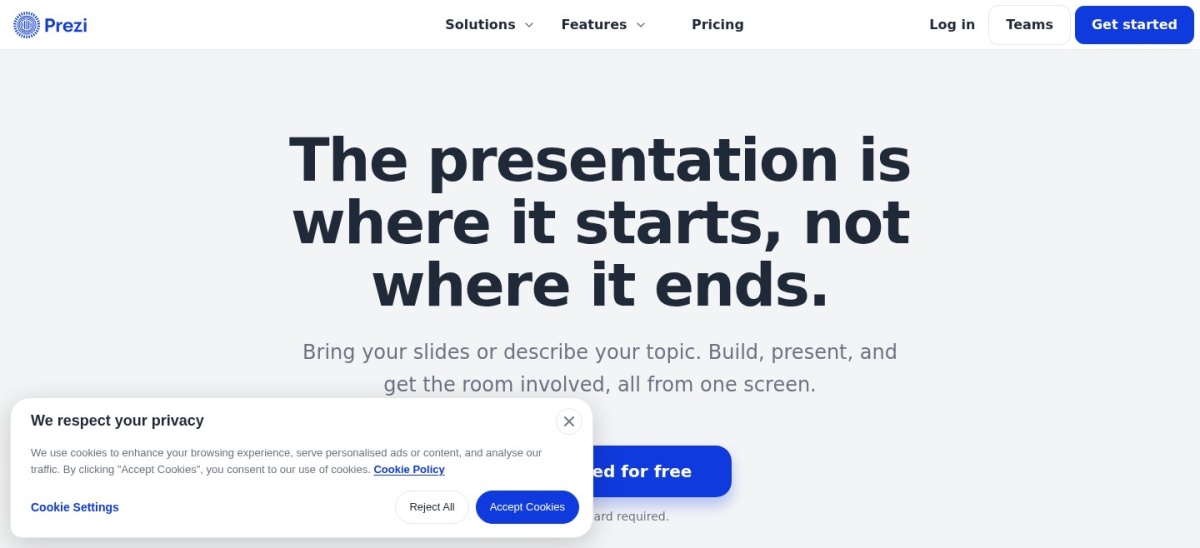
Prezi homepage, captured Nov 2026.
Prezi is a presentation platform that uses a zoomable canvas instead of conventional slide sequences, so talks move between ideas rather than advancing in a straight line. Its free Basic plan supports presentation creation, while Standard costs $7 a month billed yearly and adds unlimited projects, privacy controls and 500 Prezi AI credits a month.
The trade off is the price for full AI. Unlimited AI usage needs the Plus plan at $19 a month billed yearly, and offline access and PDF export sit on higher plans. It suits educators, speakers and creative professionals who explain ideas through visual movement.
What we like
Cheapest paid start in this list
Zooming canvas keeps audiences engaged
Live polls, quizzes and Q&A built in
Watch out for
Standard caps AI at 500 credits a month
Motion flattens when exported to PowerPoint
Plus adds unlimited AI, offline access and PDF exportVisit prezi.com
06
Microsoft PowerPoint
4.6/5on G2 (4,400 reviews, checked Nov 2026)
Paid from$99.99/yr
Best for professional business decks
Free versionPowerPoint for the web
AI helpCopilot in Microsoft 365
TemplatesBuilt-in designer themes
Paid planMicrosoft 365 Personal
microsoft.com
Microsoft PowerPoint homepage, captured Nov 2026.
Microsoft PowerPoint is the long-standing business presentation standard, now with Copilot AI help for drafting and rewriting slides. The free web version covers basic decks, while Microsoft 365 Personal costs $99.99 a year and adds the desktop apps, 1 TB of cloud storage and premium templates.
The trade off is that it is not built for speed. Drafting from a prompt is slower than Gamma, and Copilot needs a Microsoft 365 subscription. It suits teams that already live in Microsoft 365 and need decks that open perfectly everywhere.
4.6/5on Capterra (6,500 reviews, checked Nov 2026)
Paid from$7/user/mo
Best free collaborative presentations
Free planYes, with a Google account
CollaborationReal-time co-editing
AI helpGemini in Workspace
Paid planWorkspace Starter
workspace.google.com
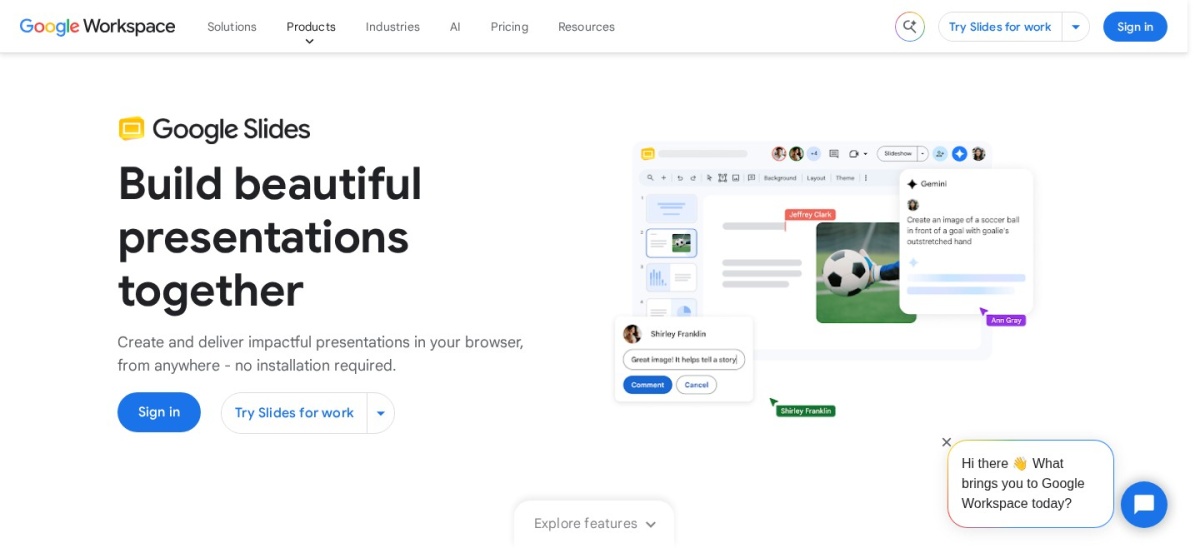
Google Slides homepage, captured Nov 2026.
Google Slides is a free, cloud-based presentation tool built for live collaboration, with real-time co-editing, comments and version history. It runs in the browser with no install, and Google Workspace Starter at $7 a user a month billed yearly adds business email, more storage and admin controls.
The trade off is design depth. Templates and animation options are thinner than Canva or Visme, and offline work needs setup. It suits distributed teams and startups that value fast, free collaboration over polished design.
Powtoon is a browser-based animation platform for explainer videos, training clips and animated presentations built from templates and characters. The free plan builds 720p videos up to three minutes long with a watermark, while Lite at $15 a month billed yearly removes the watermark and adds 1080p downloads.
The trade off is value. Lite allows only five exports a month, and the Professional plan at $40 a month billed yearly is almost a necessity for regular use. It suits marketers and educators making short animated explainers.
What we like
Large animated template and character library
No design skill needed to build a video
Good fit for training and explainer content
Watch out for
Lite allows only five exports a month
Professional at $40 a month is dear for solo users
Professional adds unlimited premium exports and more AI creditsVisit powtoon.com
Free vs paid: what you give up
Free plans cover the basics well. Most include templates, sharing and enough exports for occasional decks.
Paid plans mostly add AI credits, branding and exports. You get more generations, custom fonts and clean PowerPoint files.
If you present every week, a paid plan usually pays for itself in saved time. If you present once a quarter, the free plan is enough.
How we chose
We started from the most established no-code presentation tools with a verifiable rating on G2 or Capterra, then kept those with a useful free plan or trial and a published price.
Prices come from each vendor pricing page or a November 2026 pricing check of that page, checked on 26 November 2026. Ratings and review counts come from G2 or Capterra on the same day. Where a vendor shows a sale, the list shows the regular price.
We left out tools with too few reviews to rate fairly, and Pitch, whose pricing page now lists euros instead of dollars. No vendor paid for a place, and we do not claim hands-on testing for this list.
How to choose a no-code presentation tool
Start with how often you present, then check exports and per-seat pricing.
Count how often you present. Weekly presenters should pay for AI drafting and branding. Occasional presenters can stay on a free plan.
Check the export you need. If clients expect PowerPoint files, pick a tool with clean PPTX export. Web-only sharing suits internal decks.
Price it per seat, not per month. Most tools charge per user, so multiply the headline rate by your team size before comparing.
Try the free plan on a real deck. Build one deck you actually need to present, then judge the templates, AI draft and export quality.
FAQ
What is the best no-code tool for presentations?
Canva is the best no-code presentation tool for most people, with the largest template library, easy drag-and-drop editing and a Pro plan at $144 a year. Gamma is faster for AI drafting, and Beautiful.ai keeps decks strictly on brand.
Can I make a presentation without design skills?
Yes. Every tool in this list builds decks from templates or prompts, with drag-and-drop editing and no code needed. Canva and Gamma are the easiest starting points for a first deck.
Which no-code presentation tool is free?
Canva, Gamma, Visme, Prezi, Google Slides and Powtoon all have free plans, and PowerPoint has a free web version. Beautiful.ai has no free plan, only a 14-day trial that needs a card.
Do these tools export to PowerPoint?
Most do. Canva, Gamma, Beautiful.ai, Visme and PowerPoint export editable PowerPoint files, while Prezi exports need a paid plan and Powtoon exports video instead of slides.
Is Gamma or Canva better for AI presentations?
Gamma is faster at turning a prompt into a full deck, with credits metering each generation. Canva has broader AI tools for resizing, rewriting and image edits across a much larger template library.
How much should a presentation tool cost?
A solo presenter can pay $84 to $180 a year for a good plan, with Prezi cheapest and Powtoon dearest here. Teams should multiply the per-seat rate by headcount, since most tools charge per user.
SaaS SEO and WordPress specialist with about 8 years of experience. Rakib compares WordPress plugins, themes, hosting and software using public pricing, documentation and user reviews. See how we rank.